Introduction to Data Visualization with Seaborn
Erin Case
Data Scientist
To import Seaborn:
import seaborn as sns
To import Matplotlib:
import matplotlib.pyplot as plt
To show a plot:
plt.show()
sns.relplot(x="x_variable_name",
y="y_variable_name",
data=pandas_df,
kind="scatter")
sns.catplot(x="x_variable_name",
y="y_variable_name",
data=pandas_df,
kind="bar")
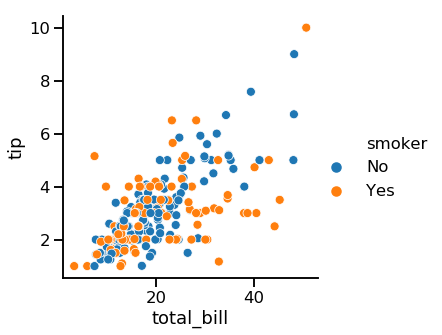
Setting hue will create subgroups that are displayed as different colors on a single plot.

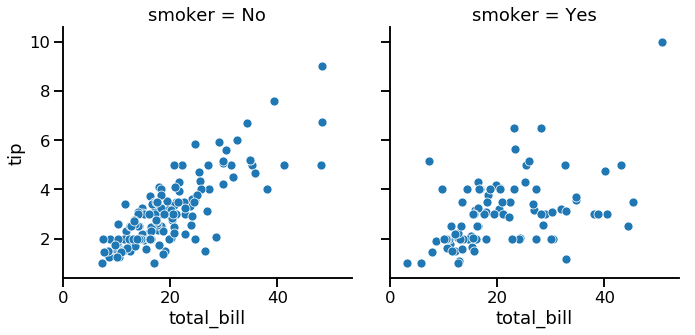
Setting row and/or col in relplot() or catplot() will create subgroups that are displayed on separate subplots.

sns.set_style()sns.set_palette()sns.set_context()| Object Type | Plot Types | How to Add Title |
|---|---|---|
FacetGrid |
relplot(), catplot() |
g.fig.suptitle() |
AxesSubplot |
scatterplot(), countplot(), etc. |
g.set_title() |
Add x- and y-axis labels:
g.set(xlabel="new x-axis label",
ylabel="new y-axis label")
Rotate x-tick labels:
plt.xticks(rotation=90)
Introduction to Data Visualization with Seaborn