Creating a production pipeline

Introduction to Apache Airflow in Python

Mike Metzger

Data Engineer

Running Dags and tasks

To run a specific task from command-line:

airflow tasks test <dag_id> <task_id> <date>

To run a full Dag:

airflow dags trigger --logical-date <date> <dag_id>
Introduction to Apache Airflow in Python

Tasks reminder

  • @task - Specifies a given python function as an Airflow task
  • @task.bash - Returns the content of a bash command as an Airflow task result
  • @task.branch - A branching operator to provide run-time choice within a Dag
  • FileSensor - requires filepath argument and might need mode or poke_interval attributes
Introduction to Apache Airflow in Python

Template reminders

  • Many objects in Airflow can use templates
  • Certain fields may use templated strings, while others do not
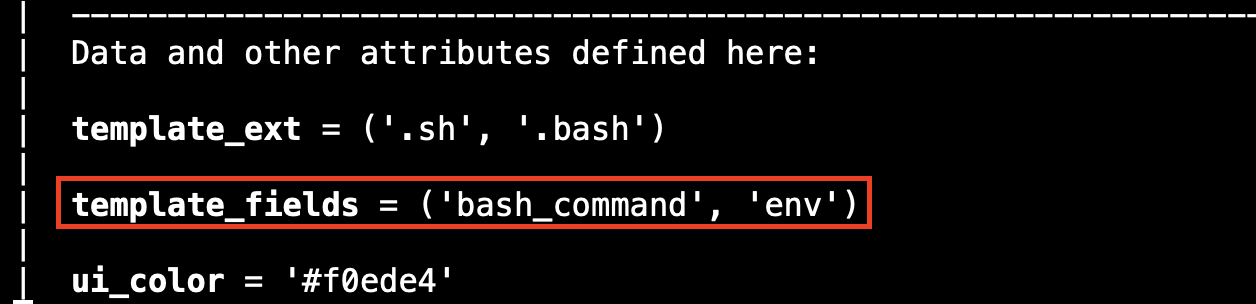
  • One way to check is to use built-in documentation:
  1. Open python3 interpreter
  2. Import necessary libraries (ie, from airflow.sdk import dag, task)
  3. At prompt, run help(<Airflow object>), ie, help(task)
  4. Look for a line that references template_fields. This will specify any of the arguments that can use templates.
Introduction to Apache Airflow in Python

Template documentation example

Terminal showing python3 help output for an Airflow object

Terminal output highlighting the template_fields line in Airflow help

Introduction to Apache Airflow in Python

Working with Airflow

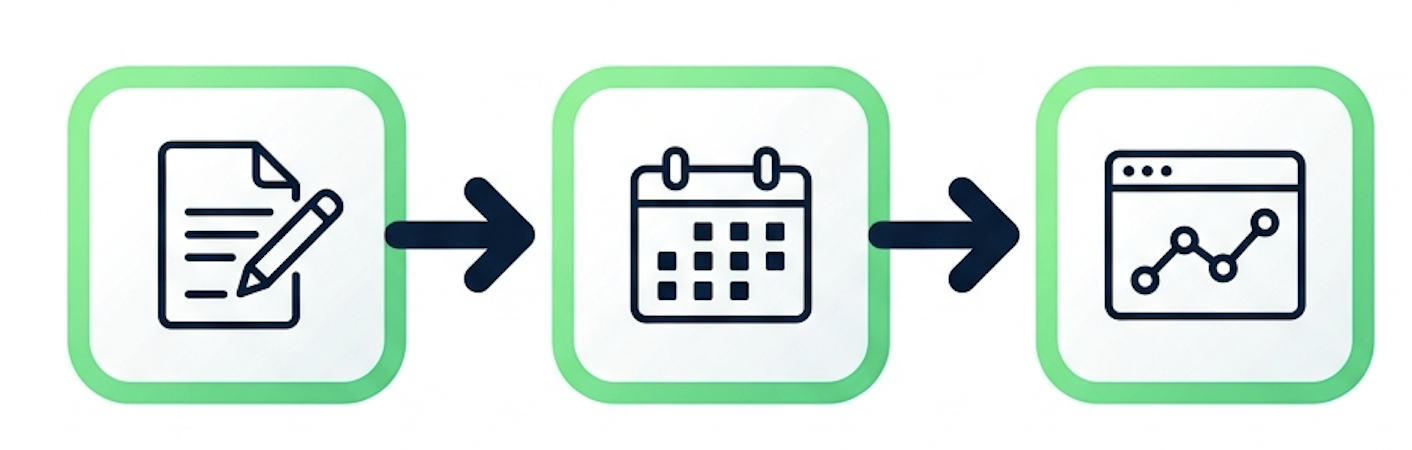
Illustration of creating, scheduling, and monitoring workflows

Apache Airflow logo

Introduction to Apache Airflow in Python

Let's practice!

Introduction to Apache Airflow in Python

Preparing Video For Download...