Introduction to Data Versioning with DVC
Ravi Bhadauria
Machine Learning Engineer
.dvc directory in the workspace$ dvc cache dir ~/mycache

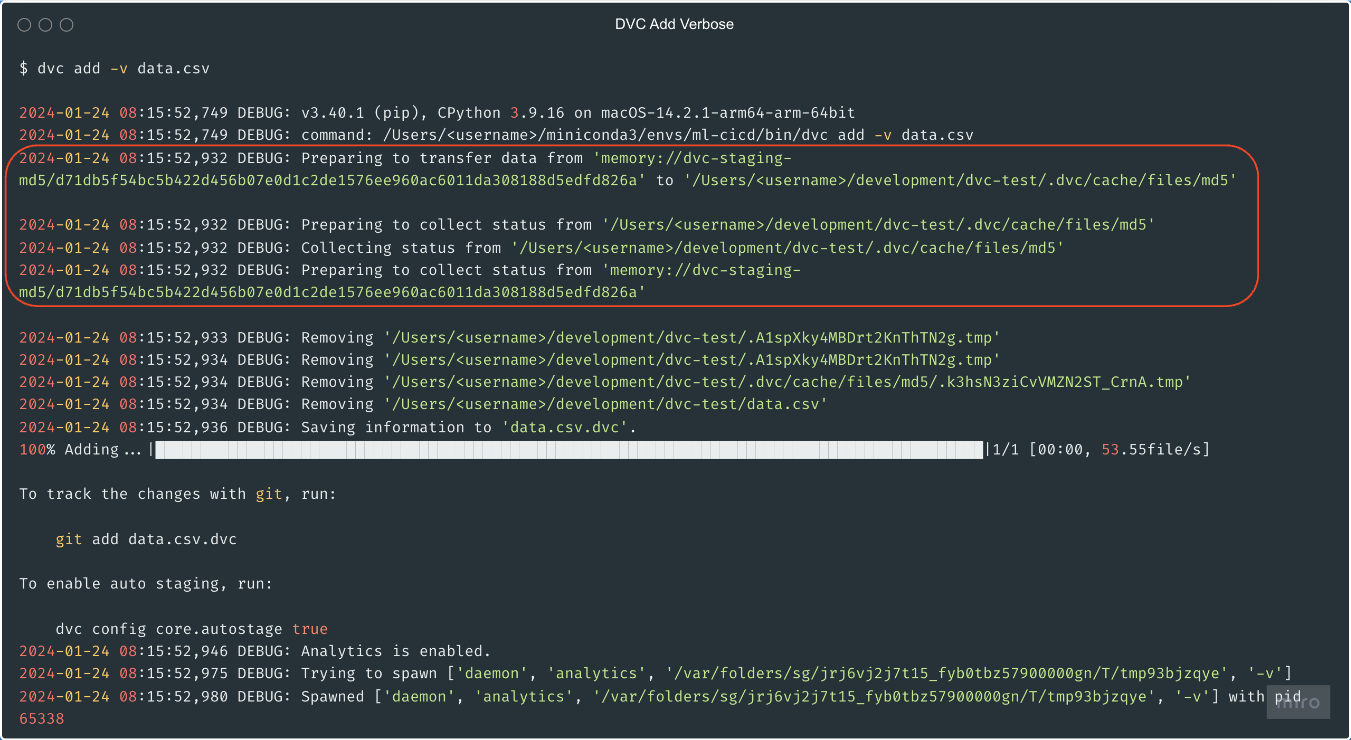
$ dvc add data.csv
100% Adding...|====================|1/1 [00:00, 53.55file/s]
To track the changes with git, run:
git add data.csv.dvc
To enable auto staging, run:
dvc config core.autostage true
Each DVC tracked file has its corresponding .dvc file
data.csv -> data.csv.dvcTo version the data file, use git commit -m "data.csv.dvc"
Content of .dvc files
outs:- md5: f38a850818377e97155d22755caa39d0size: 16hash: md5path: data.csv
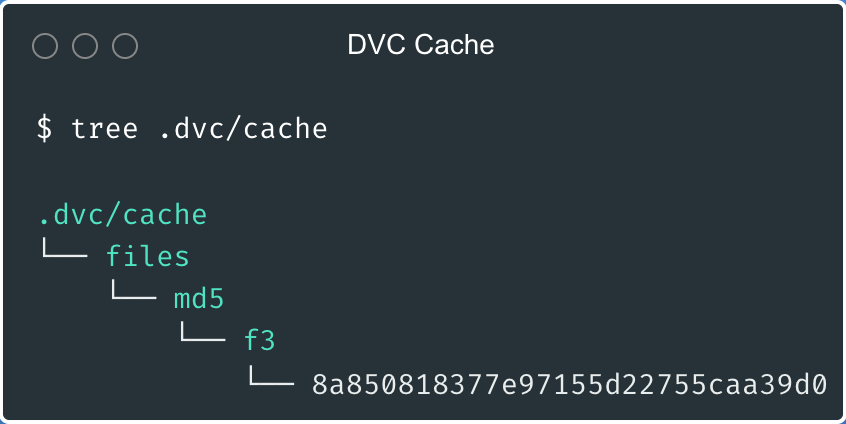
$ find .dvc/cache -type f
.dvc/cache/f3/8a850818377e97155d22755caa39d0
$ md5 data.csv
MD5 (data.csv) = f38a850818377e97155d22755caa39d0
dvc add -v for verbose output
dvc remove$ dvc remove data.csv.dvc
dvc gc-w flag to remove workspace cache$ dvc gc -w
WARNING: This will remove all cache except items used in the workspace of the current repo.
Are you sure you want to proceed? [y/n]: y
Removed 1 objects from repo cache.
dvc cache dir ~/mycachedvc add data.csv.dvc file with metadatadvc remove data.csv.dvcdvc gc -wIntroduction to Data Versioning with DVC