Introduction to notebooks in Fabric
Introduction to Microsoft Fabric
Fiodar Sazanavets
Senior Software Engineer
What is a notebook?
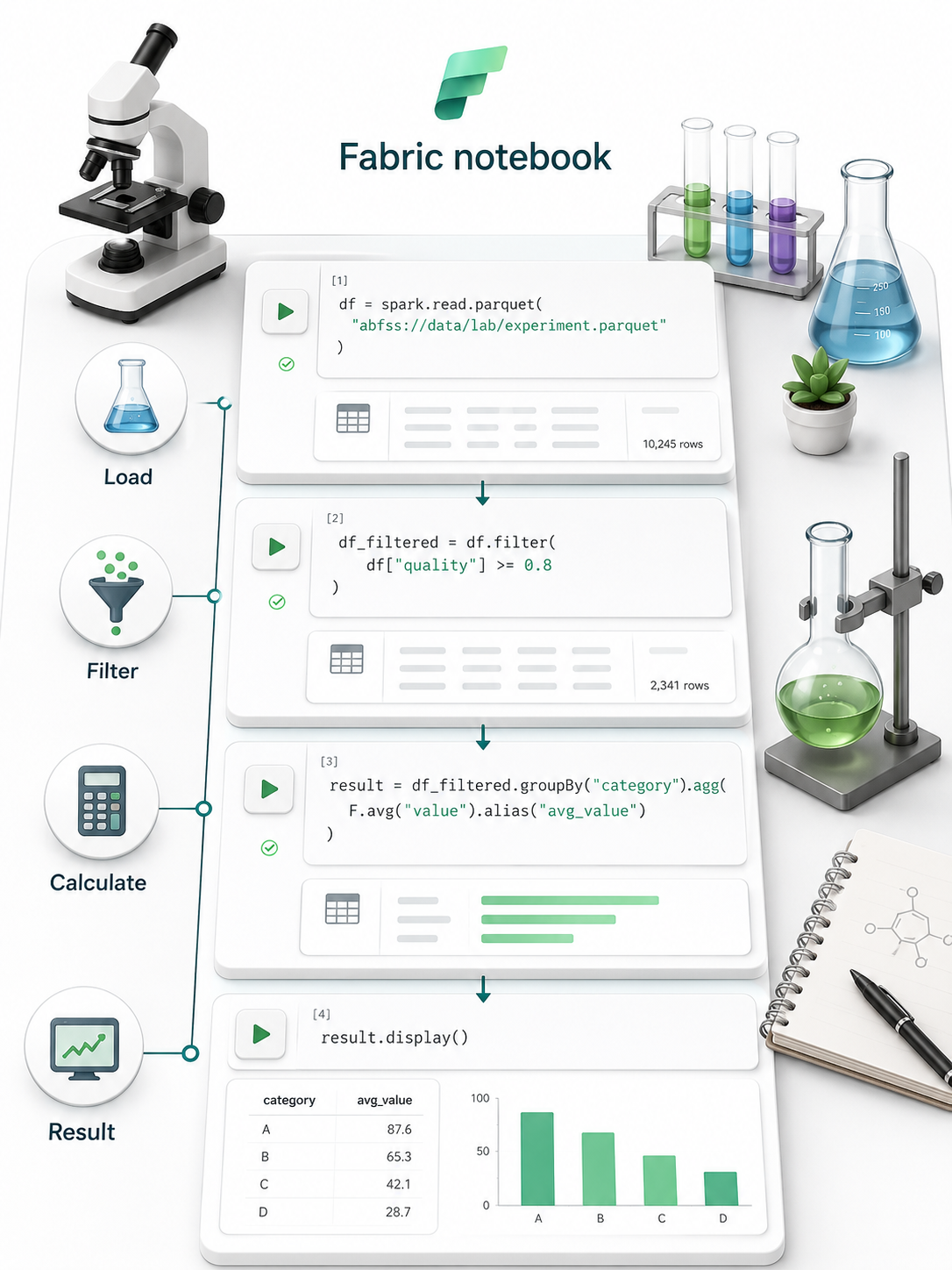
Like an interactive laboratory
Code cells, one task each (load, filter, calculate)
Step-by-step exploration and transformation
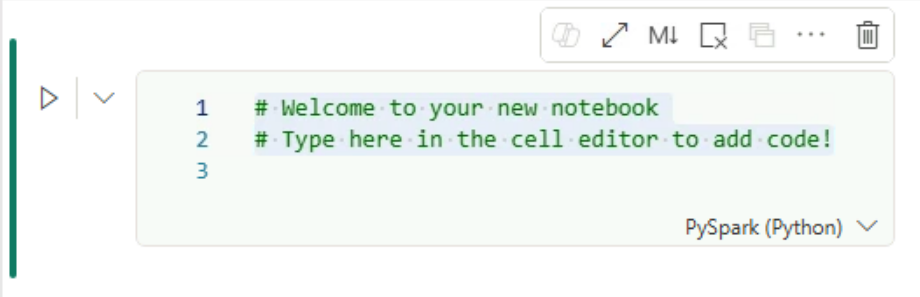
Code cells
Each cell performs one task
Cells can be run individually
Results appear below the cell
The role of kernels in a notebook
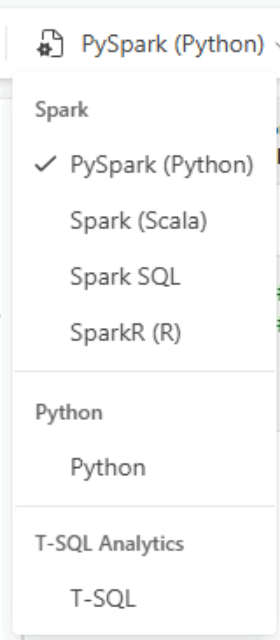
Kernel: runs code, returns results
Three types:
Spark (default)
Python
T-SQL
Spark and PySpark
Spark
Designed for very large datasets
Runs smaller tasks in parallel
Also supports Scala, SQL, and R
PySpark
Python instructions for Spark
Used in notebooks and workflows
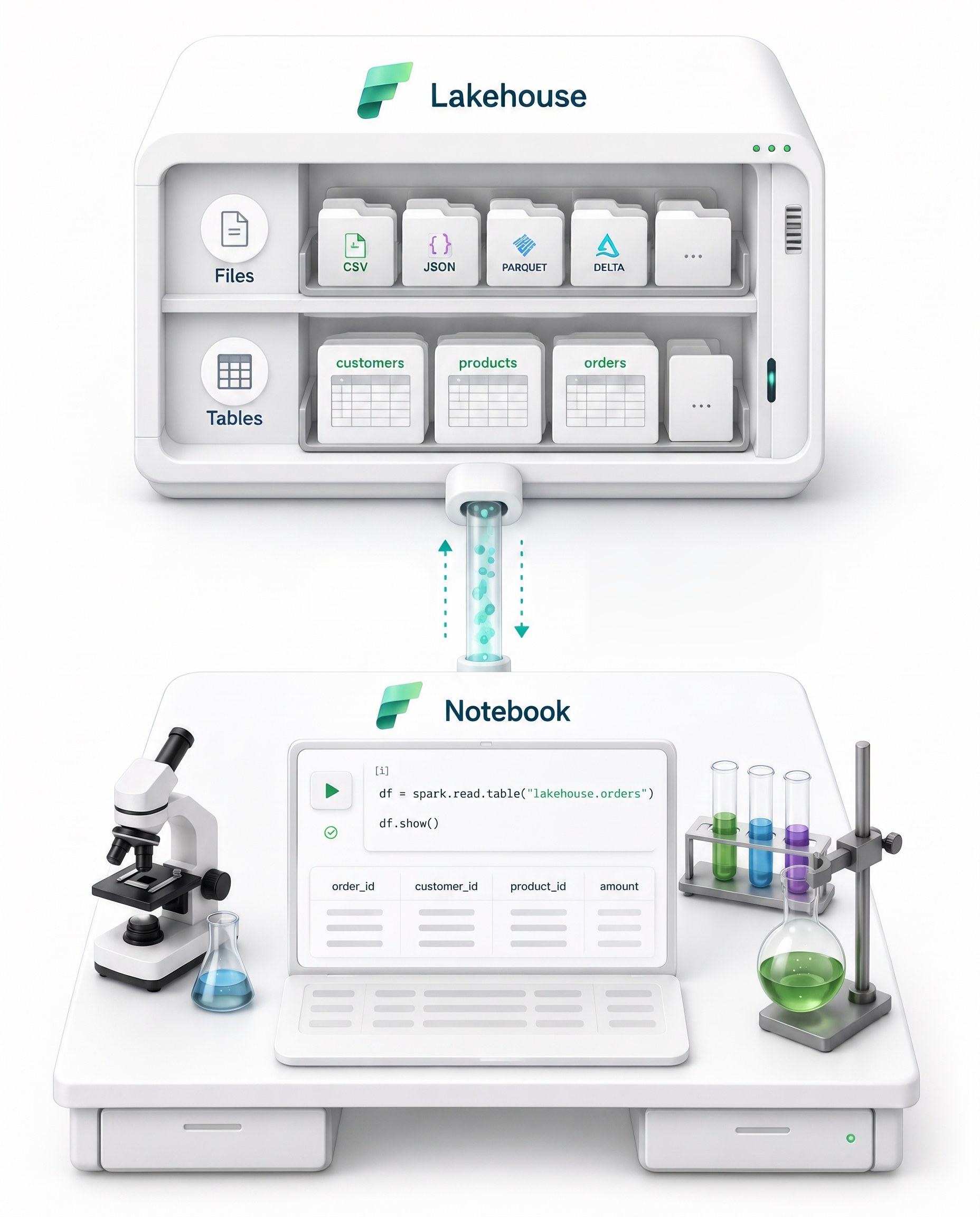
Lakehouse attachment
Connects a notebook to stored data
Read and write files and tables
Data stays in place
Data exploration
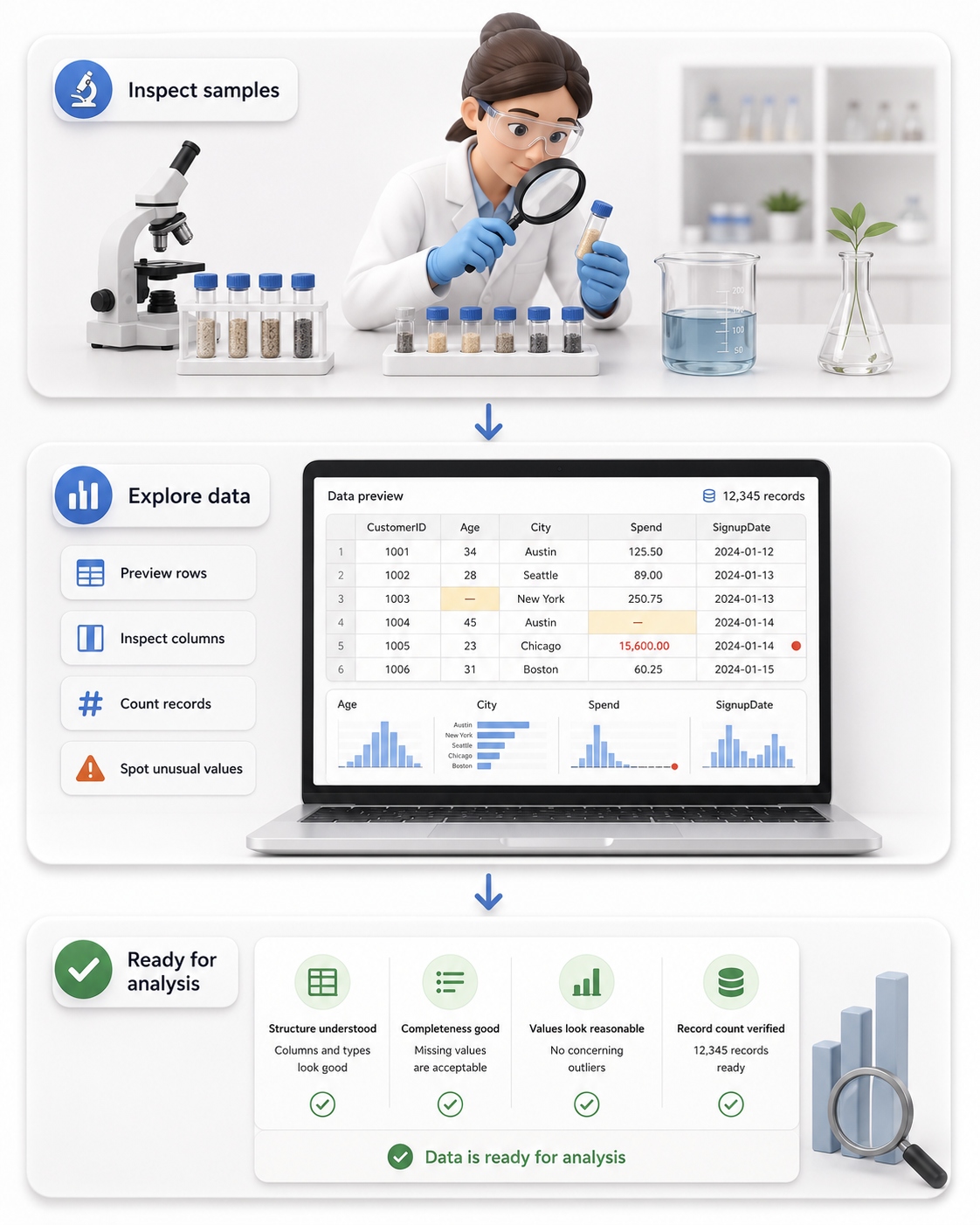
Inspect a sample of the data
Check available fields
Count records
Look for missing or unusual values
Transformation and data science
Transformation
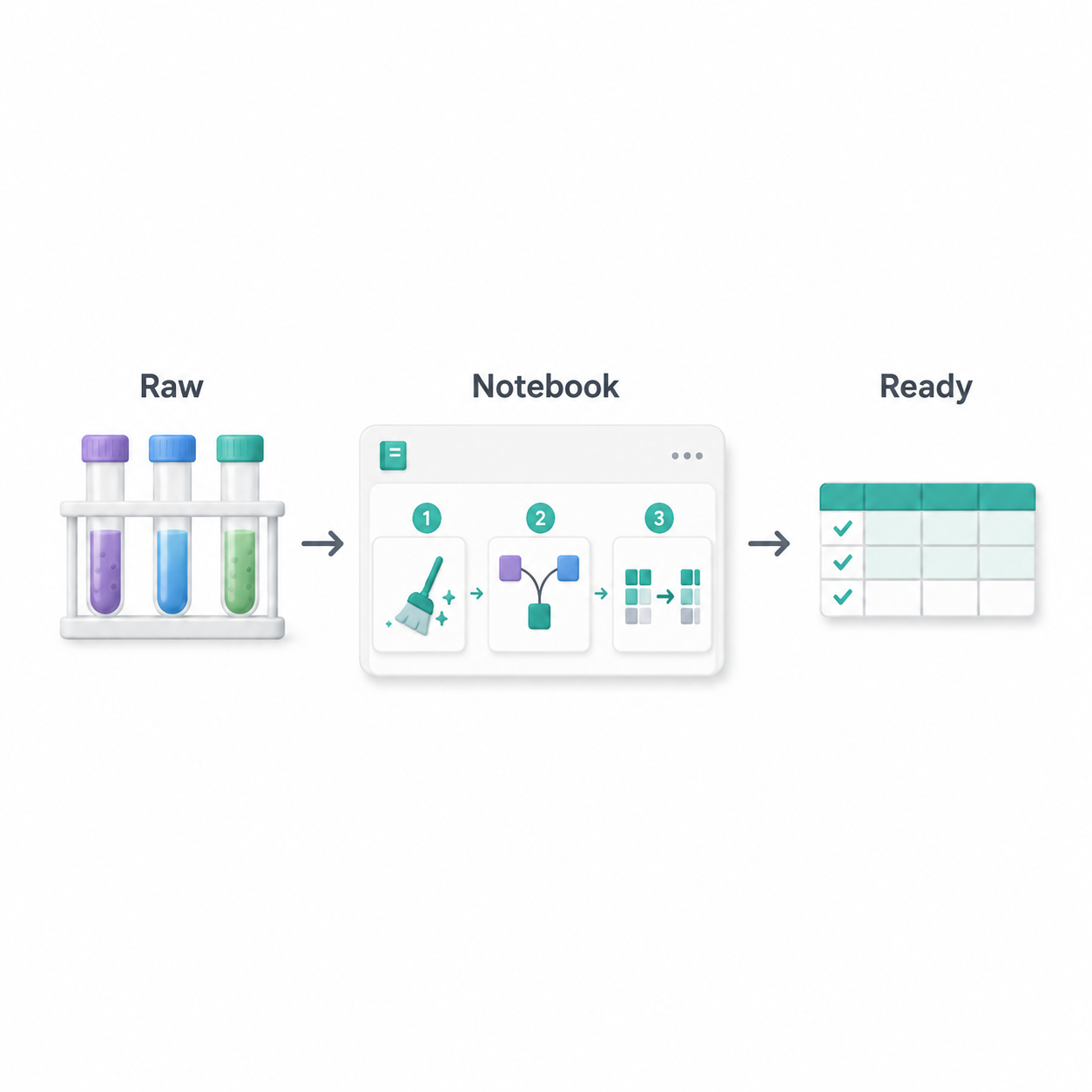
Clean errors, combine sources
Create prepared tables
Data science
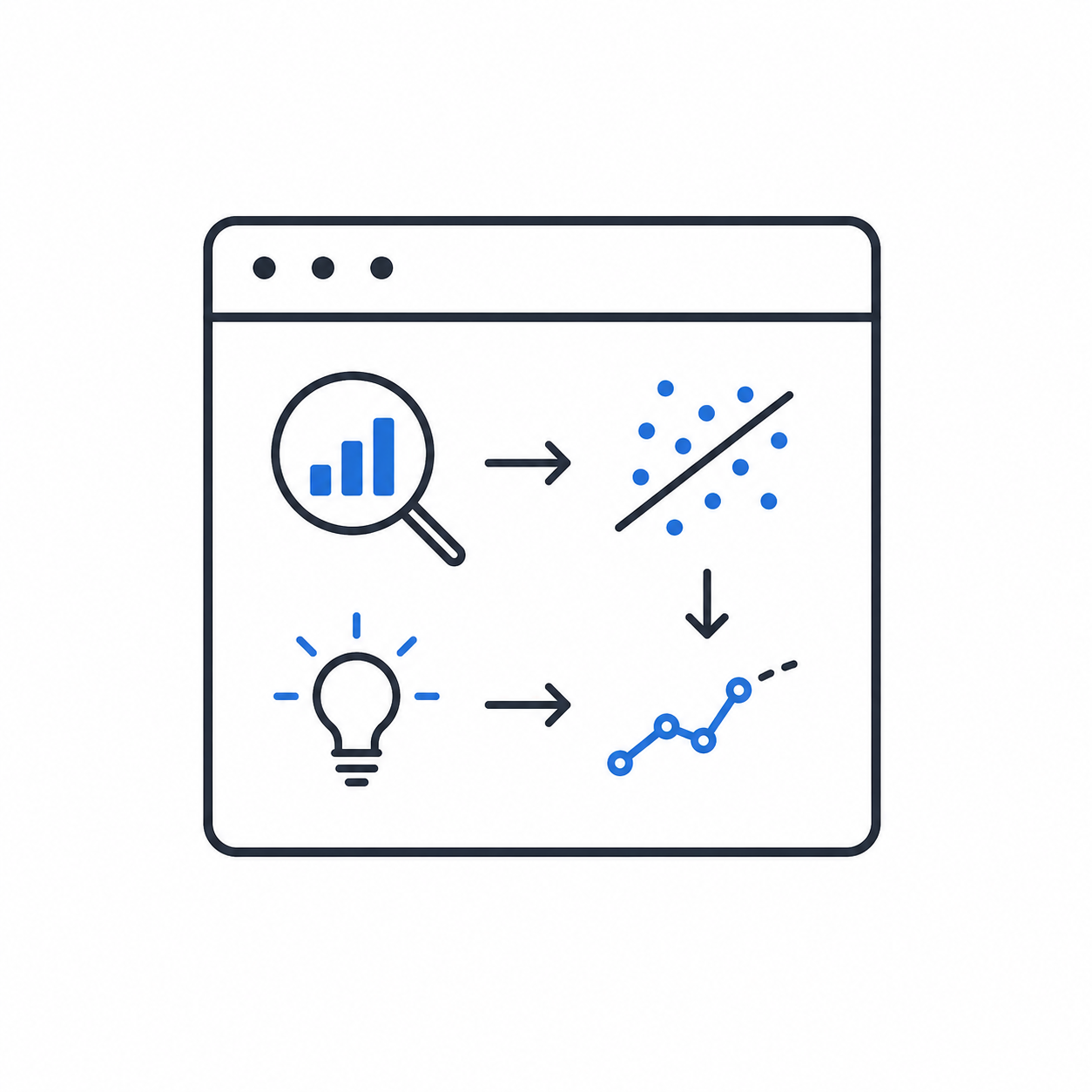
Test hypotheses, find patterns
Build predictive models
Recap of notebook features
Notebook: interactive coding environment
Code cells: separate analysis steps
Lakehouse attachment: access to stored data
Supports exploration, transformation, and data science
Let's practice!
Introduction to Microsoft Fabric
Preparing Video For Download...