Packages

Intermediate Python for Developers

Jasmin Ludolf

Senior Data Science Content Developer

Modules are Python files

  • Module = Python file

  • Anyone can create a Python file!

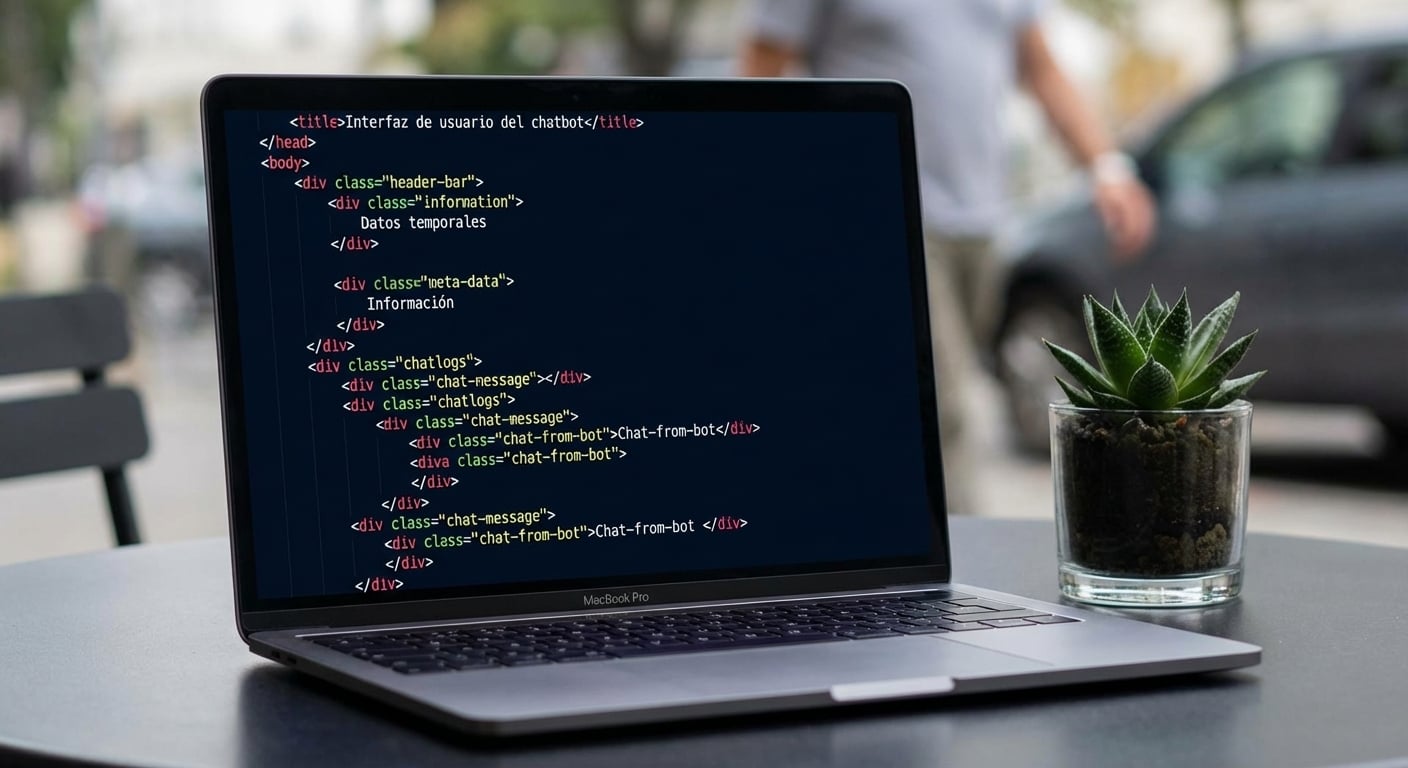
Code file on a laptop

Intermediate Python for Developers

Packages

  • A collection of modules = Package
    • Also called a library
  • Publicly available and free
  • Downloaded from PyPI
  • Then can be imported and used like modules

Large cardboard box

1 https://pypi.org/
Intermediate Python for Developers

Installing a package

  • Terminal / Command Prompt

    python3 -m pip install <package_name>
    
  • python3 - executes Python code from the terminal

  • pip - preferred installer

Coding terminal

Intermediate Python for Developers

Installing a package


python3 -m pip install pandas

Pandas logo

$$

  • Package for data manipulation and analysis
Intermediate Python for Developers

Importing with an alias

# Import pandas
import pandas
  • Use an alias to shorten the code
# Import pandas using an alias
import pandas as pd
Intermediate Python for Developers

Creating a DataFrame

# Sales dictionary
sales = {"user_id": ["KM37", "PR19", "YU88"],
         "order_value": [197.75, 208.21, 134.99]}

# Convert to a pandas DataFrame sales_df = pd.DataFrame(sales)
print(sales_df)
  user_id  order_value
0    KM37       197.75
1    PR19       208.21
2    YU88       134.99
Intermediate Python for Developers

Reading in a CSV file

# Reading in a CSV file in our current directory
sales_df = pd.read_csv("sales.csv")

# Checking the data type print(type(sales_df))
pandas.core.frame.DataFrame
Intermediate Python for Developers

Previewing the file

# DataFrame method to preview the first five rows
print(sales_df.head())
  user_id  order_value
0    KM37       197.75
1    PR19       208.21
2    YU88       134.99
3    NT43       153.54        
4    IW06       379.47
Intermediate Python for Developers

Checking the file info

# Checking the file info
print(sales_df.info())
RangeIndex: 3 entries, 0 to 2
Data columns (total 2 columns):
 #   Column       Non-Null Count  Dtype  
<hr />  ------       --------------  -----  
 0   user_id      3 non-null      object 
 1   order_value  3 non-null      float64
dtypes: float64(1), object(1)
memory usage: 180.0+ bytes
Intermediate Python for Developers

Functions versus methods

# This is a built-in function
print(sum([1, 2 ,3, 4, 5]))
15
  • Function = code to perform a task
# This is a pandas function
sales_df = pd.DataFrame(sales)
  • .head() only works with pandas DataFrames
# This is a method
print(sales_df.head())
  user_id  order_value
0    KM37       197.75
1    PR19       208.21
2    YU88       134.99
3    NT43       153.54        
4    IW06       379.47
  • Method = a function that is specific to a data type
Intermediate Python for Developers

Let's practice!

Intermediate Python for Developers

Preparing Video For Download...