Advanced Git
Amanda Crawford-Adamo
Software and Data Engineer
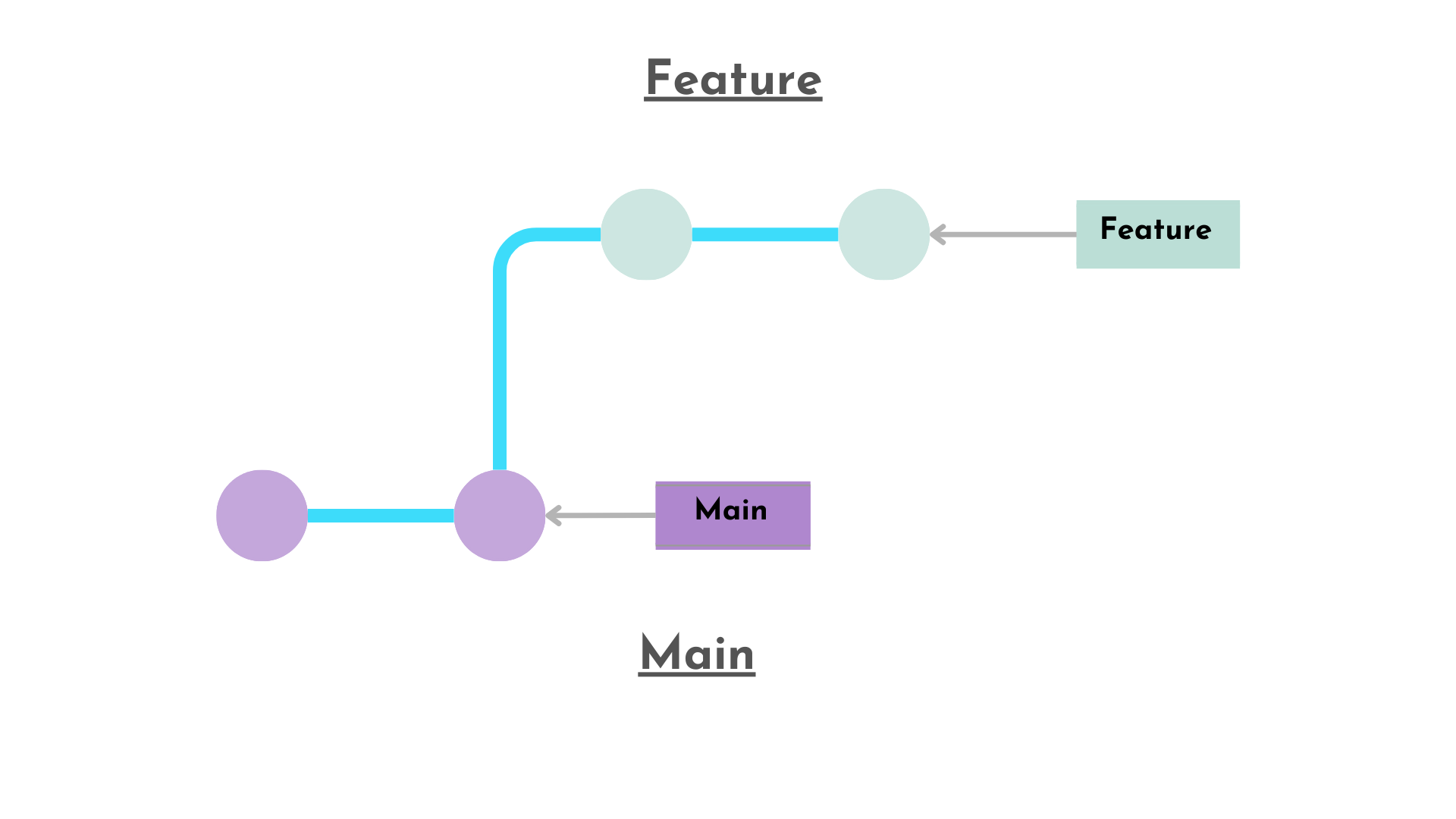
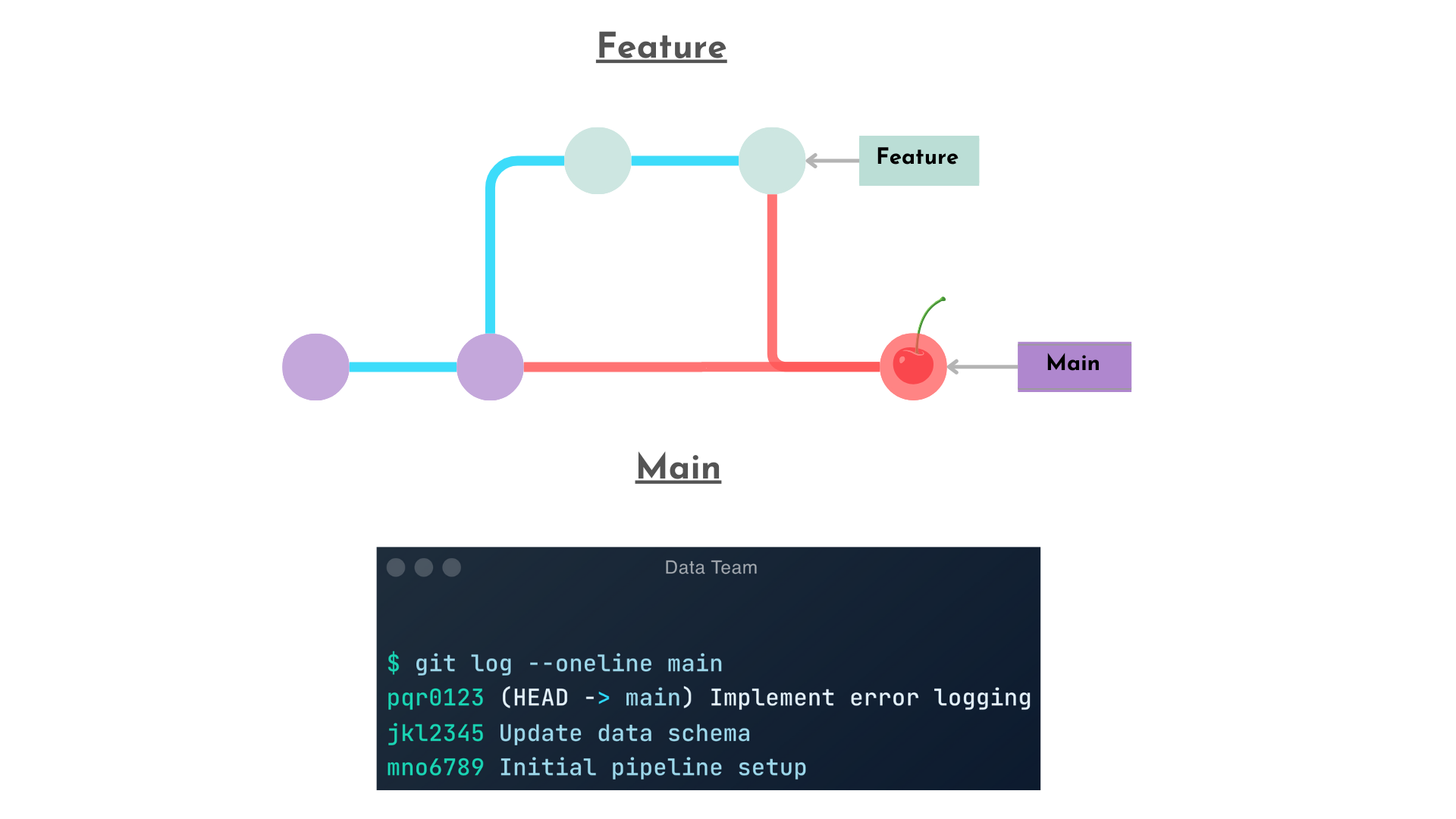
Applies the changes from a specific commit to another branch
Cherry-Pick Single Commit
git cherry-pick <commit-hash>
Cherry-Pick Multiple Commits
git cherry-pick <hash1> <hash2> ..
Purpose
Checkout main branch
git checkout main
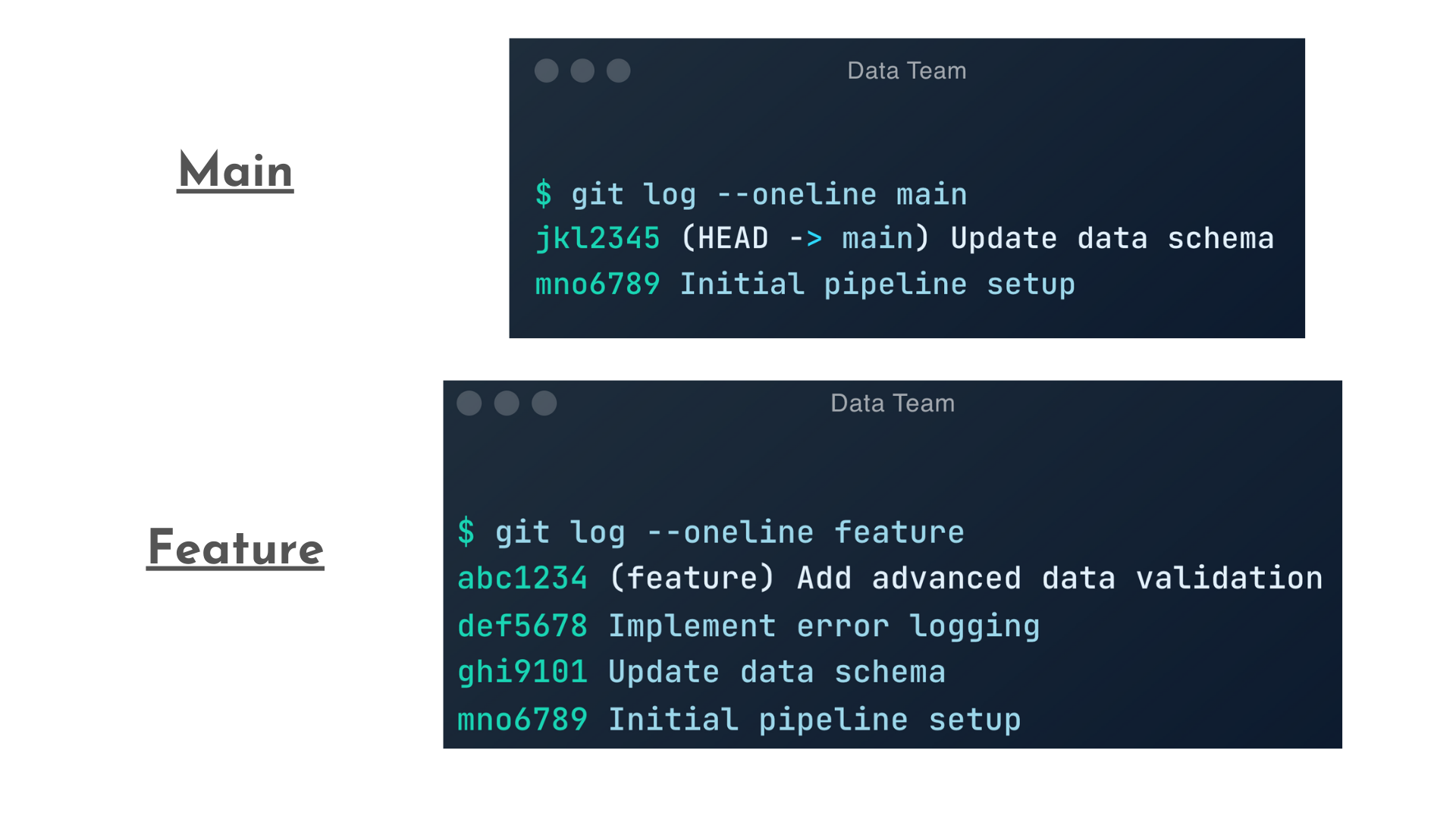
Run cherry-pick command to bring in commit def456 changes from feature branch.
def456
git cherry-pick def456
git add <resolved-files>
--continue
git cherry-pick --continue
To stop a cherry-pick operation, use the --abort flag
--abort
git cherry-pick --abort