Pandas, Teil 1

Python für Fortgeschrittene

Hugo Bowne-Anderson

Data Scientist at DataCamp

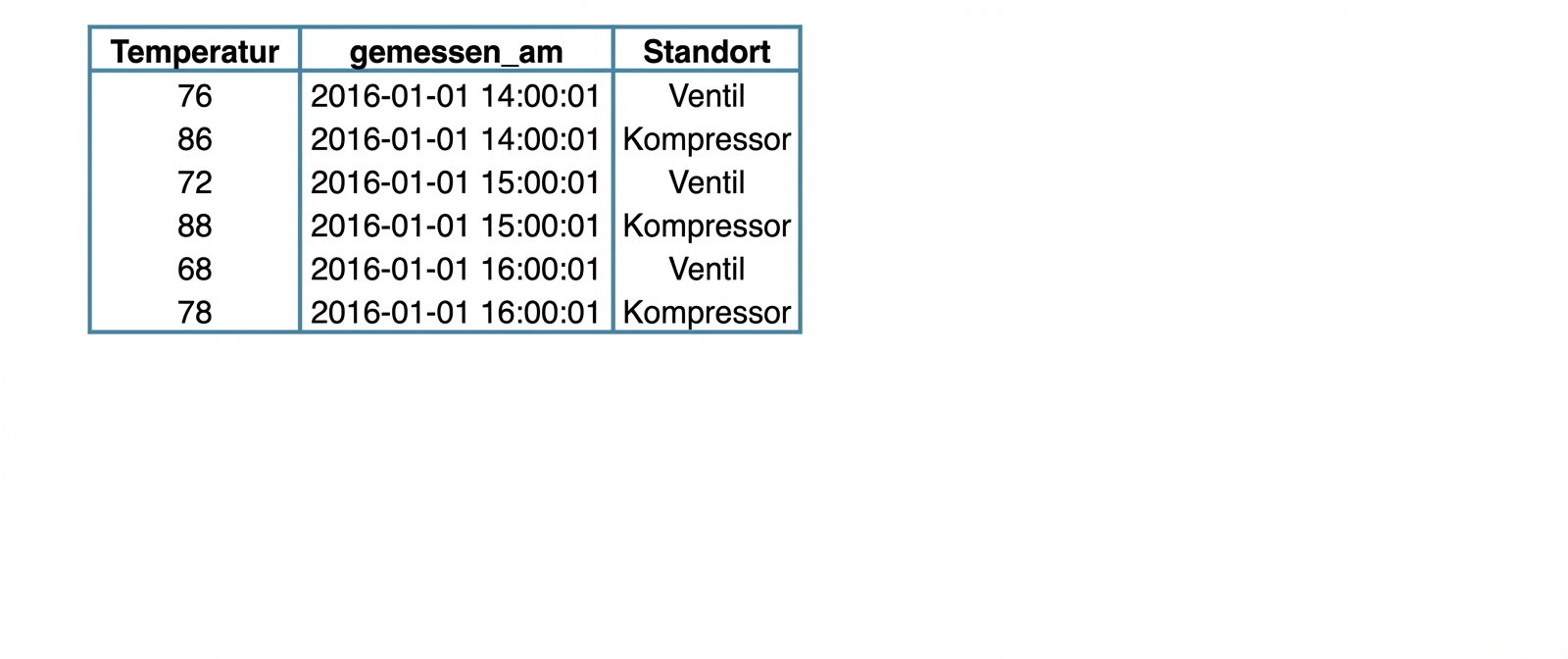
Beispiele für tabellarische Datensätze
ch2_3_slides.003.png

Python für Fortgeschrittene

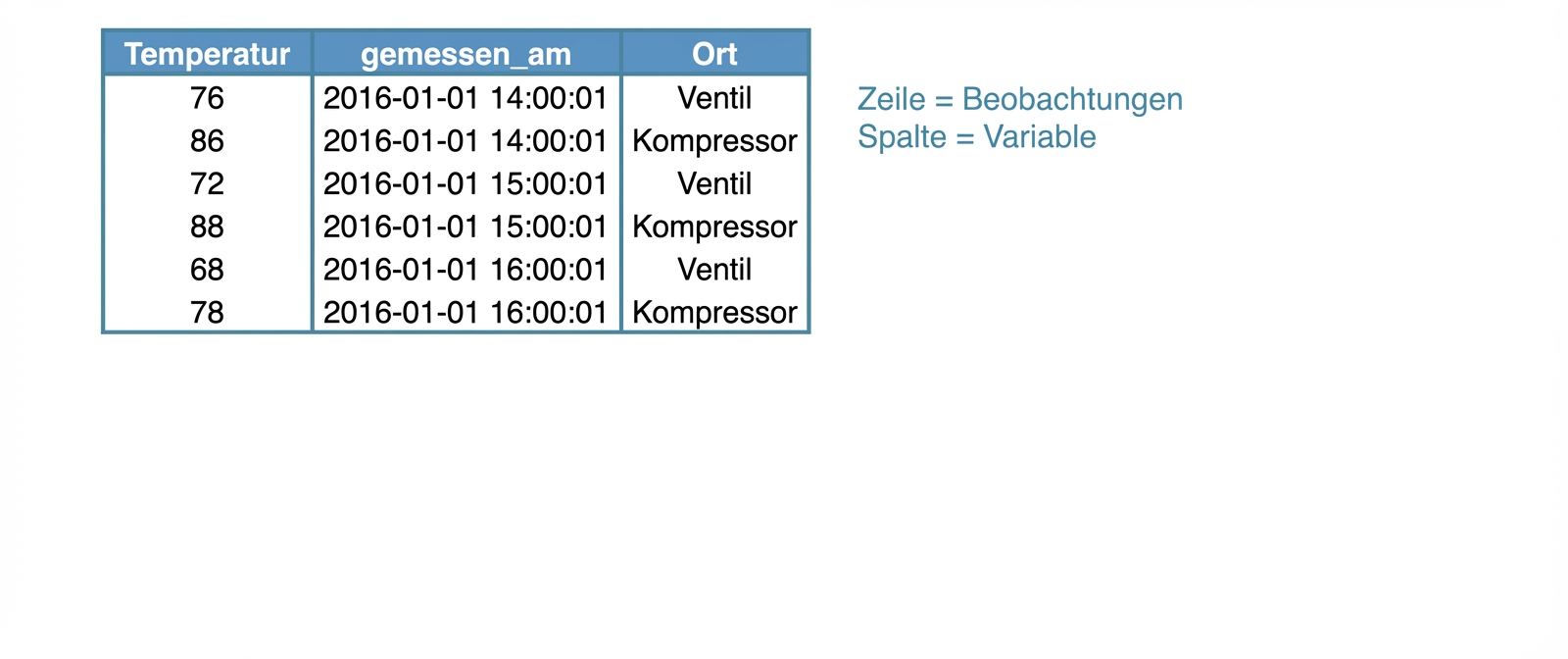
Beispiele für tabellarische Datensätze
ch2_3_slides.005.png

Python für Fortgeschrittene

Beispiele für tabellarische Datensätze
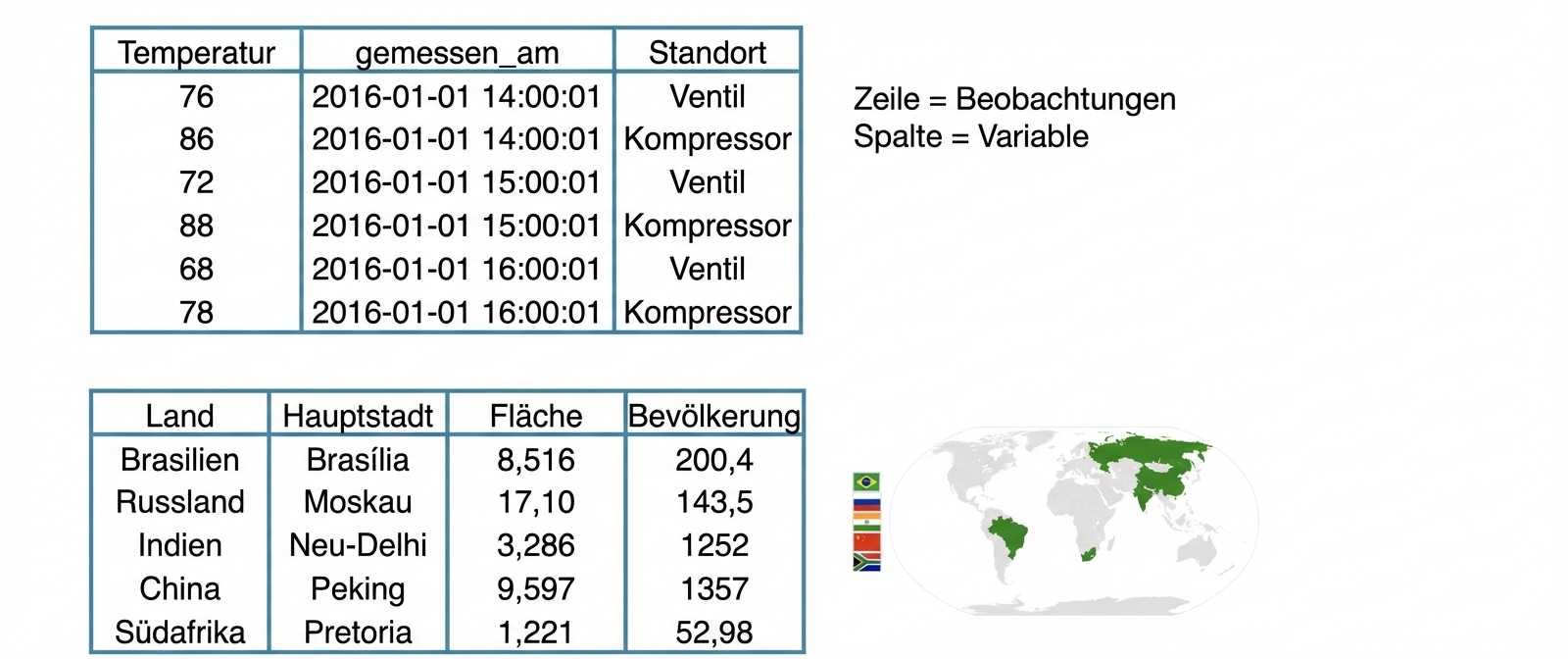
ch2_3_slides.007.png

Python für Fortgeschrittene

Datensätze in Python

  • Zweidimensionale NumPy-Arrays?
    • Ein einziger Datentyp
Python für Fortgeschrittene

Datensätze in Python

ch2_3_slides.012.png

Python für Fortgeschrittene

Datensätze in Python

ch2_3_slides.013.png

  • pandas!
    • Werkzeug zur Datenbearbeitung mit hohem Abstraktionsniveau
    • Wes McKinney
    • Auf NumPy aufgebaut
    • DataFrame
Python für Fortgeschrittene

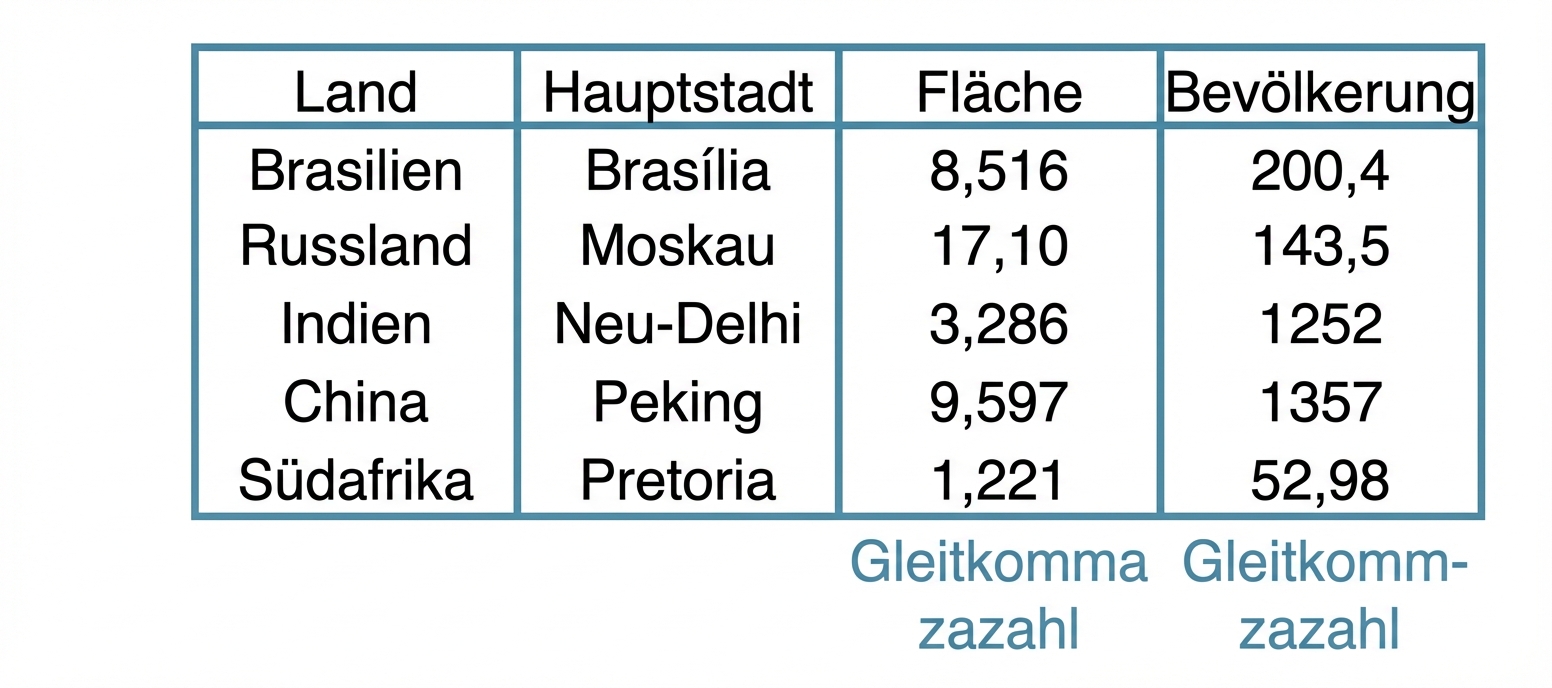
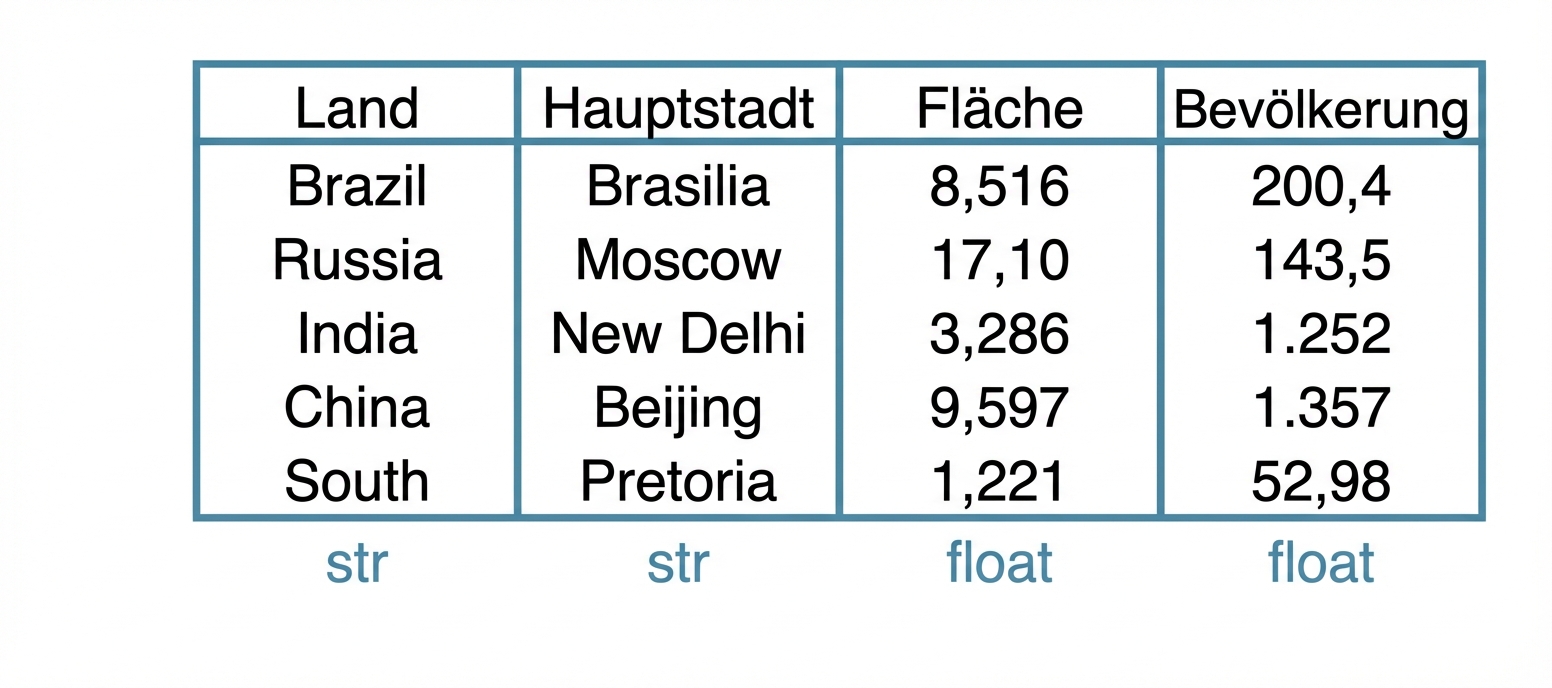
DataFrame

brics
         country    capital    area  population
BR        Brazil   Brasilia   8.516      200.40
RU        Russia     Moscow  17.100      143.50
IN         India  New Delhi   3.286     1252.00
CH         China    Beijing   9.597     1357.00
SA  South Africa   Pretoria   1.221       52.98
Python für Fortgeschrittene

DataFrame aus einem Dictionary

dict = { 
    "country":["Brazil", "Russia", "India", "China", "South Africa"],
    "capital":["Brasilia", "Moscow", "New Delhi", "Beijing", "Pretoria"],
       "area":[8.516, 17.10, 3.286, 9.597, 1.221]
 "population":[200.4, 143.5, 1252, 1357, 52.98] }
  • Schlüssel (Spaltenbeschriftungen)
  • Werte (Daten, Spalte für Spalte)
import pandas as pd

brics = pd.DataFrame(dict)
Python für Fortgeschrittene

DataFrame aus einem Dictionary (2)

brics
     area    capital       country  population
0   8.516   Brasilia        Brazil      200.40
1  17.100     Moscow        Russia      143.50
2   3.286  New Delhi         India     1252.00
3   9.597    Beijing         China     1357.00
4   1.221   Pretoria  South Africa       52.98
brics.index = ["BR", "RU", "IN", "CH", "SA"]

brics
      area    capital       country  population
BR   8.516   Brasilia        Brazil      200.40
RU  17.100     Moscow        Russia      143.50
IN   3.286  New Delhi         India     1252.00
CH   9.597    Beijing         China     1357.00
SA   1.221   Pretoria  South Africa       52.98
Python für Fortgeschrittene

DataFrame aus einer CSV-Datei

brics.csv

,country,capital,area,population
BR,Brazil,Brasilia,8.516,200.4
RU,Russia,Moscow,17.10,143.5
IN,India,New Delhi,3.286,1252
CH,China,Beijing,9.597,1357
SA,South Africa,Pretoria,1.221,52.98
  • CSV = Comma-Separated Values (d. h. durch Kommas getrennte Werte)
Python für Fortgeschrittene

DataFrame aus einer CSV-Datei

  • brics.csv
,country,capital,area,population
BR,Brazil,Brasilia,8.516,200.4
RU,Russia,Moscow,17.10,143.5
IN,India,New Delhi,3.286,1252
CH,China,Beijing,9.597,1357
SA,South Africa,Pretoria,1.221,52.98
brics = pd.read_csv("path/to/brics.csv")

brics
  Unnamed: 0       country    capital    area  population
0         BR        Brazil   Brasilia   8.516      200.40
1         RU        Russia     Moscow  17.100      143.50
2         IN         India  New Delhi   3.286     1252.00
3         CH         China    Beijing   9.597     1357.00
4         SA  South Africa   Pretoria   1.221       52.98
Python für Fortgeschrittene

DataFrame aus einer CSV-Datei

brics = pd.read_csv("path/to/brics.csv", index_col = 0)

brics
         country  population      area    capital
BR        Brazil         200   8515767   Brasilia
RU        Russia         144  17098242     Moscow
IN         India        1252   3287590  New Delhi
CH         China        1357   9596961    Beijing
SA  South Africa          55   1221037   Pretoria
Python für Fortgeschrittene

Lass uns üben!

Python für Fortgeschrittene

Preparing Video For Download...