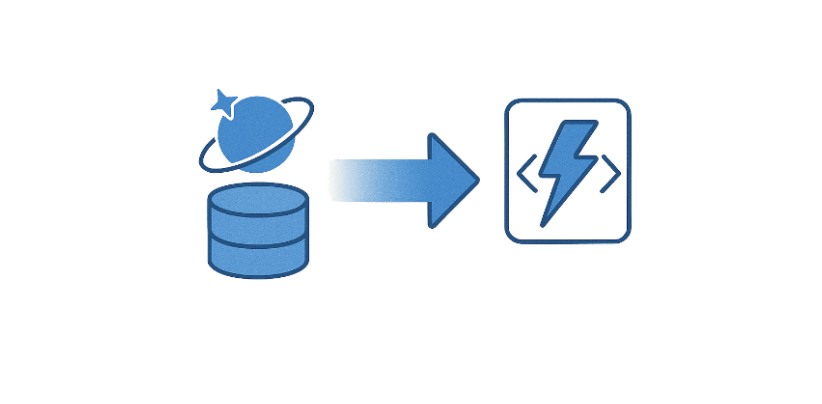
Real-time processing with Change Feed

Develop for Azure Storage

Shahzad Mian

Content developer, Datacamp

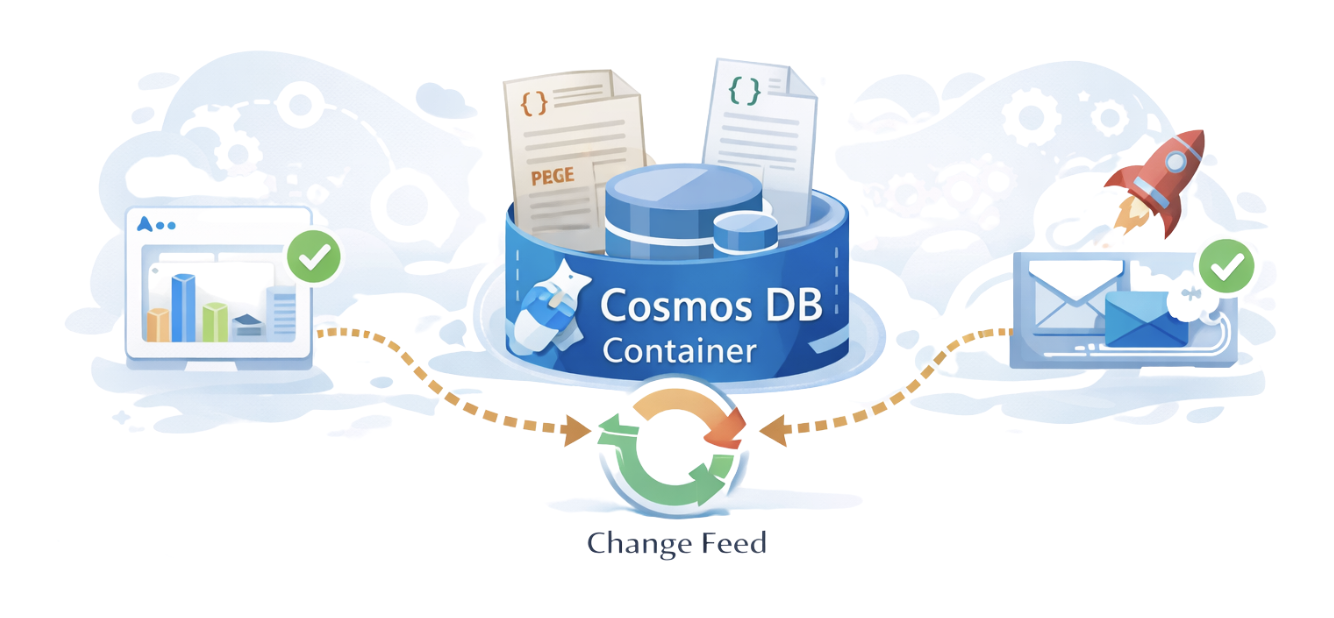
Cosmos DB change feed

  • Instant log of changes.

Change feed

Develop for Azure Storage

What is the Change Feed?

  • Continuous stream of changes, or "events"
  • Tracks inserts and updates in order for processing
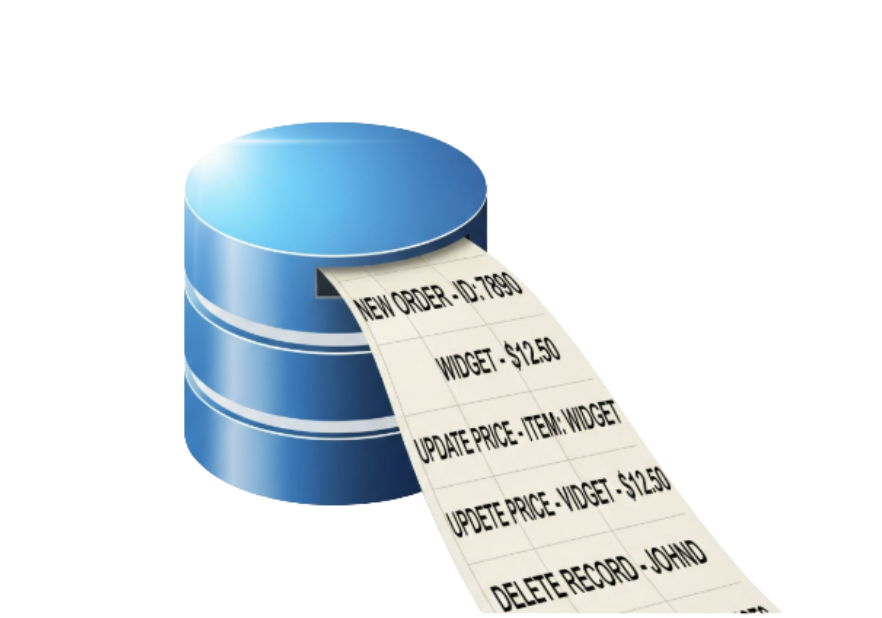
Ticker tape

Develop for Azure Storage

Unread mail

Mail

Develop for Azure Storage

How developers use Change Feed

Pull model

  • Application pulls data from change feed.
  • Periodically checks for new changes.
  • Pull Model = You control when to fetch and process changes.

Push model

  • System pushes changes automatically
  • Example:
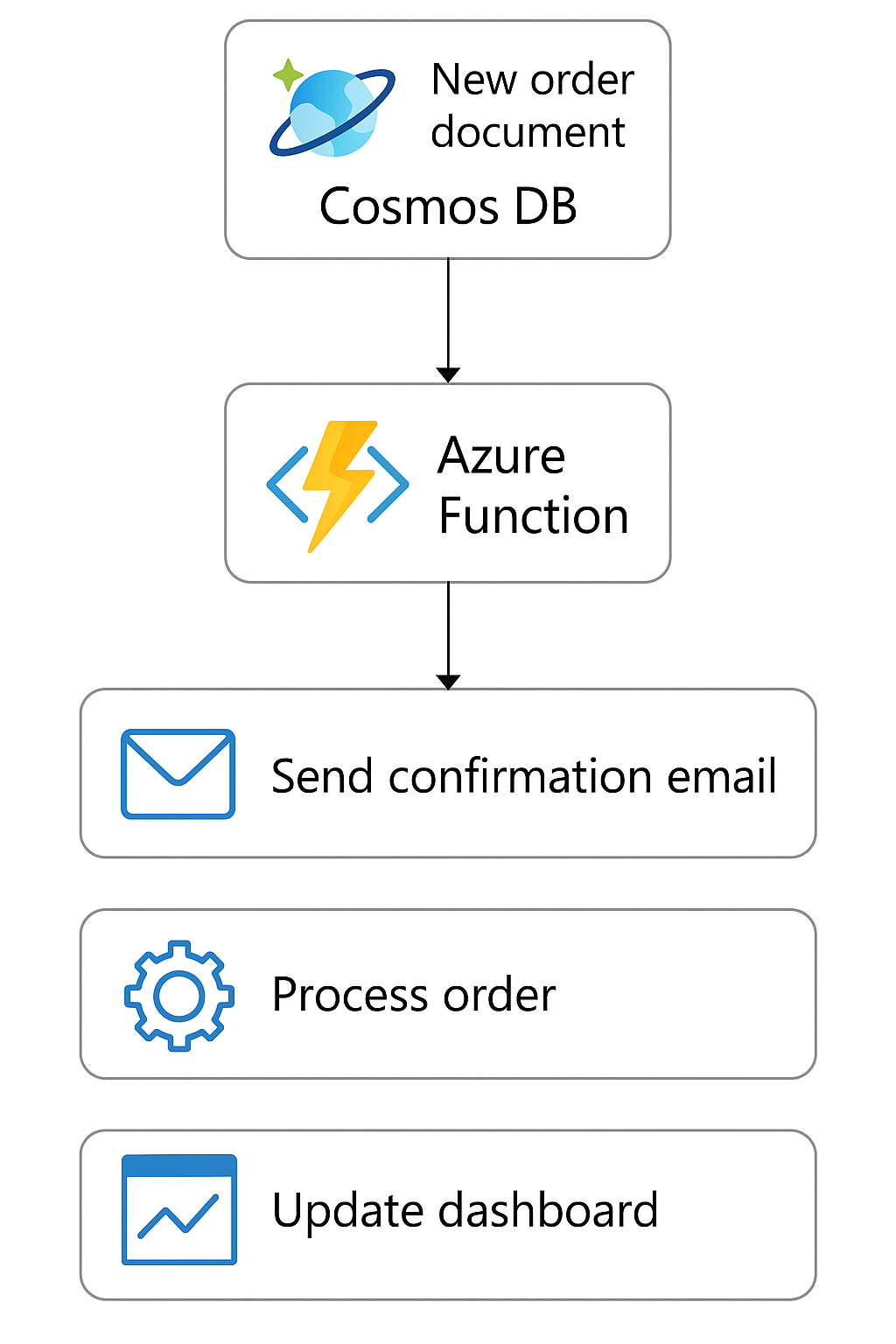
    • CosmosDB trigger that runs when new changes occur.
  • Event driven process.
  • No need to check for updates.
  • Push Model = The system automatically reacts to changes as they happen.
Develop for Azure Storage

Example: Azure Function trigger

ChatGPT Image Nov 6, 2025, 11_46_06 PM.png

Develop for Azure Storage

Change Feed architecture

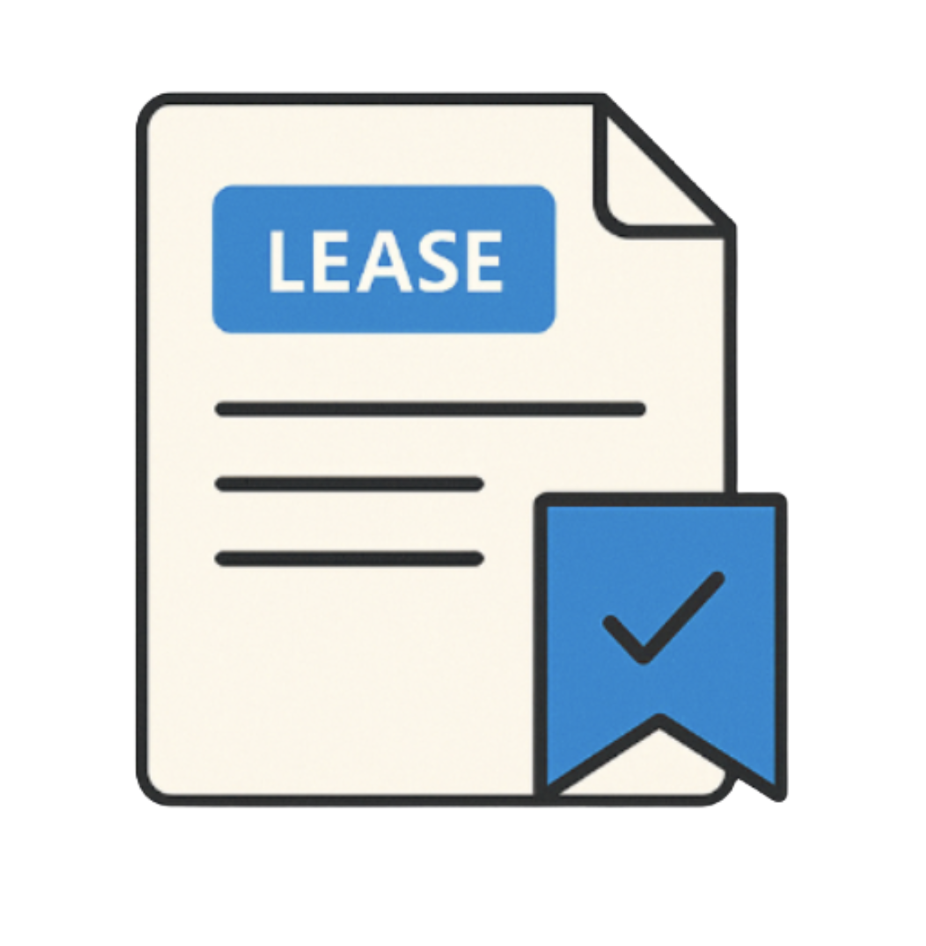
Leases - A record of progress.

  • Keeps track of changes your application has already processed.
  • Knows where to resume next.
  • Consumers never miss or reprocess events.

Lease

Develop for Azure Storage

Why use Change Feed?

  • Perfect for when system needs to react to data changes.
  • Works without the need for human interaction.
  • Continuous stream of data.
  • Instant reaction from applications.

Data in motion

Develop for Azure Storage

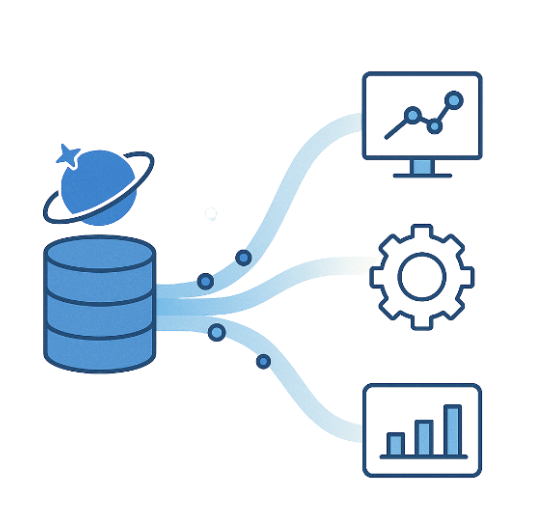
Use cases

Event-driven pipelines

Event driven

Real-time analytics

Analytics

Data sync

Data syncing

Downstream integrations

Data moving

Develop for Azure Storage

Real-time event source

  • The Change Feed transforms Cosmos DB from a passive data store into a real-time event source.
  • Build applications that respond instantly to data events.
  • No need to manage infrastructure.

CosmosDB + Functions

Develop for Azure Storage

Let's practice!

Develop for Azure Storage

Preparing Video For Download...