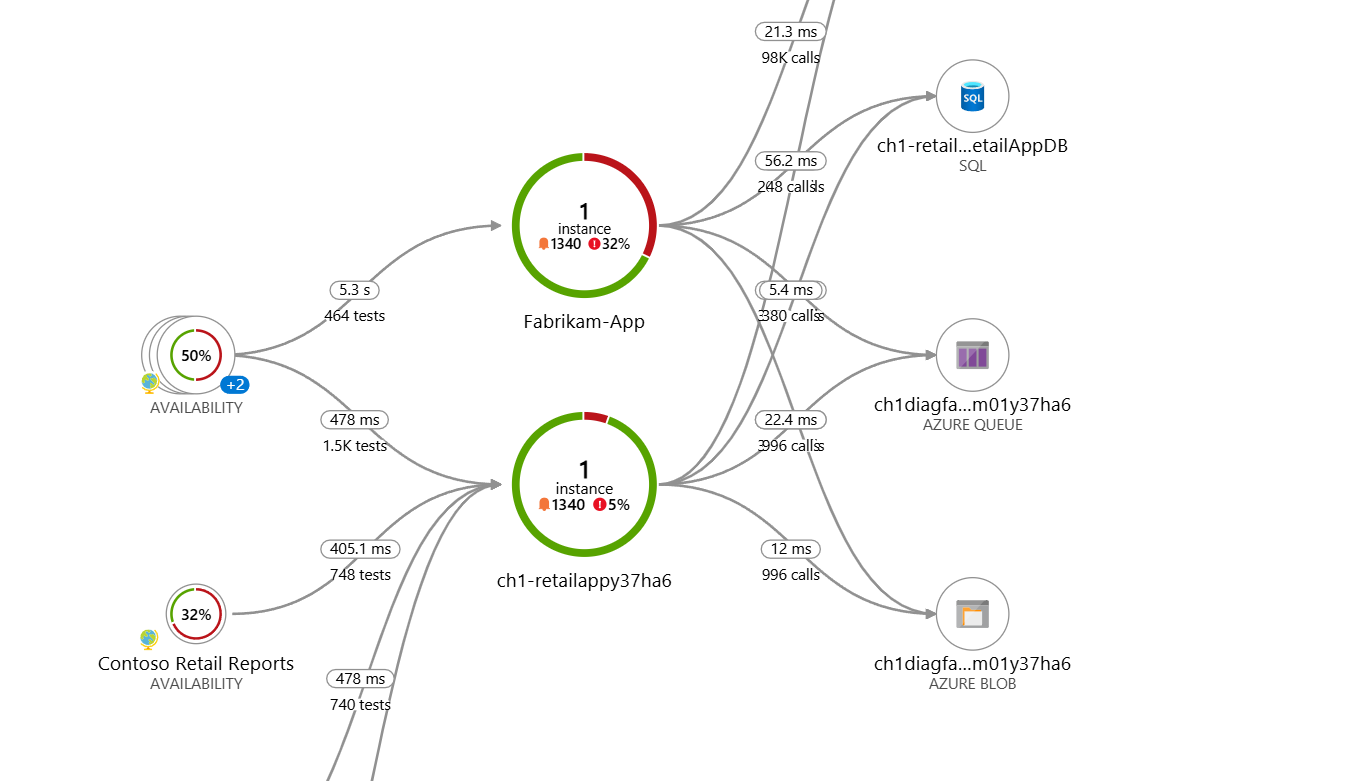
Application map
Monitor and Troubleshoot Azure Solutions
Ebadur Osib
Senior Cloud Consulting Engineer
When troubleshooting gets messy
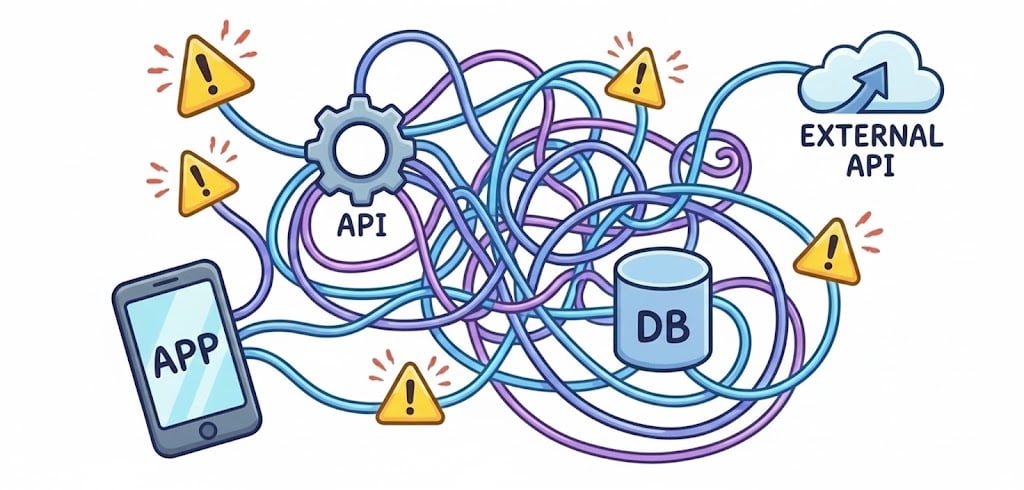
Introducing application map

What is application map?
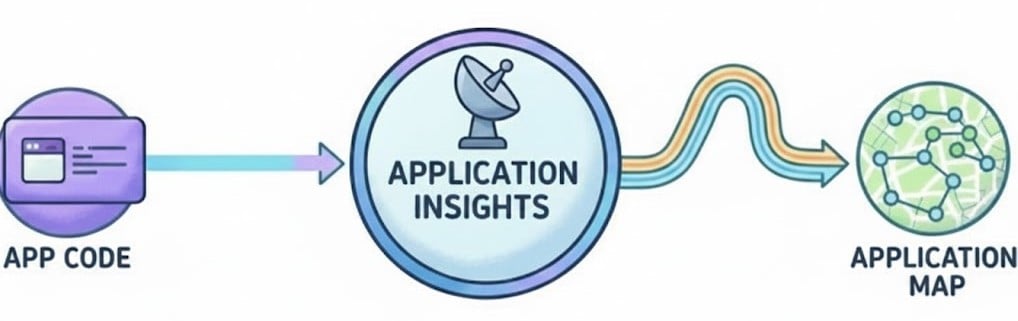
Built-in feature of application insights.
Provides real-time visual map of application architecture.
Automatically discovers components and external dependencies including:
Web apps
APIs
Databases
External dependencies
Uses distributed tracing and runtime telemetry.
Requires no manual configuration and enables faster troubleshooting
How application map is created
Built using distributed tracing.
Telemetry follows each request as it moves through your system.
Traces are stitched together automatically to form a dependency graph
Reading the map
1
https://learn.microsoft.com/en-us/azure/azure-monitor/app/app-map
Key metrics
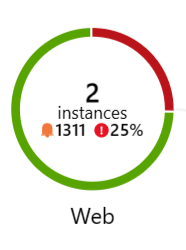
Critical measures displayed including:
Latency
Request count
Failure rate
No query required.
1
https://learn.microsoft.com/en-us/azure/azure-monitor/app/app-map
Dependency health
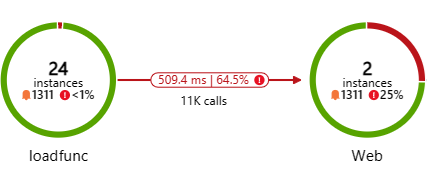
1
https://learn.microsoft.com/en-us/azure/azure-monitor/app/app-map
Application map in microservices
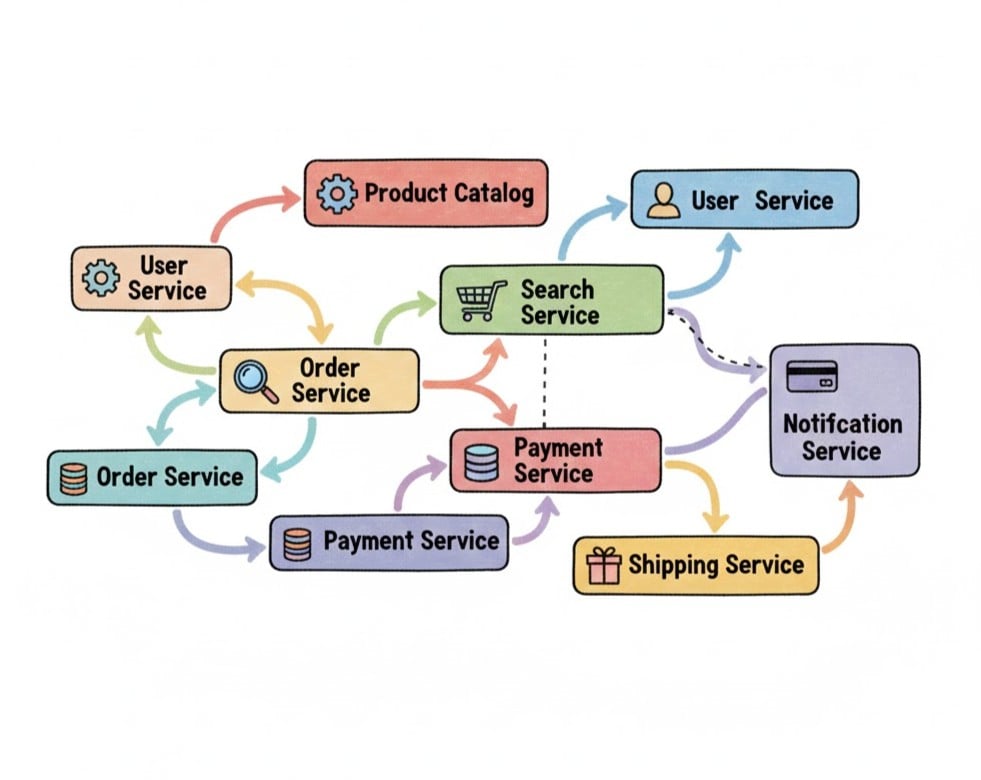
Understanding complex architectures.
Visualizes request flow.
Identify cascading failures.
Makes blast radius of an issue visible.
Supports faster root-cause analysis.
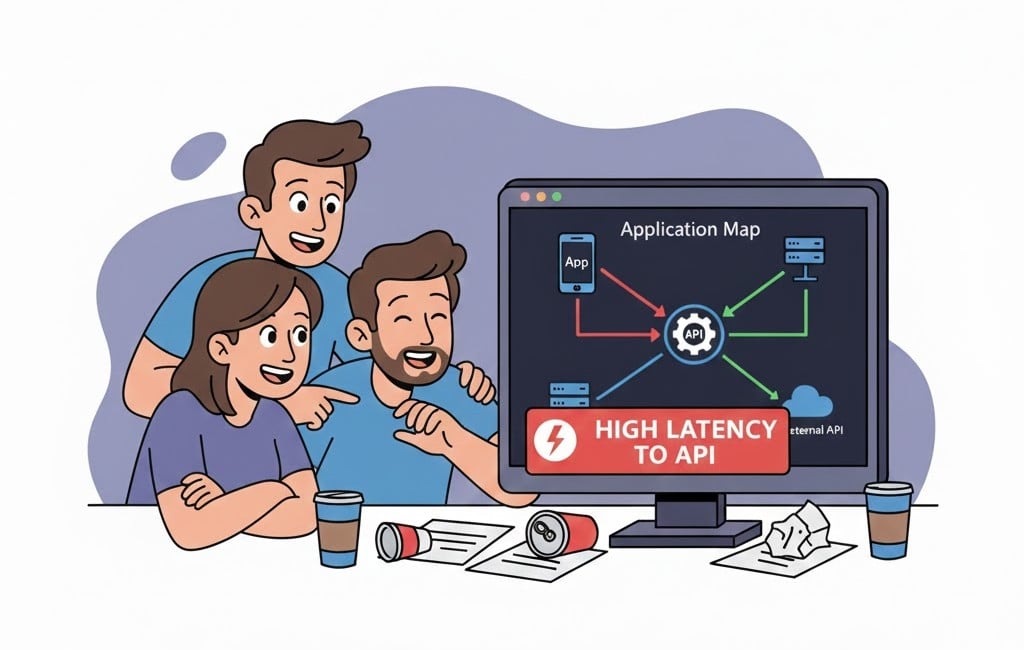
The hidden bottleneck
The challenge without application map

The outcome with application map
Summary
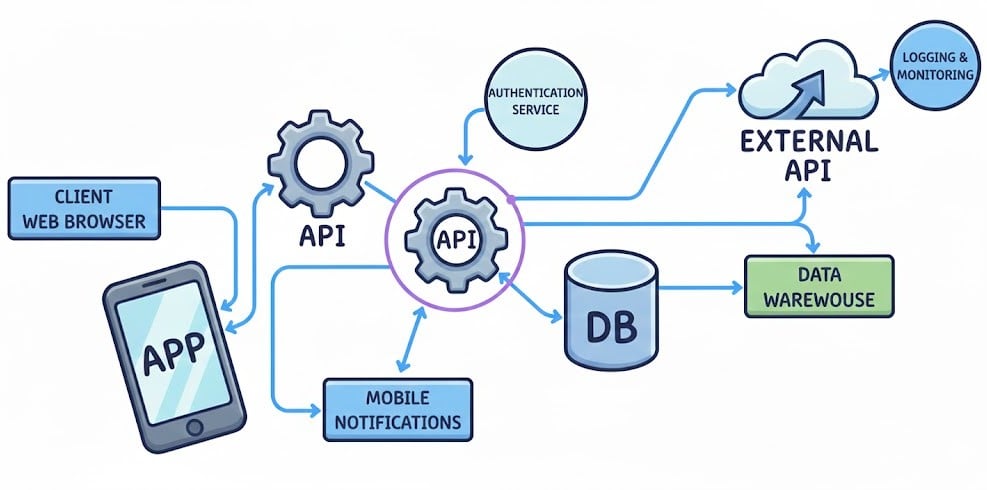
Visualizes application components and dependencies.
Built on distributed tracing and telemetry.
Highlights latency and failure rates.
Simplifies troubleshooting in distributed systems.
Essential for microservices and cloud-native apps
Let's practice!
Monitor and Troubleshoot Azure Solutions
Preparing Video For Download...