Exploring Log Analytics

Monitor and Troubleshoot Azure Solutions

Ebadur Osib

Senior Cloud Consulting Engineer

Logs everywhere

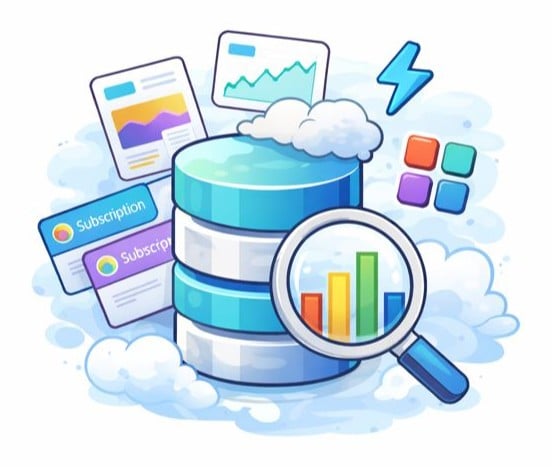
logseverywhere.jpg

Monitor and Troubleshoot Azure Solutions

Log analytics workspace

funnel.jpg

Monitor and Troubleshoot Azure Solutions

What is log analytics workspace


  • Central data store for logs.
  • Azure data explore engine.
  • Workspace supports KQL.
  • Works across subscriptions and resource groups.
  • Foundation of Azure monitor.

Features.jpeg

Monitor and Troubleshoot Azure Solutions

Why it matters

  • Without a workspace:
    • Logs stored in separate places.
    • Hard to correlate issues.
    • Slow incident response.

saddev.jpg

  • With a workspace:
    • Provides a unified view.
    • End-to-end tracing.
    • Faster root cause analysis.

happydev.jpg

Monitor and Troubleshoot Azure Solutions

What data can you send?

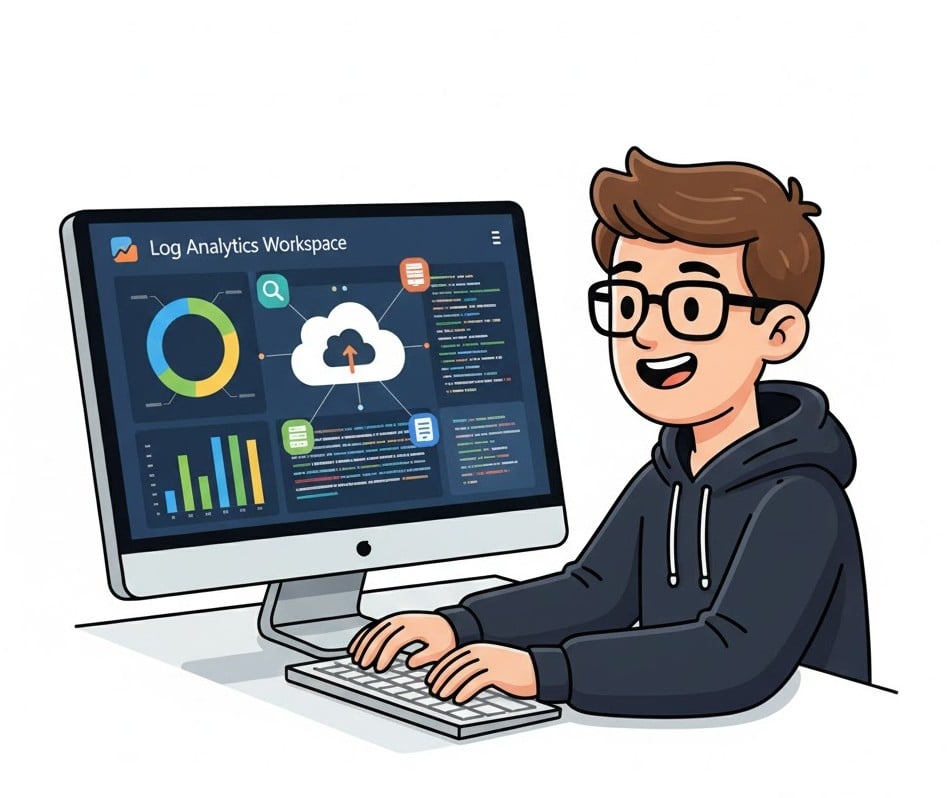
loganalyticsworkspace.jpg


  • Activity logs
  • Resource metrics
  • Application insights traces
  • Container logs
  • Network logs
Monitor and Troubleshoot Azure Solutions

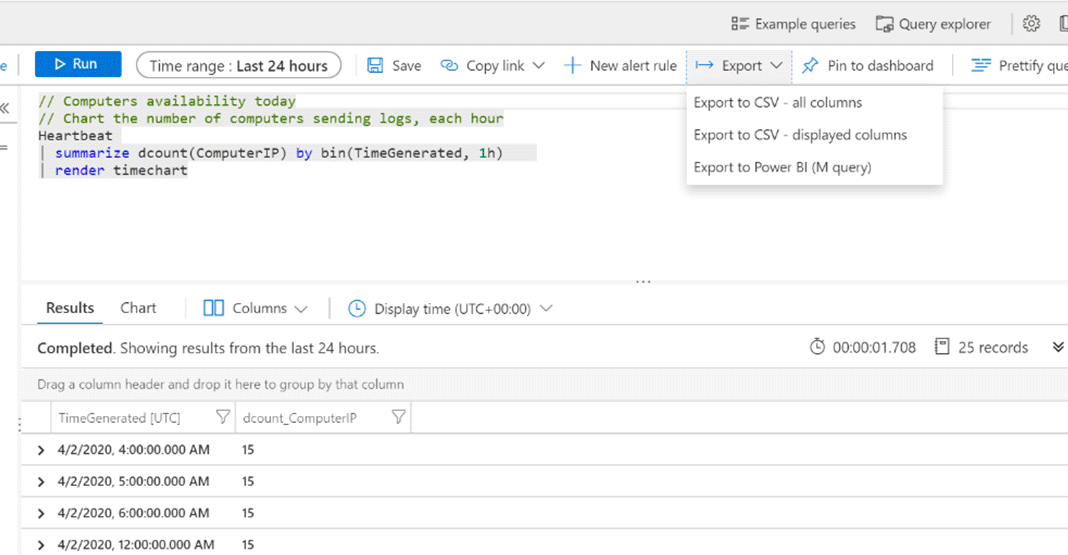
Exploring logs in the workspace


  • Query tables to explore and investigate.
  • Filter by time, resource, or type.
  • Uncover patterns and anomalies across environments.

export-query.png

1 https://learn.microsoft.com/en-us/azure/azure-monitor/logs/log-excel
Monitor and Troubleshoot Azure Solutions

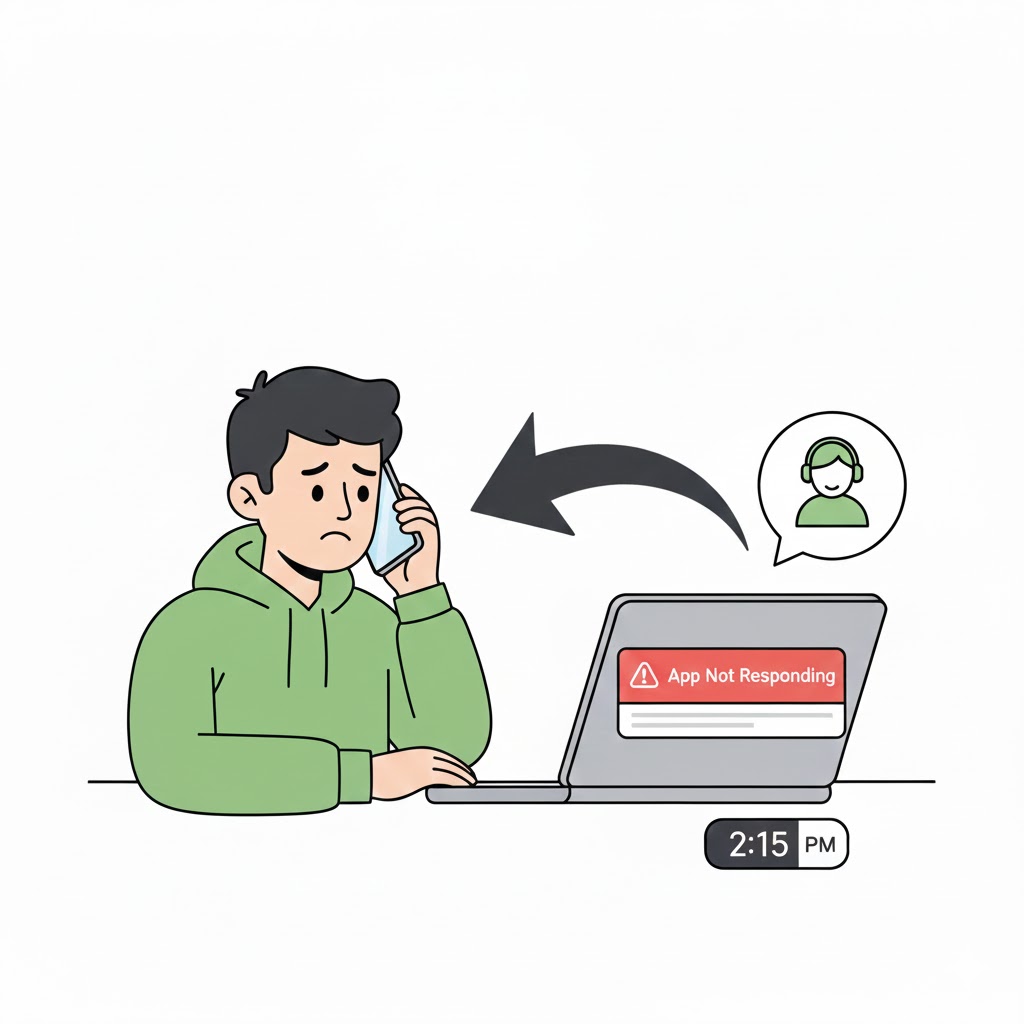
The login mystery

loginreport.jpg

  spike.jpeg

Monitor and Troubleshoot Azure Solutions

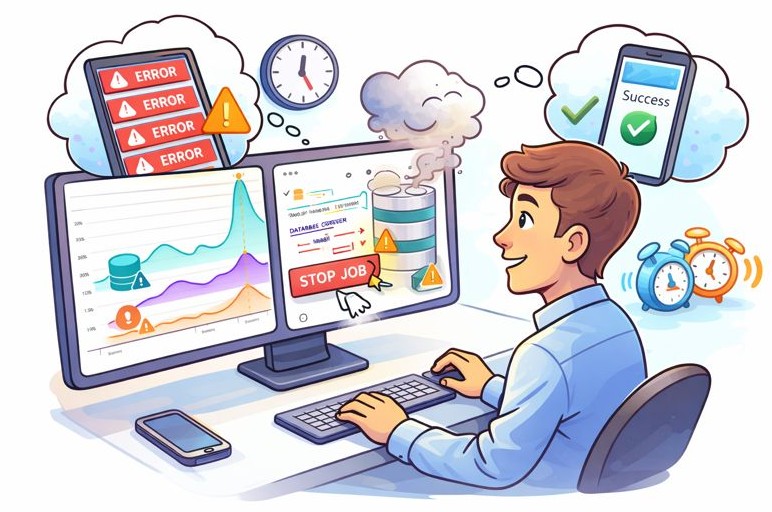
The login mystery

stopjob.jpeg

Monitor and Troubleshoot Azure Solutions

Introduction to KQL

KQL.jpg


  • Language for interacting with logs.
  • Fast and read-only.
  • Helps you:
    • Filter
    • Correlate
    • Summarize
    • Visualize
Monitor and Troubleshoot Azure Solutions

Summary

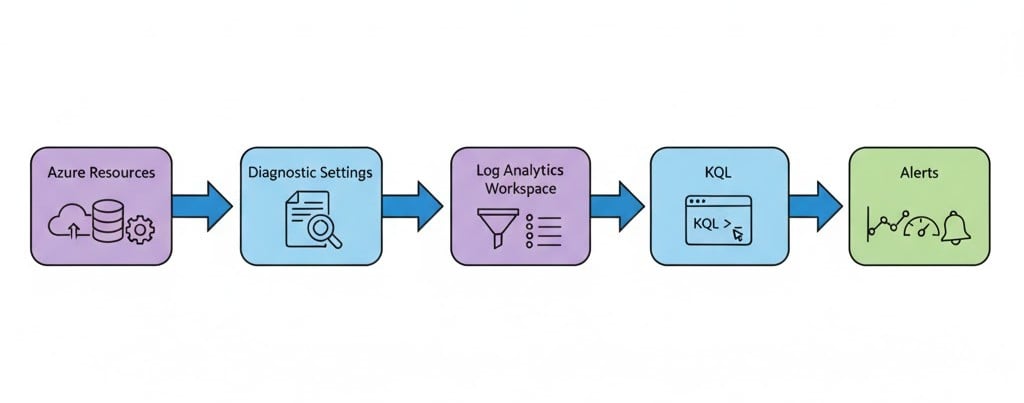
LogAnalyticsSummary.jpg

Monitor and Troubleshoot Azure Solutions

Let's practice!

Monitor and Troubleshoot Azure Solutions

Preparing Video For Download...