Instrumenting an app for monitoring
Monitor and Troubleshoot Azure Solutions
Ebadur Osib
Senior Cloud Consulting Engineer
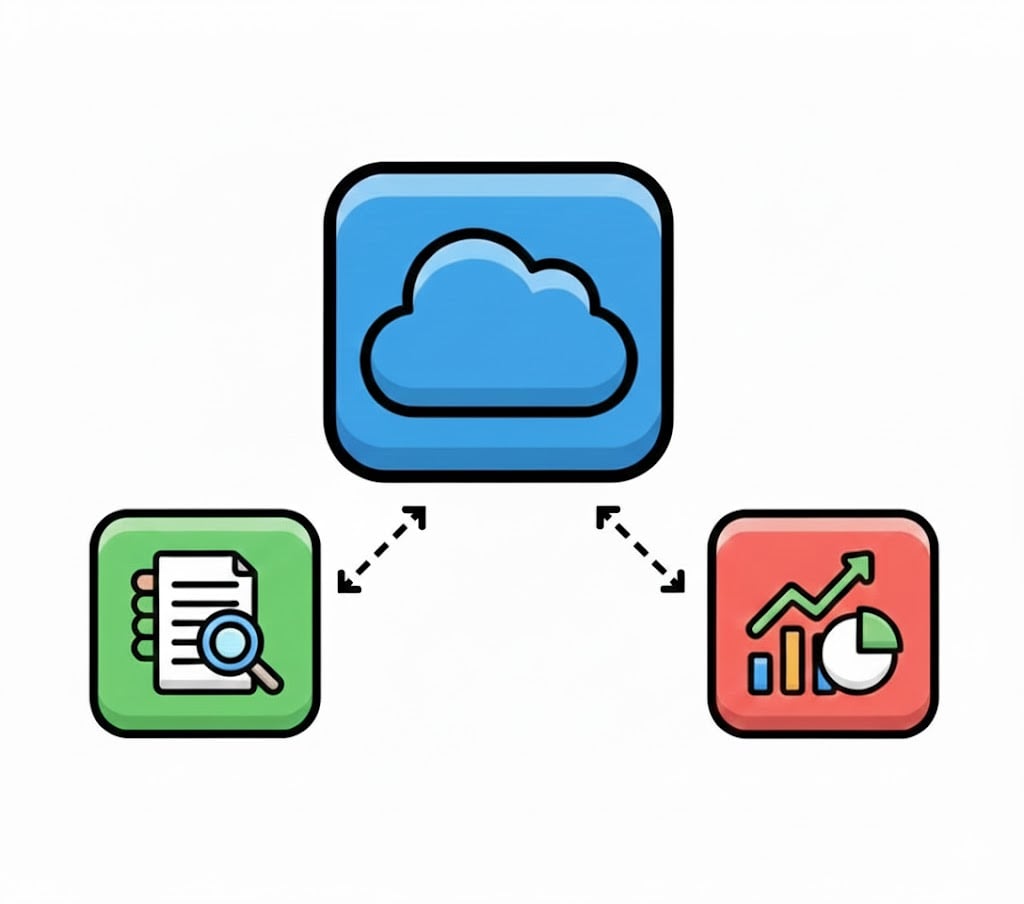
Instrumentation vs application insights
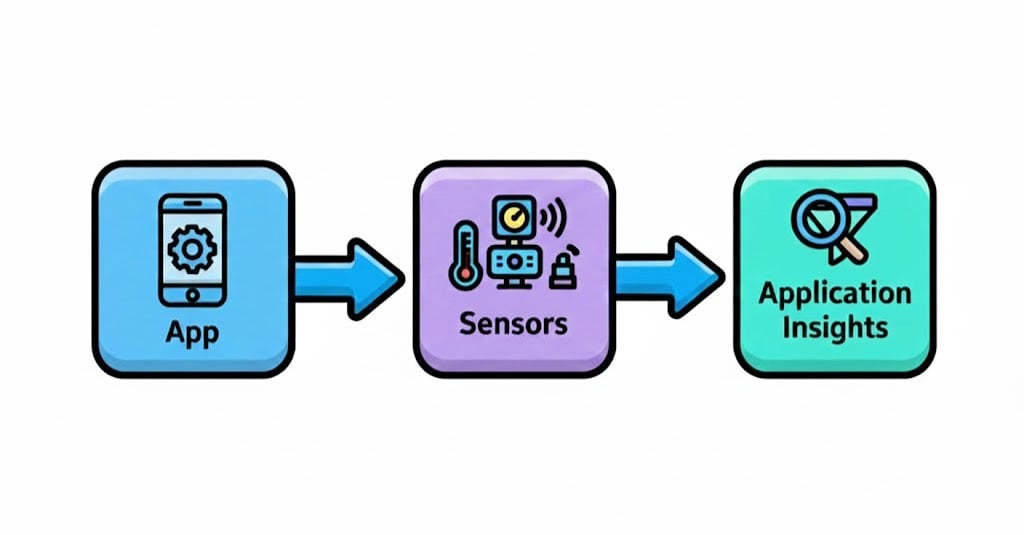
Instrumenting an app for monitoring
Instrumentation

What is app instrumentation?
Adds monitoring code.
Enabled telemetry collection:
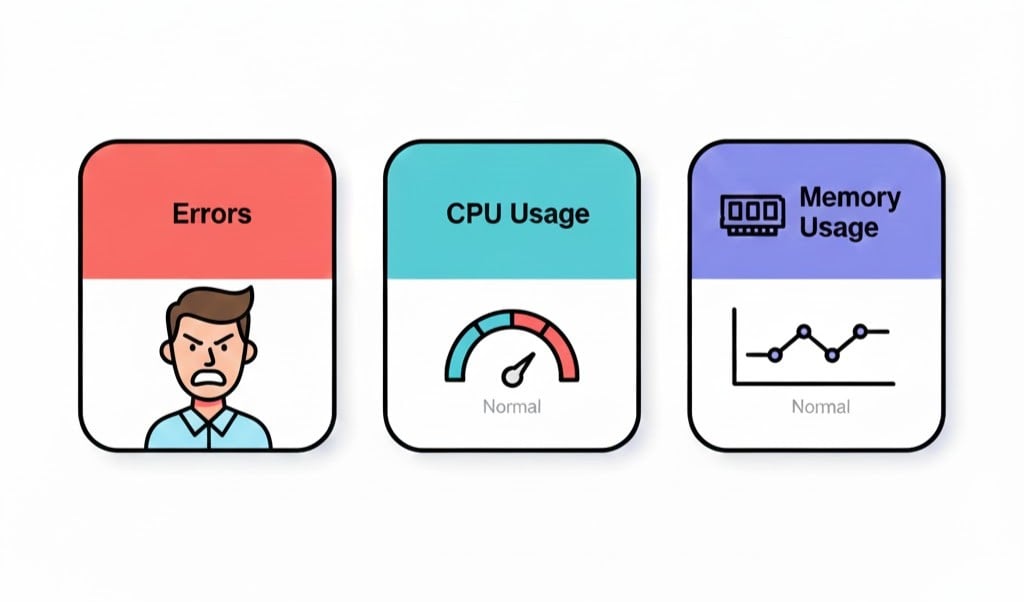
request rates
response times
errors
dependencies
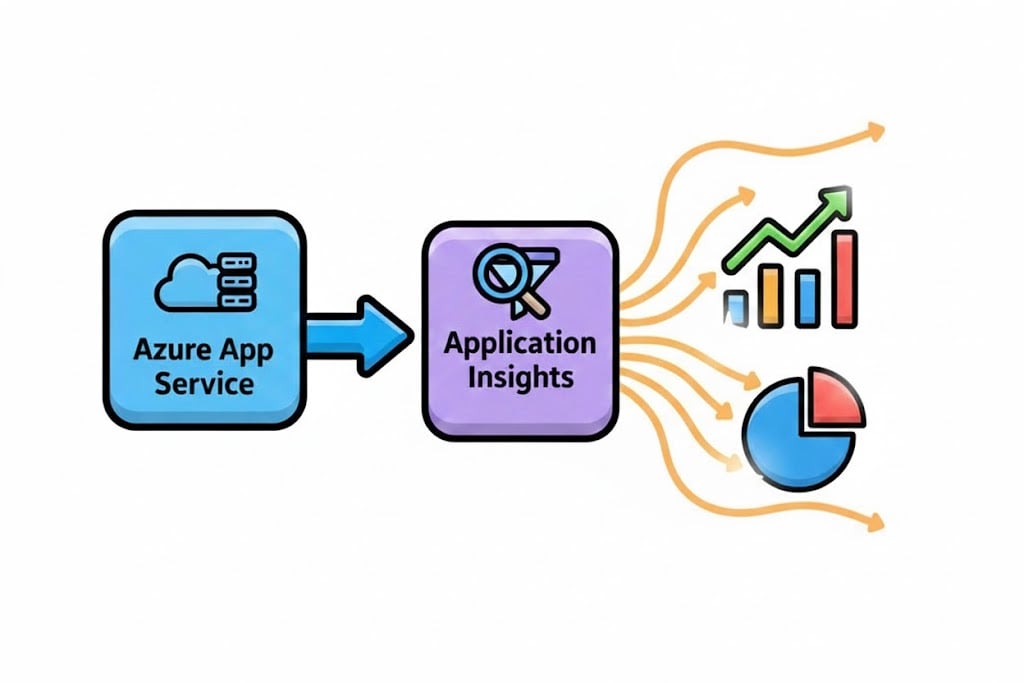
Sends data to Azure monitor and application insights.
Auto-instrumentation
Supported for common Azure services:
App services
Azure functions
Minimal configuration.
No manual code changes.
Auto-instrumentation in action
What Azure injects automatically
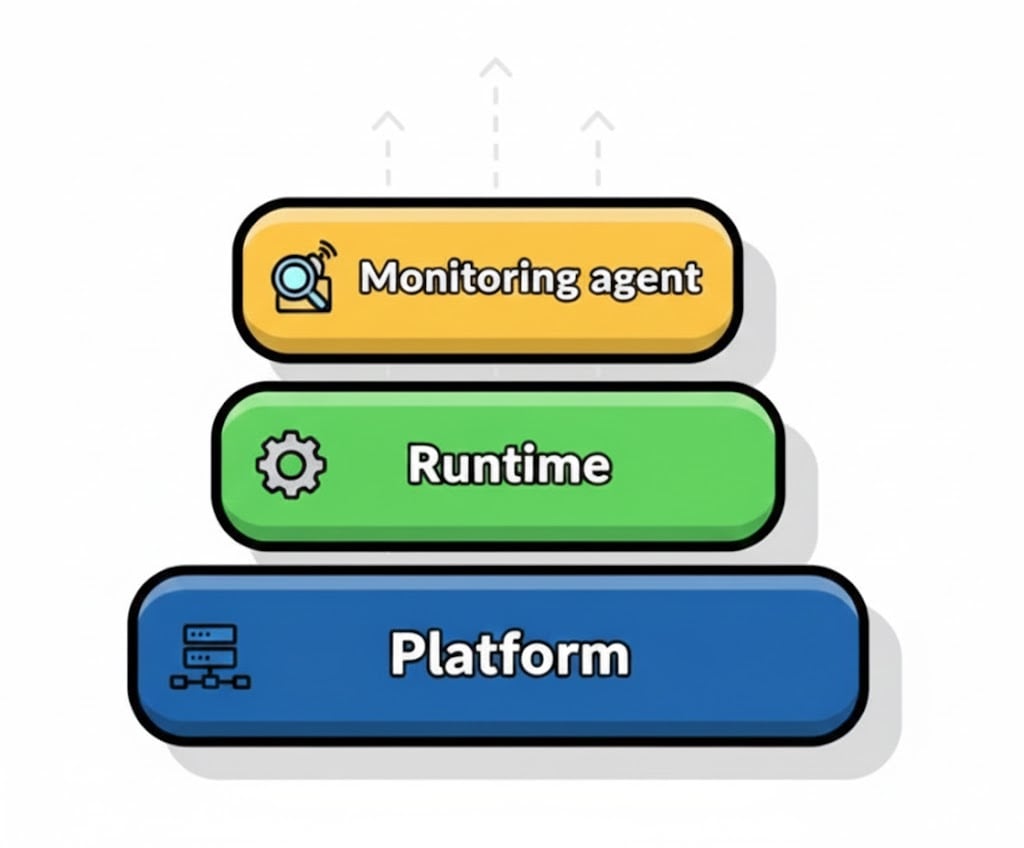
Injects Application Insights agent into the runtime environment.
Agent leverages runtime-level SDK hooks.
Telemetry is emitted automatically.
No explicit SDK references are required.
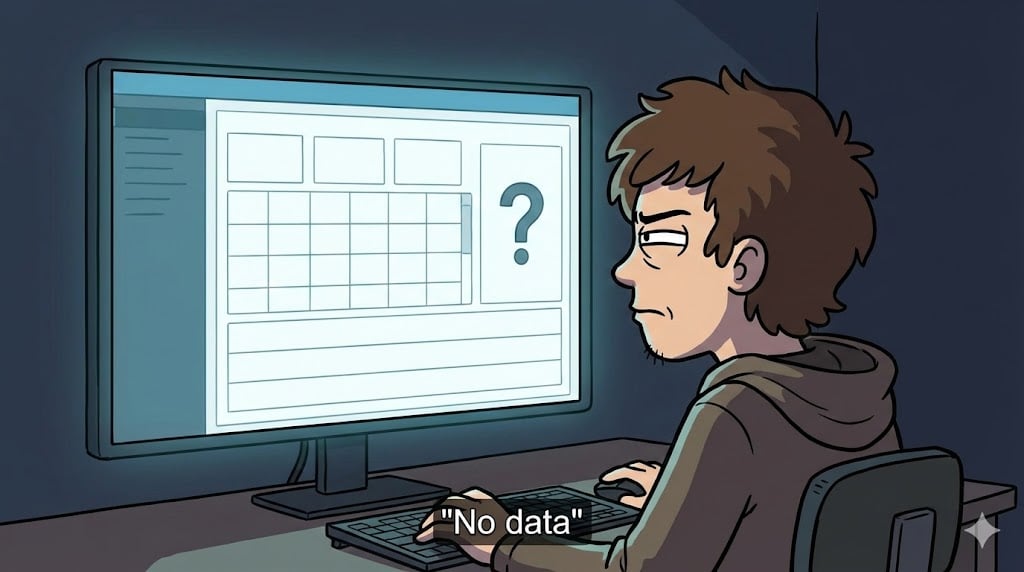
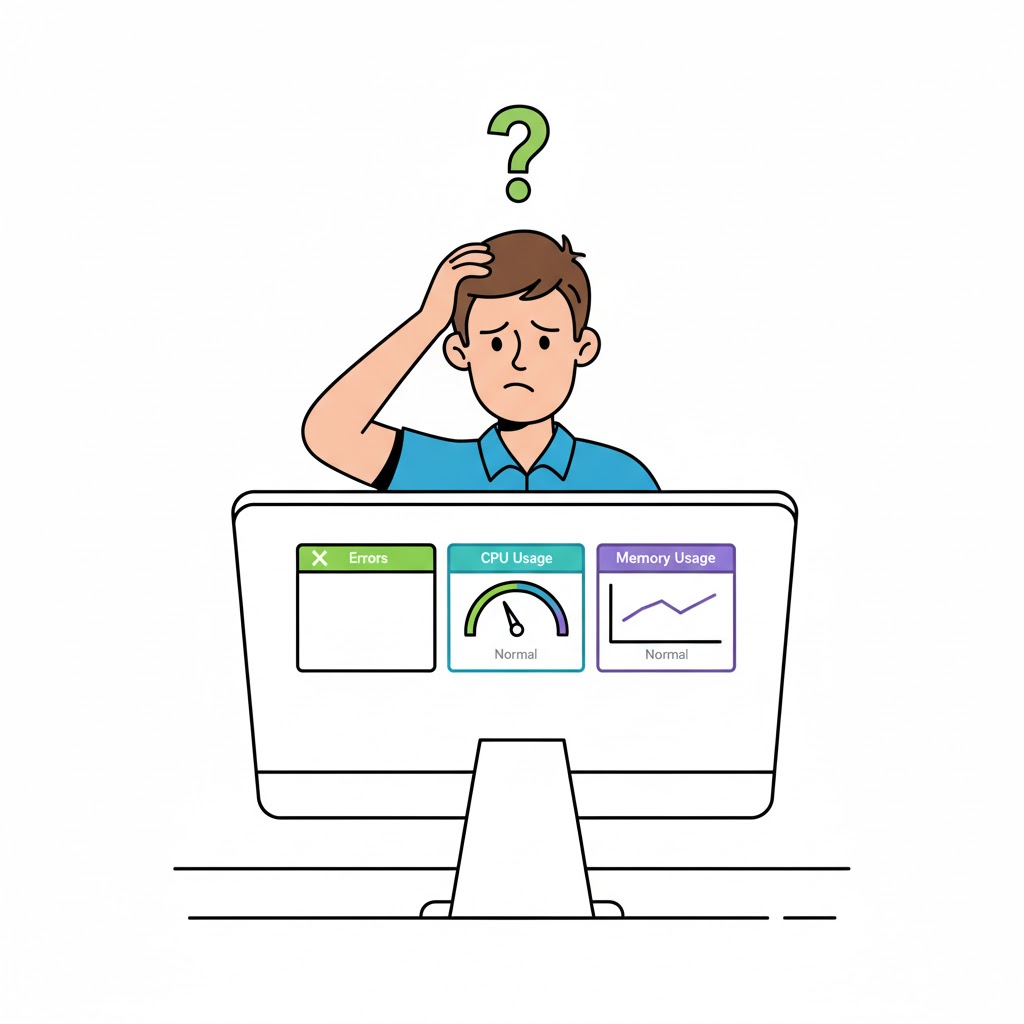
The silent failure
The silent failure
Manual instrumentation
SDK added to app code.
More control.
Custom telemetry for:
events
business metrics
detailed traces
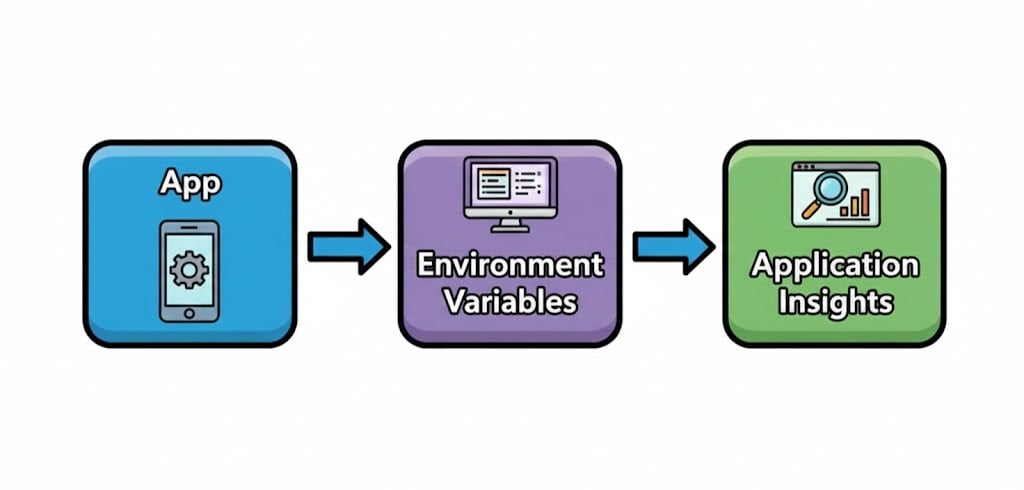
Keys and connections
Telemetry requires a destination.
Defined by connection string.
Auto-instrumentations configures automatically.
Manual instrumentation requires explicit location.
Required for telemetry.
Environment variables
Troubleshooting
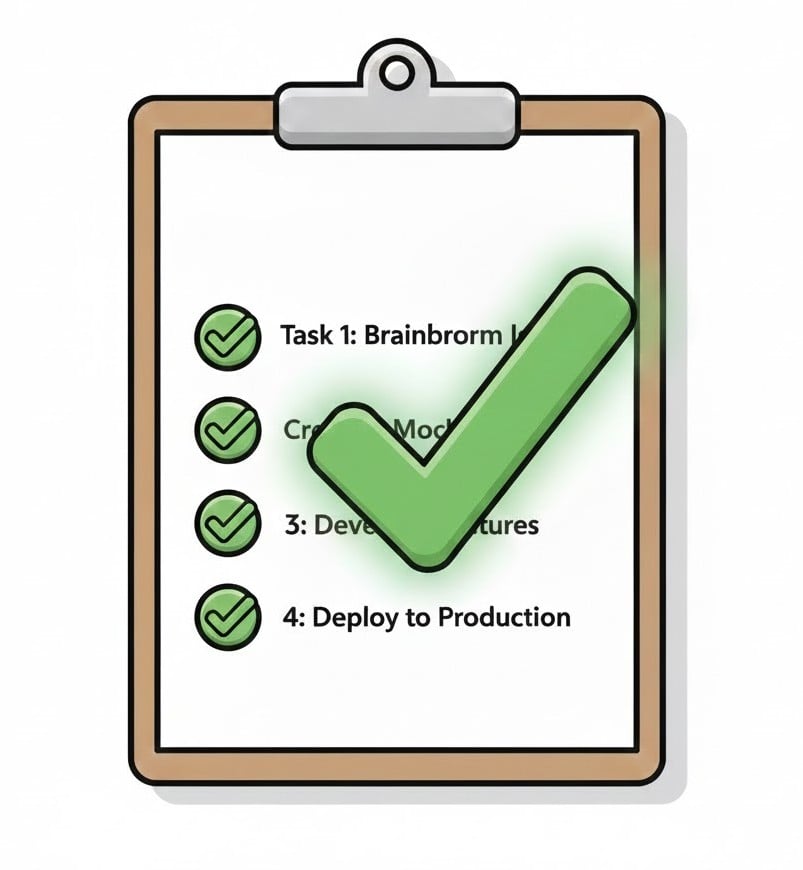
Make sure application insights is enabled.
Ensure usage of correct connection string.
Check for supported runtime and service.
No conflicting SDK configuration.
Summary
Instrumentation makes applications observable.
Auto-instrumentation requires no code changes.
Enabled at platform level.
Uses environment-based configuration.
Provides fast and consistent visibility.
Form the foundation for deeper monitoring
Let's practice!
Monitor and Troubleshoot Azure Solutions
Preparing Video For Download...