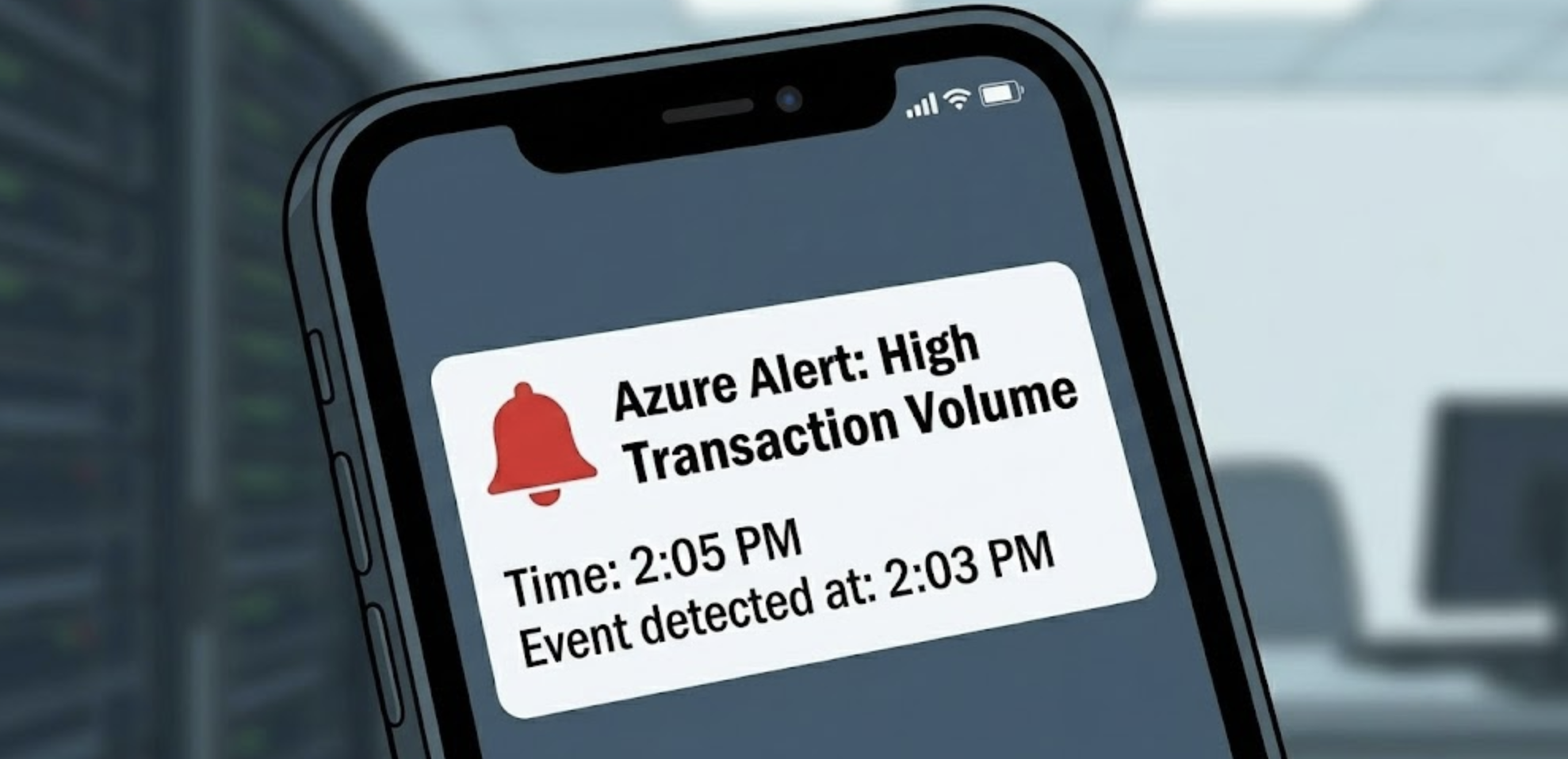
Automated monitoring with alerts

Monitor and Troubleshoot Azure Solutions

Ebadur Osib

Senior Cloud Consulting Engineer

Alerts
Screenshot 2025-11-24 at 4.18.14 pm.png

Monitor and Troubleshoot Azure Solutions

Alerts

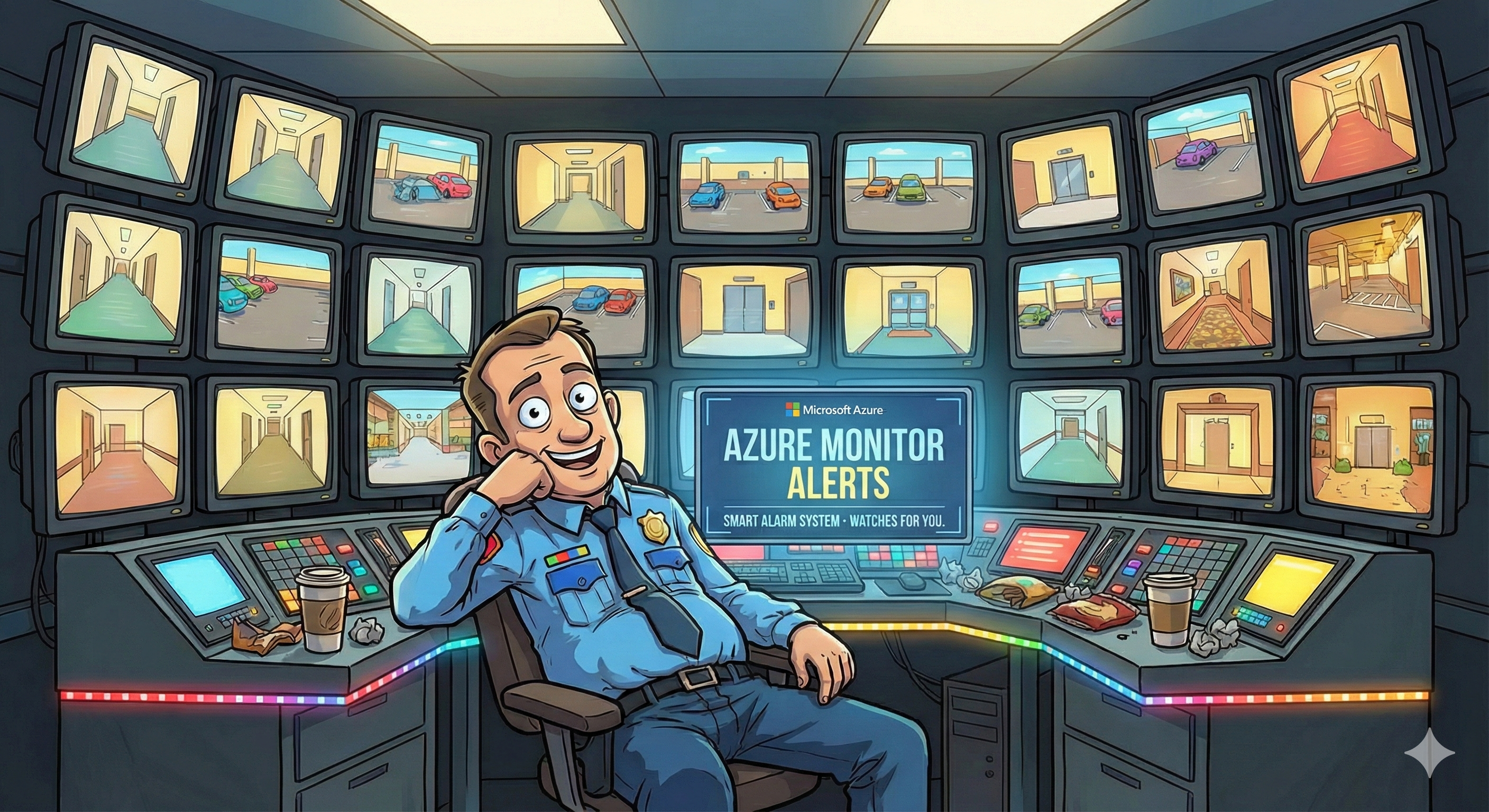
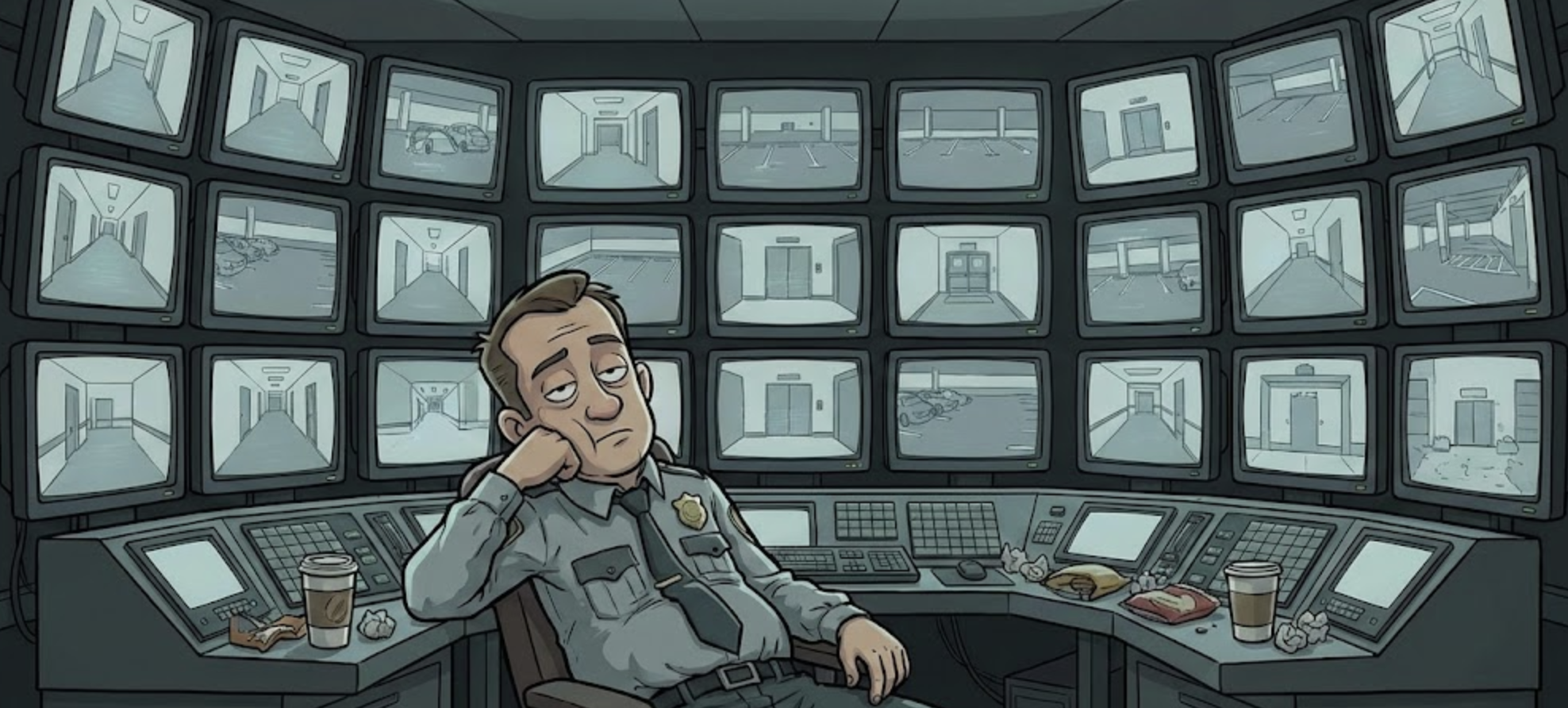
Security guard with computer alerts

Monitor and Troubleshoot Azure Solutions

What are Alerts?

  • Automated watchdogs for your resources
  • Three key components:
    • What to watch: Resource and metric
    • When to notify: The condition
    • What to do: The action
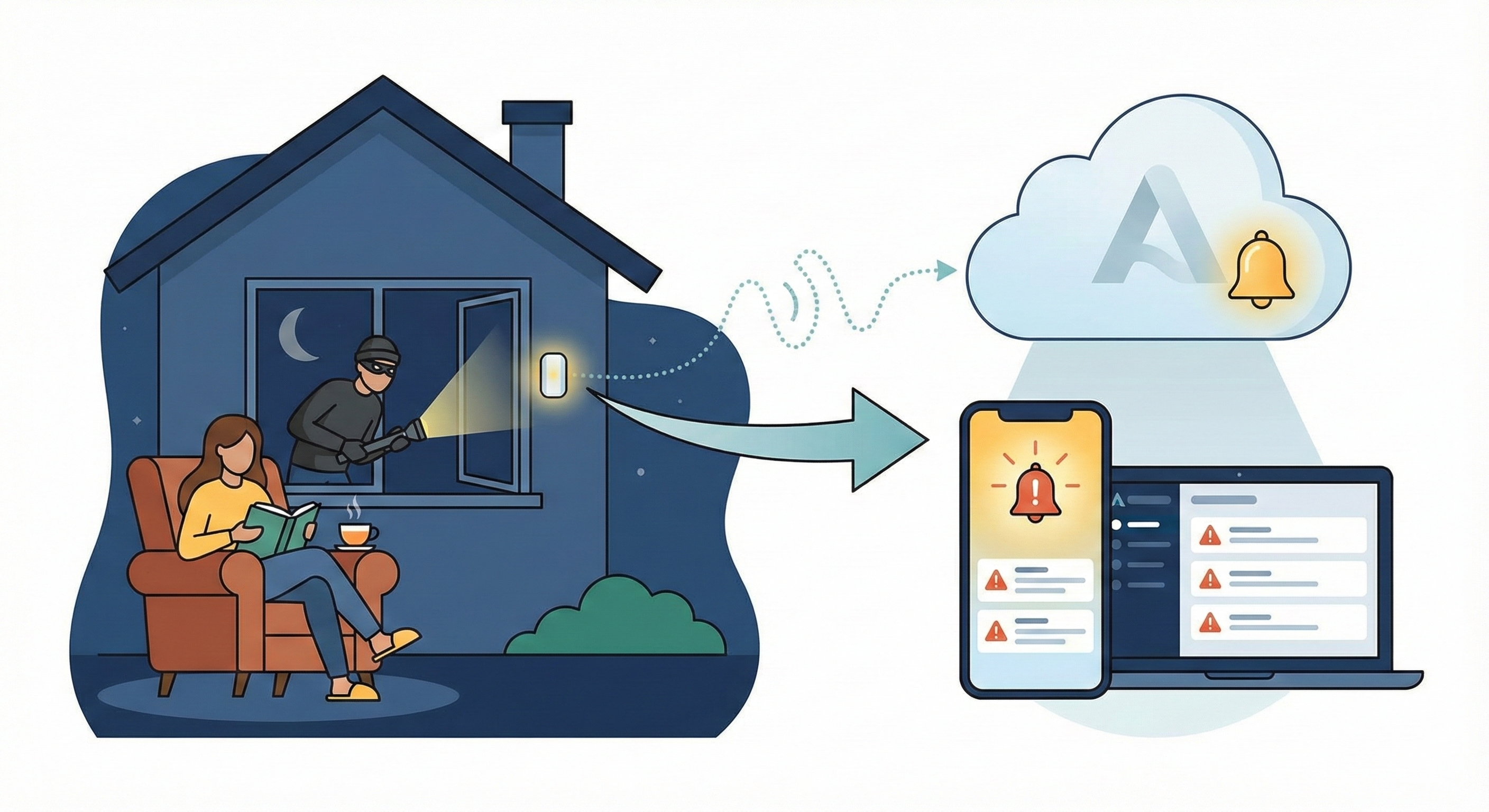
  • Work continuously in the background
  • Notify you immediately when issues occur


Home alerts

Monitor and Troubleshoot Azure Solutions

Alert rules explained

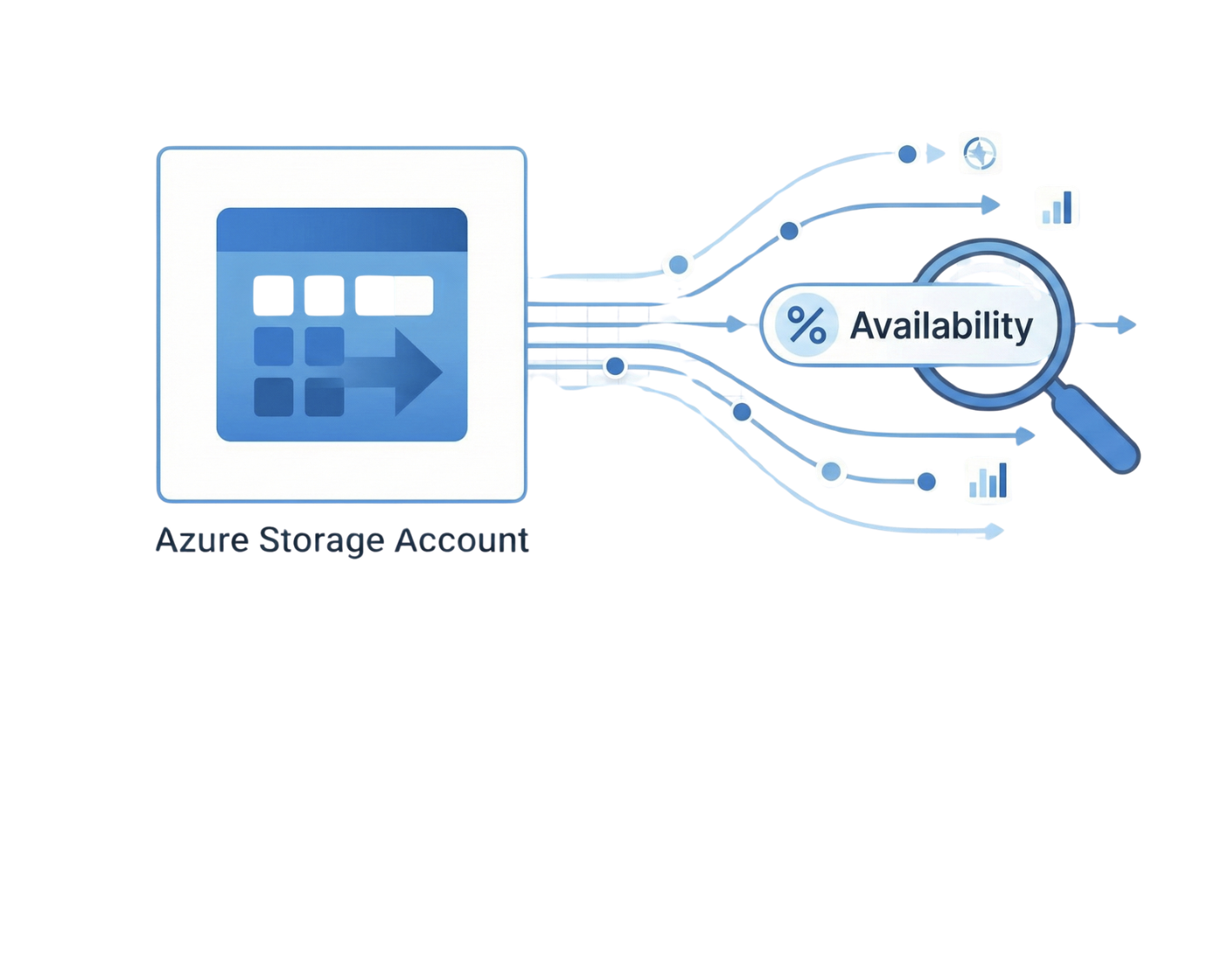
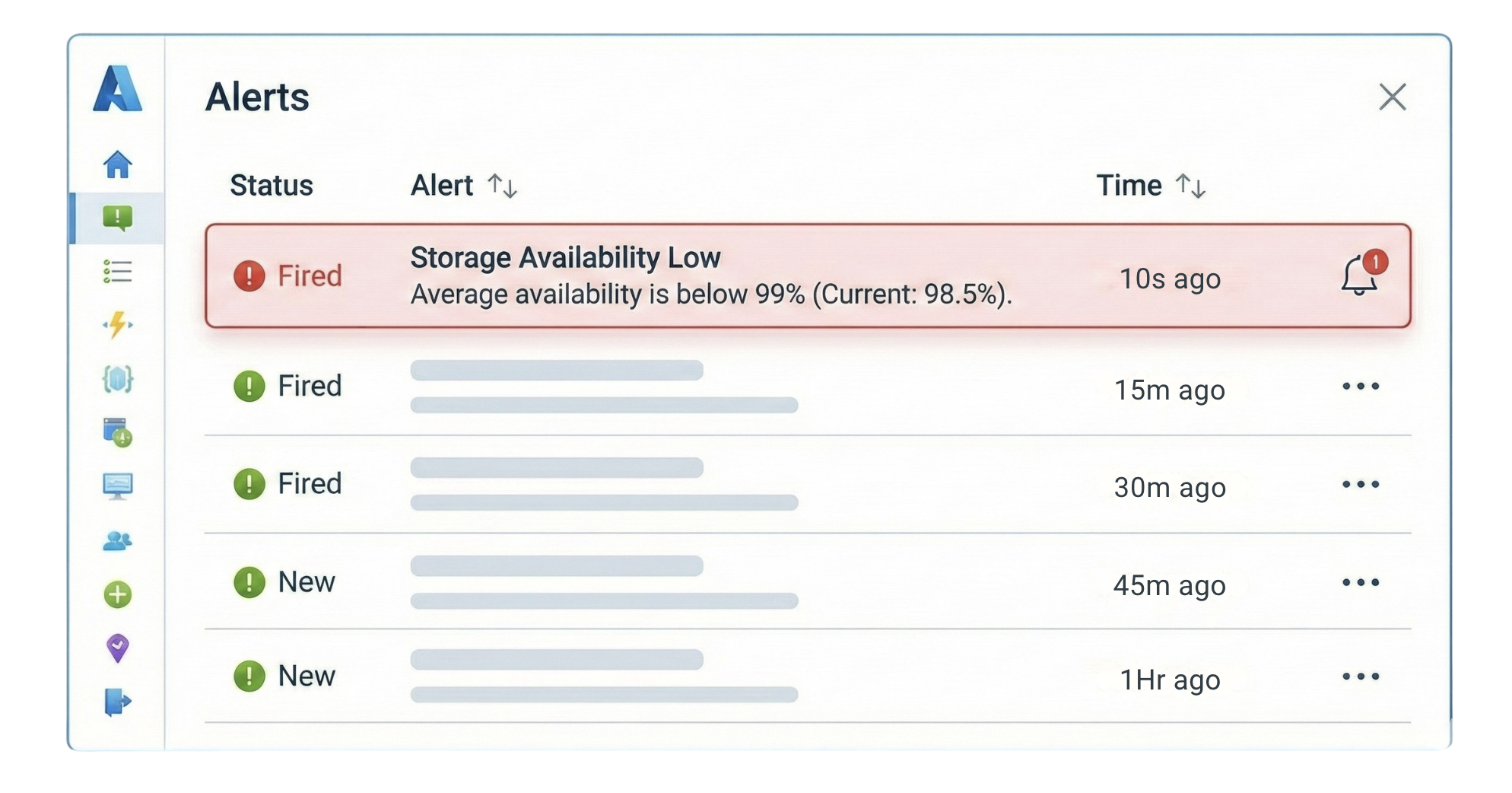
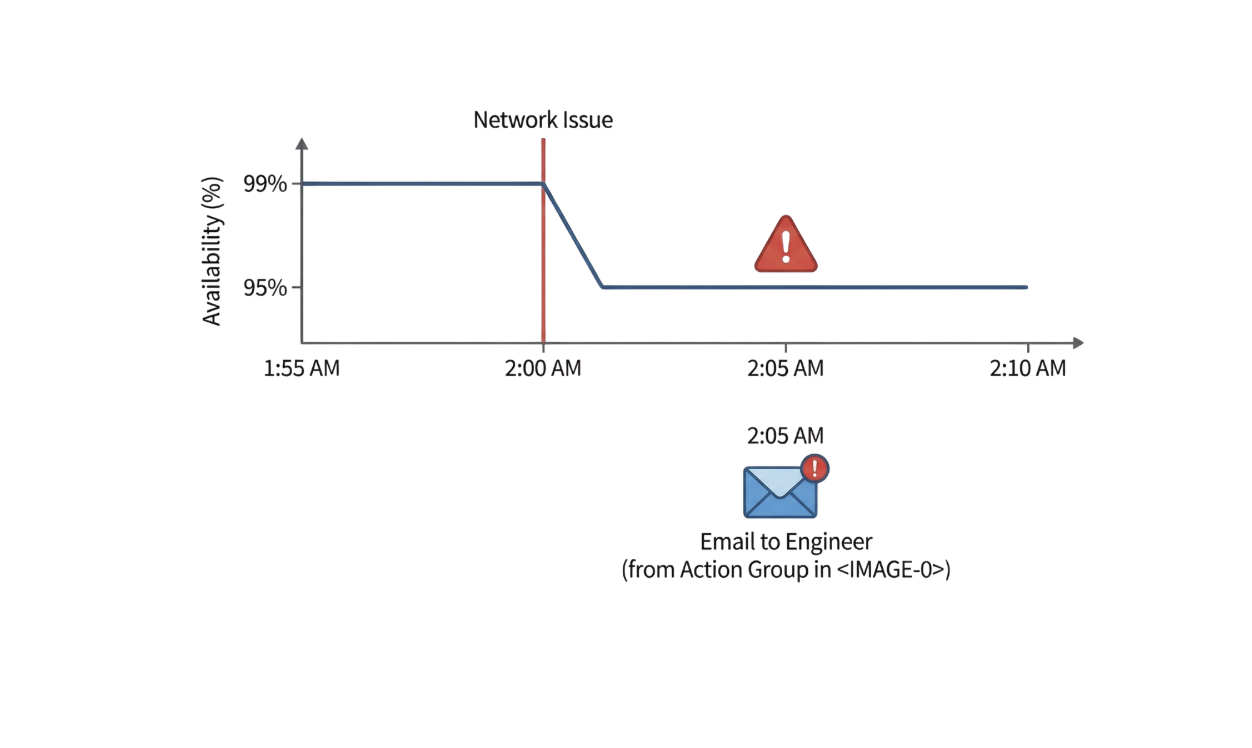
Example: Storage Availability

  • Signal: Availability metric

Screenshot 2025-11-25 at 11.33.20 am.png

Monitor and Troubleshoot Azure Solutions

Alert rules explained

Example: Storage Availability

  • Signal: Availability metric
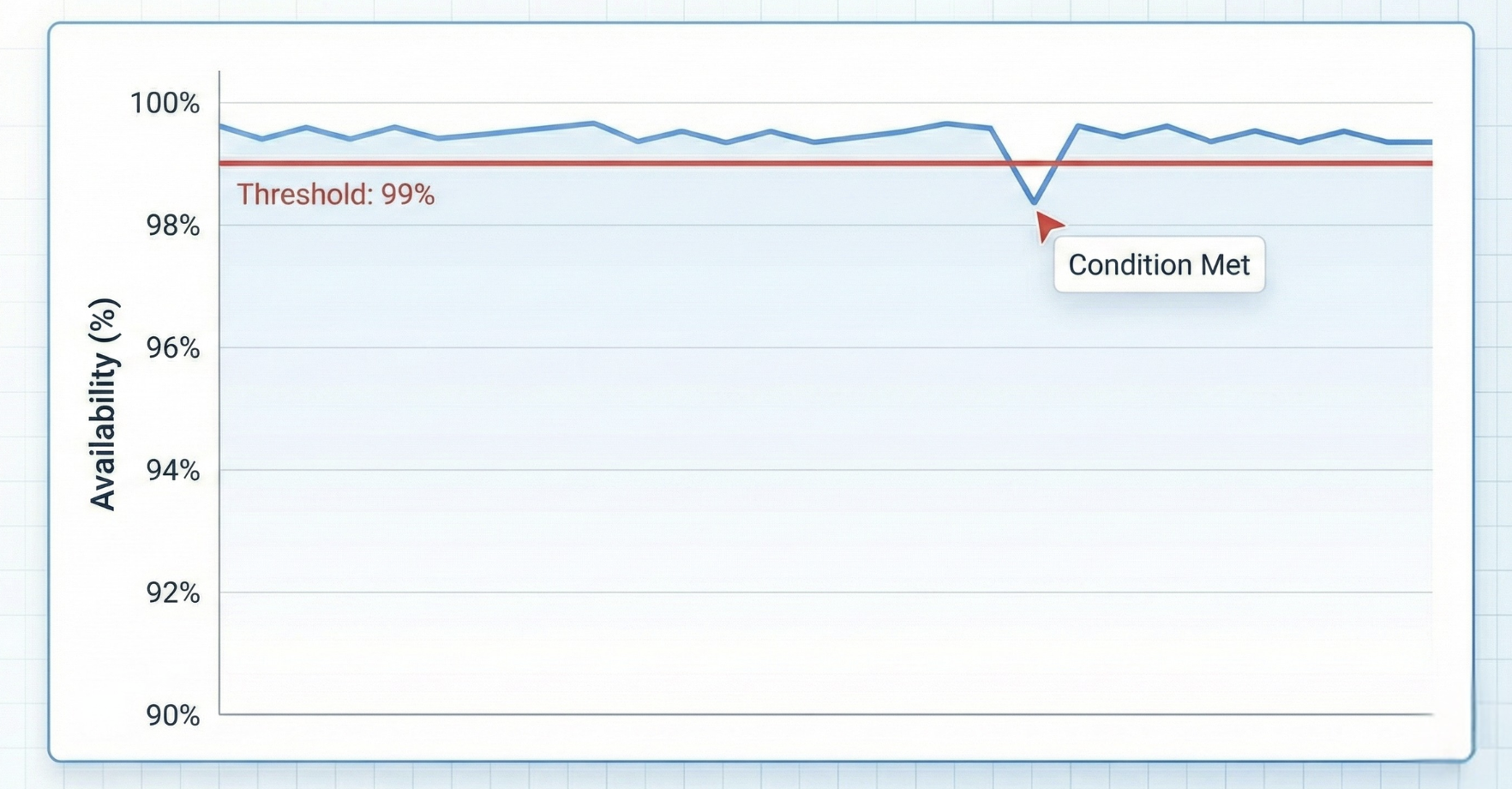
  • Condition: Less than 99%
  • Evaluation: Check every 5 minutes

Screenshot 2025-11-25 at 11.08.27 am.png

Screenshot 2025-11-25 at 11.25.34 am.png

Monitor and Troubleshoot Azure Solutions

Alert rules explained

Example: Storage Availability

  • Signal: Availability metric
  • Condition: Less than 99%
  • Evaluation: Check every 5 minutes

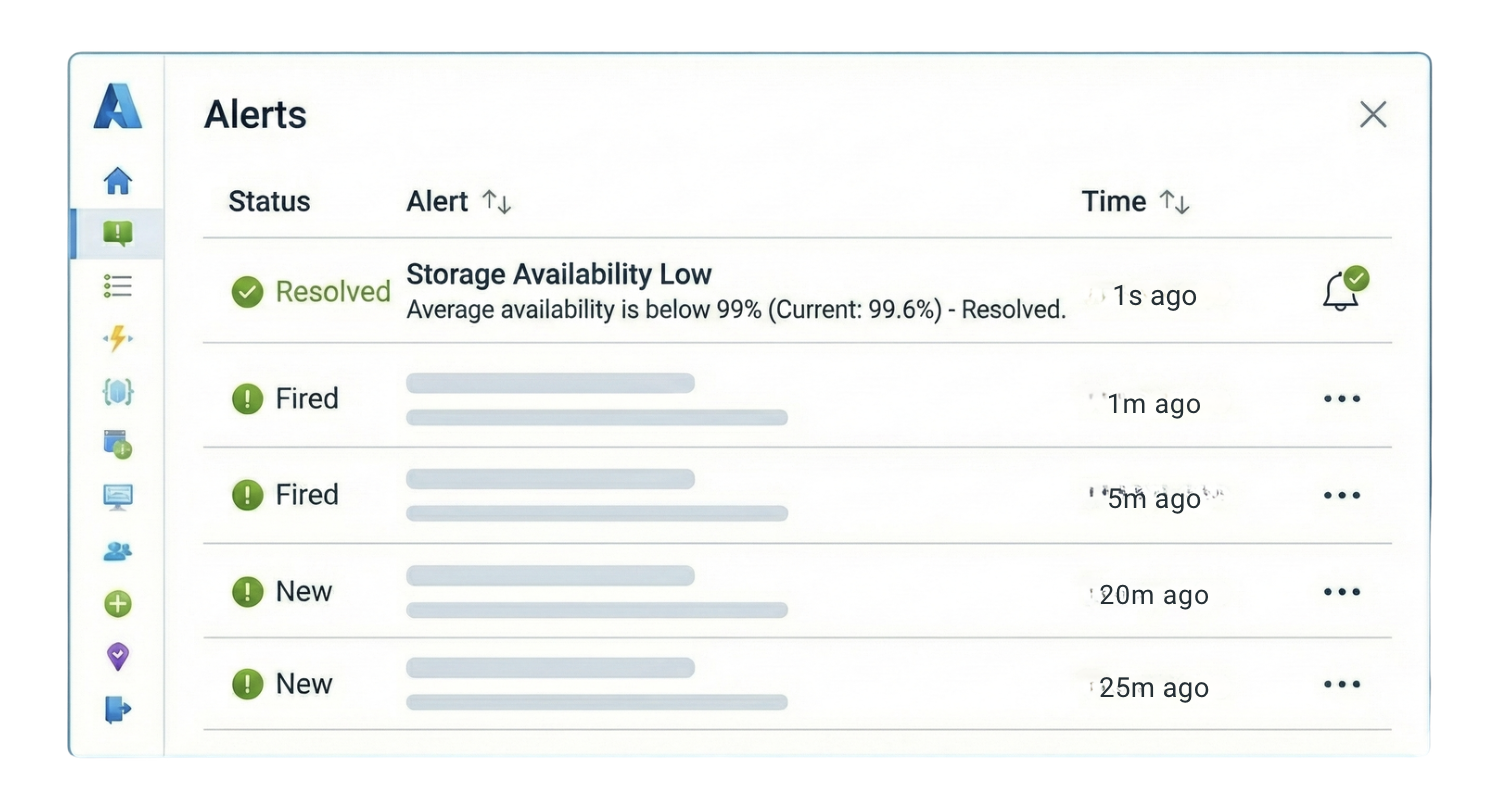
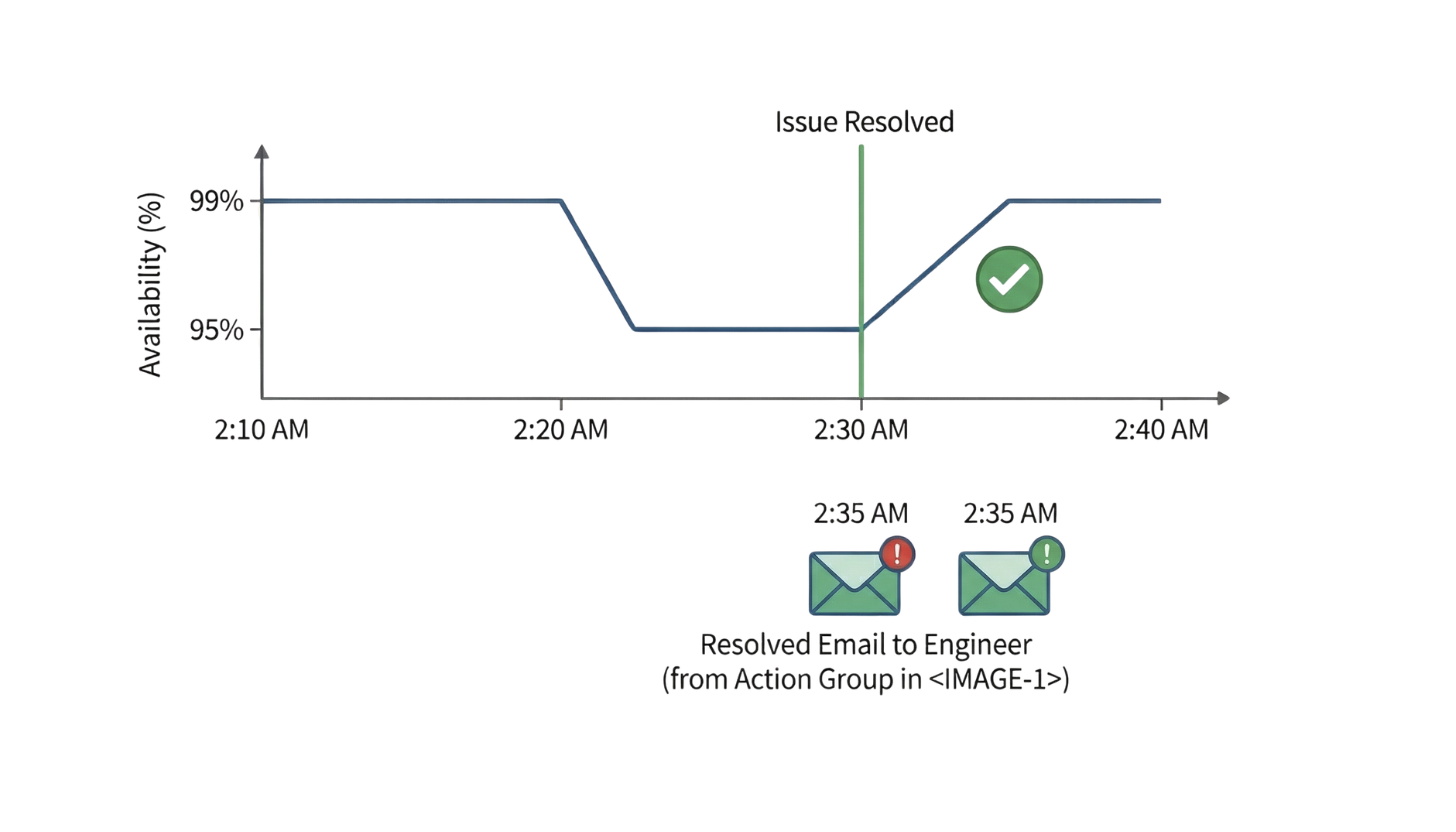
Stateful Behavior:

  • Fires when condition is met
  • Automatically resolves when condition clears


Screenshot 2025-11-25 at 11.31.46 am.png

Monitor and Troubleshoot Azure Solutions

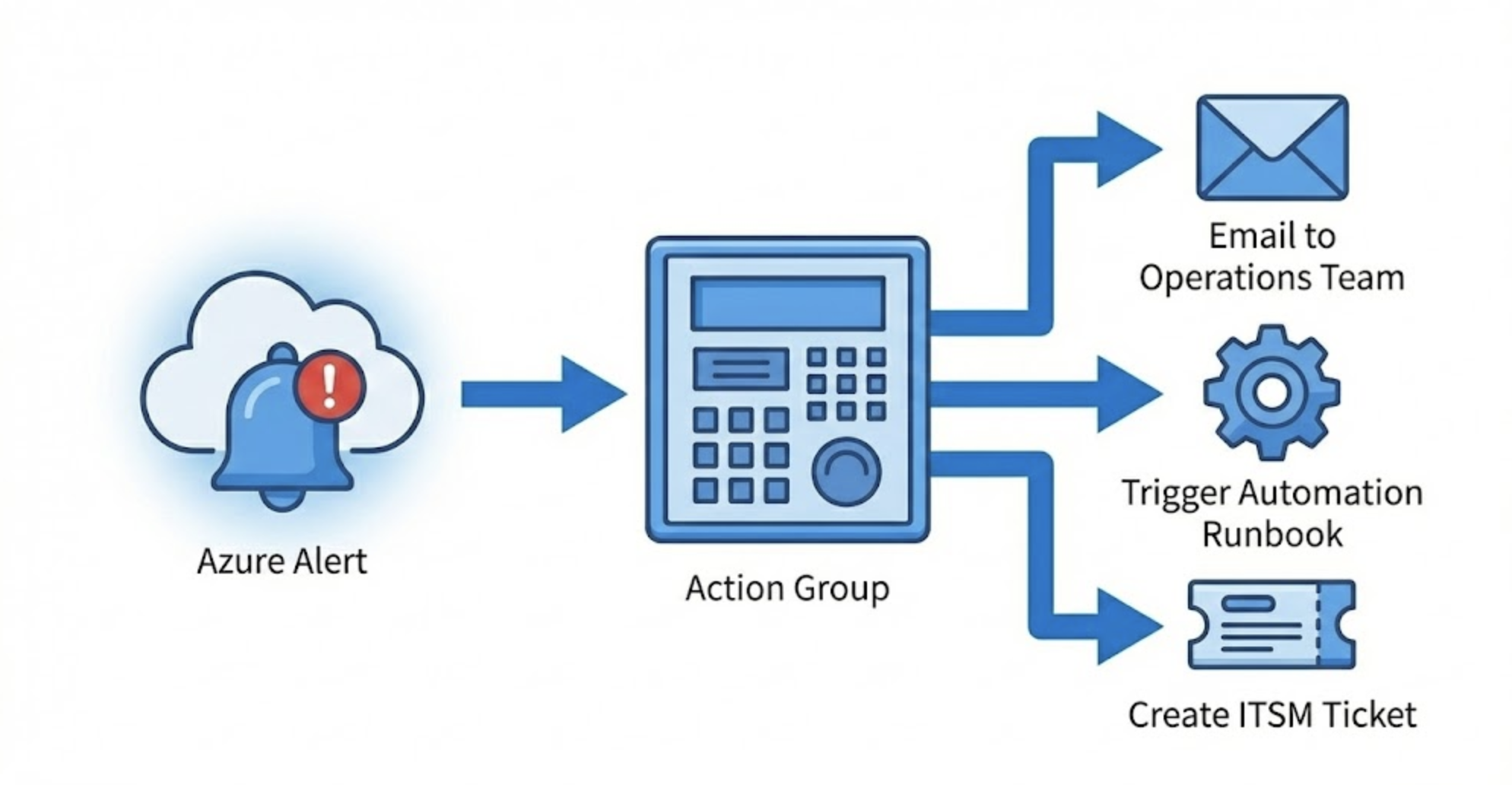
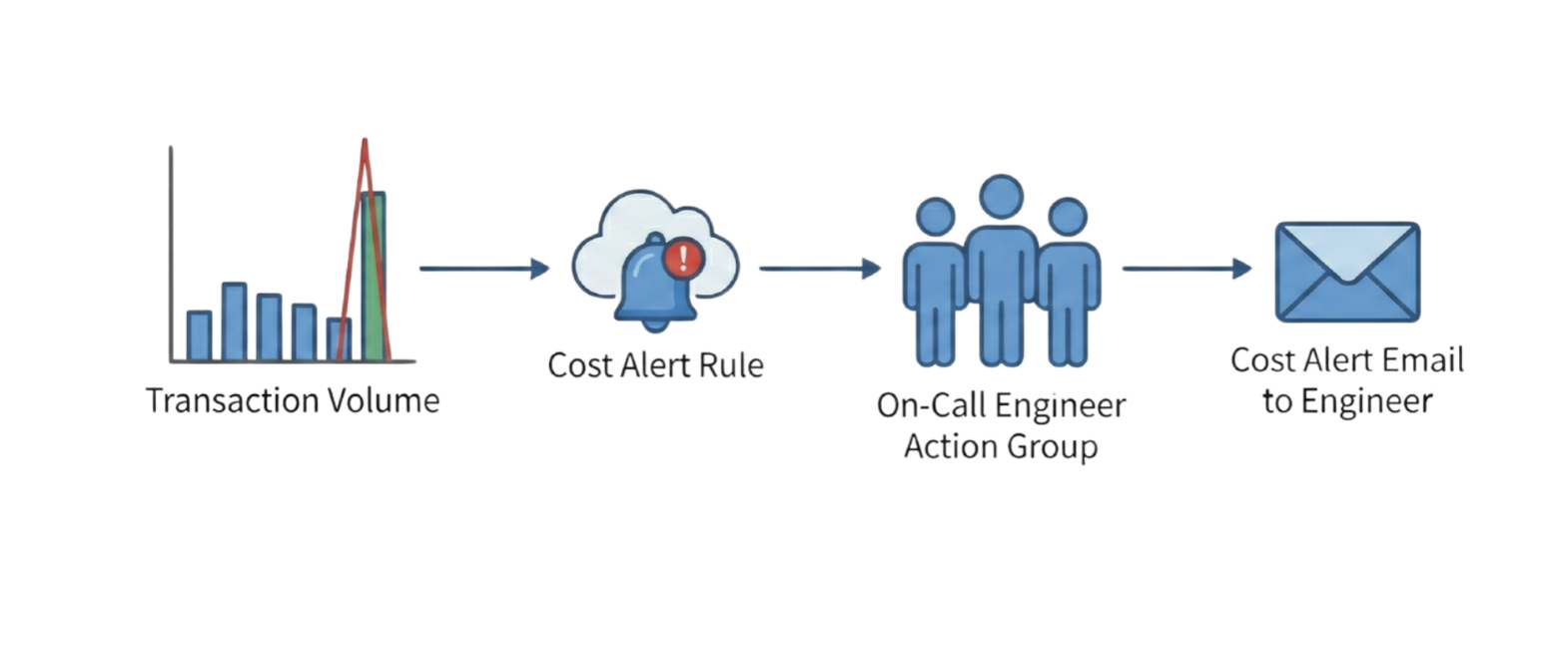
Action groups: Your response team


Screenshot 2025-11-25 at 11.46.45 am.png

  • Define what happens when alerts fire
  • Actions available:

    • Email notifications
    • SMS and voice calls
    • Azure Functions
    • Logic Apps
    • Webhooks
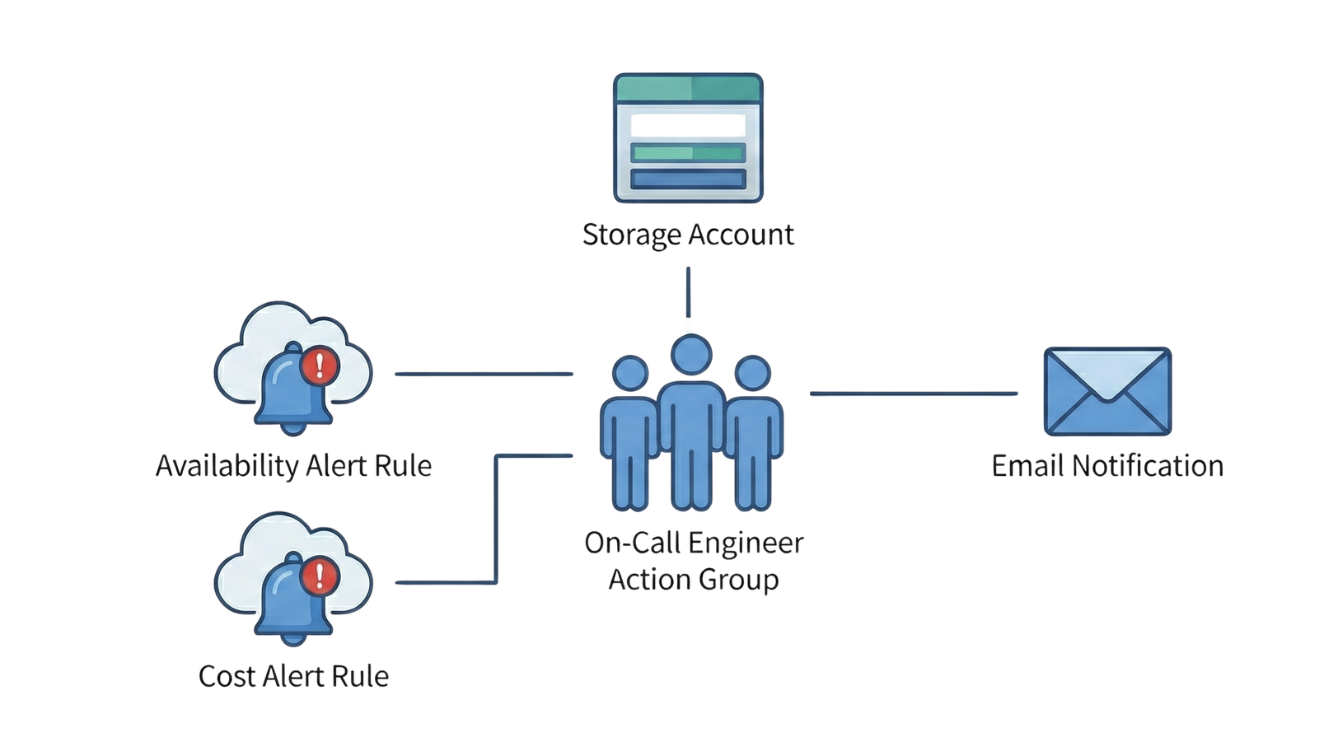
  • Reusable across multiple alerts

Monitor and Troubleshoot Azure Solutions

Put into practice

Screenshot 2025-11-25 at 2.52.08 pm.png

Monitor and Troubleshoot Azure Solutions

Put into practice

Screenshot 2025-11-25 at 2.54.07 pm.png

Monitor and Troubleshoot Azure Solutions

Put into practice

Screenshot 2025-11-25 at 2.56.44 pm.png

Monitor and Troubleshoot Azure Solutions

Put into practice

Screenshot 2025-11-25 at 3.02.56 pm.png

Monitor and Troubleshoot Azure Solutions

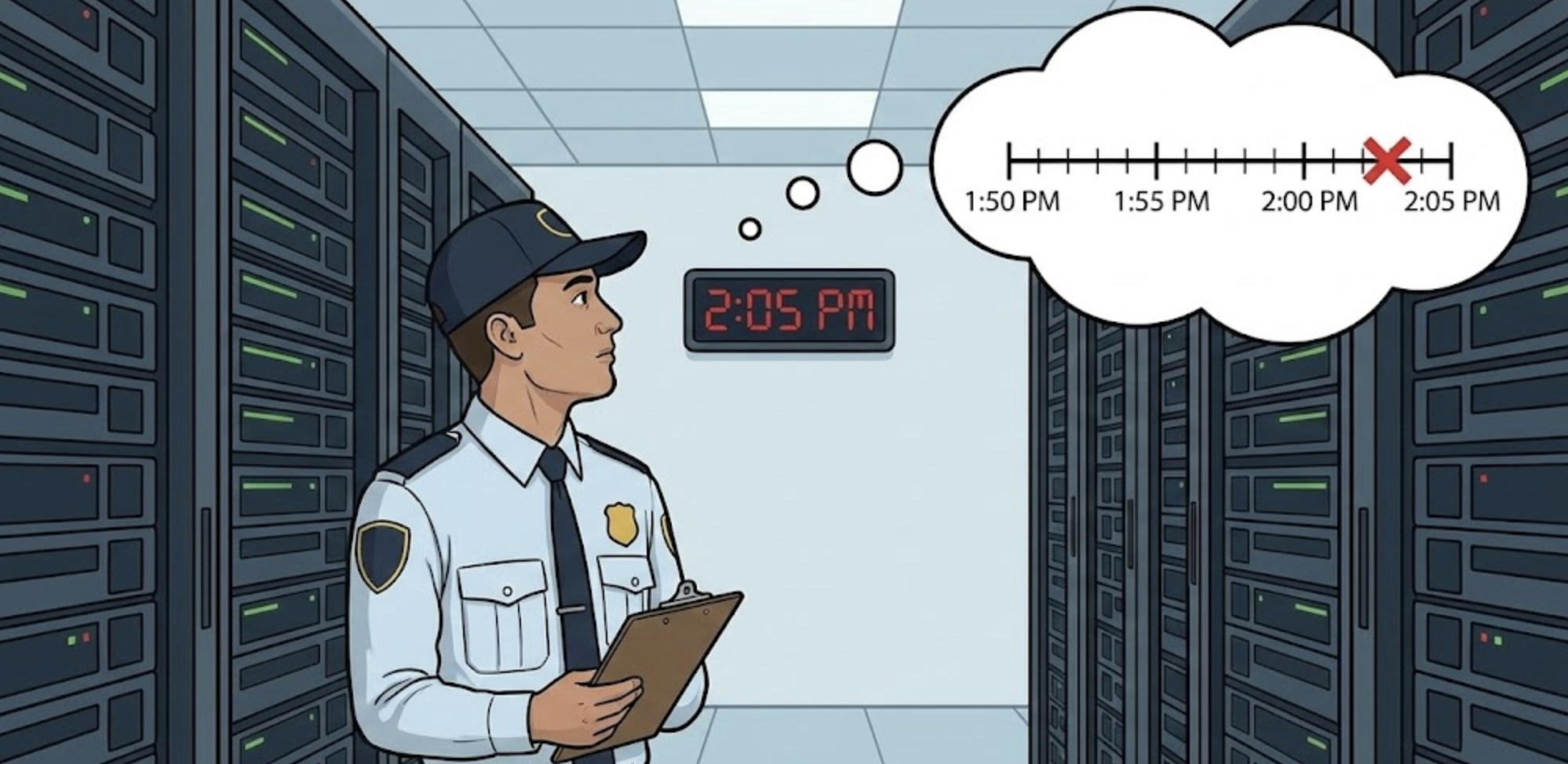
Lookback period

  • Lookback period: How far back to check

Screenshot 2025-11-25 at 3.15.35 pm.png

Monitor and Troubleshoot Azure Solutions

Evaluation frequency

  • Evaluation frequency: How often to check

Screenshot 2025-11-25 at 3.21.21 pm.png

Monitor and Troubleshoot Azure Solutions

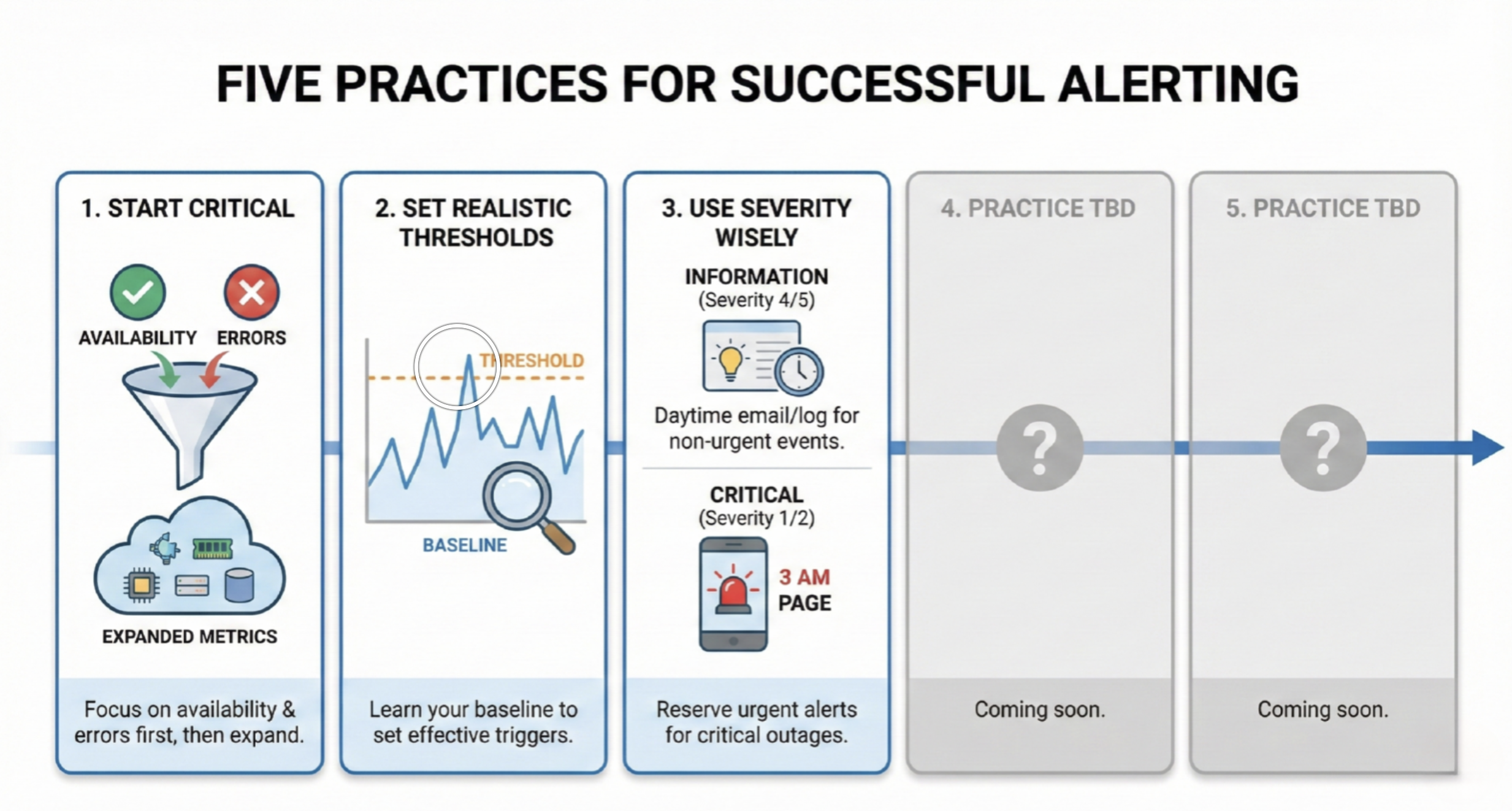
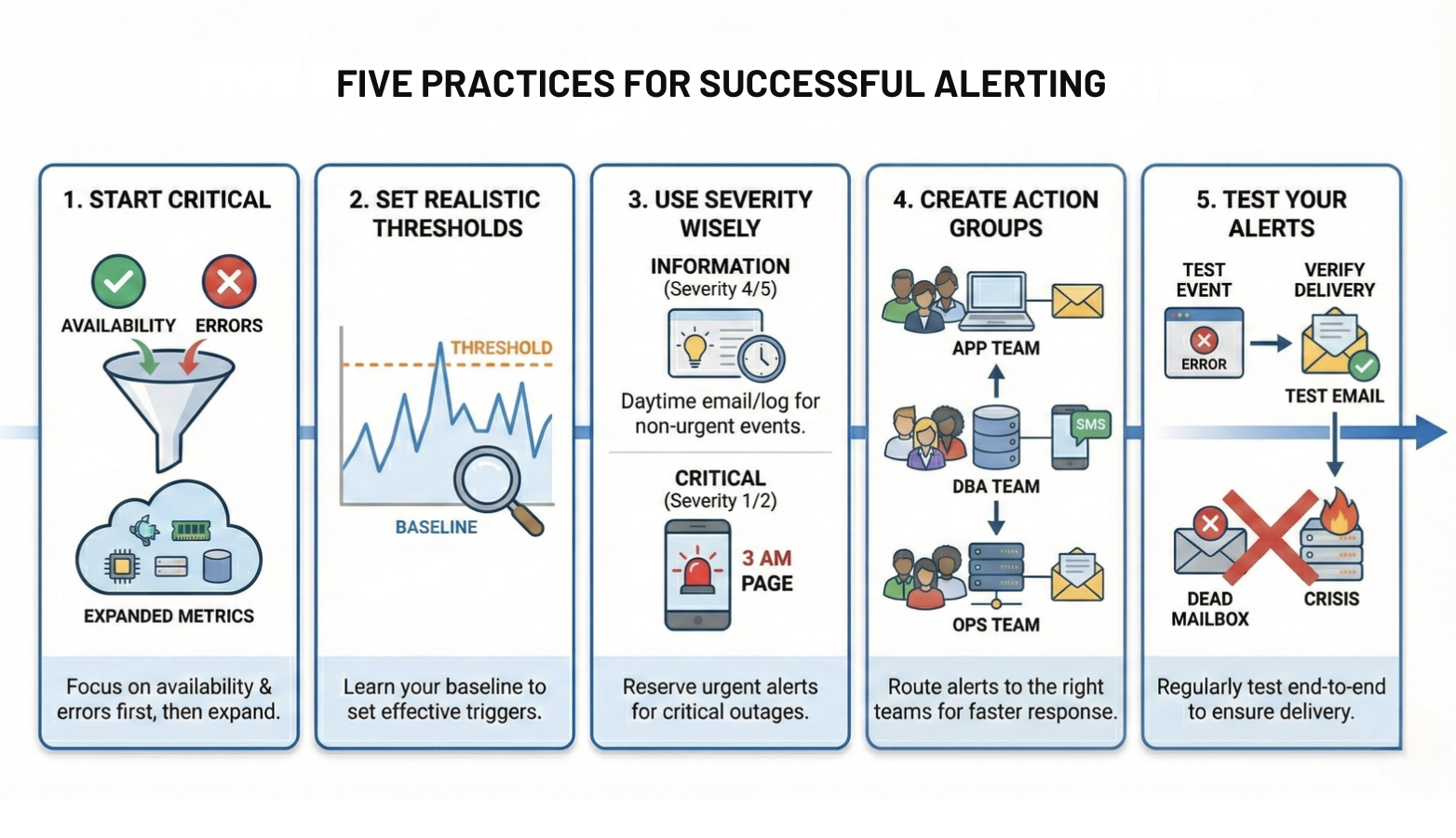
Best practices

Screenshot 2025-11-28 at 1.35.18 am.png

Monitor and Troubleshoot Azure Solutions

Best practices

Screenshot 2025-11-28 at 1.39.22 am.png

Monitor and Troubleshoot Azure Solutions

Let's practice!

Monitor and Troubleshoot Azure Solutions

Preparing Video For Download...