Introduction to Azure Monitor

Monitor and Troubleshoot Azure Solutions

Ebadur Osib

Senior Cloud Consulting Engineer

About the instructor

Cloud engineer

Monitor and Troubleshoot Azure Solutions

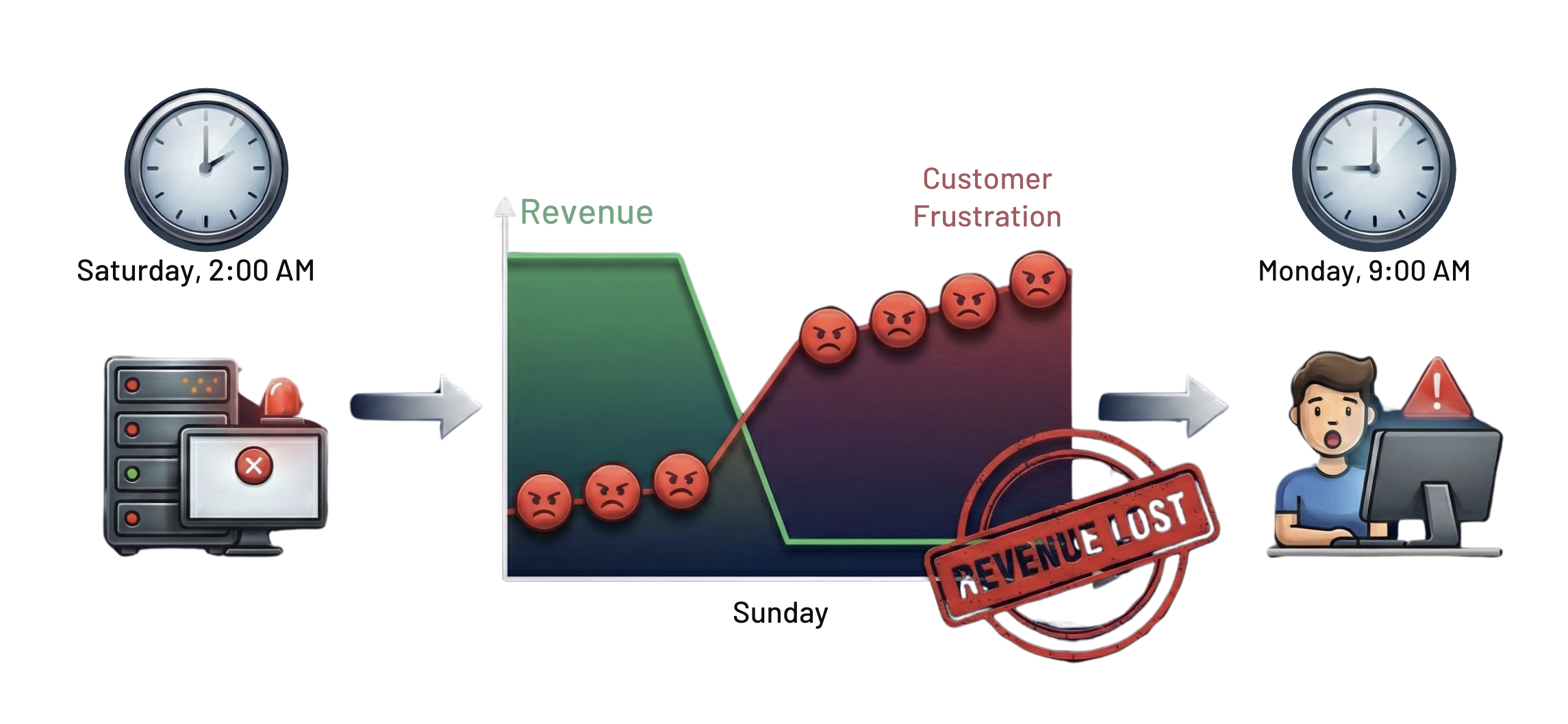
The cost of flying blind

Revenue loss

Monitor and Troubleshoot Azure Solutions

Failing applications

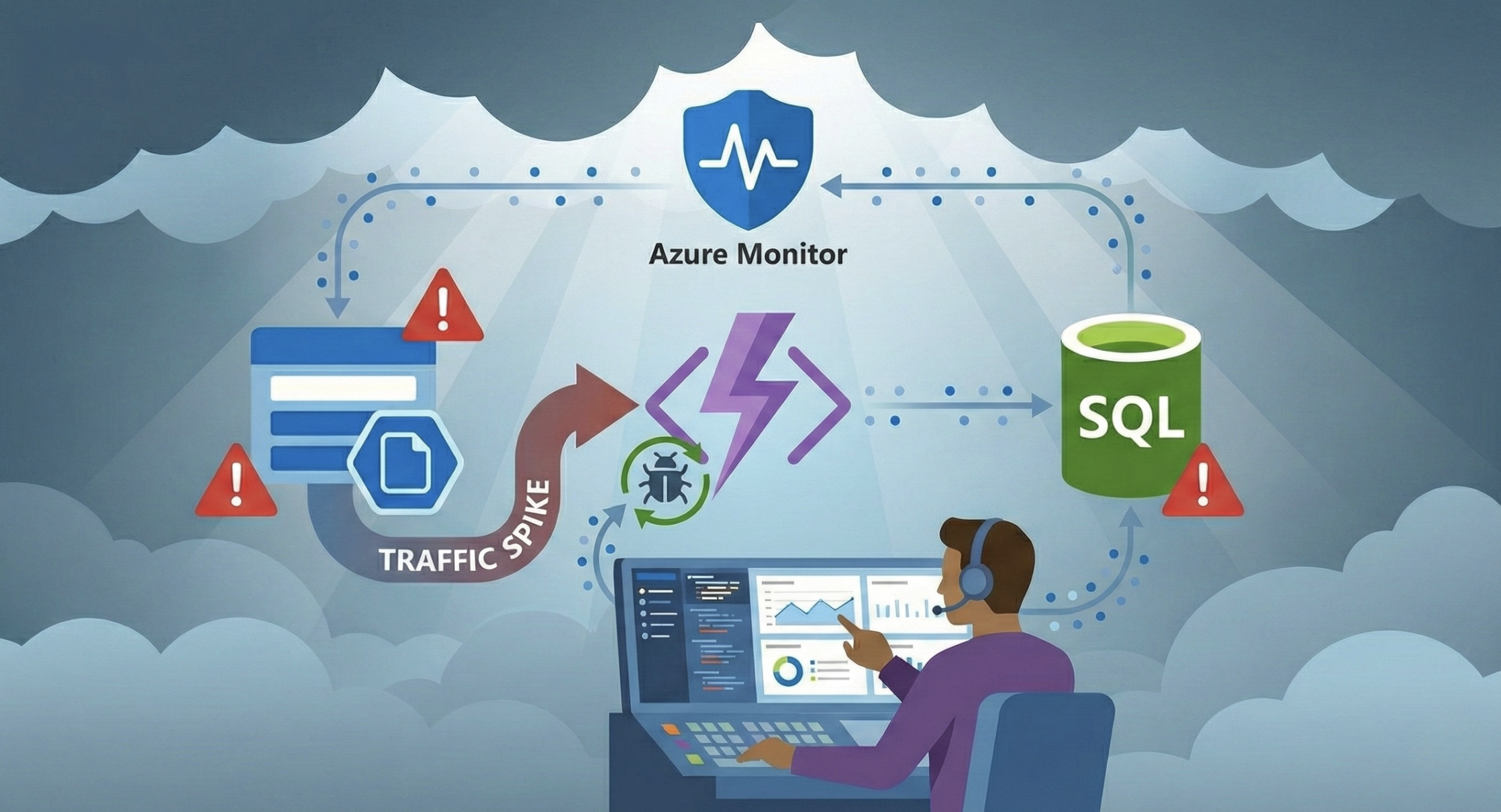
  • Without monitoring, cloud applications fail.

    • You only find issues when users complain.
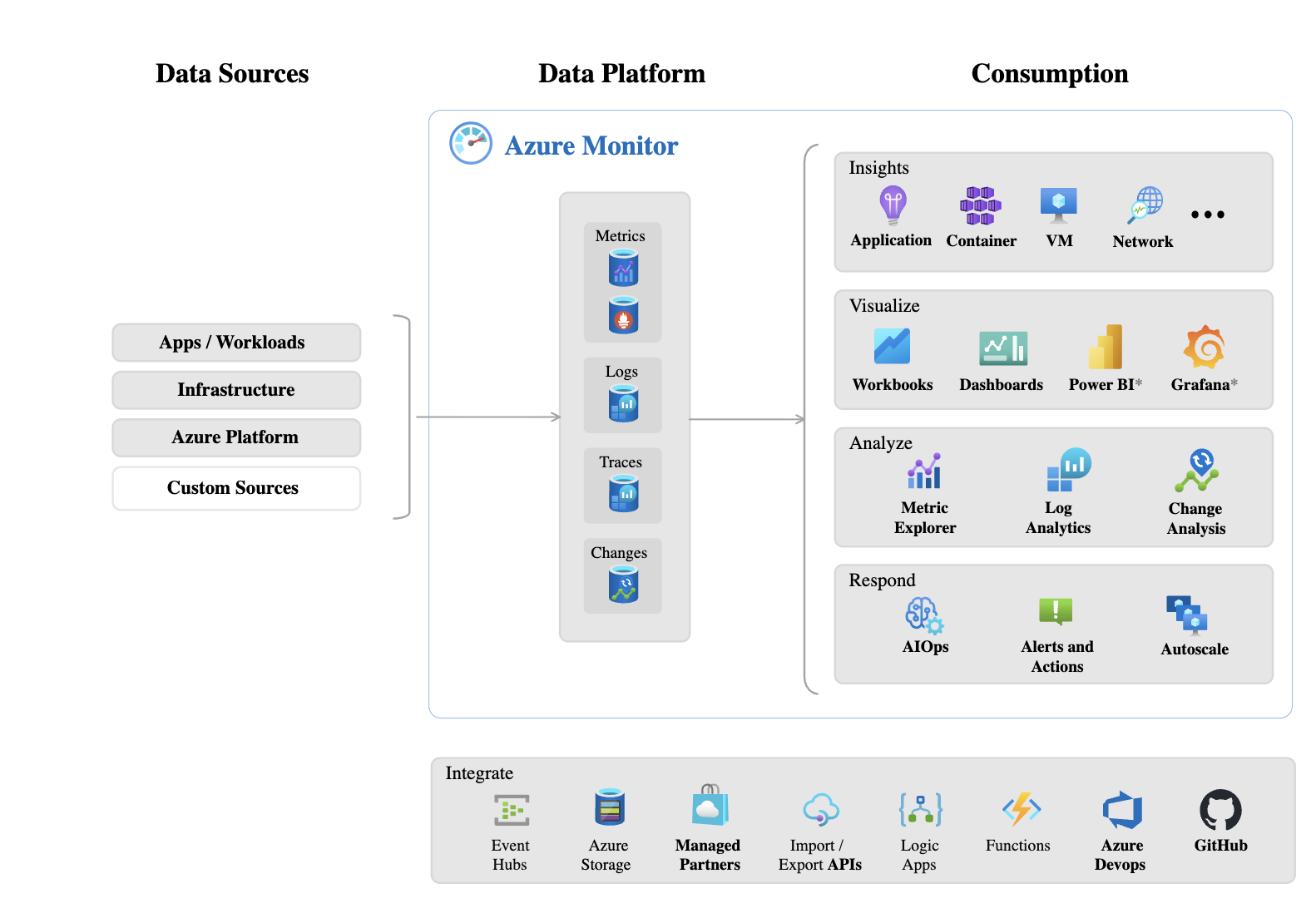
  • Azure Monitor helps prevent this.

    • Not just to collect data.
    • Gives you visibility to spot issues before users are impacted.

Screenshot 2025-12-03 at 4.14.58 pm.png

1 [Image] https://learn.microsoft.com/en-us/azure/azure-monitor/fundamentals/overview
Monitor and Troubleshoot Azure Solutions

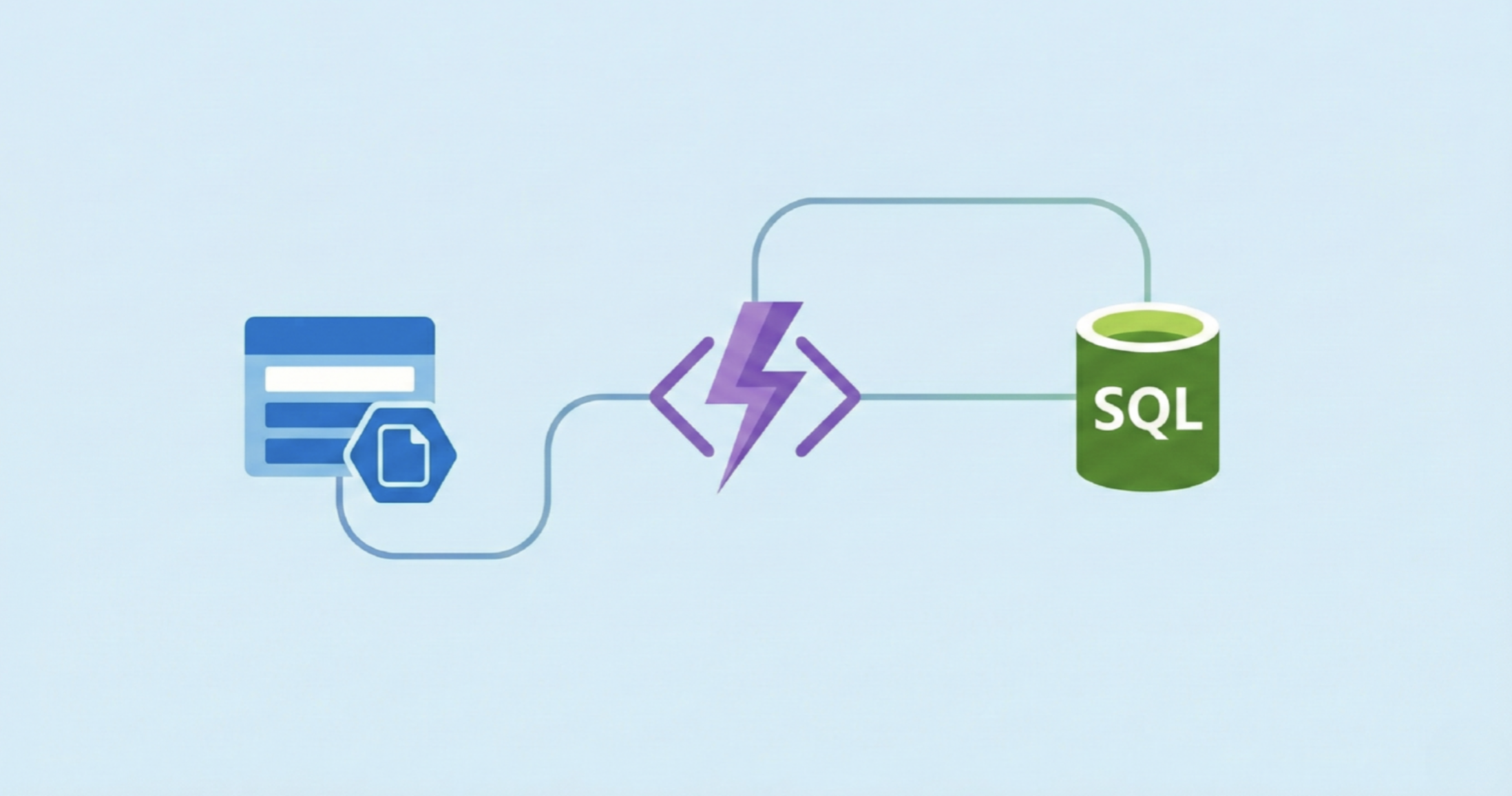
Why monitoring matters

Screenshot 2025-12-03 at 4.44.40 pm.png

Monitor and Troubleshoot Azure Solutions

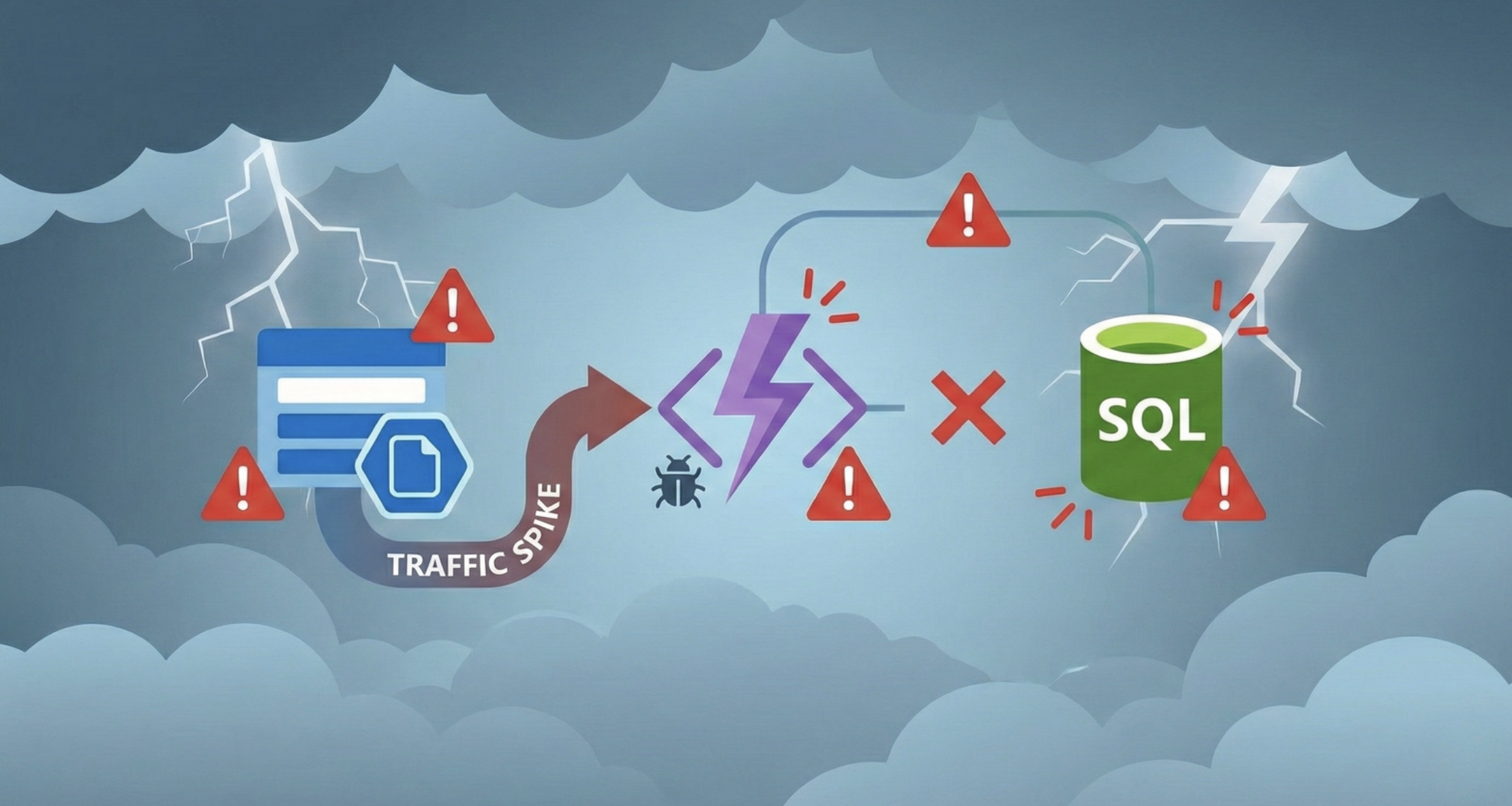
Production failures

Screenshot 2025-12-03 at 4.42.41 pm.png

Monitor and Troubleshoot Azure Solutions

Safety net

  Screenshot 2025-12-03 at 4.46.13 pm.png


  • Azure Monitor is the safety net.
  • Continous data collection.
  • Act on data changes before they become an issue.
Monitor and Troubleshoot Azure Solutions

Course overview

  • Azure Monitor is essential for building reliable cloud applications.

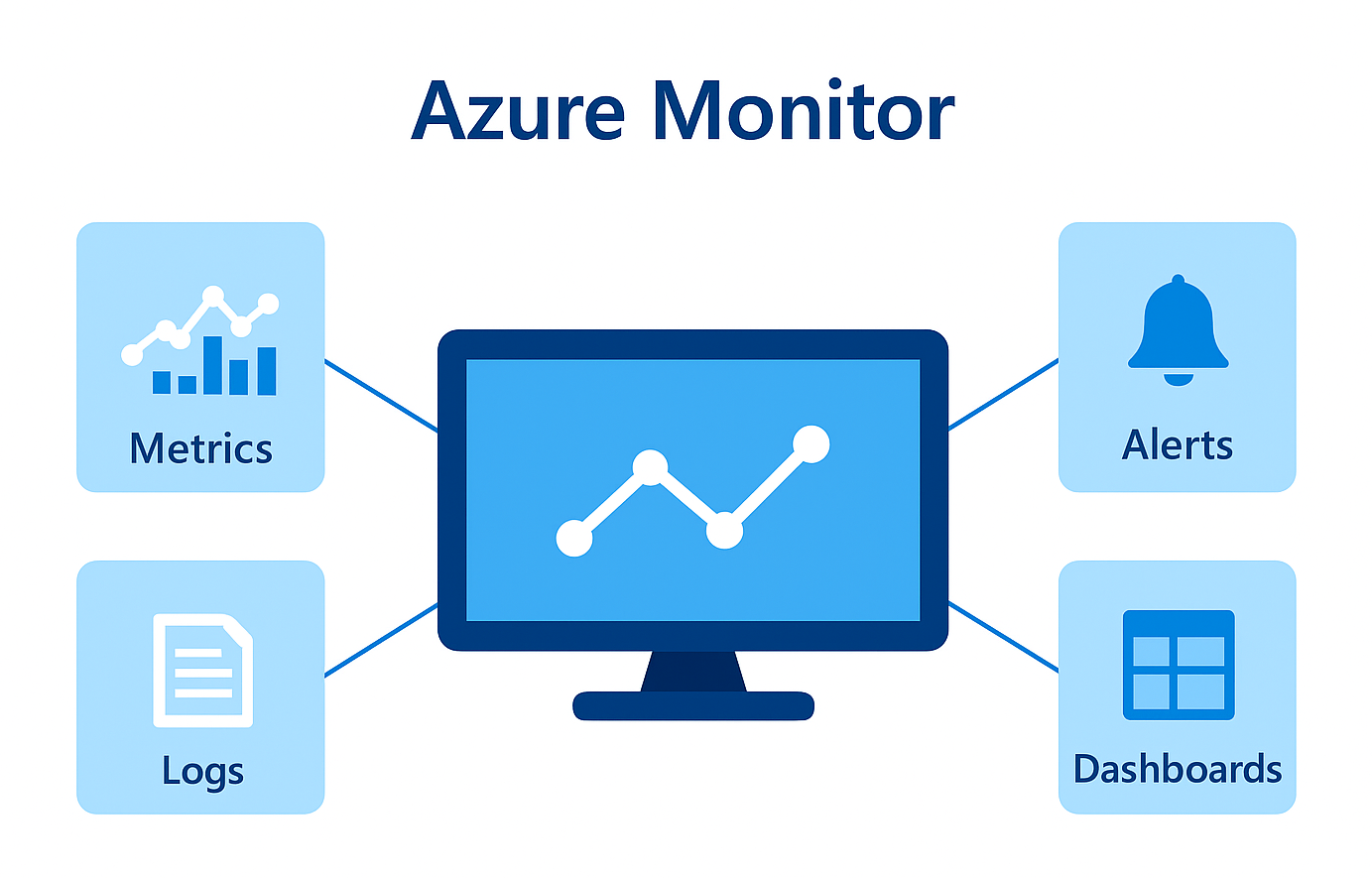
  • You'll learn how metrics, logs, alerts, and Application Insights work together.

  • These tools help detect issues early and reduce downtime.

  • They also support performance optimization.

  • These skills directly support the AZ-204 exam and real-world cloud development.

Monitor

Monitor and Troubleshoot Azure Solutions

Metrics

  • Measurements that show real-time performance and health of Azure resources
  • Tracks key indicators such as:

    • CPU usage
    • Memory
    • Network Activity
  • Metrics help you to quickly spot issues and monitor resource performance over time


metrics.png

Monitor and Troubleshoot Azure Solutions

Logs


  • Logs collect detailed, event-level data from your Azure resources.
  • They capture information like requests, errors and operations.
  • Provides richer insights than metrics.
  • Diagnose root causes.

logs.jpg

Monitor and Troubleshoot Azure Solutions

Alerts


  • Alerts turn monitoring into active protection.

  • You define conditions that matter instead of watching dashboards.

  • Azure notifies you automatically when conditions are met.

  • Issues like availability dropping below a threshold are detected quickly.


title-azure-alerts-explore.png

Monitor and Troubleshoot Azure Solutions

Dashboards


  • Dashboards bring key information into a single view.

  • You can pin metrics, logs, and alert status together.

  • Data can come from multiple resources.

  • This gives teams a unified view of application health.

unnamed.jpg

Monitor and Troubleshoot Azure Solutions

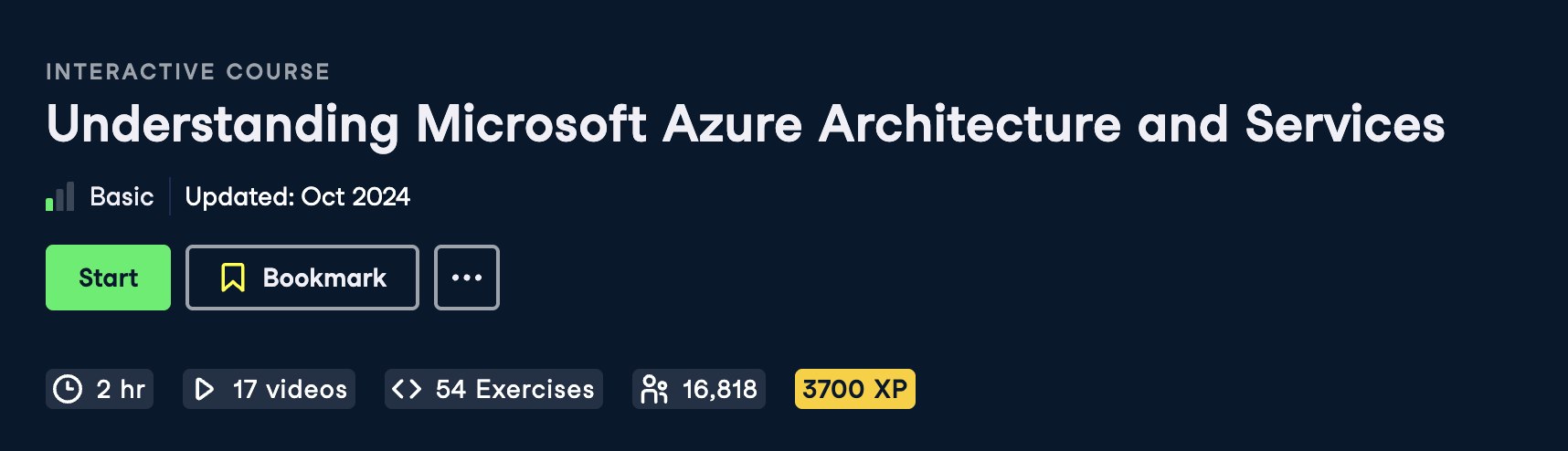
Before you begin

  • Recommended prerequisite:
    • Understanding Microsoft Azure Architecture and Services course
    • Understanding of cloud computing and the Azure platform
    • Familiarity with basic programming concepts
Screenshot 2025-12-03 at 5.04.23 pm.png

Monitor and Troubleshoot Azure Solutions

Let's practice!

Monitor and Troubleshoot Azure Solutions

Preparing Video For Download...