Collecting and viewing metrics

Monitor and Troubleshoot Azure Solutions

Ebadur Osib

Senior Cloud Consulting Engineer

Metrics recap
Screenshot 2025-11-28 at 12.47.59 am.png

Monitor and Troubleshoot Azure Solutions

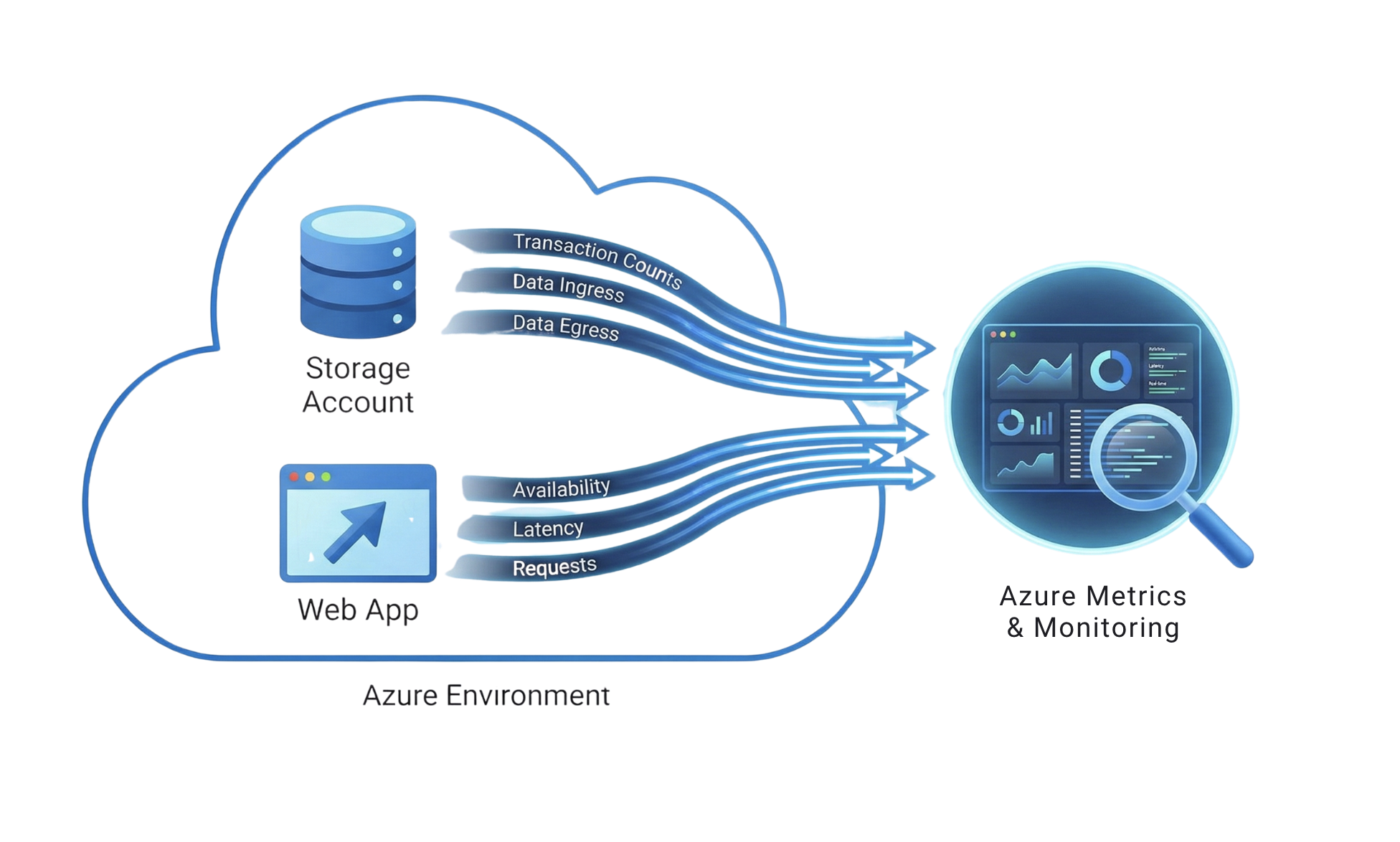
How metrics are collected

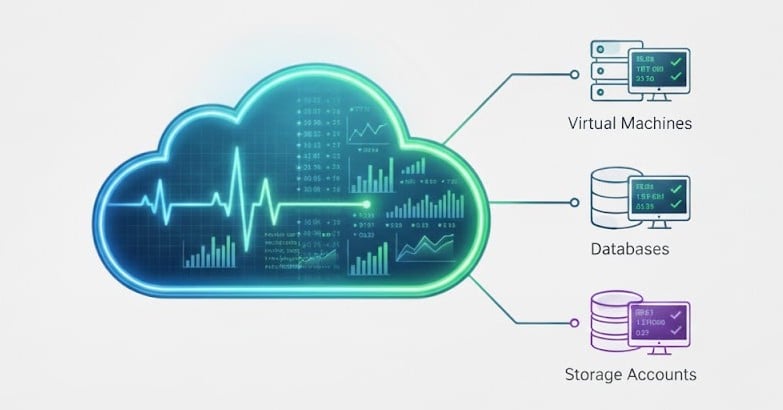
  • Azure automatically collects metrics from resources.
  • No installation or coding required.

Screenshot 2025-11-28 at 12.54.39 am.png

Monitor and Troubleshoot Azure Solutions

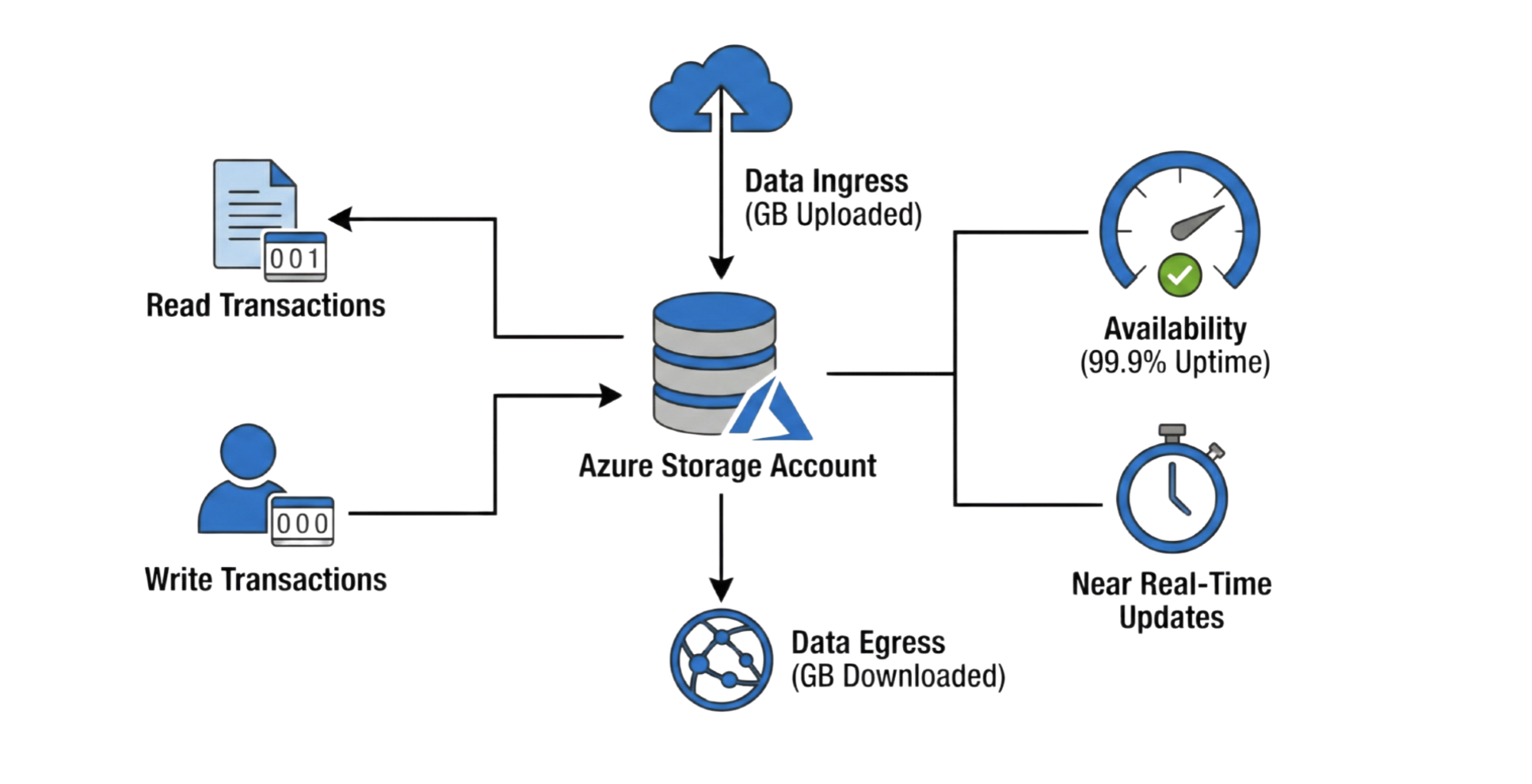
Example: Storage account metrics


Screenshot 2025-11-28 at 1.02.11 am.png

  • Transactions: How many read and write operations occur.
  • Ingress: The amount of data uploaded to your storage.
  • Egress: The amount of data downloaded from your storage.
  • Availability: The percentage of time your storage is accessible.
  • All updated in real time.
Monitor and Troubleshoot Azure Solutions

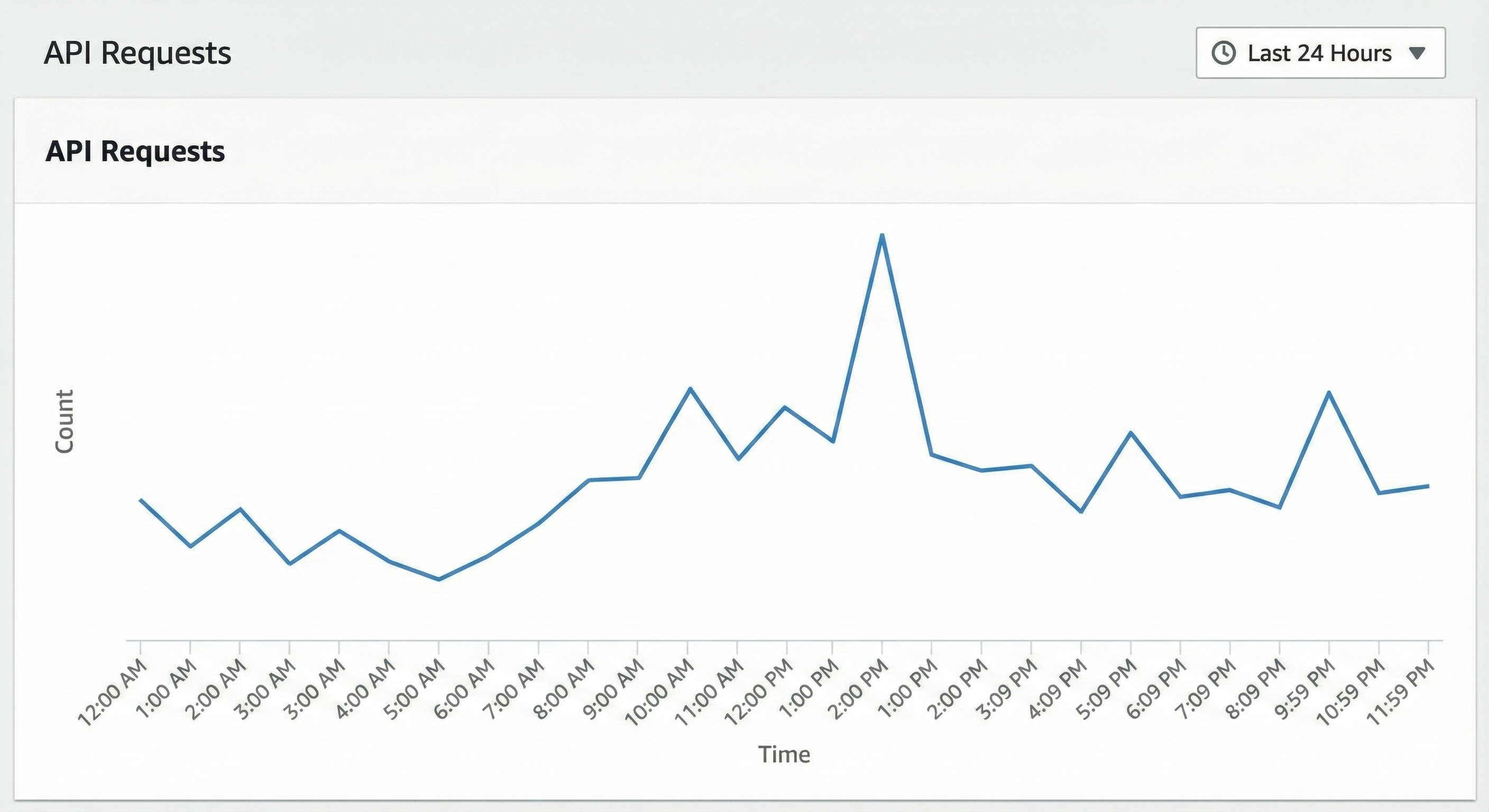
Customizing your view

Gemini_Generated_Image_12f9v312f9v312f9.png

Monitor and Troubleshoot Azure Solutions

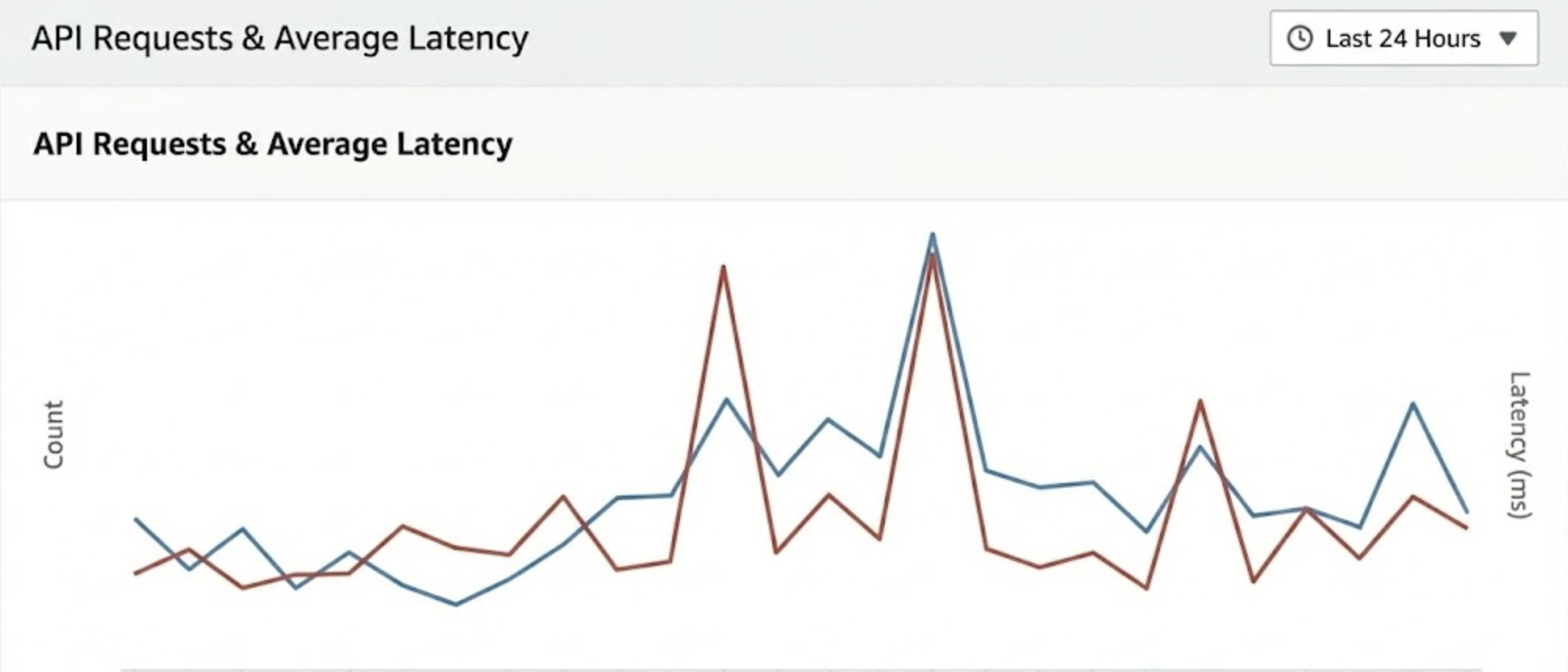
Multiple metrics

Screenshot 2025-11-28 at 1.12.38 am.png

Monitor and Troubleshoot Azure Solutions

Split metrics

Screenshot 2025-11-28 at 1.13.34 am.png

Monitor and Troubleshoot Azure Solutions

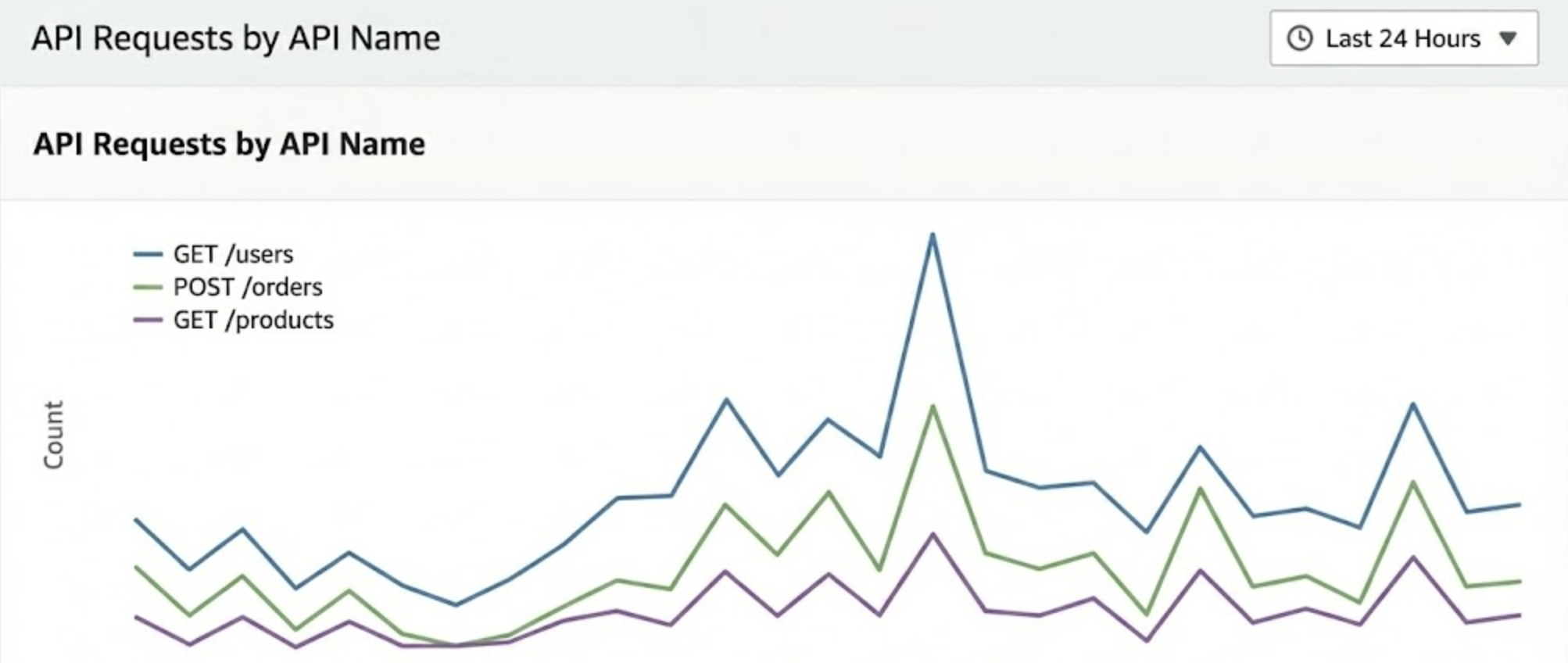
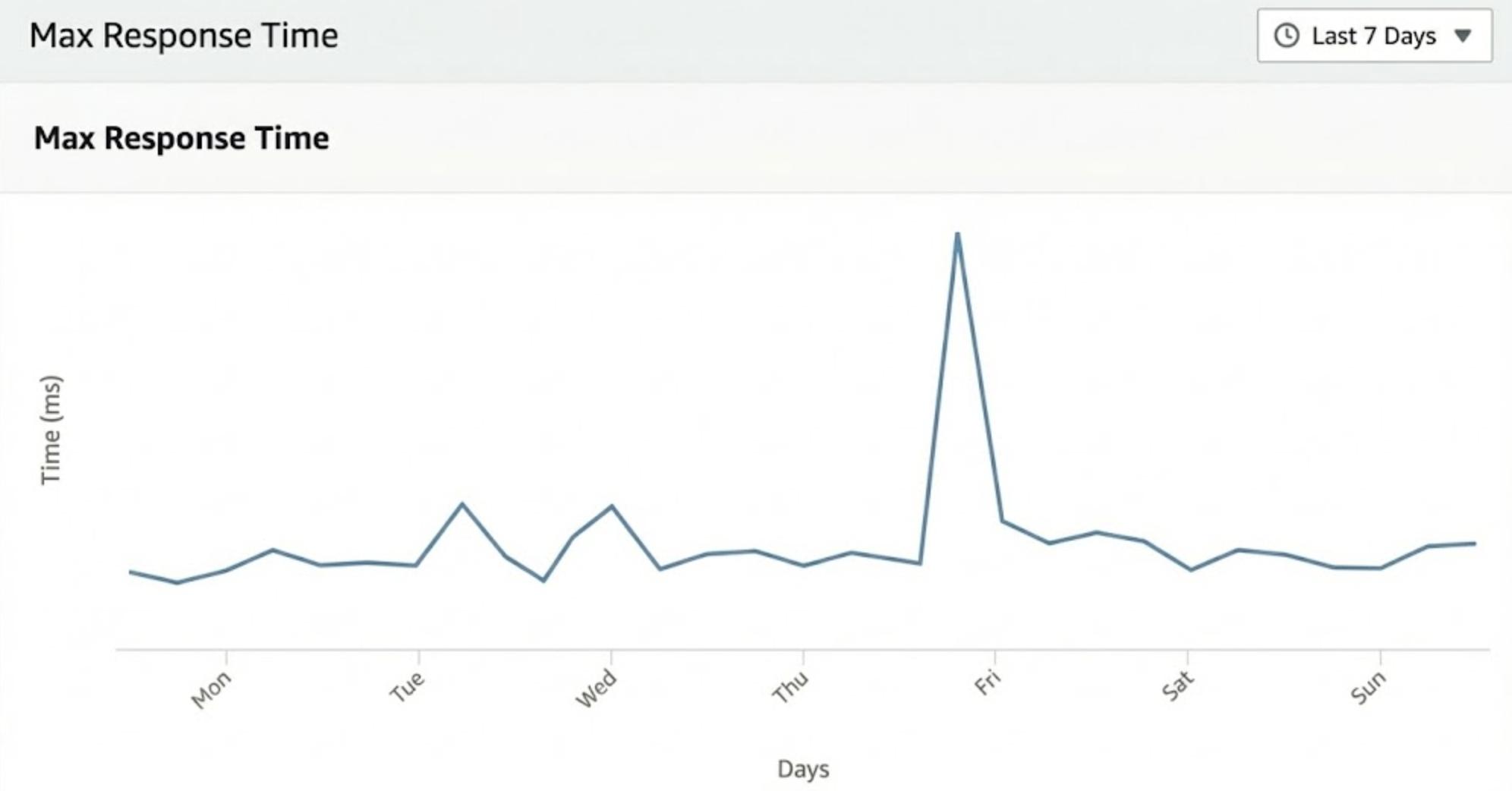
Applying aggregations

Screenshot 2025-11-28 at 1.14.54 am.png

Monitor and Troubleshoot Azure Solutions

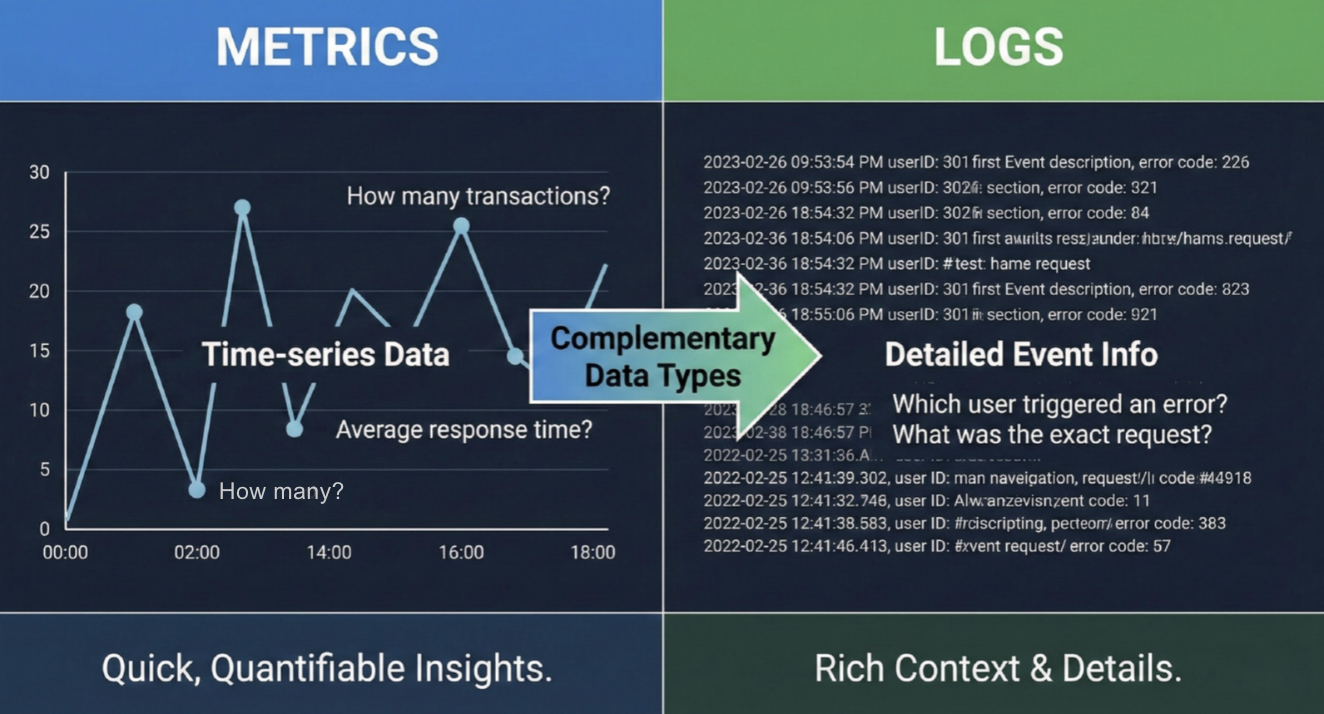
Metrics vs Logs

  • Metrics: Numerical and time series based.
  • Logs: Detailed event level information.

Screenshot 2025-11-28 at 1.18.49 am.png

Monitor and Troubleshoot Azure Solutions

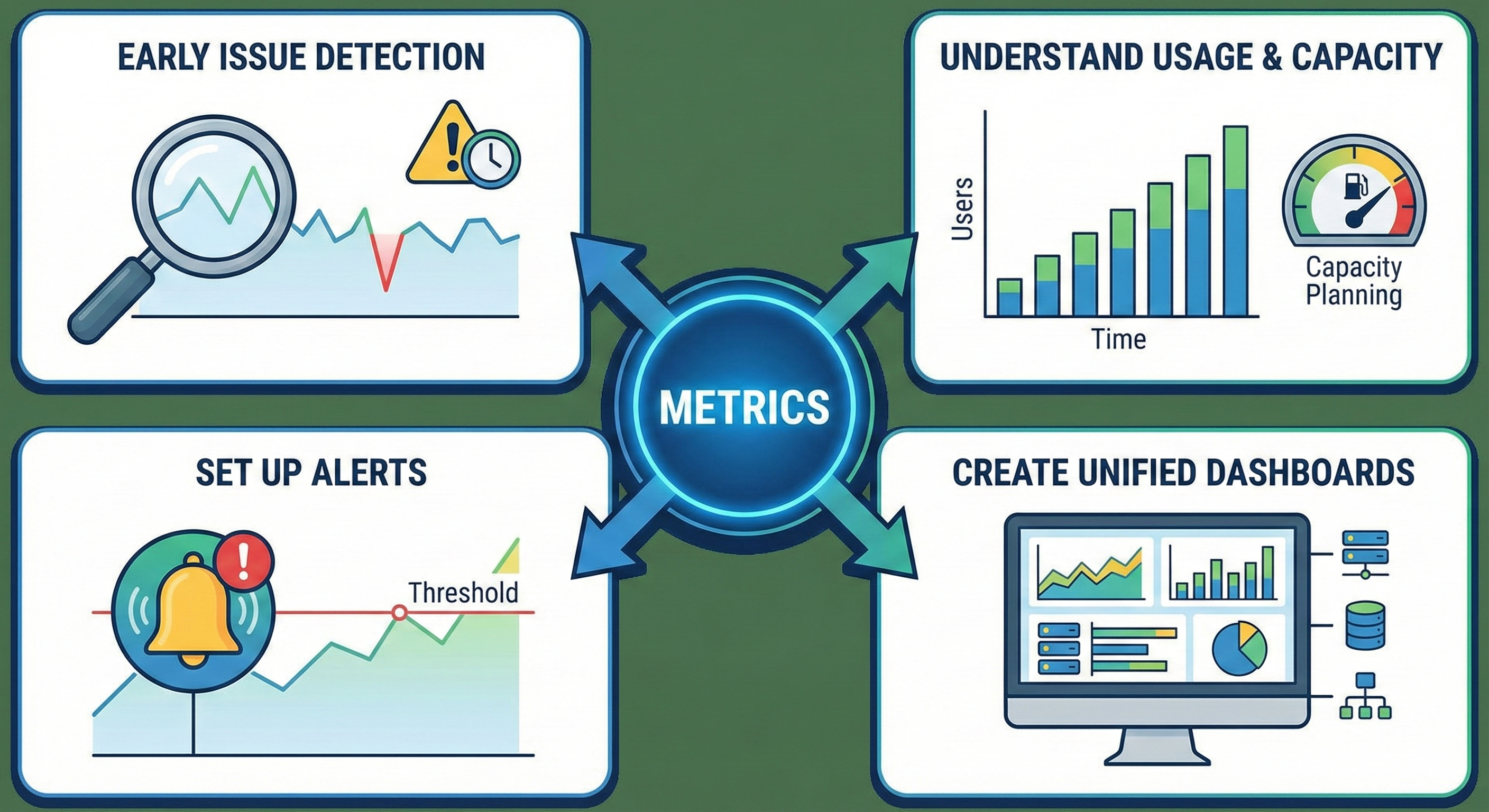
Why metrics matter


Gemini_Generated_Image_h4hfaph4hfaph4hf.png

  • Detect issues early before they impact users.
  • Understand usage patterns and capacity needs.
  • Set up alerts to notify you when thresholds are crossed.
  • Create dashboards that provide a unified view of all your resources.
Monitor and Troubleshoot Azure Solutions

Let's practice!

Monitor and Troubleshoot Azure Solutions

Preparing Video For Download...