Etwas Stil hinzufügen

Einführung in Data Science mit Python

Hillary Green-Lerman

Senior Curriculum Lead, DataCamp

Viele Kilometer vor uns
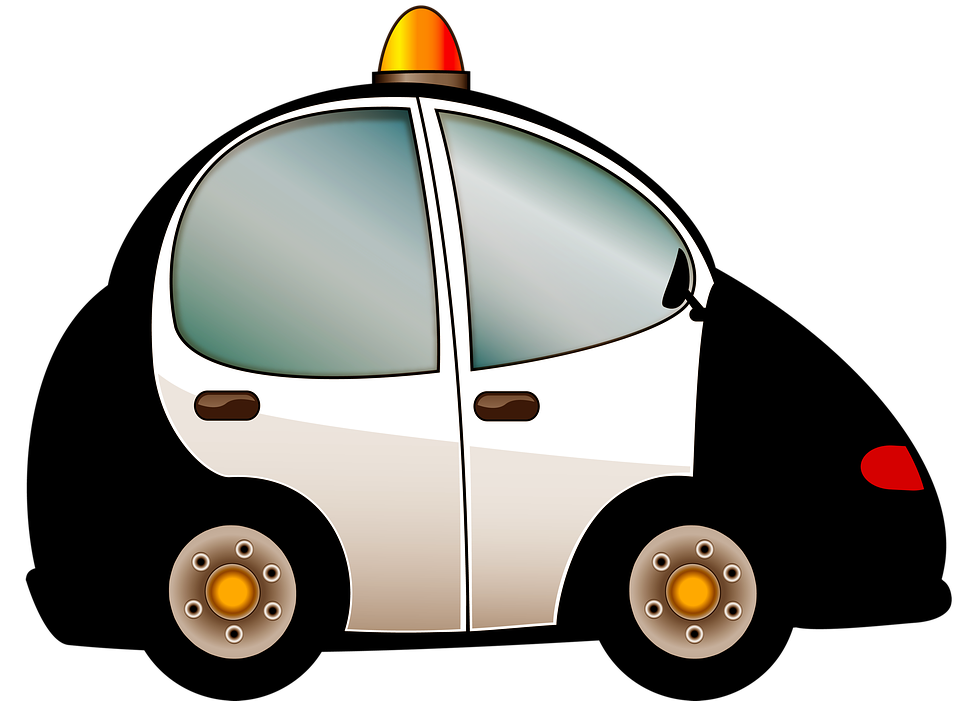
police-car.png

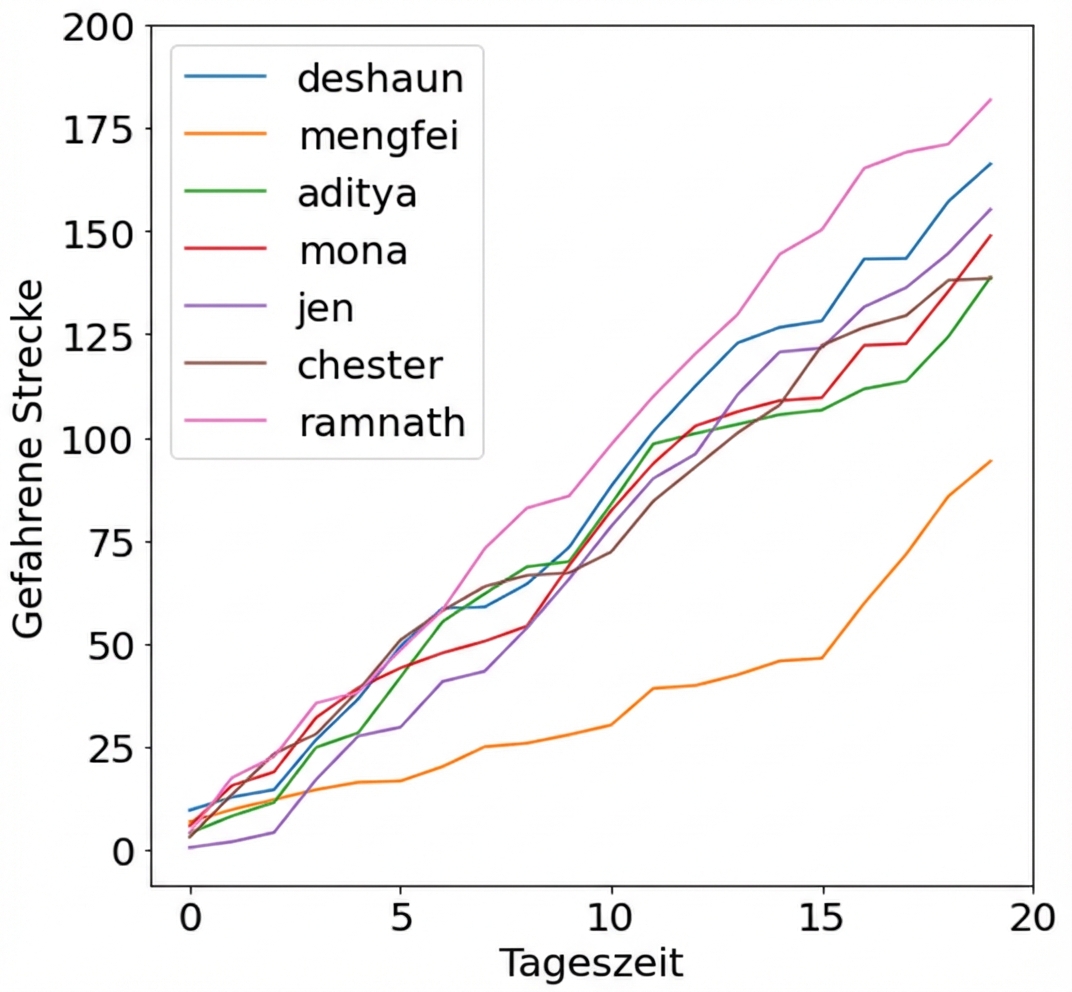
driving-graph.png

Einführung in Data Science mit Python

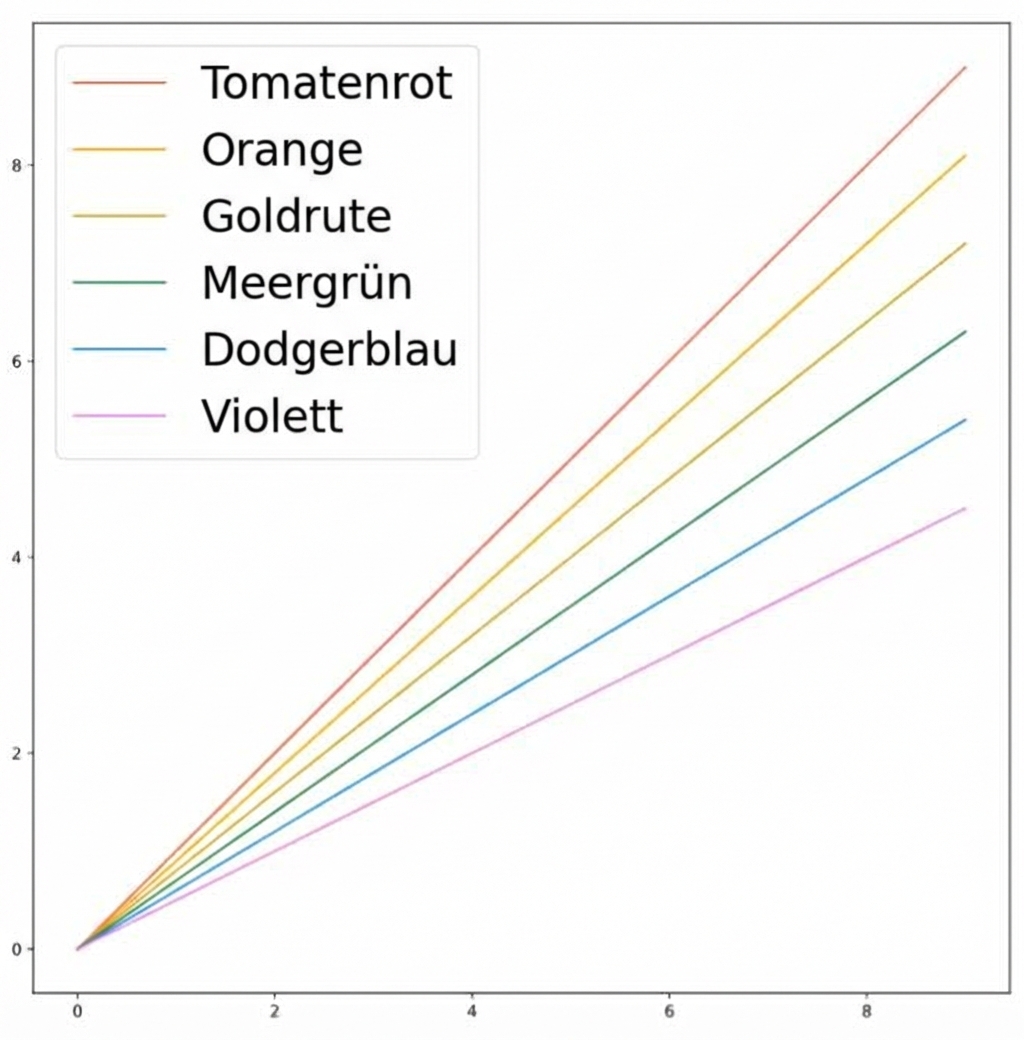
Linienfarbe ändern

plt.plot(x, y1, color="tomato")
plt.plot(x, y2, color="orange")
plt.plot(x, y3, color="goldenrod")
plt.plot(x, y4, color="seagreen")
plt.plot(x, y5, color="dodgerblue")
plt.plot(x, y6, color="violet")

Einführung in Data Science mit Python

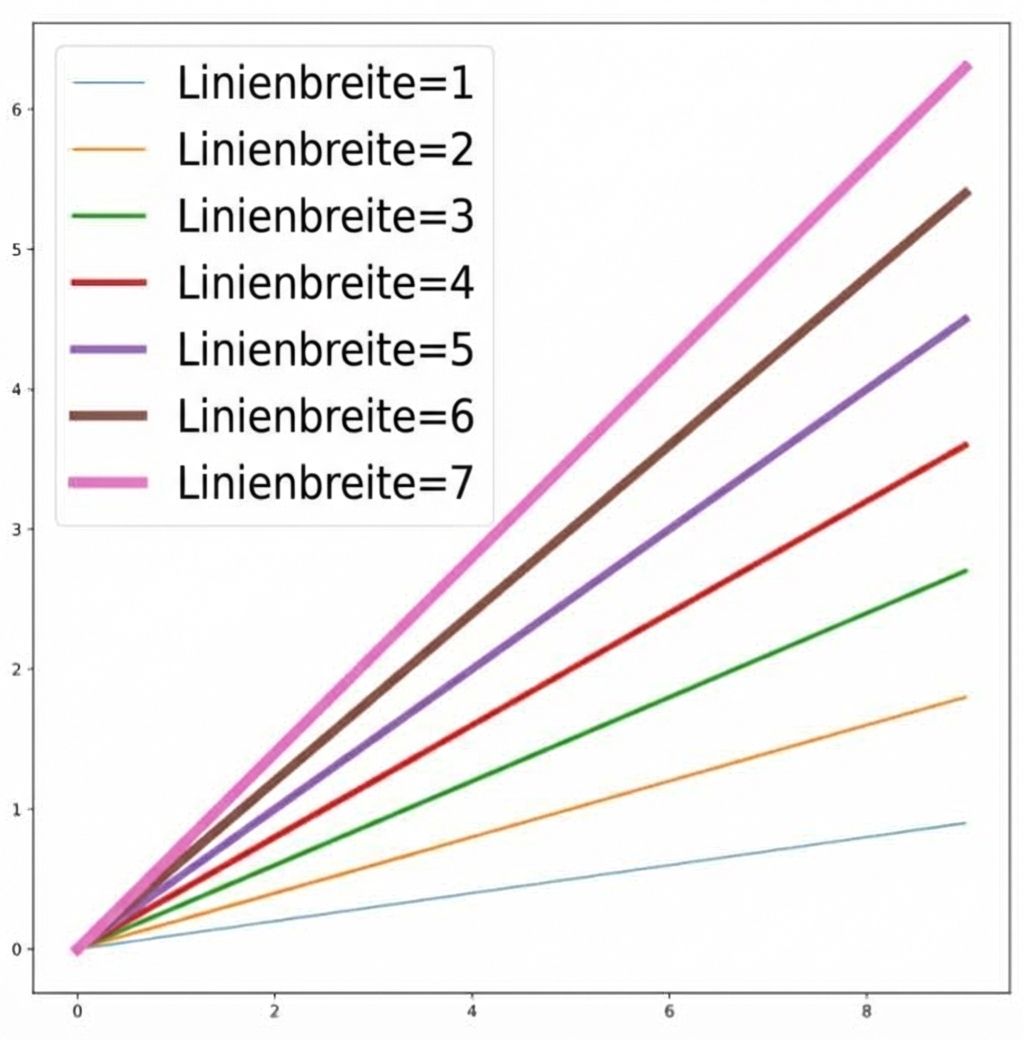
Ändern der Linienbreite

plt.plot(x, y1, linewidth=1)
plt.plot(x, y2, linewidth=2)
plt.plot(x, y3, linewidth=3)
plt.plot(x, y4, linewidth=4)
plt.plot(x, y5, linewidth=5)
plt.plot(x, y6, linewidth=6)
plt.plot(x, y7, linewidth=7)

Einführung in Data Science mit Python

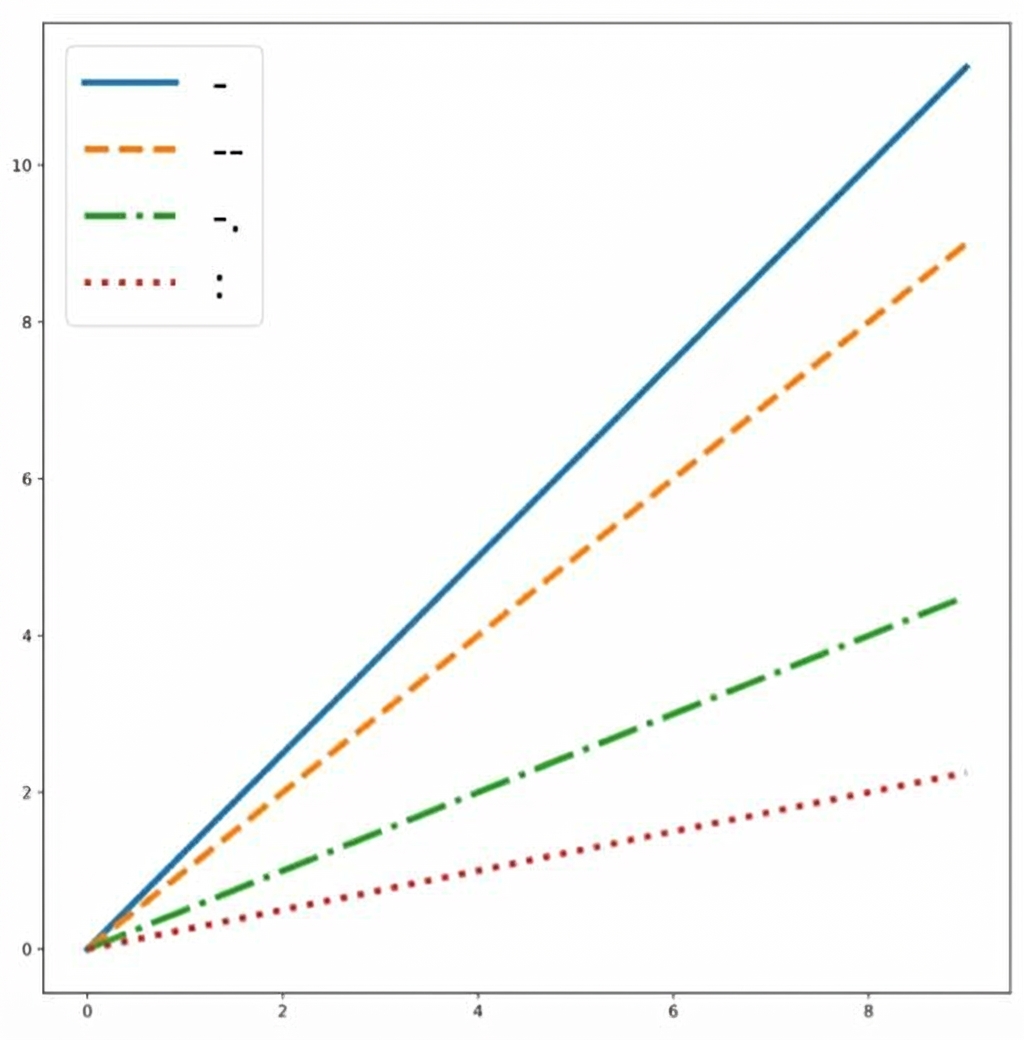
Linienstil ändern

plt.plot(x, y1, linestyle='-')
plt.plot(x, y2, linestyle='--')
plt.plot(x, y3, linestyle='-.')
plt.plot(x, y4, linestyle=':')

Einführung in Data Science mit Python

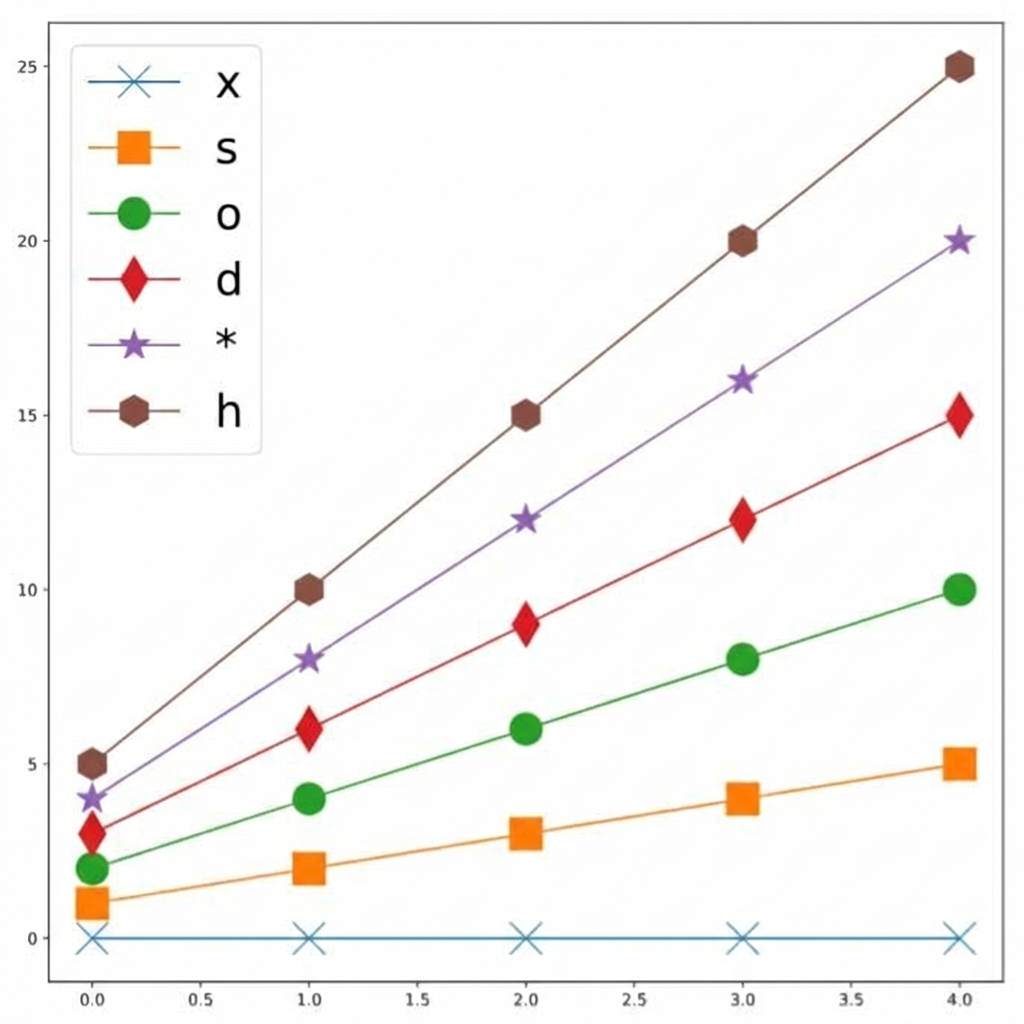
Marker hinzufügen

plt.plot(x, y1, marker='x')
plt.plot(x, y2, marker='s')
plt.plot(x, y3, marker='o')
plt.plot(x, y4, marker='d')
plt.plot(x, y5, marker='*')
plt.plot(x, y6, marker='h')

Einführung in Data Science mit Python

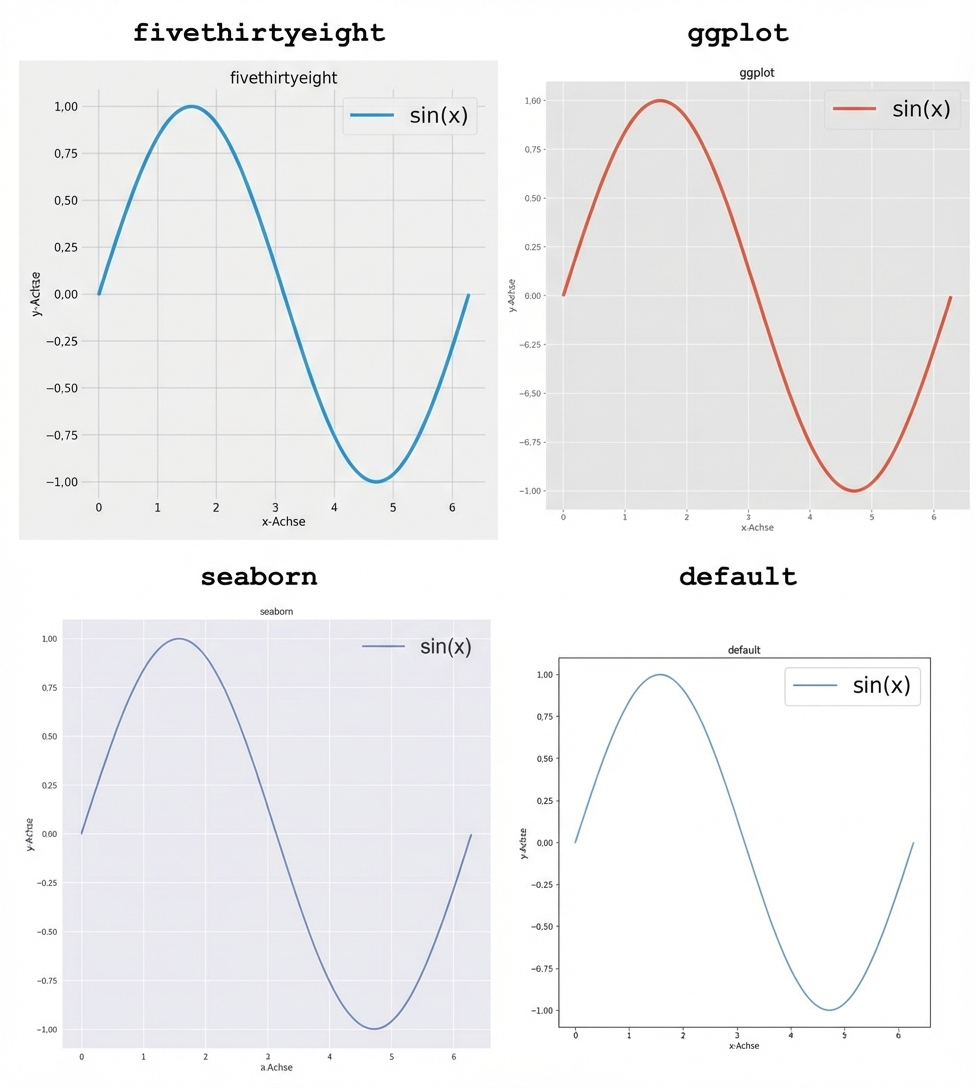
Einen Stil festlegen

Bevor du irgendwelchen anderen Plot-Code schreibst:

plt.style.use('fivethirtyeight')
plt.style.use('ggplot')
plt.style.use('seaborn-v0_8')
plt.style.use('default')

Einführung in Data Science mit Python

Lass uns üben!

Einführung in Data Science mit Python

Preparing Video For Download...