Einführung in Python für den Finanzbereich
Adina Howe
Instructor
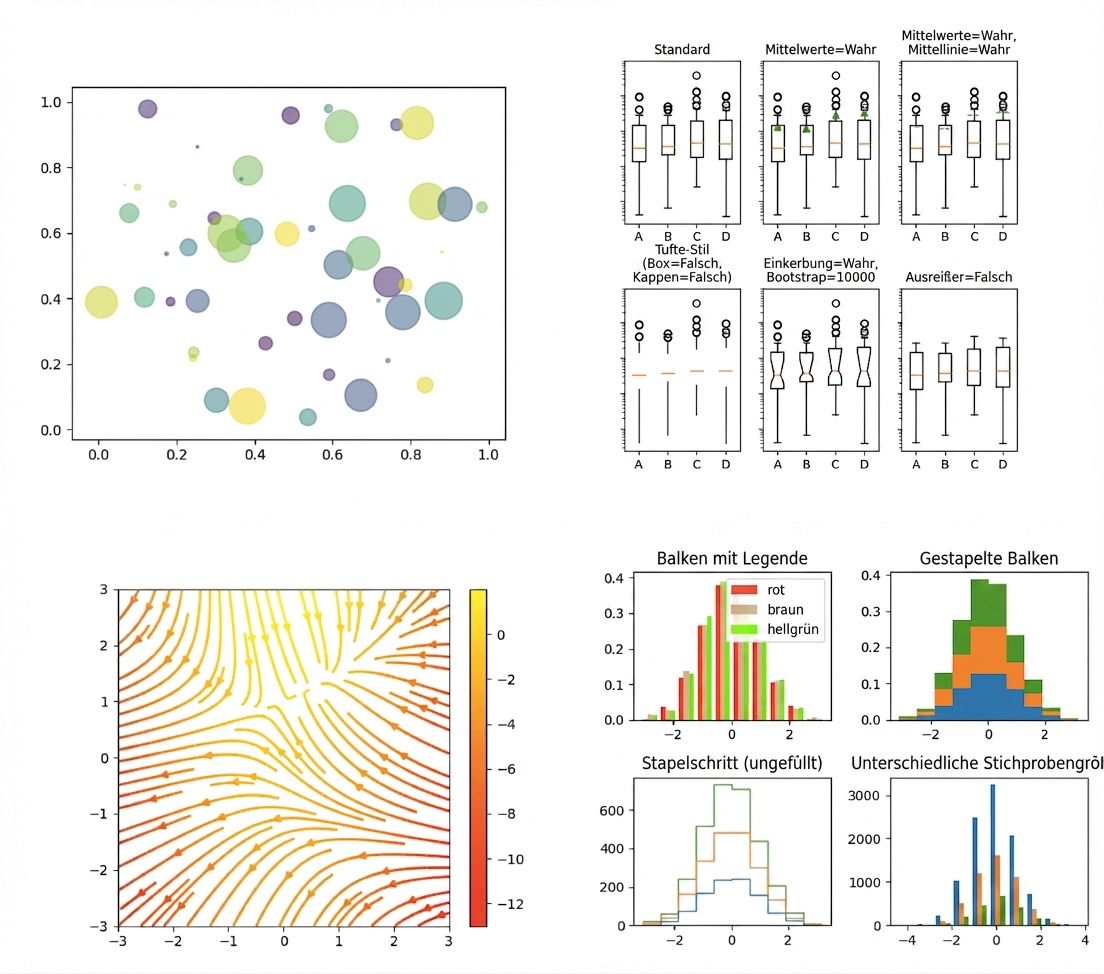
Klicke einfach auf diesen Link, um mehr von der Matplotlib-Galerie zu sehen.
import matplotlib.pyplot as plt
plt.plot()
plt.show()
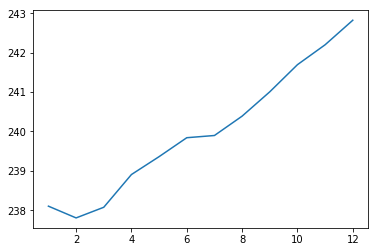
import matplotlib.pyplot as plt
plt.plot(months, prices)
plt.show()

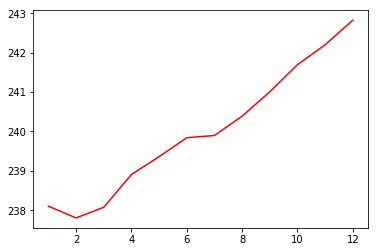
import matplotlib.pyplot as plt
plt.plot(months, prices, color = 'red')
plt.show()

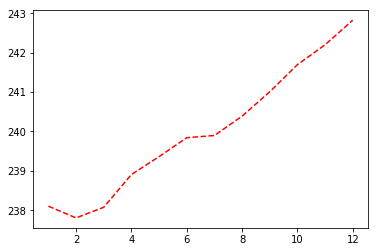
import matplotlib.pyplot as plt
plt.plot(months, prices, color = 'red', linestyle = '--')
plt.show()

| Farbe | |
|---|---|
| 'green' | grün |
| 'red' | rot |
| 'cyan' | cyan |
| 'blue' | blau |
| Linientyp | |
|---|---|
| '-' | durchgehende Linie |
| '--' | gestrichelte Linie |
| '-.' | gestrichelte Punktlinie |
| ':' | gepunktet |
Mehr Informationen zu Farben und Linien findest du hier.
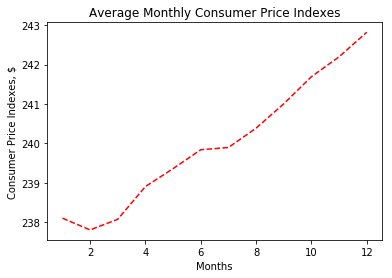
import matplotlib.pyplot as plt
plt.plot(months, prices, color = 'red', linestyle = '--')
# Add labels
plt.xlabel('Months')
plt.ylabel('Consumer Price Indexes, $')
plt.title('Average Monthly Consumer Price Indexes')
# Show plot
plt.show()

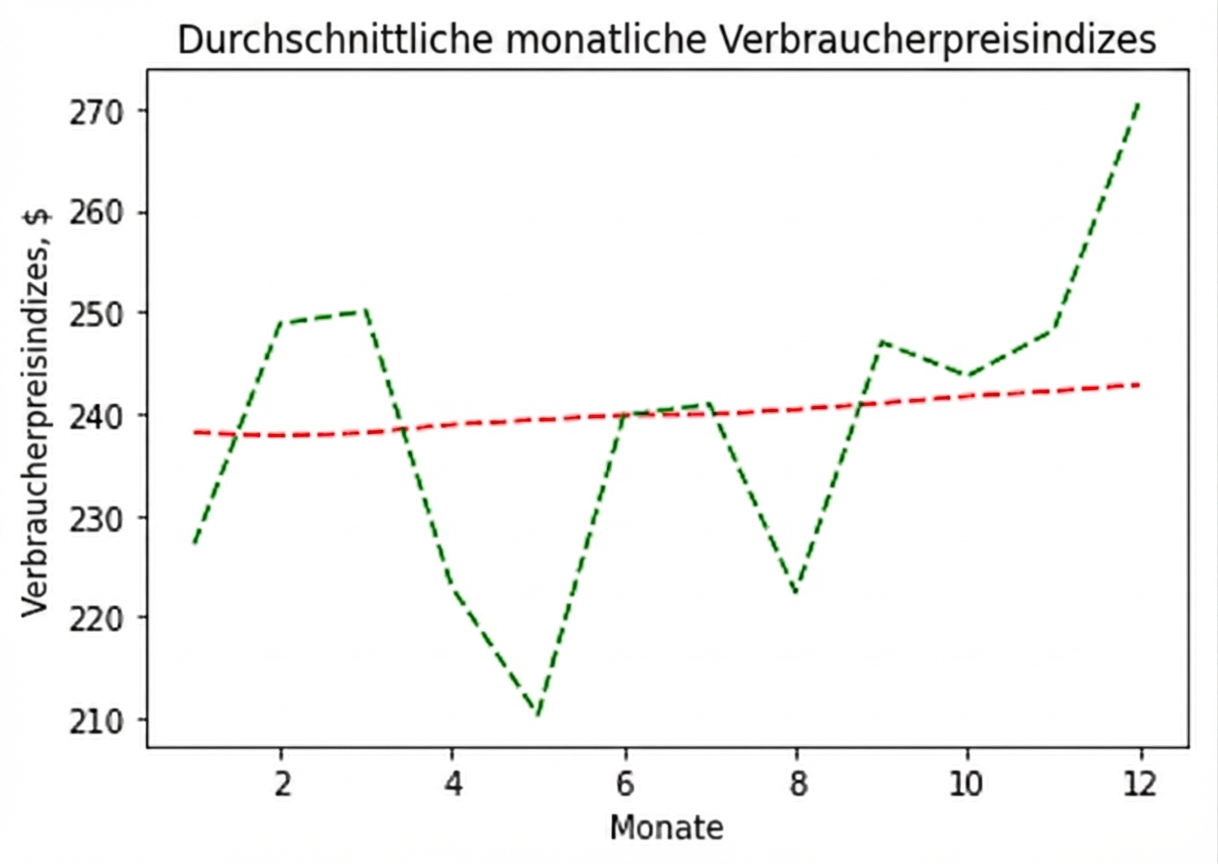
import matplotlib.pyplot as plt
plt.plot(months, prices, color = 'red', linestyle = '--')
# adding an additional line
plt.plot(months, prices_new, color = 'green', linestyle = '--')
plt.xlabel('Months')
plt.ylabel('Consumer Price Indexes, $')
plt.title('Average Monthly Consumer Price Indexes')
plt.show()

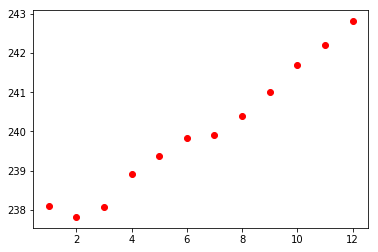
import matplotlib.pyplot as plt
plt.scatter(x = months, y = prices, color = 'red')
plt.show()

Einführung in Python für den Finanzbereich