Création de variables

Introduction à la Data Science en Python

Hillary Green-Lerman

Lead Data Scientist, Looker

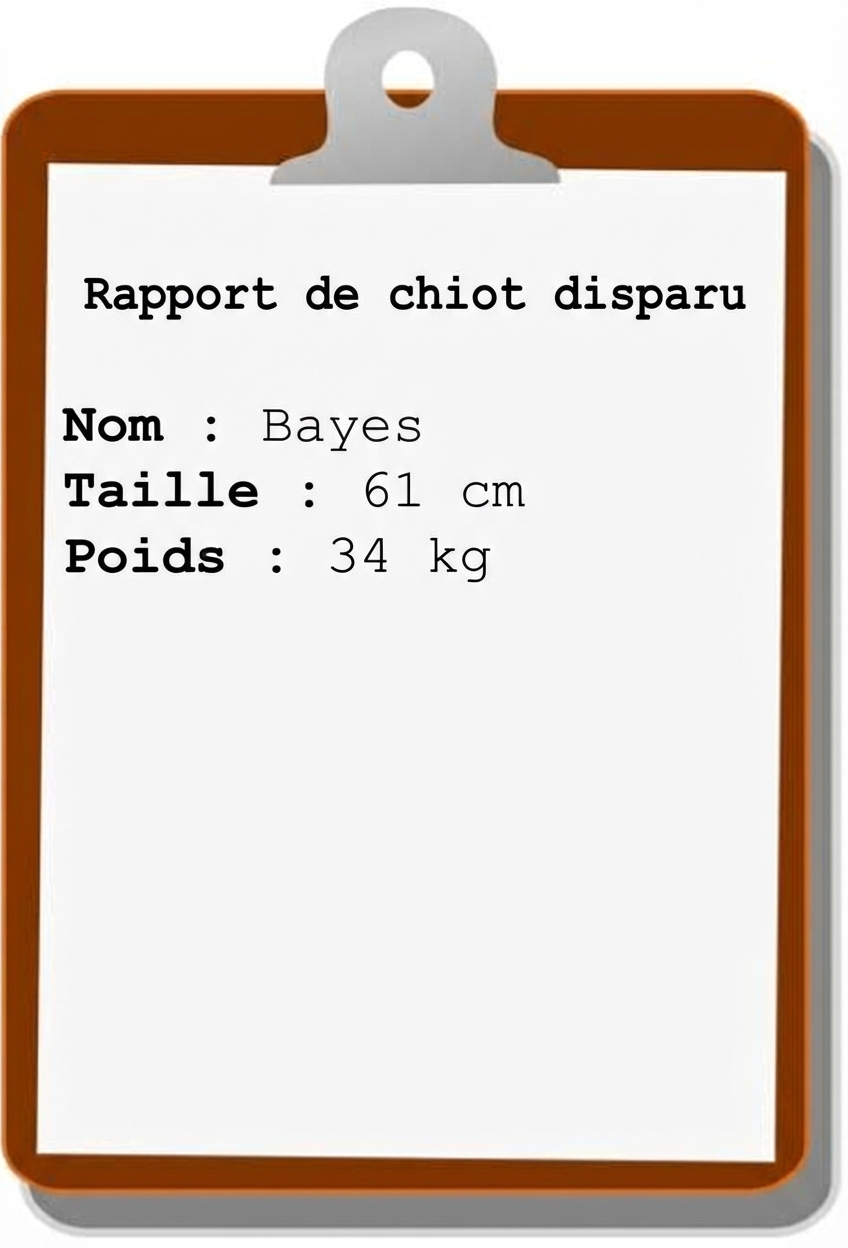
Déclaration de disparition d'un chiot

missing-puppy-report

name = "Bayes"
height = 24
weight = 75.5
Introduction à la Data Science en Python

Règles relatives aux noms de variables

  • Doit commencer par une lettre (généralement minuscule)
  • Après la première lettre, possible d'utiliser des lettres/chiffres/underscores
  • Pas d’espaces ni caractères spéciaux
  • Sensible à la casse (my_var est différent de MY_VAR)
# Valid Variables
bayes_weight
b
bayes42
# Invalid Variables
bayes-height
bayes!
42bayes
Introduction à la Data Science en Python

Messages d'erreur

bayes-height = 3
File "<stdin>", line 1
    bayes-height = 3
                   ^
SyntaxError: can't assign to operator
Introduction à la Data Science en Python

Flottants et chaînes

  • _float _: représente un nombre entier ou décimal

    height = 24
    weight = 75.5
    
  • _chaîne _: représente du texte ; peut contenir des lettres, des chiffres, des espaces et des caractères spéciaux

    name = 'Bayes'
    breed = "Golden Retriever"
    
Introduction à la Data Science en Python

Erreurs courantes avec les chaînes de caractères

  • Sans guillemets, vous obtiendrez une erreur de nom.
owner = DataCamp
File "<stdin>", line 1, in <module>
    owner = DataCamp
NameError: name 'DataCamp' is not defined
  • Des guillemets différents entraînent une erreur de syntaxe.
fur_color = "blonde'
File "<stdin>", line 1
    fur_color = "blonde'
                       ^
SyntaxError: EOL while scanning string literal
Introduction à la Data Science en Python

Affichage des variables

name = "Bayes"
height = 24
weight = 75

print(height)
24
Introduction à la Data Science en Python

Passons à la pratique !

Introduction à la Data Science en Python

Preparing Video For Download...