Enregistrer et charger des tableaux

Introduction à NumPy

Izzy Weber

Curriculum Manager, DataCamp

Tableaux RVB

rgb = np.array([[[255, 0, 0], [255, 0, 0], [255, 0, 0]],
                [[0, 255, 0], [0, 255, 0], [0, 255, 0]],
                [[0, 0, 255], [0, 0, 255], [0, 0, 255]]])
plt.imshow(rgb)
plt.show()
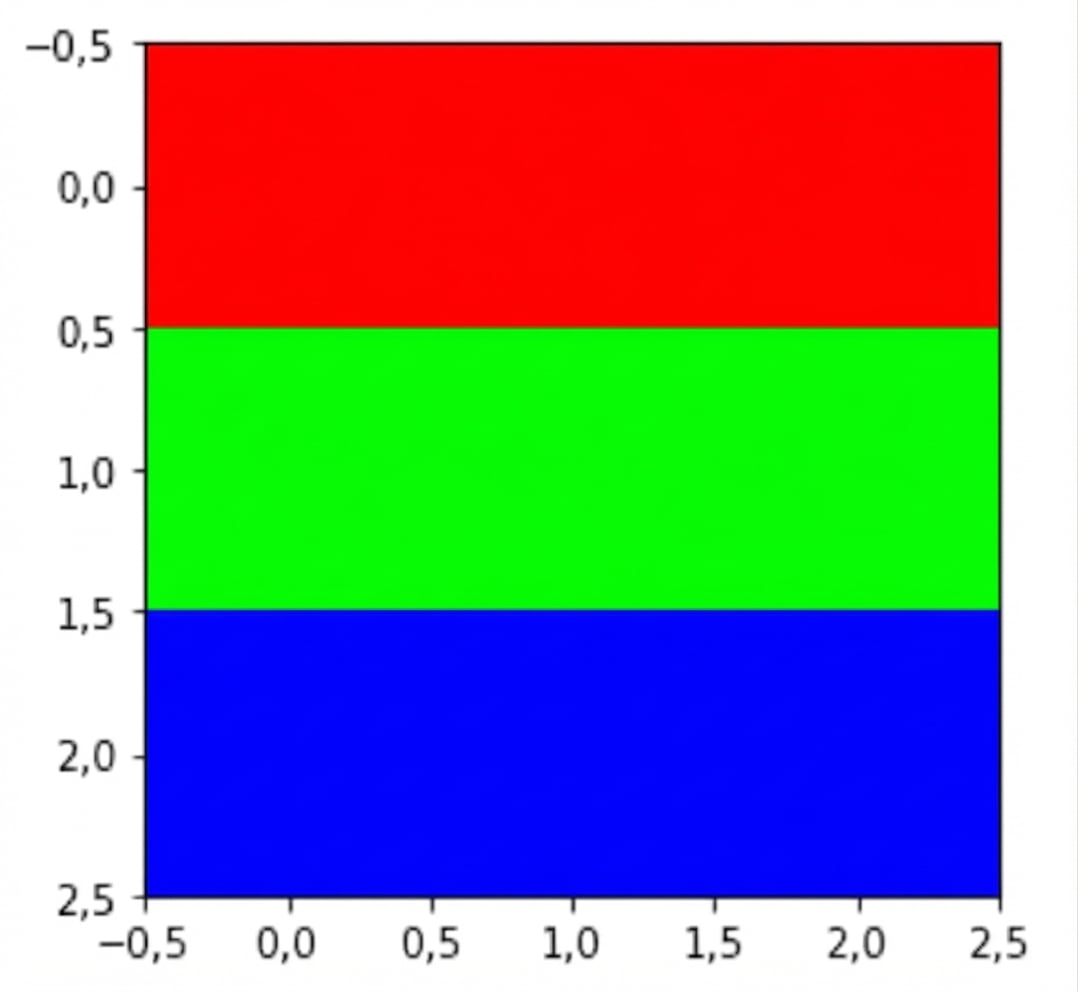
Données RVB tracées avec du rouge en haut, du vert au milieu et du bleu en bas

Introduction à NumPy

Tableaux RVB

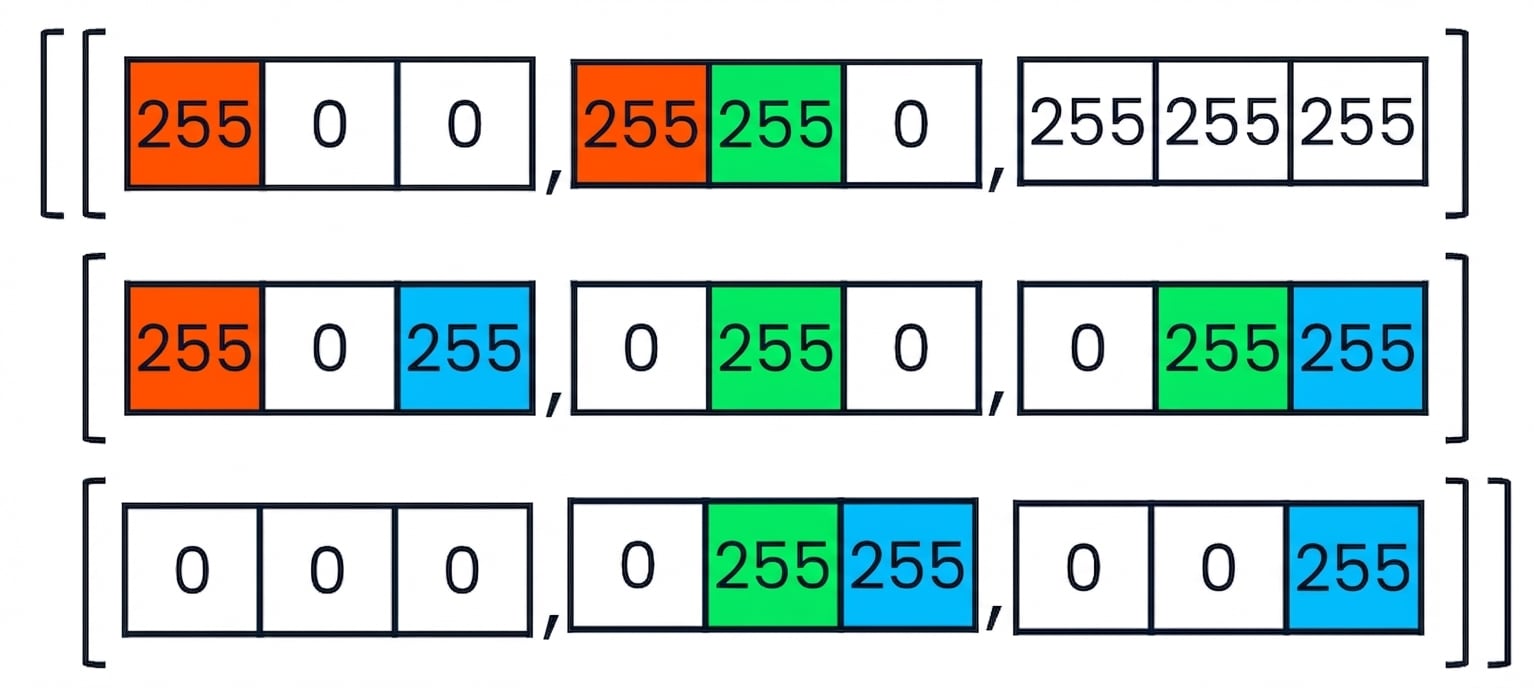
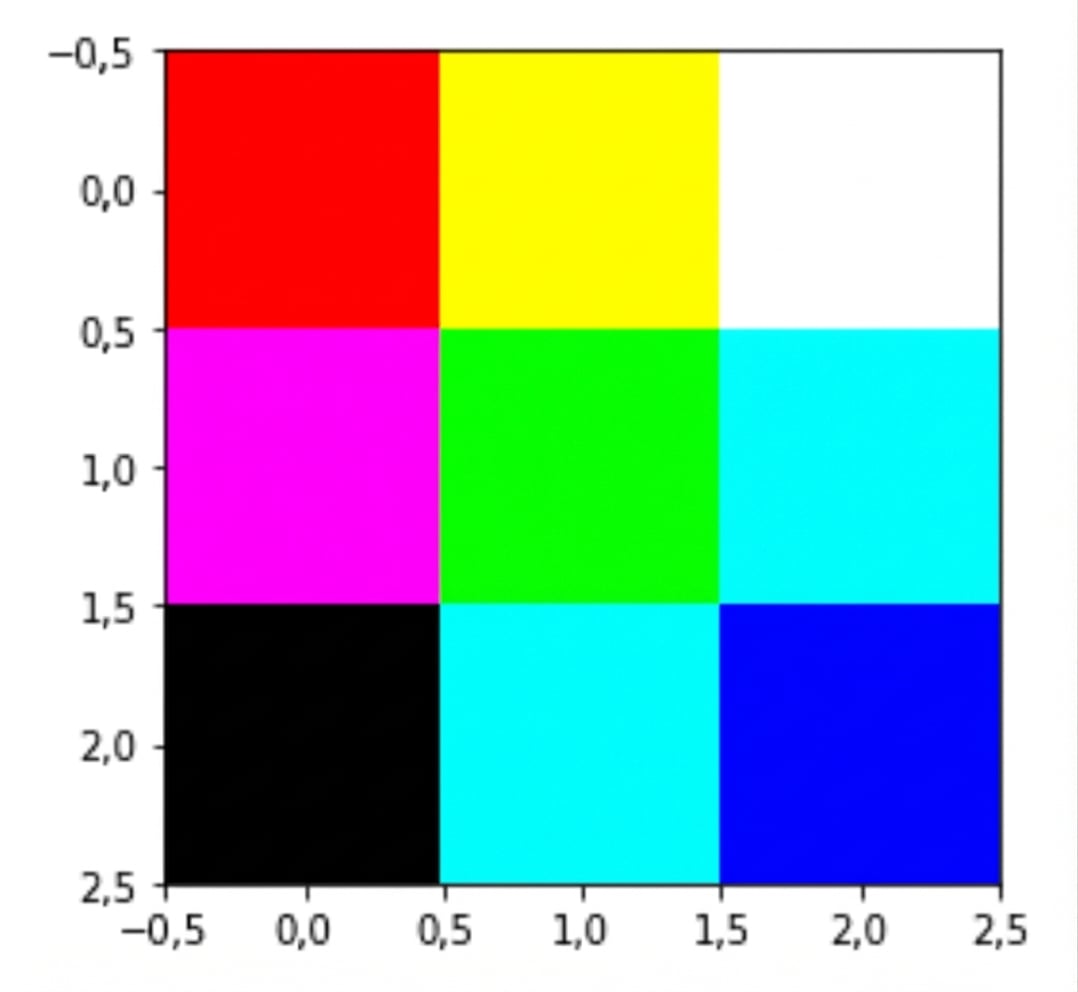
Extrait de code coloré montrant comment des couleurs mixtes comme le rose et le jaune sont représentées en RVB Grille 3×3 multicolore créée par le code de l’image précédente

Introduction à NumPy

Charger des fichiers .npy


Enregistrer des tableaux dans plusieurs formats :

  • .csv
  • .txt
  • .pkl
  • .npy
with open("logo.npy", "rb") as f:
    logo_rgb_array = np.load(f)
plt.imshow(logo_rgb_array)
plt.show()
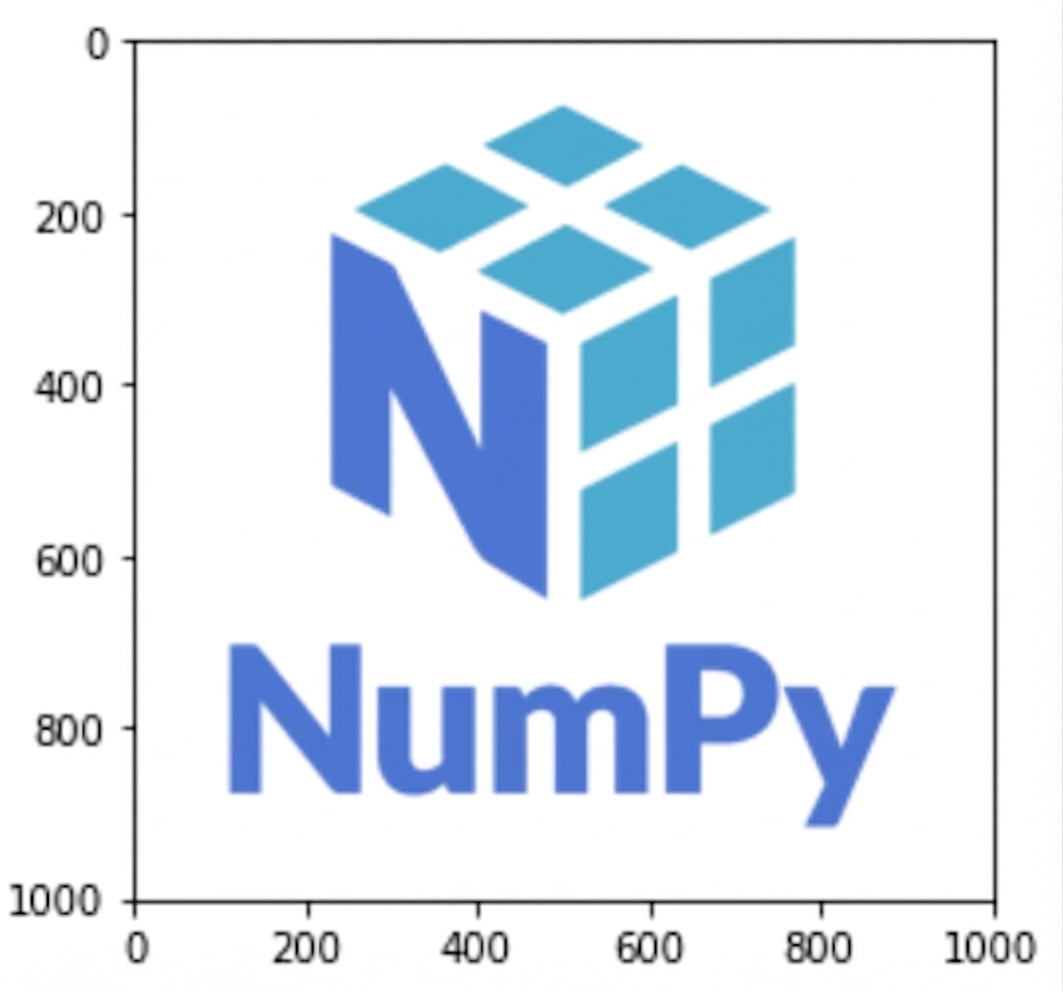
Image du logo NumPy bleu sur fond blanc

Introduction à NumPy

Examiner des données RVB

red_array = logo_rgb_array[:, :, 0]
blue_array = logo_rgb_array[:, :, 1]
green_array = logo_rgb_array[:, :, 2]
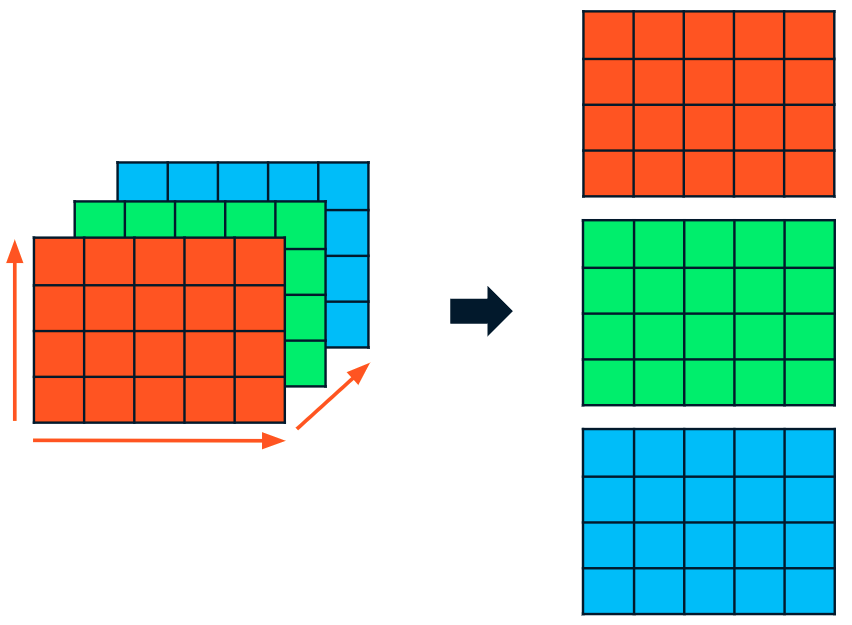
Un tableau RVB 3D découpé en trois tableaux 2D : rouge, vert et bleu

Introduction à NumPy

Examiner des données RVB

red_array[1], green_array[1], blue_array[1]
(array([255, 255, 255, ..., 255, 255, 255]),
 array([255, 255, 255, ..., 255, 255, 255]),
 array([255, 255, 255, ..., 255, 255, 255]))
Introduction à NumPy

Modifier des données RVB

dark_logo_array = np.where(logo_rgb_array == 255, 50, logo_rgb_array)
plt.imshow(dark_logo_array)
plt.show()
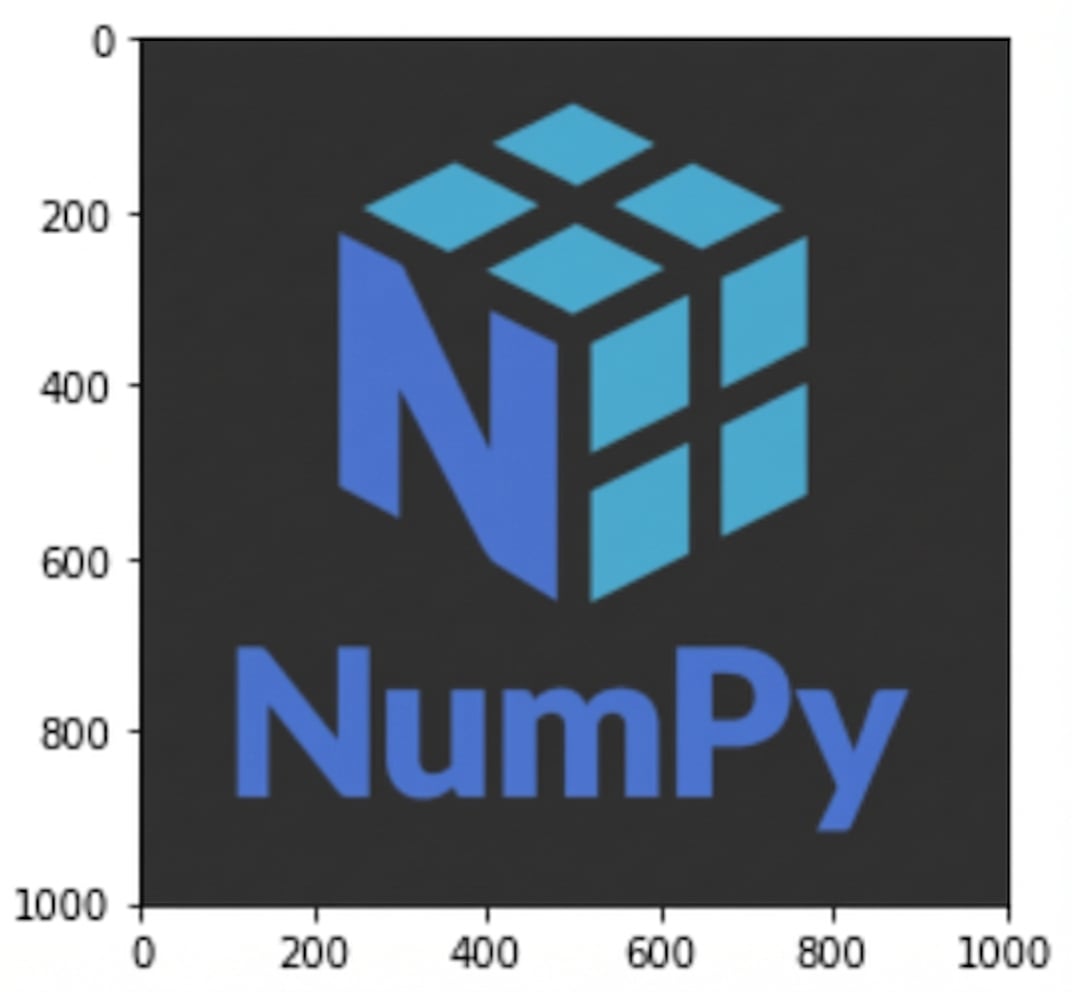
Le même logo NumPy vu plus tôt mais avec un fond gris foncé au lieu de blanc

Introduction à NumPy

Enregistrer des tableaux en .npy

with open("dark_logo.npy", "wb") as f:
    np.save(f, dark_logo_array)
Introduction à NumPy

Si besoin, help()

help(np.unique)
Help on function unique in module numpy:
unique(ar, return_index=False, return_inverse=False, return_counts=False,
        axis=None)

Find the unique elements of an array.

Returns the sorted unique elements of an array. There are three optional
outputs in addition to the unique elements:

* the indices of the input array that give the unique values...
Introduction à NumPy

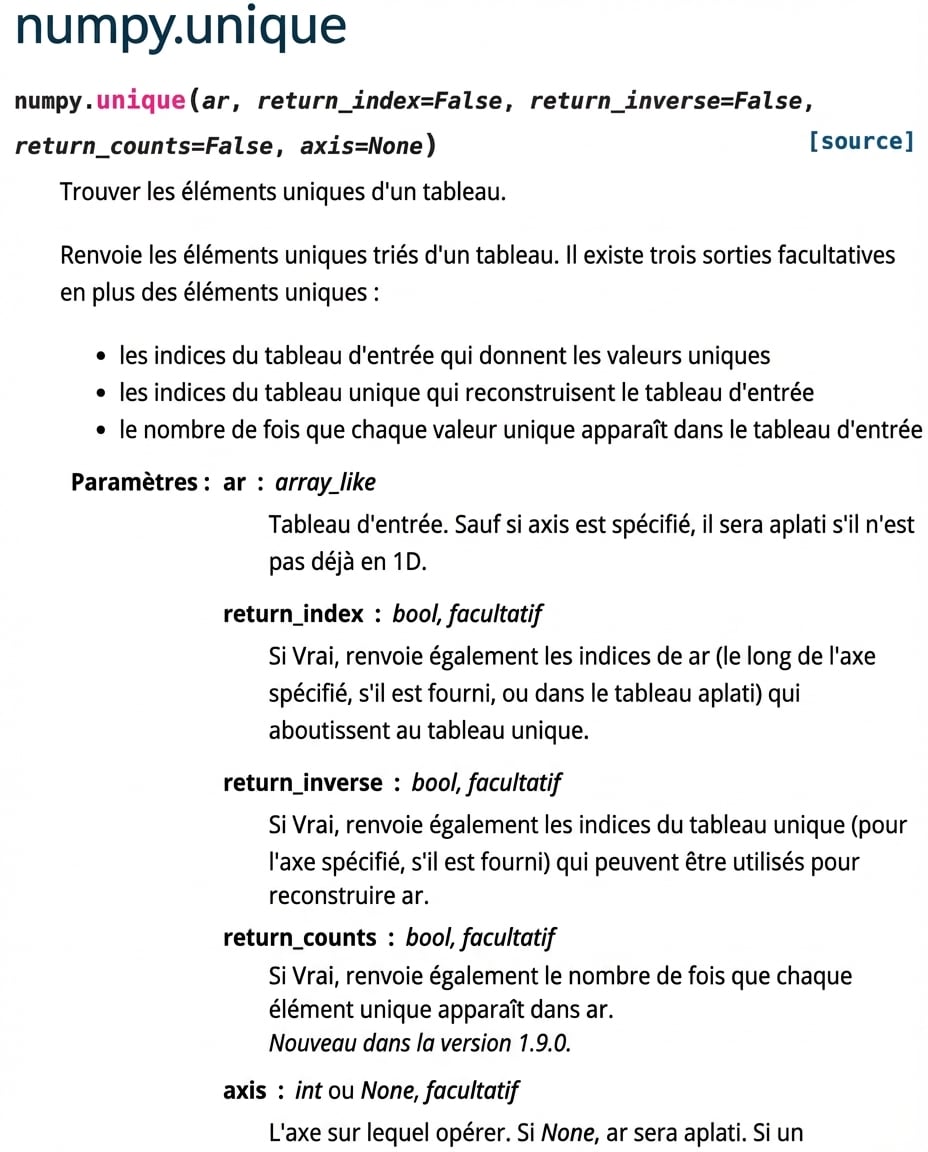
Capture d’écran de la documentation numpy.org pour np.unique()

Introduction à NumPy

help() avec les méthodes

help(np.ndarray.flatten)
Help on method_descriptor: flatten(...)
a.flatten(order='C')

Return a copy of the array collapsed into one dimension.

Parameters
<hr />-------
order : {'C', 'F', 'A', 'K'}, optional
    'C' means to flatten in row-major (C-style) order.
    'F' means to flatten in column-major (Fortran- ...
Introduction à NumPy

Passons à la pratique !

Introduction à NumPy

Preparing Video For Download...