Introduction à Python pour la finance
Adina Howe
Instructor
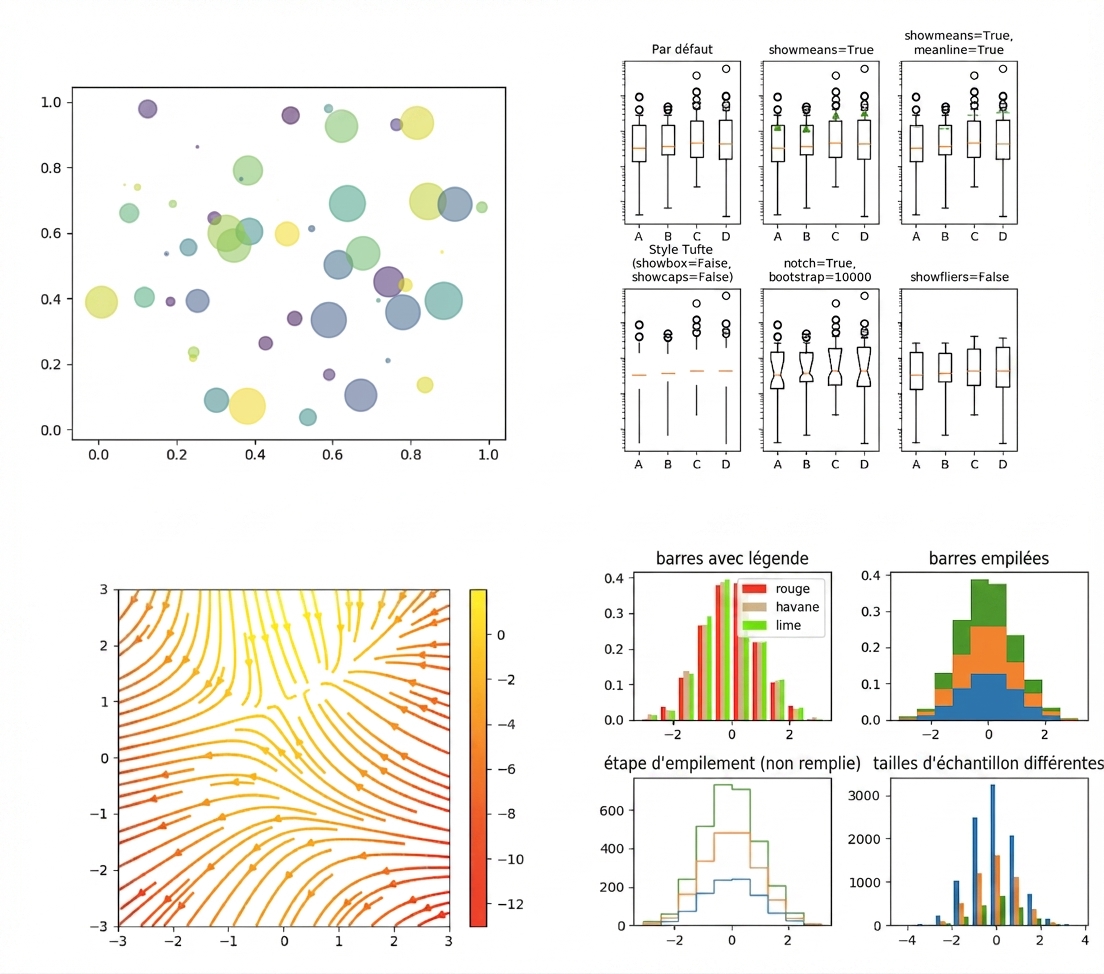
Pour découvrir davantage la galerie Matplotlib, cliquez sur ce lien.
import matplotlib.pyplot as plt
plt.plot()
plt.show()
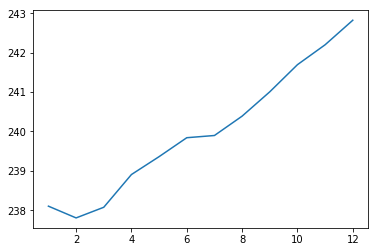
import matplotlib.pyplot as plt
plt.plot(months, prices)
plt.show()

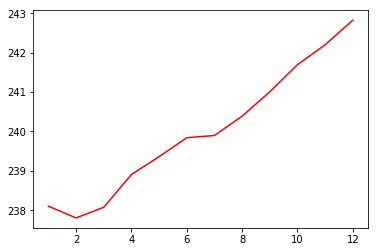
import matplotlib.pyplot as plt
plt.plot(months, prices, color = 'red')
plt.show()

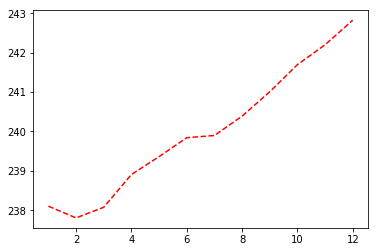
import matplotlib.pyplot as plt
plt.plot(months, prices, color = 'red', linestyle = '--')
plt.show()

| couleur | |
|---|---|
| 'vert | vert |
| 'rouge' | rouge |
| 'cyan' | cyan |
| 'bleu' | bleu |
| style de ligne | |
|---|---|
| '-' | ligne continue |
| '--' | ligne pointillée |
| '-.' | ligne pointillée-point |
| ':' | pointillé |
Vous trouverez davantage de documentation sur les couleurs et les lignes ici.
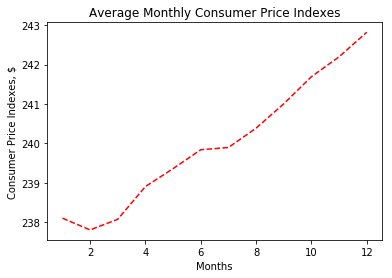
import matplotlib.pyplot as plt
plt.plot(months, prices, color = 'red', linestyle = '--')
# Add labels
plt.xlabel('Months')
plt.ylabel('Consumer Price Indexes, $')
plt.title('Average Monthly Consumer Price Indexes')
# Show plot
plt.show()

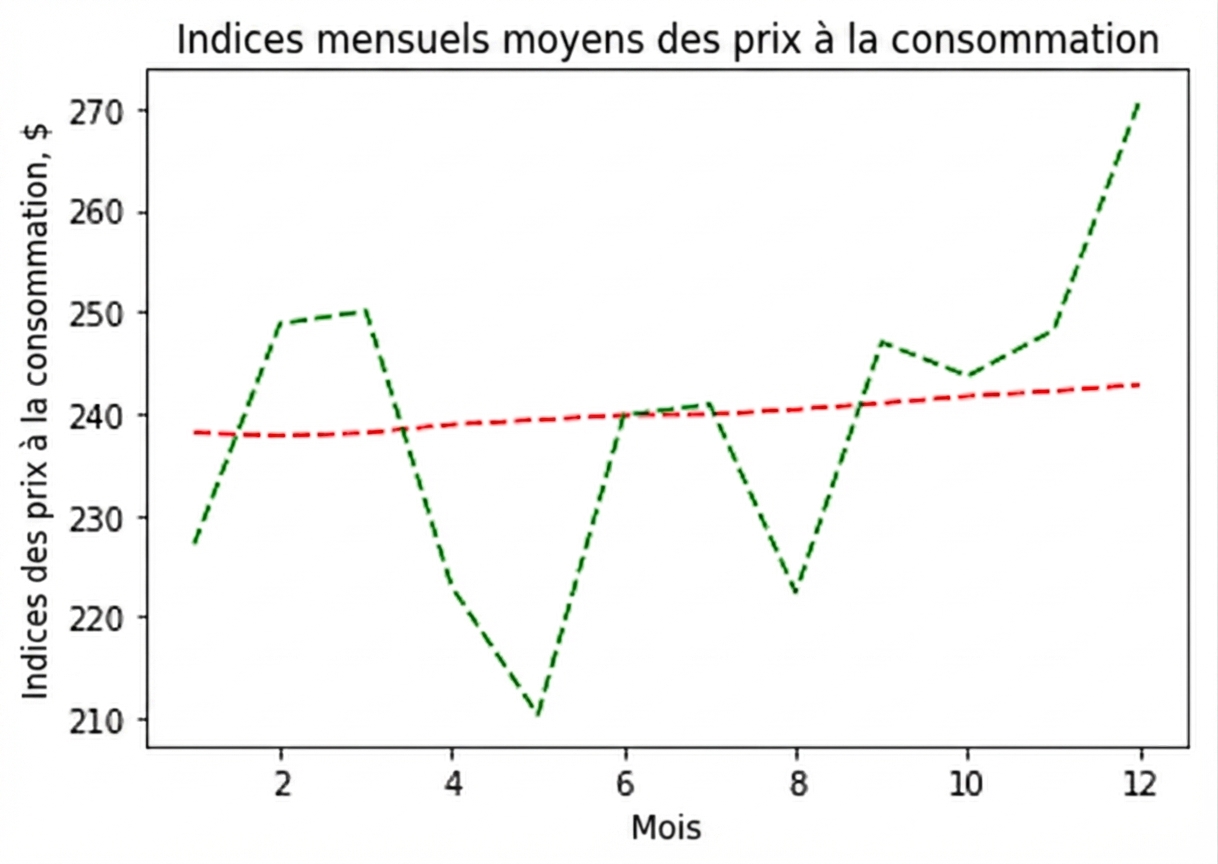
import matplotlib.pyplot as plt
plt.plot(months, prices, color = 'red', linestyle = '--')
# adding an additional line
plt.plot(months, prices_new, color = 'green', linestyle = '--')
plt.xlabel('Months')
plt.ylabel('Consumer Price Indexes, $')
plt.title('Average Monthly Consumer Price Indexes')
plt.show()

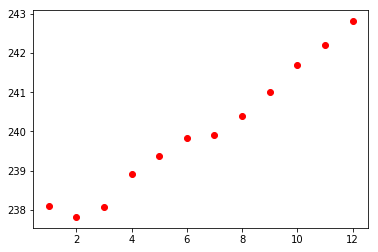
import matplotlib.pyplot as plt
plt.scatter(x = months, y = prices, color = 'red')
plt.show()

Introduction à Python pour la finance