Introduction to Testing in Java
Maria Milusheva
Senior Software Engineer

Let's write a test for the addTwoNumbers() method:
public int addTwoNumbers(int a, int b) {
return a + b;
}
Install JUnit using an IDE or build tools (example in the citation)
Every test must have the @Test annotation:
import org.junit.jupiter.api.Test;
@Test
// Test method will be here
Annotation - special metadata that indicates how the method should be handled by compilers and frameworks. Annotations begin with @
import org.junit.jupiter.api.Test; @Testvoid testAddTwoNumbers() {// Arrange - Given int num1 = 2; int num2 = 2;// Act - When int actual = addTwoNumbers(num1, num2);// Assert - Then assertEquals(4, actual); }

Consider the assertion:
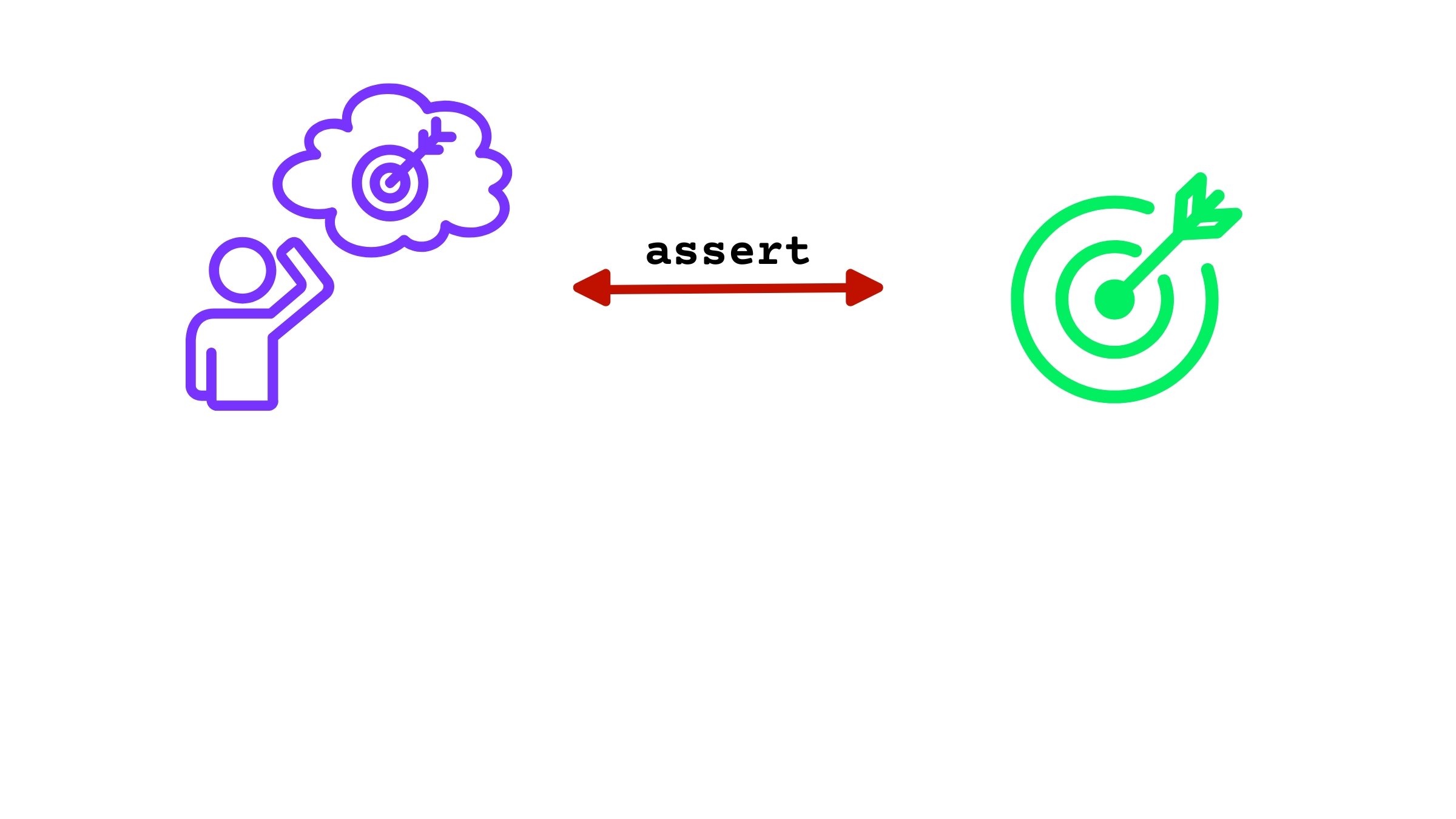
assertEquals(4, actual); // Will succeed if actual == 4
If successful, will produce a Test passed message
If the values are not equal, e.g. actual = 5:
org.opentest4j.AssertionFailedError: expected: <4> but was: <5>
Remember argument order! First argument is the expected one in JUnit.
@Testvoid testAddTwoNumbers() { // Given int num1 = 2147483647; int num2 = 1; // When int actual = addTwoNumbers(num1, num2); // Then assertEquals(-2147483648, actual); }
import org.junit.jupiter.api.Assertions.*;
import static com.datacamp.util.testing.CustomJUnitTestLauncher.launchTestsAndPrint;
import static package.Class.method allows using method as just method, without writing package.Class.methodimport static java.lang.Math.max;
...
max(3,5); // Instead of Math.max(3, 5)
Introduction to Testing in Java