Complex JSON processing

Importing Data in Java

Anthony Markham

VP Quant Developer

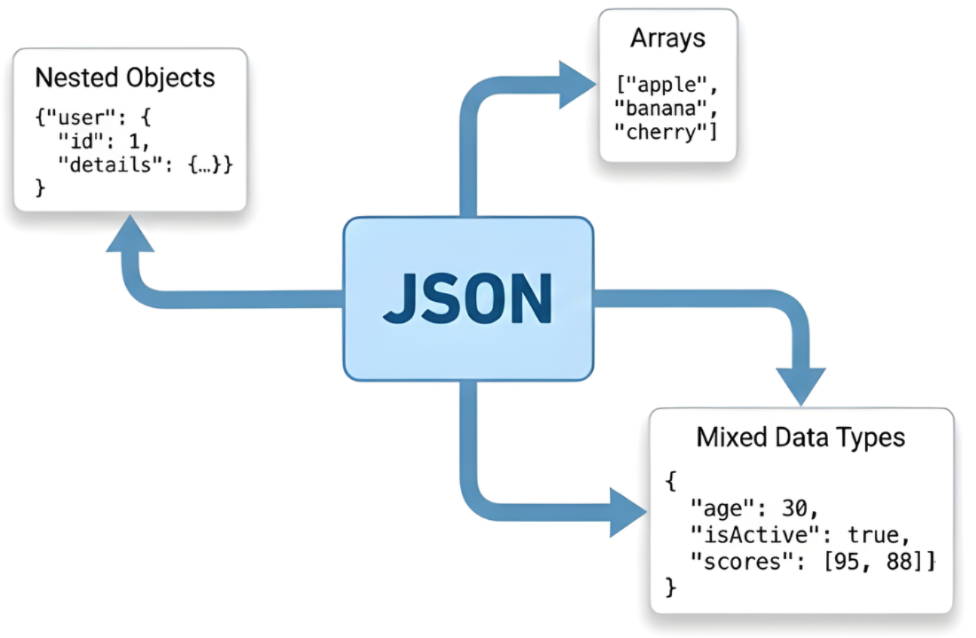
Complex JSON data

  • Nested objects and arrays
  • Mixed data types
  • Handling APIs and configuration files 🧠

$$

Complex json data

Importing Data in Java

Nested JSON objects

  • Nesting - objects within objects
  • Tablesaw can flatten simple cases automatically
  • Flattening - turning a column that contains lists or arrays in each row into multiple rows
{
  "customer": {
    "name": "John Doe",
    "address": {
      "street": "123 Main St",                            <- Nested information
      "city": "Boston",                                   <- Nested information
      "coordinates": {"lat": 42.3601, "lng": -71.0589}    <- Nested within nested information
    }
  }
}
Importing Data in Java

JSON flattening

customer.name customer.address.street customer.address.city
John Doe 123 Main St Boston

$ $

customer.address.coordinates.lat customer.address.coordinates.lng
42.3601 -71.0589
Importing Data in Java

JsonReader configuration

  • JsonReadOptions allows for:
    • Source specification (file, URL, or string)
    • Table name configuration
    • Missing value handling
JsonReadOptions options = JsonReadOptions

.builder("complex.json")
.tableName("Products")
.missingValueIndicator("N/A")
.build();
Table data = new JsonReader().read(options);
missingValues = data.stringColumn("name").isMissing();
Importing Data in Java

Joining tables

  • Use joinOn to join tables together
  • An inner join keeps only the rows that exist in both tables
Table phones = Table.read().csv("phones.csv");   // name, phone

Table diets = Table.read().csv("diets.csv"); // name, diet
// Perform the inner join on the two tables Table joined = phones.joinOn("name").inner(diets);

$$

$$

  • Many other types of joins exist
Importing Data in Java

Let's practice!

Importing Data in Java

Preparing Video For Download...