Die Bibliothek „evaluate“

Einführung in LLMs mit Python

Jasmin Ludolf

Senior Data Science Content Developer, DataCamp

Die Bibliothek „evaluate“

import evaluate

accuracy = evaluate.load("accuracy")
print(accuracy.description)
Accuracy is the proportion of correct
predictions among the total number of cases
processed. It can be computed with:
Accuracy = (TP + TN) / (TP + TN + FP + FN)
Where:
TP: True positive
TN: True negative
FP: False positive
FN: False negative


  • Metrik: Bewertung der Modellleistung anhand Ground Truth (Grundwahrheit)


  • Vergleich: Vergleichen von zwei Modellen


  • Messung: Einblick in die Eigenschaften des Datensatzes
Einführung in LLMs mit Python

Das Attribut „features“

print(accuracy.features)
{'predictions': Value(dtype='int32', id=None),
 'references': Value(dtype='int32', id=None)}

Erforderlichen Eingaben für eine Metrik

  • 'predictions': Modellausgaben
  • 'references': Ground Truth
  • .features: unterstützter Typ für Klassenlabels (z. B. 'int32', 'float32')
f1 = evaluate.load("f1")
print(f1.features)
{'predictions': Value(dtype='int32', id=None),
 'references': Value(dtype='int32', id=None)}
pearson_corr = evaluate.load("pearsonr")
print(pearson_corr.features)
{'predictions': Value(dtype='float32', id=None),
'references': Value(dtype='float32', id=None)}
Einführung in LLMs mit Python

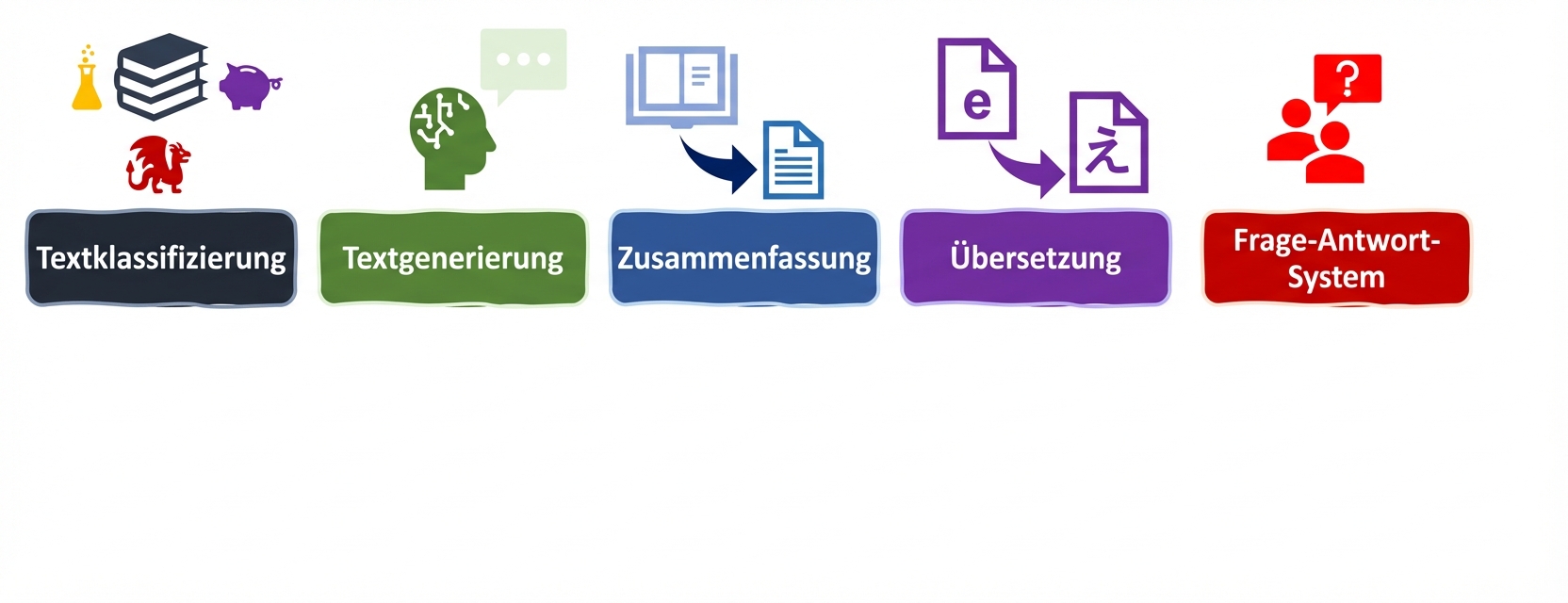
LLM-Aufgaben und Metriken


Bewertungskriterien für Sprachaufgaben

Einführung in LLMs mit Python

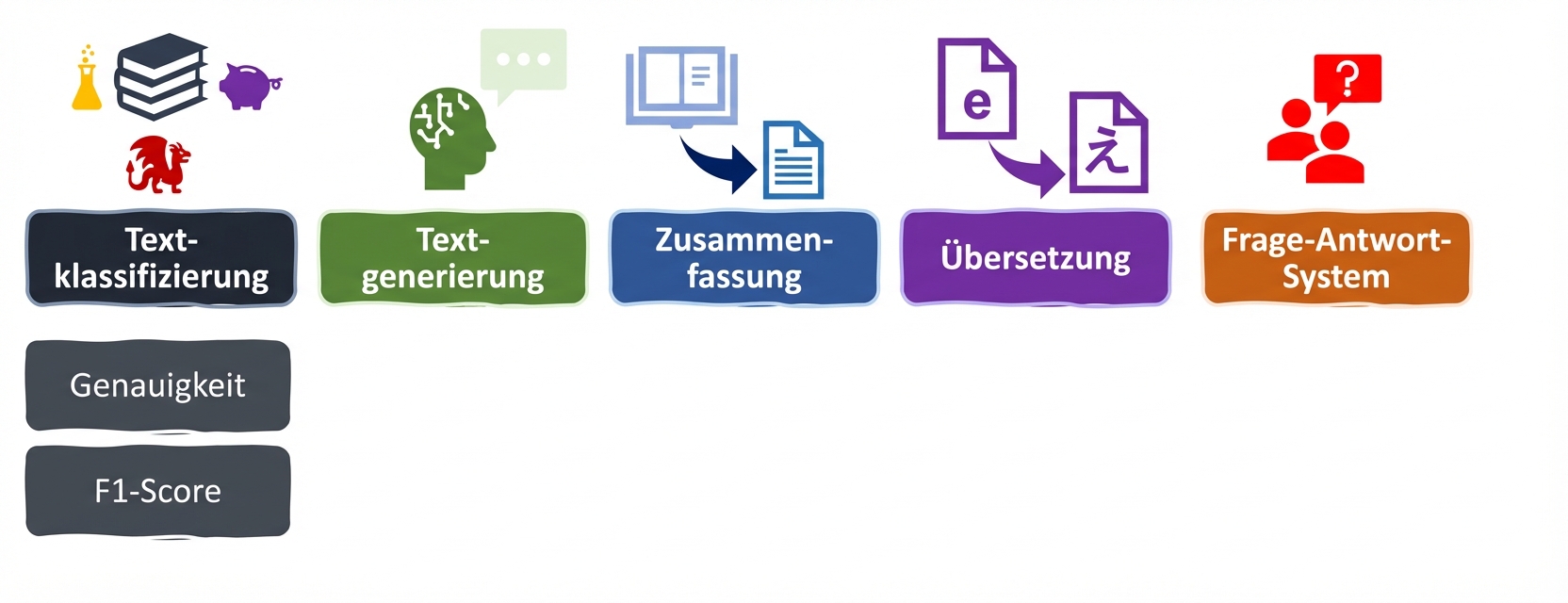
LLM-Aufgaben und Metriken


Bewertungskriterien für Sprachaufgaben

Einführung in LLMs mit Python

Metriken für die Klassifikation

accuracy = evaluate.load("accuracy")
precision = evaluate.load("precision")
recall = evaluate.load("recall")
f1 = evaluate.load("f1")
from transformers import pipeline

classifier = pipeline("text-classification", model=model, tokenizer=tokenizer)

predictions = classifier(evaluation_text)

predicted_labels = [1 if pred["label"] == "POSITIVE" else 0 for pred in predictions]
Einführung in LLMs mit Python

Ausgabe der Metriken

real_labels = [0,1,0,1,1]
predicted_labels = [0,0,0,1,1]

print(accuracy.compute(references=real_labels, predictions=predicted_labels))
print(precision.compute(references=real_labels, predictions=predicted_labels))
print(recall.compute(references=real_labels, predictions=predicted_labels))
print(f1.compute(references=real_labels, predictions=predicted_labels))
{'accuracy': 0.8}
{'precision': 1.0}
{'recall': 0.6666666666666666}
{'f1': 0.8}
Einführung in LLMs mit Python

Bewertung unseres fein abgestimmten Modells

# Load saved model and tokenizer with 
# .from_pretrained("my_finetuned_files")


new_data = ["This is movie was disappointing!", "This is the best movie ever!"] new_input = tokenizer(new_data, return_tensors="pt", padding=True, truncation=True, max_length=64) with torch.no_grad(): outputs = model(**new_input) predicted = torch.argmax(outputs.logits, dim=1).tolist()
real = [0,1]
print(accuracy.compute(references=real,
                       predictions=predicted))
print(precision.compute(references=real,
                        predictions=predicted))
print(recall.compute(references=real,
                     predictions=predicted))
print(f1.compute(references=real, 
                 predictions=predicted))
{'accuracy': 1.0}
{'precision': 1.0}
{'recall': 1.0}
{'f1': 1.0}
Einführung in LLMs mit Python

Auswahl der richtigen Kennzahl


  • Beachte die Aussagekraft: Jede Kennzahl liefert eigene Erkenntnisse, hat aber auch ihre Grenzen.


  • Arbeite umfassend: Nutze eine Kombination aus Kennzahlen (und wenn möglich auch domänenspezifischen KPIs ).

Illustration eines Gehirns mit einer Glühbirne stellvertretend für Bewusstsein, Denken und Entscheidungsfindung.

Einführung in LLMs mit Python

Lass uns üben!

Einführung in LLMs mit Python

Preparing Video For Download...