La bibliothèque d'évaluation

Introduction aux LLM en Python

Jasmin Ludolf

Senior Data Science Content Developer, DataCamp

La bibliothèque d'évaluation

import evaluate

accuracy = evaluate.load("accuracy")
print(accuracy.description)
Accuracy is the proportion of correct
predictions among the total number of cases
processed. It can be computed with:
Accuracy = (TP + TN) / (TP + TN + FP + FN)
Where:
TP: True positive
TN: True negative
FP: False positive
FN: False negative


  • Métrique : évaluer les performances du modèle en fonction du terrain


  • Comparaison : comparer deux modèles


  • Mesure : aperçu des propriétés des ensembles de données
Introduction aux LLM en Python

Attribut Features

print(accuracy.features)
{'predictions': Value(dtype='int32', id=None),
 'references': Value(dtype='int32', id=None)}

Contrôle entrées requises par métrique

  • 'predictions' : résultats du modèle
  • 'references' : réalité du terrain
  • .features : indique le type pris en charge pour les étiquettes de classe, par exemple 'int32' ou 'float32'
f1 = evaluate.load("f1")
print(f1.features)
{'predictions': Value(dtype='int32', id=None),
 'references': Value(dtype='int32', id=None)}
pearson_corr = evaluate.load("pearsonr")
print(pearson_corr.features)
{'predictions': Value(dtype='float32', id=None),
'references': Value(dtype='float32', id=None)}
Introduction aux LLM en Python

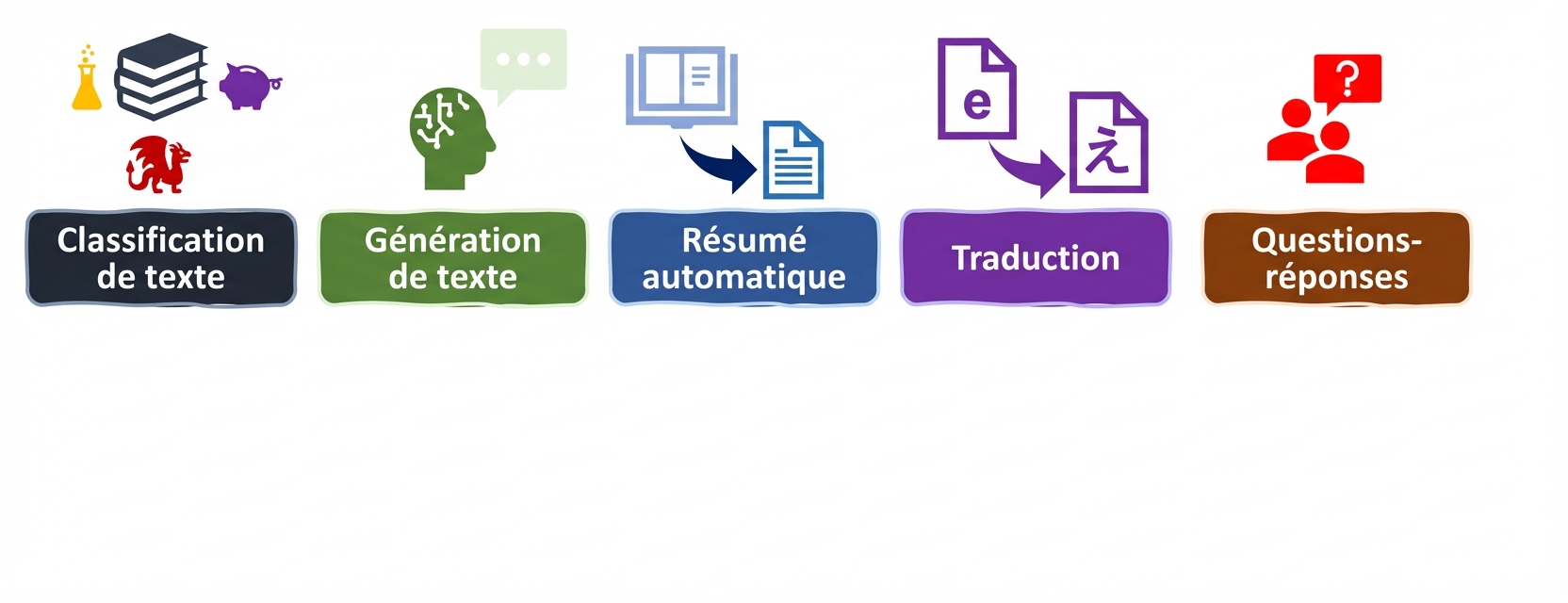
Tâches et indicateurs LLM


Evaluation metrics for language tasks

Introduction aux LLM en Python

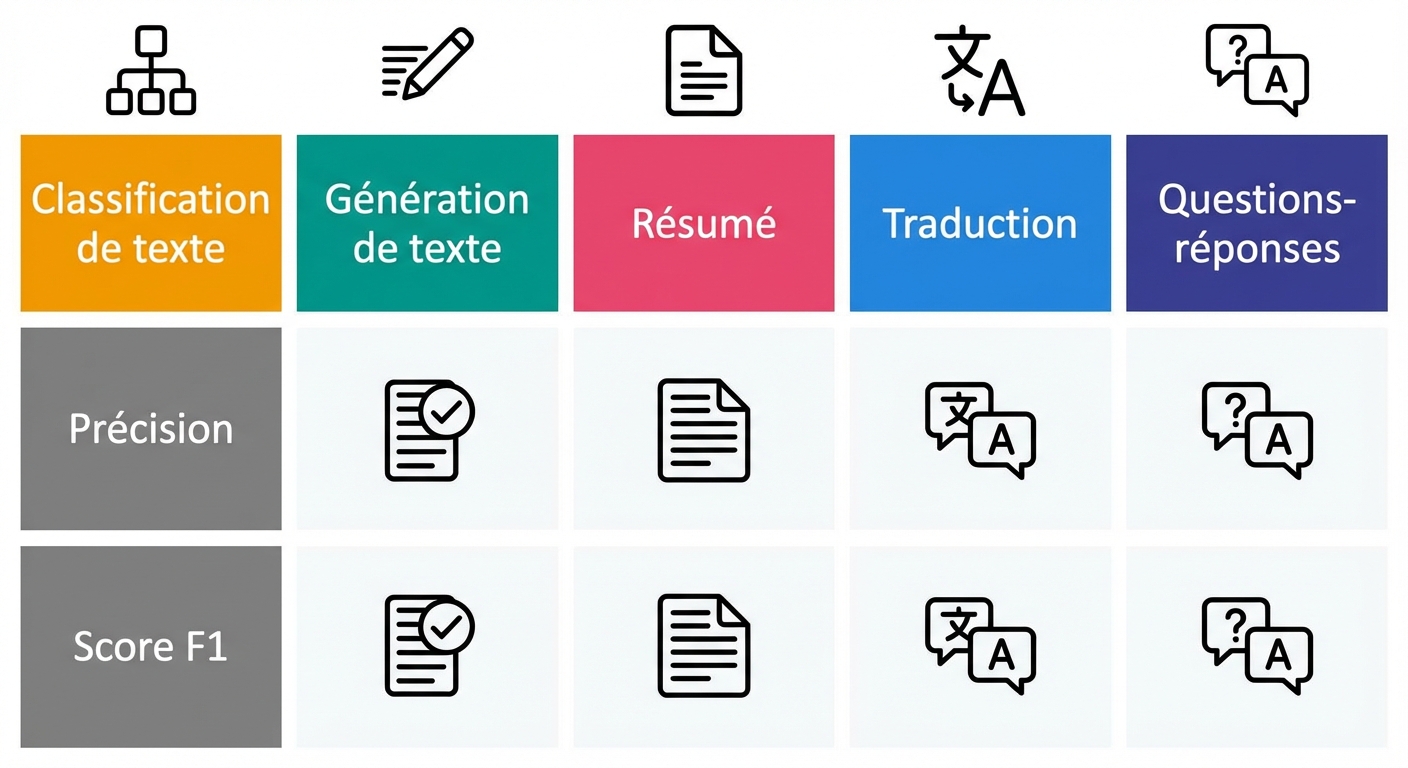
Tâches et indicateurs LLM


Evaluation metrics for language tasks

Introduction aux LLM en Python

Métriques de classification

accuracy = evaluate.load("accuracy")
precision = evaluate.load("precision")
recall = evaluate.load("recall")
f1 = evaluate.load("f1")
from transformers import pipeline

classifier = pipeline("text-classification", model=model, tokenizer=tokenizer)

predictions = classifier(evaluation_text)

predicted_labels = [1 if pred["label"] == "POSITIVE" else 0 for pred in predictions]
Introduction aux LLM en Python

Sorties métriques

real_labels = [0,1,0,1,1]
predicted_labels = [0,0,0,1,1]

print(accuracy.compute(references=real_labels, predictions=predicted_labels))
print(precision.compute(references=real_labels, predictions=predicted_labels))
print(recall.compute(references=real_labels, predictions=predicted_labels))
print(f1.compute(references=real_labels, predictions=predicted_labels))
{'accuracy': 0.8}
{'precision': 1.0}
{'recall': 0.6666666666666666}
{'f1': 0.8}
Introduction aux LLM en Python

Évaluation de notre modèle affiné

# Load saved model and tokenizer with 
# .from_pretrained("my_finetuned_files")


new_data = ["This is movie was disappointing!", "This is the best movie ever!"] new_input = tokenizer(new_data, return_tensors="pt", padding=True, truncation=True, max_length=64) with torch.no_grad(): outputs = model(**new_input) predicted = torch.argmax(outputs.logits, dim=1).tolist()
real = [0,1]
print(accuracy.compute(references=real,
                       predictions=predicted))
print(precision.compute(references=real,
                        predictions=predicted))
print(recall.compute(references=real,
                     predictions=predicted))
print(f1.compute(references=real, 
                 predictions=predicted))
{'accuracy': 1.0}
{'precision': 1.0}
{'recall': 1.0}
{'f1': 1.0}
Introduction aux LLM en Python

Choisir la bonne mesure


  • Veuillez noter que chaque indicateur apporte ses propres informations, mais qu'ils ont également leurs limites


  • Soyez exhaustif : utilisez une combinaison d'indicateurs (et, si possible, dde KPI spécifiques au domaine)

Illustration of a brain with a lightbulb to show awareness, thinking, and decision making.

Introduction aux LLM en Python

Passons à la pratique !

Introduction aux LLM en Python

Preparing Video For Download...