Transforming and cleaning data

Introduction to Workflow Automation with n8n

Frank Nillard

Founder, Tellyt.ai

Why transformation matters

Introduction to Workflow Automation with n8n

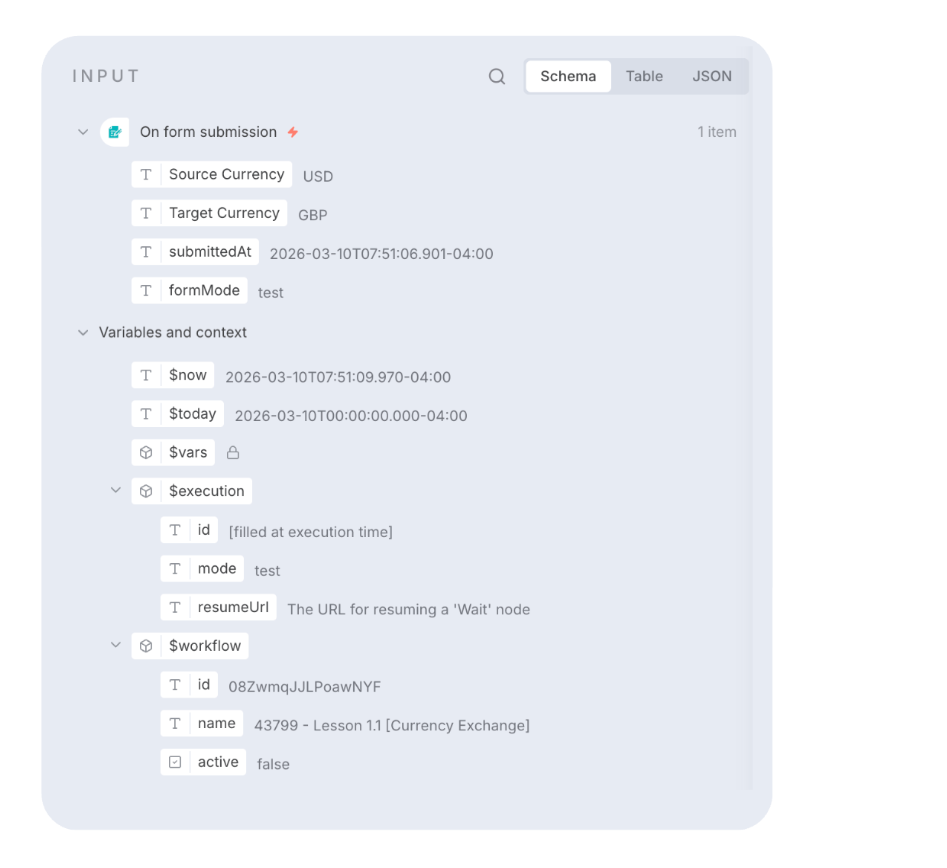
Fields and values


Field name: email 

Value: [email protected].


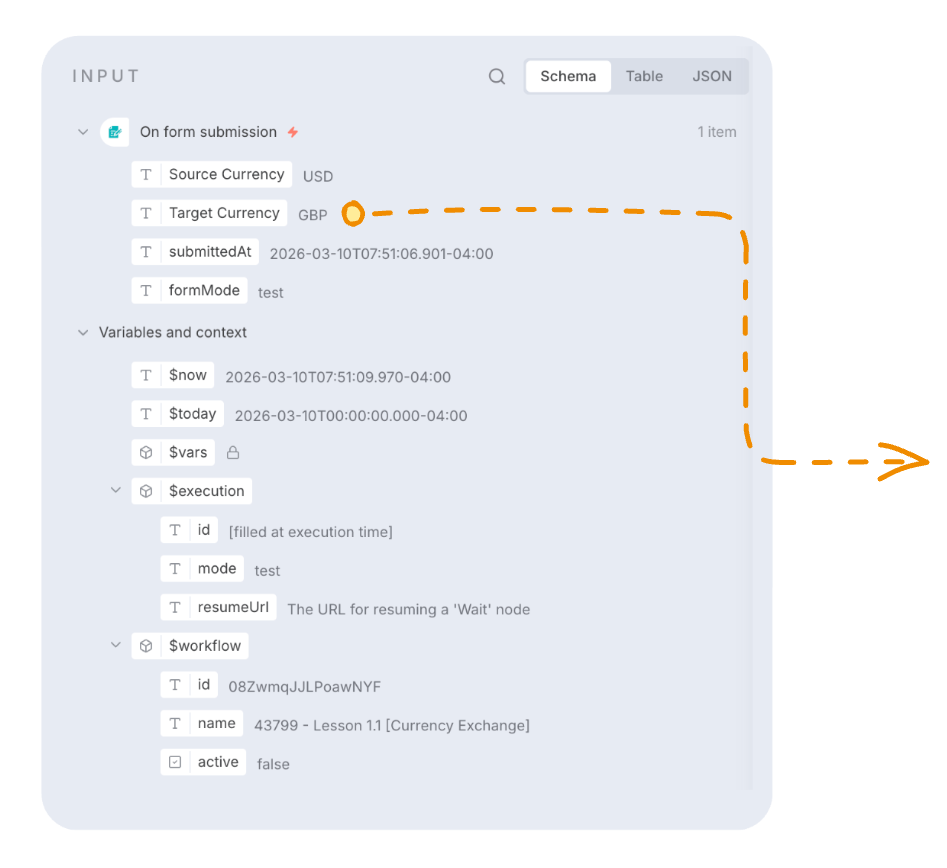
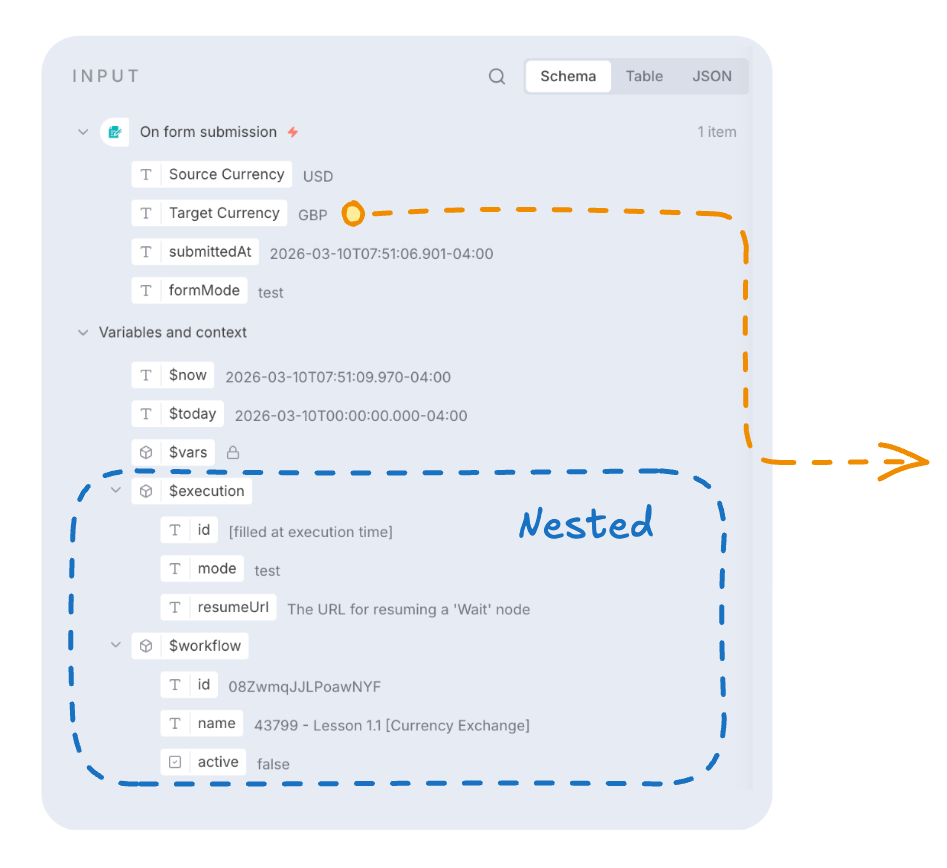
  • All data in n8n is organized into fields.
  • Each field has a name and a value.
  • This name-value structure appears in nearly all nodes.
Introduction to Workflow Automation with n8n

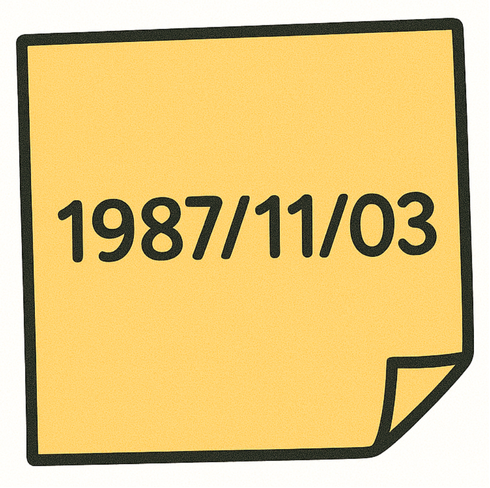
Static vs. dynamic values

Date_On_A_Sticky_Note.png

Introduction to Workflow Automation with n8n

Static vs. dynamic values

DataCamp Diagrams.png

Introduction to Workflow Automation with n8n

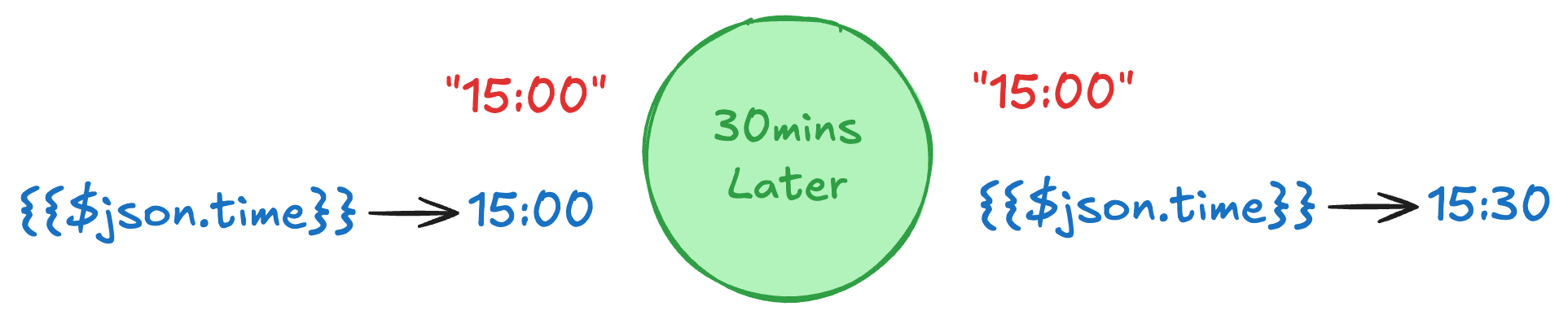
Static vs. dynamic values

JSON_Variables.png

Introduction to Workflow Automation with n8n

What are expressions?

DEMO VIDEO

Introduction to Workflow Automation with n8n

Mixing static and dynamic values

DEMO VIDEO

Introduction to Workflow Automation with n8n

Set node: quick fixes with expressions

DEMO VIDEO

Introduction to Workflow Automation with n8n

Code node: when it gets more complex

DEMO VIDEO

Introduction to Workflow Automation with n8n

Set vs Code: when to use which

  • Use a Set node for simple changes.

Set_node.png

Introduction to Workflow Automation with n8n

Set vs Code: when to use which

  • Use a Set node for simple changes.
  • Use a Code node for complex or multi-field edits.
    • more efficient than using multiple nodes.

Set and Code node.png

Introduction to Workflow Automation with n8n

Let's practice!

Introduction to Workflow Automation with n8n

Preparing Video For Download...