Testing and code quality with Copilot

Software Development with GitHub Copilot

Thalia Barrera

AI Engineering Curriculum Manager, DataCamp

What you've learned


  • Code completions — suggestions as you type
  • Copilot Chat — ask questions, get explanations, and refactor code
  • Agent mode — autonomous, multi-step tasks
  • Custom tools — extending Copilot's capabilities
Software Development with GitHub Copilot

Now, let's apply it

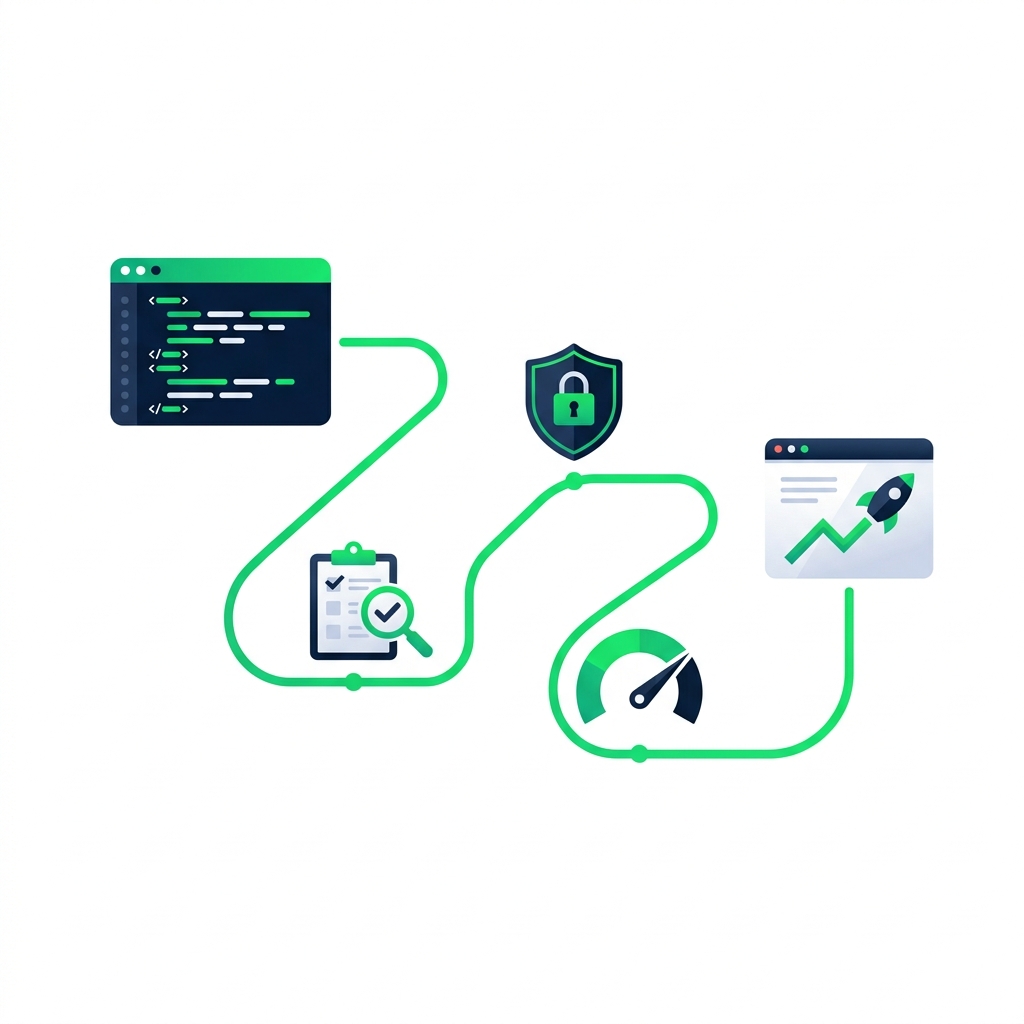
nanobanana: half: A developer's journey shown as a path with three milestone icons representing testing, security, and performance, leading from a code editor toward a polished deployed application, flat vector illustration


  • Testing — catch bugs before they reach production
  • Security — spot vulnerabilities early
  • Performance — write code that scales
Software Development with GitHub Copilot

Copilot makes testing easier

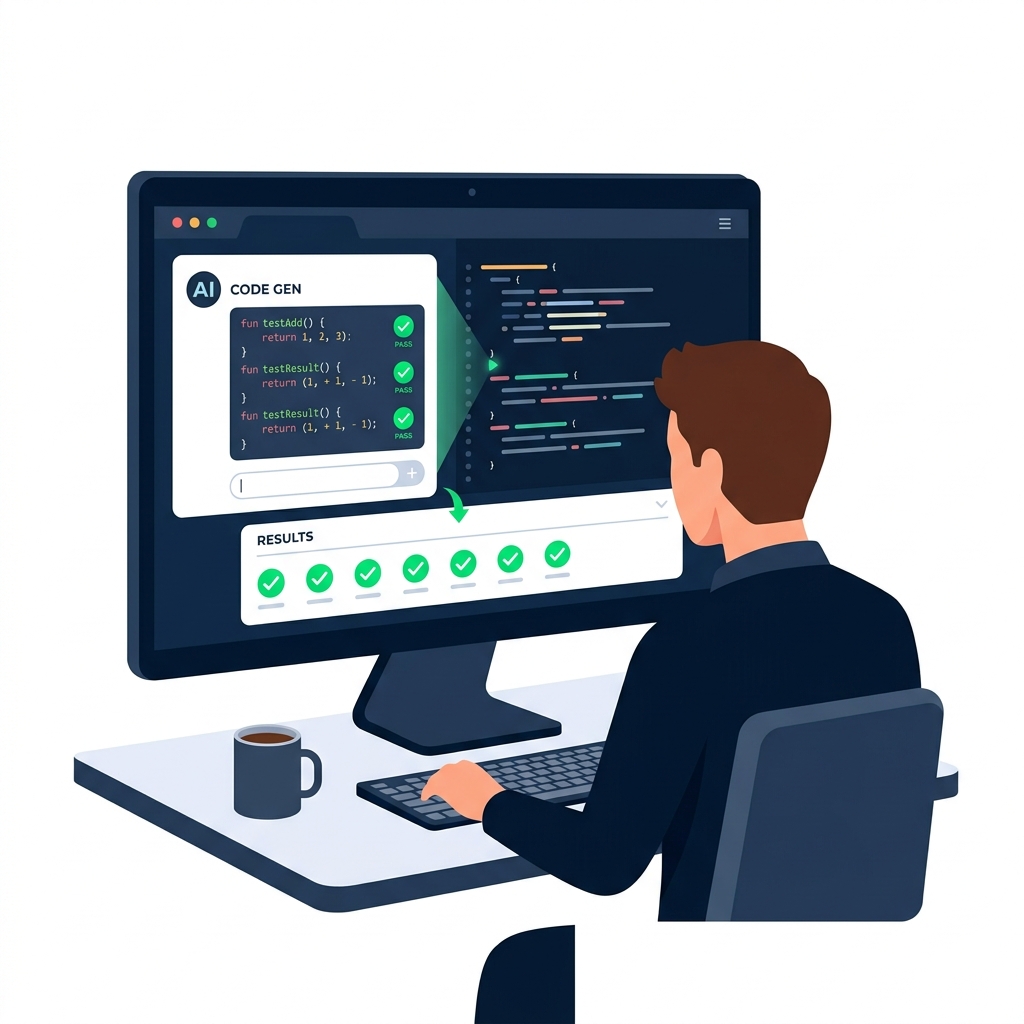
nanobanana: half: An AI assistant generating test code on a developer's screen, showing green checkmarks next to test results, flat vector illustration


  • ✔ Generate full test suites
  • 💡 Catch edge cases
  • 🤖 Handle boilerplate
Software Development with GitHub Copilot

The edge cases that slip through


def calculate_discount(price, discount_pct):
    discount = price * (discount_pct / 100)
    return price - discount

calculate_discount(50, 20)  # → 40.0 ✓


But what about...

  • Negative price
  • discount_pct > 100
  • Zero quantity order
Software Development with GitHub Copilot

[screencast]

Software Development with GitHub Copilot

[screencast]

Software Development with GitHub Copilot

When to go deeper

nanobanana: half: A focused software developer at a laptop composing a message in an AI chat interface

Straightforward cases

  • /tests


Special cases

Write pytest unit tests for calculate_discount covering: negative price, discount > 100%, and empty item list. Use parametrize for edge cases.

Software Development with GitHub Copilot

Beyond unit tests

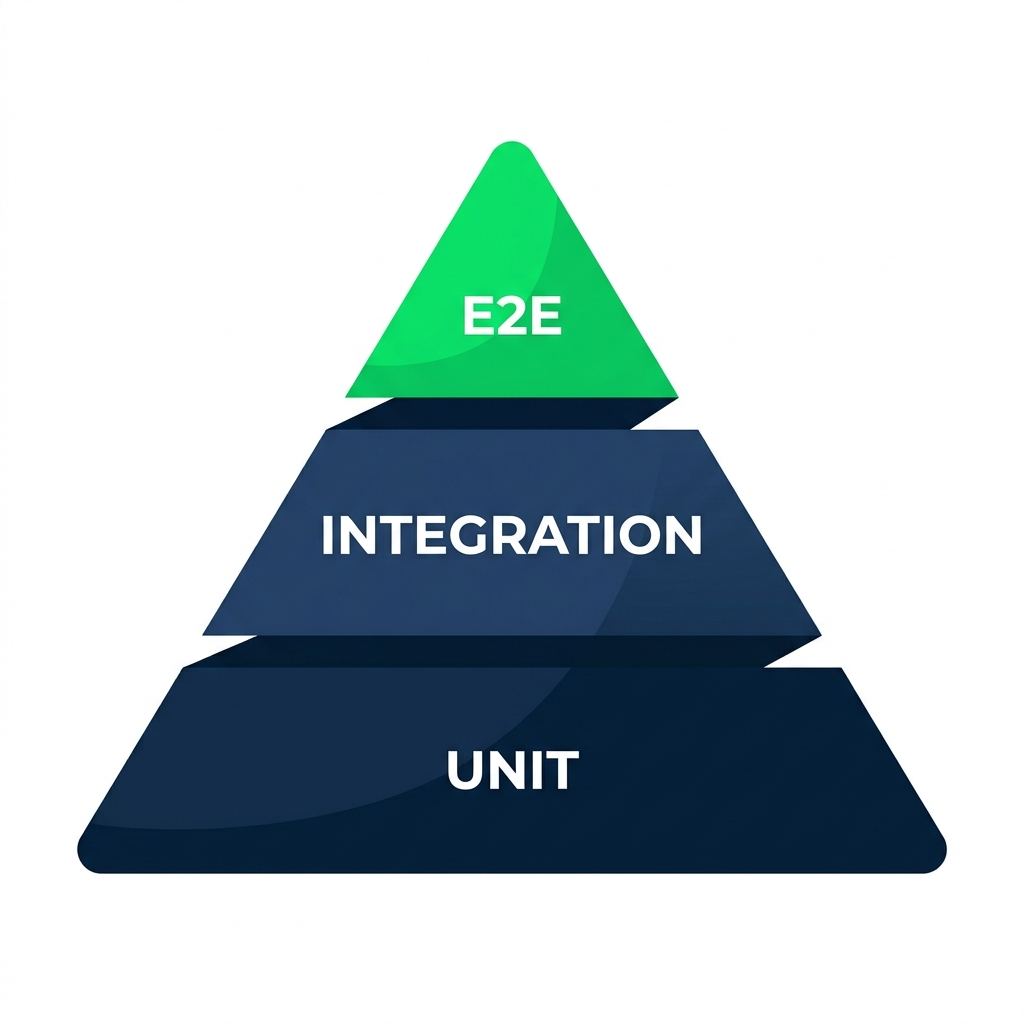
nanobanana: half: A testing pyramid with three stacked horizontal layers, the wide base labeled unit tests, the middle layer labeled integration tests, and the narrow top labeled end-to-end tests


  • Unit/tests or a simple prompt
  • Integration — describe how components connect
  • End-to-end — use full codebase context
Software Development with GitHub Copilot

Integration tests


  • Attach each relevant file with #file:
  • Describe interaction and mocking strategy
  • Use /fixTestFailure if a test breaks


Write integration tests for the checkout flow. Use #file:cart.py and #file:payment.py. Mock the payment gateway and assert that order status updates correctly.

Software Development with GitHub Copilot

End-to-end tests


  • @workspace discovers relevant code automatically
  • Works well with Playwright and Cypress
  • Use #terminalLastCommand to debug failures


@workspace Write Playwright end-to-end tests for the user registration flow. Assert that the confirmation email is triggered.

Software Development with GitHub Copilot

[screencast]

Software Development with GitHub Copilot

Let's practice!

Software Development with GitHub Copilot

Preparing Video For Download...