Texte mit Sprachmodellen erzeugen

Einführung in Amazon Bedrock

Nikhil Rangarajan

Data Scientist

Prompts an Sprachmodelle senden

  • Prompt: der Eingabetext, den du ans Modell schickst
    • "Explain how AWS Lambda works"

Ein Symbol für den Prompt.

Einführung in Amazon Bedrock

Prompts an Sprachmodelle senden

  • Prompt: der Eingabetext, den du ans Modell schickst
    • "Explain how AWS Lambda works"
  • Completion: der vom Modell generierte Text
    • "AWS Lambda is a serverless compute service that..."

Symbole für Prompt und Completion.

Einführung in Amazon Bedrock

Prompts an Sprachmodelle senden

  • Prompt: der Eingabetext, den du ans Modell schickst
    • "Explain how AWS Lambda works"
  • Completion: der vom Modell generierte Text
    • "AWS Lambda is a serverless compute service that..."
  • Response:
    • Generierter Text (Completion)
    • Metadaten (Tokens, Modellinfos)
    • Statusinformationen

Drei Symbole in Folge für Prompt, Completion und Response.

Einführung in Amazon Bedrock

Grundlegende Prompt-Techniken anwenden

  • Techniken für bessere Ergebnisse:
    • Klar und präzise: genaue, konkrete Anweisungen
    • Rolle zuweisen: Persona für mehr Kontext
    • Formatvorgaben: Constraints zur Antwort geben
"Explain the benefits of exercise 
in simple terms."
"You are a nutritionist. Explain the 
benefits of a balanced diet."
"List the top 3 benefits of cloud 
computing in bullet points."
Einführung in Amazon Bedrock

Fortgeschrittenes Text-Parsing

  • Fehlende oder unerwartete Keys behandeln
data = json.loads(response['body'].read())
if 'completion' in data:
    output = data['completion']

else: output = "Key not found"
  • Verschachtelte JSONs parsen (tief navigieren)
try:
    nova_output = data.decode()["output"]

except (KeyError, IndexError) as e: nova_output = f"Error: {str(e)}"
Einführung in Amazon Bedrock

Antworten verarbeiten und Text handhaben

  • Unicode-/Encoding-Probleme: Sonderzeichen korrekt verarbeiten
    # Ensure proper encoding
    output = data['completion'].encode('utf-8').decode('unicode_escape')
    print(output)
    
  • Große Antworten verarbeiten: teilen oder kürzen für Usability
    # Truncate response for display
    output = data['completion'][:500]  # Limit to 500 characters
    print(output)
    
Einführung in Amazon Bedrock

Kategorie-Extraktion mit Bedrock

  • Beispiel: Textdaten klassifizieren
  • Strukturierte Prompts mit klaren Kategorien nutzen
  • Explizit: nur eine Kategorie ausgeben
  • Modellantworten effizient verarbeiten
  • Ergebnis: Präzise Textkategorisierung

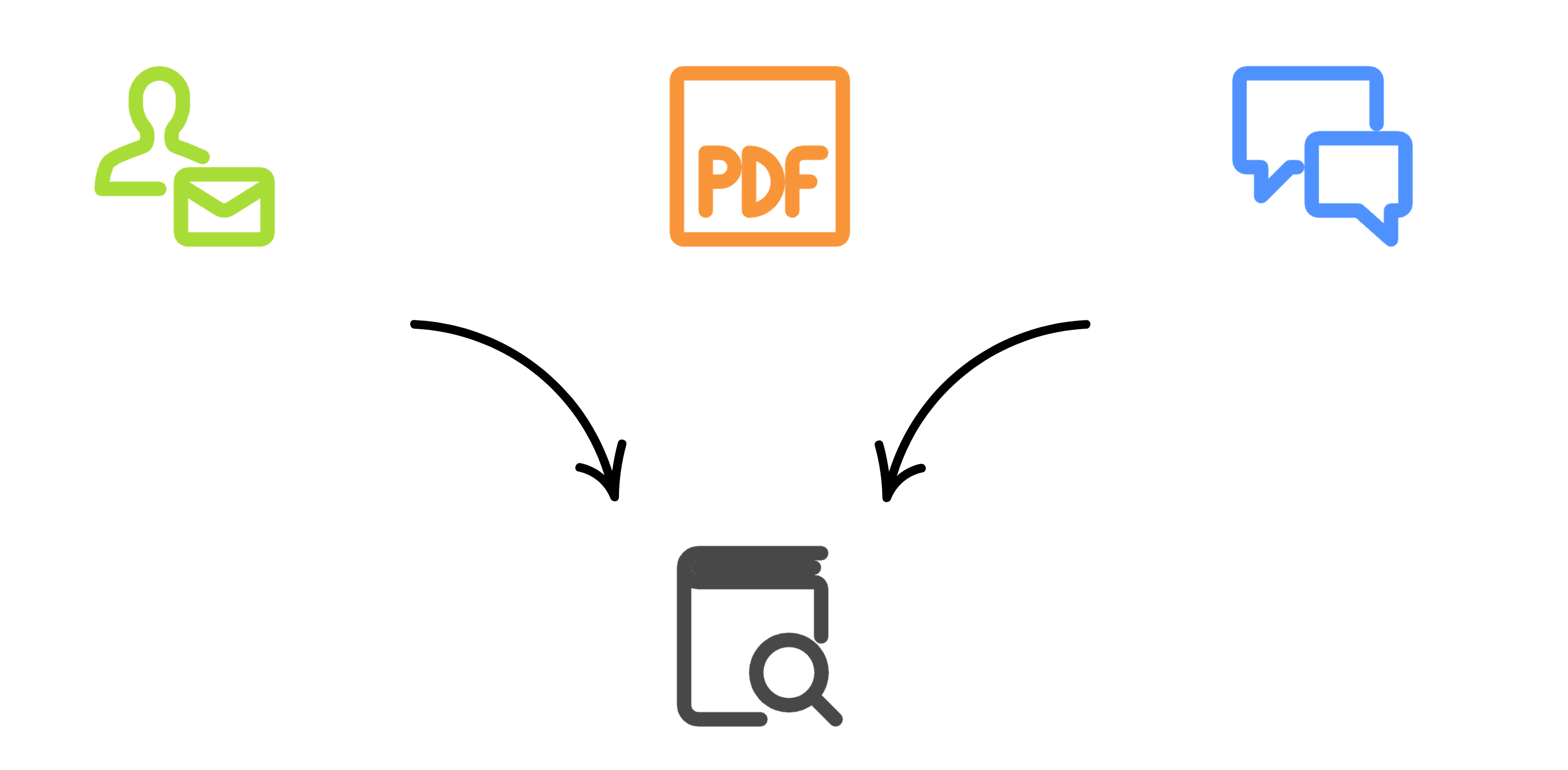
Symbole für Textklassifikation

Einführung in Amazon Bedrock

Kategorie-Extraktion mit Bedrock

def categorize_ticket(ticket, categories):
  prompt = f"Categorize into one: {', '.join(categories)}. 
  Ticket: {ticket}"
  response = bedrock.invoke_model(
    modelId='amazon.nova-micro-v1:0',
    body=json.dumps({"messages": [{"role": "user", "content": 
                                   [{"text": prompt}]}]}))

return json.loads(nova_response.get("body").read().decode())["output"]
{"output": {"message": {"role": "assistant","content": [
        {
          "text": "Customer Service"
        }]}, "stop_reason": "stop_sequence"}}
Einführung in Amazon Bedrock

Lass uns üben!

Einführung in Amazon Bedrock

Preparing Video For Download...