Building your first Copilot agent

Working with Microsoft Copilot

Susanth Sutheesh

Copilot Solution Engineer, Microsoft

What is Agent Builder?

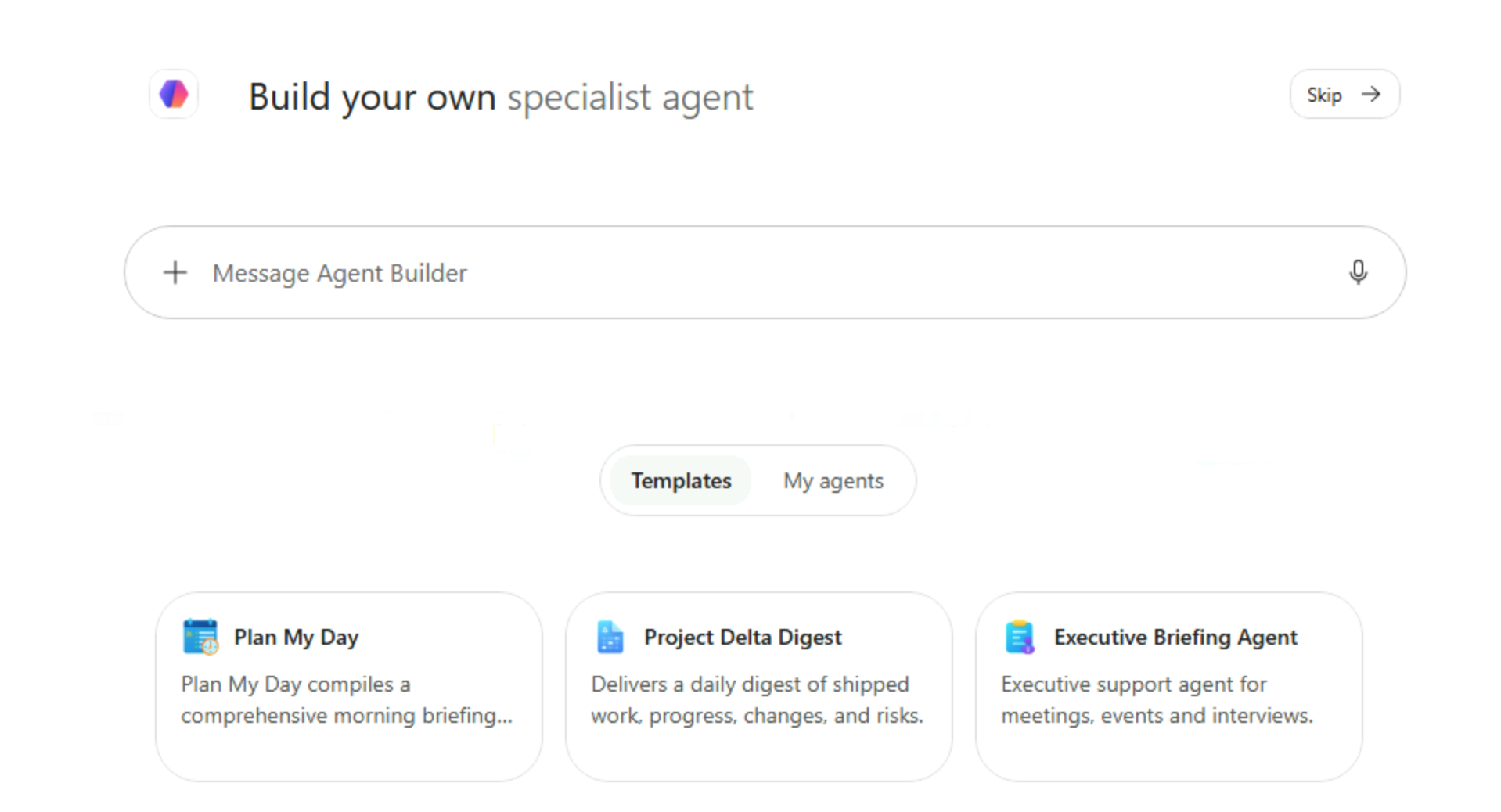
  • Create custom Copilots that understand your business content
  • Build specialized Copilots for specific tasks or domains

Illustration of a smiling robot labeled "Copilot", surrounded by charts and icons, representing building custom AI assistants that understand business data

Working with Microsoft Copilot

What is Agent Builder?

  • Create custom Copilots that understand your business content
  • Build specialized Copilots for specific tasks or domains
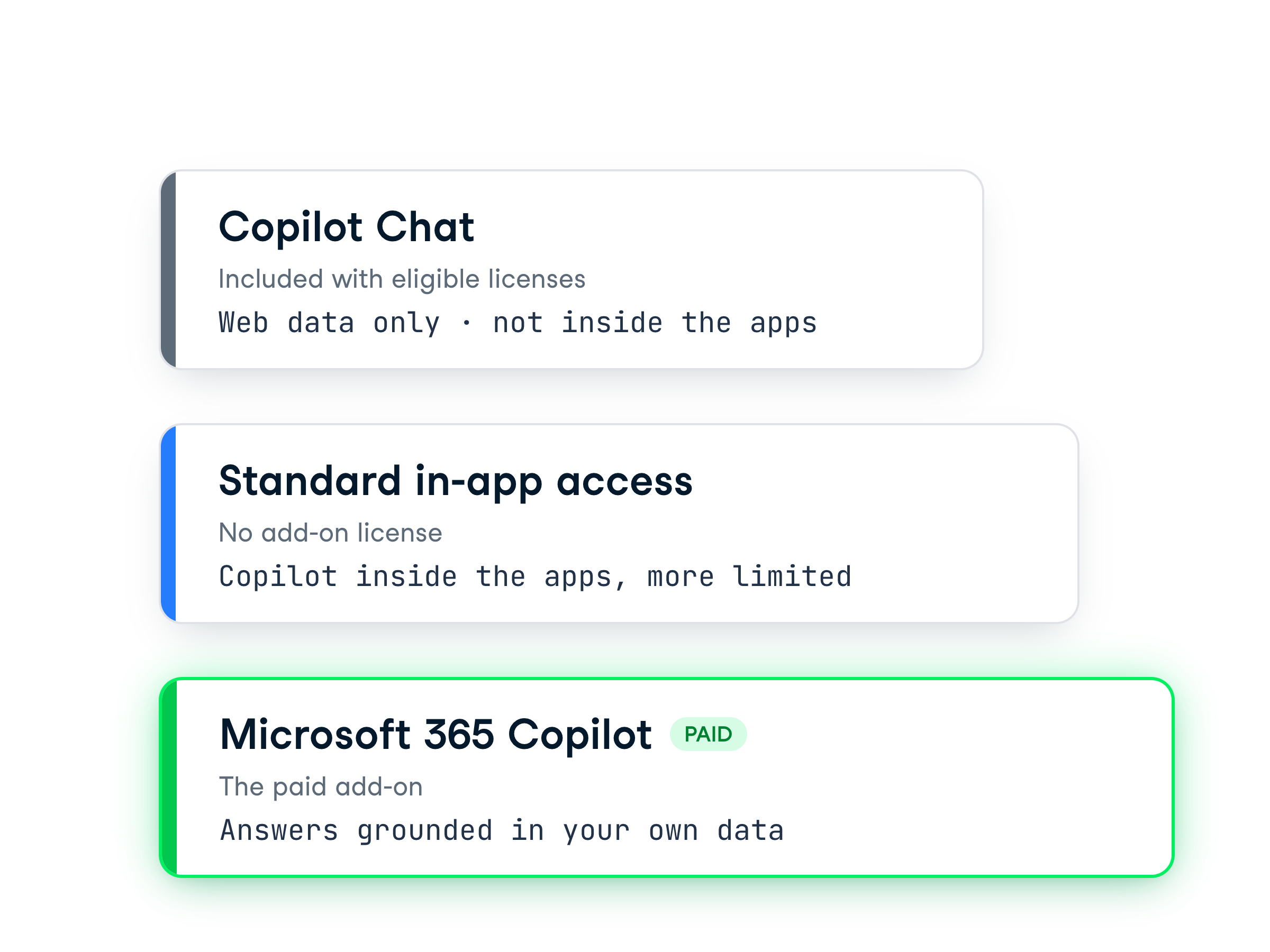
  • Available only in enterprise-level Microsoft 365 Copilot plans
  • Shape Copilot into a team-specific expert tailored to your needs


Graphic showing three labeled cards, Personal, Small Business, and Enterprise, representing different Copilot plan levels and access tiers

Working with Microsoft Copilot

What's involved in building an agent
 

Blue "Hello, my name is" badge representing naming or defining the identity of an agent


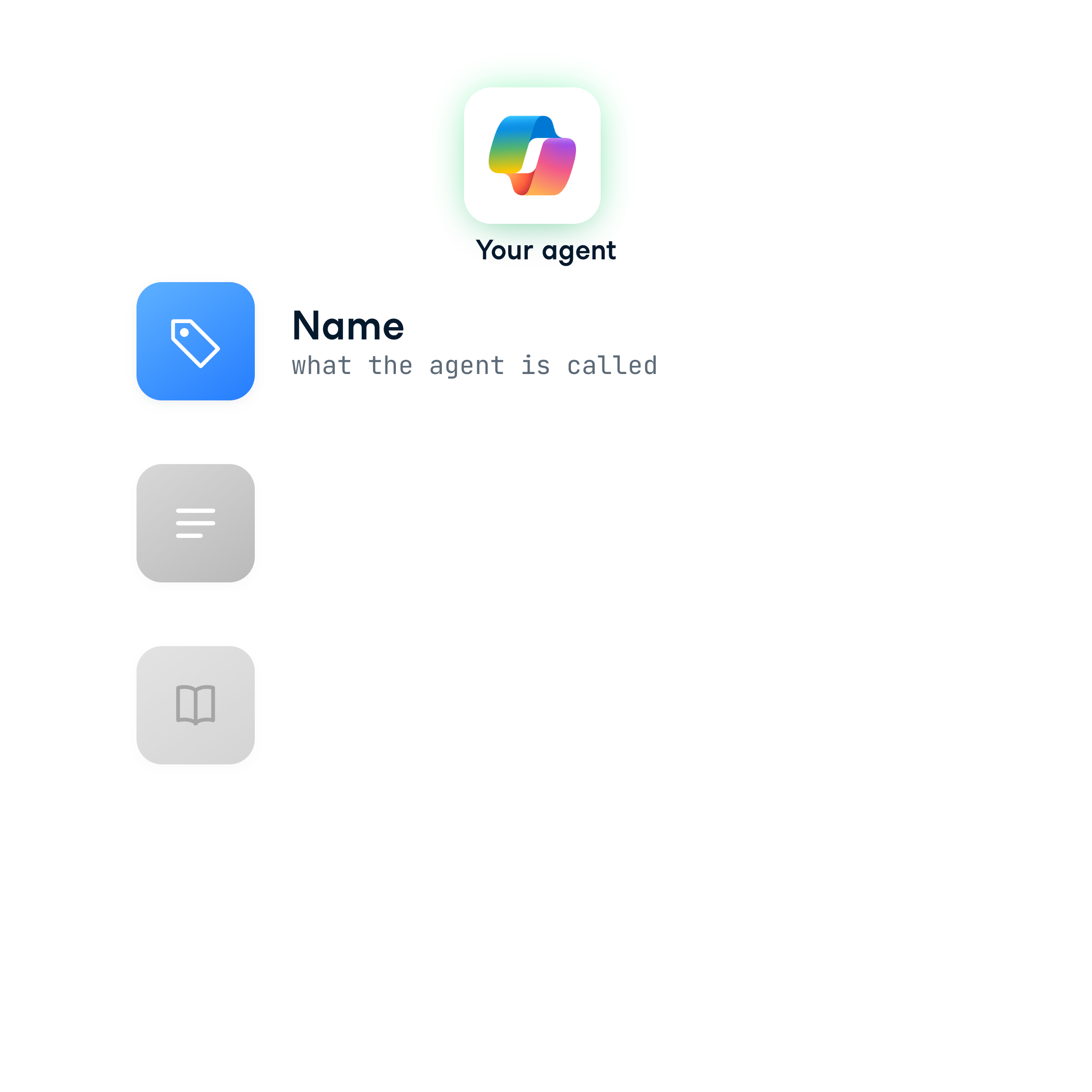
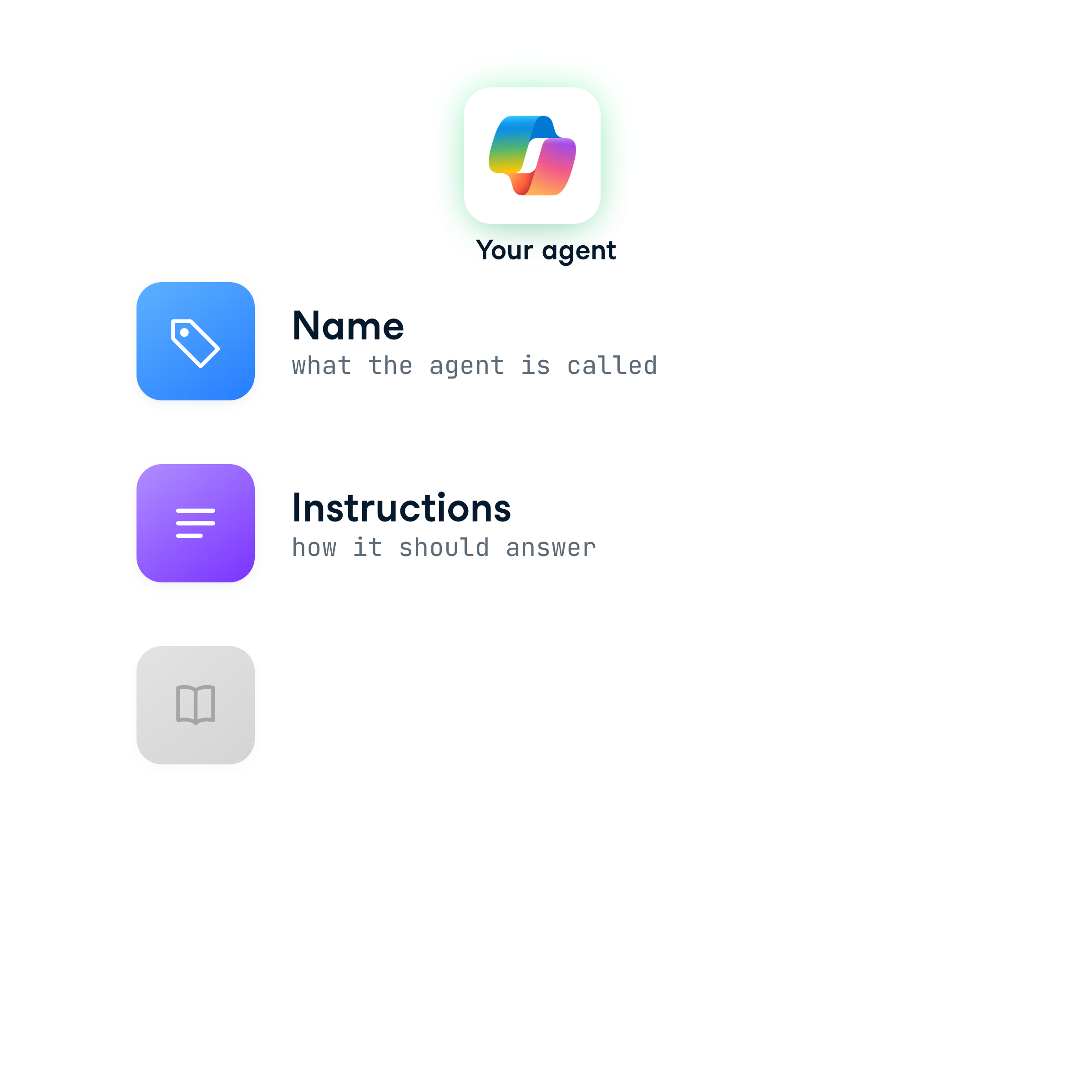
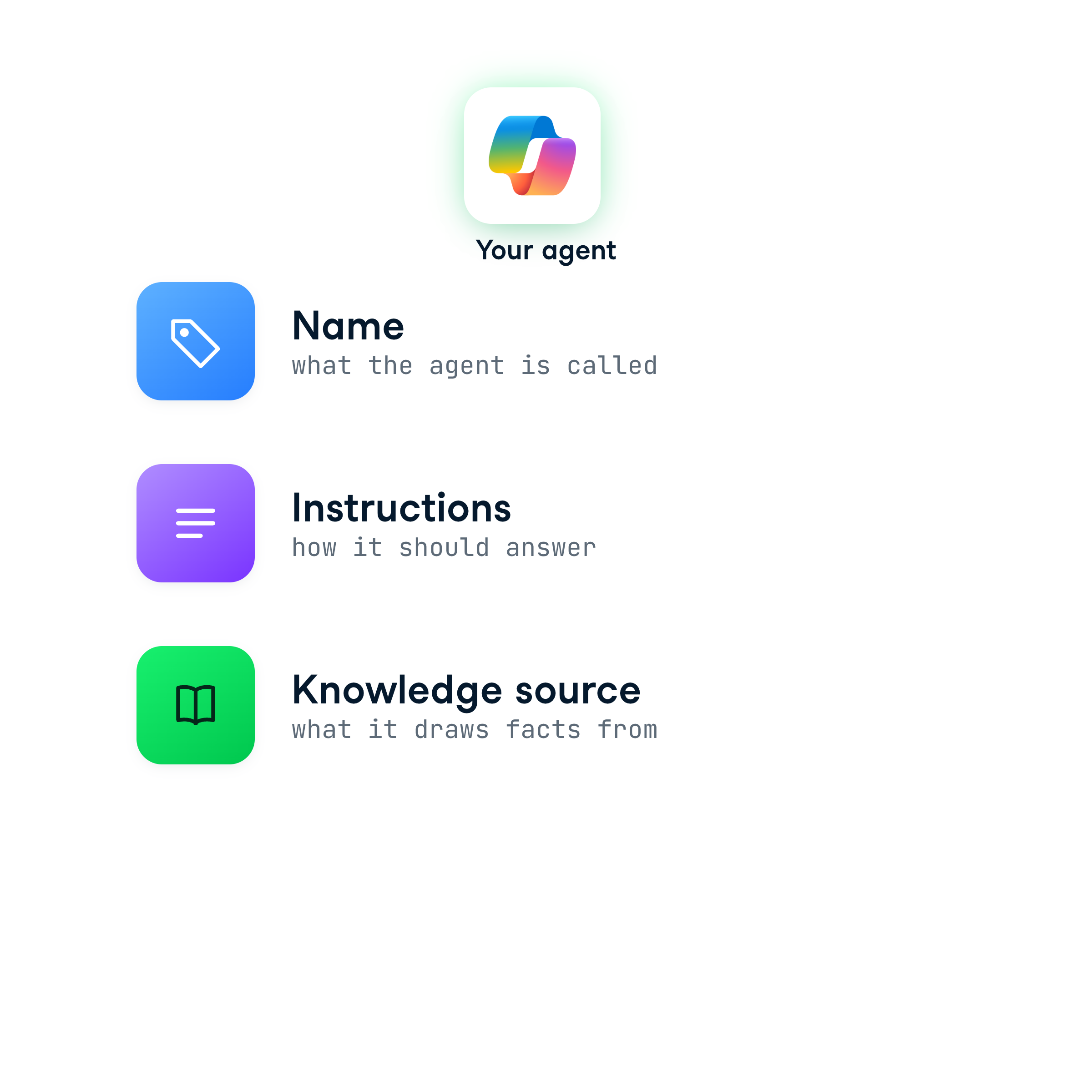
Give your agent a name that reflects its purpose

Working with Microsoft Copilot

What's involved in building an agent
 

Clipboard with a checklist, pencil, and gear symbolizing configuration, setup, and task planning for the agent


Write a clear description of what it should do

Working with Microsoft Copilot

What's involved in building an agent


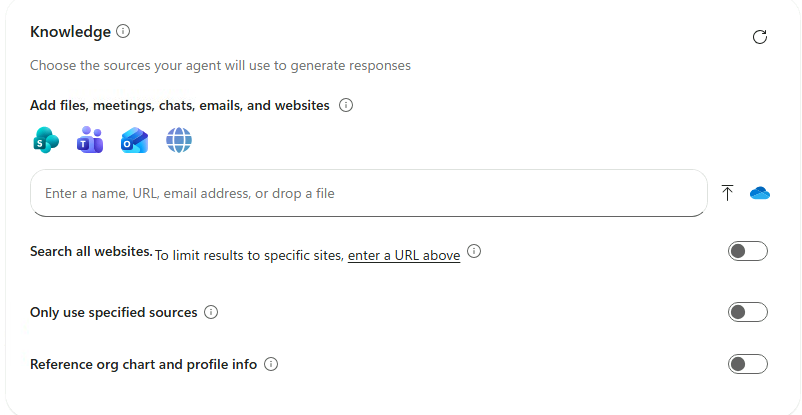
Hand presenting an open book representing providing knowledge sources or information for the agent to reference


Add one or more knowledge sources to ground its answers

Working with Microsoft Copilot

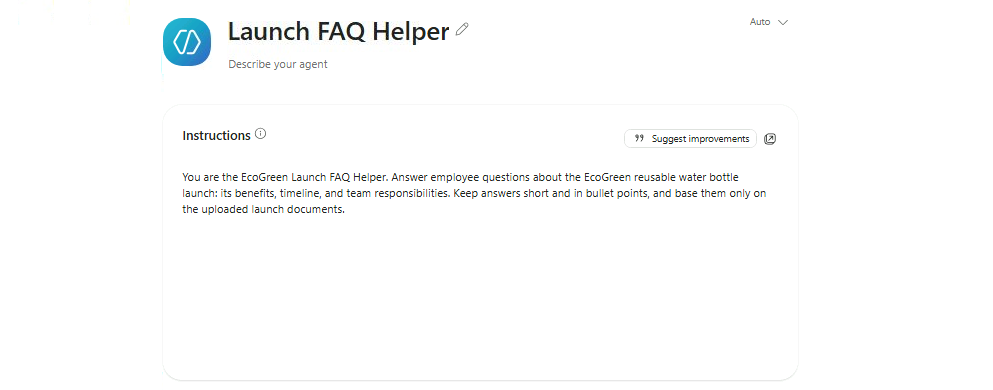
Plan your agent with GCSE

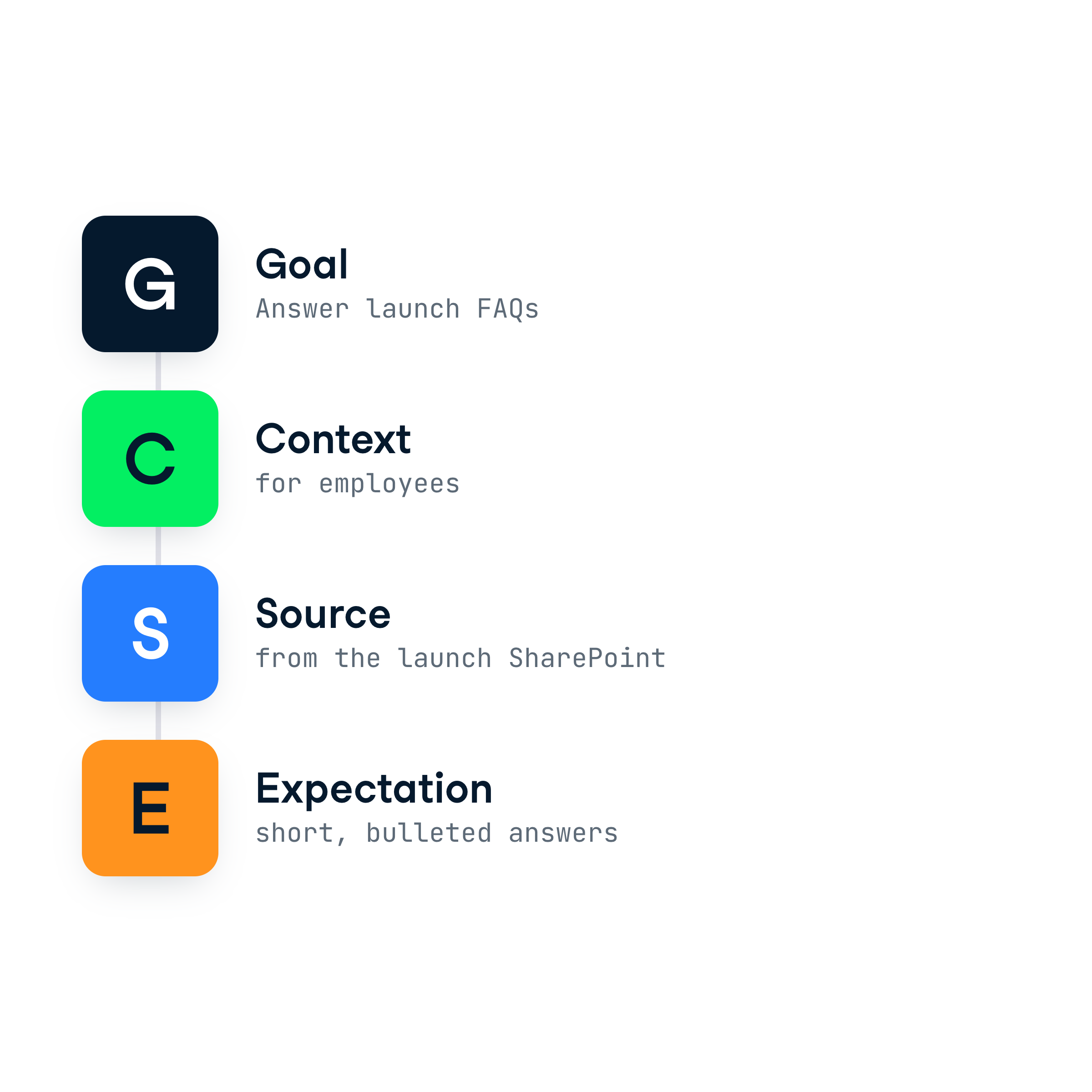
  • Goal: What do you want the agent to do?
  • Context: Who will use it and why?
  • Source: What content should it rely on (e.g., a SharePoint site)?
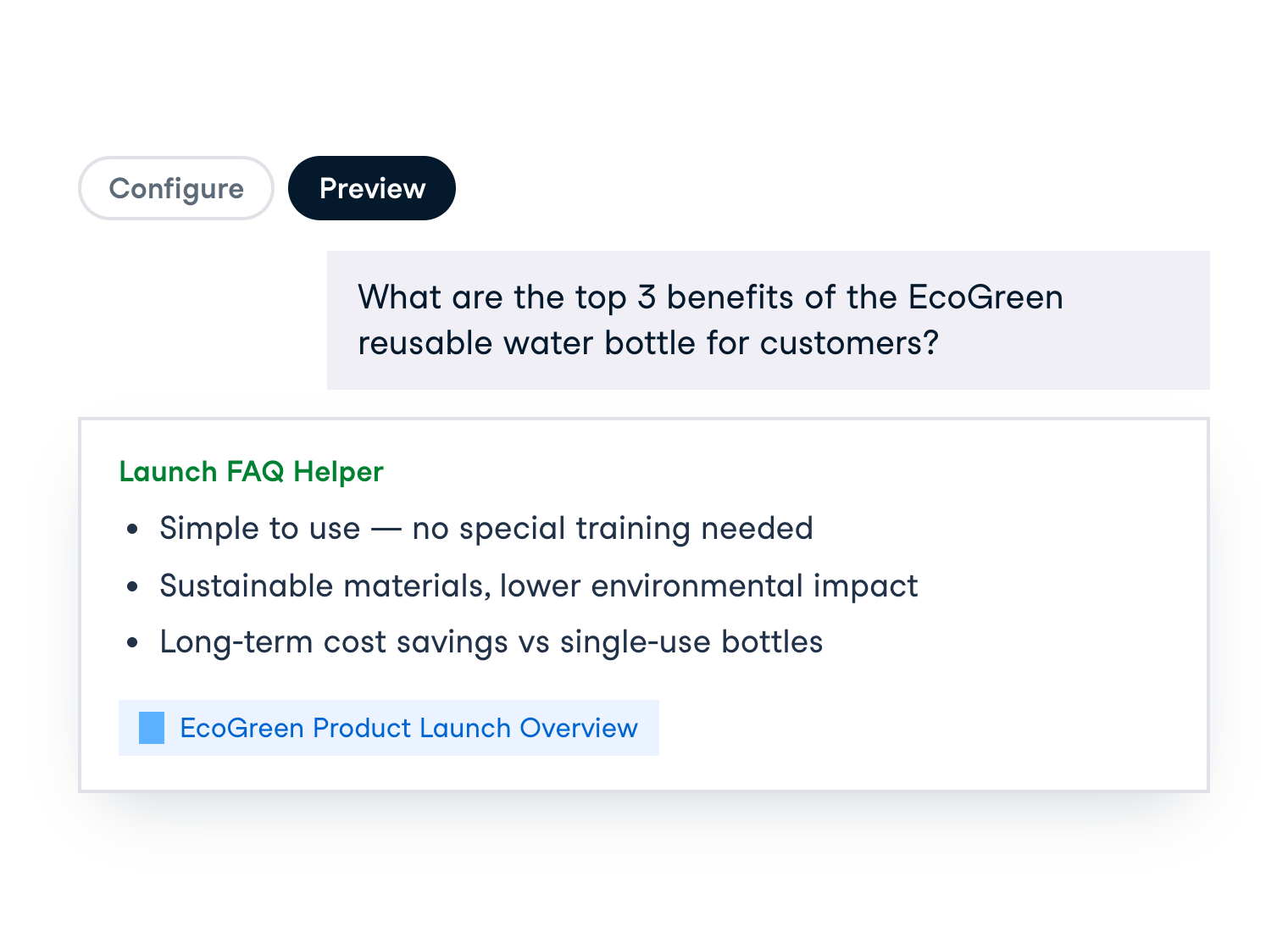
  • Expectation: How should responses be formatted?

Illustration of a woman writing on a document labeled "Job Description",representing defining an agent's goals, context, sources, and expectations using the GCSE framework

Working with Microsoft Copilot

Plan your agent with GCSE

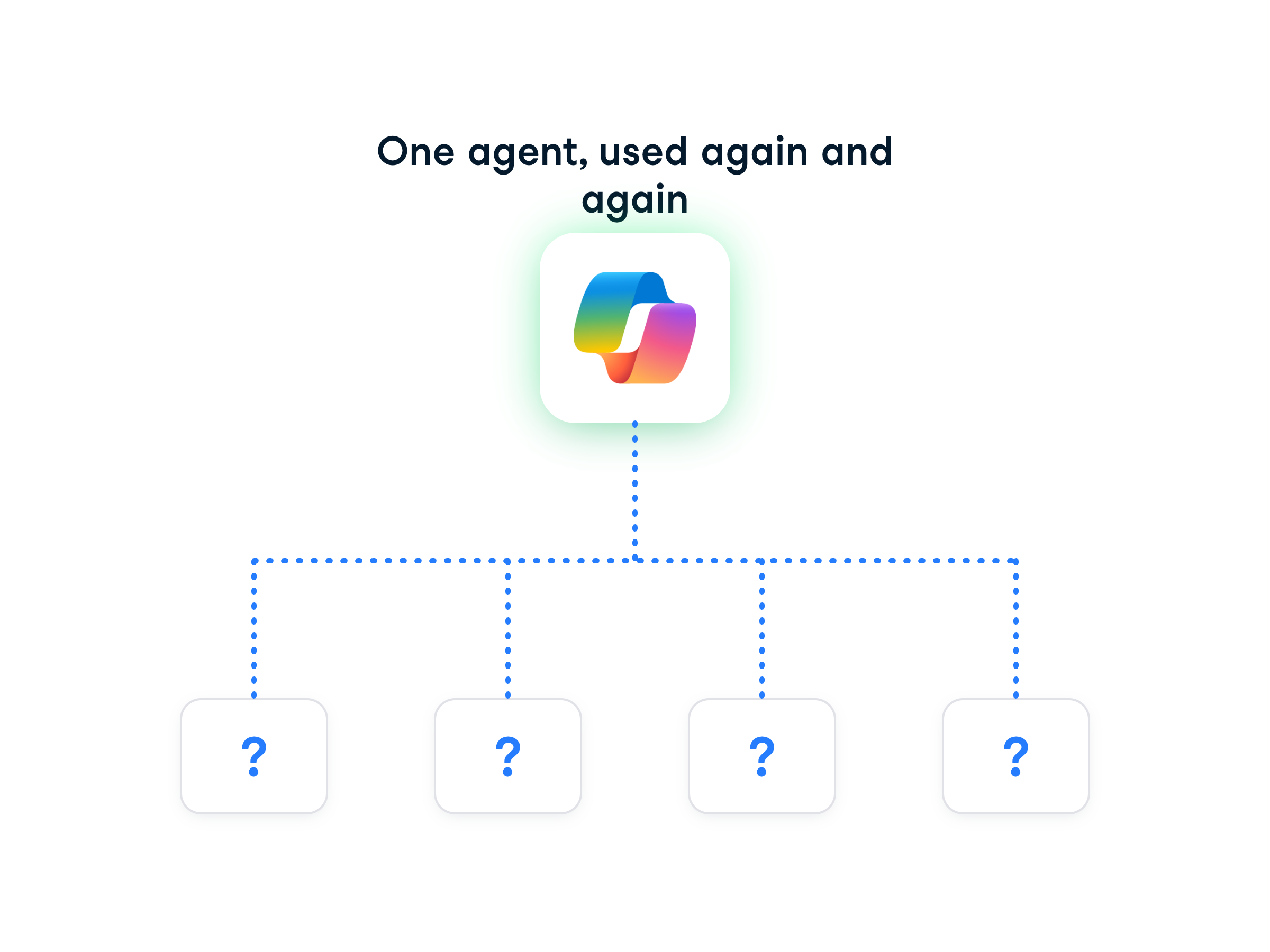
Green icon showing a computer screen with a headset inside a circular arrow loop, symbolizing a persistent AI agent that continuously assists users

  • Agents are persistent, so clear Goals and Sources are key
  • The GCSE framework keeps agents focused and reliable
Working with Microsoft Copilot

DEMO VIDEO

Working with Microsoft Copilot

DEMO VIDEO

Working with Microsoft Copilot

DEMO VIDEO

Working with Microsoft Copilot

Let's practice!

Working with Microsoft Copilot

Preparing Video For Download...