Multi-step prompts and refinement

Working with Microsoft Copilot

Susanth Sutheesh

Copilot Solution Engineer, Microsoft

Why go beyond the basics?

  • Some tasks involve multiple steps or tools
  • Examples:
    • Updating a client report with research, a draft, and a summary
    • Preparing a team briefing in Excel with filters, trends, and charts
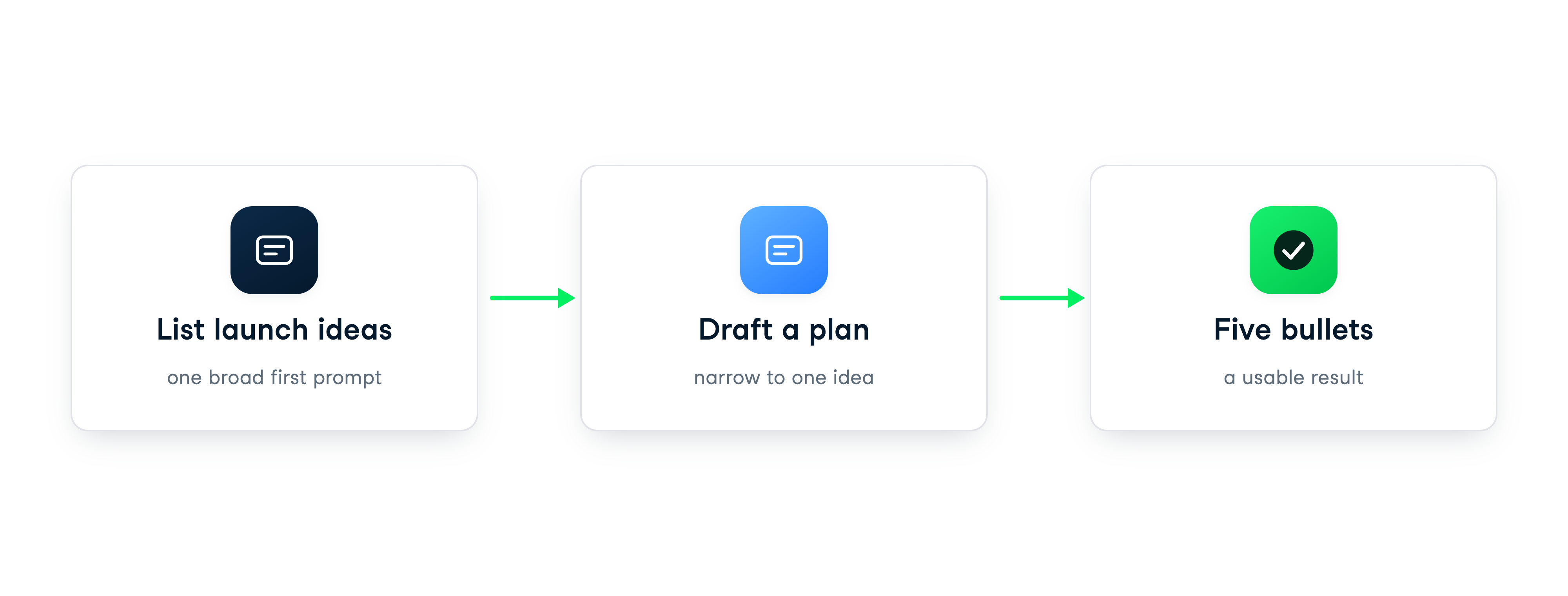
  • Break complex tasks into smaller, clear steps

Illustration showing a large project split into smaller, connected parts, symbolizing breaking complex tasks into steps

Working with Microsoft Copilot

DEMO VIDEO

Working with Microsoft Copilot

DEMO VIDEO

Working with Microsoft Copilot

DEMO VIDEO

Working with Microsoft Copilot

DEMO VIDEO

Working with Microsoft Copilot

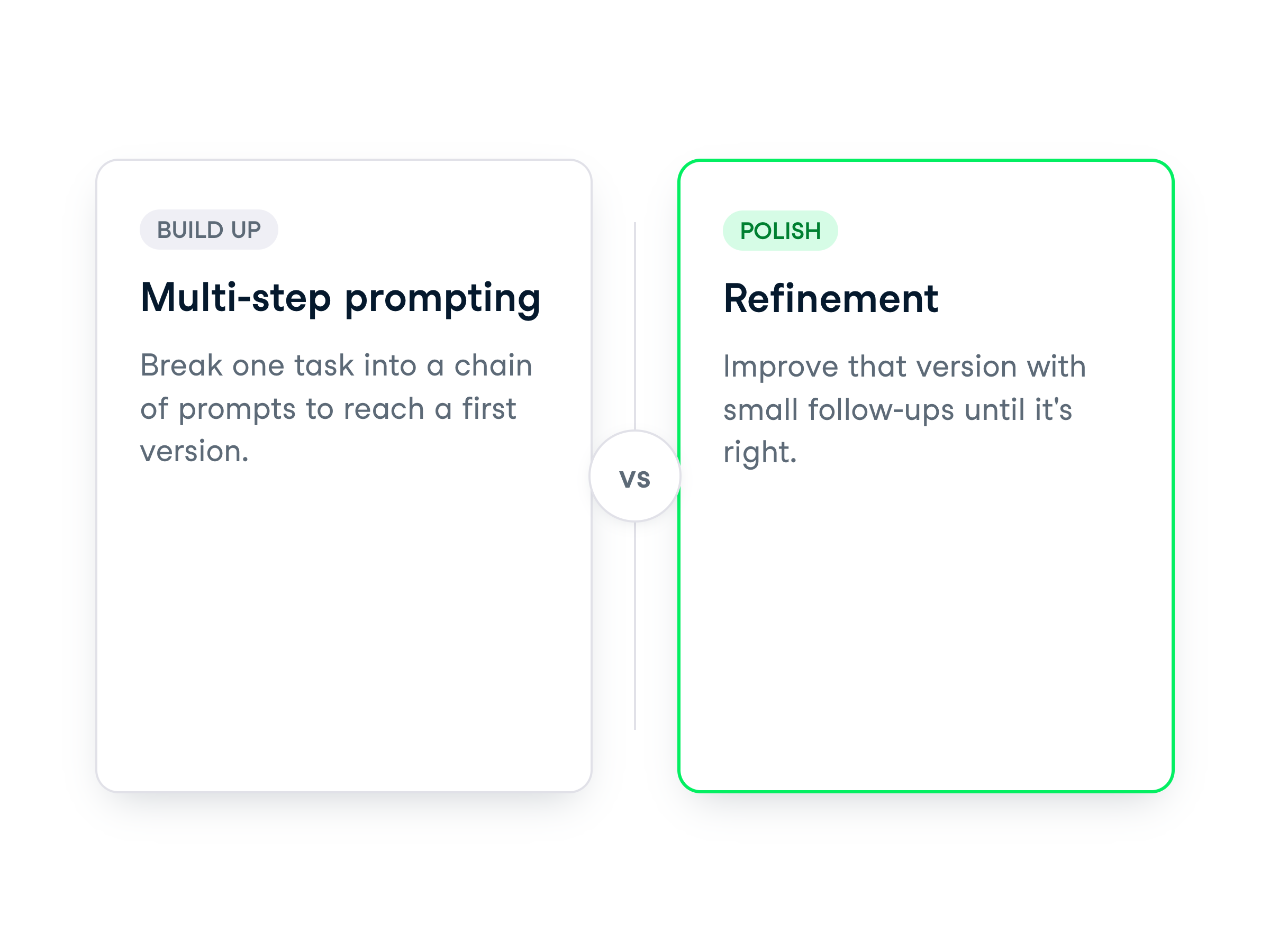
Multi-step vs. refinement

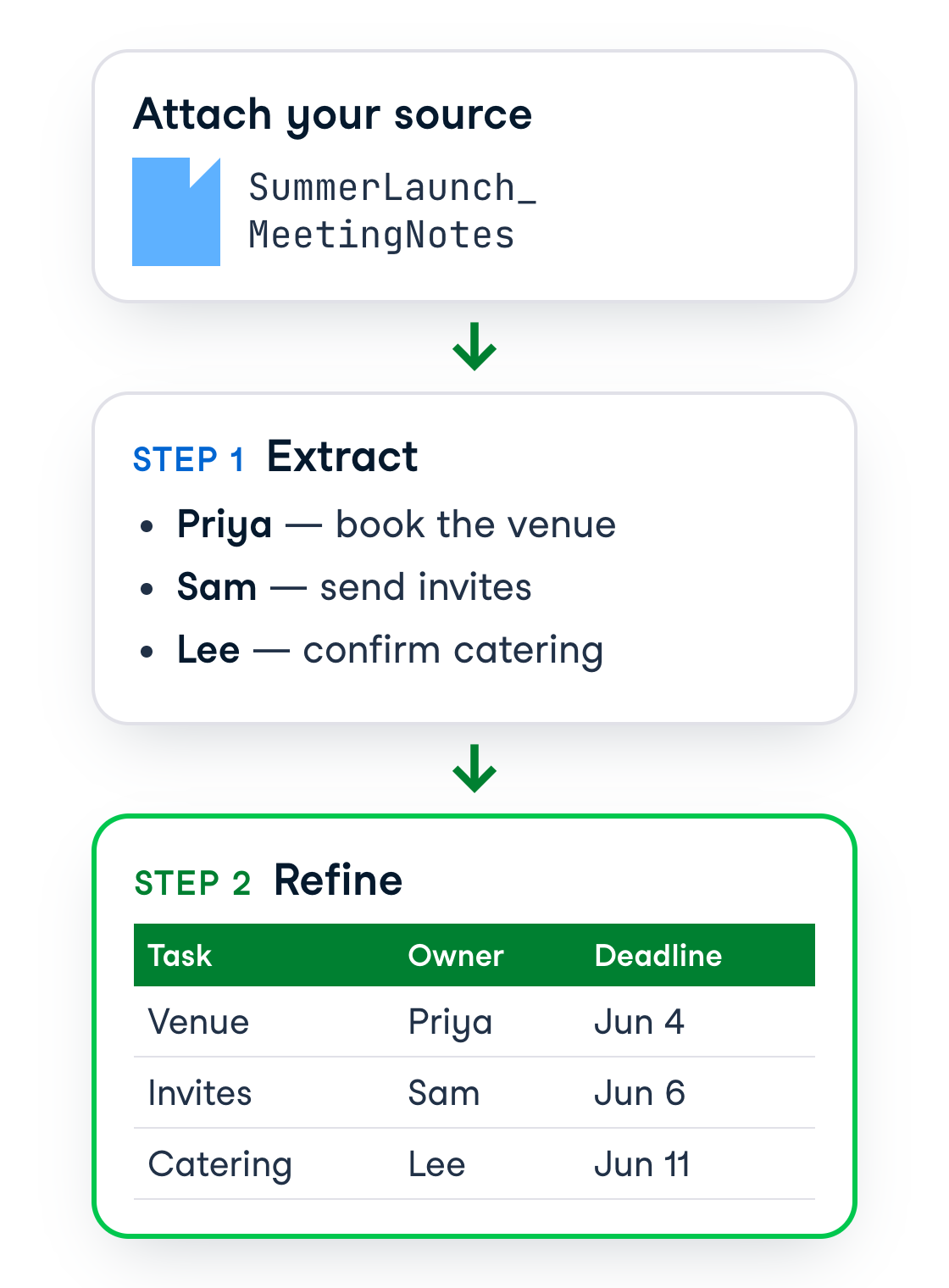
  • Break the task into steps to help guide Copilot
  • Stack the steps like blocks for a precise, complete analysis

Illustration of colorful building blocks stacked together, representing how multi-step prompts build a complete solution

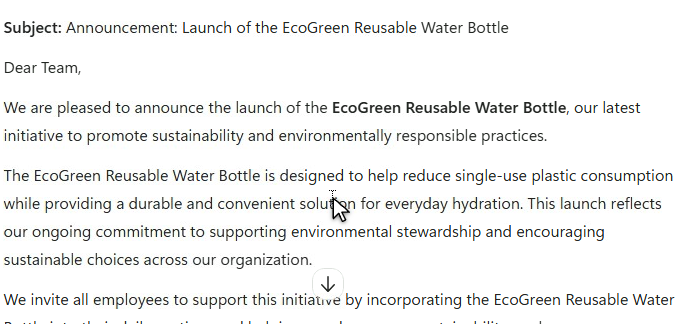
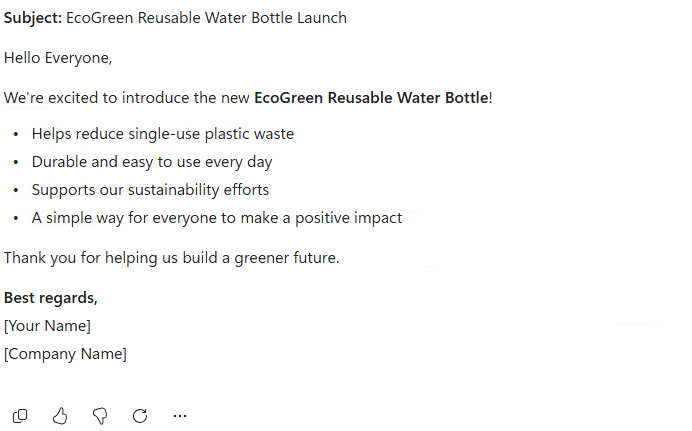
  • Polish the draft: shorten, adjust tone, add details.
  • Add finishing touches to make it clear and professional.

Illustration of a pencil writing on a sheet of paper, symbolizing editing, refining, or improving a draft

Working with Microsoft Copilot

Let's practice!

Working with Microsoft Copilot

Preparing Video For Download...