The Responses API: a Developer's Best Friend

Working with the OpenAI Responses API

James Chapman

AI Curriculum Manager, DataCamp

OpenAI and the Start of the Generative AI Race

ai_provider_market_share_distinct_colors.png

1 Credit: portkey.ai (as of January, 2025)
Working with the OpenAI Responses API

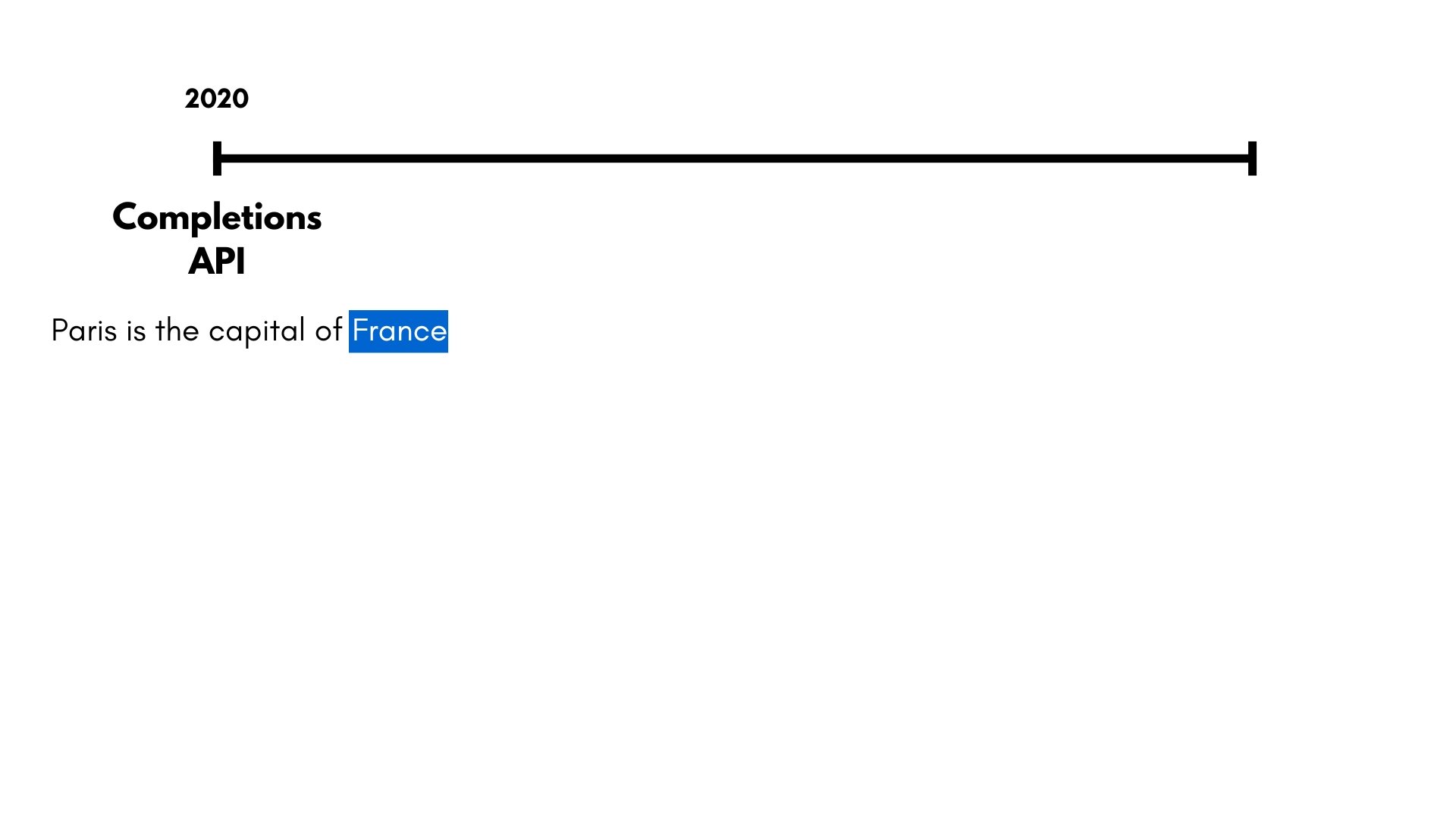
OpenAI's API Evolution

openai_evolution1.jpg

Working with the OpenAI Responses API

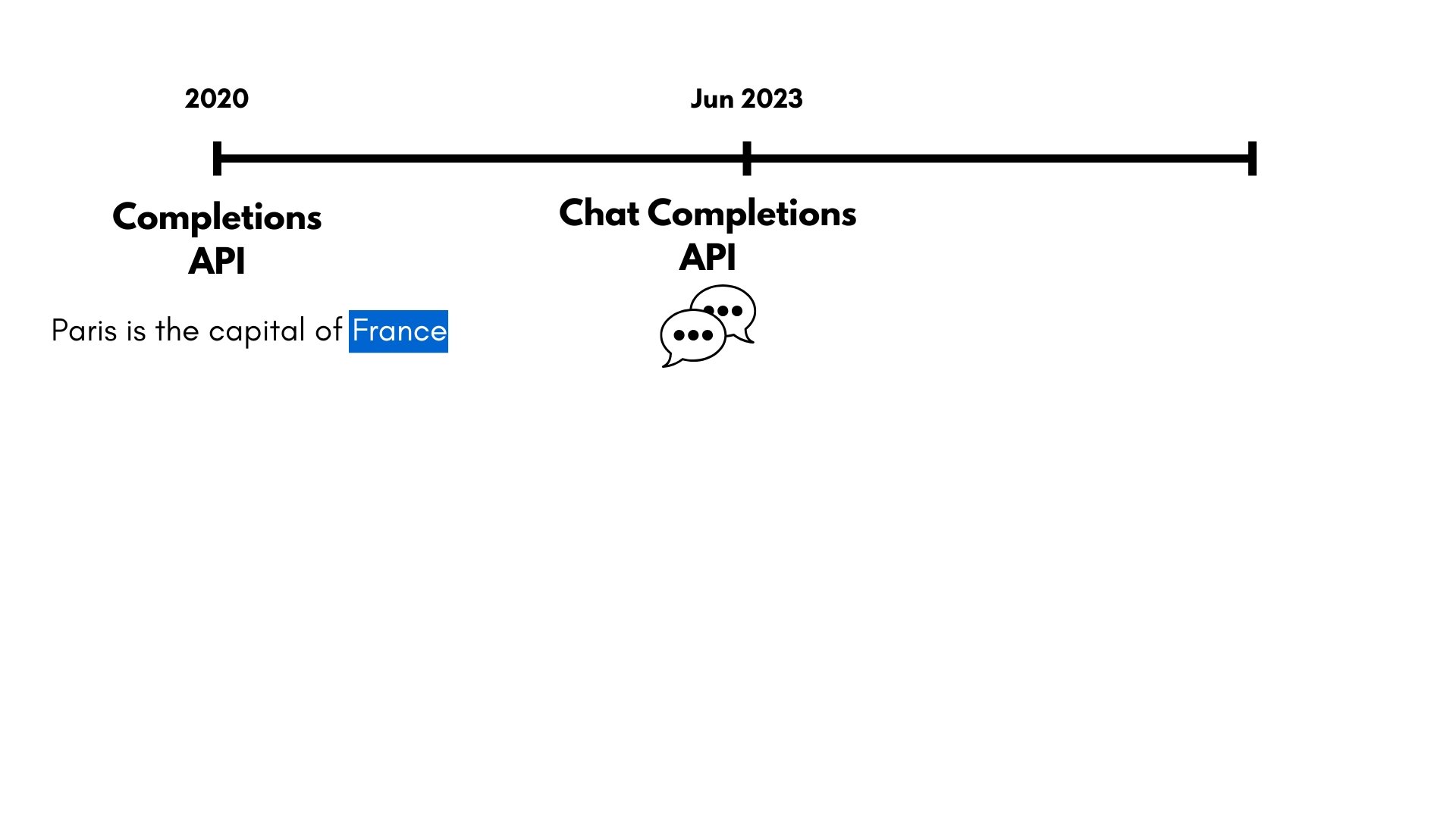
OpenAI's API Evolution

openai_evolution2.jpg

Working with the OpenAI Responses API

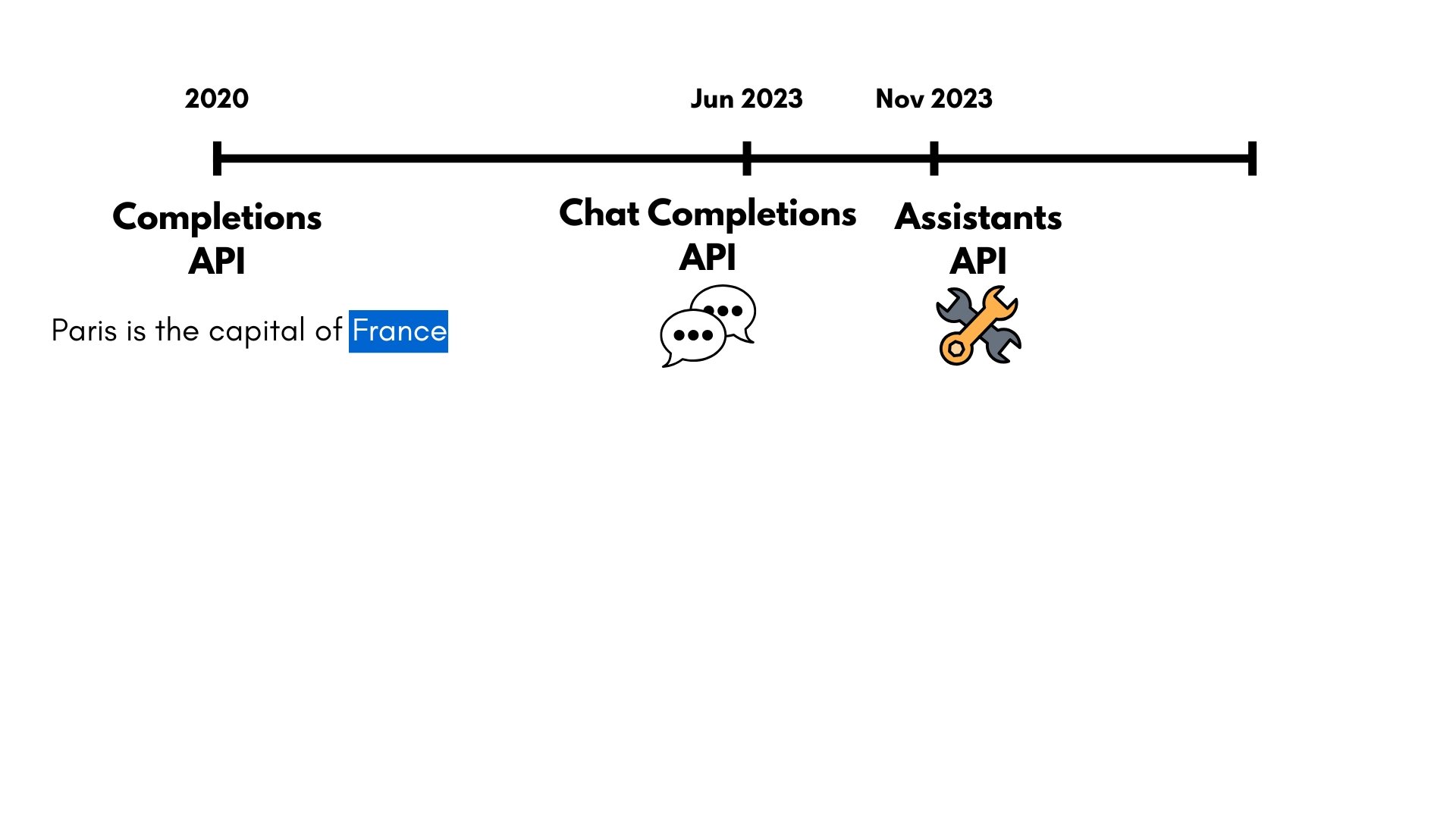
OpenAI's API Evolution

openai_evolution3.jpg

Working with the OpenAI Responses API

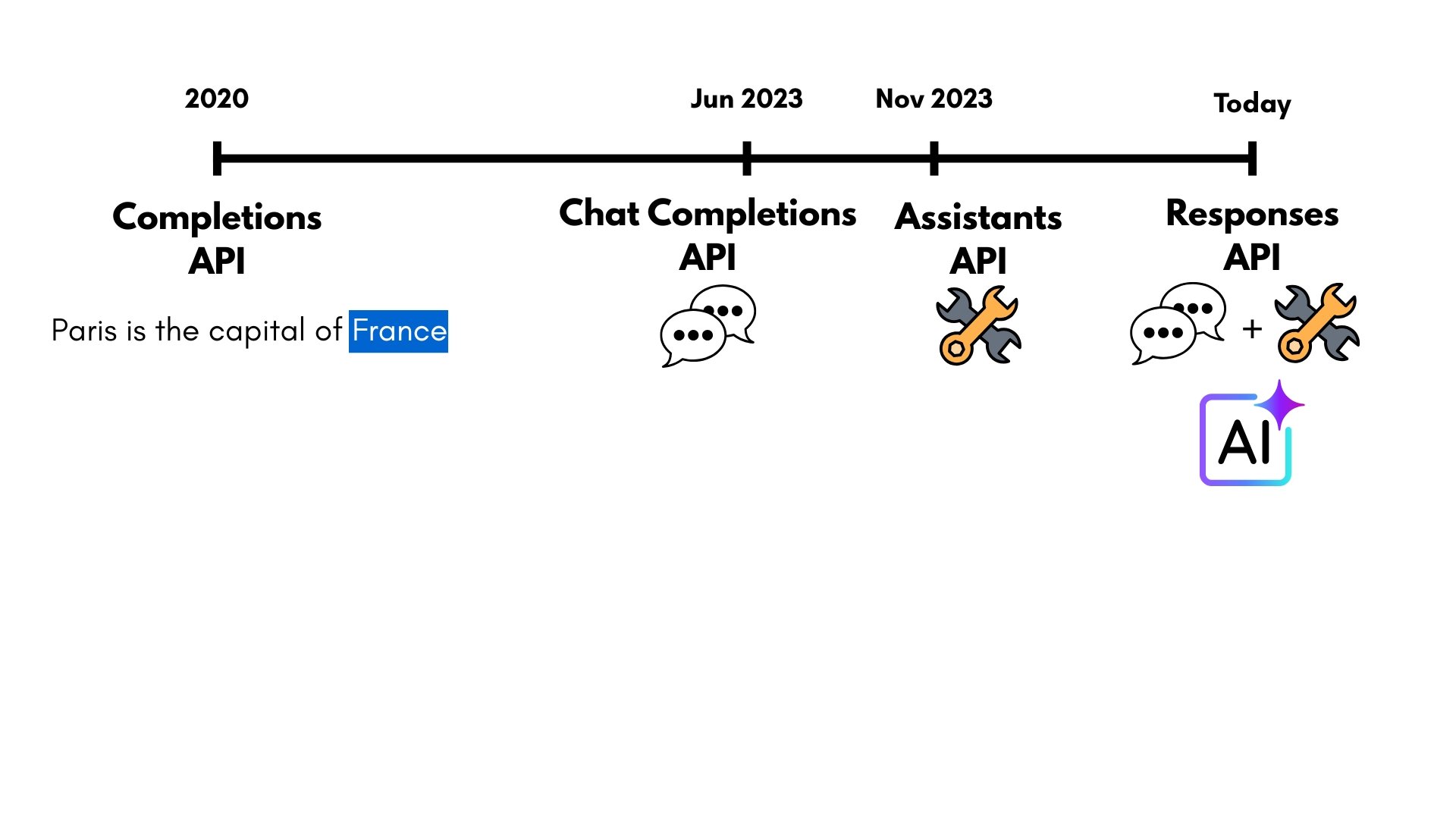
OpenAI's API Evolution

openai_evolution4.jpg

Working with the OpenAI Responses API

OpenAI's API Evolution

openai_evolution5.jpg

Working with the OpenAI Responses API

Responses API x Developers


responses_api_logo.jpg


  • Simple, developer-friendly interface
1 Image Credit: helicone.ai
Working with the OpenAI Responses API

Our First Responses API Request

from openai import OpenAI

client = OpenAI(api_key="...")


response = client.responses.create(
model="gpt-5-mini",
reasoning={"effort": "minimal"}, max_output_tokens=60,
instructions="Be concise.", input="Explain LLMs to a 6yr old."
)
  • Client: Configure environment to communicate with the API
  • API key is not required 🎉
  • Reduce reasoning "effort" and max_output_tokens for faster responses
  • instructions → clear requirements on how to behave
  • input → the task or question at-hand
  • instructions > input
Working with the OpenAI Responses API

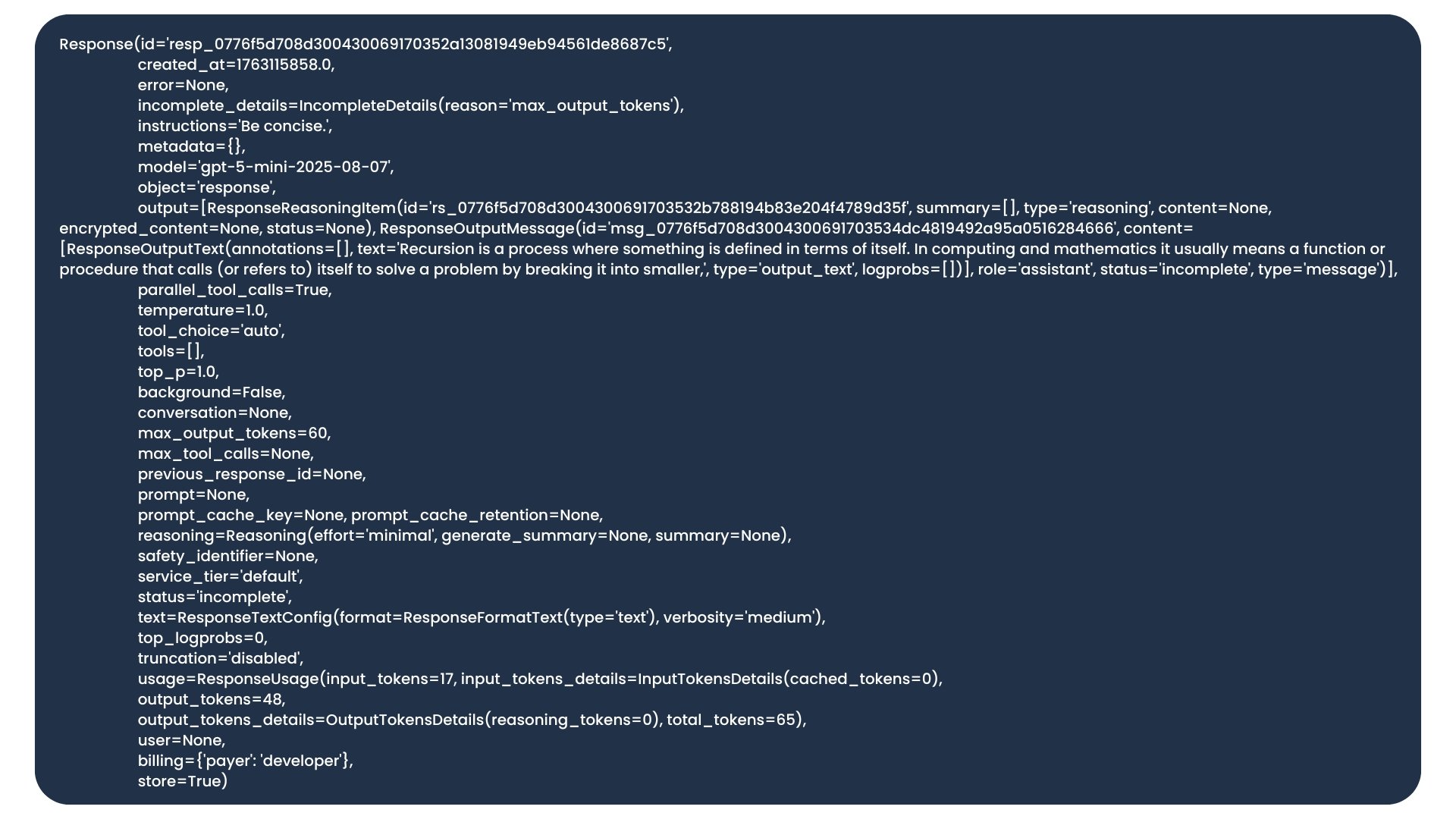
responses_output.jpg

Working with the OpenAI Responses API
print(responses.output_text)
Imagine a very smart pretend friend...
print(responses.usage.output_tokens)
48
print(responses.id)
resp_0776f5d708d30043006917035...
response.output
[ResponseReasoningItem(
     id='...',
     summary=[],
     type='reasoning',
     content=None,
     encrypted_content=None,
     status=None),
 ResponseOutputMessage(
     id='...',
     content=ResponseOutputText(text='Imagi...'
         type='output_text', logprobs=[])],
     role='assistant',
     status='incomplete',
     type='message')]
Working with the OpenAI Responses API

Let's practice!

Working with the OpenAI Responses API

Preparing Video For Download...