Monitoring and analytics
Building Agents with Microsoft Copilot Studio
Nia Joseph
AI Product Manager, Microsoft
Meet the Monitor tab
Our example → the
HR help agent
, a week after publishing
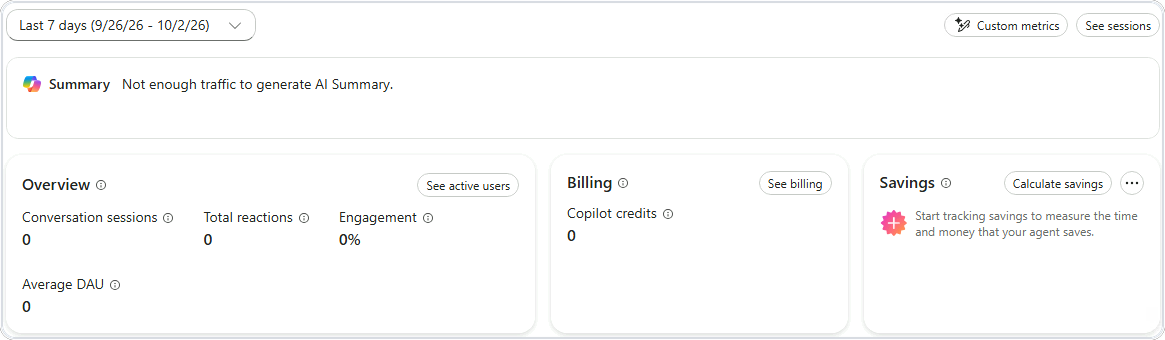
Usage lives on the
Monitor tab
,
across the top
Overview
·
Billing
·
Savings
→ then charts below
Conversation sessions
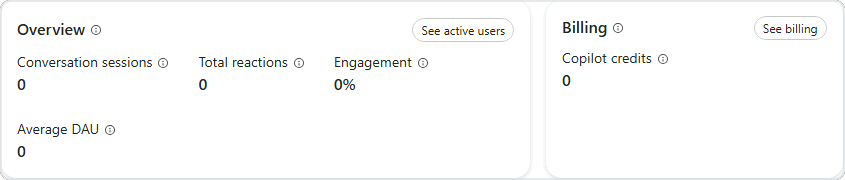
Start with
conversation sessions
Beside it,
engagement
→ how many went somewhere
Billing
→
Copilot credits
, zero on this route
No traffic yet →
zeros are normal
How conversations ended
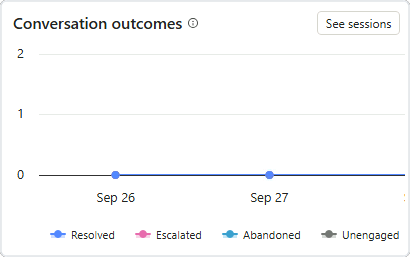
Conversation outcomes
→ how chats ended
Resolved
·
Escalated
·
Abandoned
·
Unengaged
Rising
abandoned
→ time to investigate
See sessions
→ the conversations behind the chart
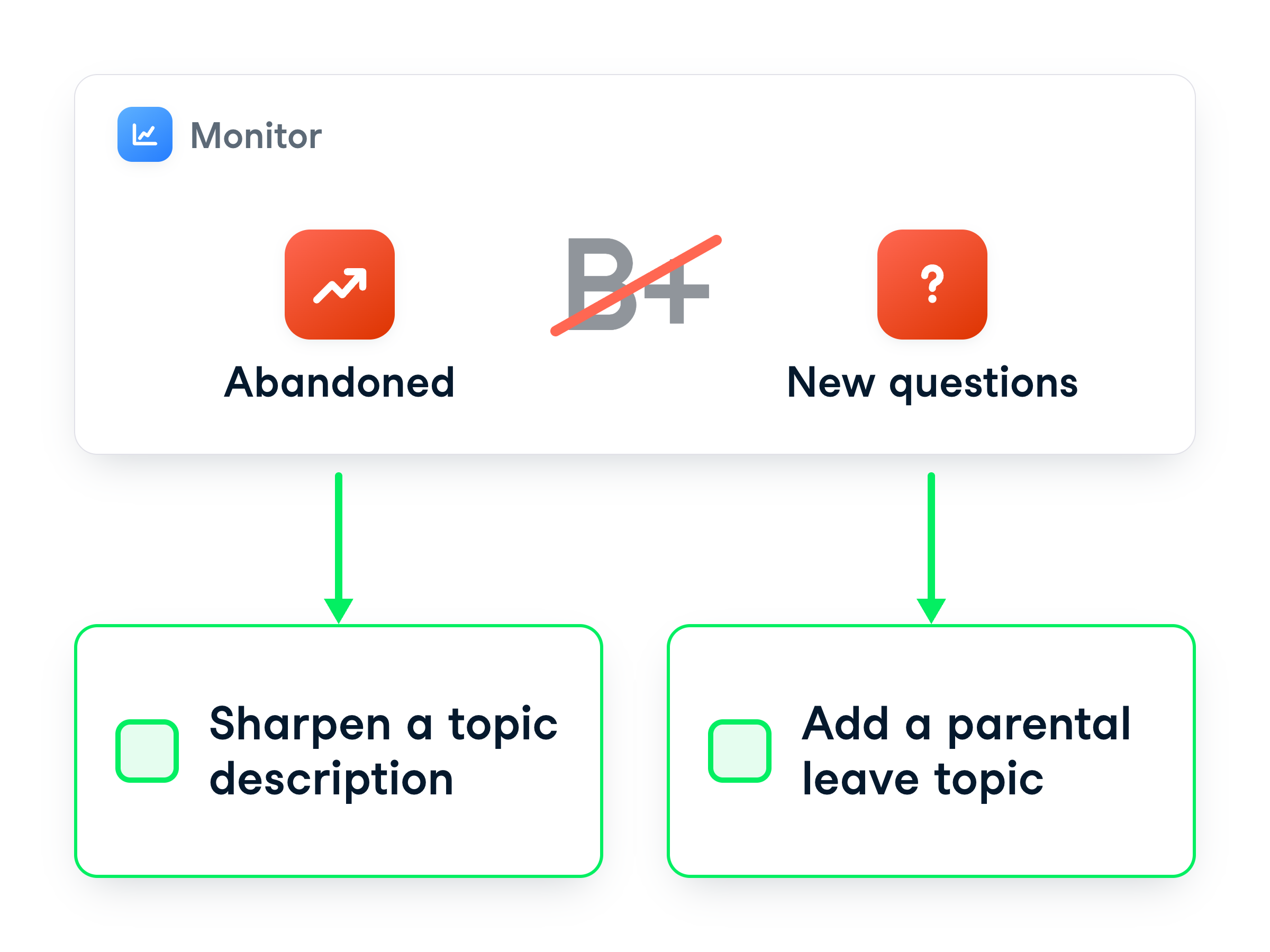
From numbers to fixes
It doesn't
grade
your agent
Each number points to
something to fix
Improve a description, or add a topic
Turning a spike into a fix
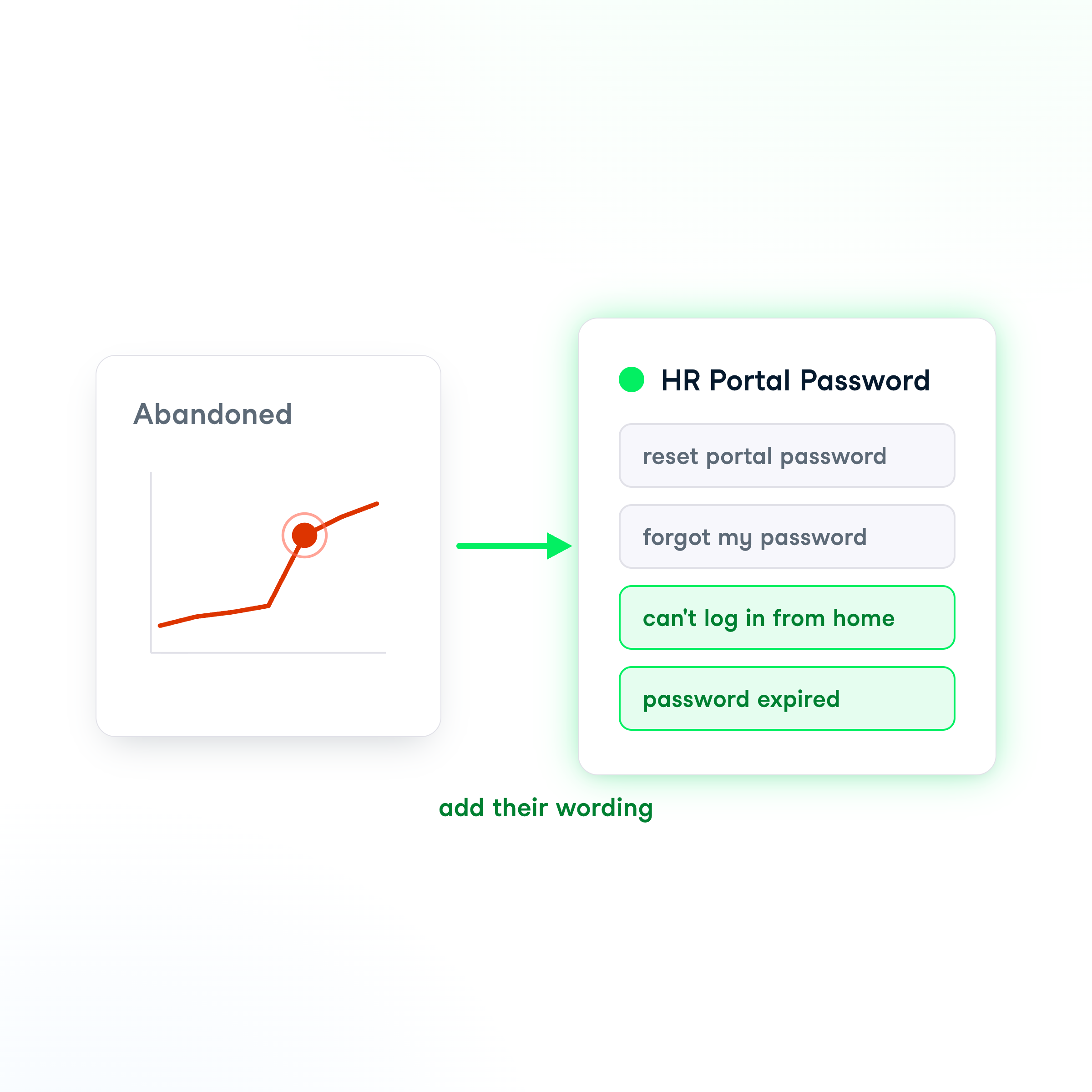
More chats
abandoned
this week
See sessions
shows
"can't log in from home"
The agent picks a topic by its
description
Fix → add their
real wording
to it
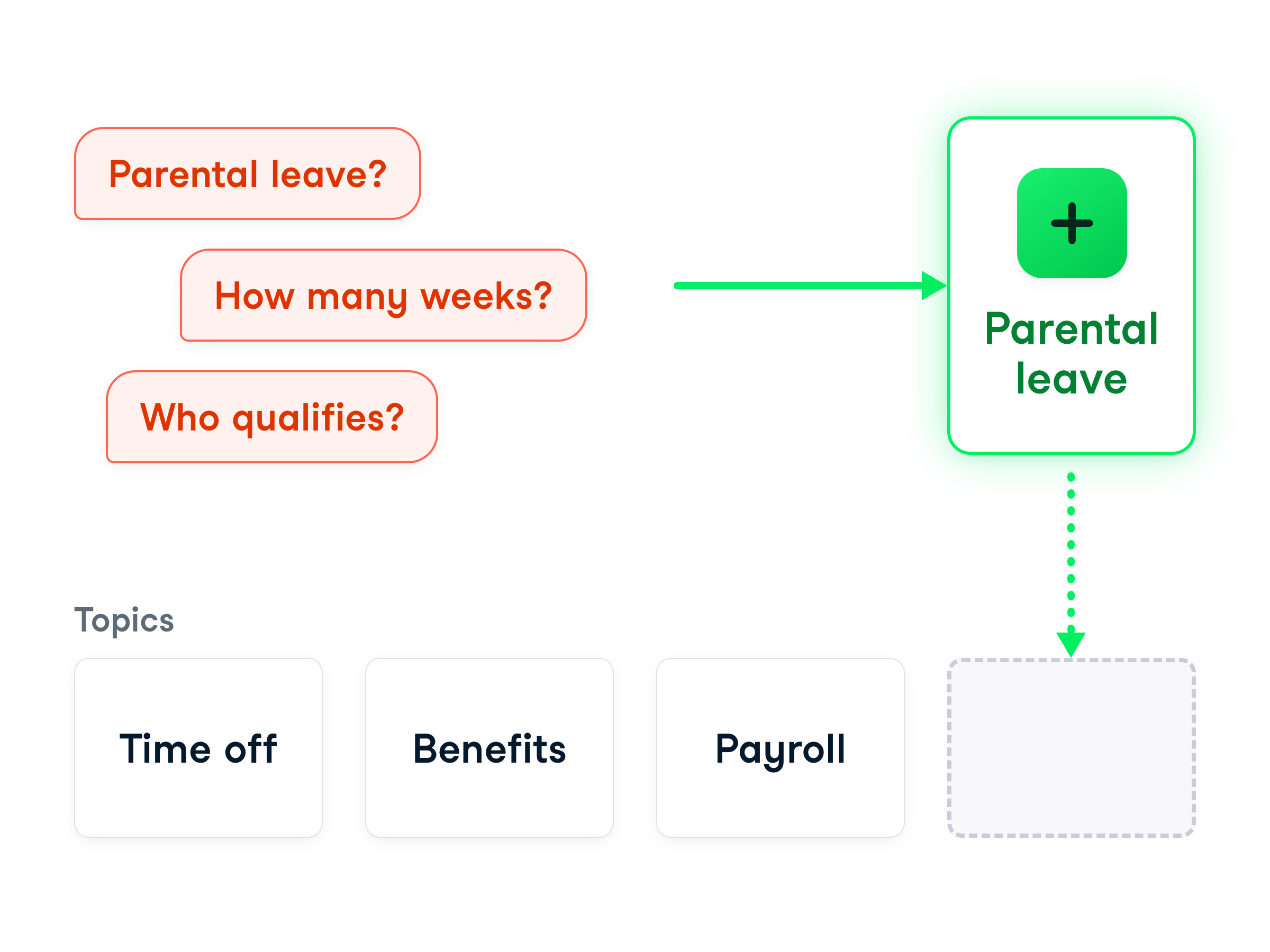
When there's no topic at all
Sometimes there's
no topic at all
e.g. a wave about a new parental-leave policy
Not a description tweak →
build a new topic
The sessions name which one to build next
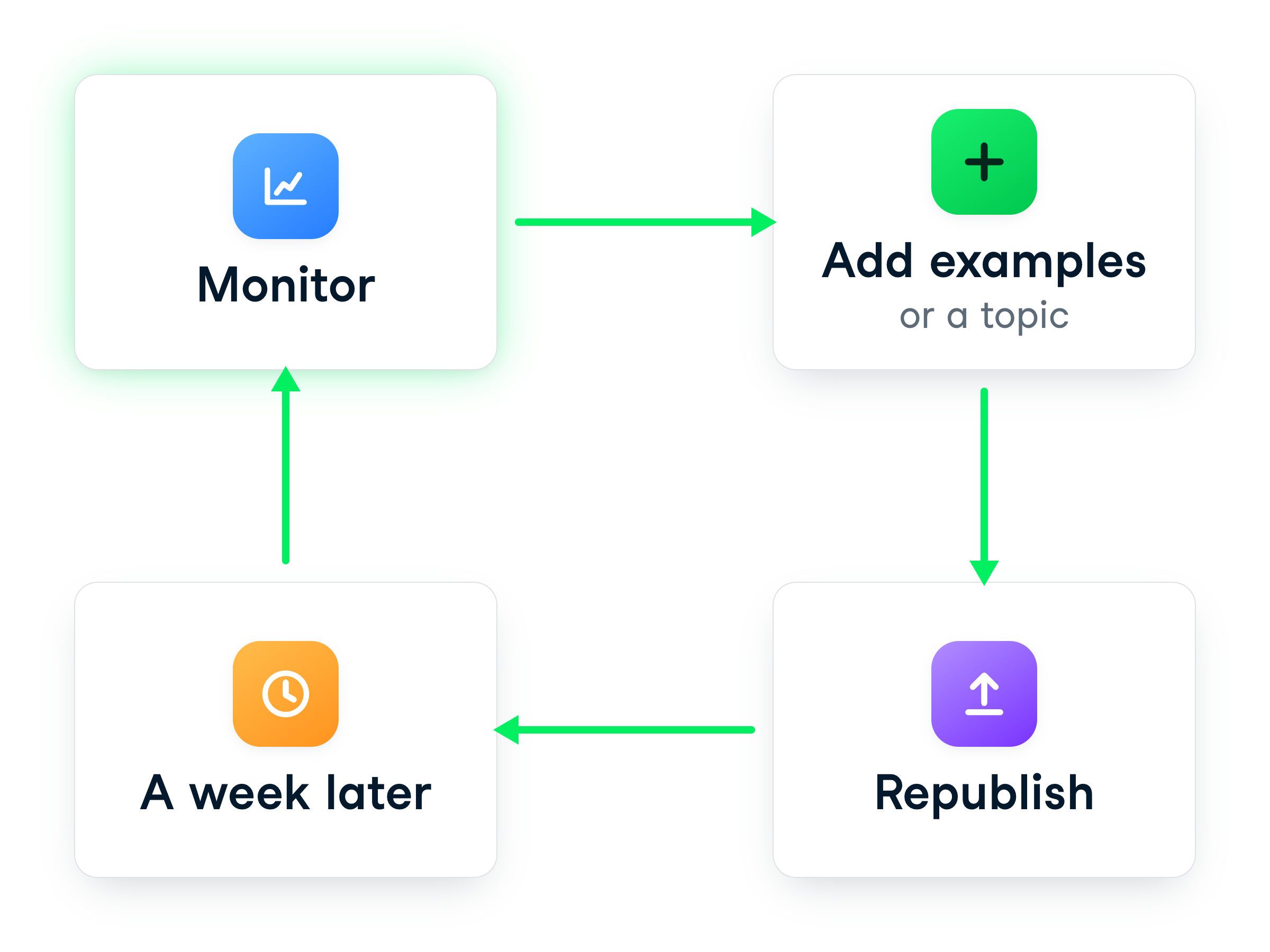
Close the loop and watch
Add examples or a topic →
republish
Come back a week later
Fewer chats end
abandoned
Repeat while it's
live
Let's practice!
Building Agents with Microsoft Copilot Studio
Preparing Video For Download...