Troubleshooting and governance

Building Agents with Microsoft Copilot Studio

Nia Joseph

AI Product Manager, Microsoft

The scenario
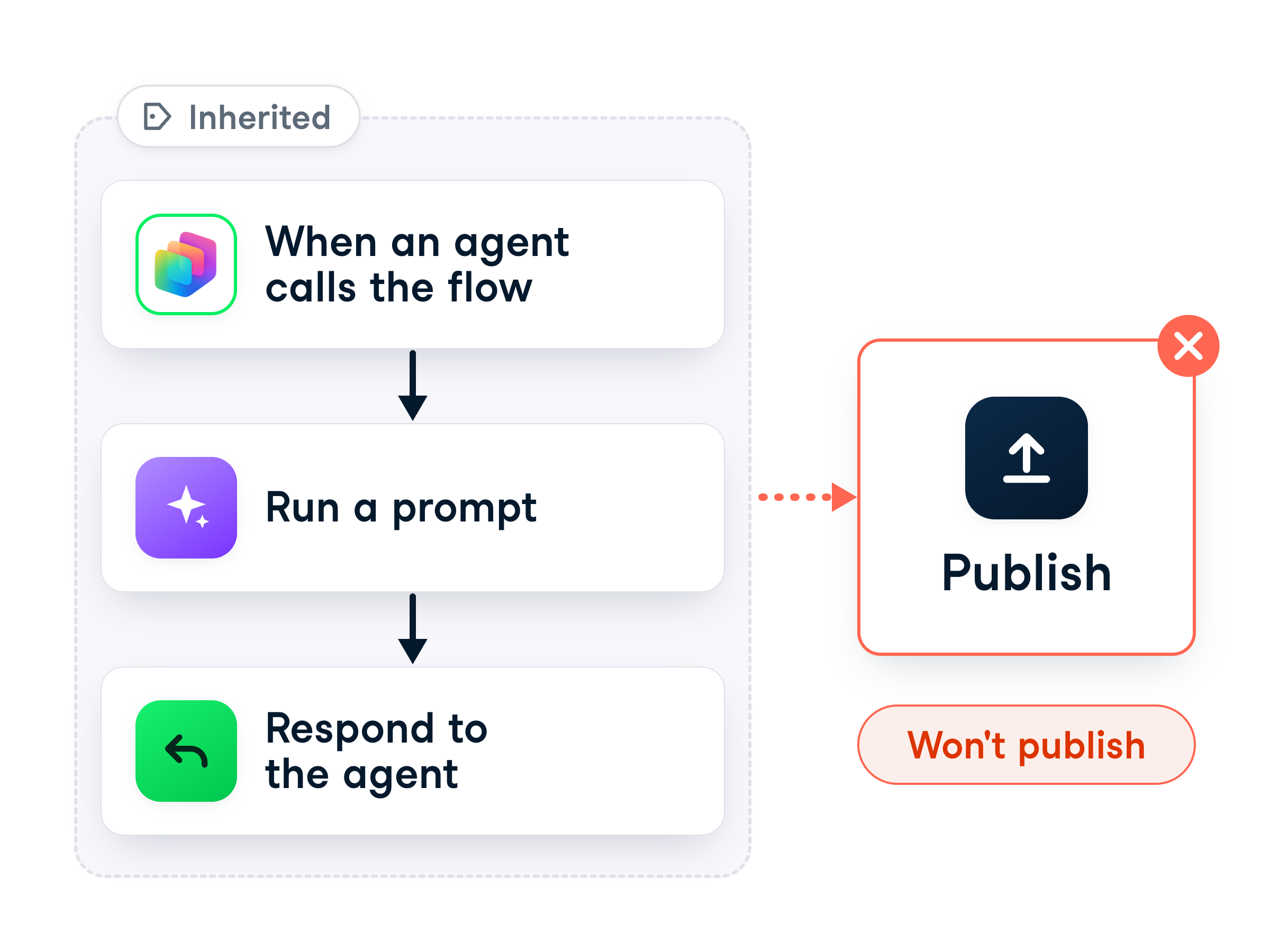
 

Inherited onboarding flow that will not publish


  • You inherited an onboarding flow
  • It won't publish, so the agent can't call it
  • New hires are waiting on it
  • Due end of day → no time to check every step by hand
Building Agents with Microsoft Copilot Studio

Publishing checks the flow


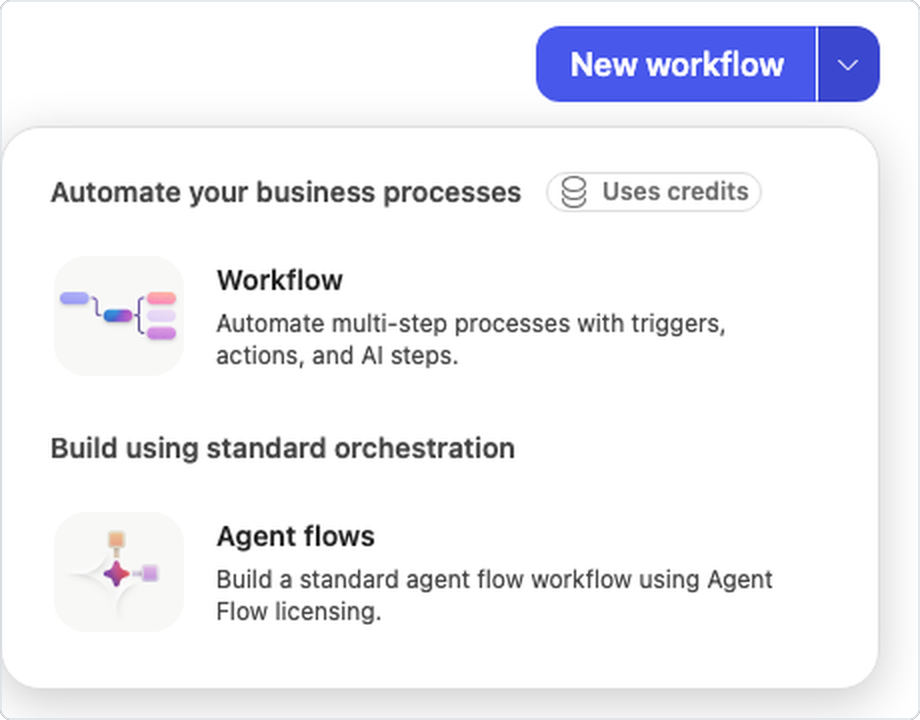
  • Agent flows → Workflows, the arrow, Agent flows
  • Publish runs a validation pass first
  • An incomplete flow is refused
  • The Flow checker tells you why


Workflows create menu with the arrow beside New workflow and the Agent flows option

Building Agents with Microsoft Copilot Studio

Find the flagged step


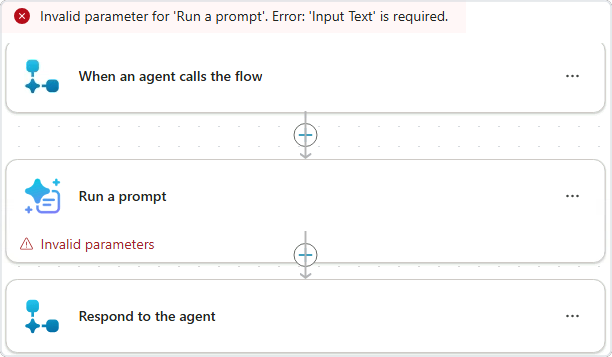
A red banner naming Run a prompt and Input Text, and an Invalid parameters badge on that step


  • A red banner names the step and the field
  • The step carries an Invalid parameters badge
  • Every other step looks normal
Building Agents with Microsoft Copilot Studio

Read what the checker says


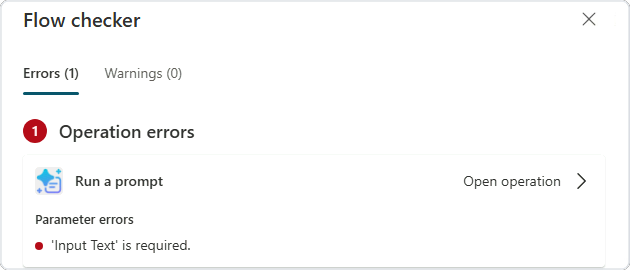
  • Flow checker → the Errors tab
  • It names the step: Run a prompt
  • And the field: Input Text is required
  • This message is where the fix starts


The Flow checker's Errors tab naming Run a prompt and the required Input Text, with Open operation

Building Agents with Microsoft Copilot Studio

The three usual suspects

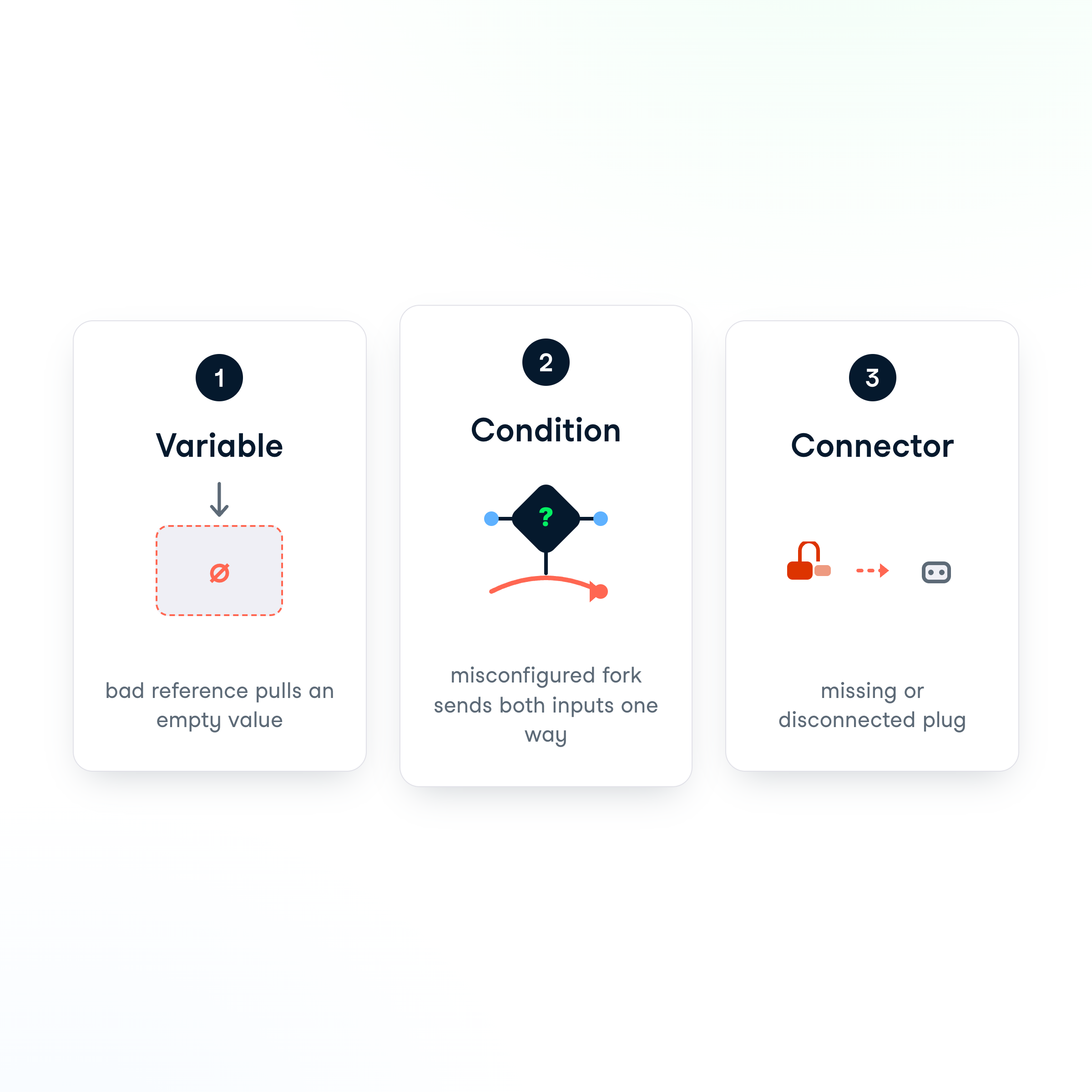
Three usual suspects: bad variable, misconfigured condition, connection problem


  • Incorrect variable reference → pulls an empty value
  • Misconfigured condition → one branch catches everything
  • Connection problem → a step can't sign in
  • An empty required field → misconfiguration
Building Agents with Microsoft Copilot Studio

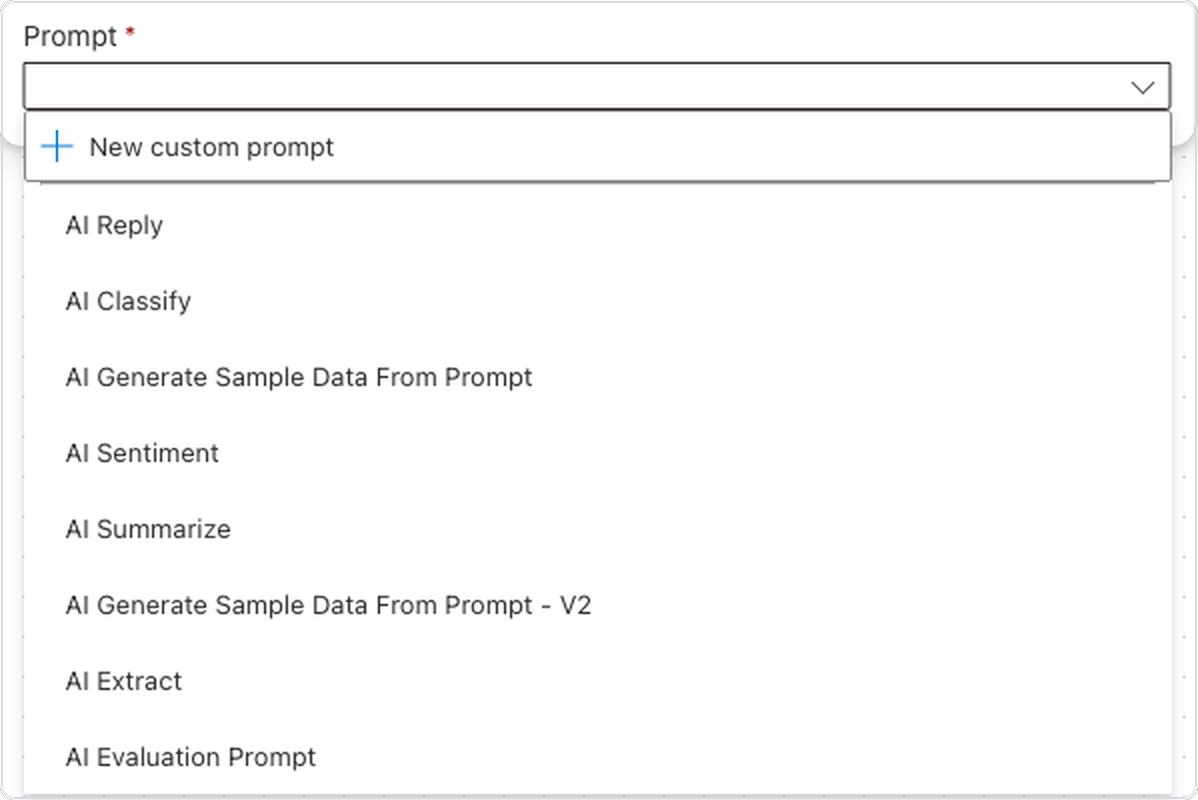
Fill the missing field


  • Our error → Input Text is empty
  • On Run a prompt, using the AI Reply prompt
  • Open the step, fill in the field
  • The red asterisk marks it as required


The Run a prompt step with its Prompt dropdown listing the prebuilt AI Reply prompt

Building Agents with Microsoft Copilot Studio

Publish again and confirm


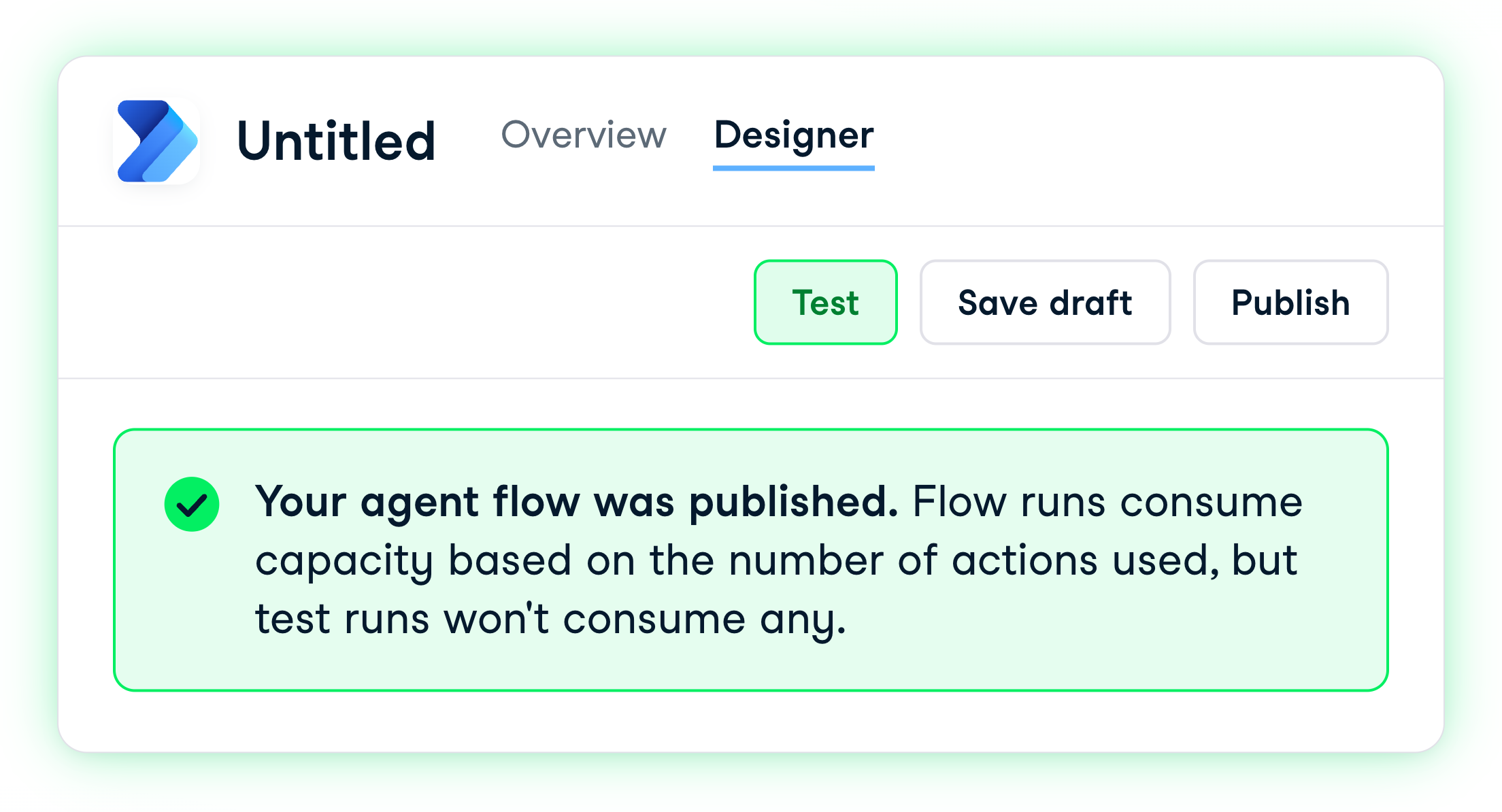
The publish banner: test runs won't consume any capacity


  • Check that the fix worked
  • Publish again → Your agent flow was published
  • Test is no longer grayed out
  • Test runs don't consume capacity
Building Agents with Microsoft Copilot Studio

When you move on


  • The flow publishes now
  • What happens when you move on?
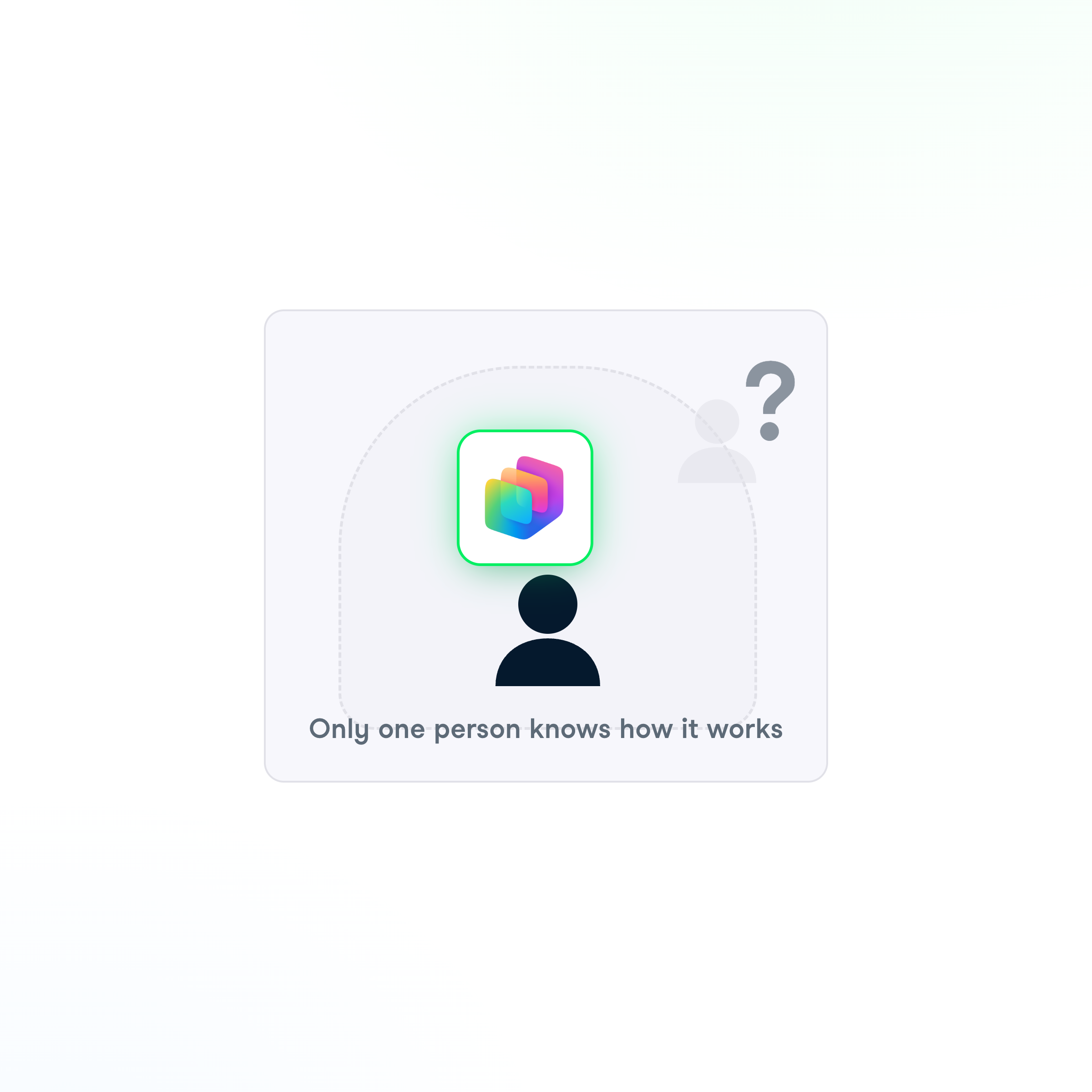
  • If only you understand it, the team is stuck
  • Governance = the habits that prevent that

Only one person knows how the agent works

Building Agents with Microsoft Copilot Studio

Ownership shouldn't be one person

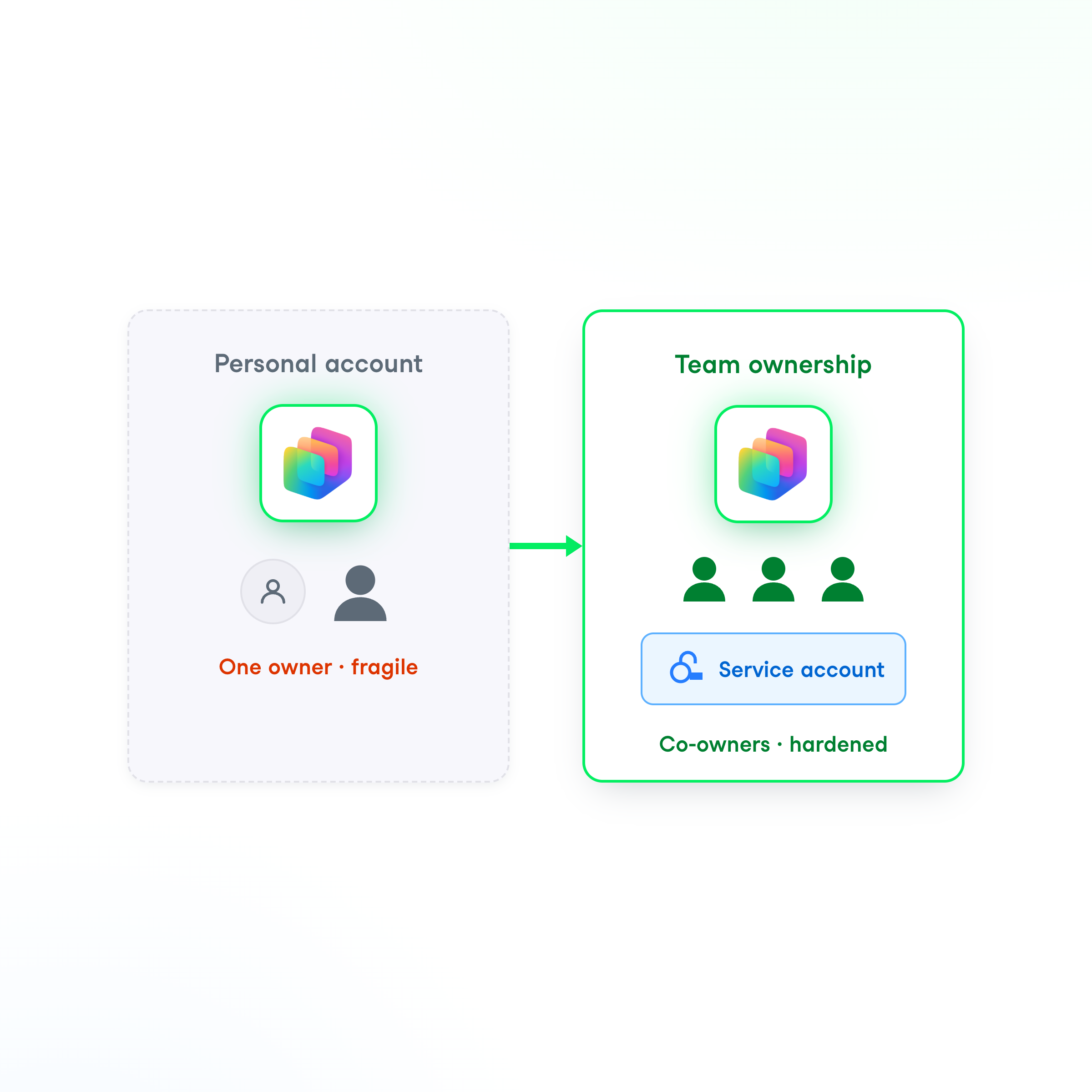
Move from personal account to team co-owners with shared service account


  • Start with ownership
  • Personal account owner → breaks when your account does
  • Add the receiving team as co-owners
  • Reconnect under a shared / service account
Building Agents with Microsoft Copilot Studio

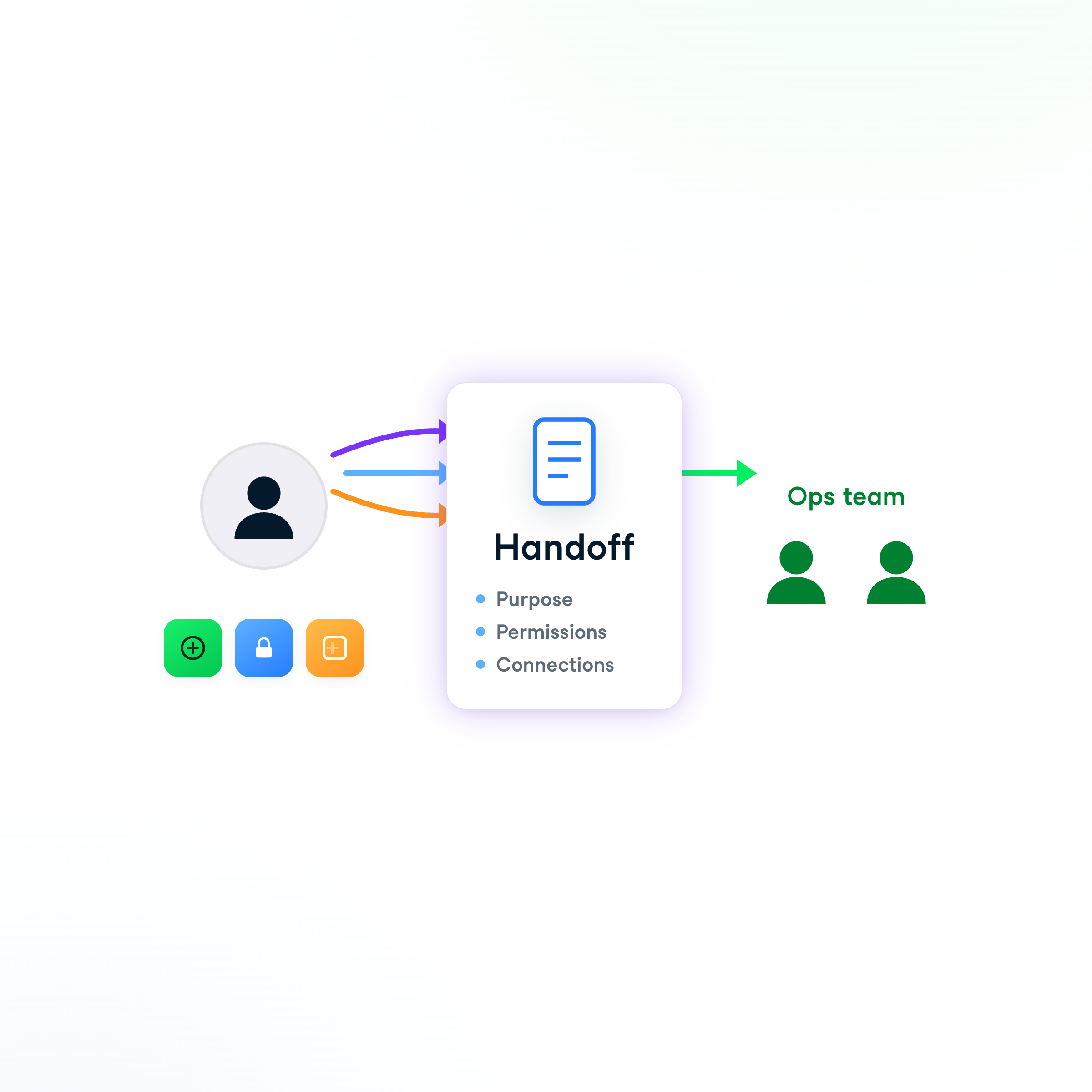
Write down what only you know


  • Write down what's in your head
  • What the agent is for
  • Which permissions and connections it relies on
  • Lets the ops team maintain, not rebuild

Write down what only you know into a handoff document

Building Agents with Microsoft Copilot Studio

Let's practice!

Building Agents with Microsoft Copilot Studio

Preparing Video For Download...