Congratulations!

Building Agents with Microsoft Copilot Studio

Nia Joseph

AI Product Manager, Microsoft

Chapter 1: Getting started
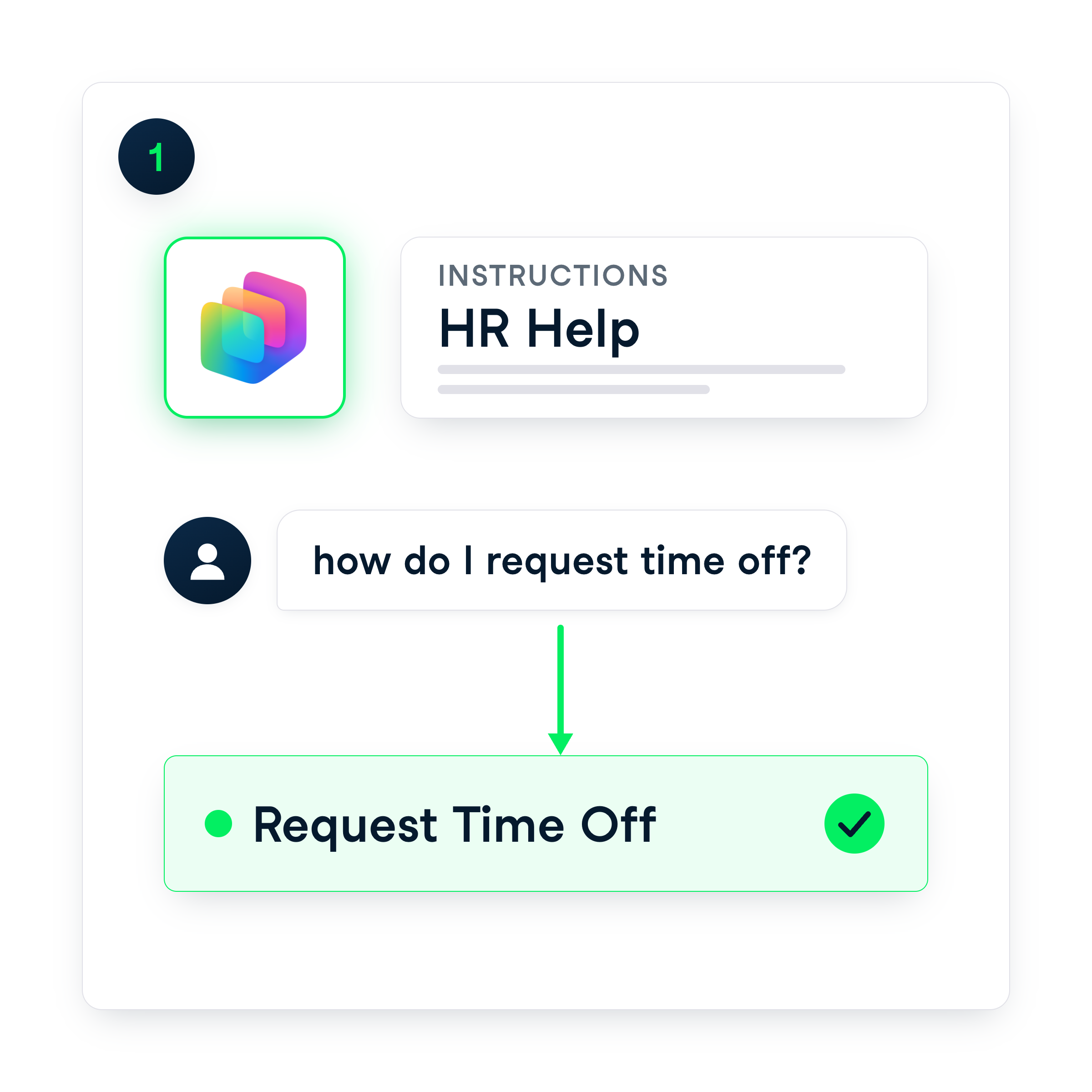
 

Chapter 1 recap: created an agent with instructions and topics


  • What Copilot Studio is + where it sits in M365
  • Tell a task worth automating from a one-off
  • Built a credit-free standard agent
  • Had Copilot generate topics and their descriptions
Building Agents with Microsoft Copilot Studio

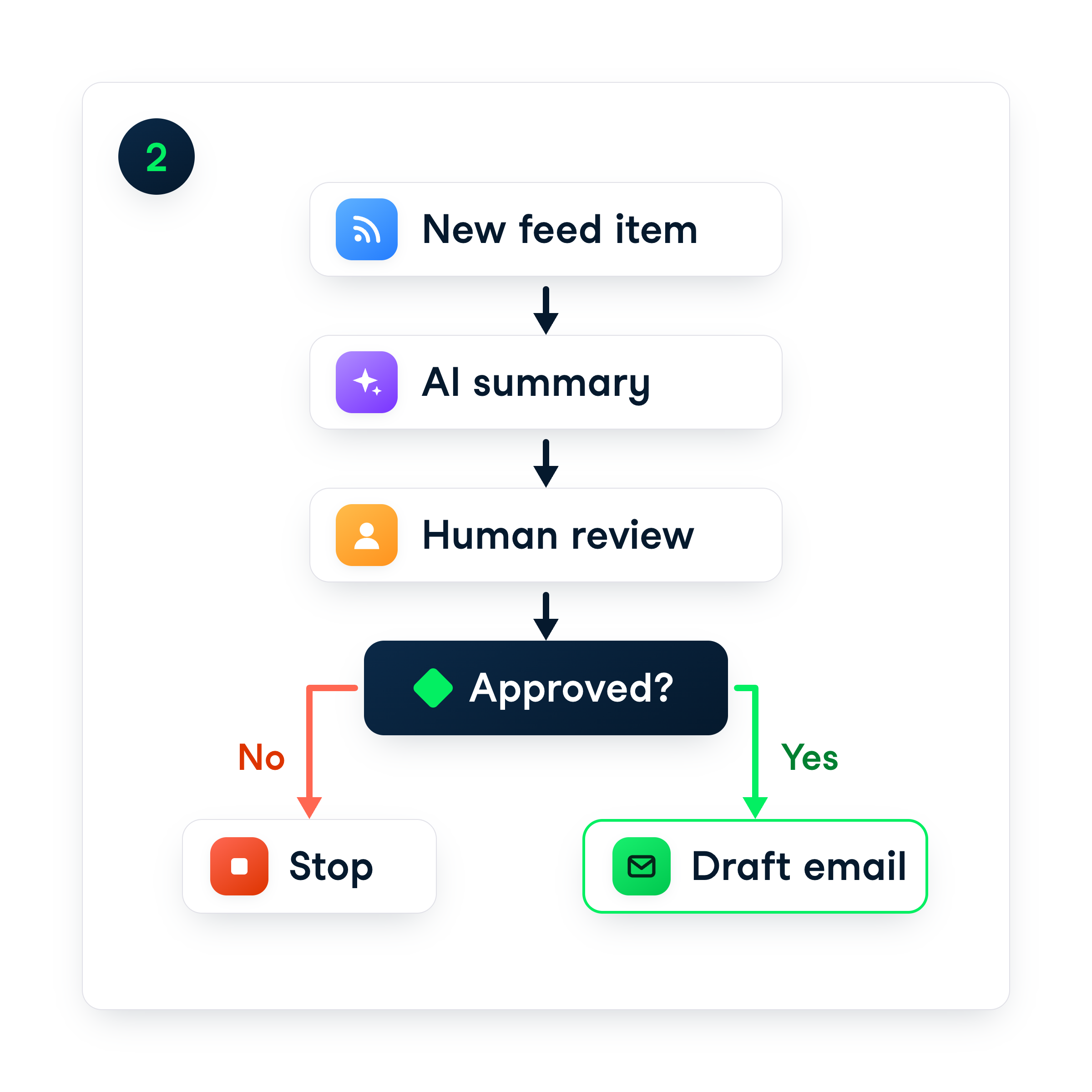
Chapter 2: Building flows


  • Built agent flows → collect, respond, hand back
  • Stored values in variables, then branched
  • One kind of question one way, everything else another
  • Added a human review step before anything goes out


Chapter 2 recap: flows that collect, branch, and approve

Building Agents with Microsoft Copilot Studio

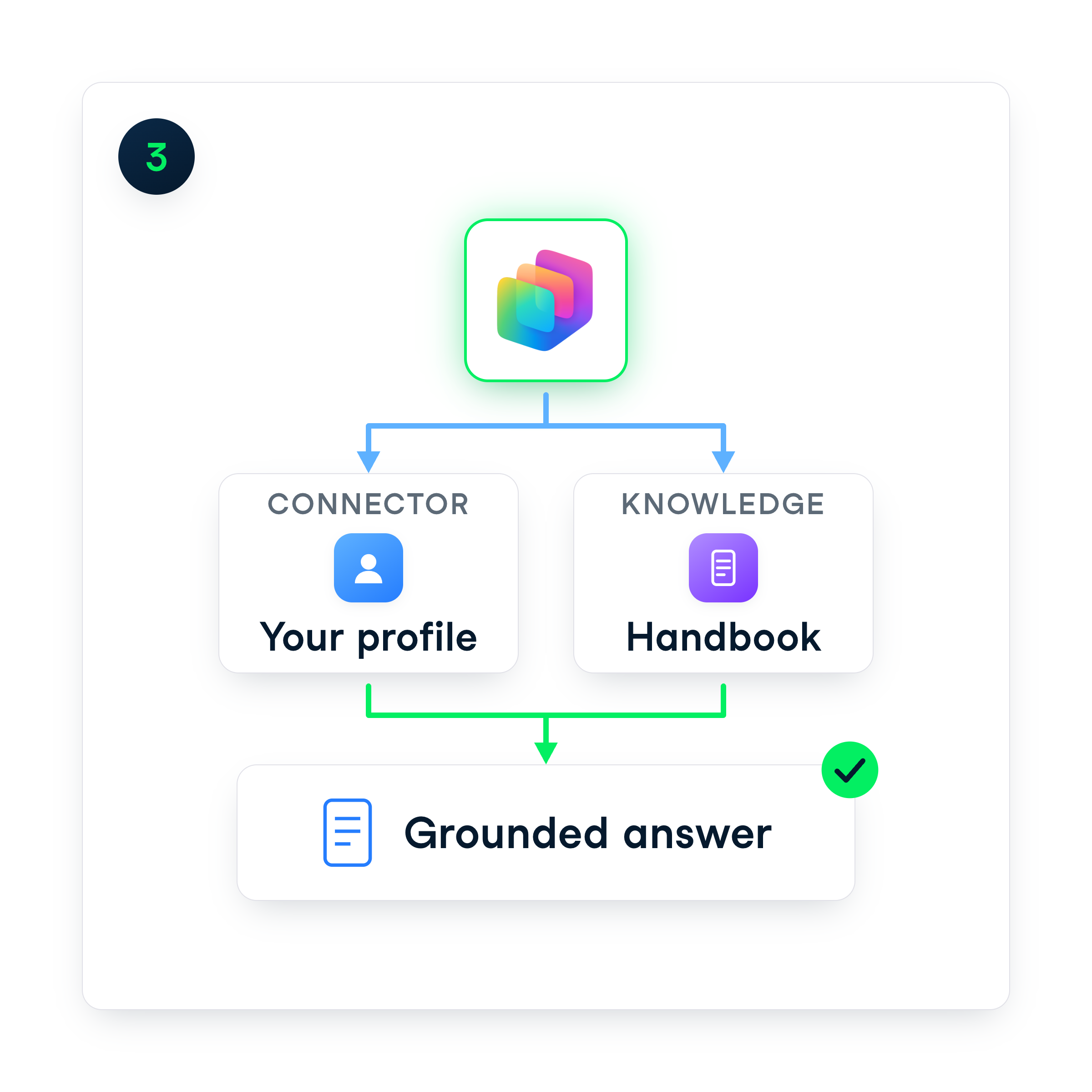
Chapter 3: Grounding in knowledge


Chapter 3 recap: a connector and grounding in trusted sources


  • Added a connector → read your own profile
  • Grounded an agent in a knowledge source
  • Answers from your documents, not guesswork
  • Built a lookup + a details-first assistant
Building Agents with Microsoft Copilot Studio

Chapter 4: Publish, monitor, and govern
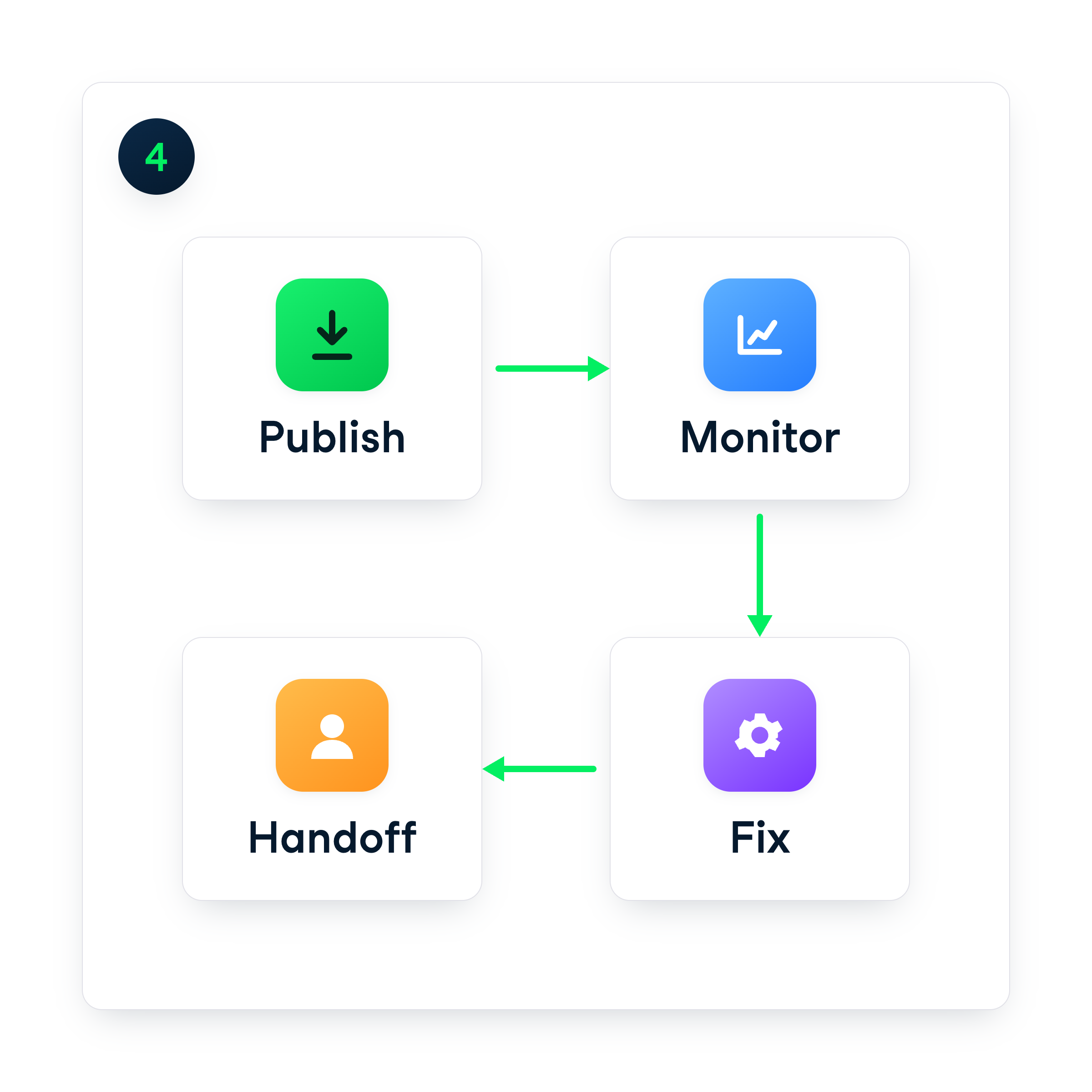


  • Published an agent + found its channels
  • Read the Monitor tab → sessions, outcomes, credits
  • Used the Flow checker to fix a broken flow
  • Ownership + docs habits that keep it healthy


Chapter 4 recap: publish, monitor, fix, and hand off

Building Agents with Microsoft Copilot Studio

Where to go next


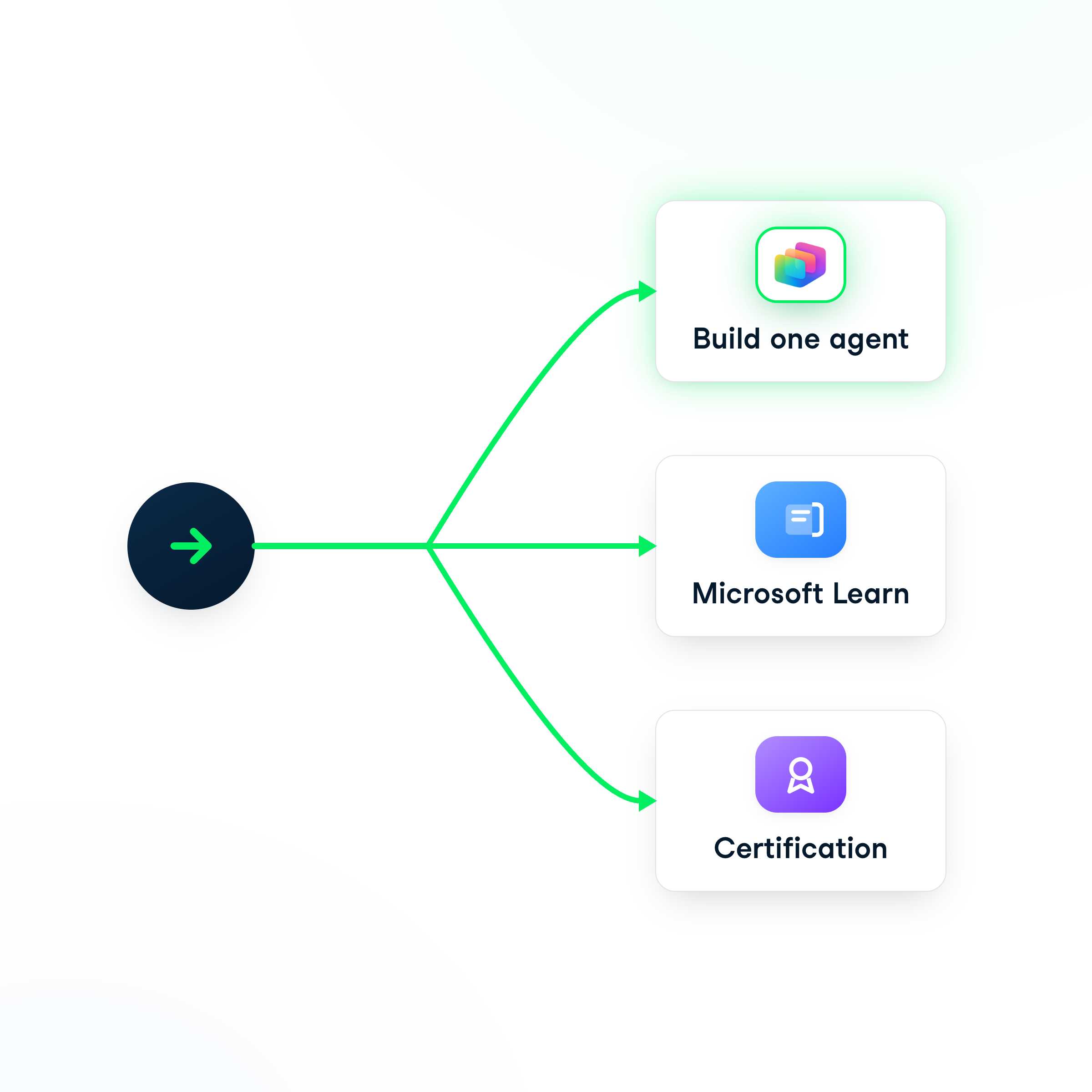
Your next steps

  • Build something real this week
  • Pick a question you've answered five times
  • Microsoft Learn → advanced connectors + design
  • Power Platform certifications to prove it

Next steps: build one agent, Microsoft Learn, or certification

Building Agents with Microsoft Copilot Studio

Thank you!

Building Agents with Microsoft Copilot Studio

Preparing Video For Download...