Grounding agents in knowledge sources
Building Agents with Microsoft Copilot Studio
Nia Joseph
AI Product Manager, Microsoft
Why grounding matters
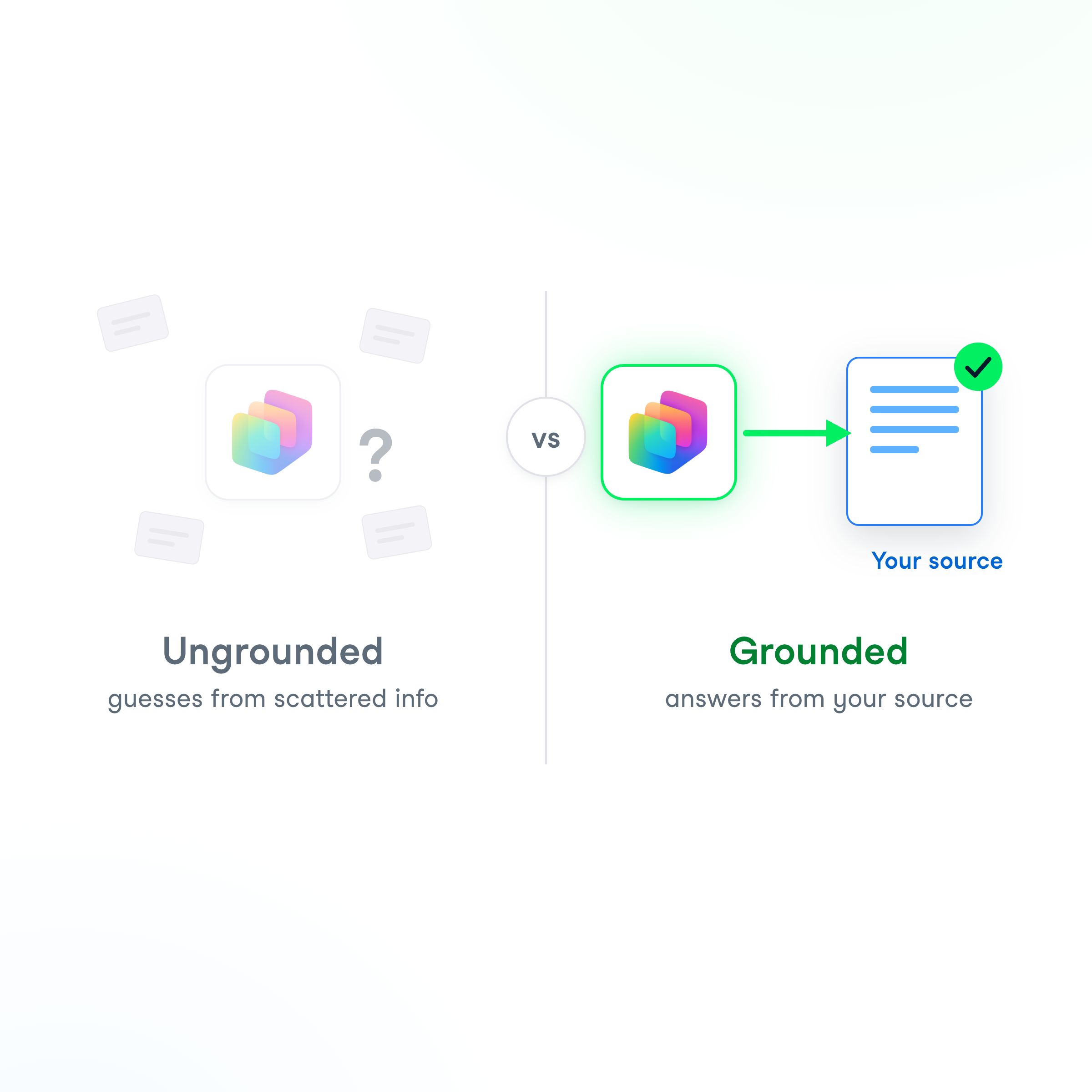
Ungrounded → answers from
general training
Grounded → answers from
sources you trust
Biggest guard against
confident made-up answers
Open the Knowledge tab
Open your agent
Go to the
Knowledge
tab
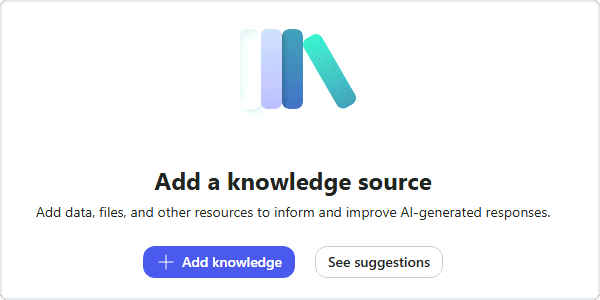
Add a knowledge source
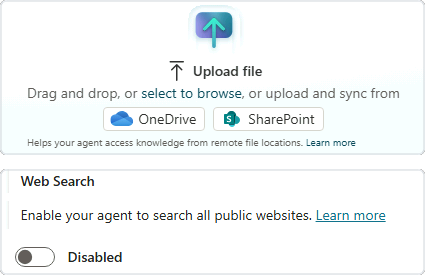
Add knowledge
→
upload a file
A PDF handbook works well
Turn
Web Search
off → the file is the only source
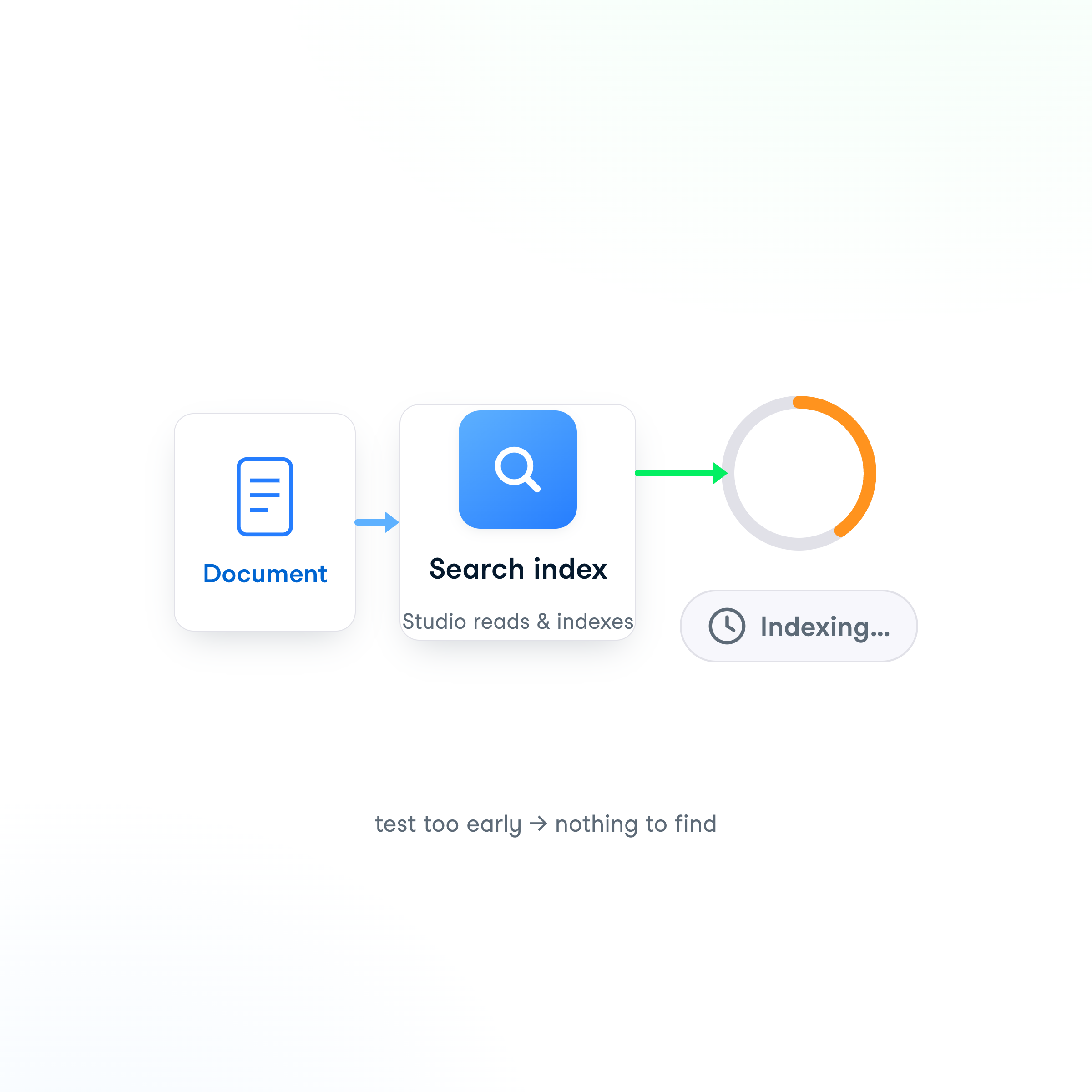
Let it finish processing
Studio
reads and indexes
the document
Expect
5 to 10 minutes
Test too early →
"can't find it"
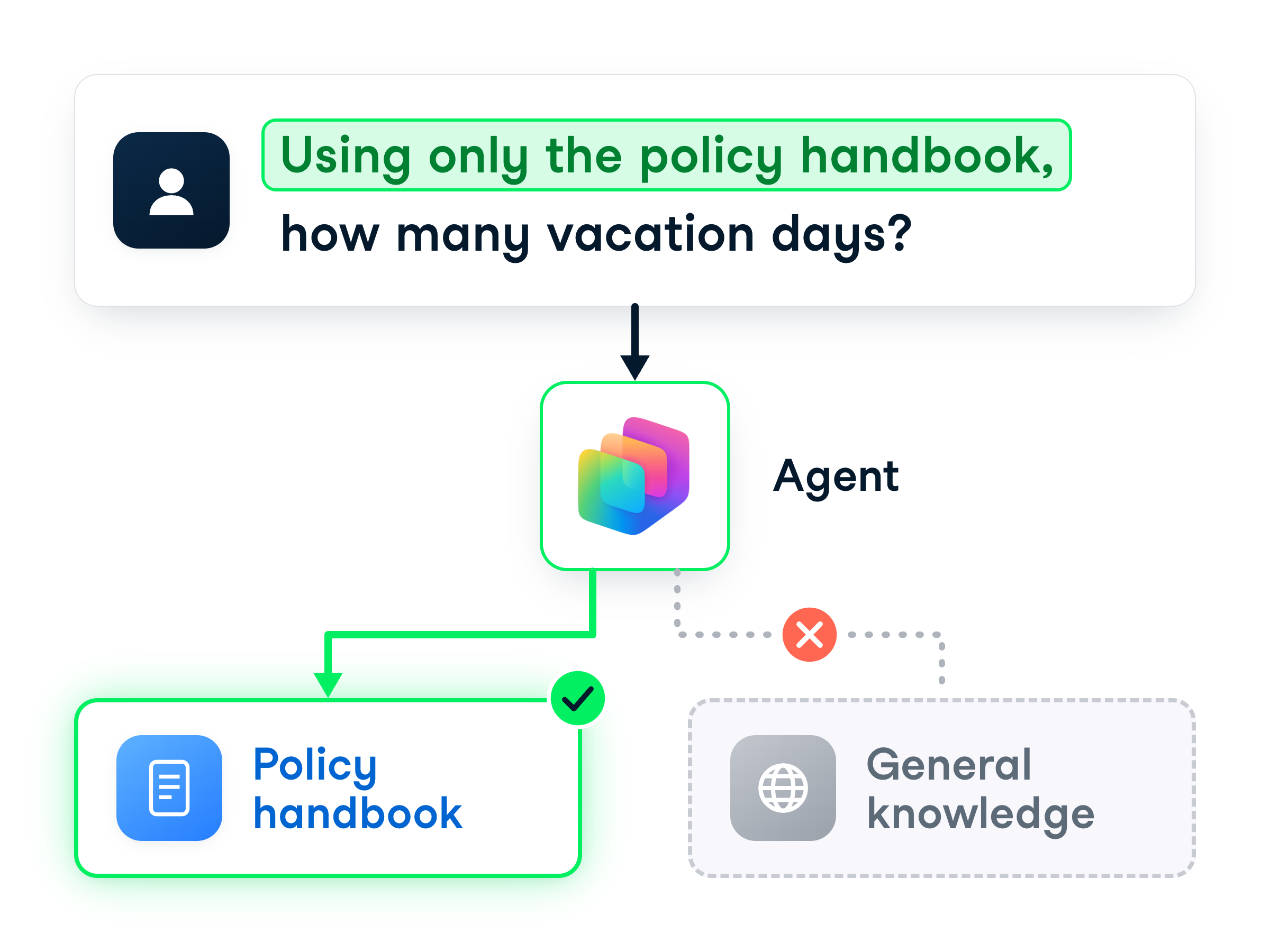
Scope your prompt to the source
Adding the source
isn't quite enough
Tell the agent to
stay inside it
"Using only the policy handbook..."
steers it to the source
Test it
Open the
Test panel
Ask your
scoped question
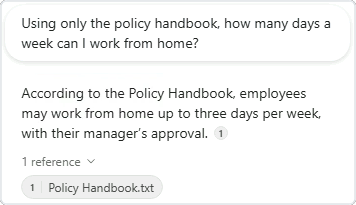
Watch the reply
Read a grounded answer
Wording comes
from your document
A
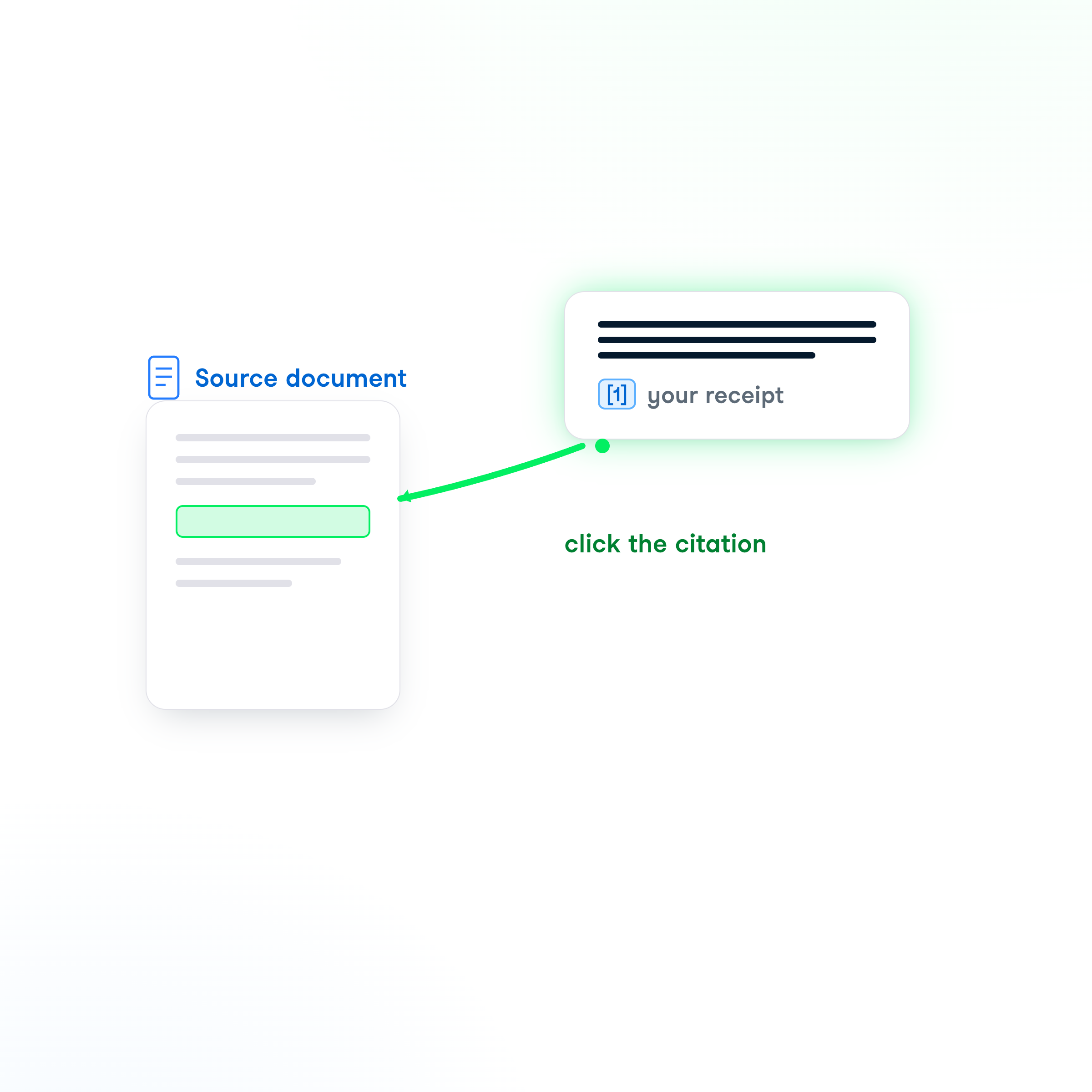
reference
points back to the source
Click the citation
to check it
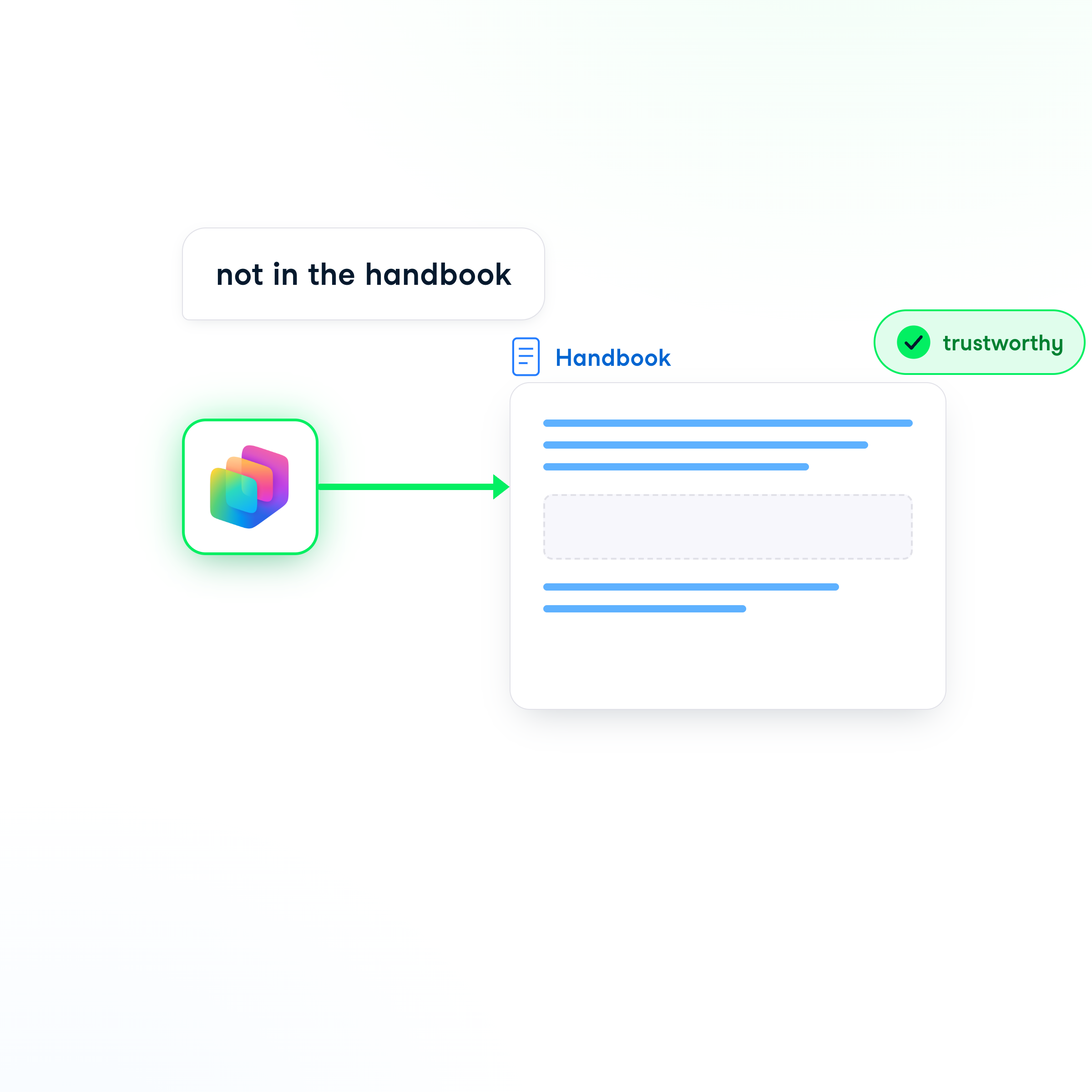
When the source doesn't have it
Good agent →
"the handbook doesn't mention that"
Better than
inventing
a number
A sign your
grounding is working
Let's practice!
Building Agents with Microsoft Copilot Studio
Preparing Video For Download...