Sessions, auto-forwarding, and partitions

Develop Azure Event-based and Message-based Solutions

Fiodar Sazanavets

Senior Software Engineer and Microsoft MVP

Session overview
Develop Azure Event-based and Message-based Solutions

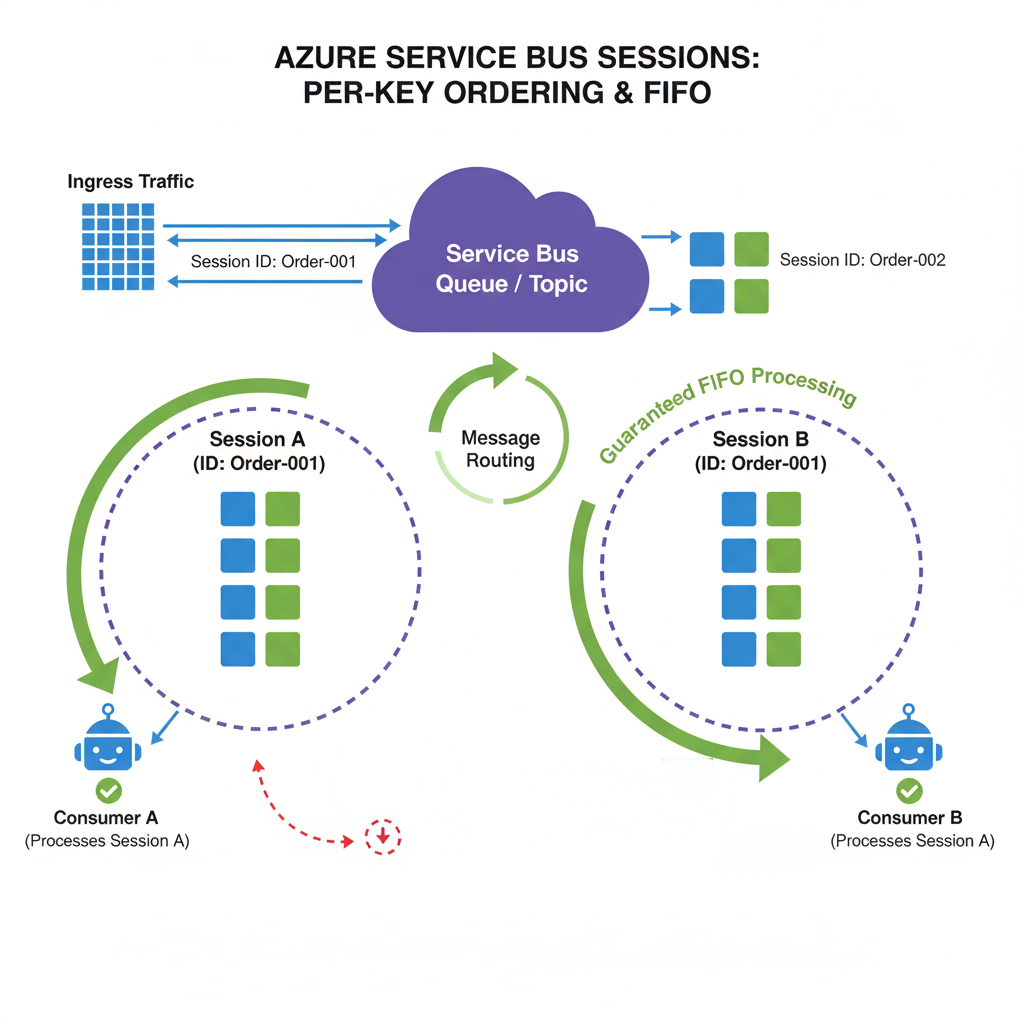
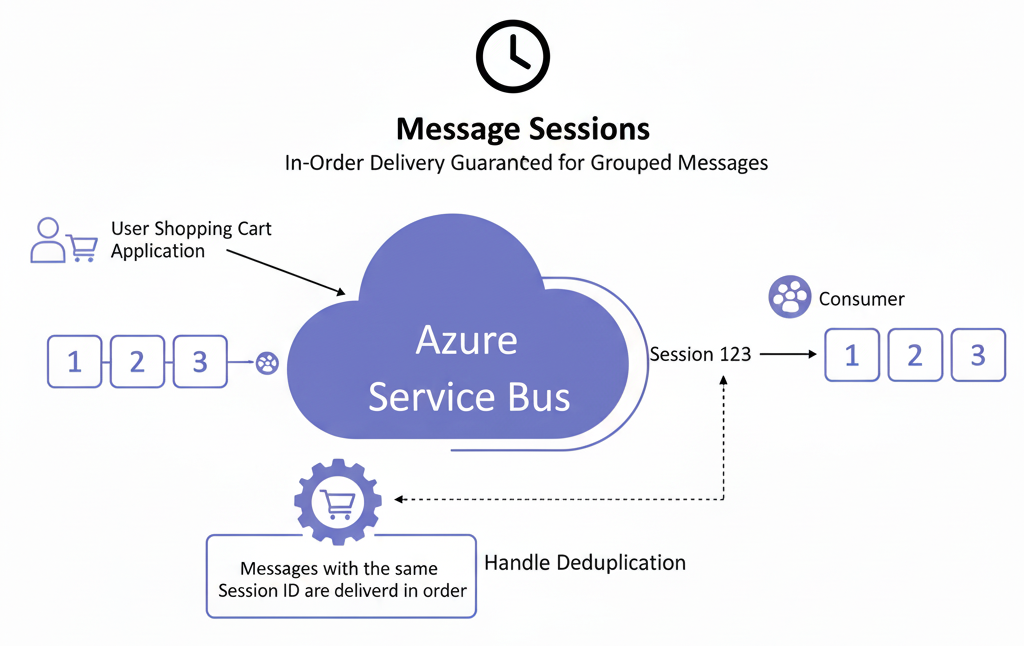
Sessions overview

  • Per-session ordering
    • Implemented via Session ID
    • One session per consumer
    • Messages stay in sequence
  • Lightweight state to:
    • Handle restarts
    • Enable clean FIFO queue
    • Scale across many concurrent sessions

Service Bus Sessions

Develop Azure Event-based and Message-based Solutions

Deal lettering and auto-forwarding

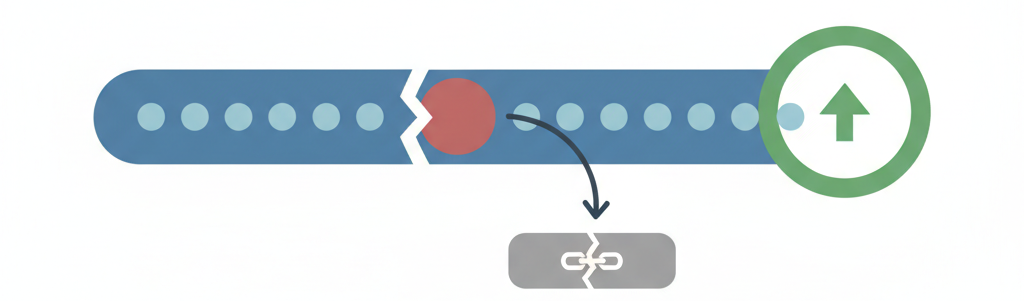
Dead lettering

  • Failed messages
  • Unblocks the main message path

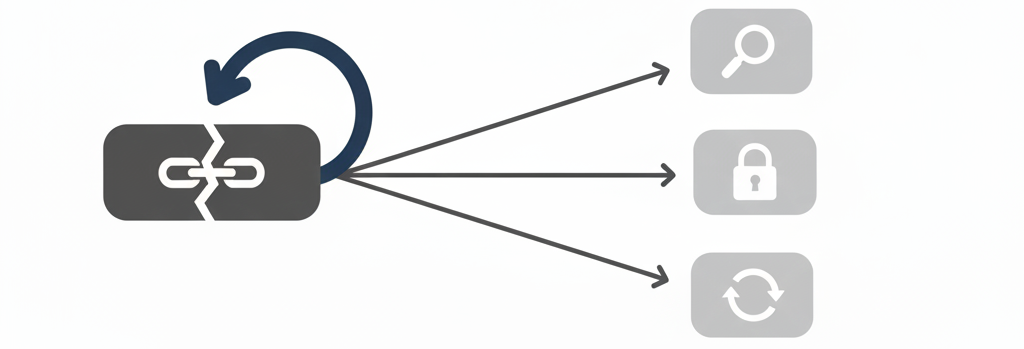
Auto-forwarding

  • Goes to a separate queue or topic
  • Used in diagnostics flow
  • Used for retries

Dead-lettering

Auto-forwarding

Develop Azure Event-based and Message-based Solutions

Duplicate detection

  • Network connectivity can break
    • This causes message resends
    • Duplicate processing is problematic
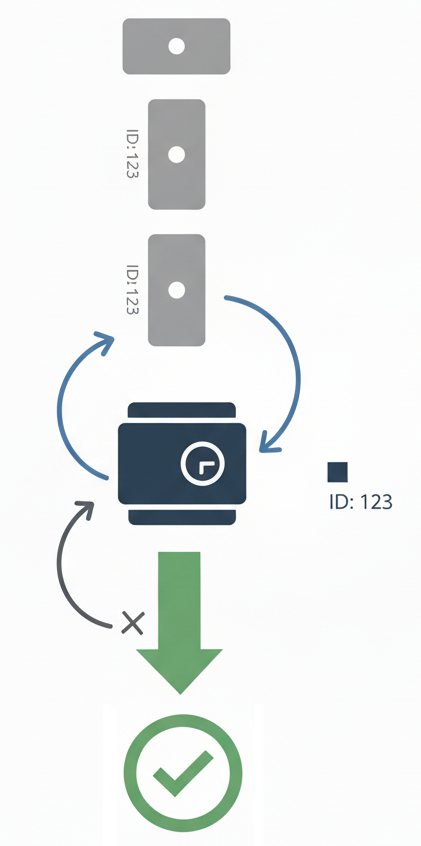
  • Duplicate detection:
    • Use unique message ID
    • Pair it with a time window
    • Discard messages with the same ID
  • Each message is only processed once

Duplictae diagram

Develop Azure Event-based and Message-based Solutions

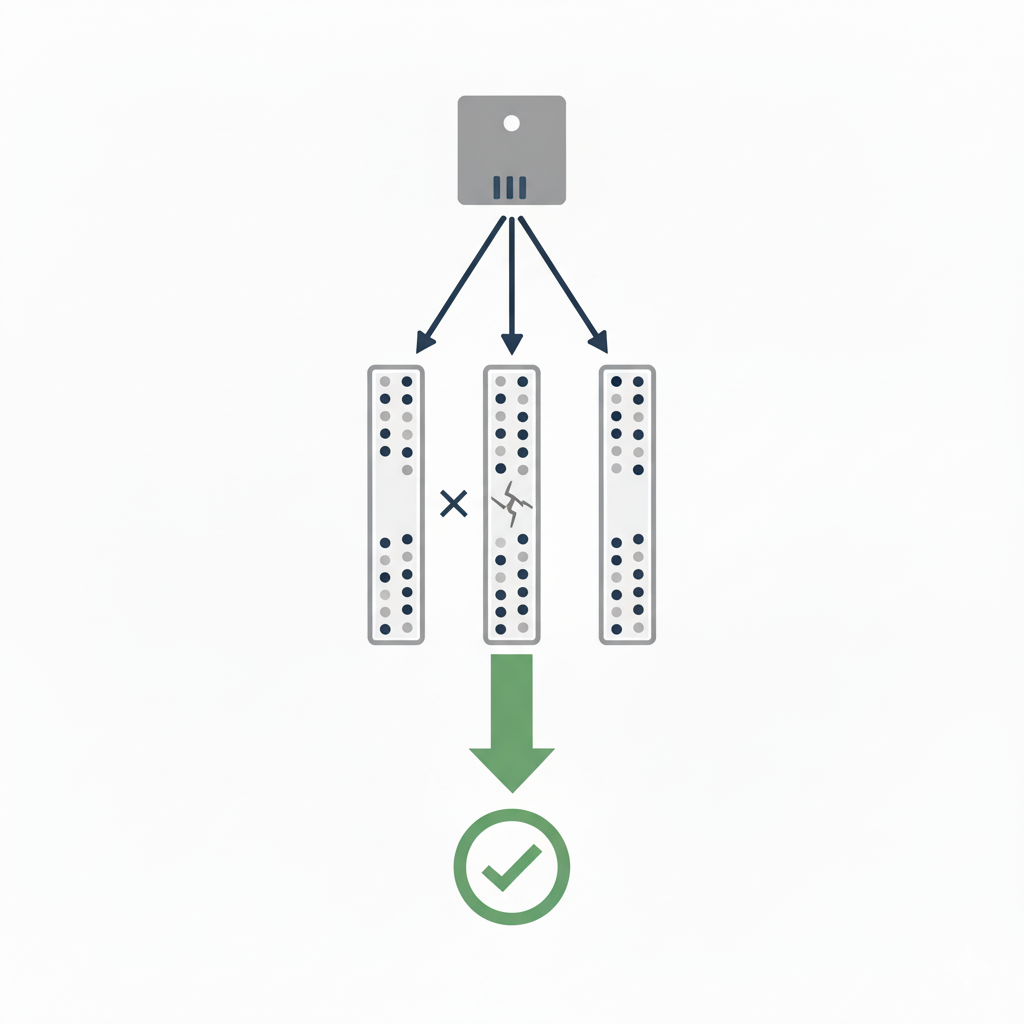
Partitions for high throughput

Partitions in Service Bus

  • Spread across multiple brokers
    • Messages processed in parallel
    • Improves resiliency
  • Still use the same API
    • Service Bus manages distribution
    • Same connection string
Develop Azure Event-based and Message-based Solutions

Putting it all together

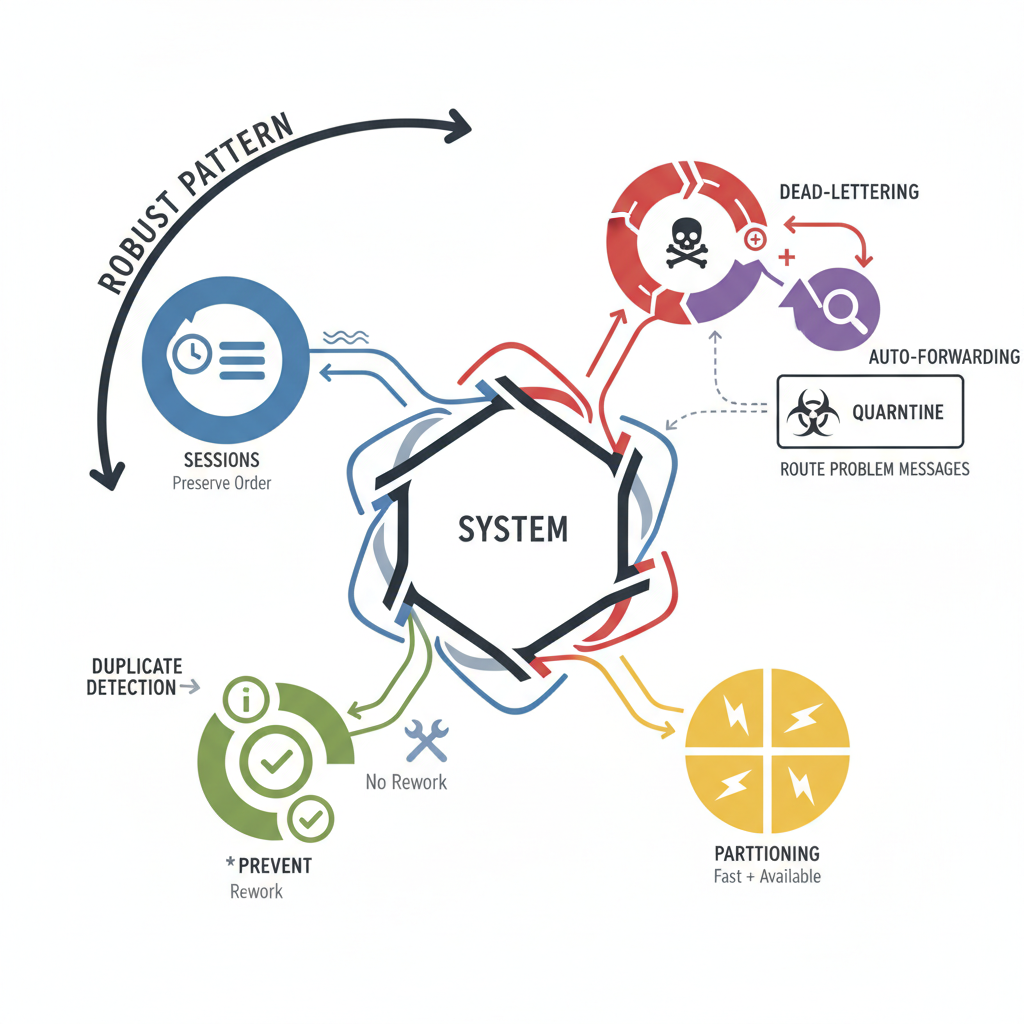
Service Bus summary

Develop Azure Event-based and Message-based Solutions

Let's practice!

Develop Azure Event-based and Message-based Solutions

Preparing Video For Download...