Third-Party MCP Servers

Introduction to Model Context Protocol (MCP)

James Chapman

AI Curriculum Manager, DataCamp

Why Use Third-Party MCP Servers?
 

  • Speed: filesystem and database access without writing a server

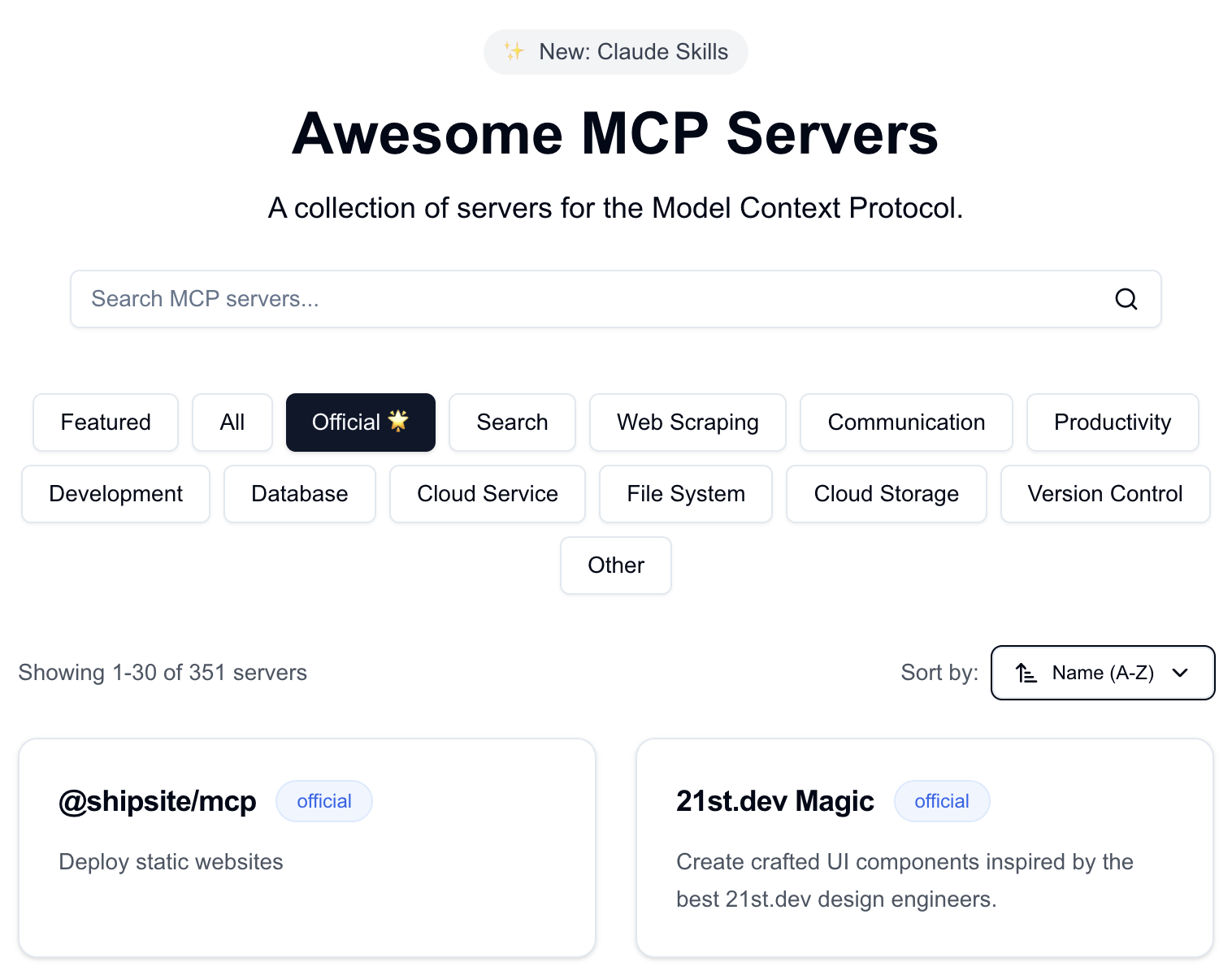
mcp-archive.png

Introduction to Model Context Protocol (MCP)

Why Use Third-Party MCP Servers?


  • Speed: filesystem and database access without writing a server
  • Maintained by others: you focus on the client and application
  • Integration: client code can be shared and reused for different MCP servers

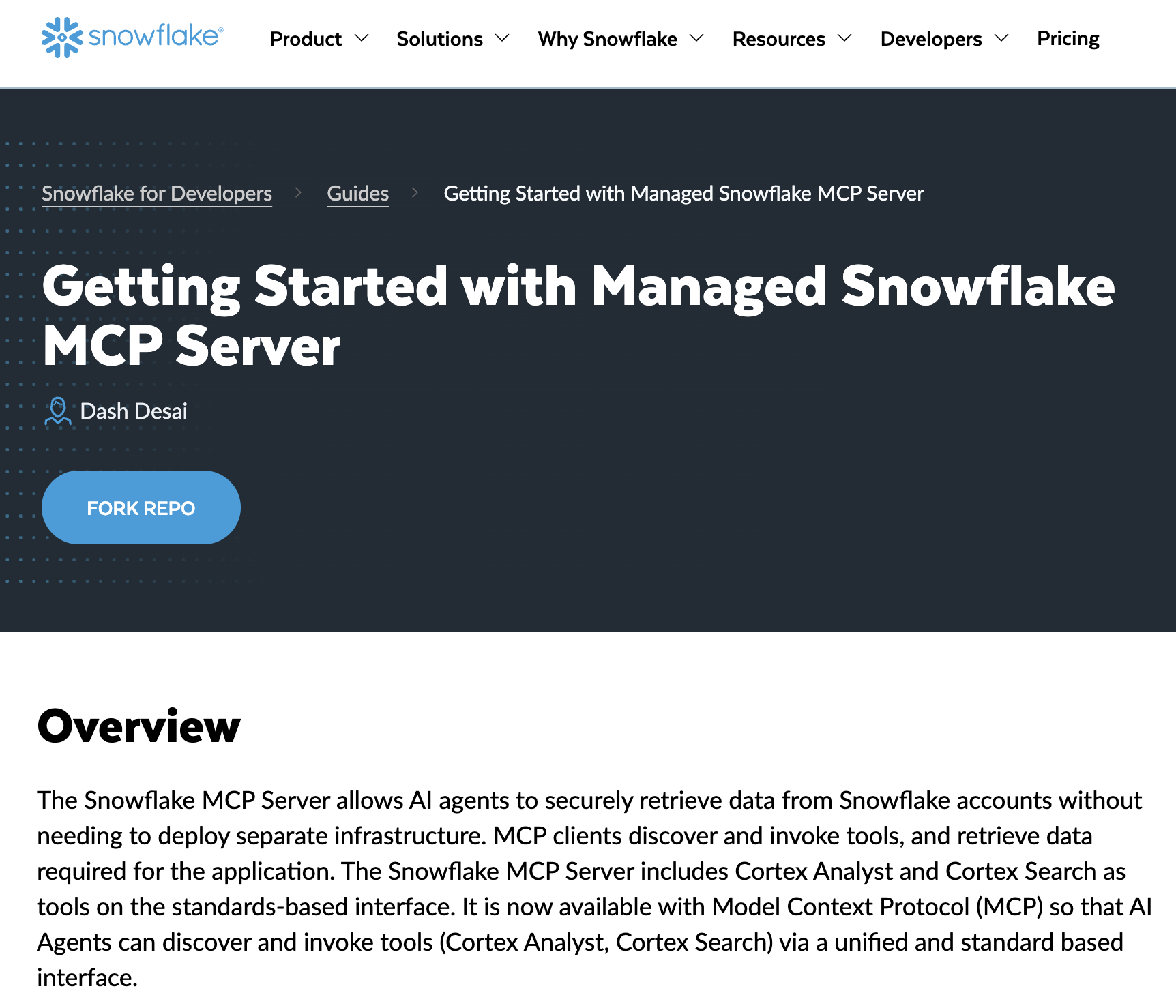
snowflake-mcp.png

1 https://www.snowflake.com/en/developers/guides/getting-started-with-snowflake-mcp-server/
Introduction to Model Context Protocol (MCP)

Considerations Before Using a Third-Party Server

 

  • Trust: the server runs code and may call external APIs → check these sources
  • Security: requires careful management of private data and credentials
  • Surface area: more tools mean more the LLM can do; be aware of what each server exposes

considerations.png

Introduction to Model Context Protocol (MCP)

Open Library MCP

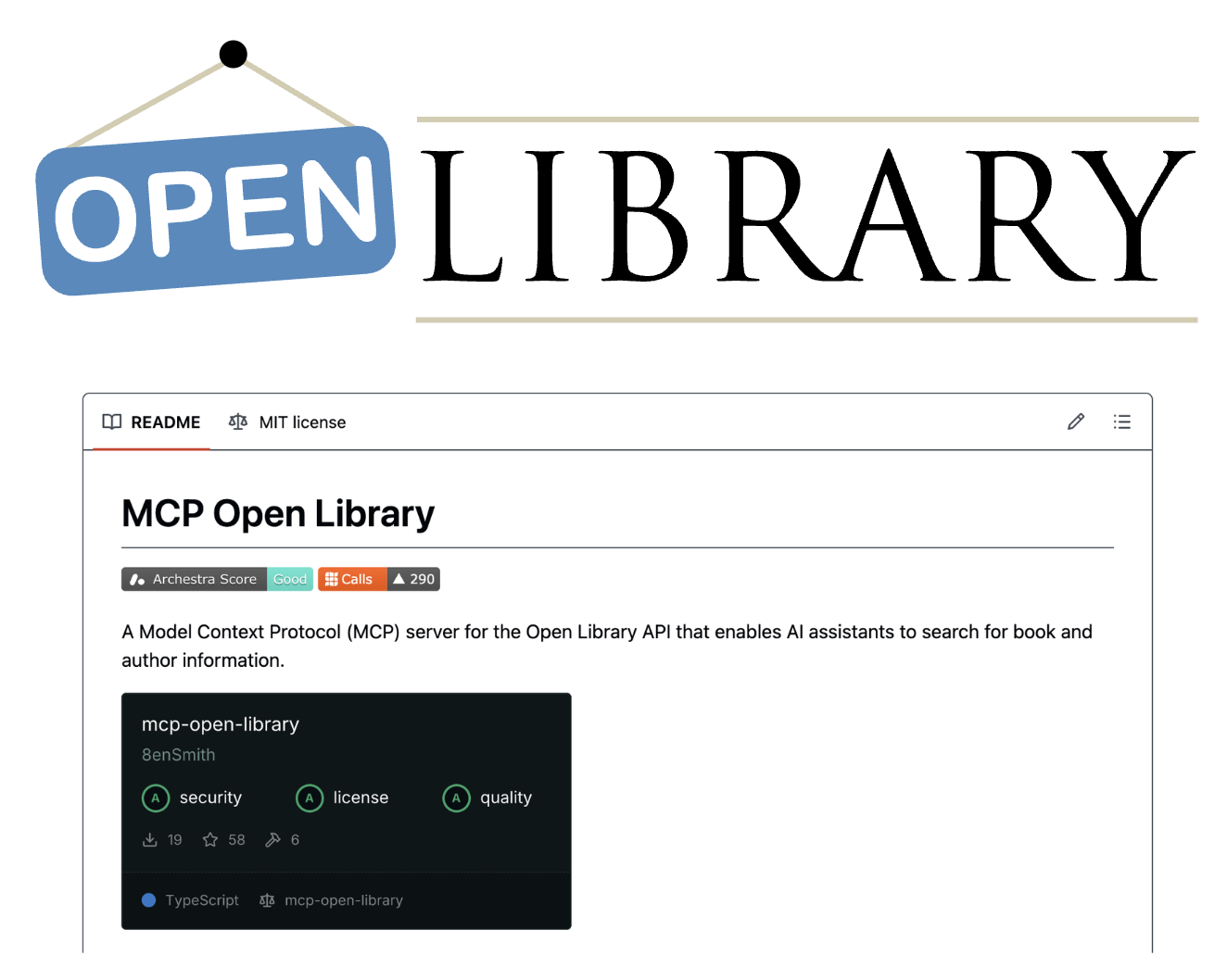
open-library.png


  • mcp-open-library: MCP server for the Internet Archive Open Library API
  • Tools: get_book_by_title, get_authors_by_name, get_book_cover, get_book_by_id, ...
  • No API key
1 https://github.com/8enSmith/mcp-open-library
Introduction to Model Context Protocol (MCP)

Accessing the Open Library MCP

from mcp import ClientSession, StdioServerParameters
from mcp.client.stdio import stdio_client

params = StdioServerParameters(
    command="open-library-server",
    args=[]
)
1 https://github.com/8enSmith/mcp-open-library?tab=readme-ov-file#installation
Introduction to Model Context Protocol (MCP)

Using the Open Library MCP

params = StdioServerParameters(command="open-library-server", args=[])


async with stdio_client(params) as (reader, writer): async with ClientSession(reader, writer) as session: await session.initialize()
response = await session.list_tools() print("Tools:", [t.name for t in response.tools]) result = await session.call_tool("get_book_by_title", {"title": "Dune"}) text = result.content[0].text print("Tool Call Result:", text)
Introduction to Model Context Protocol (MCP)
Tools: ['get_book_by_title', 'get_authors_by_name', 'get_author_info',
'get_author_photo', 'get_book_cover', 'get_book_by_id']

Tool Call Result: [ { "title": "Dune", "authors": [ "Frank Herbert" ], "first_publish_year": 1965, ... }, ...
Introduction to Model Context Protocol (MCP)

Let's practice!

Introduction to Model Context Protocol (MCP)

Preparing Video For Download...