Meet Copilot

Microsoft Copilot in Word

Stéphanie Visser

Sr AI Product Manager, Microsoft

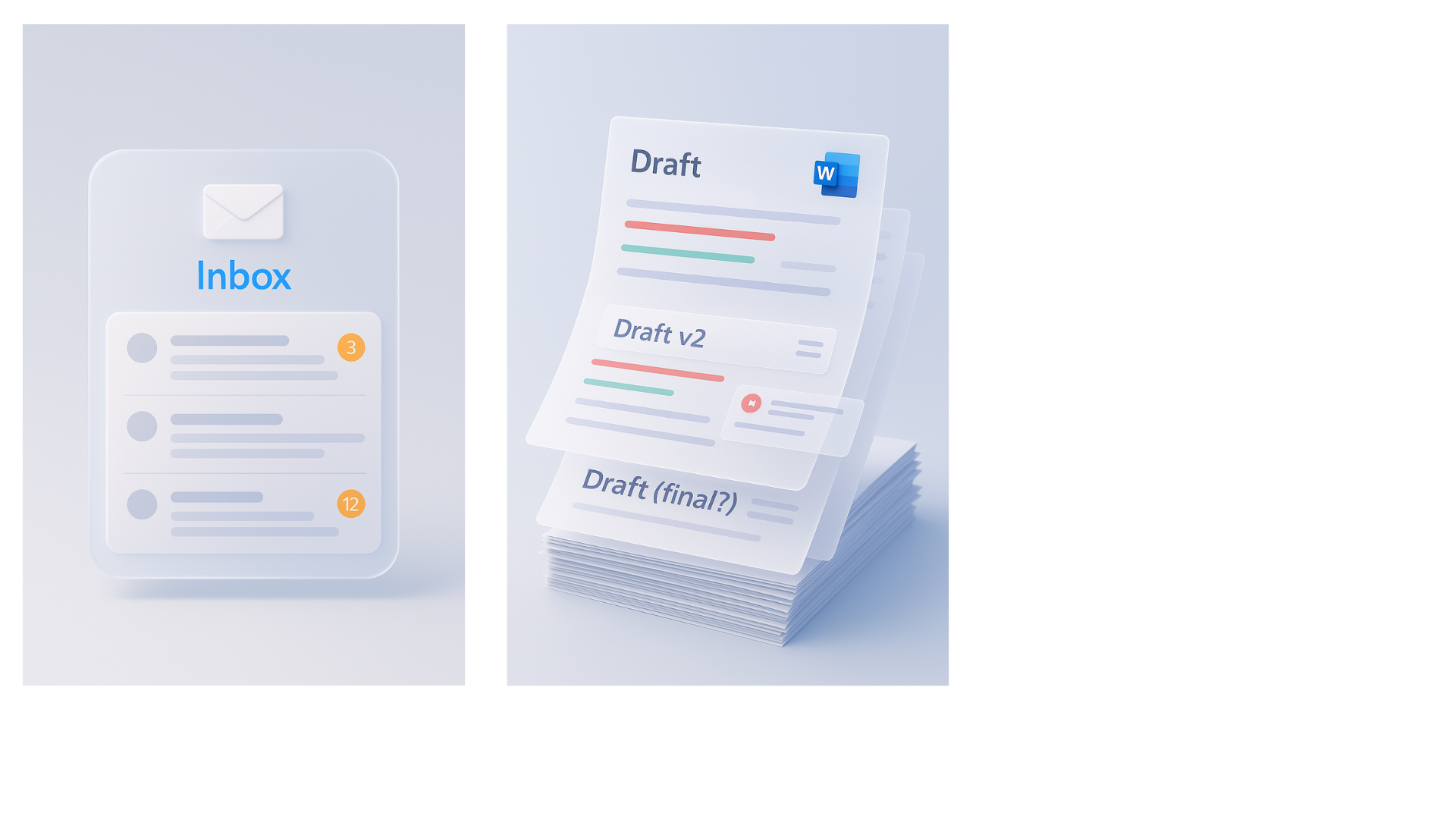
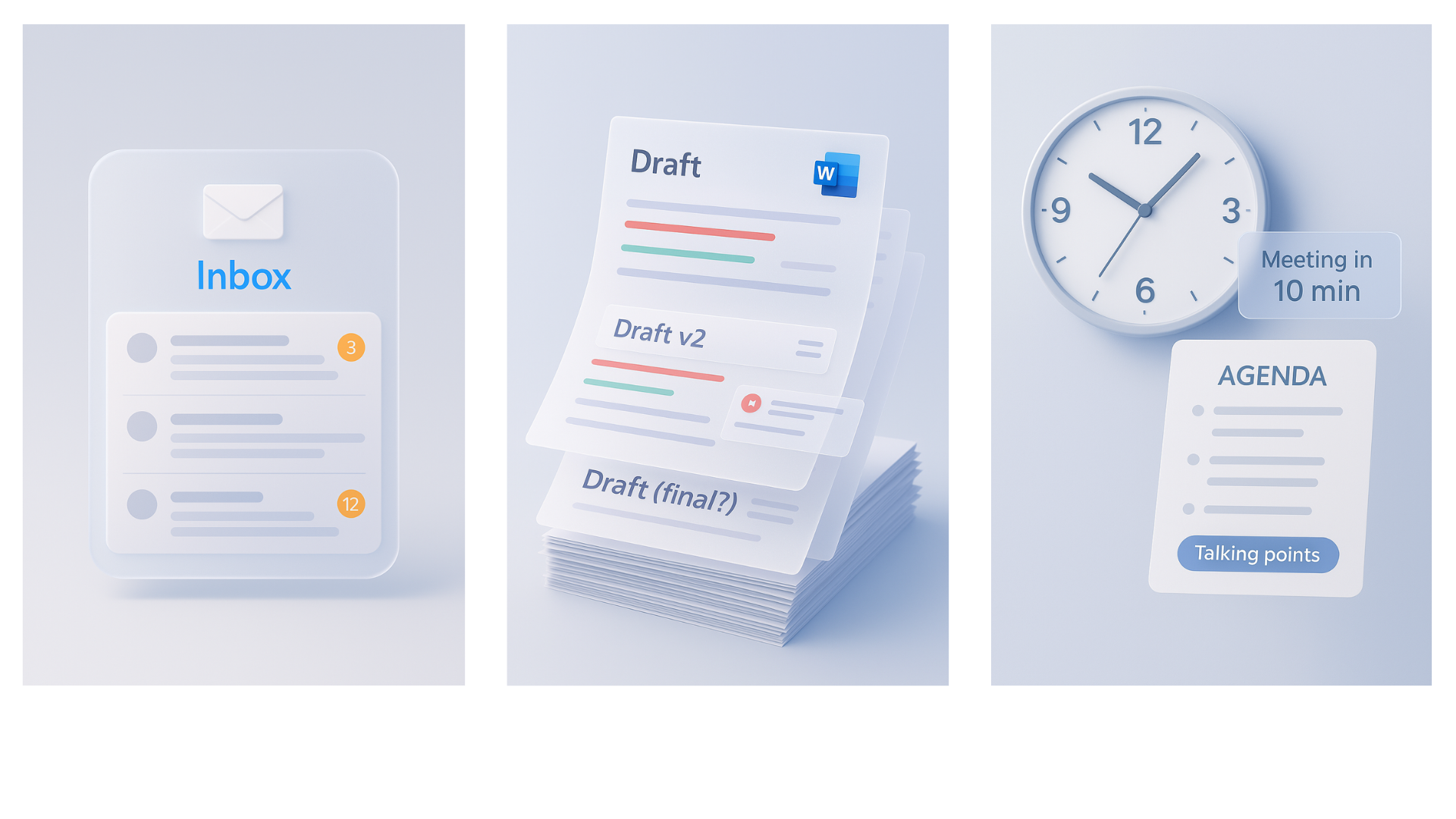
The reality of work

L101_1.png

Microsoft Copilot in Word

The reality of work

L101_2.png

Microsoft Copilot in Word

The reality of work

L101_3.png

Microsoft Copilot in Word

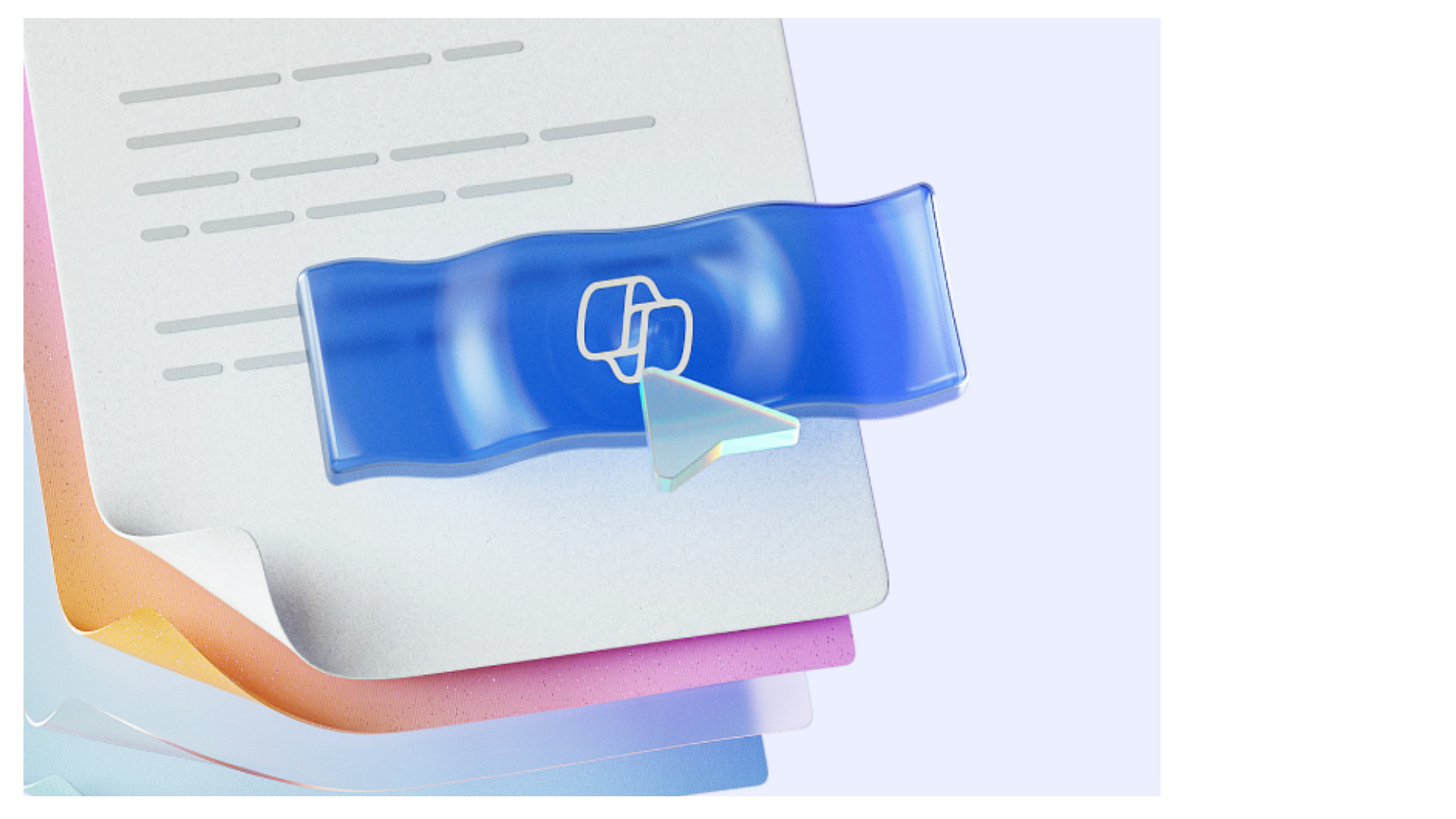
Meet Copilot in Word

$$

L101_4.png

$$

  • Your AI assistant in Word, built right in

  • Understands your documents and helps you act

$$

Like a colleague who's read everything, writes quickly, and never gets tired

Microsoft Copilot in Word

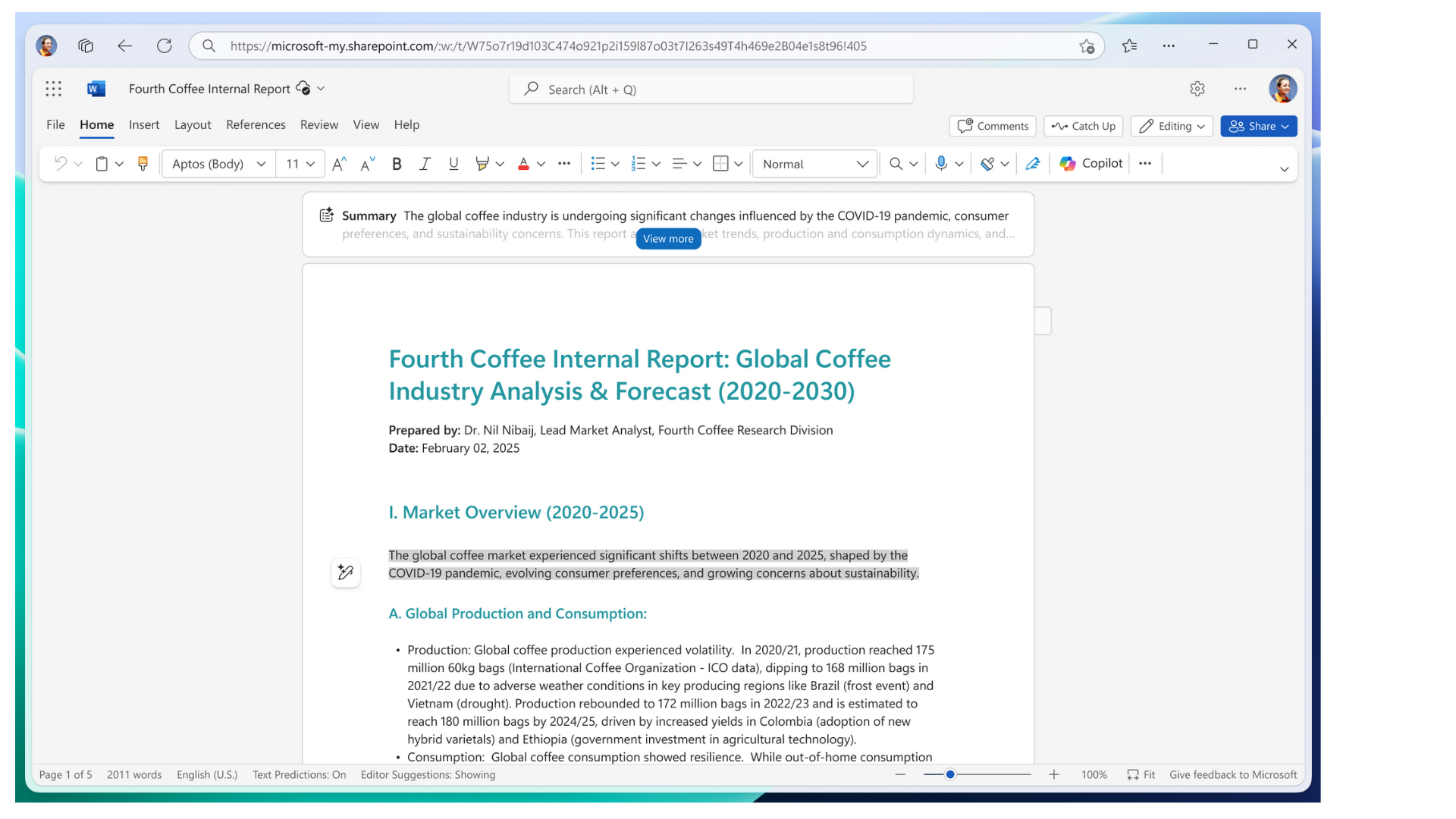
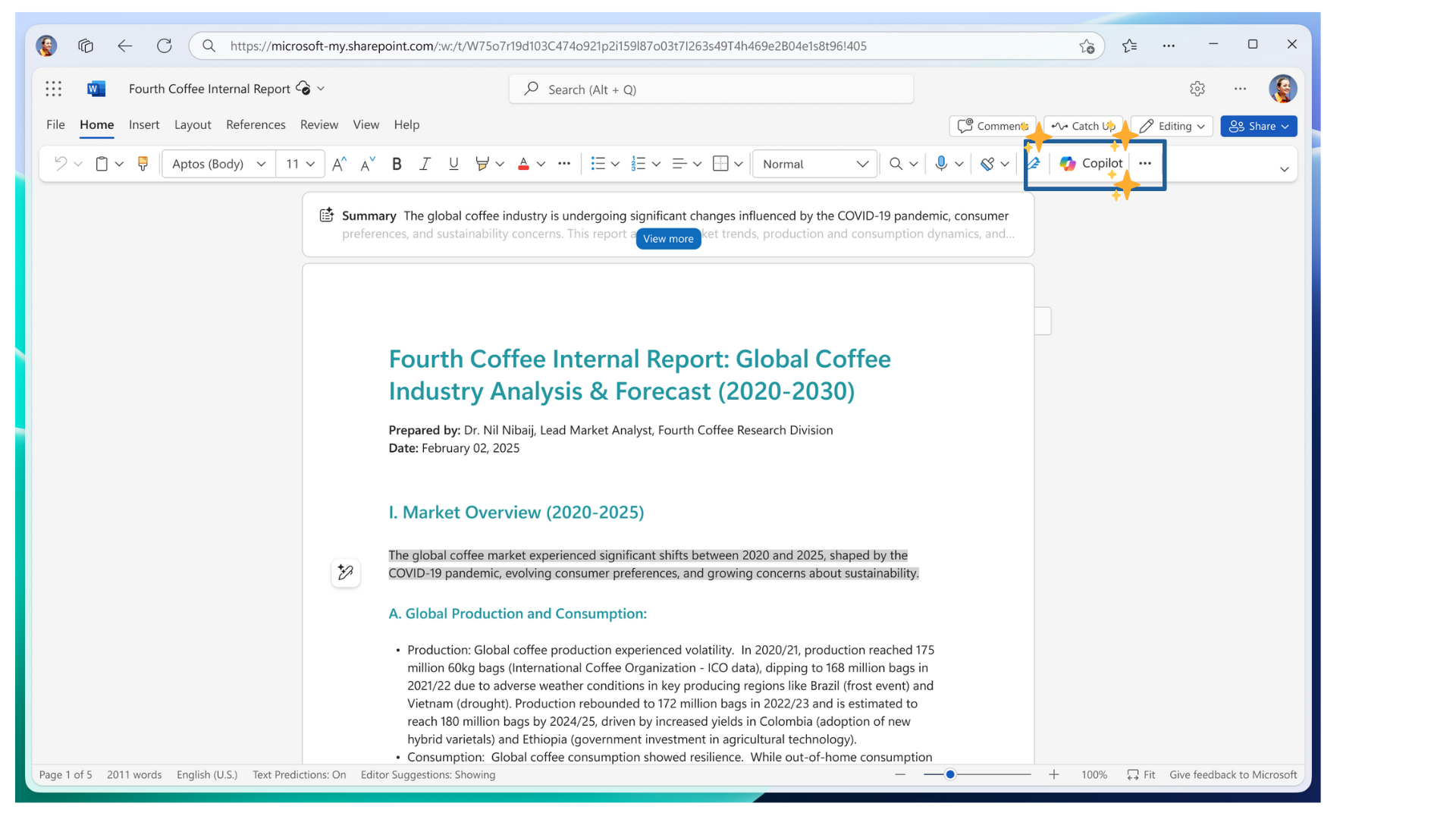
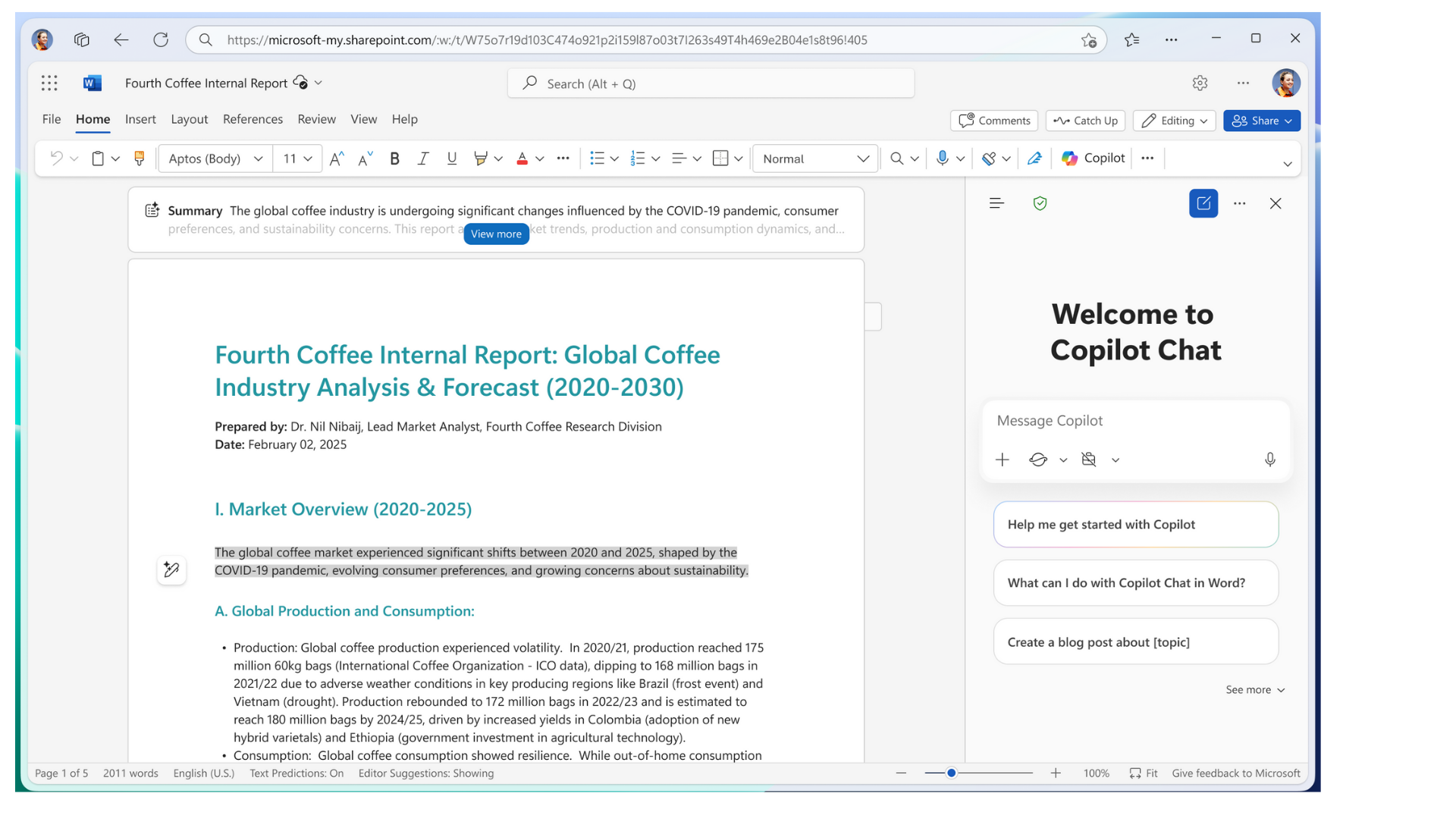
Where can you find it

L101_5.png

Microsoft Copilot in Word

Where can you find it

L101_6.png

Microsoft Copilot in Word

Where can you find it

L101_6b.png

Microsoft Copilot in Word

Copilot's three superpowers

$$

  • Create: Draft from scratch, or polish what you've got

L101_7.png

Microsoft Copilot in Word

Copilot's three superpowers

$$

  • Create: Draft from scratch, or polish what you've got

$$

  • Understand: Comprehend documents, fast

L101_8.png

Microsoft Copilot in Word

Copilot's three superpowers

$$

  • Create: Draft from scratch, or polish what you've got

$$

  • Understand: Comprehend documents, fast

$$

  • Collaborate: Resolve comments and work smoothly together

L101_9.png

Microsoft Copilot in Word

Copilot brings the speed

$$

  • AI can make mistakes!

$$

  • Always review suggestions before accepting them

L101_10.png

Microsoft Copilot in Word

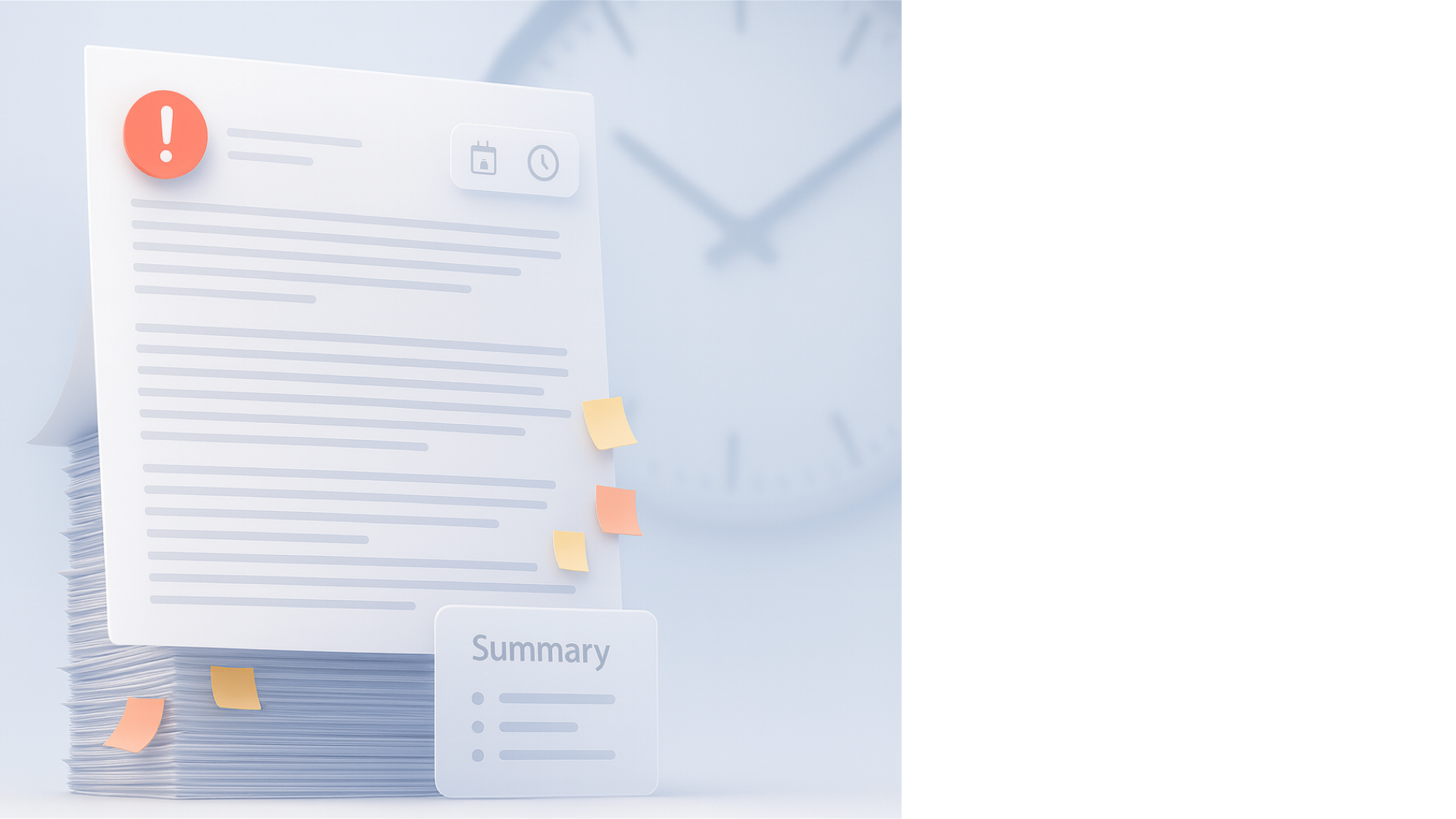
Imagine this

L101_11.png

$$

  • It's 8.50 - your meeting starts at 9!

  • The challenge: An 8-page document

What now?

Microsoft Copilot in Word

Let's practice!

Microsoft Copilot in Word

Preparing Video For Download...