Copilot in Word across devices

Microsoft Copilot in Word

Stéphanie Visser

Sr AI Product Manager, Microsoft

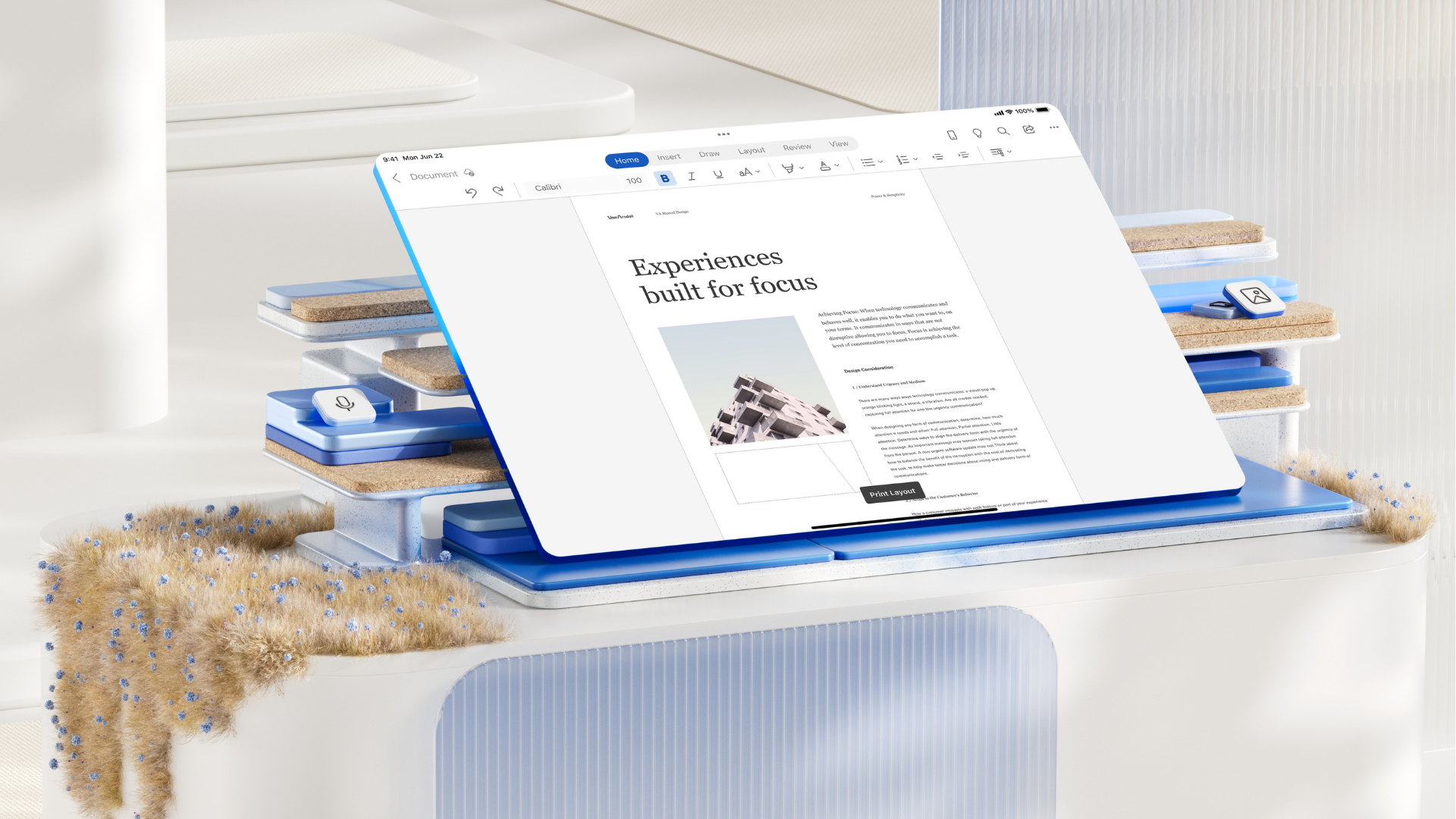
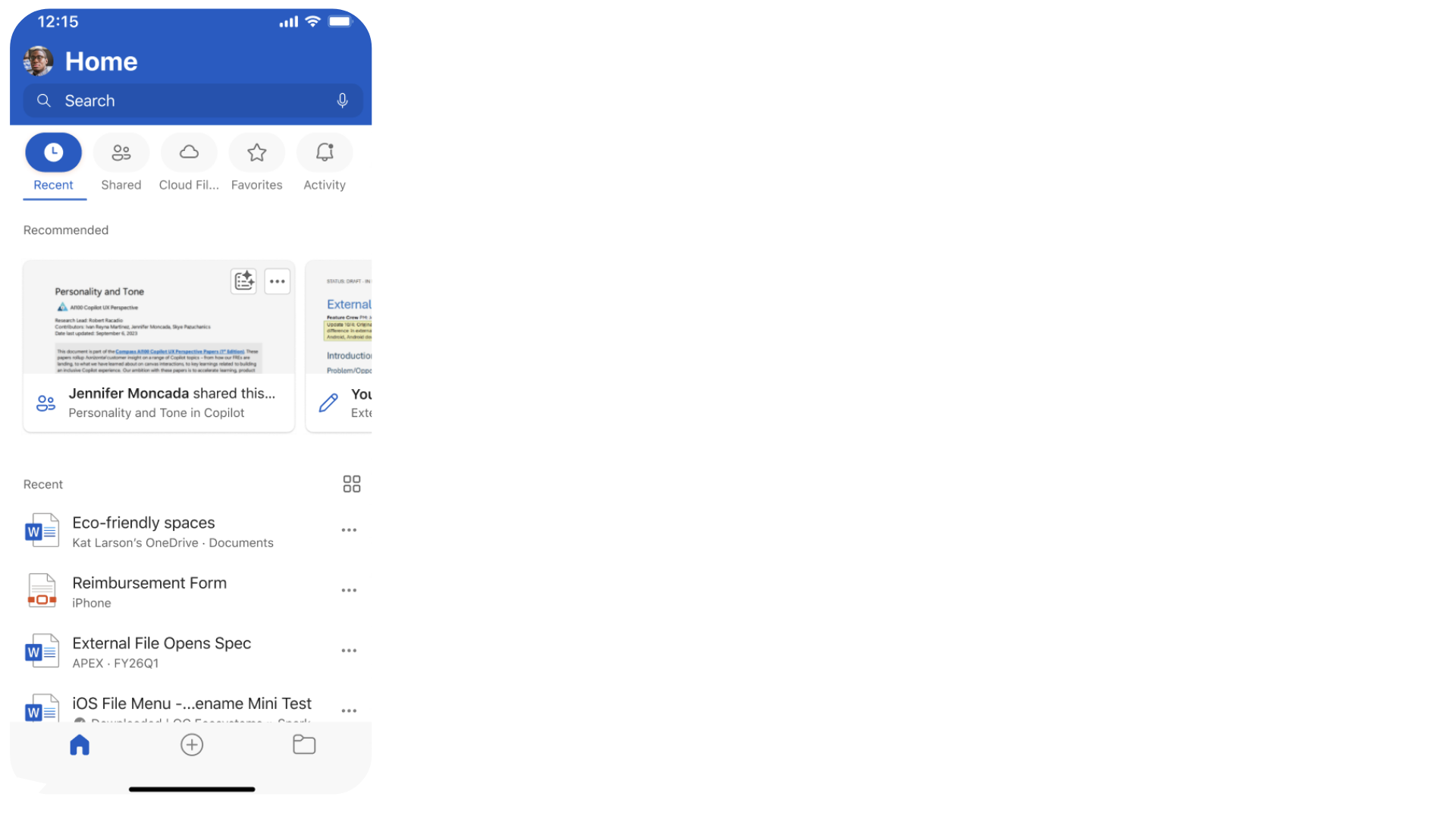
Work happens everywhere

3.png

Microsoft Copilot in Word

Work happens everywhere

5_302.png

Microsoft Copilot in Word

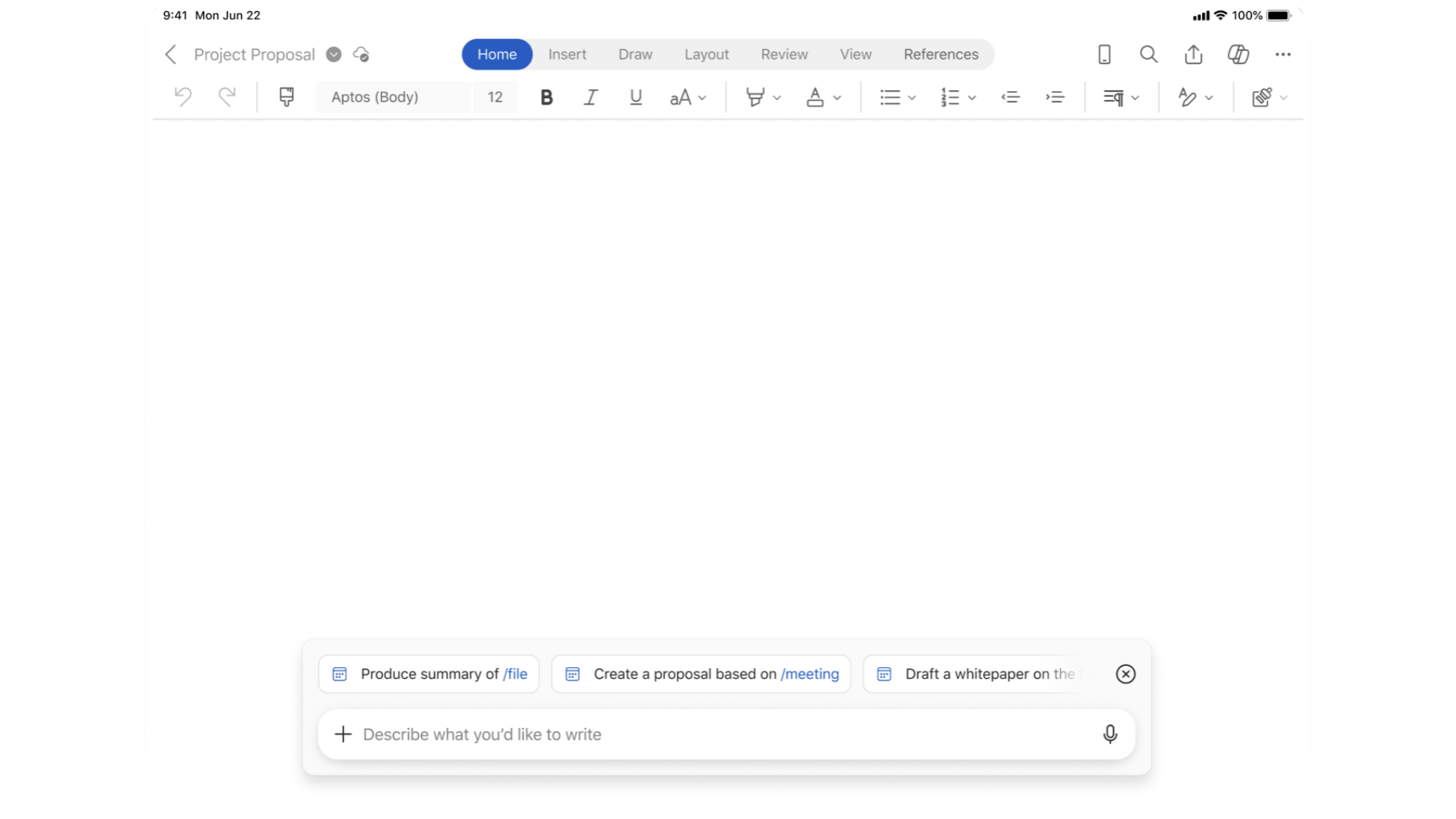
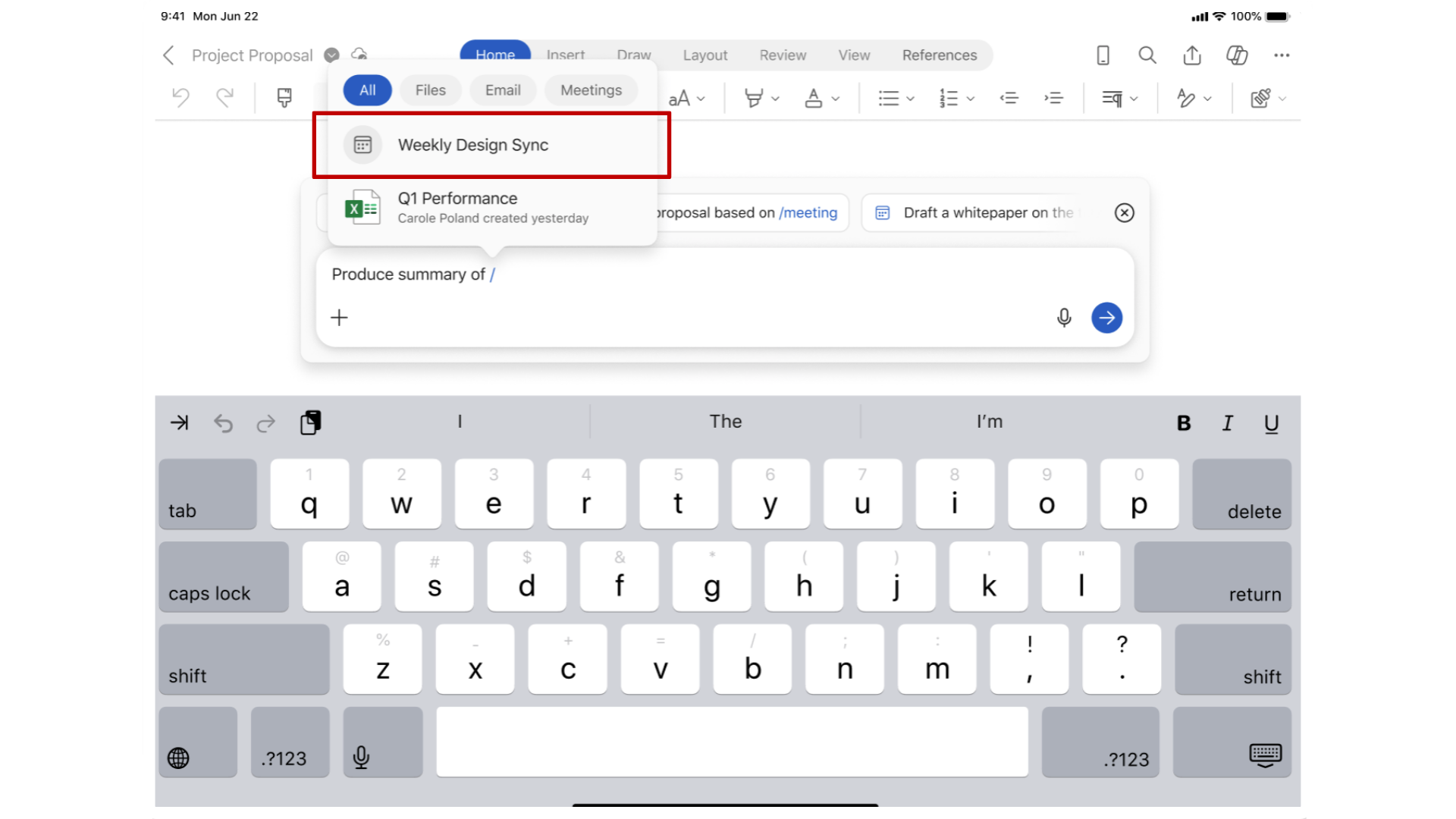
Referencing files

7_303.png

Microsoft Copilot in Word

Referencing files

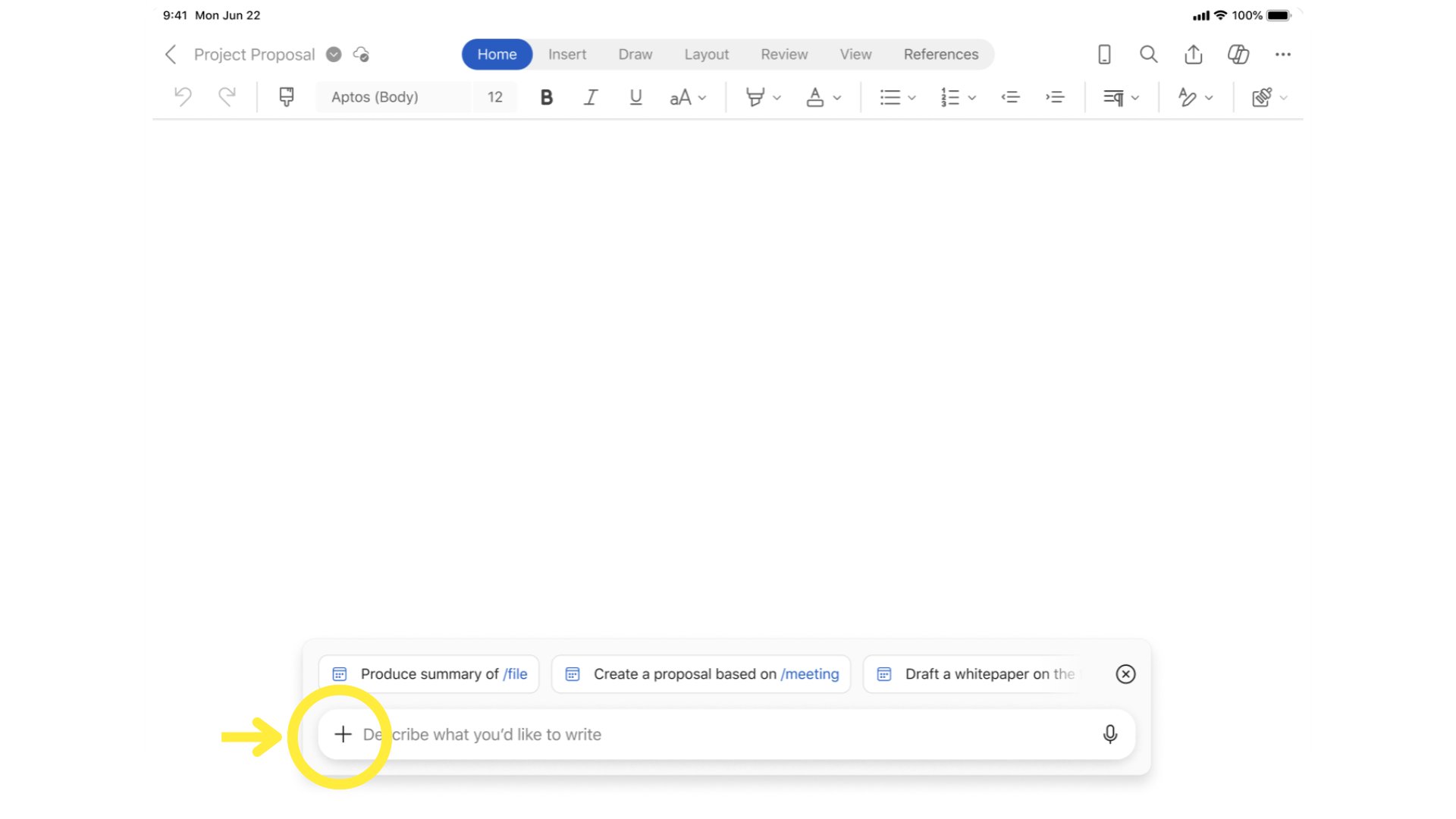
plus_sign.png

Microsoft Copilot in Word

Referencing files

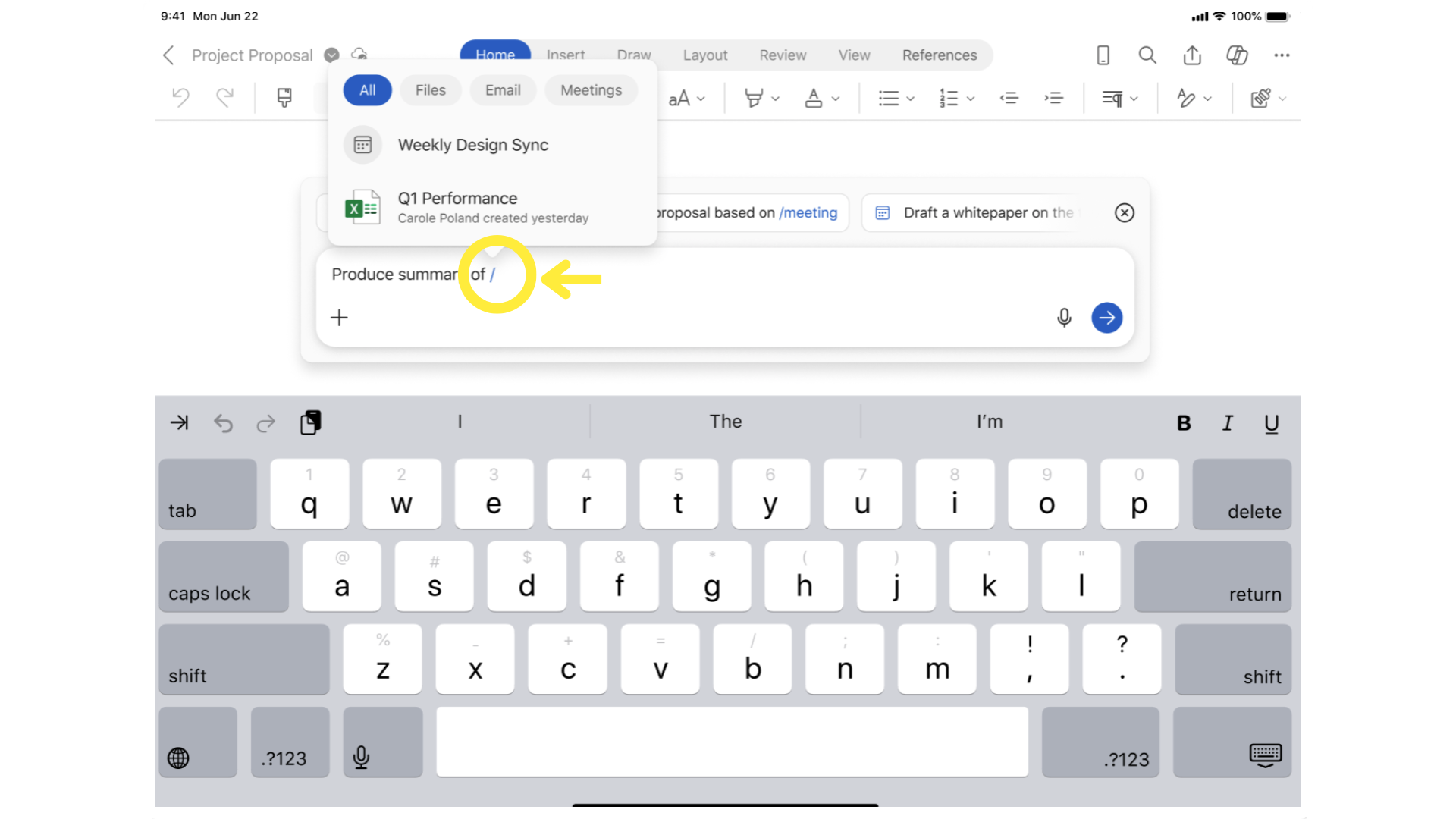
slash_sign.png

Microsoft Copilot in Word

Referencing files

9_303.png

Microsoft Copilot in Word

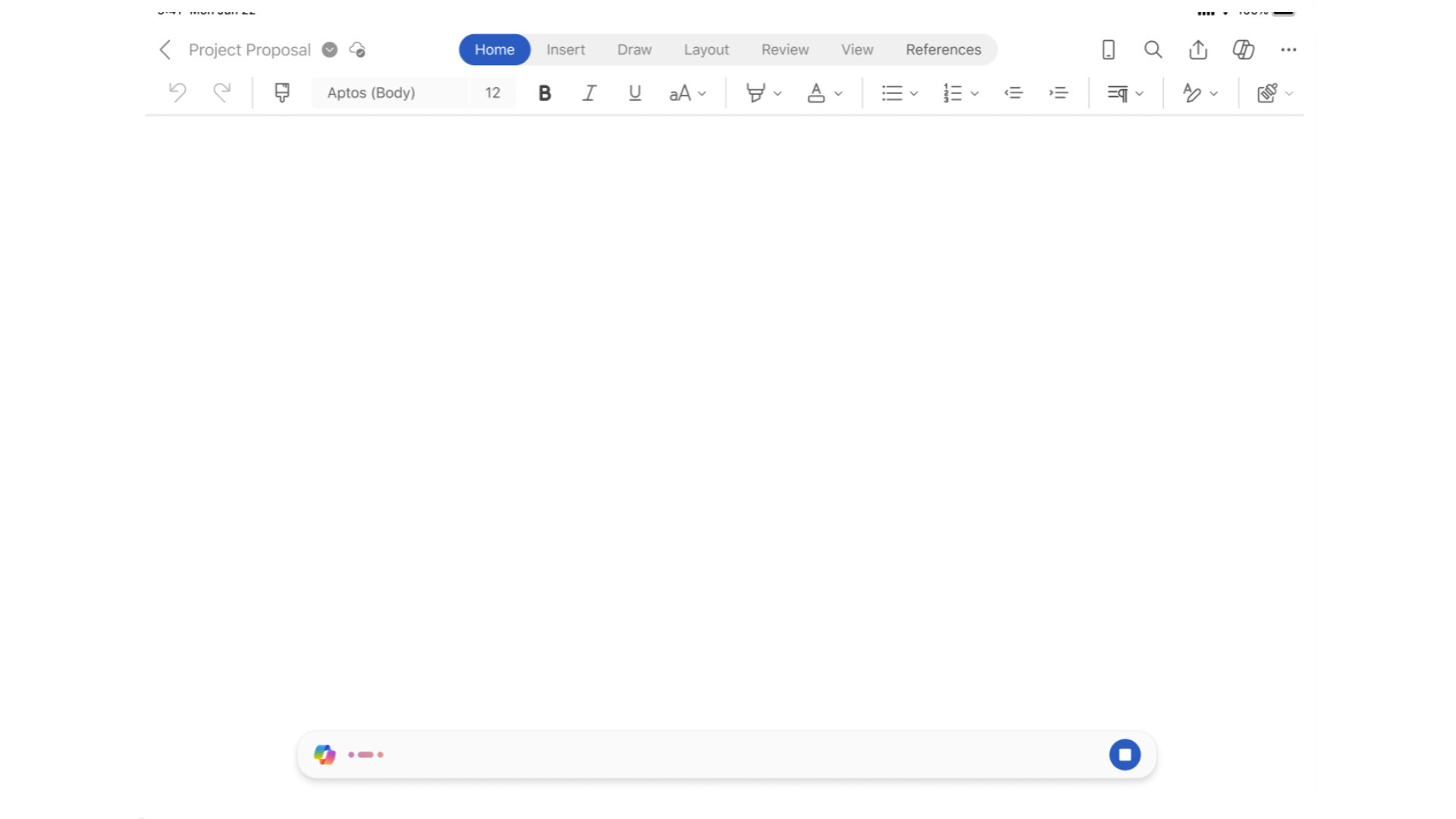
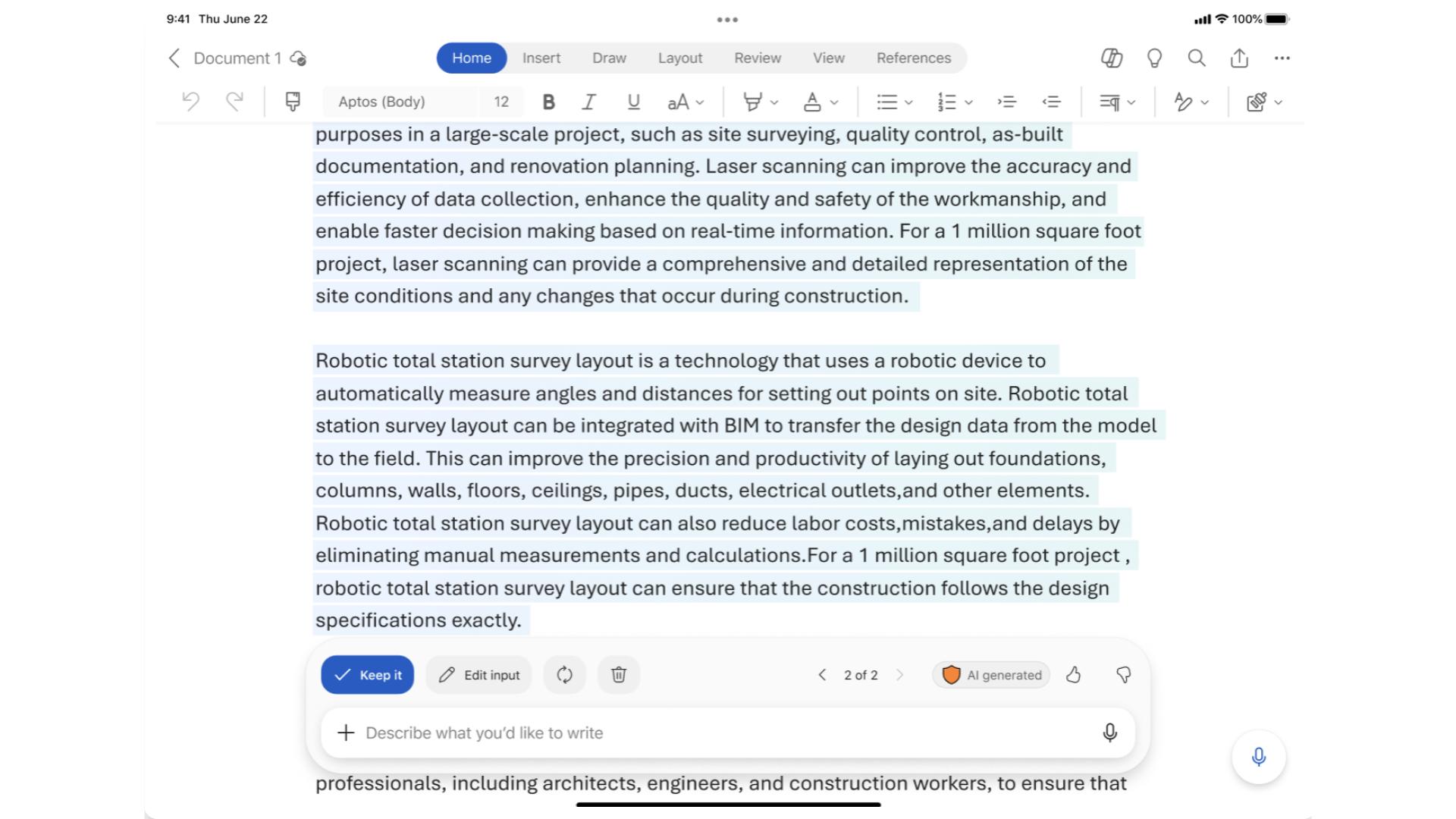
Instant draft generation

13_303.png

Microsoft Copilot in Word

Instant draft generation

15_303.png

Microsoft Copilot in Word

Summaries on the go

On the train:

  • Vendor proposal to review

18.png

Microsoft Copilot in Word

Summaries on the go

  • Summary option at the bottom of the page

19.png

Microsoft Copilot in Word

Ask anything with voice

Can ask follow-up questions:

  • "What are the payment terms?"
  • "When does implementation start?"

20.png

Microsoft Copilot in Word

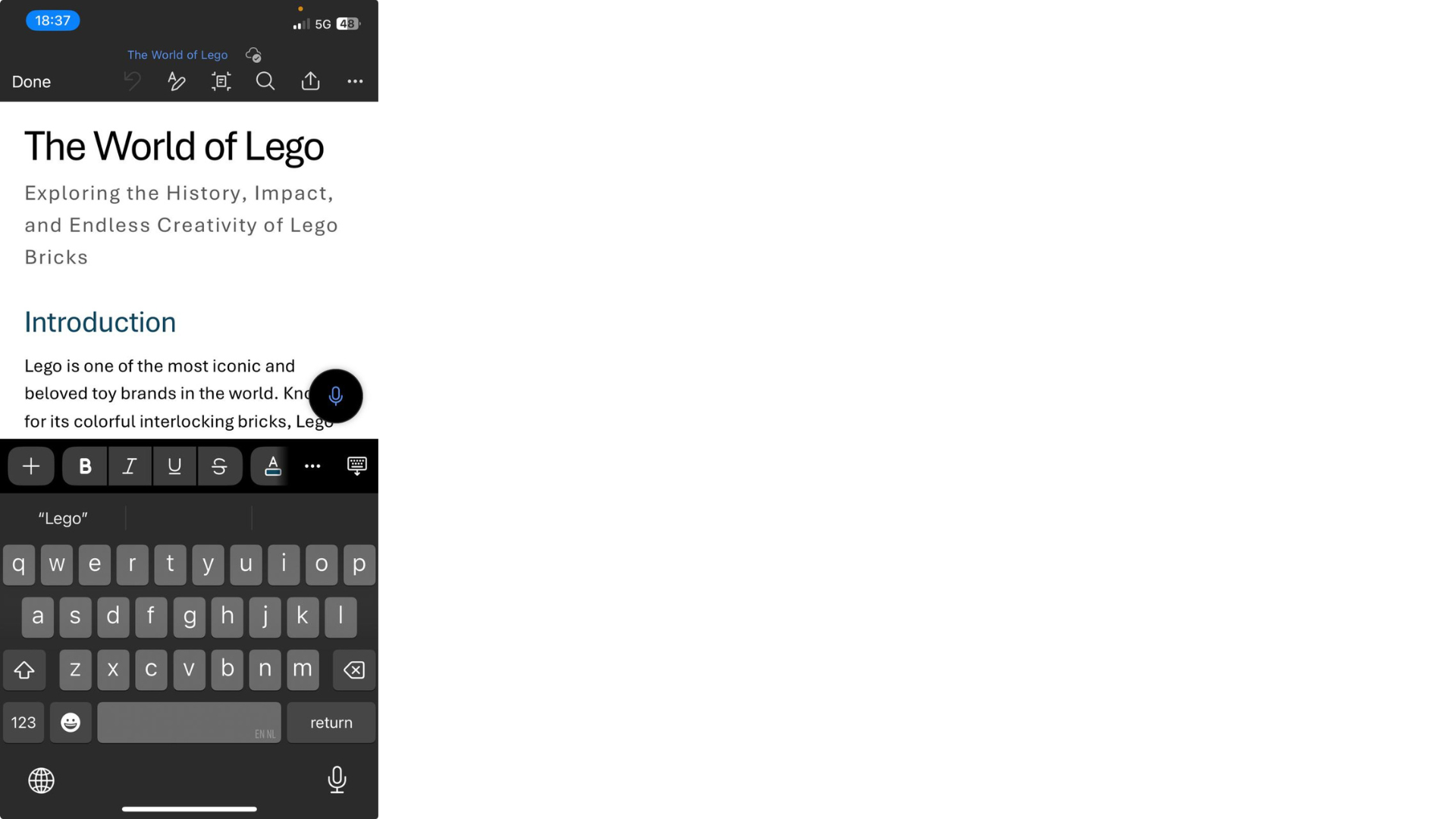
Edit text anywhere

$$

  • Changing the tone to be less technical

24.png

Microsoft Copilot in Word

Edit text anywhere

$$

  • Select the text

25.png

Microsoft Copilot in Word

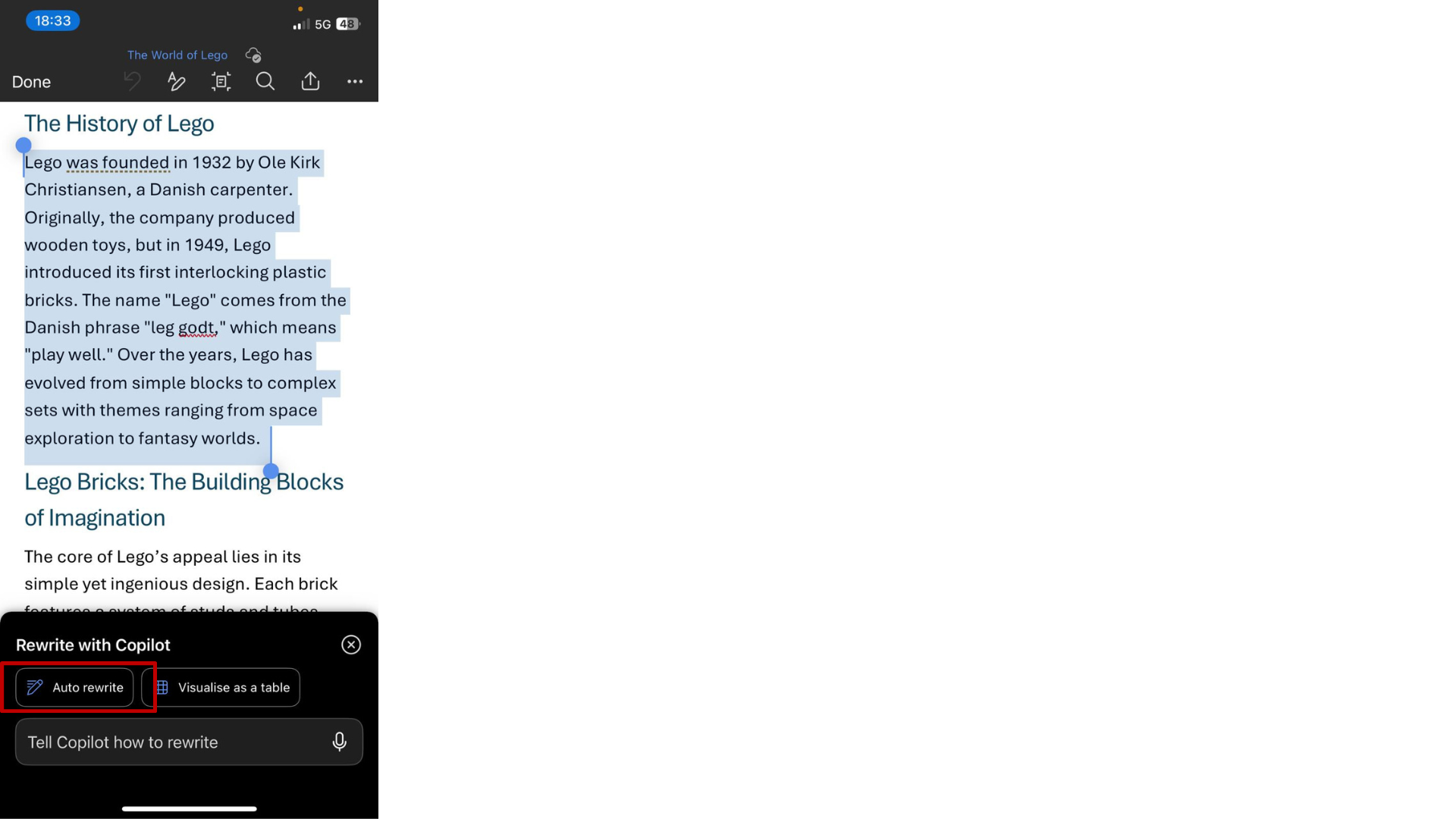
Edit text anywhere

$$

  • Ask to rewrite

26.png

Microsoft Copilot in Word

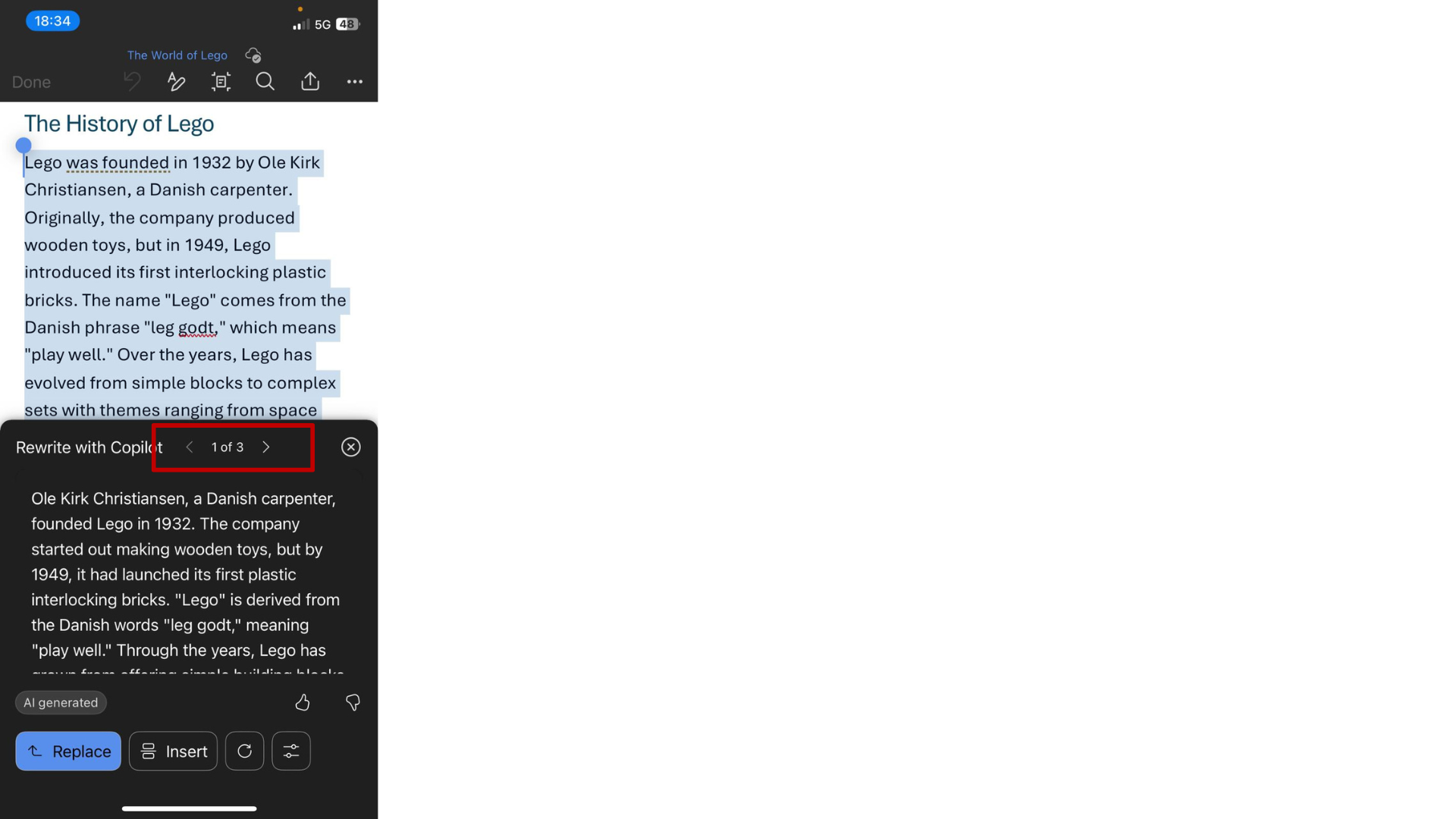
Finding the perfect tone

$$

  • Navigate between versions

27.png

Microsoft Copilot in Word

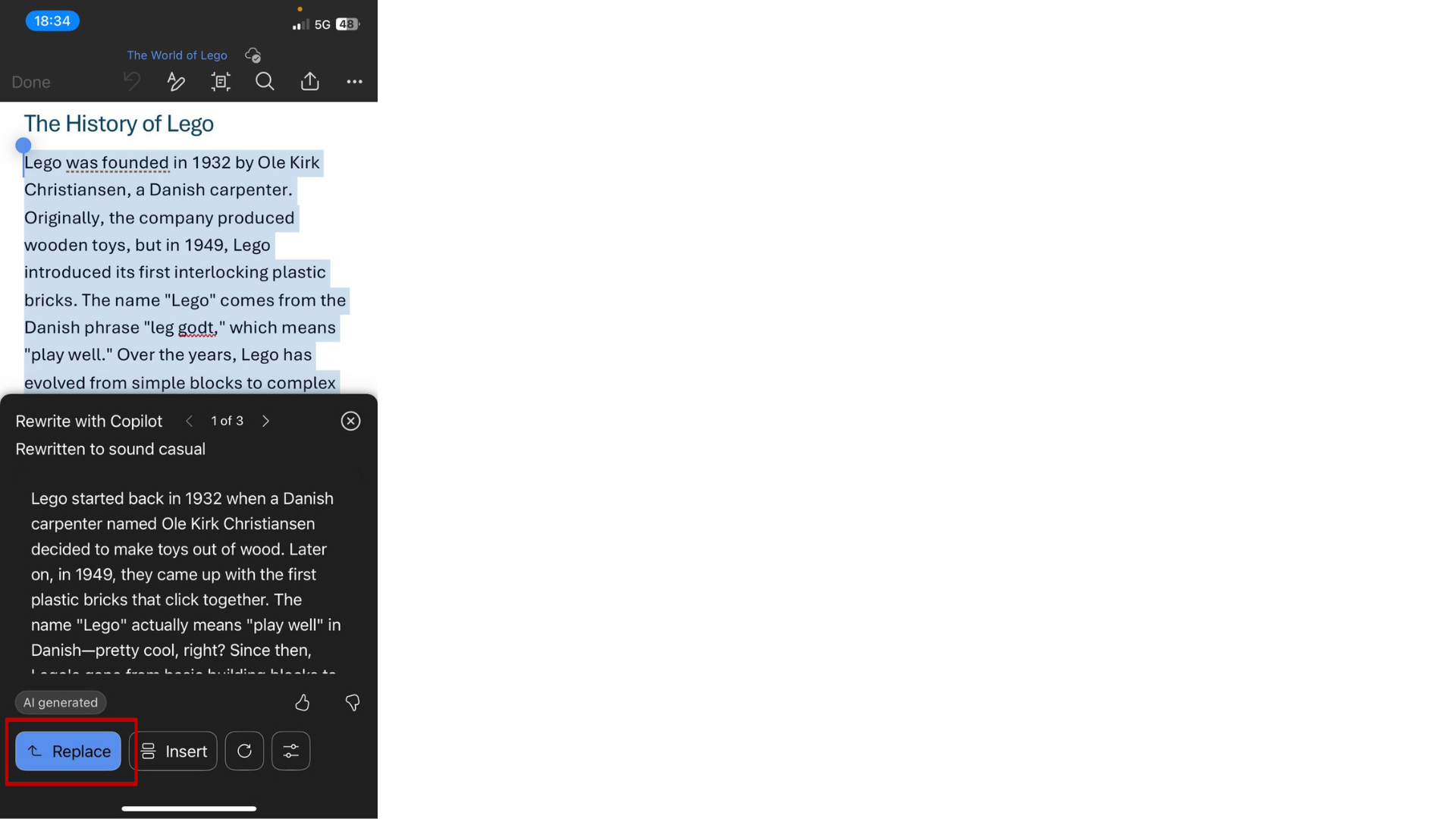
Finding the perfect tone

$$

  • Replace with best version

30.png

Microsoft Copilot in Word

Copilot works wherever we work

23_303.png

Microsoft Copilot in Word

Let's practice!

Microsoft Copilot in Word

Preparing Video For Download...