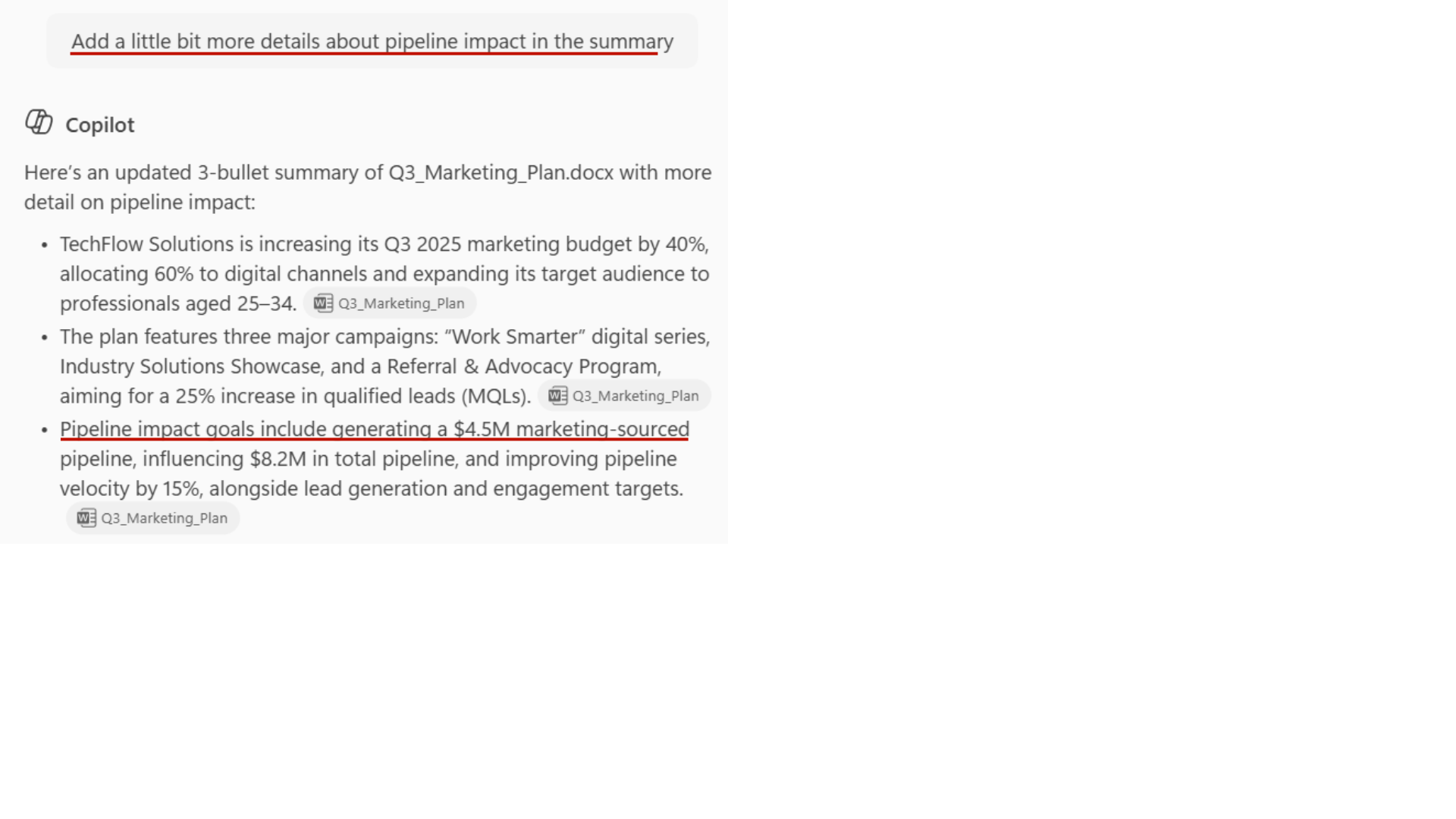
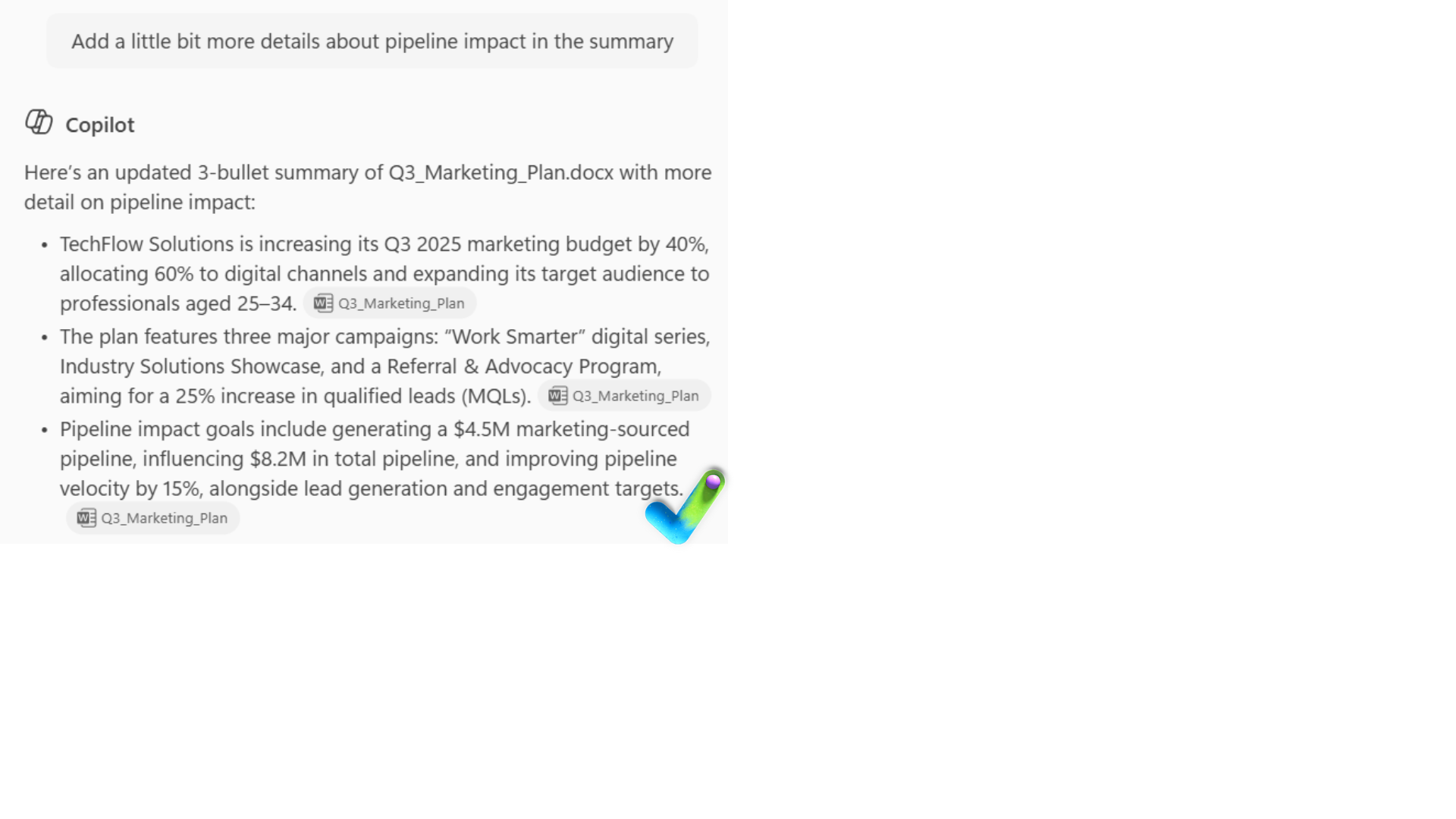
Using Copilot responsibly

Microsoft Copilot in Word

Stéphanie Visser

Sr AI Product Manager, Microsoft

Microsoft's Responsible AI principles

$$
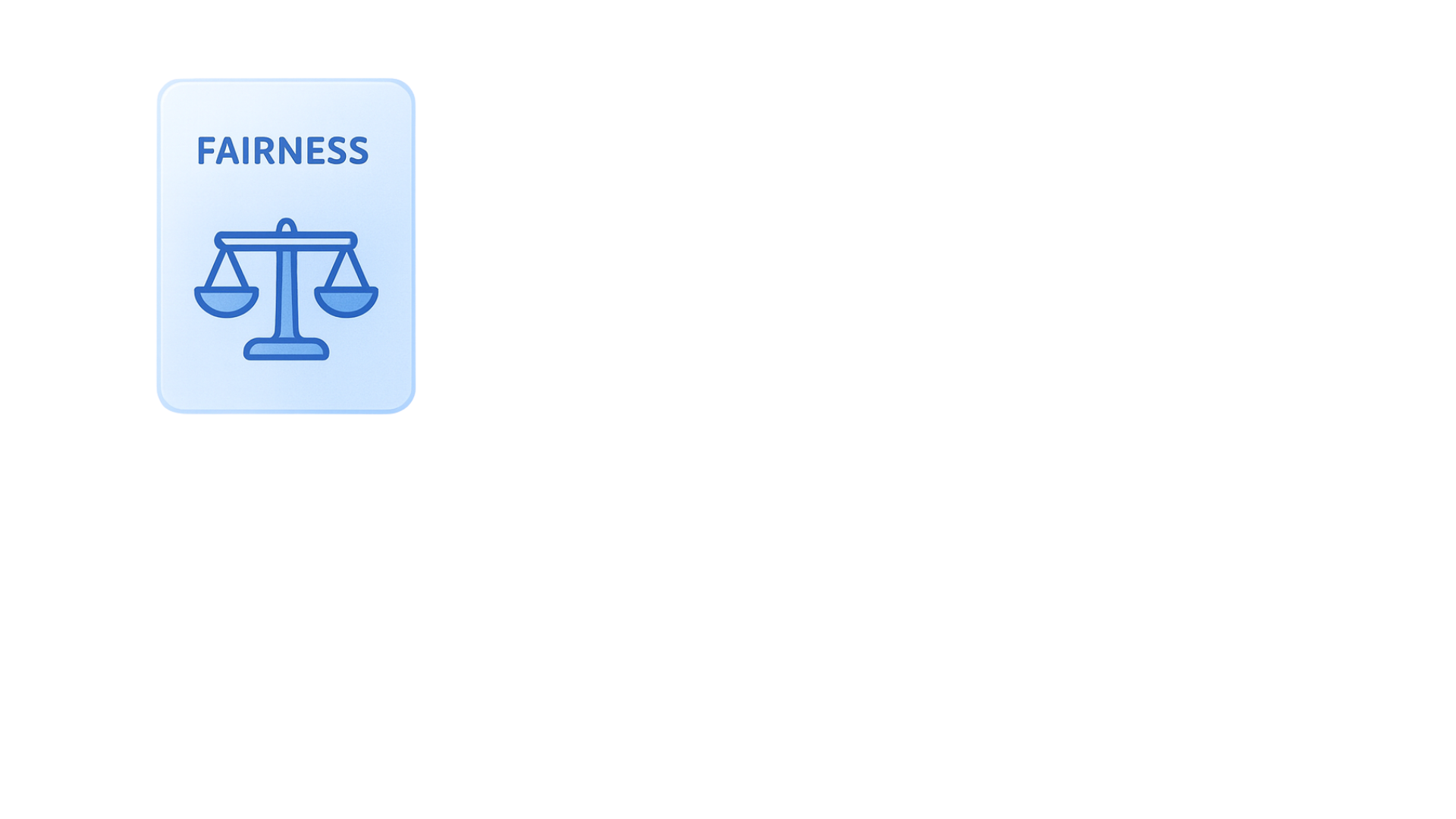
  • Fairness: Treats everyone equally

$$

L103_1.png

Microsoft Copilot in Word

Microsoft's Responsible AI principles

$$
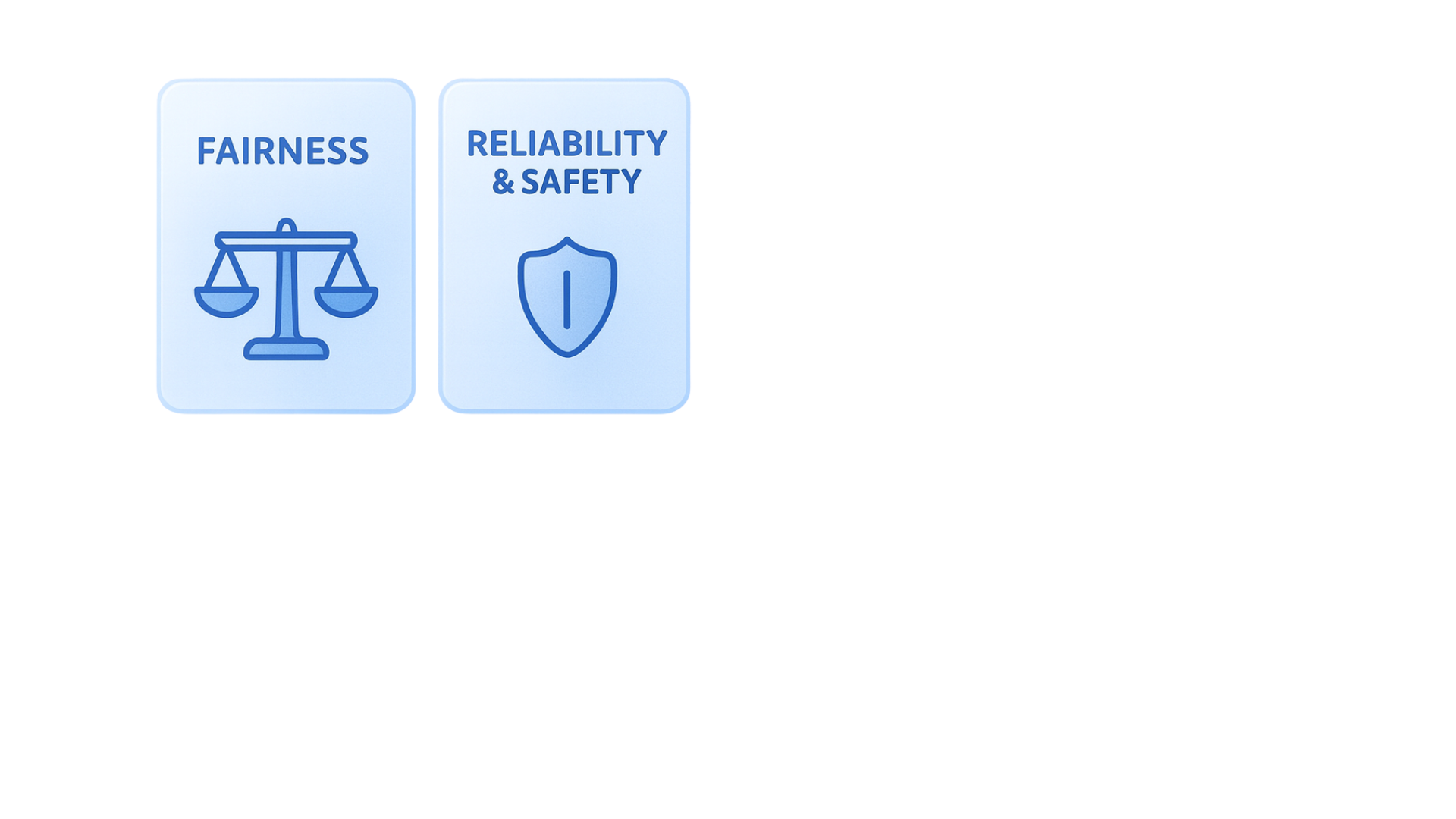
  • Fairness: Treats everyone equally

  • Reliability & Safety: Performs consistently, doesn't cause harm

$$

L103_2.png

Microsoft Copilot in Word

Microsoft's Responsible AI principles

$$

  • Fairness: Treats everyone equally

  • Reliability & Safety: Performs consistently, doesn't cause harm

  • Privacy & Security: Keeps data protected

$$

L103_3.png

Microsoft Copilot in Word

Microsoft's Responsible AI principles

$$
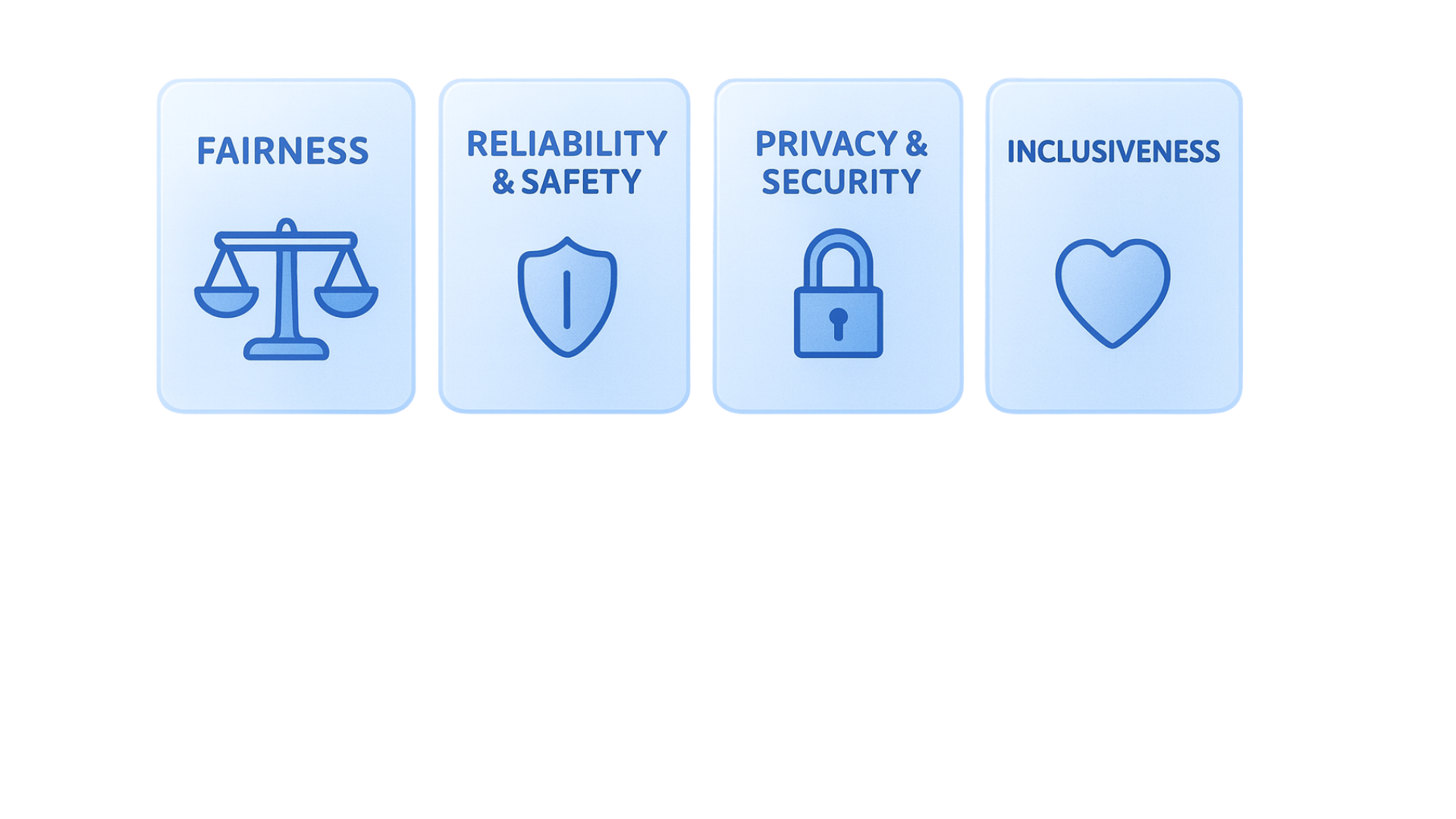
  • Fairness: Treats everyone equally

  • Reliability & Safety: Performs consistently, doesn't cause harm

  • Privacy & Security: Keeps data protected

  • Inclusiveness: Everyone can access and benefit

$$

L103_4.png

Microsoft Copilot in Word

Microsoft's Responsible AI principles

$$
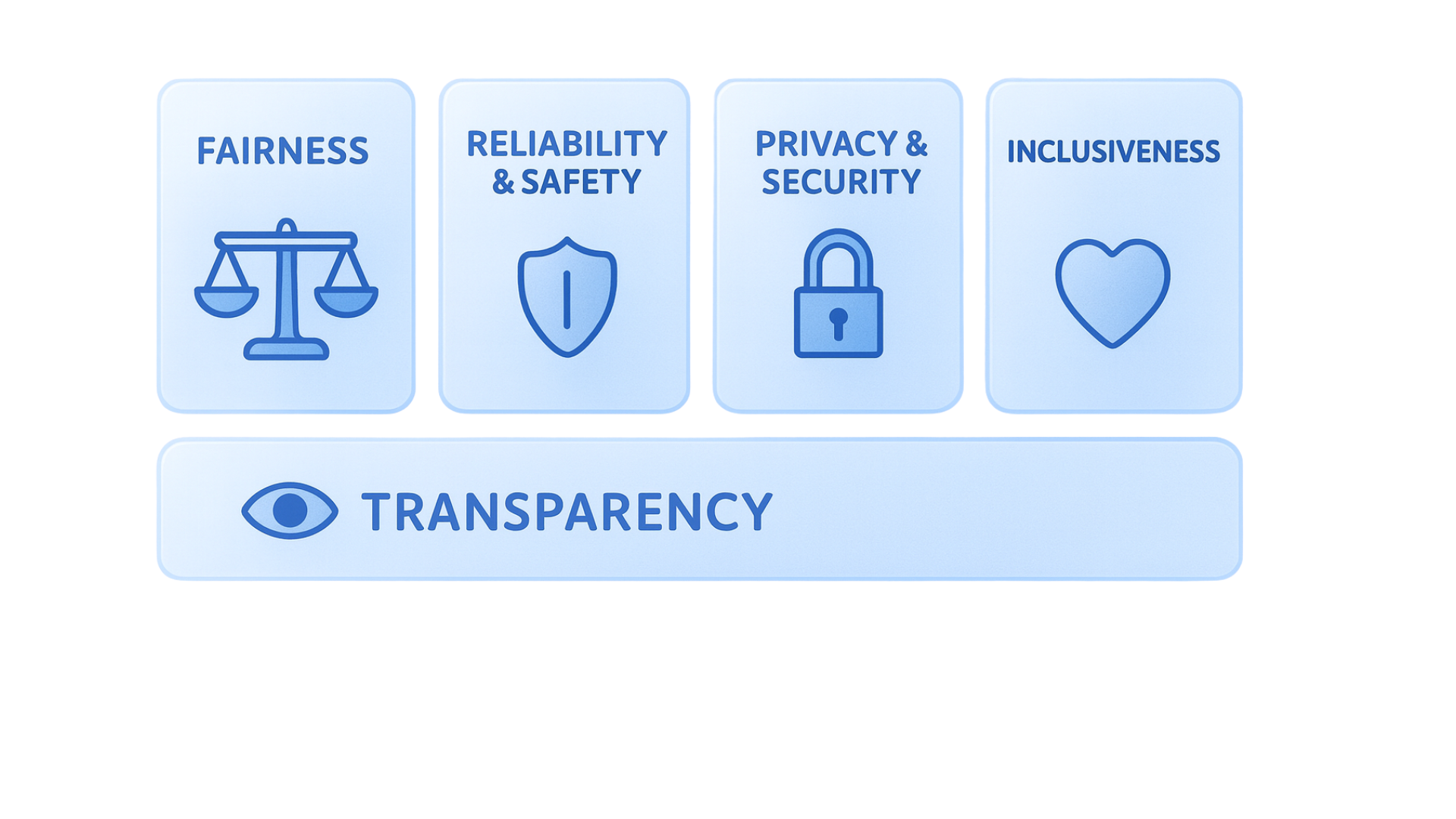
  • Fairness: Treats everyone equally

  • Reliability & Safety: Performs consistently, doesn't cause harm

  • Privacy & Security: Keeps data protected

  • Inclusiveness: Everyone can access and benefit

  • Transparency: You understand how it works

$$

L103_5.png

Microsoft Copilot in Word

Microsoft's Responsible AI principles

$$
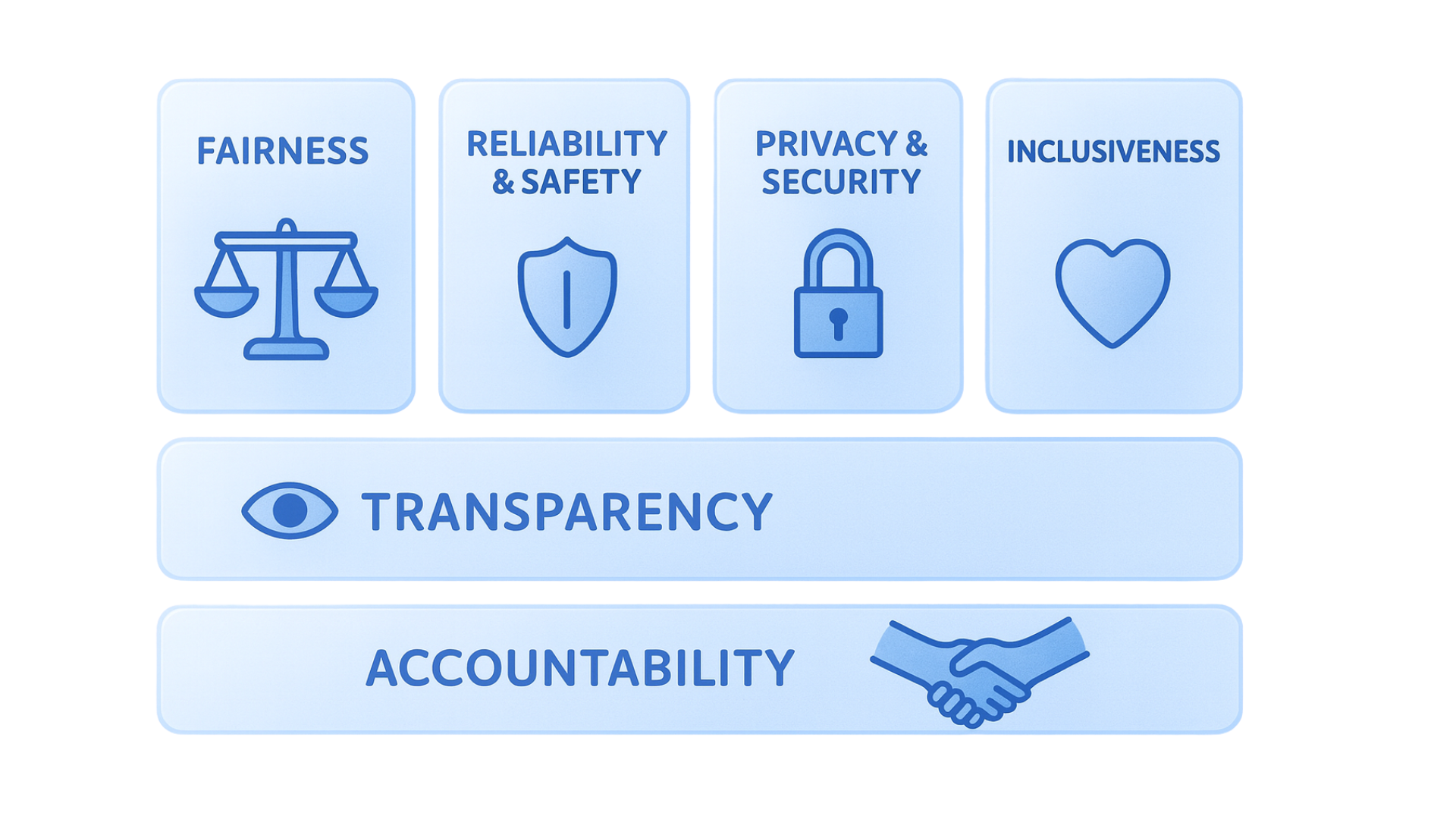
  • Fairness: Treats everyone equally

  • Reliability & Safety: Performs consistently, doesn't cause harm

  • Privacy & Security: Keeps data protected

  • Inclusiveness: Everyone can access and benefit

  • Transparency: You understand how it works

  • Accountability: Microsoft takes responsibility to meet ethical & legal standards

$$

L103_6.png

Microsoft Copilot in Word

Partnership

Copilot brings:

  • Speed, content generation

L103_7.png

Microsoft Copilot in Word

Partnership

Copilot brings:

  • Speed, content generation

L103_7.png

You bring:

  • Critical thinking, context, judgement

L103_8.png

Microsoft Copilot in Word

Your role

Think of yourself as the:

  • Editor. Copilot drafts, you refine.

L103_9.png

Microsoft Copilot in Word

Your role

Think of yourself as the:

  • Editor. Copilot drafts, you refine.
  • Fact-checker. Copilot generates, you verify.

L103_10.png

Microsoft Copilot in Word

Your role

Think of yourself as the:

  • Editor. Copilot drafts, you refine.
  • Fact-checker. Copilot generates, you verify.
  • Fairness reviewer. Does this make any assumptions?

L103_11.png

Microsoft Copilot in Word

Your role

Think of yourself as the:

  • Editor. Copilot drafts, you refine.
  • Fact-checker. Copilot generates, you verify.
  • Fairness reviewer. Does this make any assumptions?
  • Context provider. The more specific, the better the output.

L103_12.png

Microsoft Copilot in Word

Your role

Think of yourself as the:

  • Editor. Copilot drafts, you refine.
  • Fact-checker. Copilot generates, you verify.
  • Fairness reviewer. Does this make any assumptions?
  • Context provider. The more specific, the better the output.
  • Owner. You're accountable for what you share.

L103_13.png

Microsoft Copilot in Word

Four best practices

L103_14.png

Microsoft Copilot in Word

Four best practices

L103_15.png

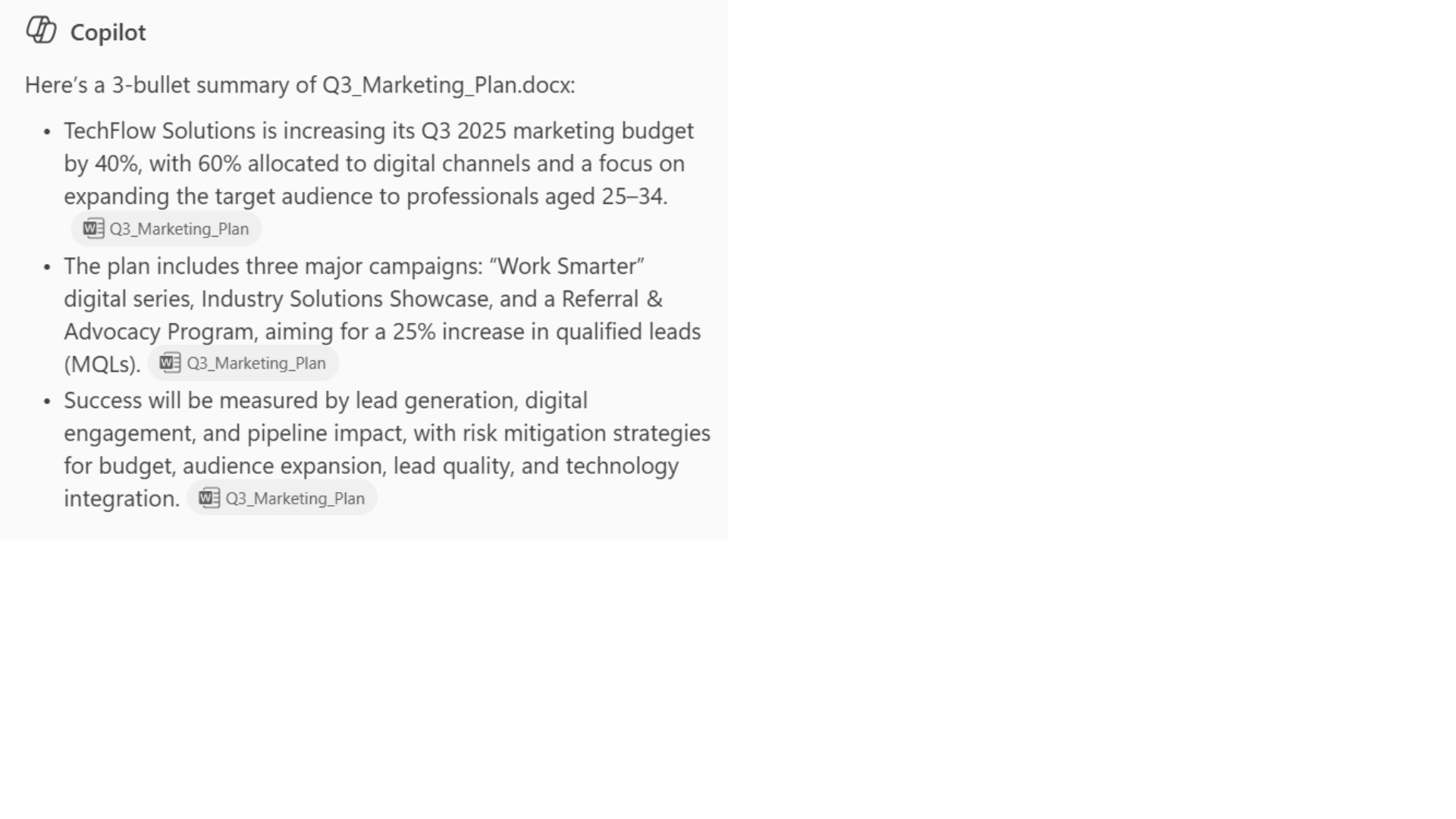
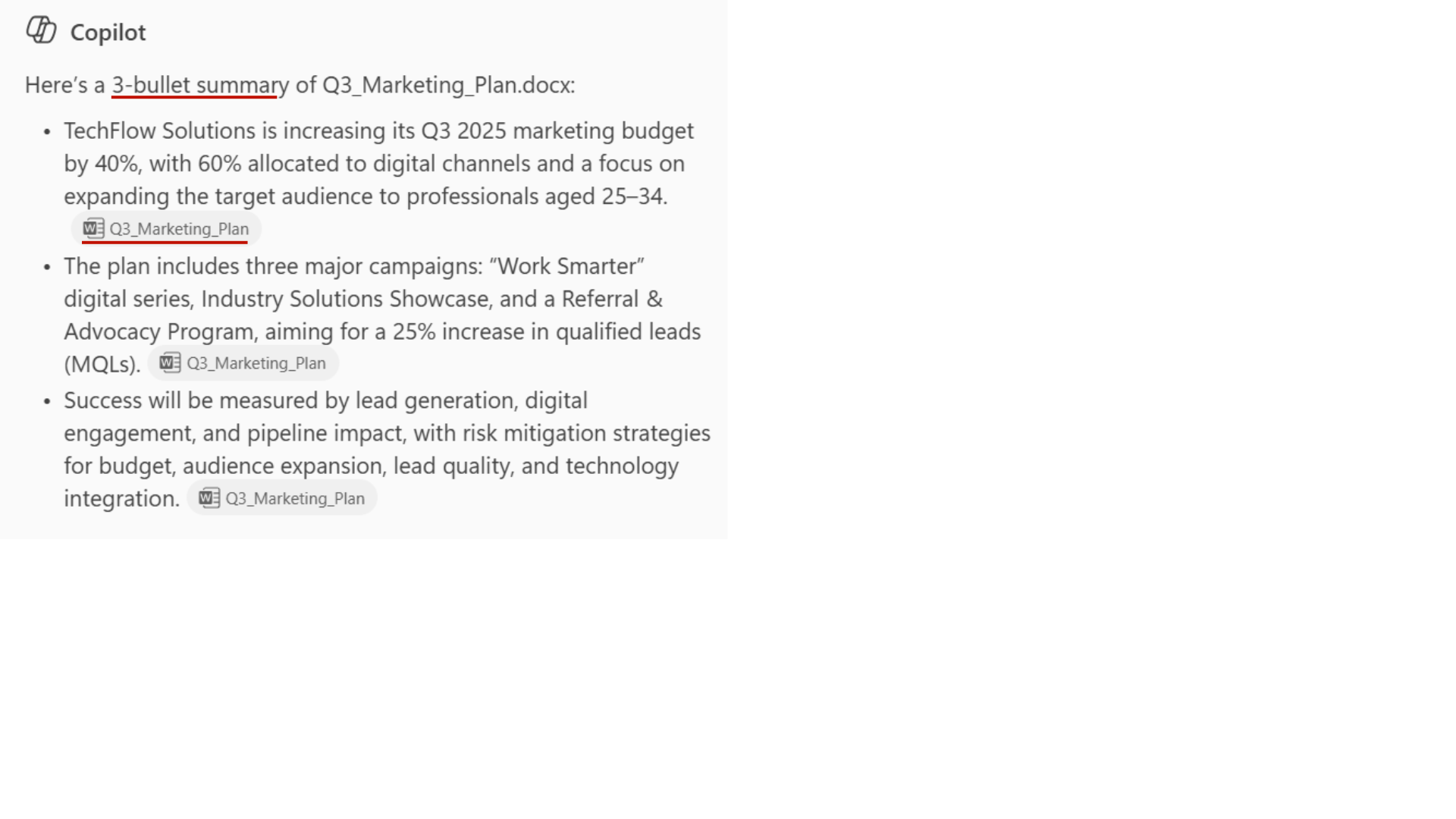
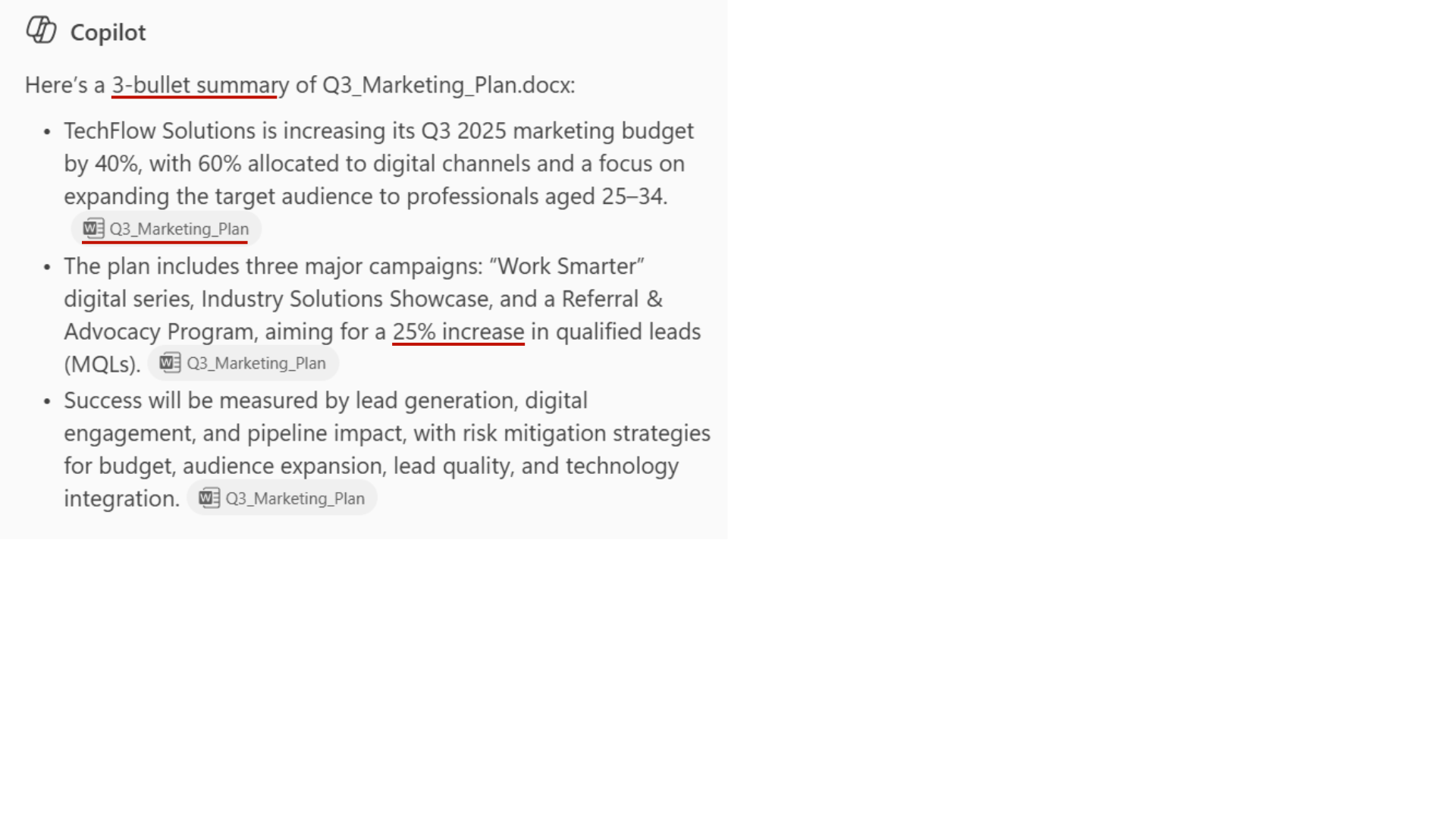
  1. ✅ Review the output. Is the tone suitable for the audience, are the sources reliable?
Microsoft Copilot in Word

Four best practices

L103_16.png

  1. ✅ Review the output. Is the tone suitable for the audience, are the sources reliable?

  2. ✅ Verify specific facts against the source documents.

Microsoft Copilot in Word

Four best practices

L103_17.png

  1. ✅ Review the output. Is the tone suitable for the audience, are the sources reliable?

  2. ✅ Verify specific facts against the source documents.

  3. ✅ Iterate. Ask to be more specific or add what's missing.

Microsoft Copilot in Word

Four best practices

L103_18.png

  1. ✅ Review the output. Is the tone suitable for the audience, are the sources reliable?

  2. ✅ Verify specific facts against the source documents.

  3. ✅ Iterate. Ask to be more specific or add what's missing.

  4. ✅ Use your judgement. You decide when it's ready.

Microsoft Copilot in Word

Let's practice!

Microsoft Copilot in Word

Preparing Video For Download...