Working more effectively with Copilot

Microsoft Copilot in Word

Stéphanie Visser

Sr AI Product Manager, Microsoft

Getting started

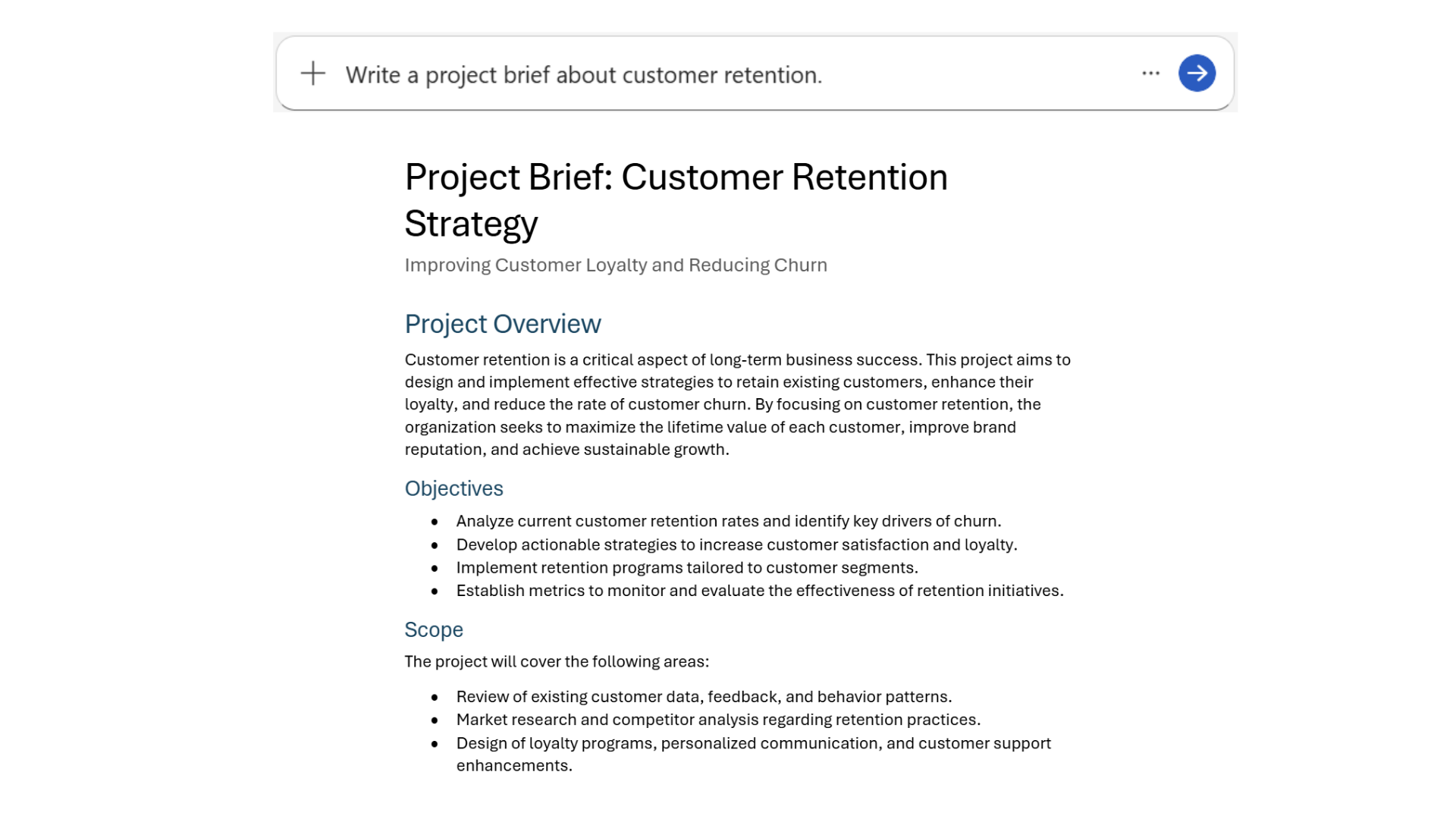
  • Write a project brief about customer retention
basic_prompt.png

Microsoft Copilot in Word

Getting specific output

4.png

Microsoft Copilot in Word

The prompting framework

5.png

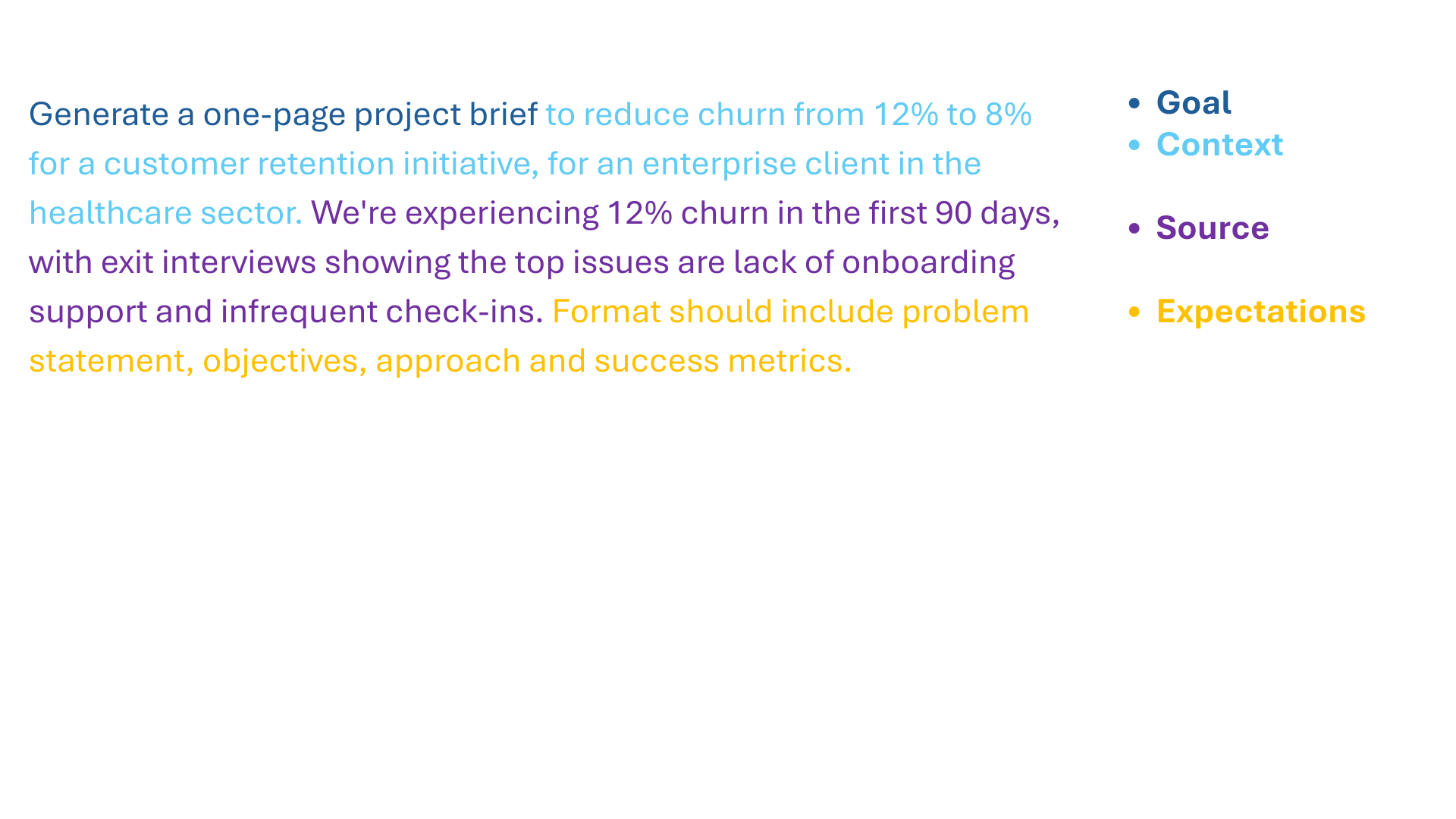
  • Goal. What response do you want from Copilot?
  • Context. Why do you need it and who is involved?
  • Source. Which information sources or samples should Copilot use?
    • Grounding
  • Expectations. How should Copilot respond to best meet your expectations?
Microsoft Copilot in Word

The prompting framework in action

framework_prompting.png

Microsoft Copilot in Word

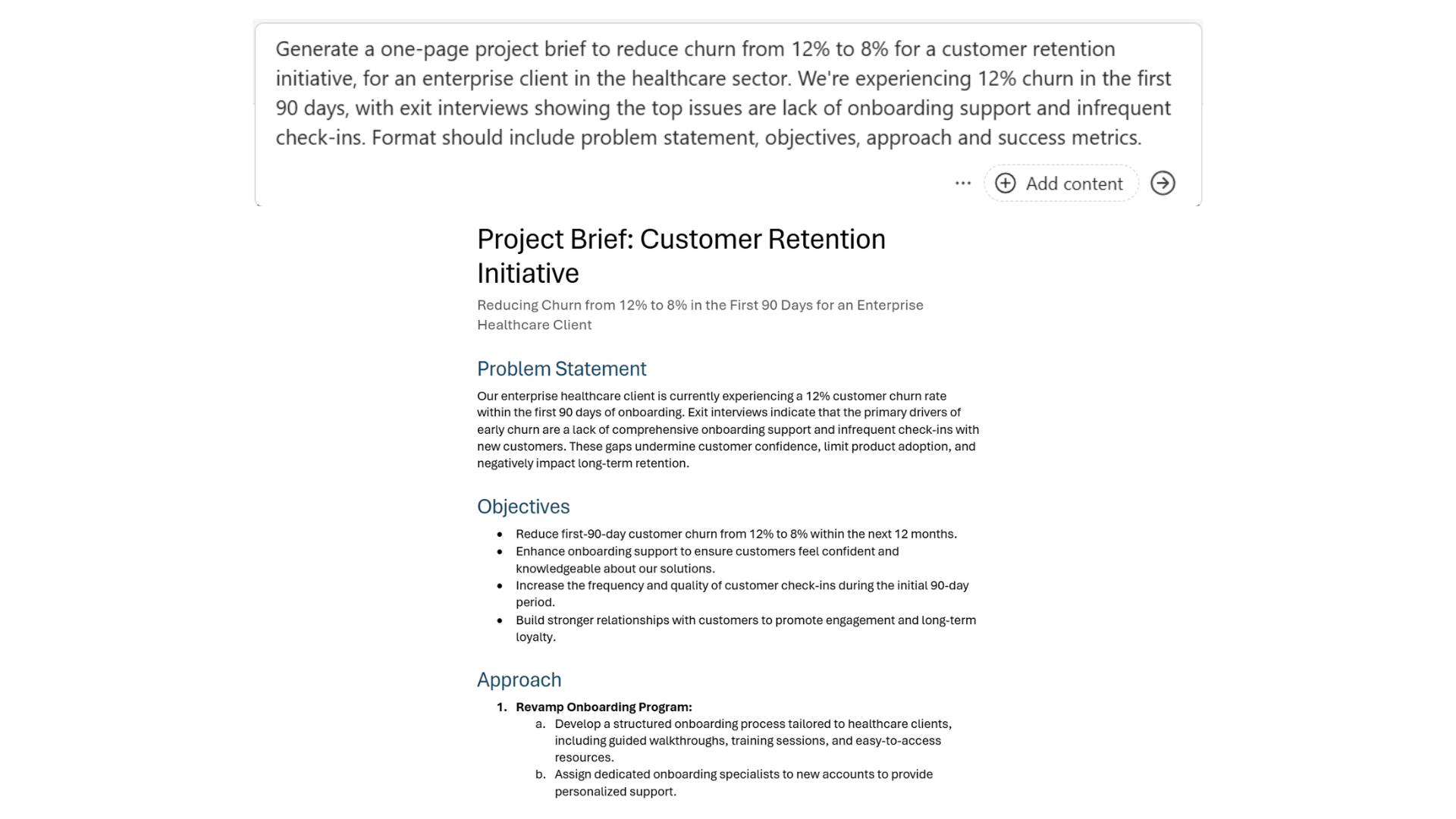
Specific prompts deliver results

specific_prompt.png

Microsoft Copilot in Word

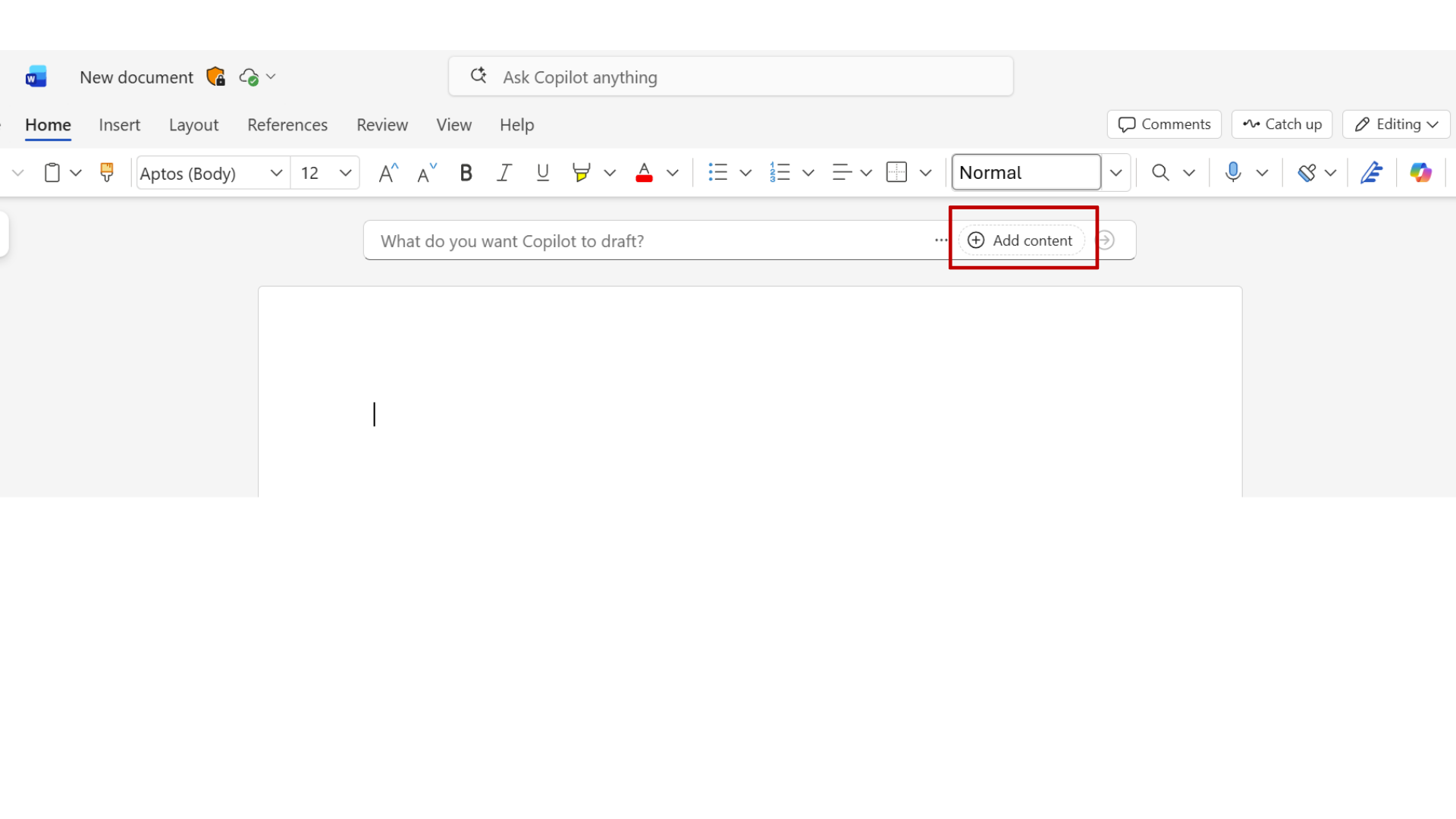
Adding content

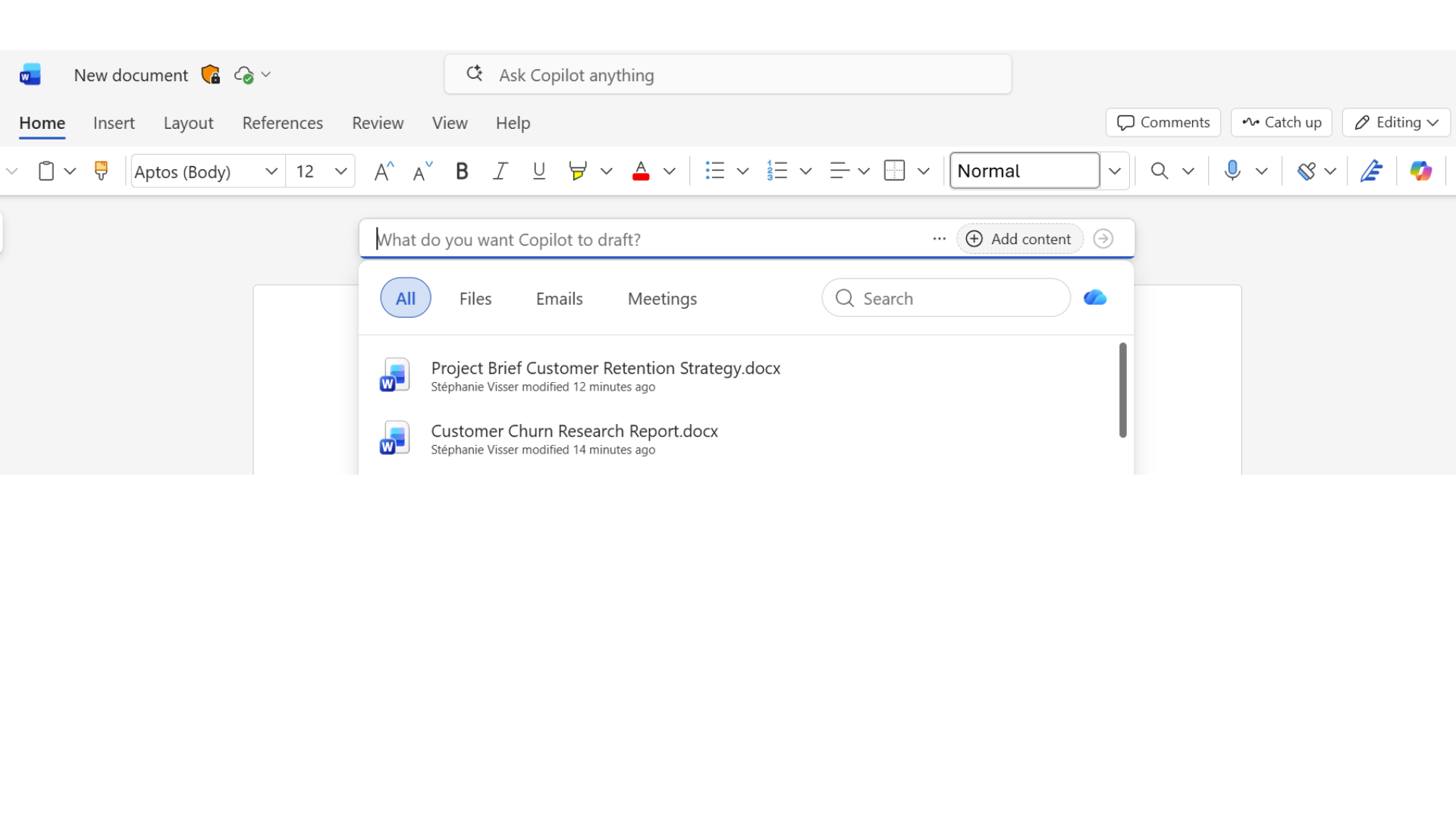
11.png

Microsoft Copilot in Word

Adding content

10.png

Microsoft Copilot in Word

Adding content

12.png

Microsoft Copilot in Word

Grounding with real data

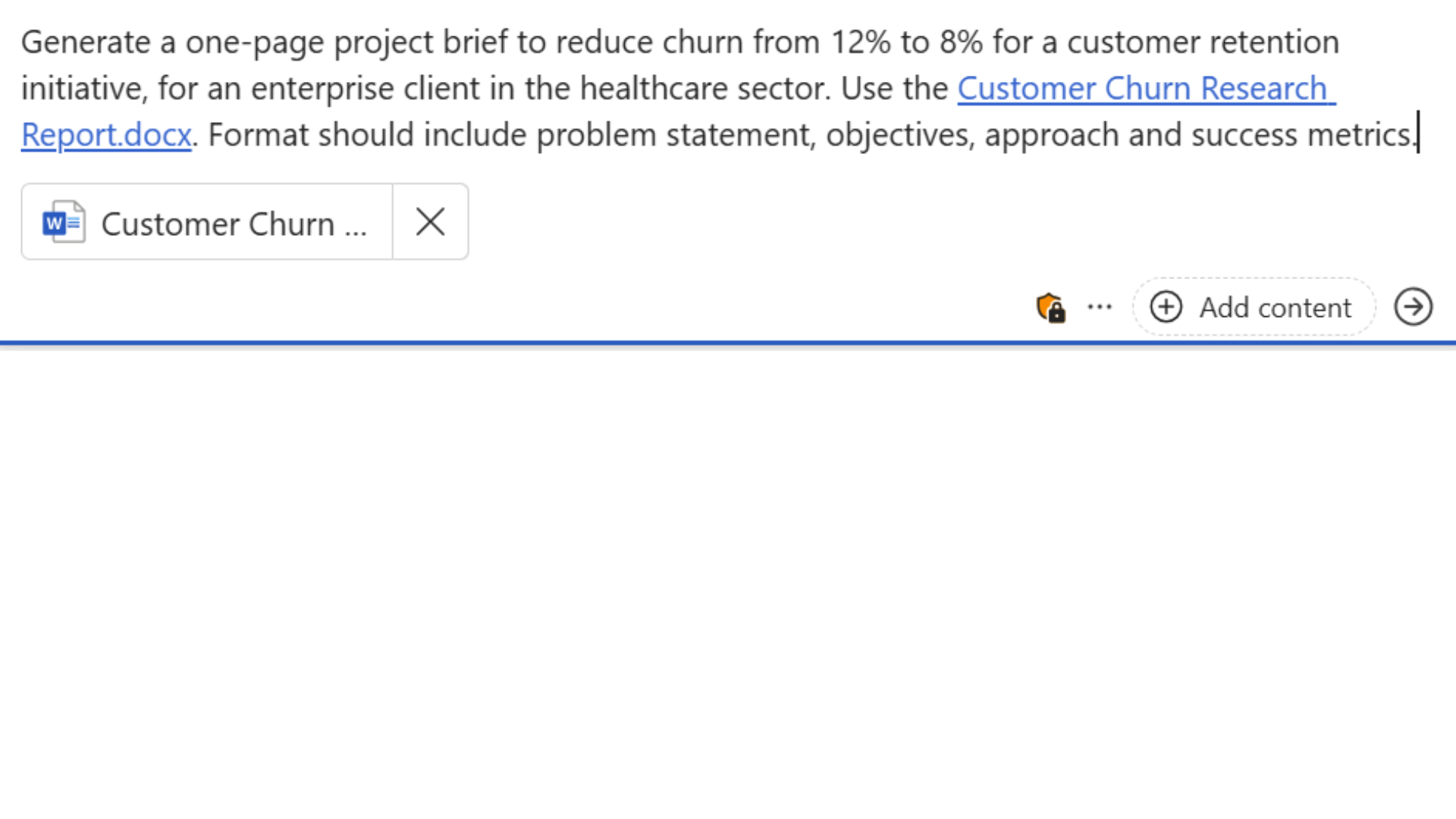
grounding_prompt.png

Microsoft Copilot in Word

Grounding with real data

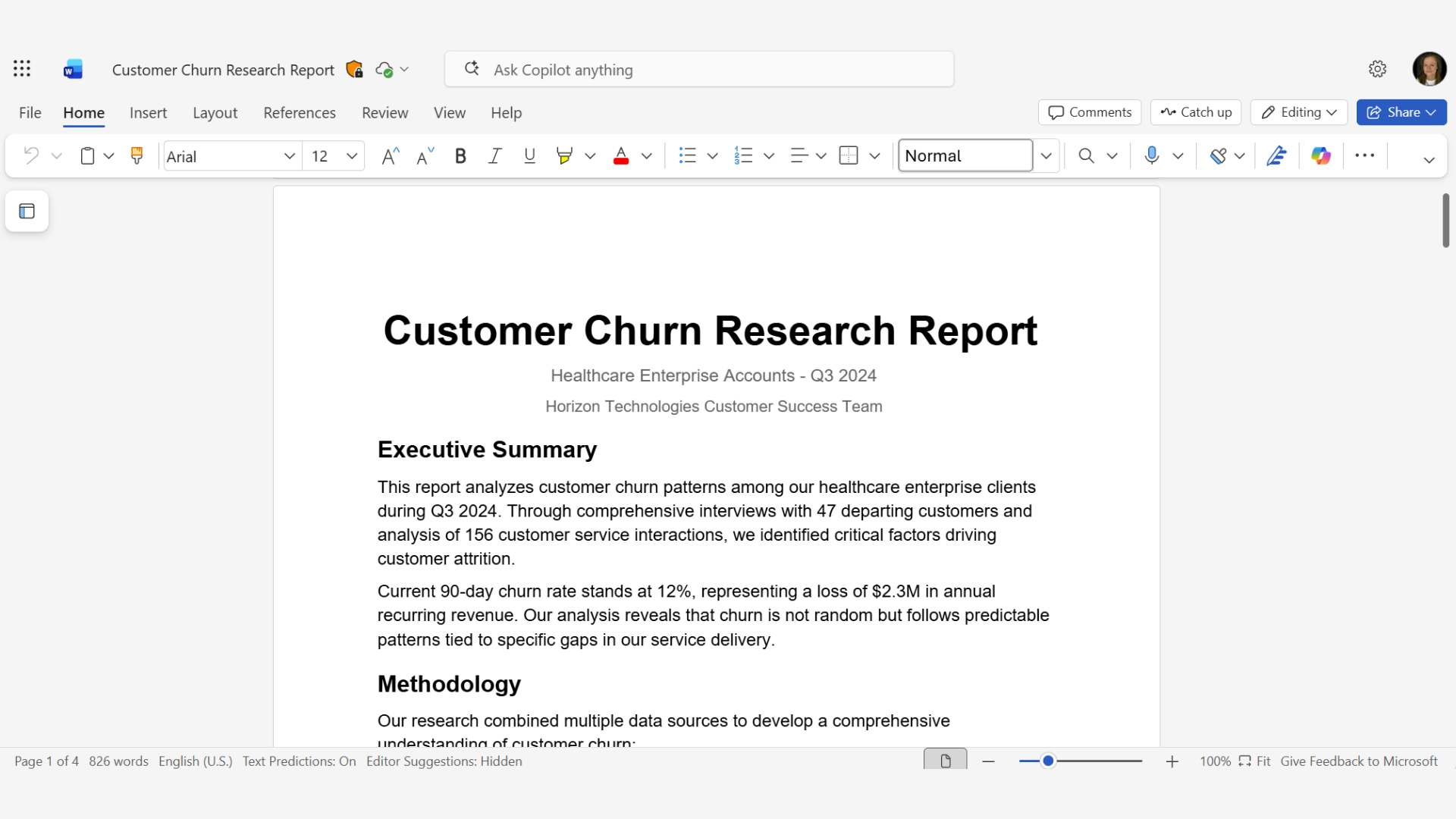
churn_report.png

Microsoft Copilot in Word

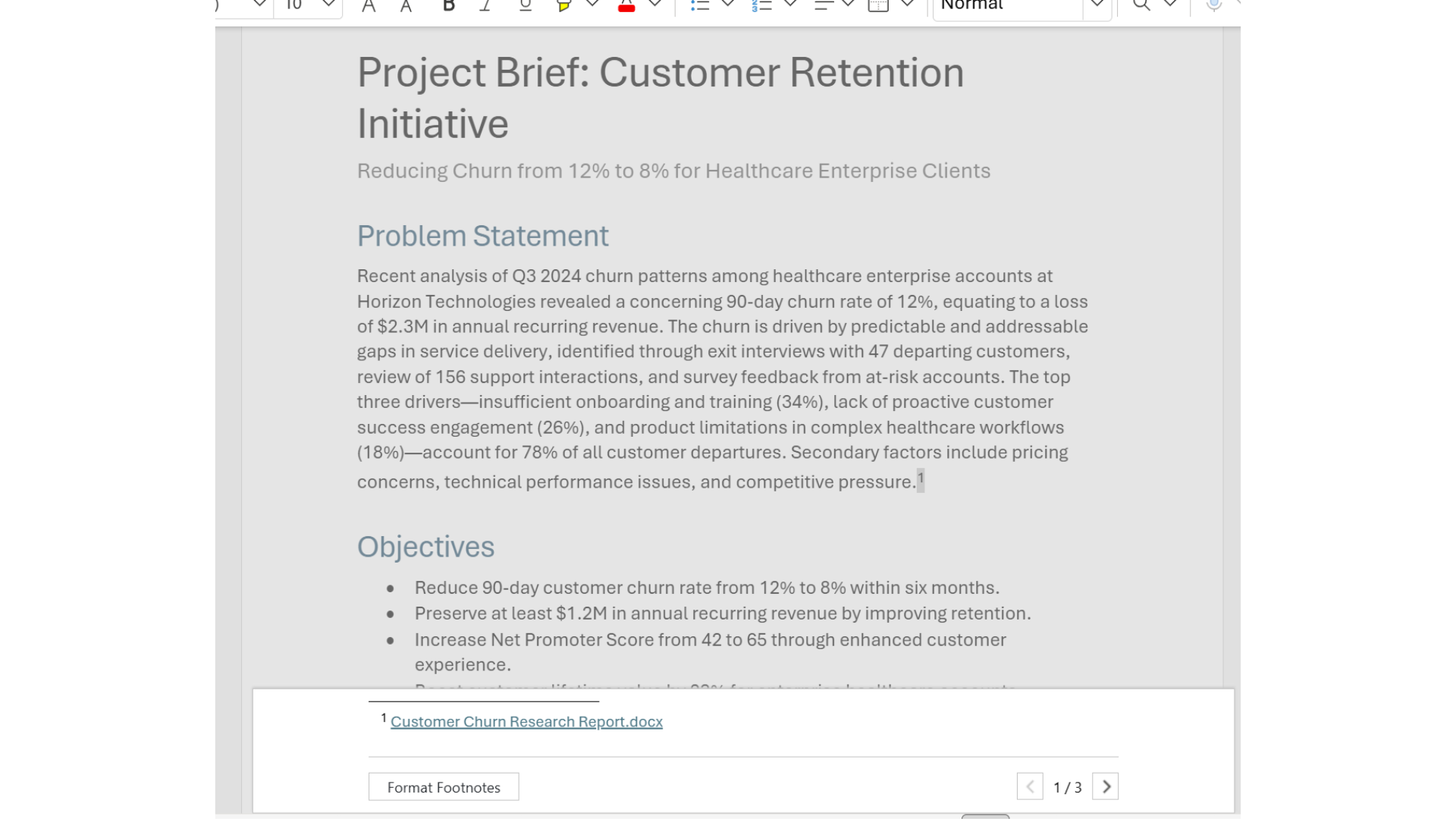
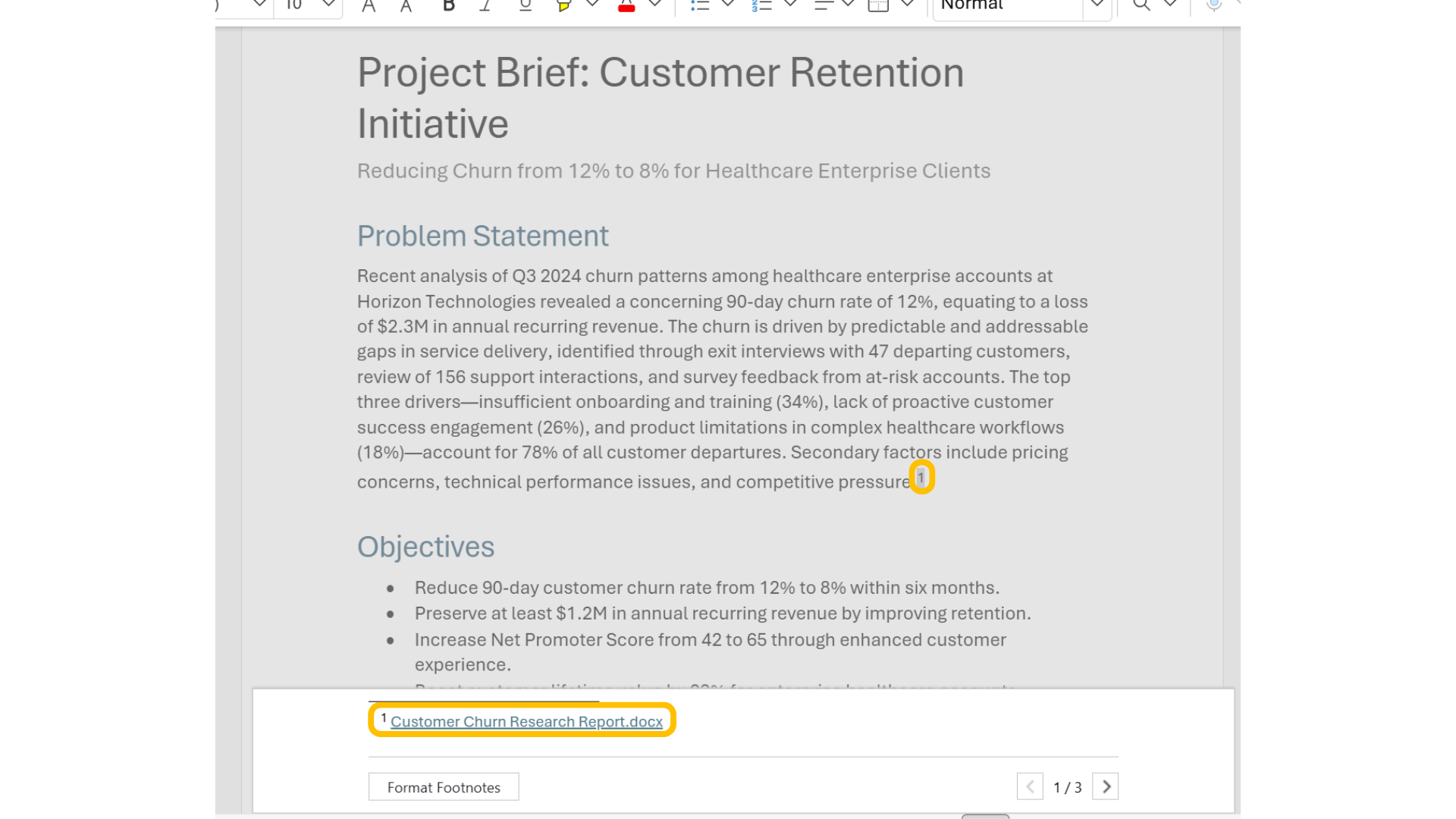
Verifying our sources

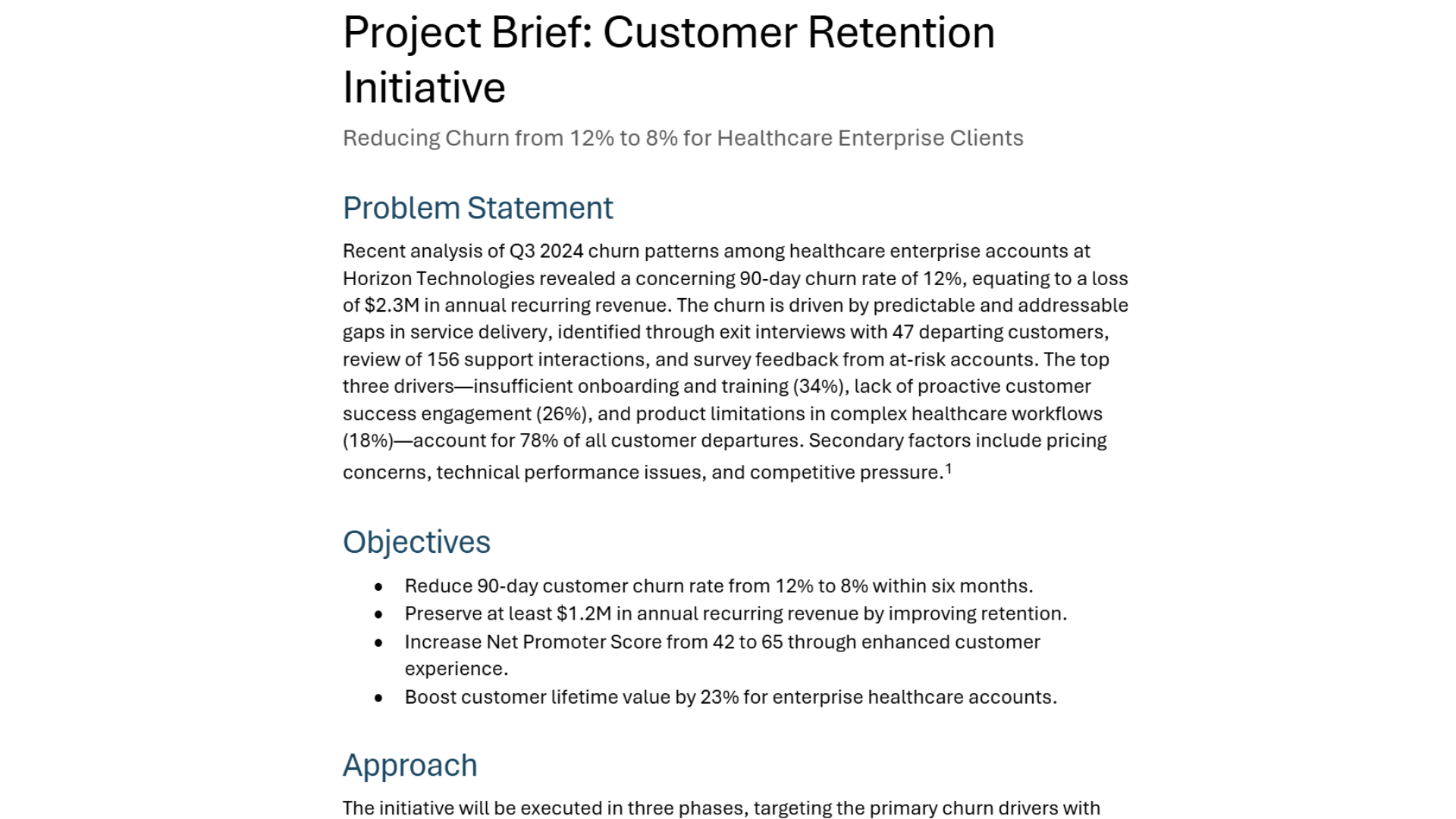
15.png

Microsoft Copilot in Word

Verifying our sources

16.png

Microsoft Copilot in Word

Three key takeaways

$$

$$

  • Write better prompts using the four-part framework
  • Ground Copilot by referencing other documents
  • Use citations to verify information

takeaways.png

Microsoft Copilot in Word

Let's practice!

Microsoft Copilot in Word

Preparing Video For Download...