Working with AKS Clusters

Azure Compute Solutions

Florin Angelescu

Azure Cloud Architect

Creating a cluster
 

AKS


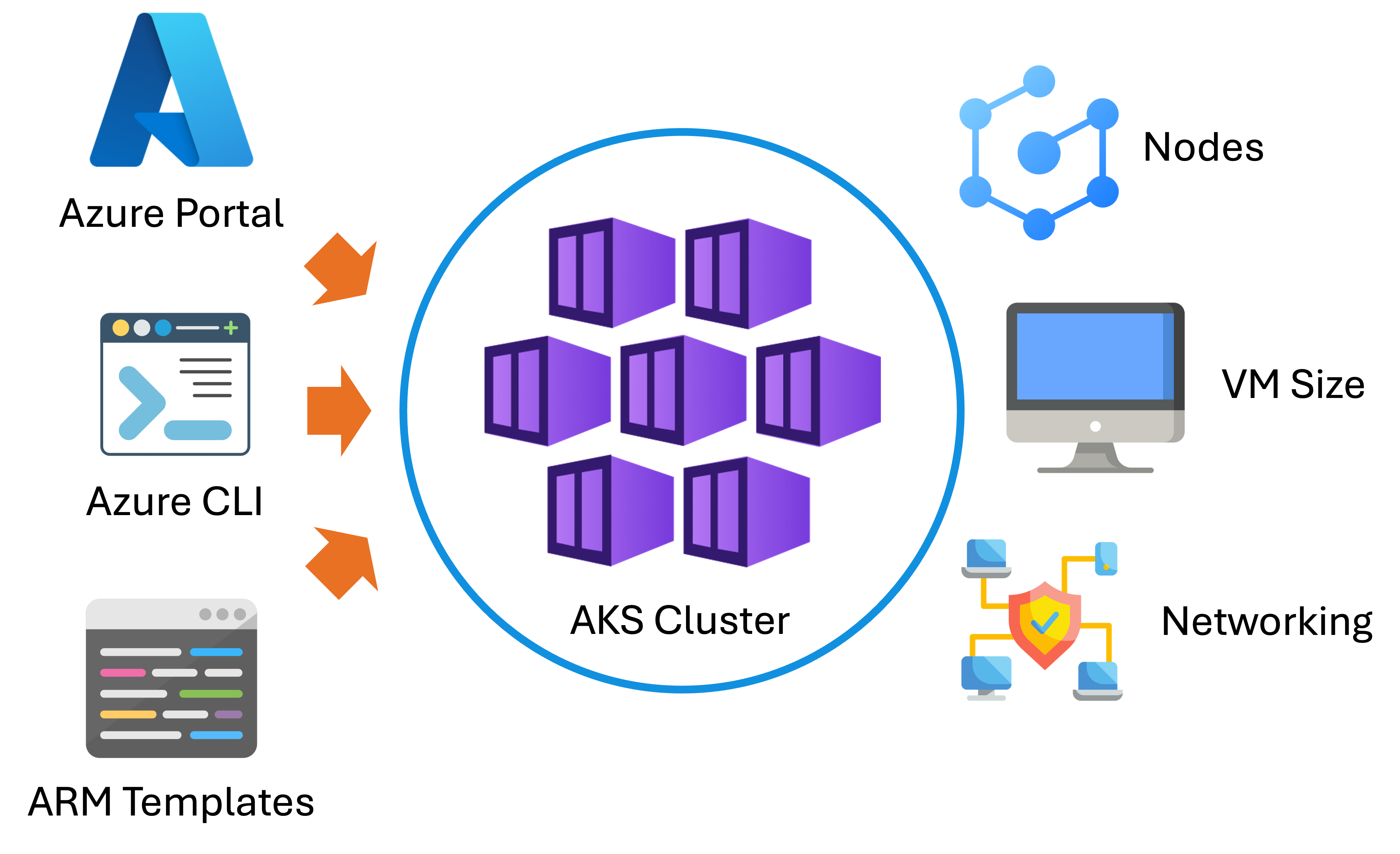
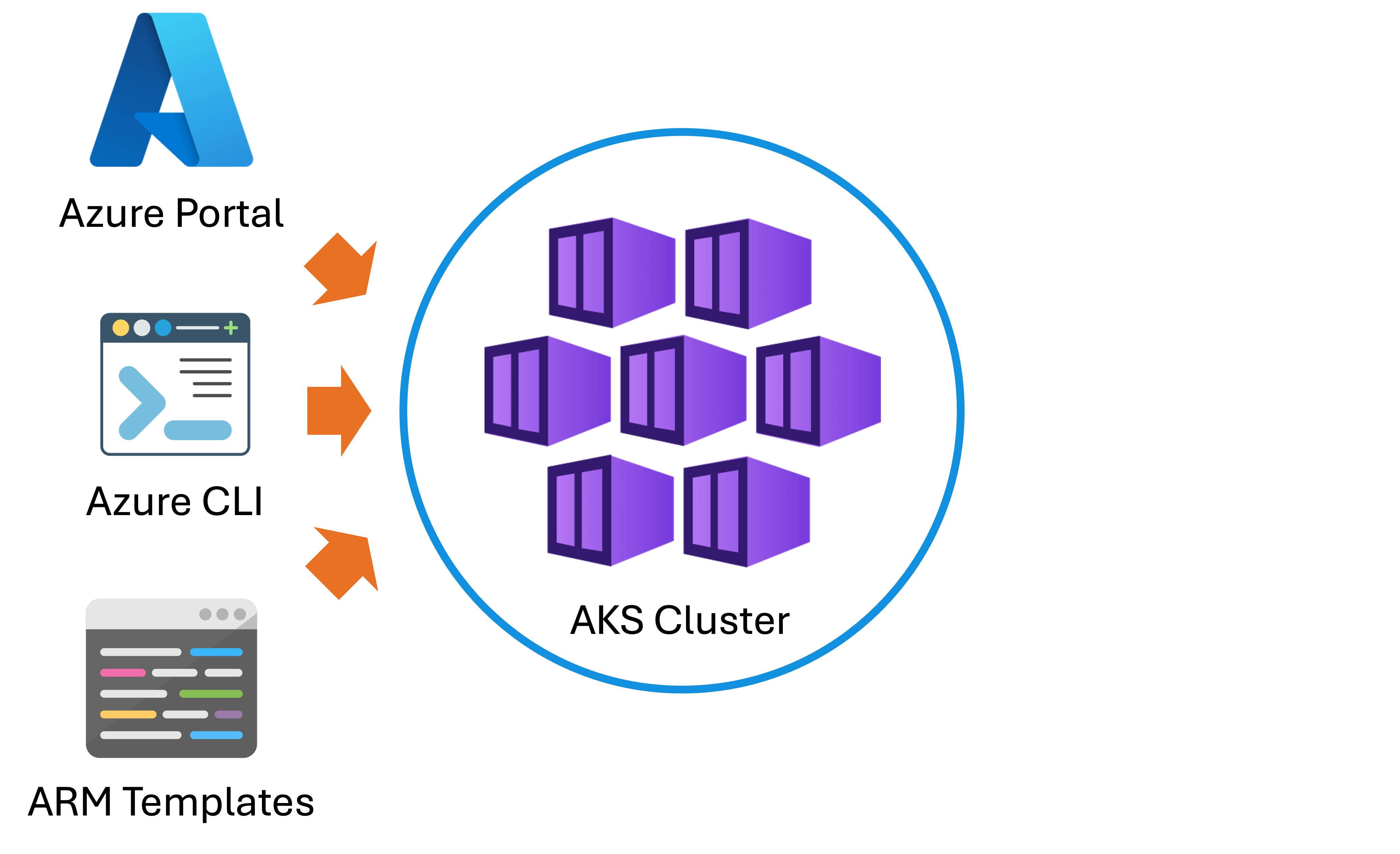
Provision a cluster through:

  • Azure Portal
  • Azure CLI
  • Infrastructure-as-code tools (ARM templates or Bicep)
Azure Compute Solutions

Creating a cluster


AKS


  • Define parameters:

    • Number of nodes
    • VM size
    • Networking model
  • Azure then sets up the control plane automatically.

Azure Compute Solutions

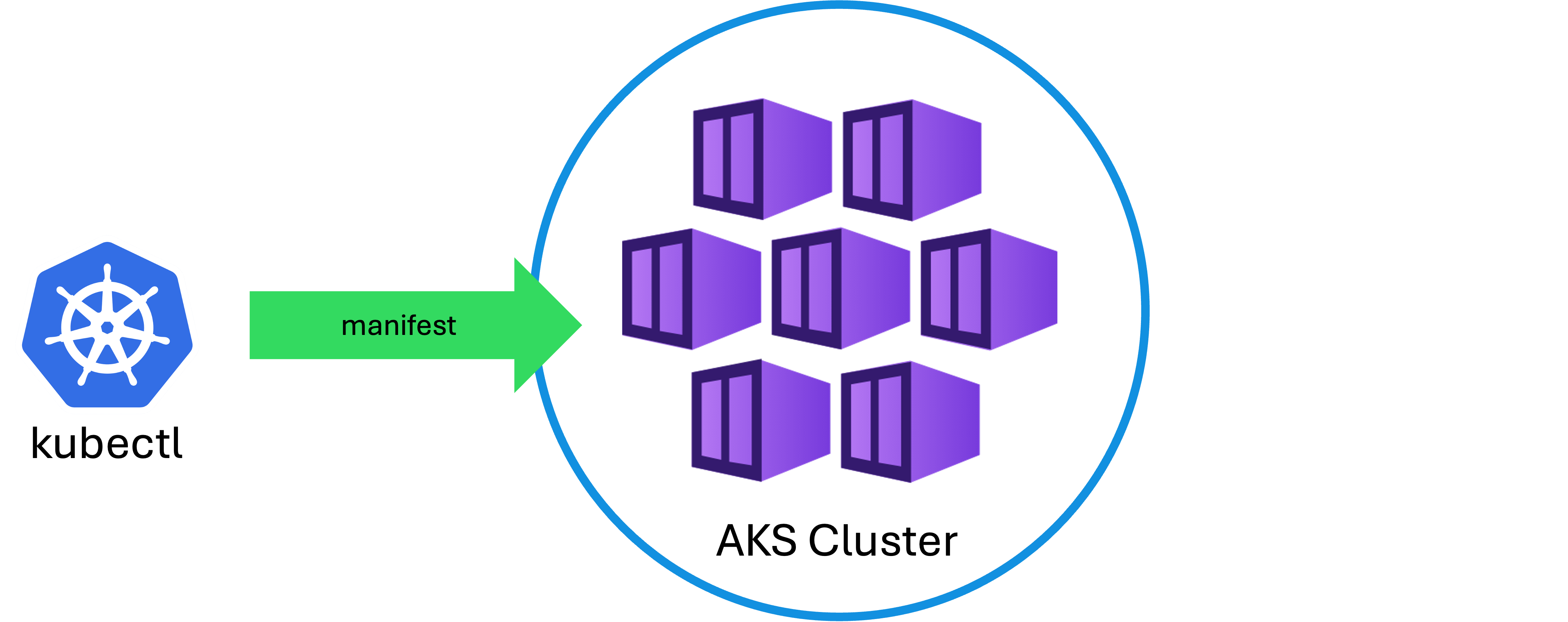
Connecting with kubectl

kubectl

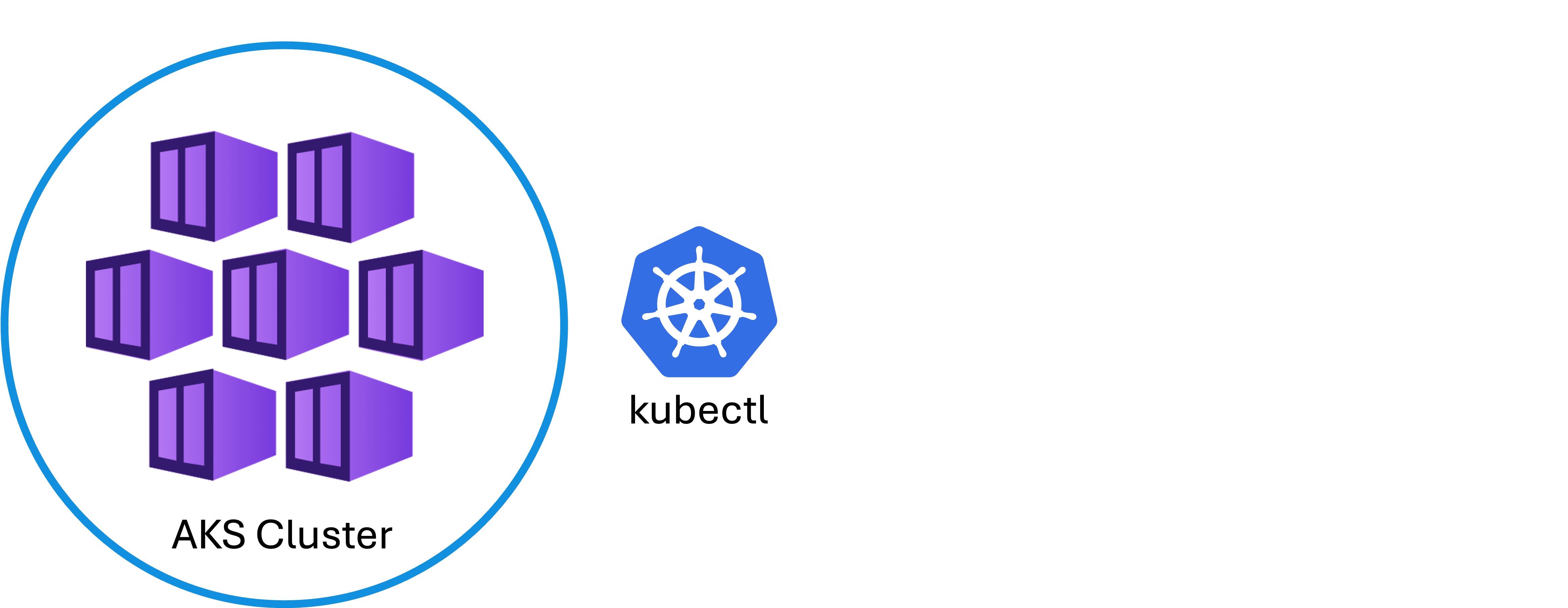
  • Interact with cluster using kubectl.

    • The standard Kubernetes command-line tool
  • Configure kubectl to connect by downloading credentials with the Azure CLI.

Azure Compute Solutions

Connecting with kubectl

kubectl

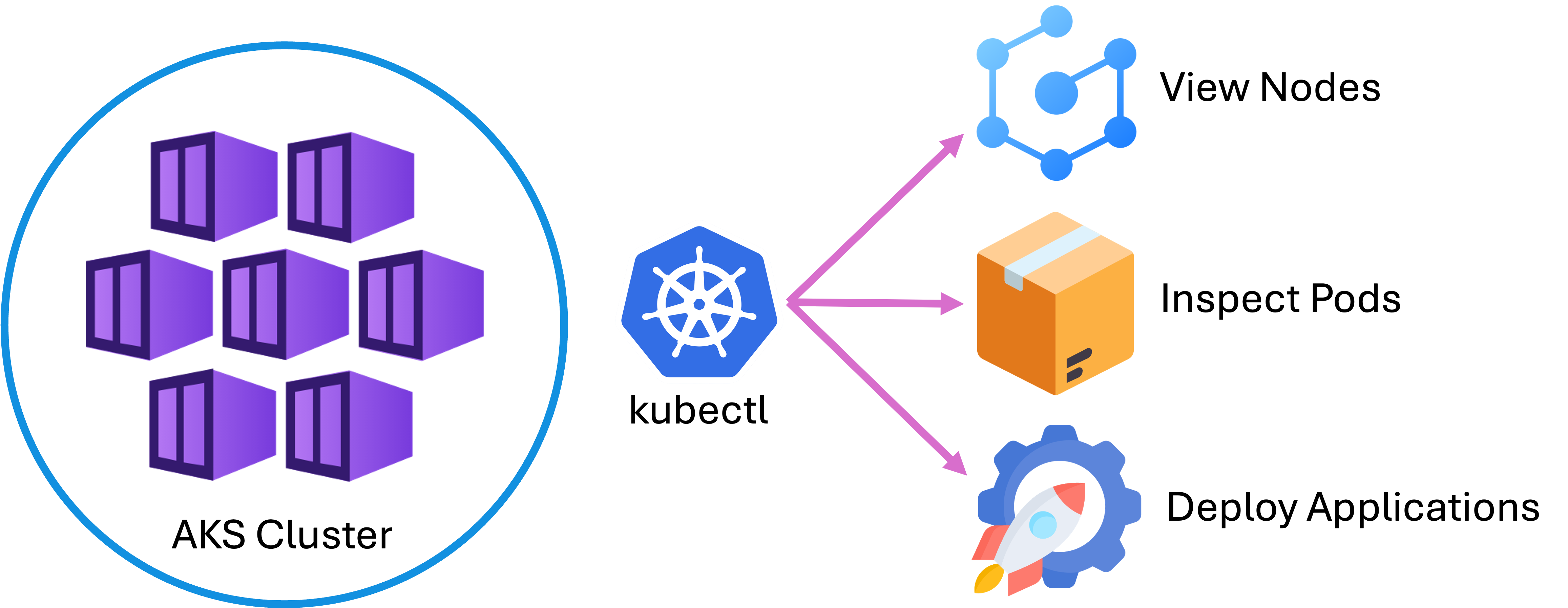
  • Run commands to view nodes, inspect pods, and deploy applications.
  • This workflow is identical to working with any Kubernetes cluster.
Azure Compute Solutions

Deploying applications


Deployment


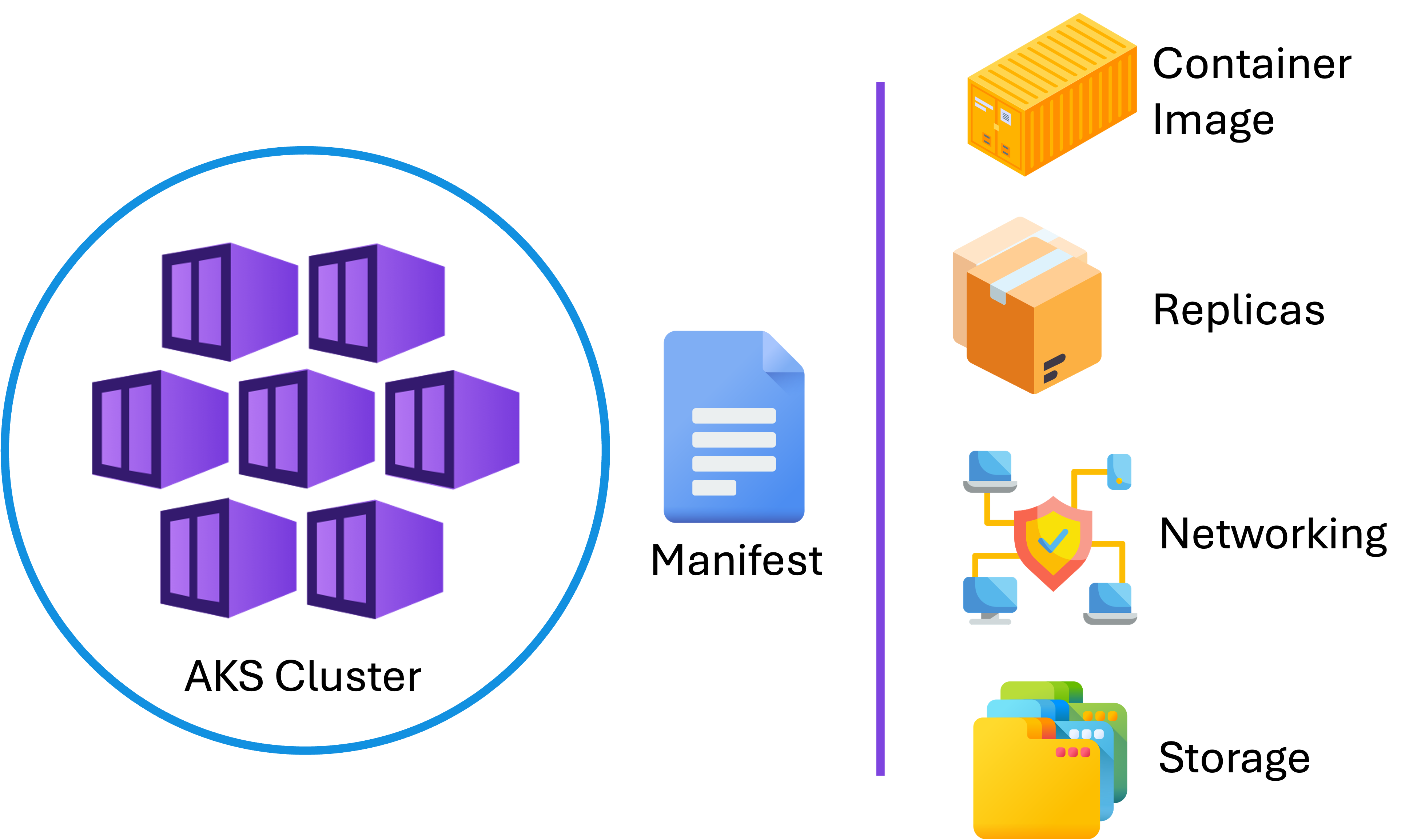
Kubernetes manifests

Azure Compute Solutions

Deploying applications


Deployment


Kubernetes manifests

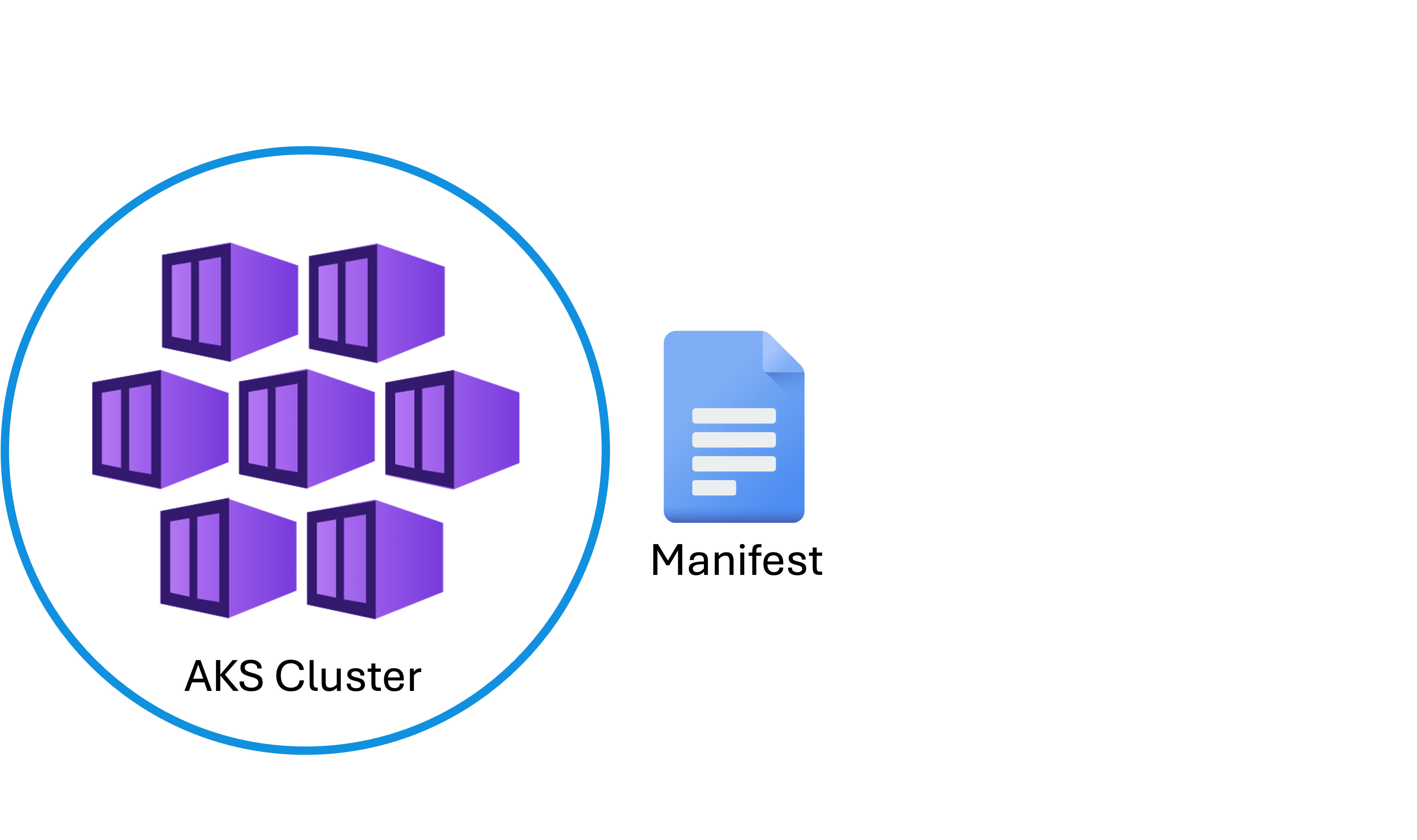
  • YAML files
  • Describe the desired state of your application
    • Container image
    • Number of replicas
    • Networking
    • Storage resources
Azure Compute Solutions

Deploying applications

Deployment

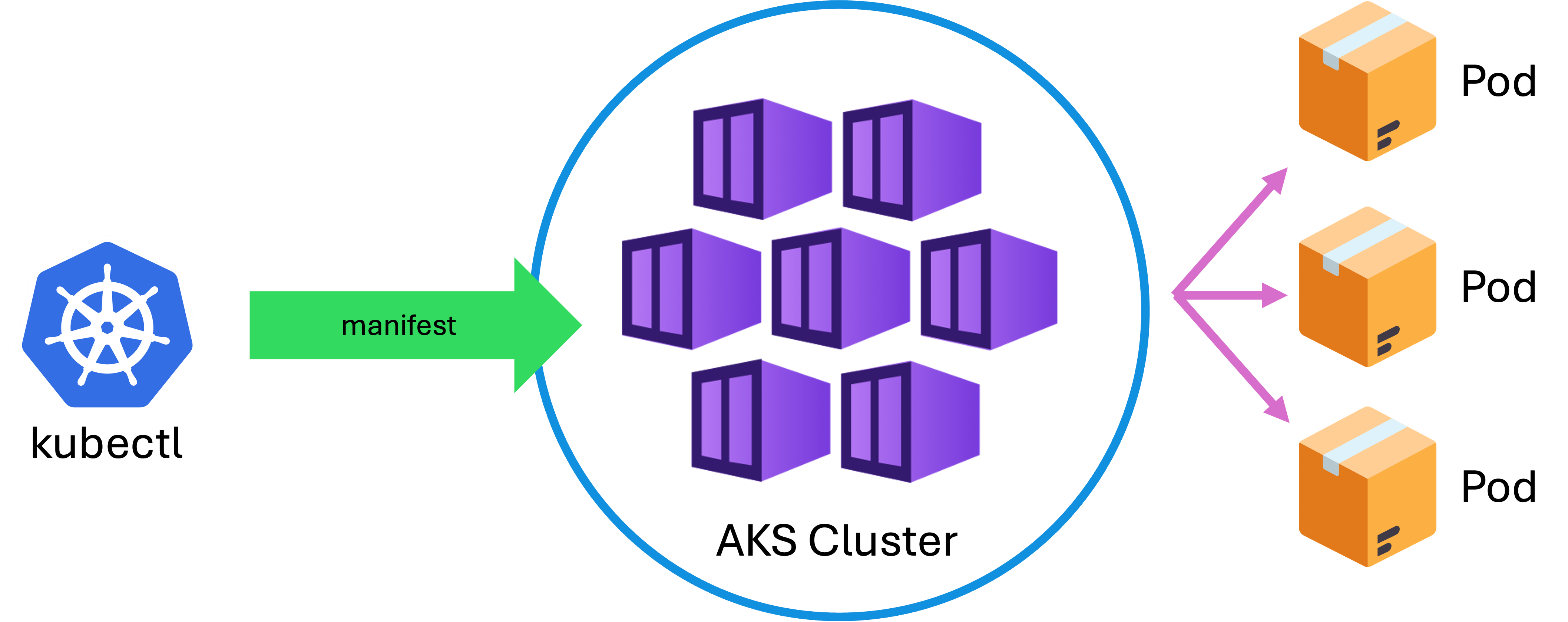
  • Apply these manifests with kubectl apply.
  • Kubernetes ensures the actual state matches the desired state.
Azure Compute Solutions

Deploying applications

Deployment

  • You specify three replicas of a web app.
  • Kubernetes will schedule three pods.
  • Will restart them if they fail.
Azure Compute Solutions

Scaling workloads

Manual

Automatic

Manual

  • Increase the number of replicas.
  • Handle more traffic.

Automatic

  • Configure the Horizontal Pod Autoscaler.
  • Adjust replicas based on CPU or memory usage.
Azure Compute Solutions

Scaling workloads


Autoscale


  • Node level:

    • AKS supports cluster autoscaling
    • Adds or removes nodes depending on demand
  • Applications remain responsive while optimizing costs.

Azure Compute Solutions

Networking

Networking

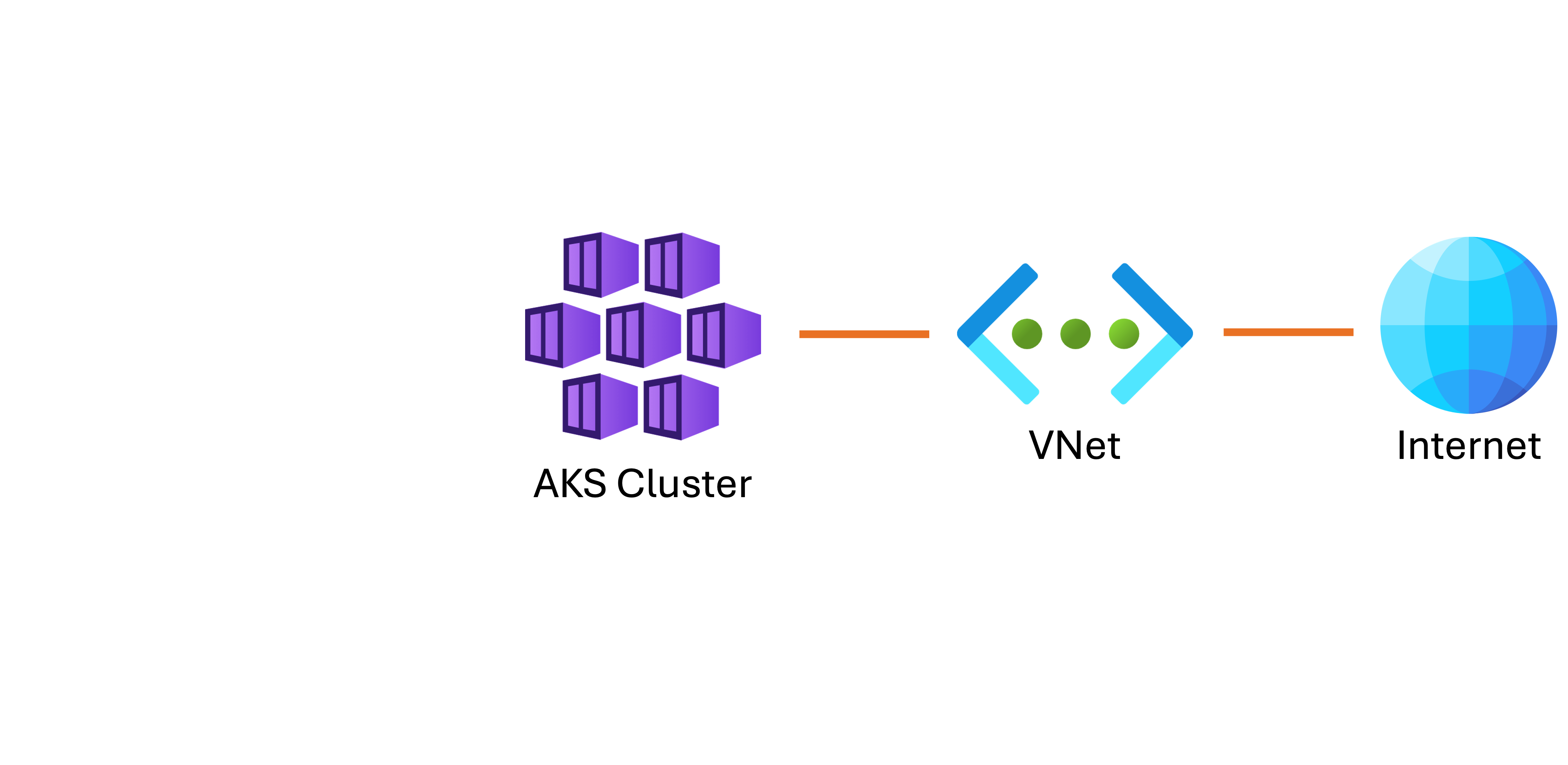
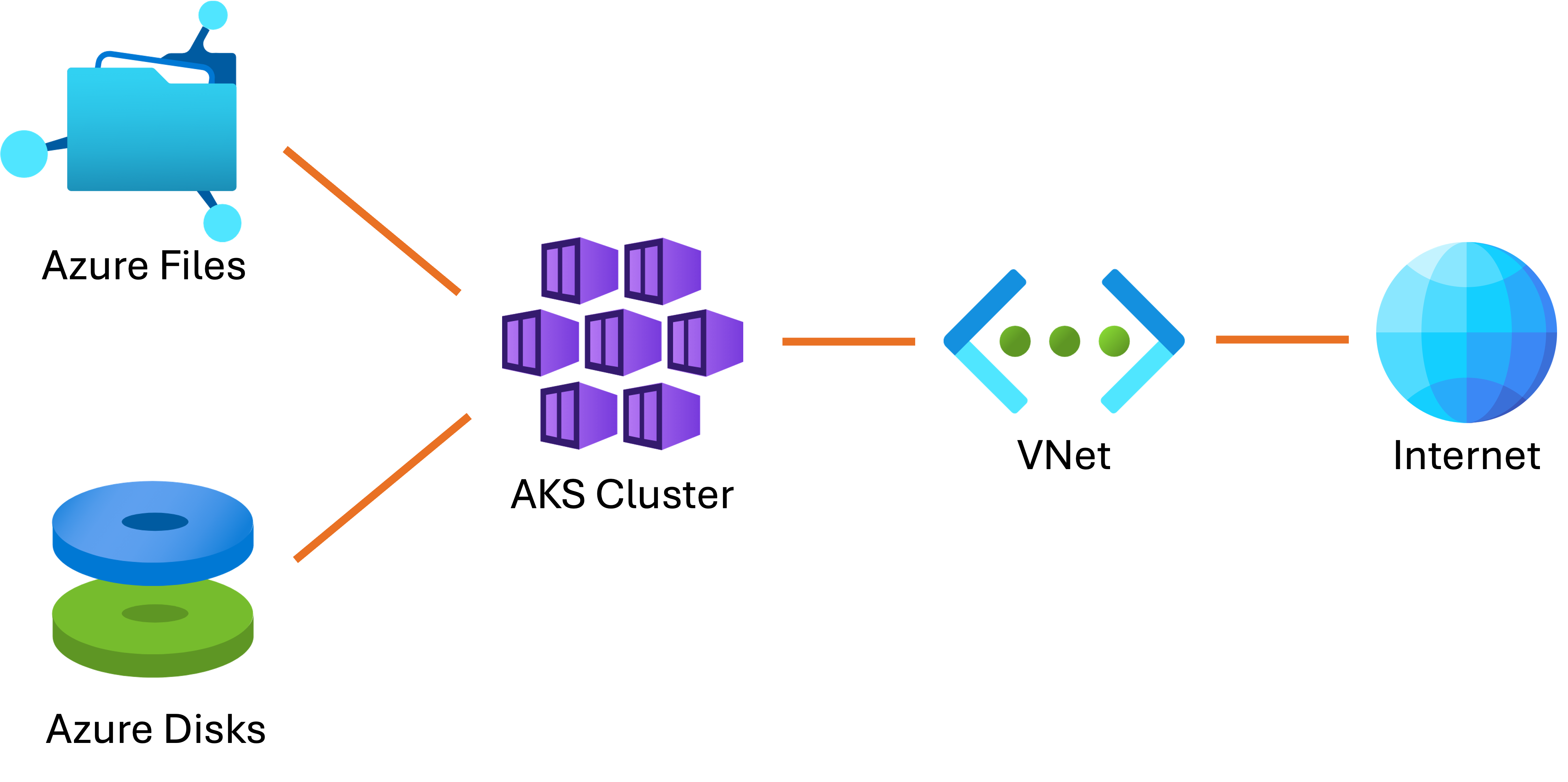
  • Integrates with Azure Virtual Networks.
  • Pods can receive IP addresses from the VNet.
  • Secure communication with other Azure resources or the Internet.
Azure Compute Solutions

Storage

Networking

Supports persistent volumes:

  • Azure Disks
  • Azure Files
Azure Compute Solutions

Monitoring and troubleshooting


Monitor


Azure Monitor and Log Analytics

  • Provide visibility into:

    • Cluster health
    • Resource usage
    • Application performance
  • Set alerts to detect issues early.

  • Use logs to debug problems.
Azure Compute Solutions

Recap


AKS


Working with AKS clusters involves:

  • Creating them
  • Deploying applications
  • Scaling workloads
  • Integrating networking and storage
  • Monitor and troubleshoot
Azure Compute Solutions

Let's practice!

Azure Compute Solutions

Preparing Video For Download...