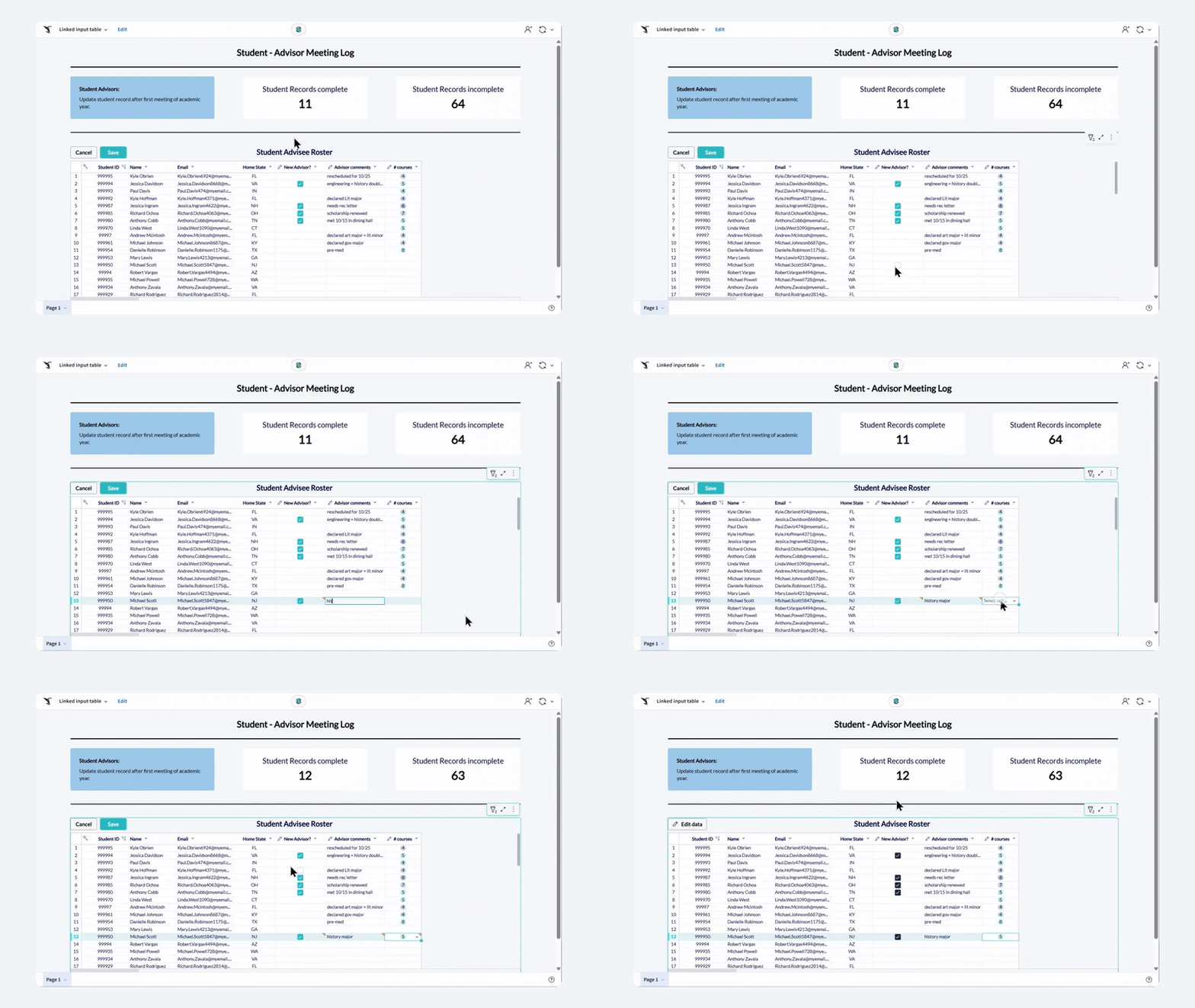
Enriching existing data with linked input tables

Introduction to AI Apps in Sigma

Mandy Gray

Solutions and Enablement Lead, Aimpoint Digital

Linked input table
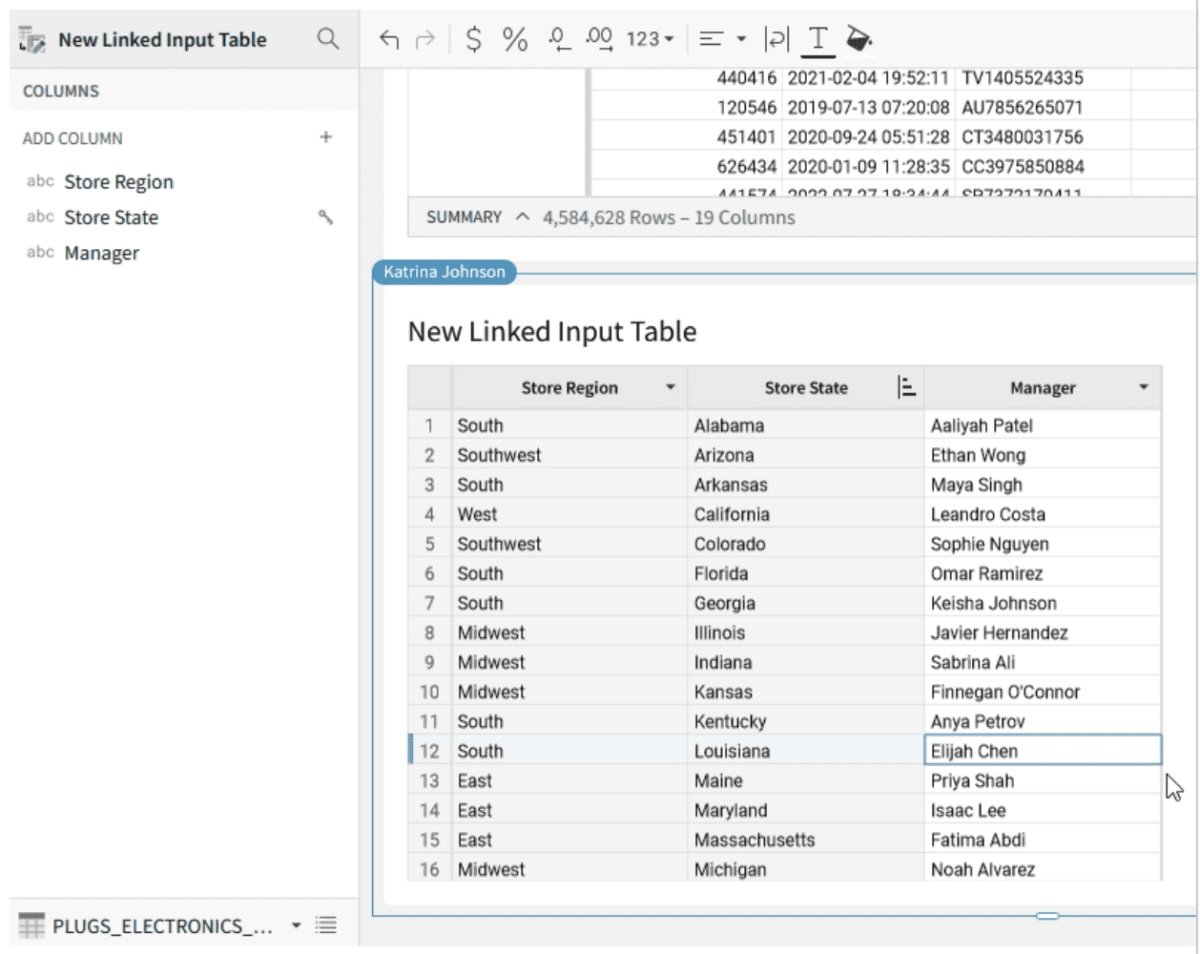
linked input table

Introduction to AI Apps in Sigma

Scenario

Oakmark_bank_logo.png

  • Table of customer loan details
  • Need to review individual applications (approve/reject)

$$ $$ $$ $$

Desired result:

  • Visualize the existing data
  • Enrich each row with decision approve/reject
Introduction to AI Apps in Sigma

How linked input tables can help

$$

input table

$$ $$

  • Linked input table allow new columns that accept customized input
  • In contrast with regular tables, where each row is based on the same logic as all other rows
Introduction to AI Apps in Sigma

Creating linked input tables

  • Created as child elements
  • Add new columns to linked input table to expand
  • No editing of existing data in parent table

input table

Introduction to AI Apps in Sigma

Key considerations

  • Input tables never overwrite data
  • Stored in dedicated schema without duplicating existing tables
  • Added columns are stored separately from the parent data

Linked input tables allow manipulating tables without worrying about accidental overwrites

key considerations

Introduction to AI Apps in Sigma

Let's practice!

Introduction to AI Apps in Sigma

Preparing Video For Download...