The feedback loop

Introduction to Databricks Genie

Gang Wang

Senior Data Scientist

Why monitoring matters
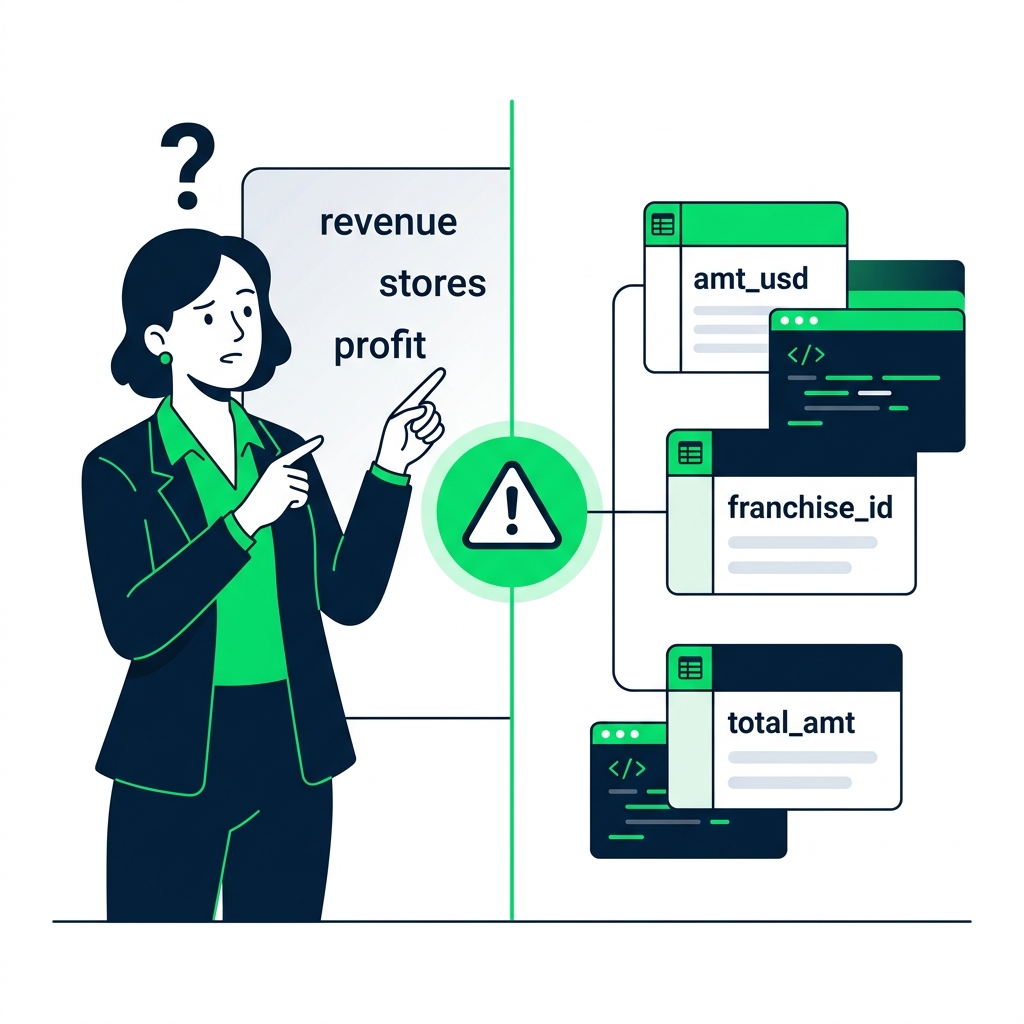
nanobanana: half: Business terms on one side, technical column names on the other, disconnect in the middle

Introduction to Databricks Genie

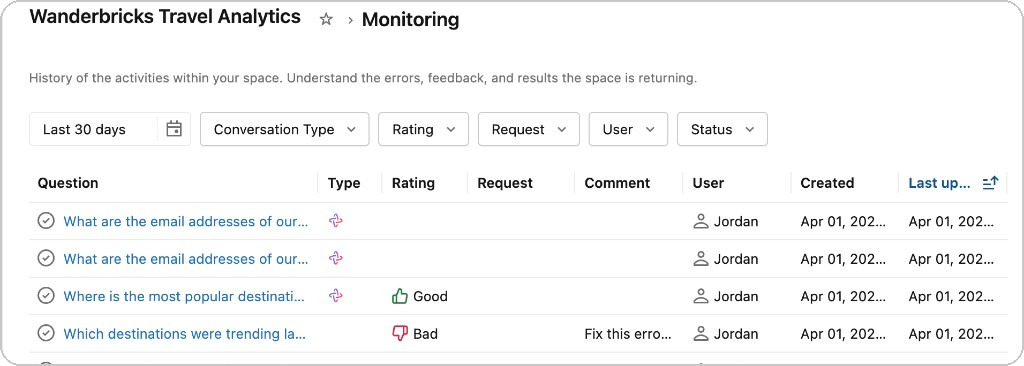
The monitoring page

$$

Monitoring page showing conversation history with ratings and status

Introduction to Databricks Genie

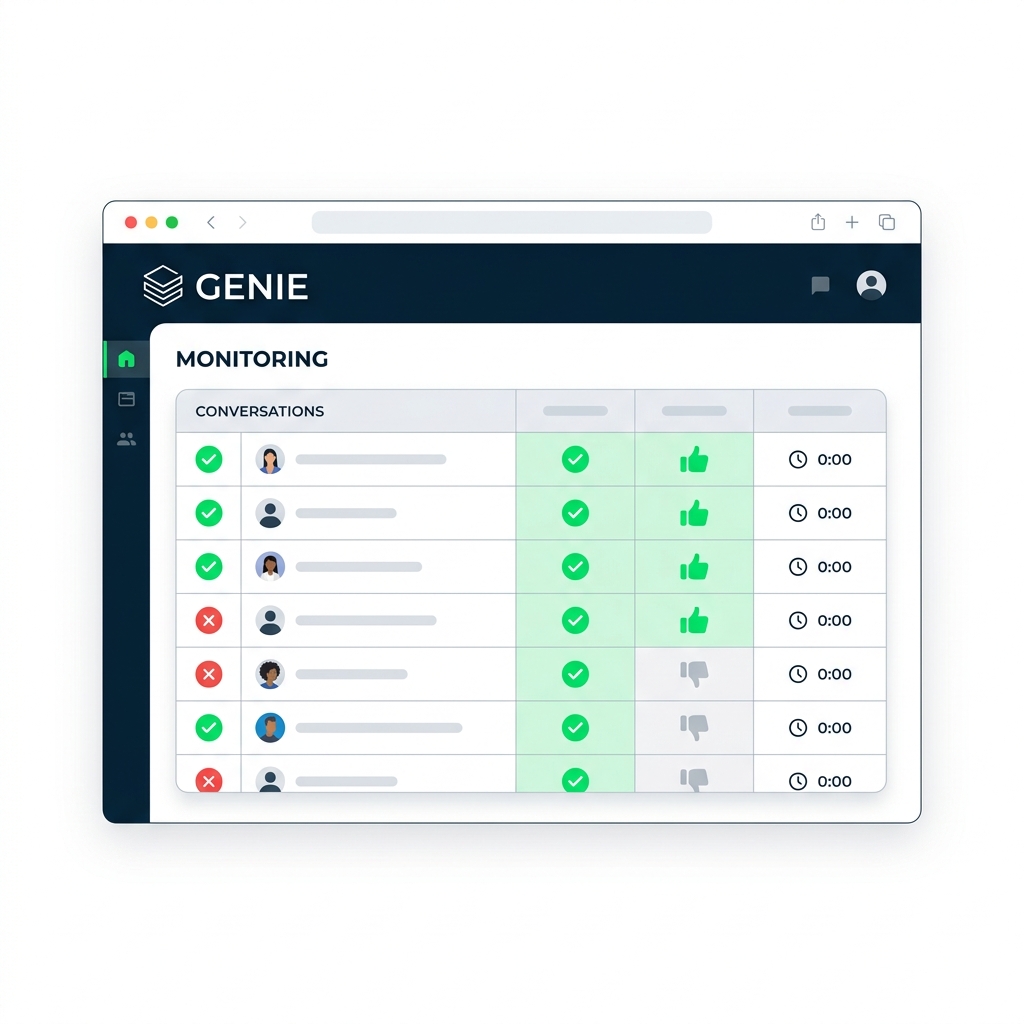
Diagnosing failures

nanobanana: half: Monitoring page with conversation list, status badges, and thumbs up/down icons

Diagnosing failures from the Monitoring page:

  • Empty SQL - Genie didn't recognize the nouns - Add Synonyms
  • Wrong table joins - Genie guessed the relationship - Add Relationships
  • Wrong math - Genie doesn't know the business rule - Add SQL Examples
Introduction to Databricks Genie

The feedback loop

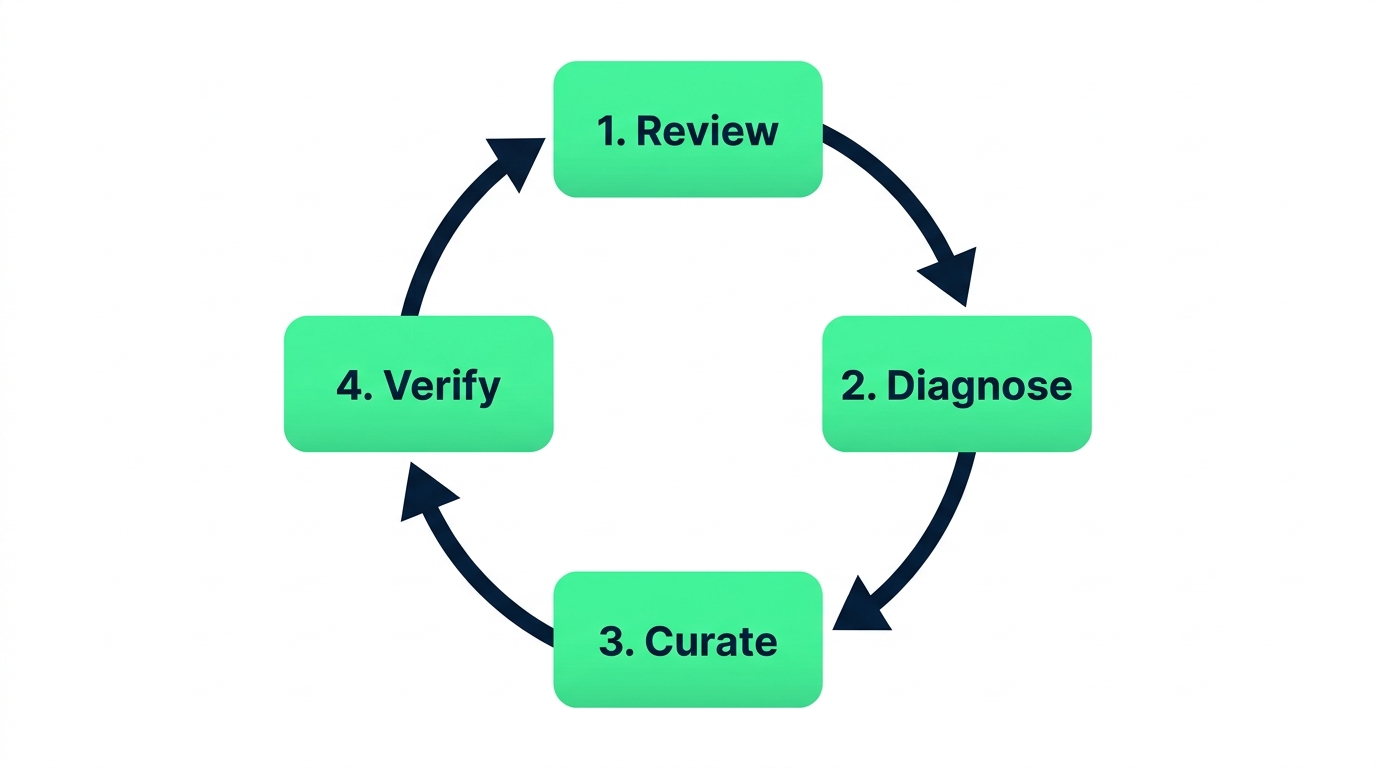
The feedback loop cycle

$$

Step 1: Review

Regularly check the History tab for unanswered queries or thumbs down.

Introduction to Databricks Genie

The feedback loop

The feedback loop cycle

$$

Step 2: Diagnose

Was it missing terminology, broken joins, or wrong math? That tells you whether to add Synonyms, Relationships, or SQL Examples.

Introduction to Databricks Genie

The feedback loop

The feedback loop cycle

$$

Step 3: Curate

Apply the fix using synonyms, relationships, or SQL examples.

Introduction to Databricks Genie

The feedback loop

The feedback loop cycle

$$

Step 4: Verify

Re-run the user's exact query to confirm Genie has learned the lesson. This cycle continuously improves accuracy.

Introduction to Databricks Genie

Turning failures into examples

recraft: half: Transformation diagram showing failed query being converted into a new SQL example, red cross becoming green checkmark, learning from mistakes

Tip: Every failed query is a curation opportunity - turn it into a SQL example so it never fails again.


Introduction to Databricks Genie

Let's practice!

Introduction to Databricks Genie

Preparing Video For Download...