Creating a Genie space

Introduction to Databricks Genie

Gang Wang

Senior Data Scientist

When to create a space

$$
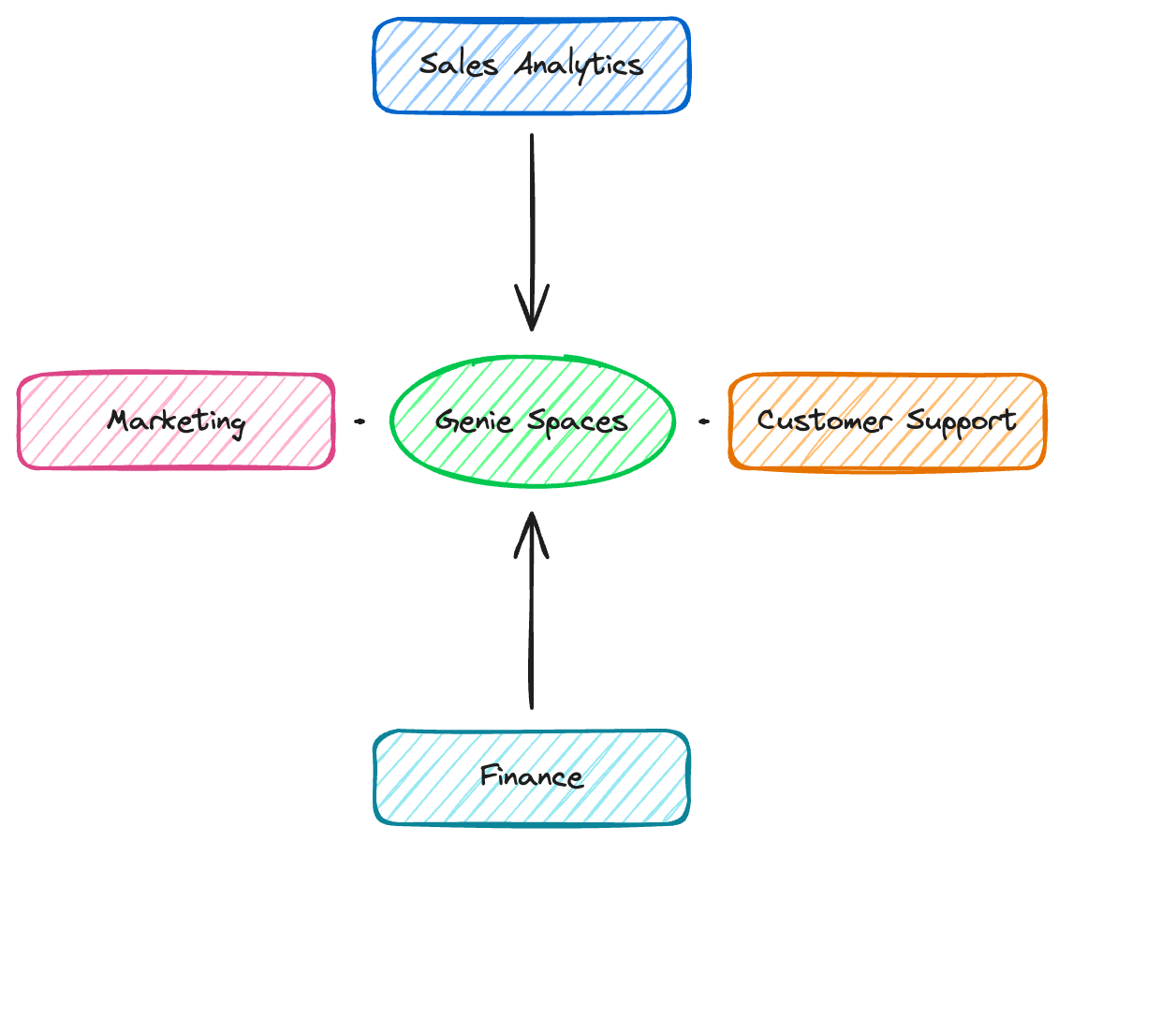
radial: Genie Spaces, Sales Analytics, Customer Support, Finance, Marketing

One space per domain

Each Genie space serves a specific business area:

  • Franchise Sales Analytics
  • Supplier Performance
  • Inventory and Operations
  • Regional Performance
Introduction to Databricks Genie

Prerequisites

nanobanana: half: A checklist on a clipboard with four items being checked off one by one, representing prerequisites for setup, with a green checkmark appearing on each completed item

Minimum viable space

  • Data registered in Unity Catalog
  • Table descriptions added
  • Column comments (no cryptic names!)
  • An active SQL Warehouse

Genie only knows what you invite in - clear names and descriptions matter

Introduction to Databricks Genie

Space creation in three steps

nanobanana: half: Three-step wizard interface showing setup flow with checkmarks

  1. Click Genie in the sidebar, then New
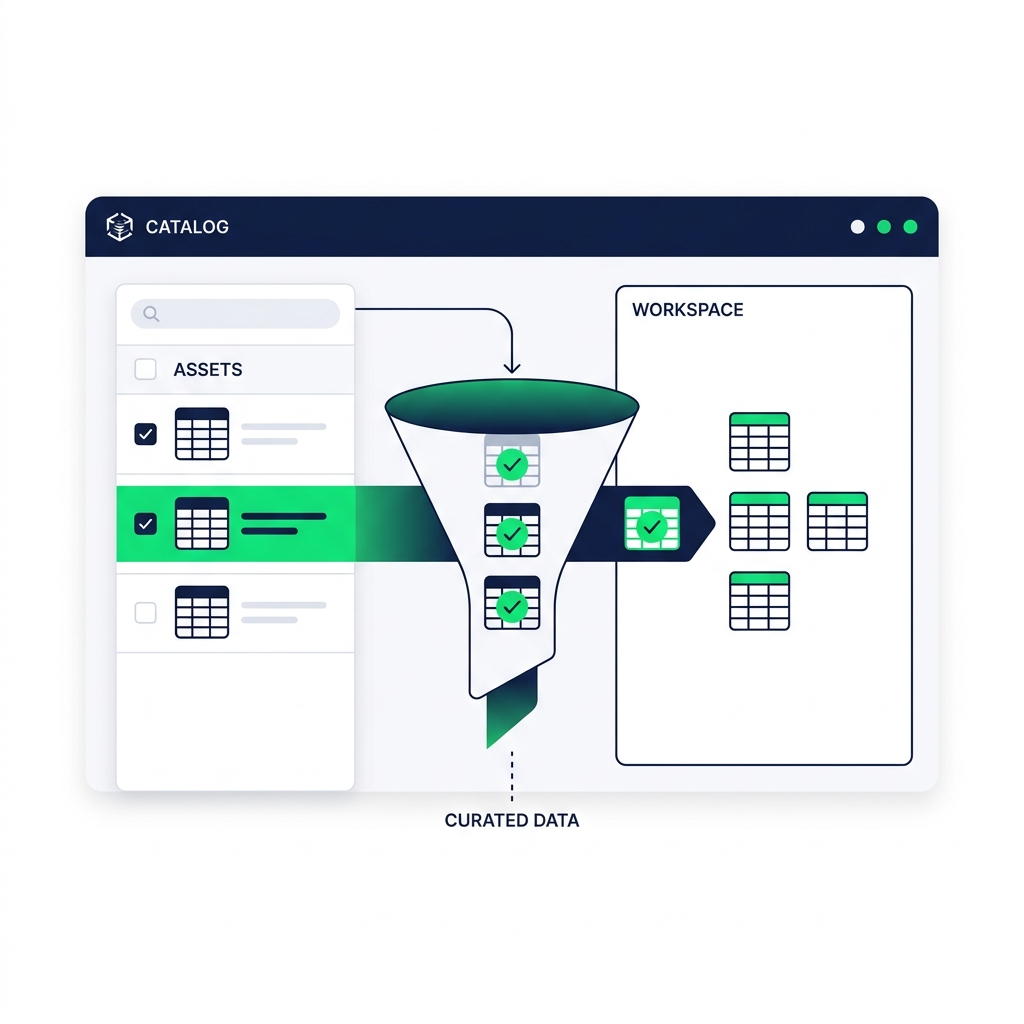
  2. Browse Unity Catalog and select your data tables
  3. Click Create

Three components working together:

  • SQL Warehouse - runs the queries
  • Unity Catalog - the library of table names and metadata
  • Genie space - the chat window where it all connects
Introduction to Databricks Genie

Example

nanobanana: half: Unity Catalog browser showing curated table selection with quality filter

"Bakehouse Franchise Analytics"

  • sales_transactions - Transaction-level order data
  • sales_suppliers - Supplier information

Tip: 5 relevant tables > 50 random tables. Too much data leads to hallucinations.

Introduction to Databricks Genie

Reviewing suggested queries

nanobanana: half: Notification panel showing suggested queries with Accept and Reject buttons

  • Genie searches for popular workspace queries on your tables
  • A notification appears if relevant queries are found
  • Accept good matches - they become example SQL queries
  • Reject irrelevant ones
Introduction to Databricks Genie

Testing your new space

recraft: half: A data analyst happily reviewing results on a modern dashboard screen, successful test, green checkmark, clean workspace

Verify with simple questions

"Show me total sales by franchise"

What to check:

  • Tables are connected correctly
  • Genie understands relationships
  • Results make sense
Introduction to Databricks Genie

Common mistakes

nanobanana: half: Three warning signs representing common pitfalls - an overflowing filing cabinet for data dump, mismatched puzzle pieces for granularity mismatch, and a sleeping computer for ghost warehouse

Avoid these pitfalls:

  • The data dump - 50+ tables "just in case" leads to ambiguous joins and hallucinations
  • Granularity mismatch - Mixing daily summaries with transaction-level data causes double-counting
  • The ghost warehouse - Under-provisioned or aggressive auto-stop causes frustrating delays
Introduction to Databricks Genie

Let's practice!

Introduction to Databricks Genie

Preparing Video For Download...