Trusted Assets

Introduction to Databricks Genie

Gang Wang

Senior Data Scientist

What are Trusted Assets

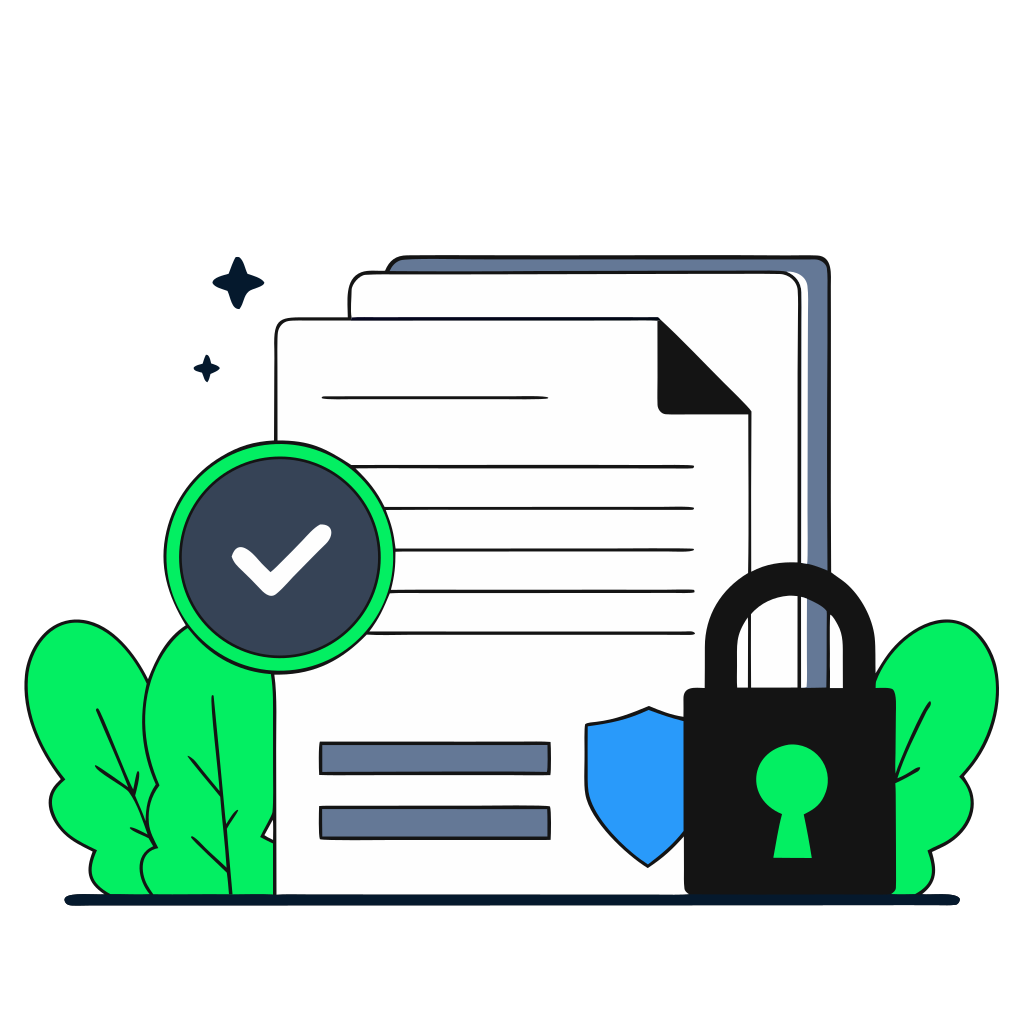
recraft: half: Official certified document with gold seal and checkmark, representing a trusted verified query, locked SQL formula, quality assurance stamp

$$

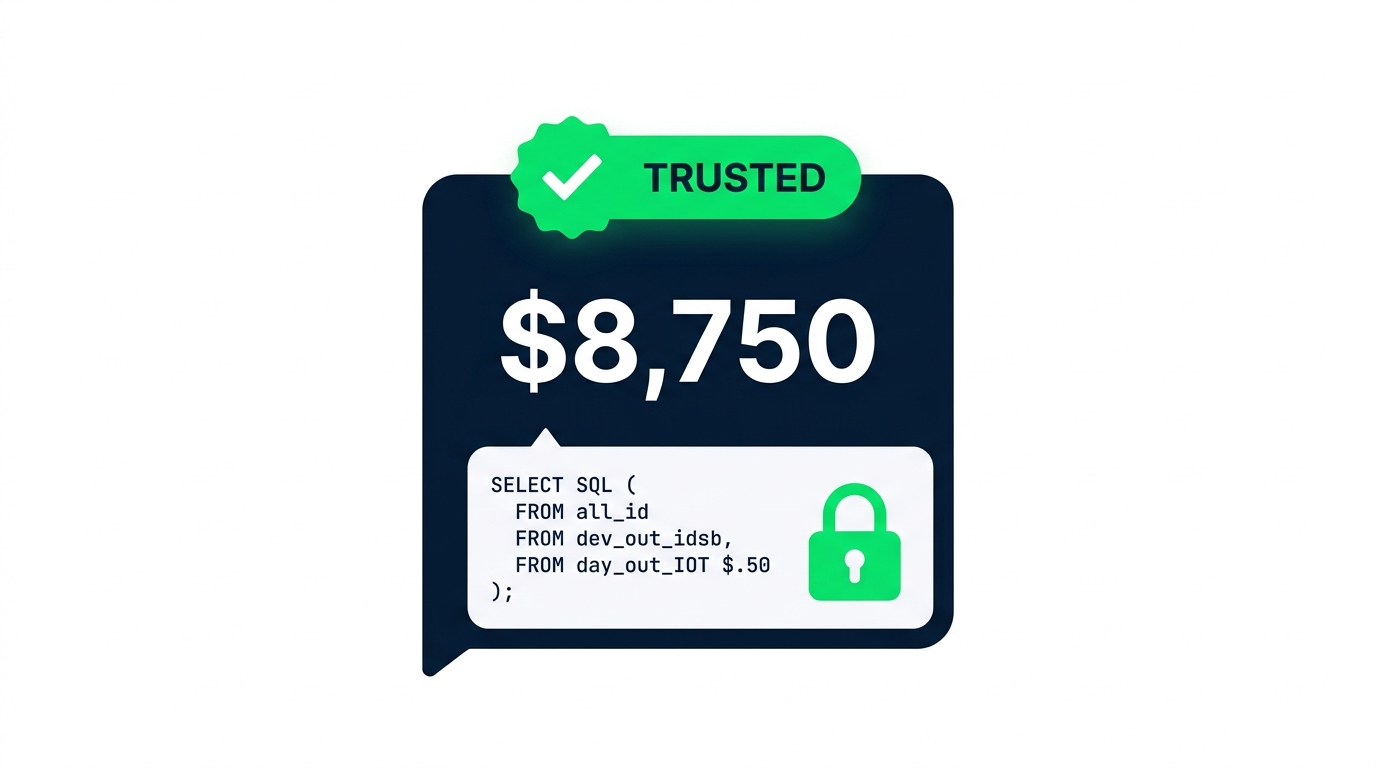
  • A verified query that runs your exact SQL every time
  • Genie won't adapt or reinterpret the logic
  • The difference between "Genie's interpretation" and "the official company number"
Introduction to Databricks Genie

Creating a Trusted Asset

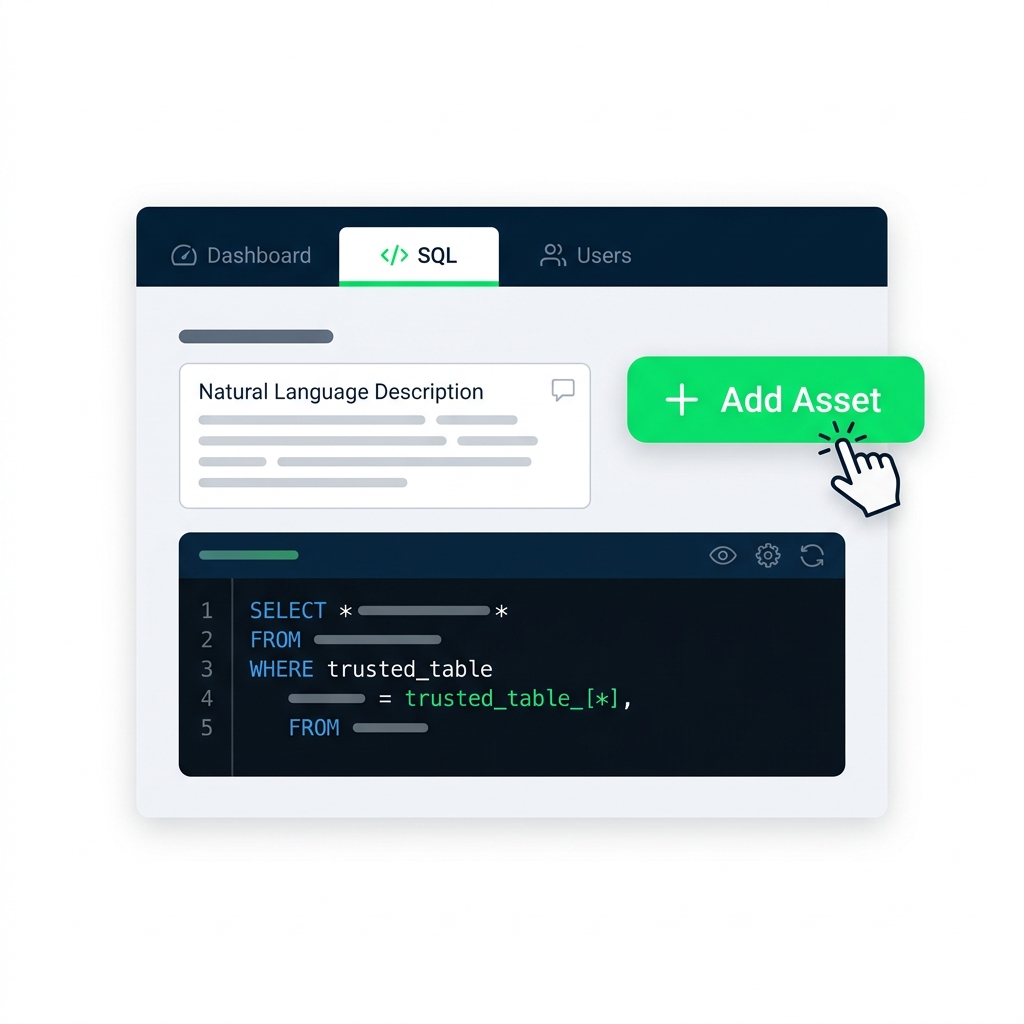
nanobanana: half: Instructions panel with SQL tab open, showing Add Trusted Asset button and SQL editor

To add a Trusted Asset to your Genie space:

  1. Open the Instructions panel and go to the SQL tab
  2. Click Add trusted asset
  3. Choose between a SQL query (parameterized example) or a SQL function (reusable logic)
  4. Provide the SQL and a natural language description
  5. Click Add to save
Introduction to Databricks Genie

$$

$$

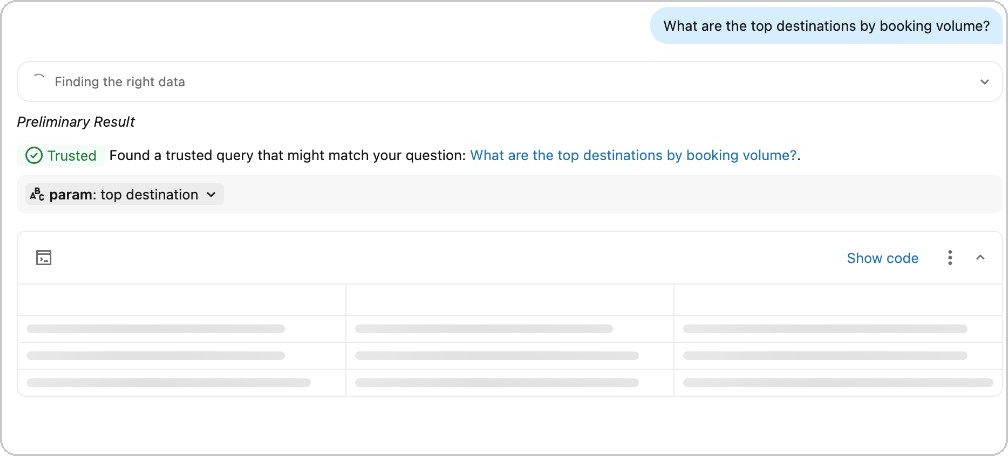
Genie response with Trusted badge - top destinations by booking volume

Introduction to Databricks Genie

Introduction to Databricks Genie

When to create Trusted Assets

recraft: half: Decision matrix showing criteria for trusted assets - critical decisions, approved calculations, consistency required - with checkboxes and priority indicators

$$

  • Regulatory - numbers reported to auditors or agencies
  • Executive KPIs - year-to-date revenue, board deck figures
  • Exact formulas - tax or discount rules that must be precise
Introduction to Databricks Genie

Let's practice!

Introduction to Databricks Genie

Preparing Video For Download...