Introduction to Databricks Lakehouse
Gang Wang
Senior Data Scientist
$$
my_project/
|-- databricks.yml
|-- src/
| |-- etl_pipeline.py
| |-- data_quality.py
|-- resources/
| |-- jobs/
| | |-- nightly_etl.yml
| |-- pipelines/
| |-- sales_pipeline.yml
|-- tests/
|-- test_etl.py
$$
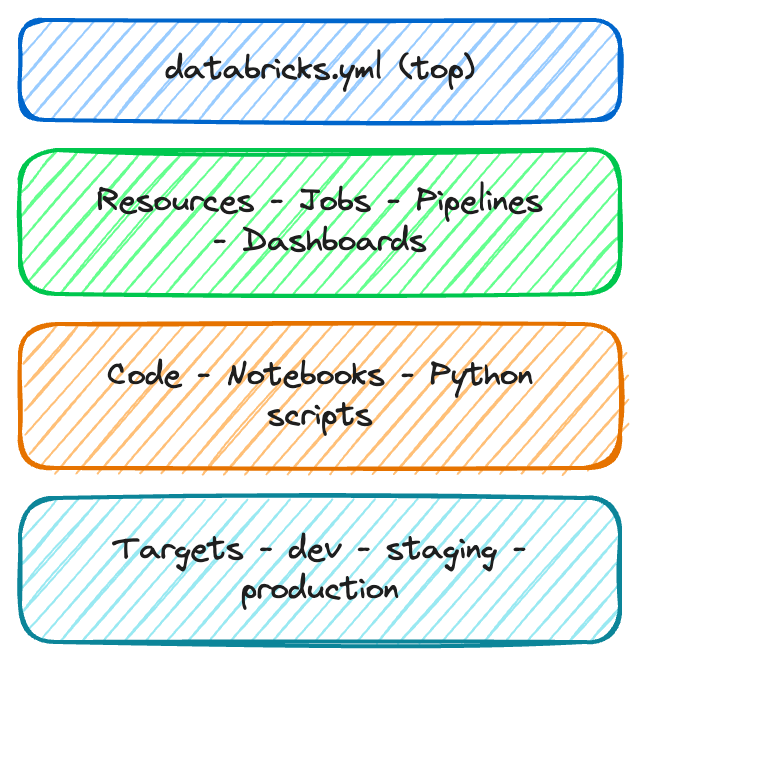
databricks.yml - the central config filesrc/ - your notebooks and coderesources/ - job and pipeline definitionstests/ - optional test filesbundle:
name: sales_analytics
workspace:
host: https://myworkspace.databricks.com
targets:
dev:
default: true
workspace:
root_path: /Users/me/dev
production:
workspace:
root_path: /Shared/production
permissions:
- level: CAN_MANAGE
group_name: data_engineers
$$

$$
resources:
jobs:
nightly_etl:
name: "Nightly ETL Pipeline"
schedule:
quartz_cron: "0 0 2 * * ?"
tasks:
- task_key: ingest
notebook_task:
notebook_path: src/etl.py
$$
| Command | Purpose |
|---|---|
bundle validate |
Check config for errors |
bundle deploy |
Deploy to a target |
bundle run |
Trigger a deployed job |
bundle destroy |
Remove deployed resources |
$$
# Validate before deploying
databricks bundle validate
# Deploy to production
databricks bundle deploy \
--target production
# Trigger a run
databricks bundle run nightly_etl

$$
$$
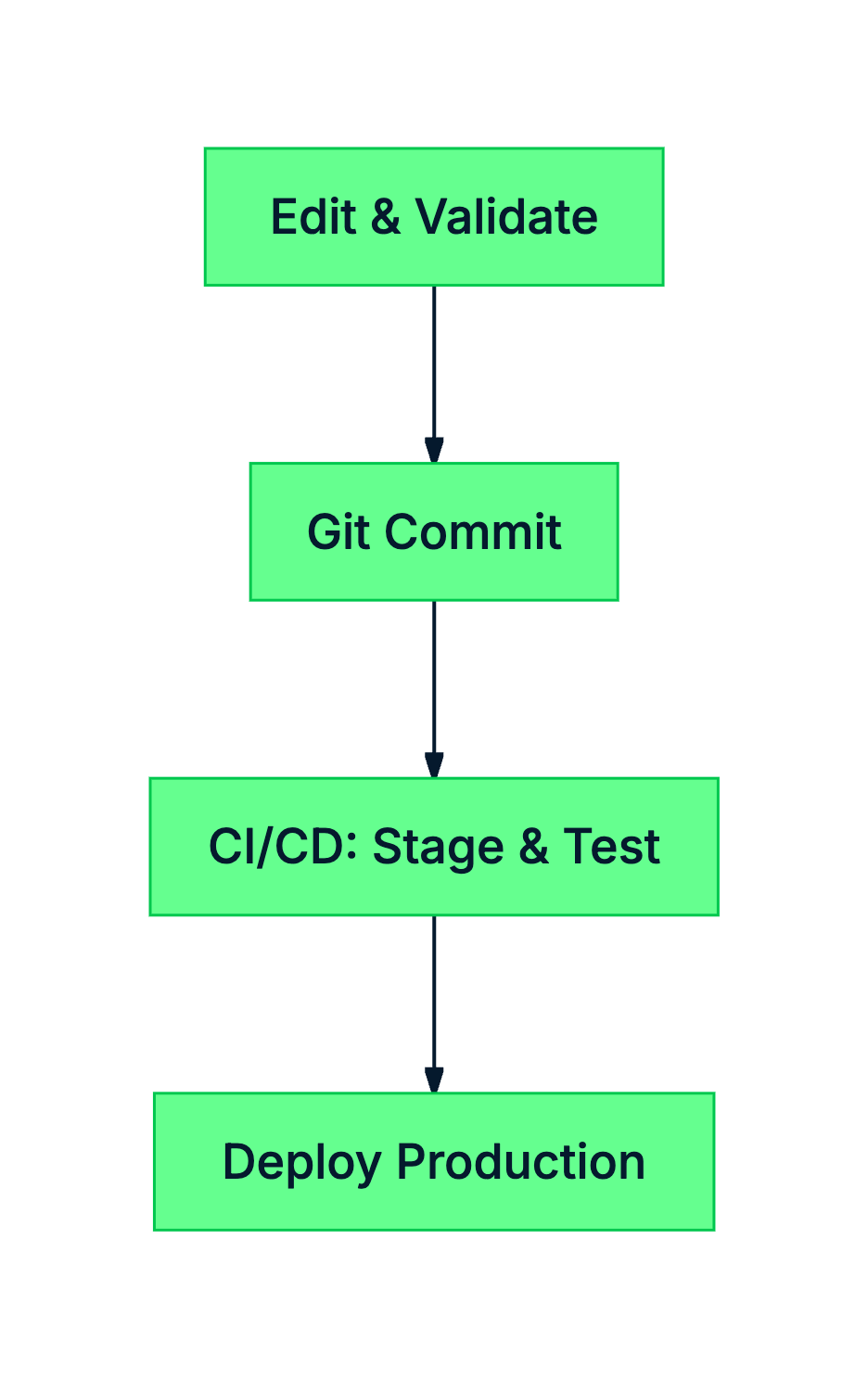
databricks.yml defines your project, targets, and resourcesvalidate, deploy, run, destroyIntroduction to Databricks Lakehouse