Collaboration and version control

Introduction to Databricks Lakehouse

Gang Wang

Senior Data Scientist

Sharing notebooks

$$

  • Grant workspace permissions to individuals or groups
  • Three levels: Can Read, Can Run, Can Edit
  • Share via the workspace UI or a direct URL

$$

Permission View Execute Modify
Can Read Yes No No
Can Run Yes Yes No
Can Edit Yes Yes Yes
Introduction to Databricks Lakehouse

Collaboration features

$$

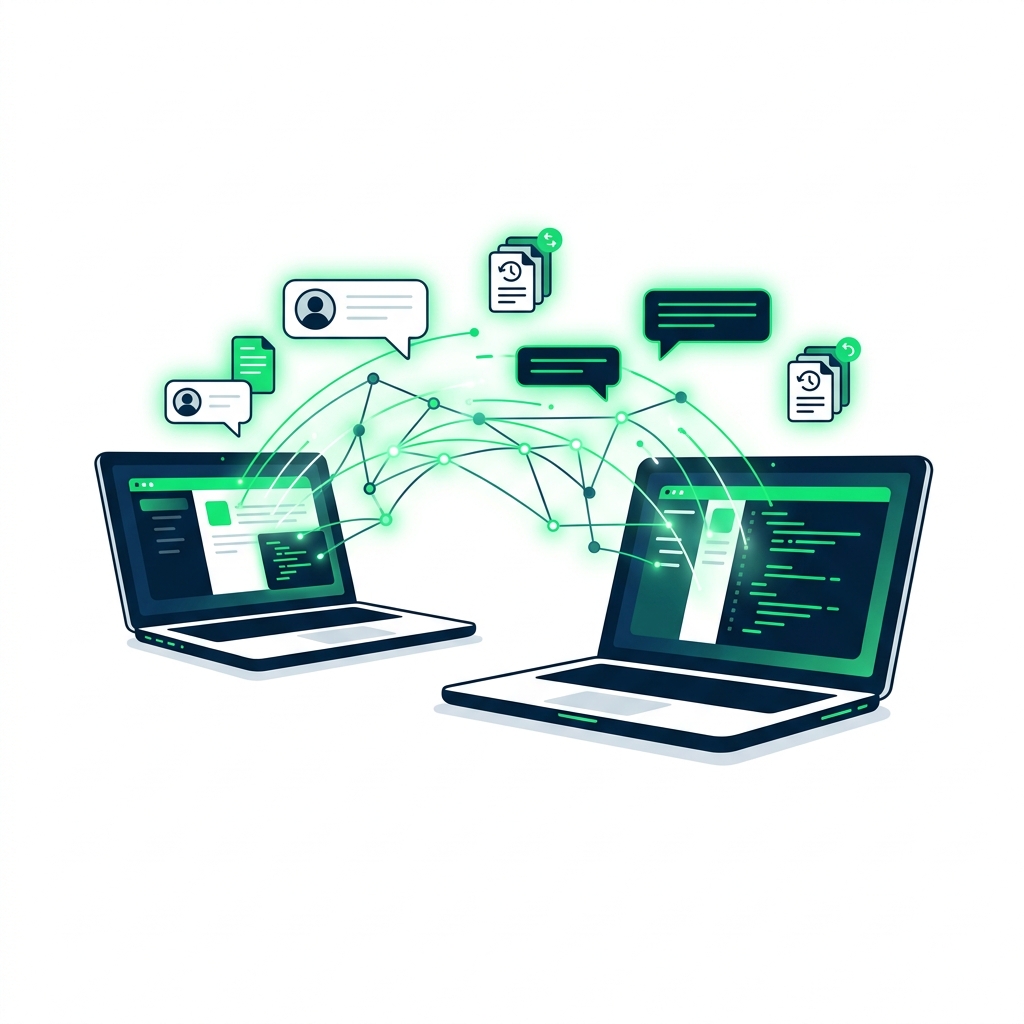
  • Comments on specific cells for code review
  • Version history shows who changed what and when
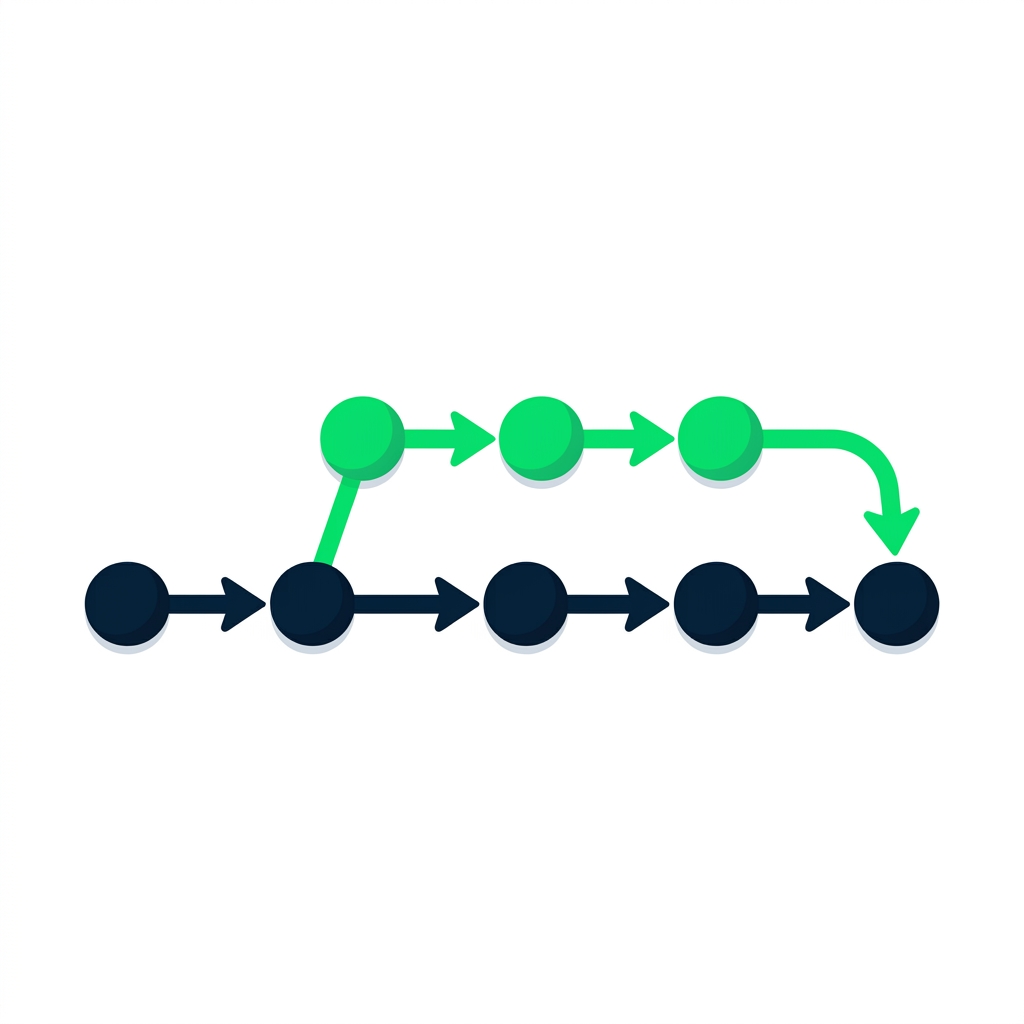
  • But version history is linear - no branching or merging

$$

collaboration: Two laptops connected by digital lines with comment bubbles and version history icons

Introduction to Databricks Lakehouse

Enter Databricks Repos

Databricks Repos workflow

$$

  • Git integration directly in the workspace
  • Connect to GitHub, GitLab, Bitbucket, Azure DevOps
  • Clone, commit, push, pull, branch, merge
  • Full CI/CD workflows from within Databricks
Introduction to Databricks Lakehouse

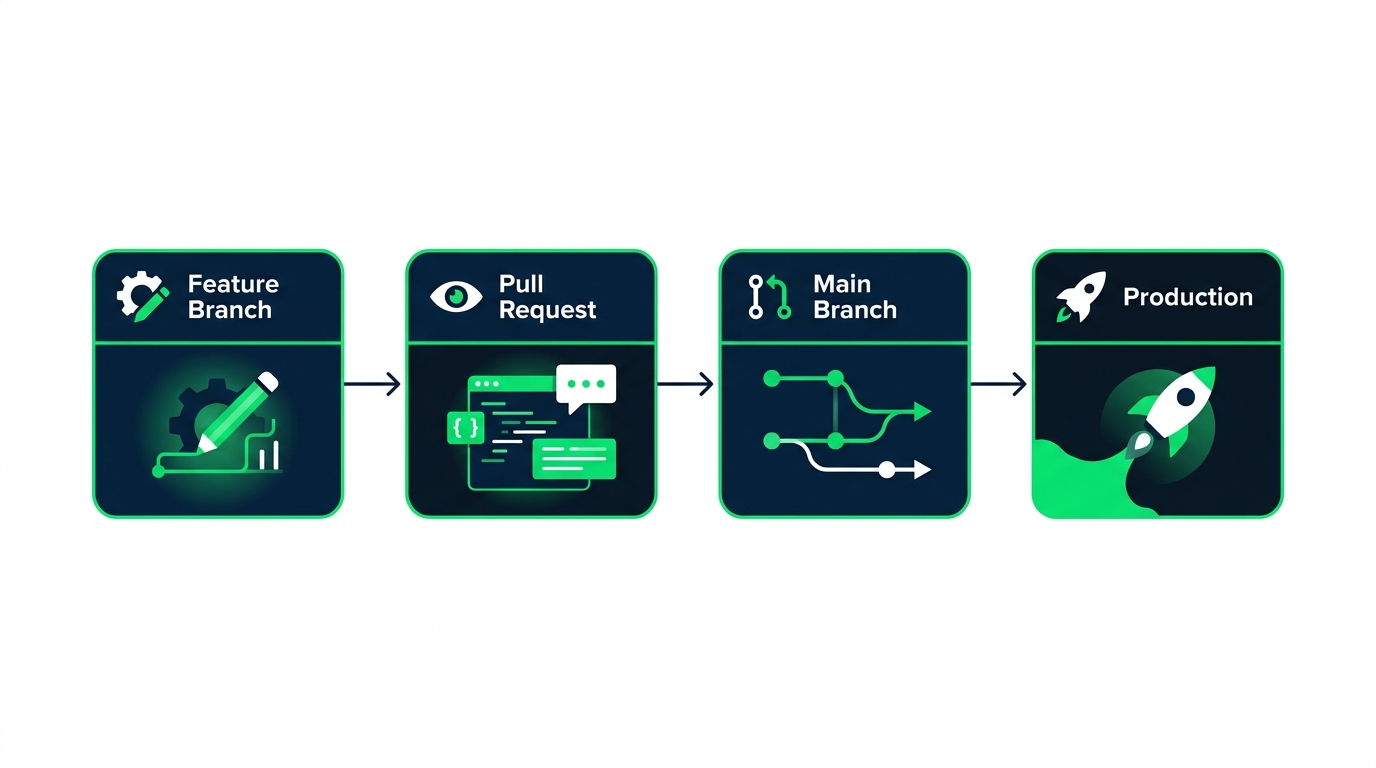
The CI/CD workflow

flowchart: Feature Branch, Pull Request, Main Branch, Production

Introduction to Databricks Lakehouse

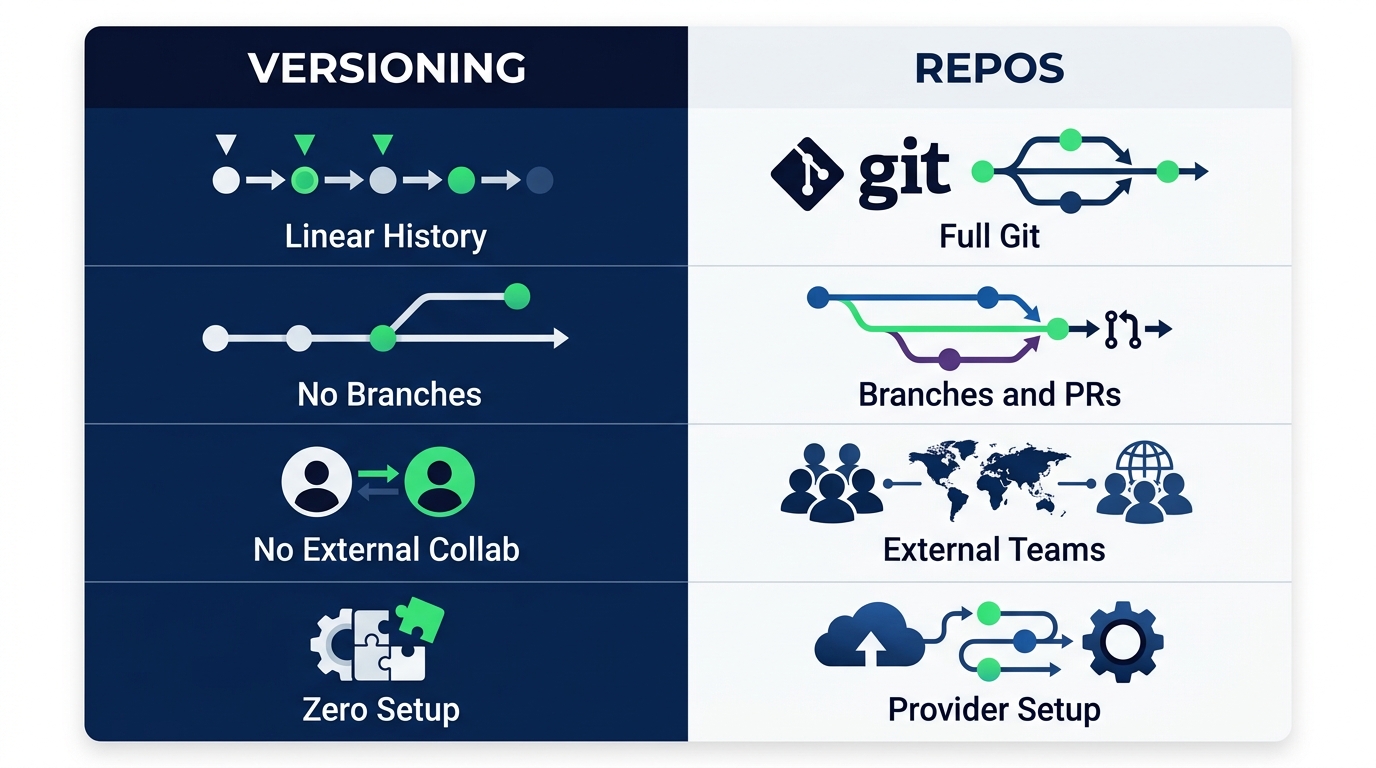
Notebook versioning vs. Repos

comparison: Versioning, Linear history, No branches, No external collab, Zero setup | Repos, Full Git, Branches and PRs, External teams, Provider setup

Introduction to Databricks Lakehouse

Summary

$$

  • Share notebooks with Can Read, Can Run, or Can Edit permissions
  • Built-in version history is linear - no branches
  • Databricks Repos brings full Git integration to the workspace
  • Repos enables CI/CD workflows with branches, PRs, and automated deployment
Introduction to Databricks Lakehouse

Let's practice!

Introduction to Databricks Lakehouse

Preparing Video For Download...