Managing and configuring clusters

Introduction to Databricks Lakehouse

Gang Wang

Senior Data Scientist

Finding your clusters

$$
  • All Clusters - everything in the workspace
  • My Clusters - ones you created
  • Shared with Me - clusters others gave you access to
  • Filter by state: Running, Terminated

$$

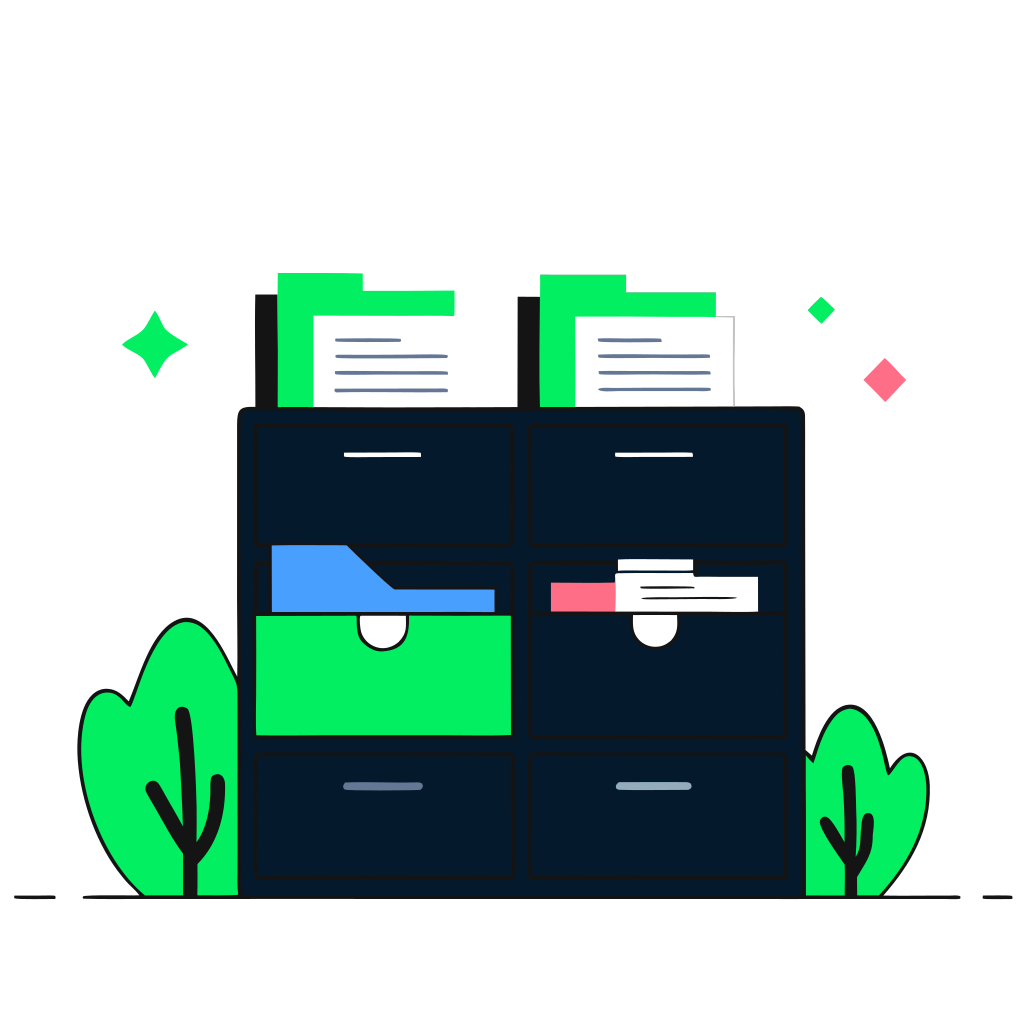
recraft: half: A filing cabinet with color-coded folders and labels showing organized categories, representing cluster filtering and organization

Introduction to Databricks Lakehouse

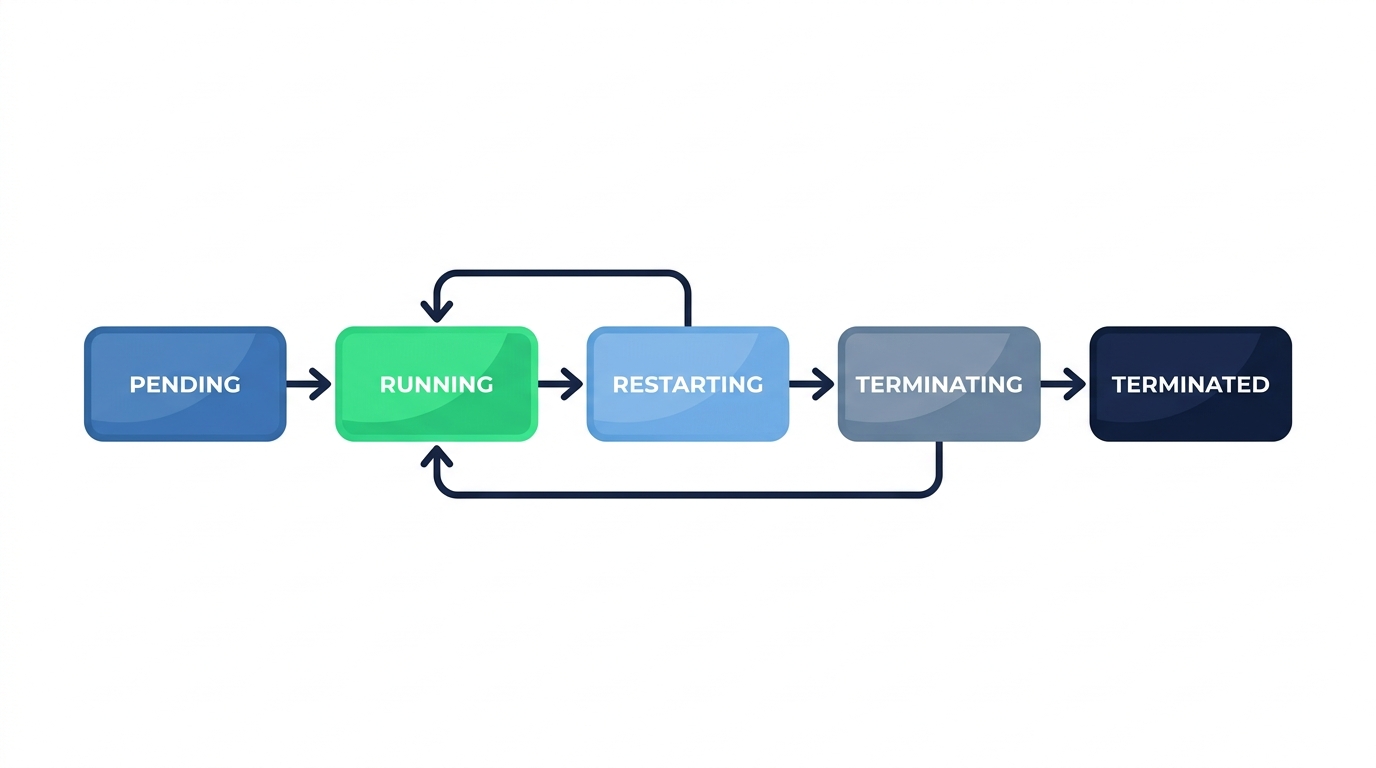
Cluster states

flowchart: Pending, Running, Restarting, Terminating, Terminated

Introduction to Databricks Lakehouse

Termination: what you keep and what you lose
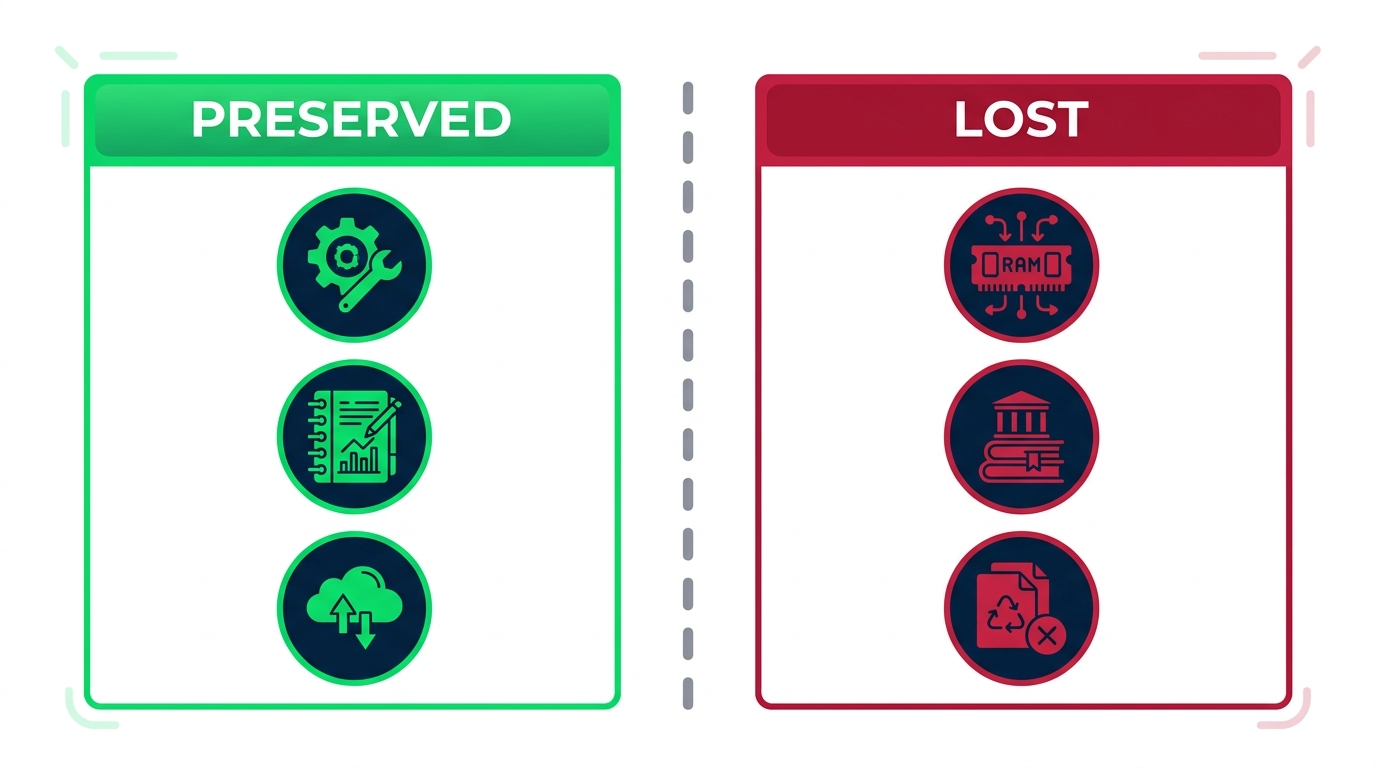
comparison: Preserved, Configuration, Notebooks, Cloud storage | Lost, In-memory data, Installed libraries, Temp files

  • Termination is not deletion - config and notebooks survive
  • In-memory data, caches, and pip-installed packages are cleared
Introduction to Databricks Lakehouse

When to restart

$$

  • Installed a new library that isn't loading
  • Cluster is behaving unpredictably or running slowly
  • Need to clear cached data from memory
  • Updated an init script or environment variable

$$

recraft: half: A power button icon with circular arrows around it glowing in blue and green, representing a system restart or refresh operation

Introduction to Databricks Lakehouse

Autoscaling and auto-termination

$$

Autoscaling and Auto-termination

$$

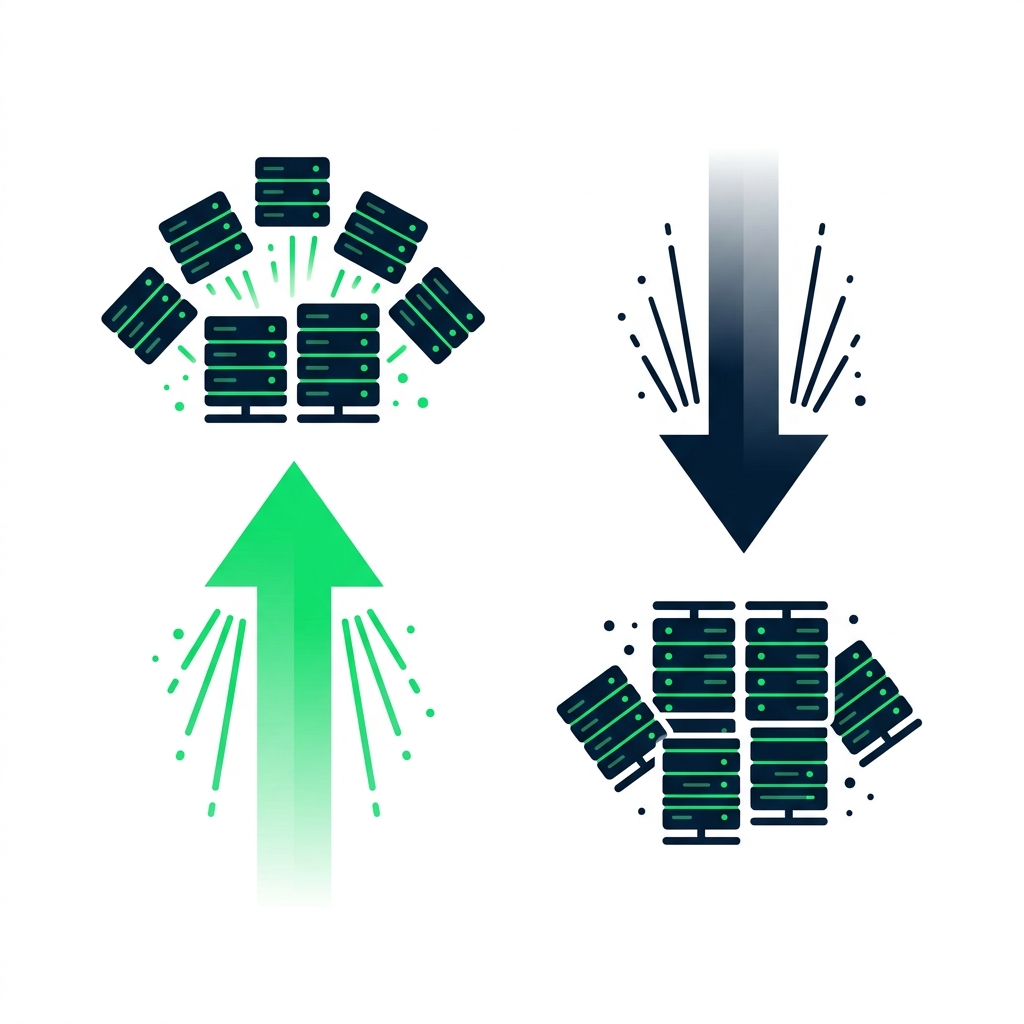
  • Autoscaling adds or removes workers based on demand
  • Handles spiky workloads without over-provisioning
  • Auto-termination shuts down after a set idle period
  • Prevents forgotten clusters from burning budget
Introduction to Databricks Lakehouse

Cluster policies

$$

  • Admin-defined guardrails for cluster creation
  • Limit node types, max workers, and runtime versions
  • Enforce auto-termination and tagging
  • Users create clusters within the policy bounds

$$

{
  "max_workers": 8,
  "auto_termination_minutes": 30,
  "allowed_node_types": [
    "Standard_DS3_v2",
    "Standard_DS4_v2"
  ]
}
Introduction to Databricks Lakehouse

Summary

$$

  • Filter clusters to find what you need quickly
  • Termination saves costs but clears memory and libraries
  • Restart to pick up new libraries or troubleshoot issues
  • Autoscaling and auto-termination control costs automatically
  • Cluster policies let admins enforce standards
Introduction to Databricks Lakehouse

Let's practice!

Introduction to Databricks Lakehouse

Preparing Video For Download...