An Remotes Pushen

Git für Fortgeschrittene

George Boorman

Curriculum Manager, DataCamp

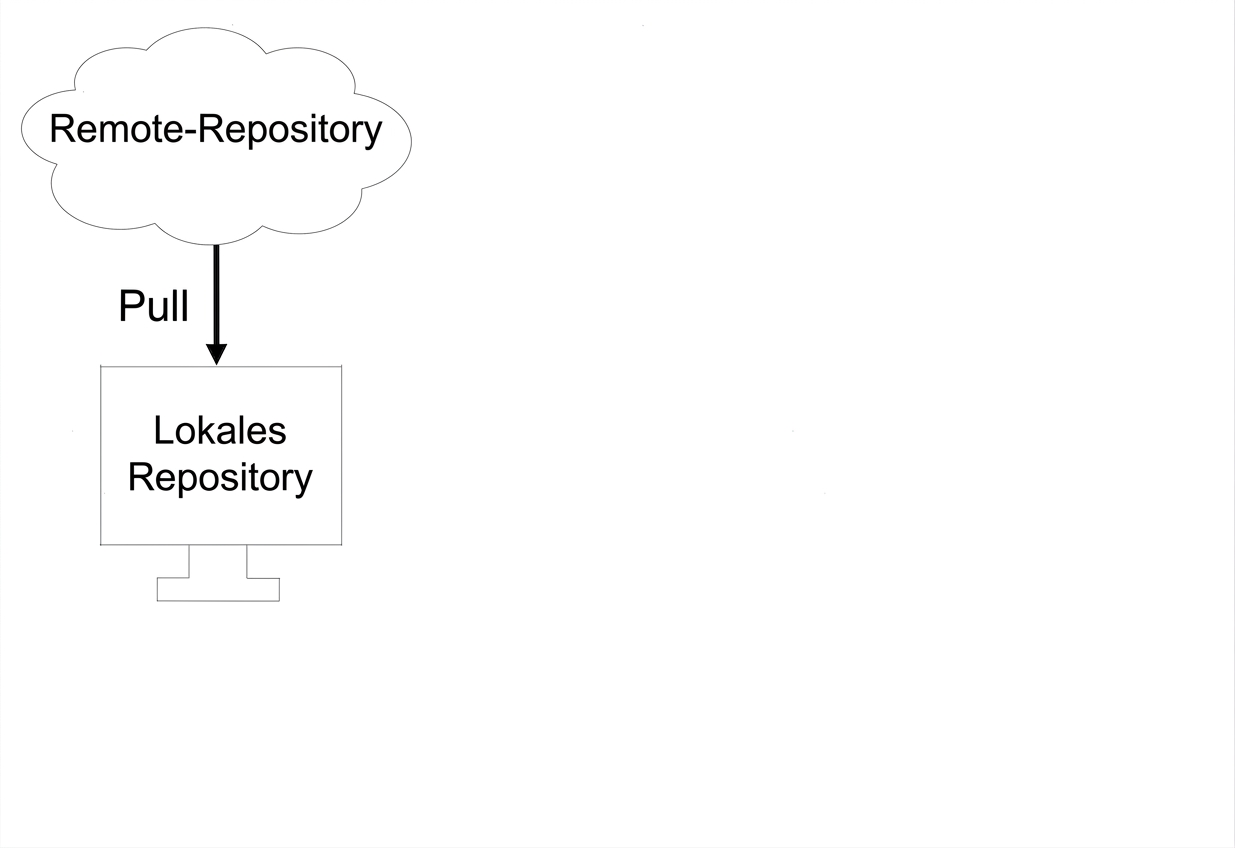
Inhalte per Pull aus einem Remote ziehen
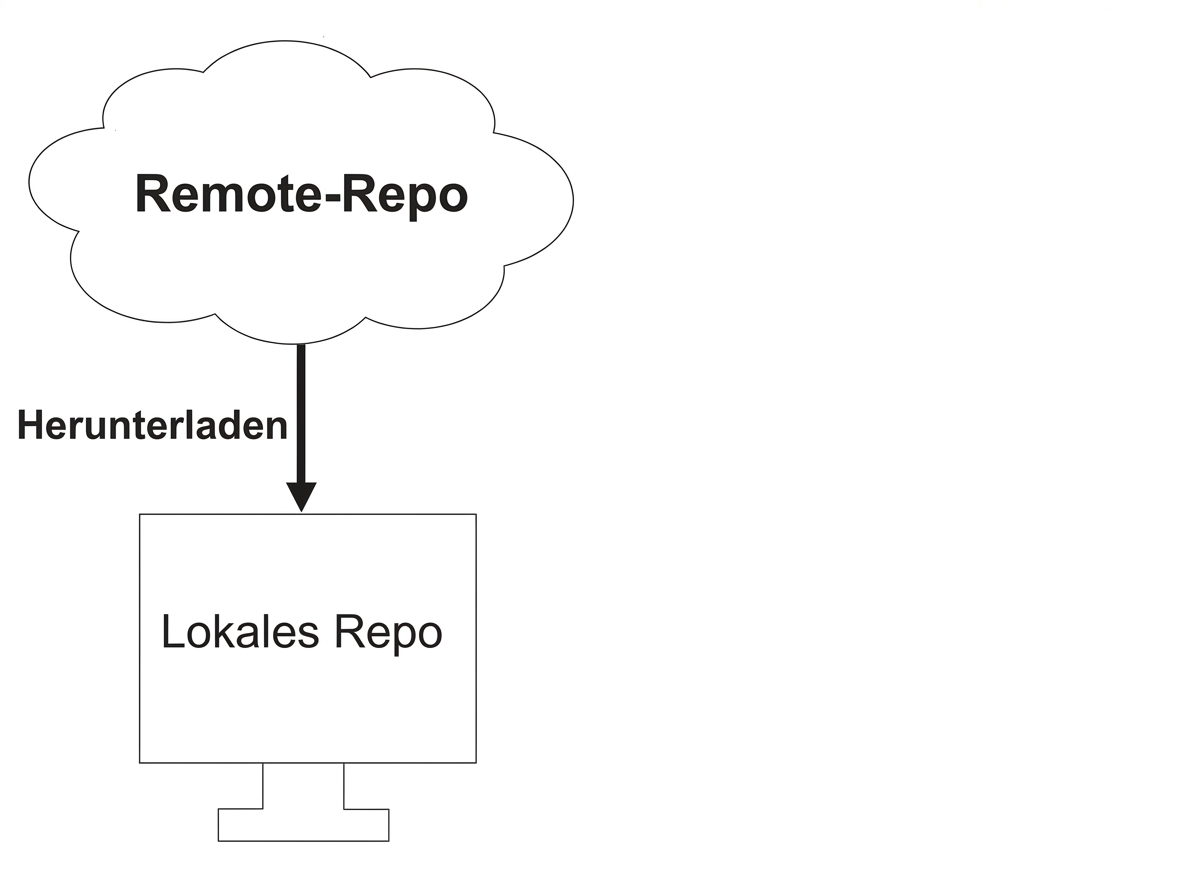
aus einem Remote-Repository abrufen

Git für Fortgeschrittene

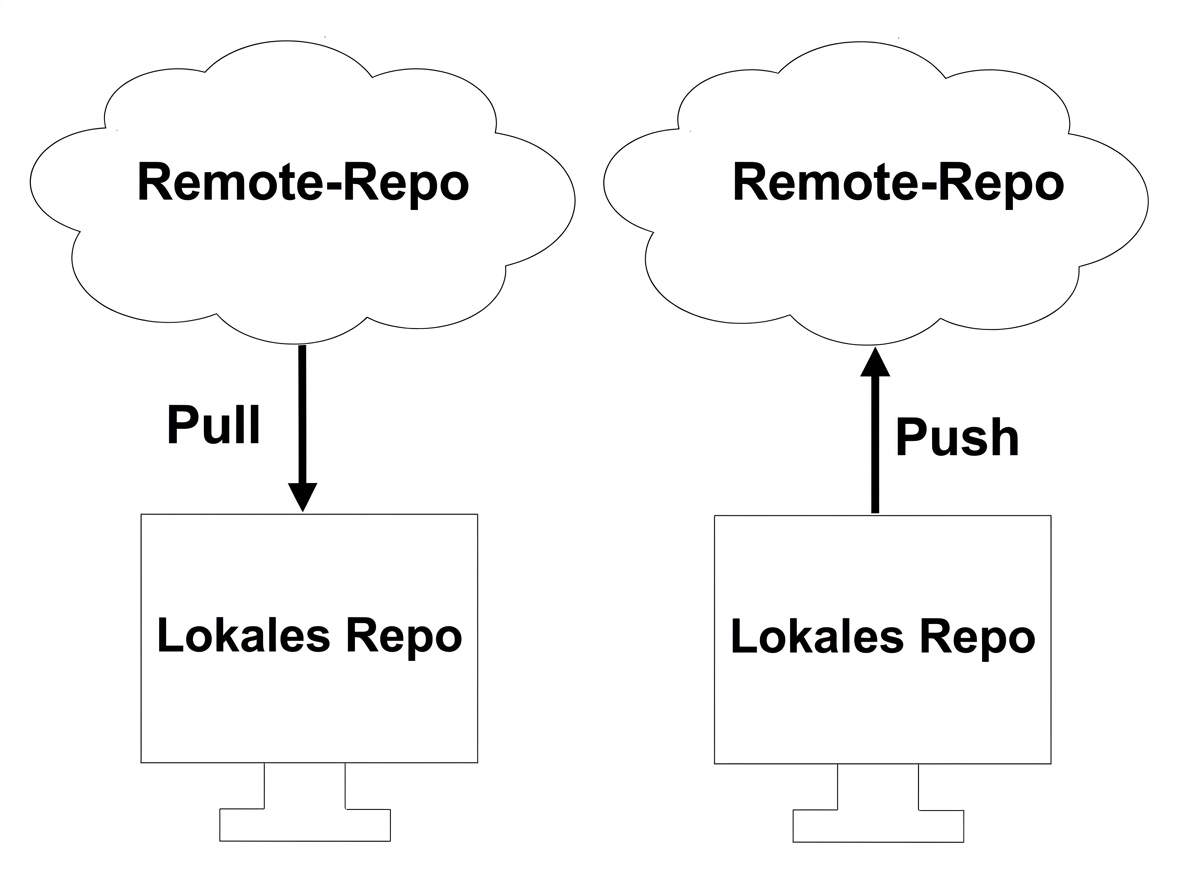
Per Push an Remote übertragen

Auf einen Remote-Branch pushen

Git für Fortgeschrittene

git push

  • Änderungen zuerst lokal speichern!
git push remote local_branch
  • Übertragung per Push nach remote aus local_branch

  • Push der Änderungen aus dem lokalen Repo-Zweig main in origin

git push origin main
Git für Fortgeschrittene

Push/Pull-Workflow

aus dem Remote-Repository ins lokale Repo ziehen

Git für Fortgeschrittene

Push/Pull-Workflow

am Projekt lokal arbeiten

Git für Fortgeschrittene

Push/Pull-Workflow

Aktualisiertes lokales Repository zum Remote-Repository pushen

Git für Fortgeschrittene

Push zuerst

  • Vor dem Pull main zum Remote pushen
git push origin main
Git für Fortgeschrittene

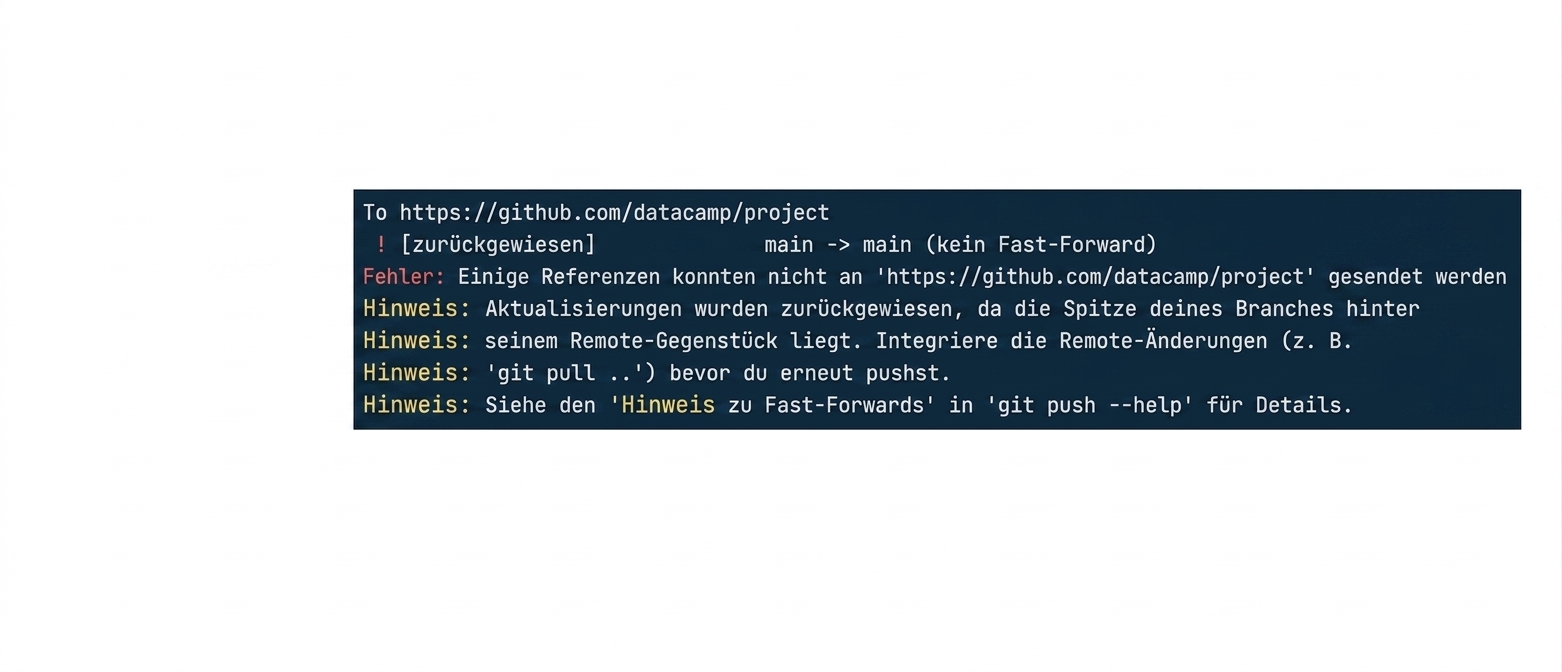
Remote/lokale Konflikte

git push origin main Ablehnungsausgabe

Git für Fortgeschrittene

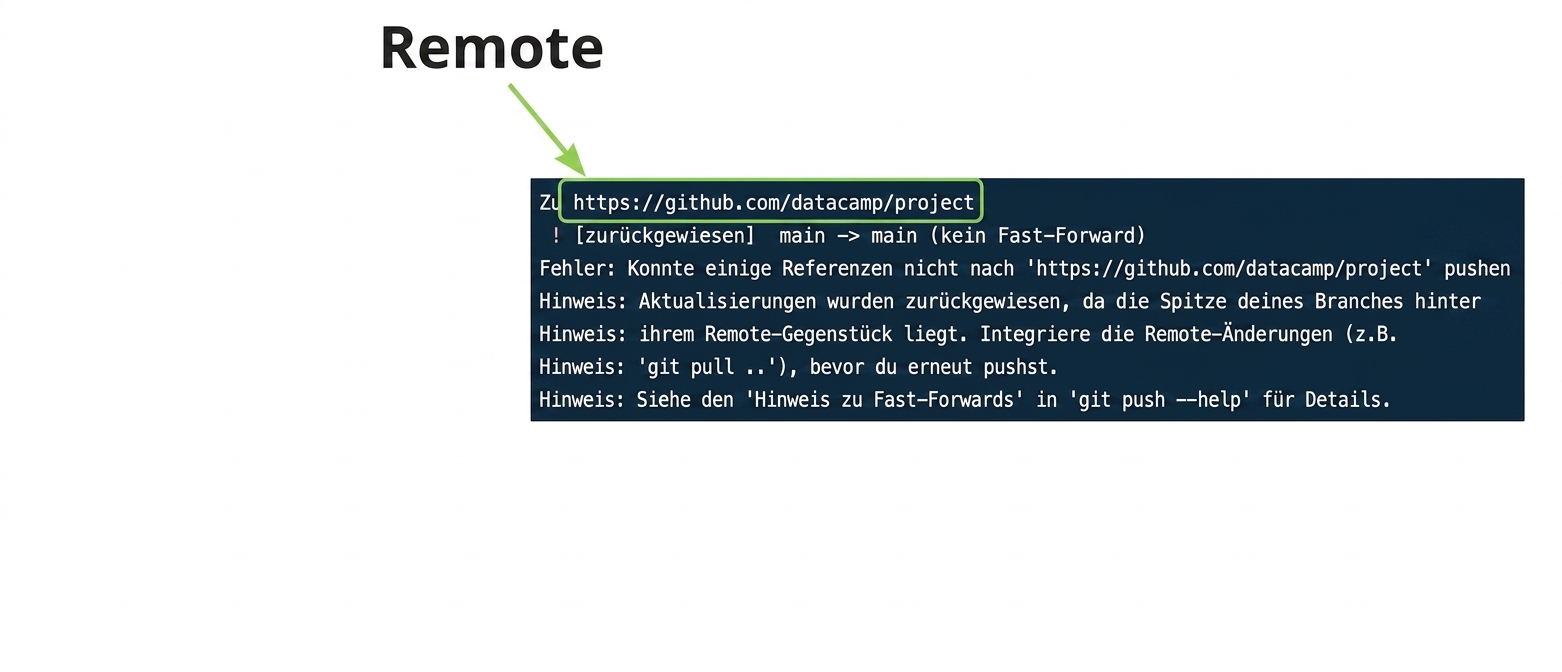
Remote/lokale Konflikte

git push origin main rejection output annotated remote URL

Git für Fortgeschrittene

Remote/lokale Konflikte

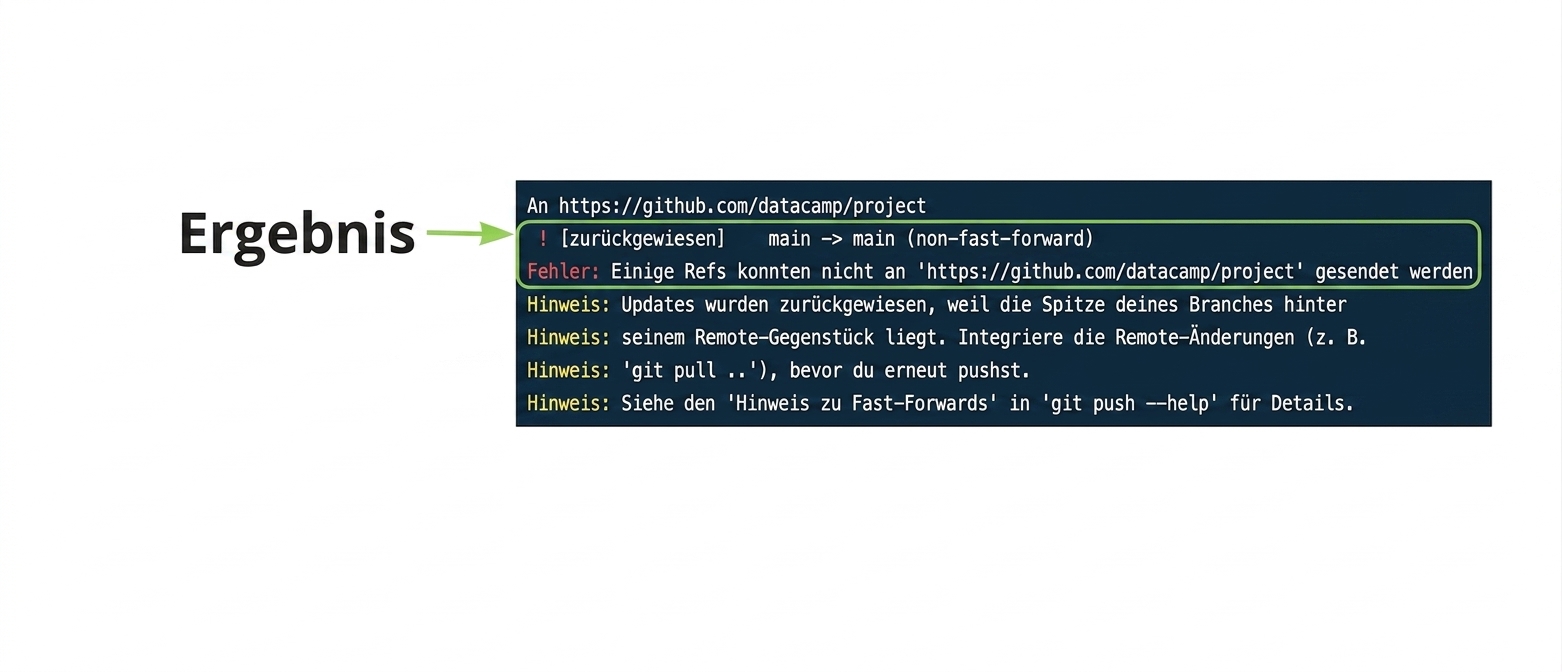
git push origin main Ablehnung Ausgabe annotiertes Ergebnis

Git für Fortgeschrittene

Remote/lokale Konflikte

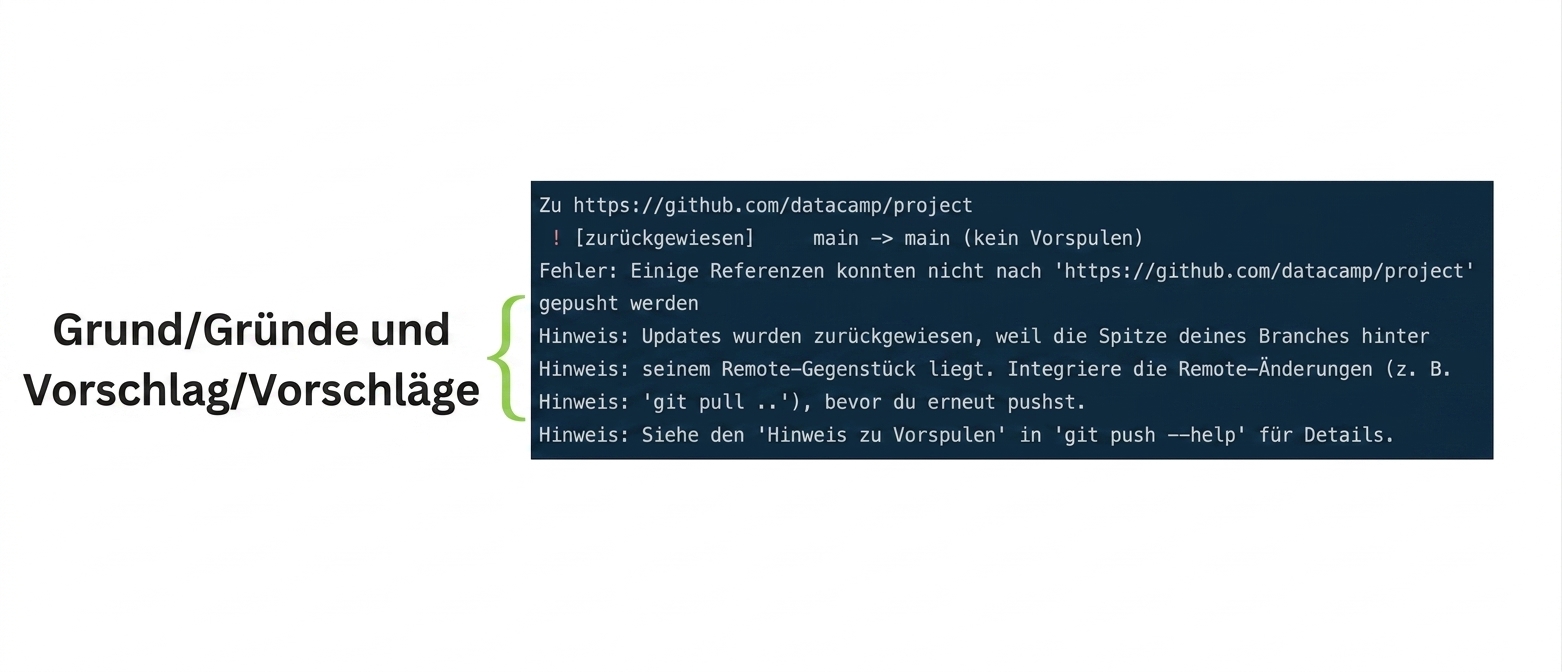
git push origin main rejection output annotated reasons and suggestions

Git für Fortgeschrittene

Konflikte vermeiden

  • Zuerst der Pull vom Remote
git pull origin main
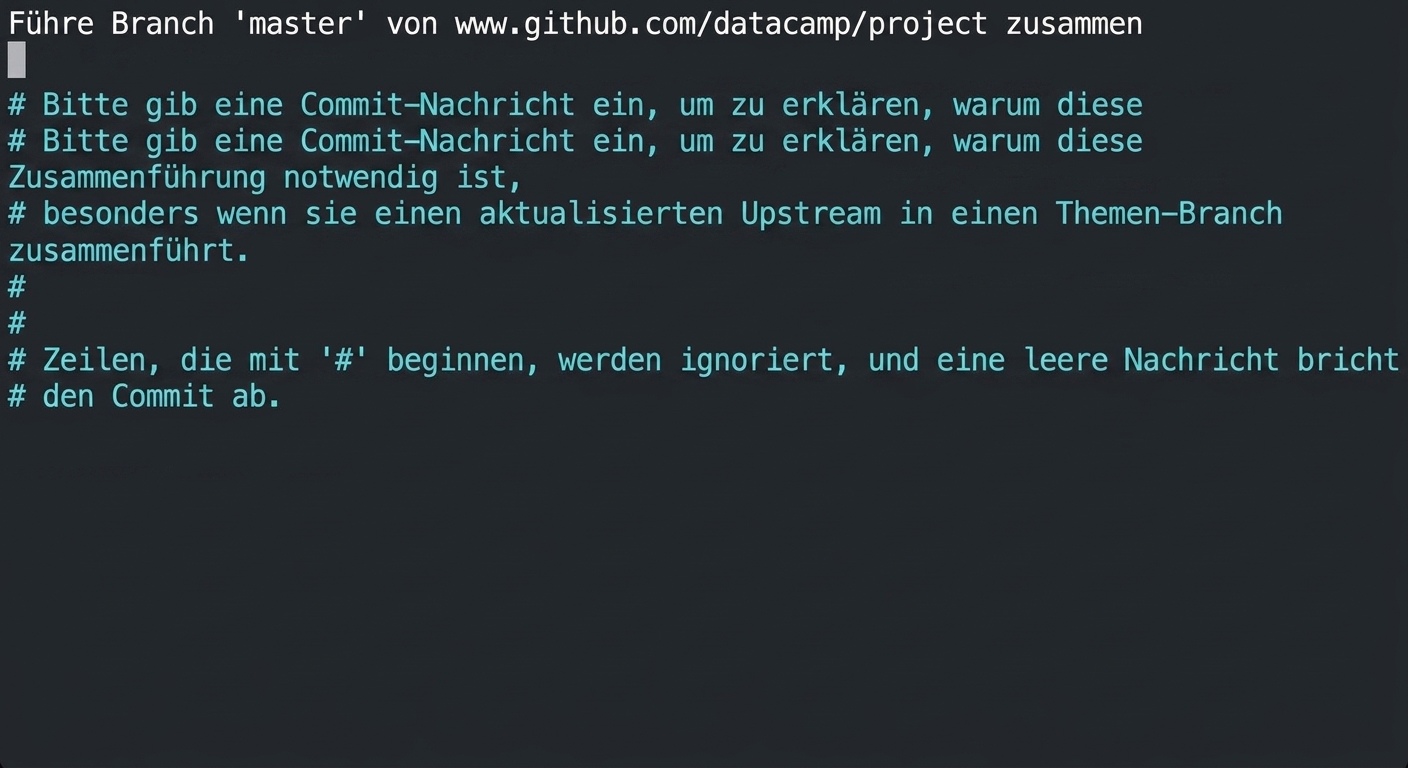
git_pull_nano_editor.gif

Git für Fortgeschrittene

Pull-Befehl ohne Angaben

git pull --no-edit origin main
  • Nicht empfehlenswert, es sei denn, wir sind uns des Verlaufs unseres Projekts sehr sicher!
Git für Fortgeschrittene

Neuen lokalen Branch erstellen

  • Arbeiten im lokalen hotfix-Branch

  • hotfix ist nicht im Remote vorhanden

Git für Fortgeschrittene

Einen neuen Remote-Branch erstellen

  • hotfix existiert nur lokal
git push origin hotfix
Enumerating objects: 5, done.
Counting objects: 100% (5/5), done.
Delta compression using up to 8 threads
Compressing objects: 100% (2/2), done.
Writing objects: 100% (3/3), 349 bytes | 349.00 KiB/s, done.
Total 3 (delta 0), reused 0 (delta 0), pack-reused 0
remote: 
remote: Create a pull request for 'hotfix' on GitHub by visiting:
remote:      https://github.com/datacamp/project/pull/new/hotfix
remote: 
To https://github.com/datacamp/project
 * [new branch]      hotfix -> hotfix
branch 'hotfix' set up to track 'origin/hotfix'.
Git für Fortgeschrittene

Lass uns üben!

Git für Fortgeschrittene

Preparing Video For Download...