Introduzione ai DataFrame PySpark
Introduzione a PySpark

Benjamin Schmidt
Data Engineer
Informazioni sui DataFrame
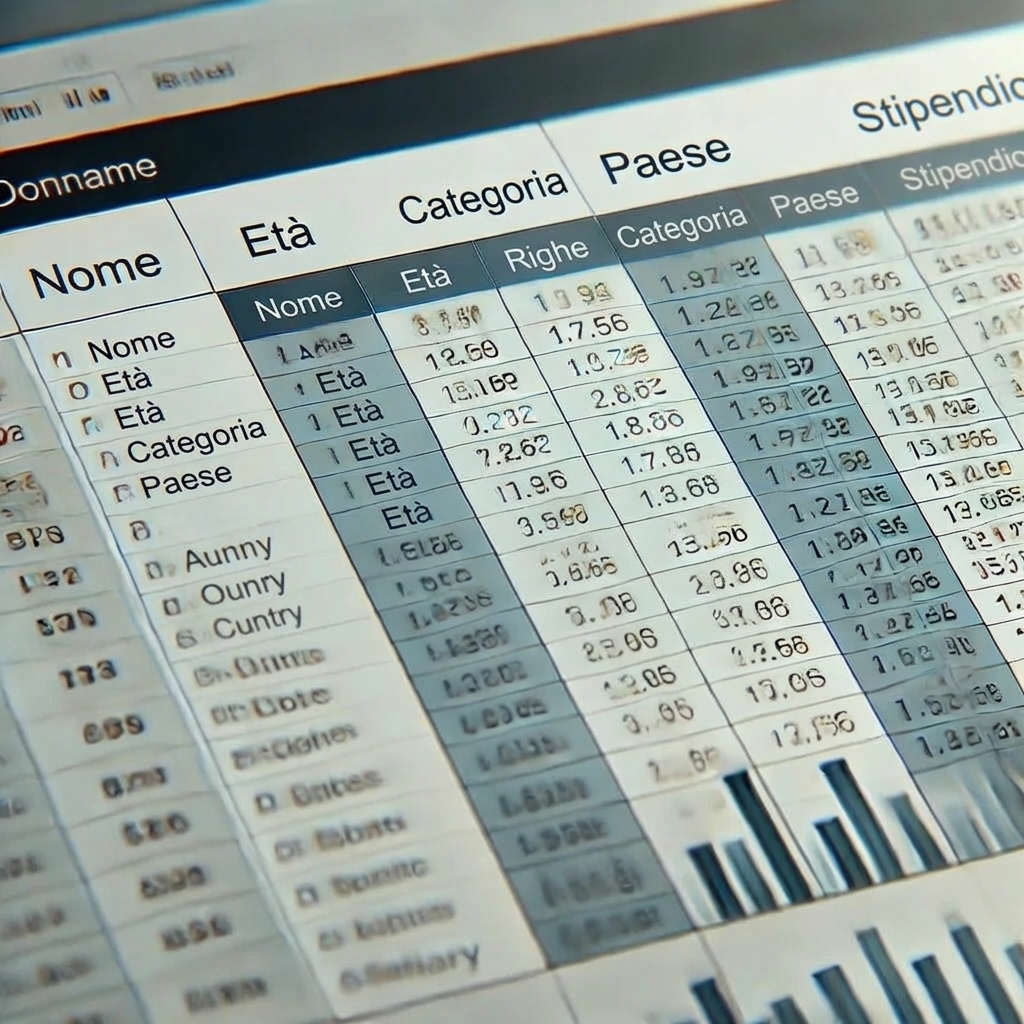
- DataFrame: Formato tabellare (righe/colonne)
- Supporta operazioni simili a SQL
- Paragonabile a un DataFrame Pandas o una TABELLA SQL
- Dati strutturati
Creare DataFrame da file
# Crea un DataFrame da CSV
census_df = spark.read.csv('path/to/census.csv', header=True, inferSchema=True)
Stampare il DataFrame
# Mostra le prime 5 righe del DataFrame
census_df.show()
   age  education.num marital.status         occupation income
0   90              9        Widowed                  ?  <=50K
1   82              9        Widowed    Exec-managerial  <=50K
2   66             10        Widowed                  ?  <=50K
3   54              4       Divorced  Machine-op-inspct  <=50K
4   41             10      Separated     Prof-specialty  <=50K
Stampare lo Schema del DataFrame
# Mostra lo schema census_df.printSchema()Output: root |-- age: integer (nullable = true) |-- education.num: integer (nullable = true) |-- marital.status: string (nullable = true) |-- occupation: string (nullable = true) |-- income: string (nullable = true)
Analisi di base sui DataFrame PySpark
# .count() restituirà il numero totale di righe nel DataFrame
row_count = census_df.count()
print(f'Numero di righe: {row_count}')
# groupby() consente l'uso di aggregazioni simili a SQL
census_df.groupBy('gender').agg({'salary_usd': 'avg'}).show()
Altre funzioni di aggregazione sono:
sum()min()max()
Funzioni chiave per l'analisi PySpark
.select(): Seleziona colonne specifiche dal DataFrame.filter(): Filtra righe in base a condizioni specifiche.groupBy(): Raggruppa righe in base a una o più colonne.agg(): Applica funzioni di aggregazione ai dati raggruppati
Funzioni Chiave: Esempio
# Usando filter e select, possiamo restringere il nostro DataFrame filtered_census_df = census_df.filter(df['age'] > 50).select('age', 'occupation') filtered_census_df.show()Output +---+------------------+ |age| occupation | +---+------------------+ | 90| ?| | 82| Exec-managerial| | 66| ?| | 54| Machine-op-inspct| +---+------------------+
Facciamo pratica!
Introduzione a PySpark

