Git-Submodule
Fortgeschrittenes Git

Amanda Crawford-Adamo
Software and Data Engineer
Was ist ein Git-Submodule?
Git-Submodule
git submodule
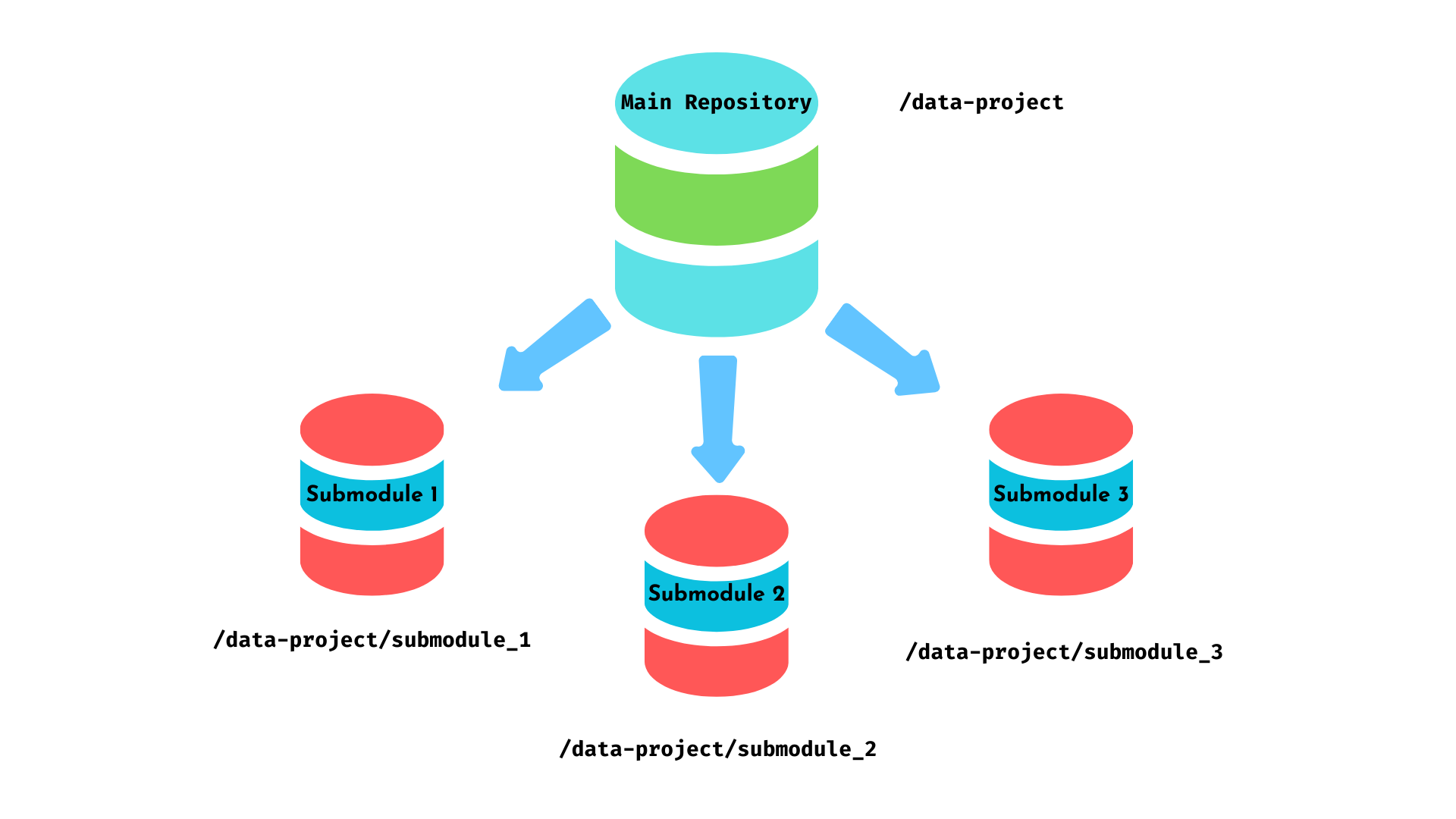
- Ein Repository innerhalb eines anderen
- Eigenständige Versionsverwaltung und Historie
- Änderungen am Submodule betreffen das Hauptrepo nicht
- Hauptrepo kann auf eine bestimmte Version eines Submodules verweisen
Ein Submodule hinzufügen
Ein Submodule per Link oder Verzeichnis unter einem Pfad hinzufügen.
git submodule add <repository link|dir> <path>
$$
Beispiel
Fügt die Datenvalidator-Bibliothek dem ETL-Projekt im Ordner libs/validator des ETL-Repos hinzu.
git submodule add https://github.com/example/data-validator.git libs/validator
Submodules auflisten
Alle Submodules in einem Projekt auflisten
git submodule status
Beispiel
$ git submodule status
e1f2...7w8x9 data_cleaning_lib
a1b2...q7r8 api_connector
d9e8...t3u2 visualization_toolkit
Submodules aktualisieren
Submodule mit den neuesten Änderungen aktualisieren
Es gibt mehrere Optionen:
- Aktualisiert alle Submodules, deren Quellcode lokal vorliegt.
git submodule update --init - Aktualisiert alle Submodules, deren Quellcode in einem Remote-Repo liegt.
git submodule update --init --remote - Aktualisiert ein bestimmtes Submodule
git submodule update --init <path_to_submodule>
Submodules entfernen
Ein Submodule entfernen
- Submodule deinitialisieren.
git submodule deinit <submodule_name> - Submodule aus dem Git-Index entfernen.
git rm <path>
Ein Submodule aus einem großen Repo extrahieren
Kopiere alle Dateien, die in das neue Submodule-Repo sollen, in einen Ordner außerhalb des Repos.
Lege im neuen Ordner ein Repository für das Submodule an:
git init <new-submodule>Nutze git filter-repo, um relevante Dateien und Historie aus dem Hauptprojekt zu extrahieren:
git filter-repo --path <extract_path> --invert-pathsFüge das extrahierte Repository als Submodule zum Hauptprojekt hinzu:
git submodule add <new-submodule_path> <path_to_store_submodule>
Wann Submodules nutzen und Best Practices
Einsatzszenarien:
- Externe Bibliotheken verwalten
- Code zwischen Projekten teilen
- Bestimmte Versionen von Abhängigkeiten beibehalten
Best Practices:
- Submodules aktuell halten
- Relative Pfade verwenden
- Änderungen im Team kommunizieren
Lass uns üben!
Fortgeschrittenes Git

